10 Best Free Canva Alternatives to Canva in 2026

Where Canva Falls Short for Certificate Creation
If you're looking for a Canva alternative specifically for certificate creation, you've landed in the right place. Canva remains one of the most popular design software platforms in the world - and yes, Canva has a free plan, a wide range of templates, and a drag-and-drop editor that makes it easy to create something quickly. But when it comes to professional certificate workflows, Canva remains a graphic design tool at heart - not a credentialing platform.
Millions of educators, trainers, HR teams, and event organizers start with Canva to create certificates, only to hit the same wall: you can design a beautiful certificate, but you can't send it in bulk, verify it, track it, or automate any part of the process.
This guide covers the 10 best Canva alternatives for certificate creation in 2026 - apps like Canva but built specifically for issuing, verifying, and managing professional certificates, whether you need free tools or a full-featured pro plan.
Why Canva Isn't Enough for Professional Certificate Creation
Canva also doubles as a presentation builder, social media tool, and video editor - but that versatility comes at a cost. When you're specifically looking for an alternative to Canva for certificates, here's what you'll find missing:
- No bulk certificate generation - every recipient name must be added manually
- No verification features - no QR codes, no unique certificate IDs, no verification links
- No automated delivery - you have to download and email each certificate yourself
- No tracking - once a certificate is downloaded, it's disconnected from you forever
- No certificate management - no dashboard to view, void, or re-issue credentials
- Limited AI capabilities on free plans - Canva's AI features for certificates are basic at best
- Limited collaboration on free plans, making team workflows difficult
As Wauld's deep-dive on Canva's certificate limitations explains, Canva is best suited for simple, one-off certificate designs - not formal credentialing, compliance documentation, or enterprise-level certificate issuance.
If Canva has a free plan that works for occasional design work, better than Canva for certificates means a platform that handles the full workflow - design, issue, verify, and track - without the manual workarounds.
The tools below go far beyond what Canva can do for certificates.
Quick Comparison: Top 10 Canva Certificate Maker Alternatives
| Tool | Best For | Free Plan? | Bulk Issuance | Verification | Starting Price |
|---|---|---|---|---|---|
| Wauld | Full credentialing workflow | ✅ | ✅ | ✅ QR + ID | Free / Custom |
| Accredible | Automated credential management | ✅ | ✅ | ✅ | Custom |
| Visme | Branded visual certificates | ✅ (watermark) | ❌ | ❌ | $12.25/mo |
| Venngage | AI-generated certificate design | ✅ (limited) | ❌ | ❌ | $10/mo |
| Adobe Express | Professional design templates | ✅ | ❌ | ❌ | $9.99/mo |
| Piktochart | Simple quick certificates | ✅ (2 downloads) | ❌ | ❌ | $14/mo |
| Google Slides | Free basic certificate design | ✅ (fully free) | ❌ | ❌ | Free |
| Figma | Custom design for teams | ✅ | ❌ | ❌ | $15/mo |
| VistaCreate | Template-based design | ✅ | ❌ | ❌ | $10/mo |
| Credly | Enterprise badge & credential issuance | ❌ | ✅ | ✅ | Custom |
1. Wauld - Best Overall Canva Alternative for Certificates
Best for: Educators, training providers, coaches, HR teams, associations, and anyone issuing certificates at any scale
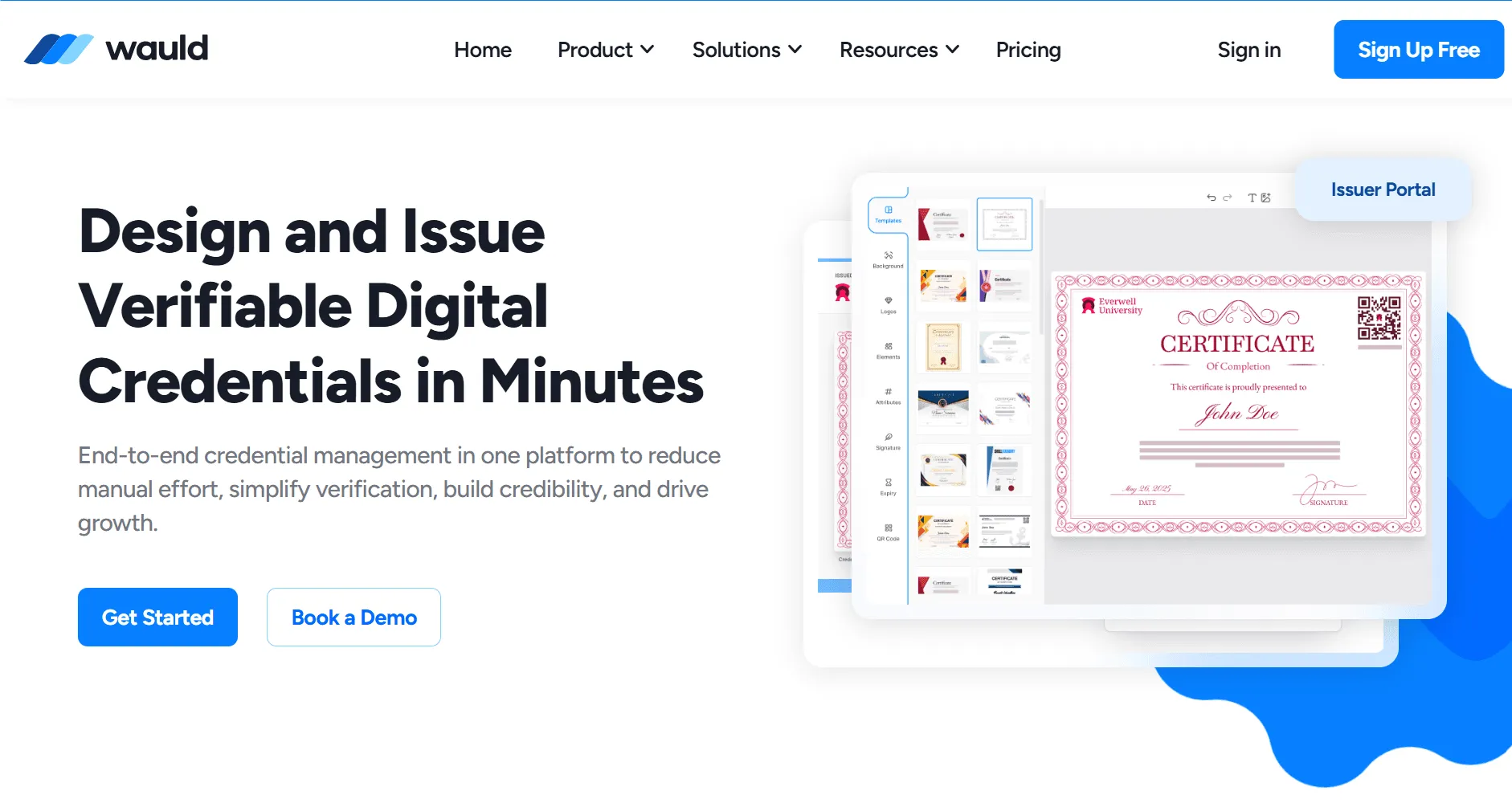
If you're looking for a Canva alternative that handles everything Canva can't - bulk issuance, verified credentials, automated delivery - Wauld is that platform. It's purpose-built for the complete certificate lifecycle: design, personalization, bulk issuance, branded delivery, QR verification, and analytics, all from one dashboard.
This is what being better than Canva for certificates actually looks like in practice.
What Makes Wauld Stand Out
- 900+ certificate and badge templates with a wide range of designs - ready to customize with your branding, colors, fonts, and logo, with far more selection of templates focused on credentialing than any design software offers
- Bulk issuance from CSV - upload a spreadsheet of recipient names, issue hundreds of personalized certificates in minutes without needing to need to create each one manually
- QR code verification - every certificate gets a unique, tamper-proof verification link that employers and institutions can check instantly. Learn how to add QR code verification to certificates
- Automated delivery - certificates go directly to recipients via email, no manual downloading or forwarding
- Zapier, Webhooks, and LMS integrations - connect Wauld to your existing tools (Tutor LMS, Classe365, Microsoft Teams, and more). See how to issue certificates automatically from Tutor LMS
- Credential analytics - track downloads, shares, LinkedIn adds, and verification events
- Digital badges alongside certificates - issue both from one platform. Read more about digital badges vs certificates and when to use each
- AI-powered certificate generation - save 10+ hours a week compared to manual Canva workflows - genuinely strong ai capabilities for automating personalization
- Free account to get started - no credit card required
- Recognized as a SourceForge Top Performer for Digital Credential Management
Where It Falls Short
- Not a general graphic design tool - it's purpose-built for credentialing
- Overkill if you genuinely only need one or two one-off certificates per year
Who Uses Wauld
Higher education institutions, corporate training teams, membership associations, professional coaches, and bootcamps. See how Wauld serves HR training certification programs and webinar certificate issuance.
Pricing
- Free account available - genuinely useful, not a stripped-down demo
- Paid plans with advanced automation, integrations, and white-labeling - see Wauld pricing
✅ Verdict: The most solid Canva alternative for certificate creation on this list. Wauld offers a free account, a wide range of certificate templates, and features without the manual overhead that design-only tools force you into. Start free on Wauld →
2. Accredible - Another Canva Alternative Built for Professional Credentialing
Best for: Online learning platforms, professional associations, higher education institutions, and corporate training teams
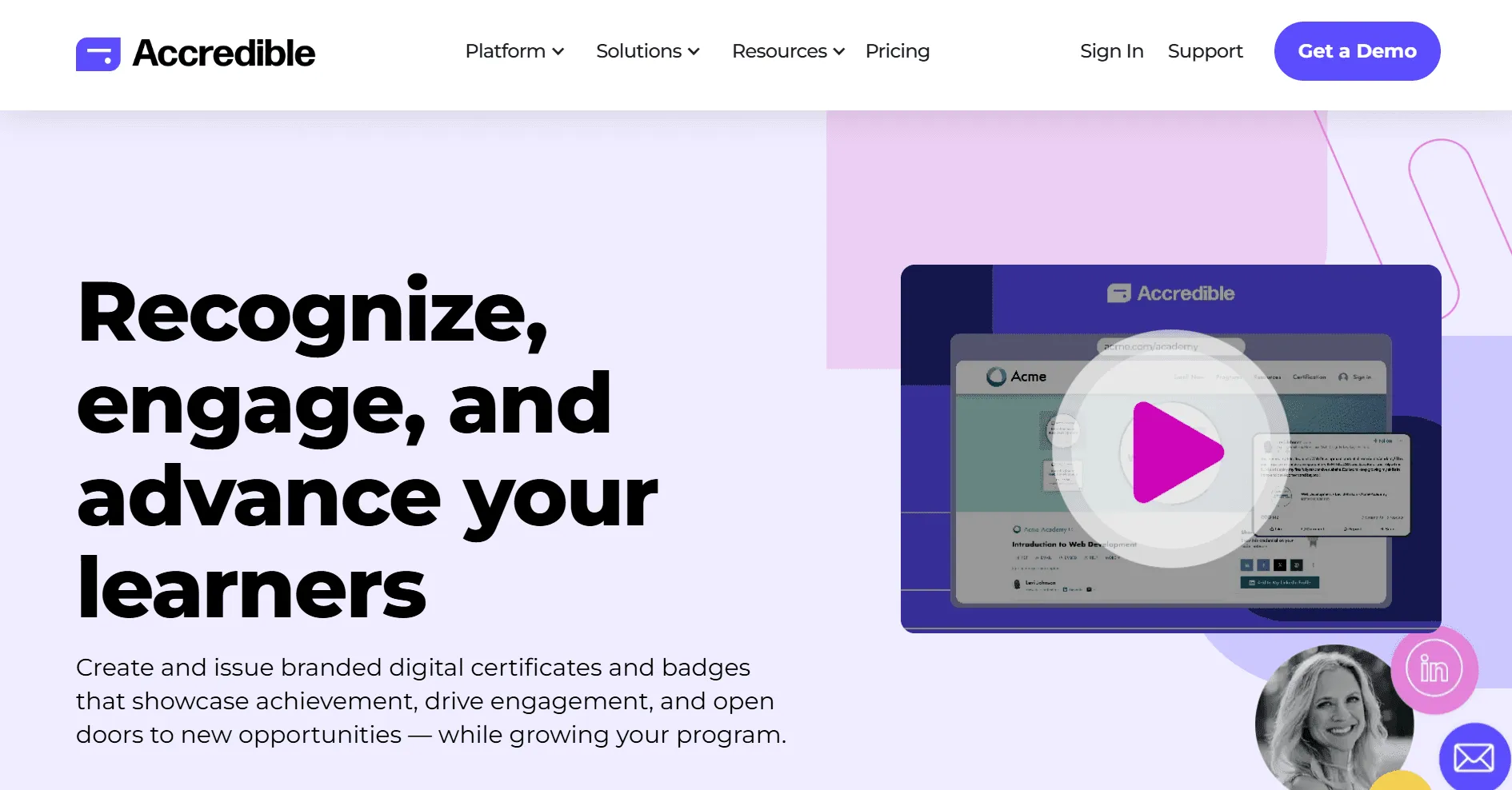
Accredible describes itself as the world's leading digital credential platform - and it's another Canva alternative that goes far beyond design. It's purpose-built for issuing, managing, tracking, and verifying digital certificates and badges at scale, with a strong focus on learner engagement and program growth. If you're looking for Canva alternatives that can handle a serious credential program with enterprise-grade features, Accredible is worth a close look.
What Makes It Stand Out
- Full digital credential suite: digital certificates, open badges, digital wallet cards, and a Spotlight 'Certified Professional' directory where recipients can showcase credentials
- Bulk certificate generation from spreadsheet imports - personalize and issue hundreds at once
- Strong verification - public credential pages with full verification data that recipients share on LinkedIn and other platforms
- White-labeling available - keep your brand front and center with no Accredible branding
- Robust LMS and CRM integrations - connects with TalentLMS, Thinkific, Salesforce, and dozens more
- Analytics and reporting on credential downloads, shares, and engagement
Where It Falls Short
- Pricing is custom-quoted - no transparent pro plan pricing on the website, which can slow down procurement for smaller teams
- Onboarding has a learning curve - setting up for the first time can be challenging compared to simpler tools
- Pricing has been noted by users to increase over time, which can strain budgets for growing programs
- Better suited for organizations issuing at significant volume - can feel oversized for small teams or individual course creators
- Less design flexibility than dedicated design software like Visme
Pricing
- Free account available
- Free trial on paid tiers
- Paid plans: custom pricing - contact Accredible for a quote
✅ Verdict: A solid Canva alternative for professional associations, higher education, and corporate training teams that need enterprise-grade credential management. For smaller organizations looking for an alternative with more transparent pricing and self-serve onboarding, Wauld delivers comparable verification and automation features with a clearer free account path.
3. Visme - Best for Branded, Visually Rich Certificate Design
Best for: Marketing teams, educators, and professionals who prioritize visual design quality
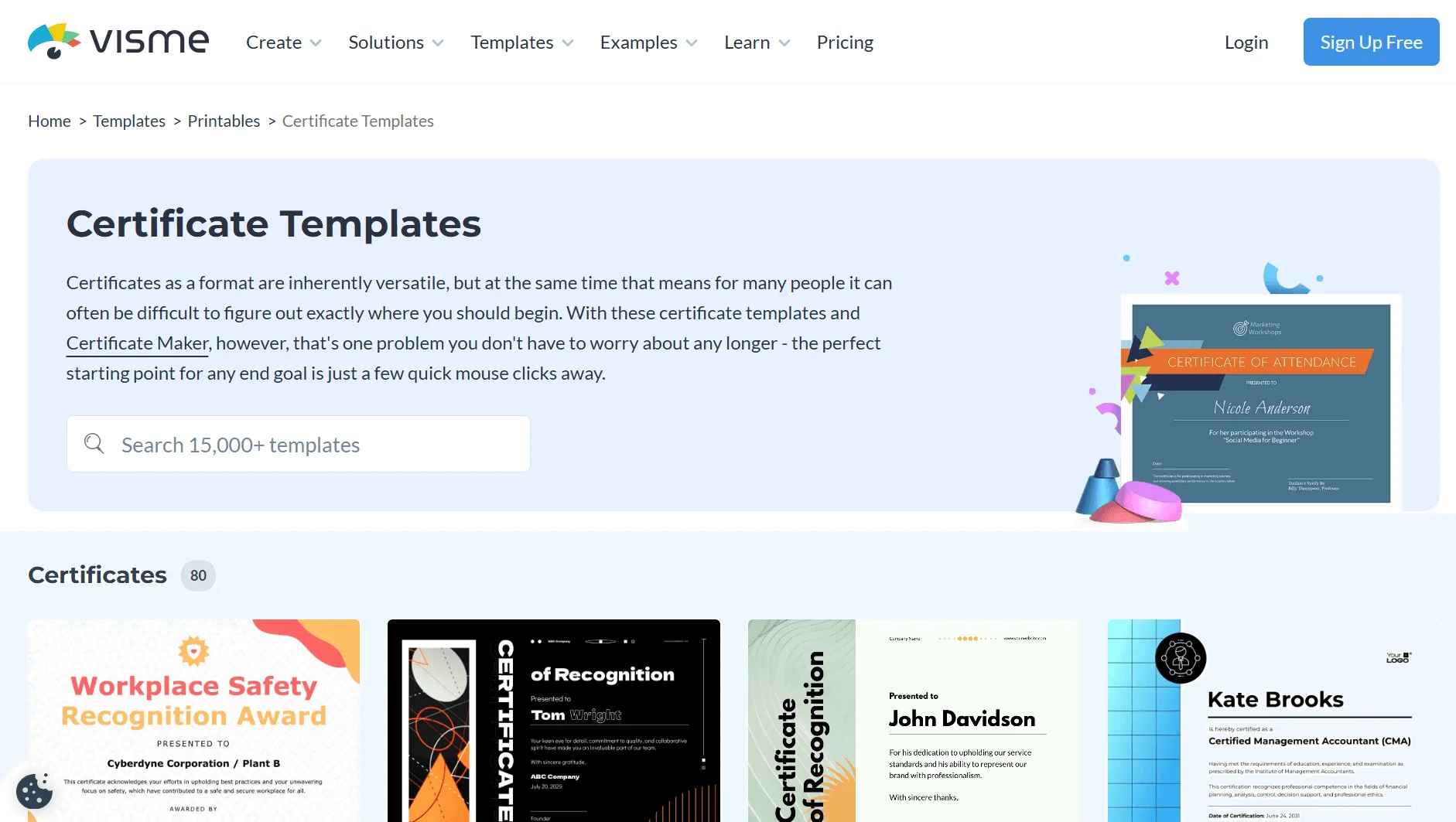
Visme is primarily design software - but it has a solid certificate maker built in. If you're looking for an alternative to Canva that produces more visually striking designs, Visme is one of the strongest options for pure design quality. It has a great generative AI features like AI-assisted layout suggestions, making certificate design faster even for non-designers.
What Makes It Stand Out
- Beautiful, professionally designed certificate templates with a wide range of styles
- Strong brand kit - upload logos, set colors and fonts, apply consistently across Canva designs you migrate over
- AI-powered layout and content suggestions - free AI design tools on paid plans
- AI background tools for creating custom visual elements
- Analytics on how recipients engage with shared content
- Exports as print-ready PDF or high-resolution image
Where It Falls Short
- Free account adds a Visme watermark - you cannot download clean certificates without paying
- No bulk certificate generation - every recipient requires manual editing
- No verification features - certificates are static files only; features without verification means no QR codes or unique IDs
- Paid plans are relatively expensive: Starter at $12.25/month, Pro at $24.75/month
Pricing
- Free account (with watermark, no clean downloads)
- Starter: $12.25/month
- Pro: $24.75/month
⚠️ Verdict: Excellent for design quality, but Visme is design software - not a credentialing platform. You'll handle personalization, distribution, and verification yourself. For organizations issuing certificates at scale, Wauld is a better fit.
4. Venngage - Best Free AI Certificate Generator for One-Off Designs
Best for: HR teams, educators, and small businesses needing quick, branded single certificates
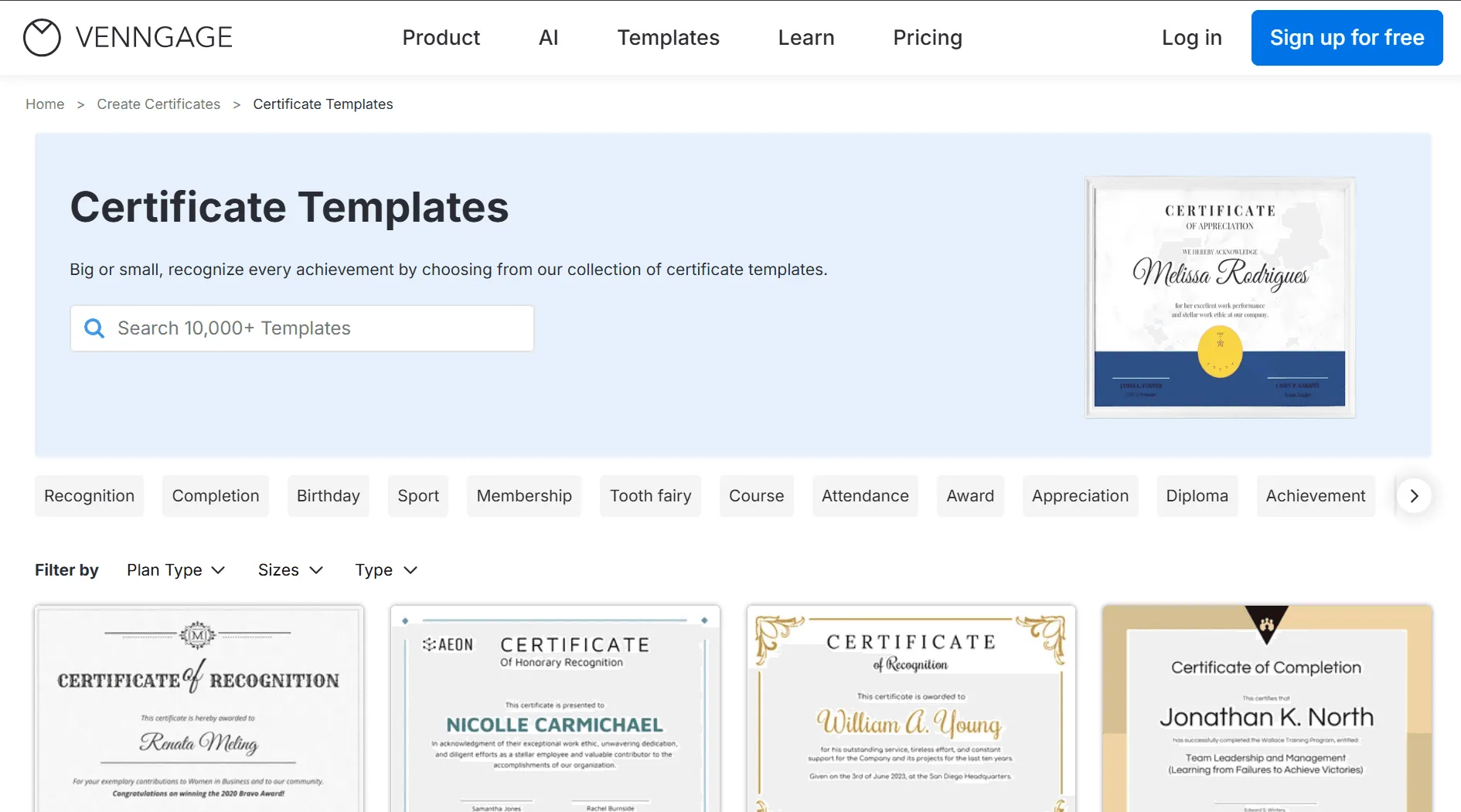
Venngage is best known for infographics, but it offers a strong free AI Certificate Generator. It's one of the most accessible apps like Canva for certificate design - type a prompt describing your certificate, and Venngage's AI drafts a professional layout in under five minutes. It's a great free option if you're just getting started and need a handful of certificates without a pro plan.
What Makes It Stand Out
- Free AI design certificate generator - describe your certificate and get a complete design instantly
- Generative AI features like prompt-to-layout generation that speeds up design significantly
- Strong brand kit features for visual consistency in the free version.
- Wide range of certificate and award templates
- Exports as print-ready PDF or images (paid plans)
- Free account available with basic functionality
Where It Falls Short
- Free account doesn't allow file downloads - share via link only
- No bulk generation - AI tool creates single certificates only; features without bulk issuance make it impractical for large programs
- No verification, tracking, or automated delivery
- Limited ai credits on the free tier - bulk creation is a high-cost Business plan feature only
Pricing
- Free account (share via link only, no downloads)
- Premium: ~$10/month
- Business: higher tiers with bulk features
⚠️ Verdict: A good choice for occasional, branded one-off certificates. Not suitable for organizations managing ongoing certificate programs.
5. Adobe Express - Best for Certificate Design with Professional Assets
Best for: Educators, HR teams, and creators already in the Adobe ecosystem
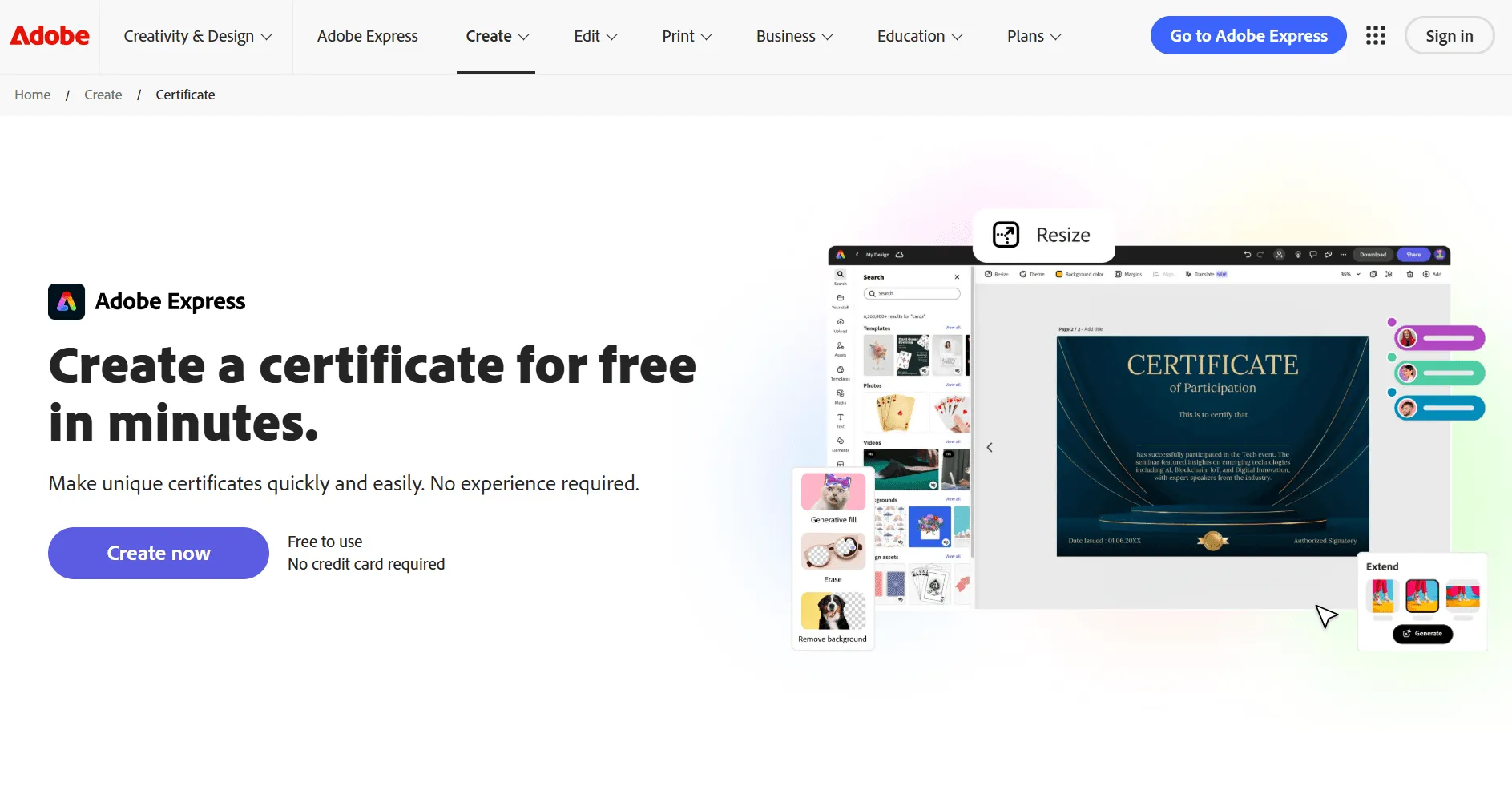
Adobe Express is one of the most well-known apps like Canva and another Canva alternative that's been around long enough to build a serious template library. It offers thousands of ready-to-use certificate templates - covering course completion, recognition, attendance, diplomas, and awards - with access to Adobe Stock assets and 25,000+ fonts. For users who want great Canva-quality design but with Adobe's deeper asset library, Express is a natural step.
What Makes It Stand Out
- Thousands of ready-to-use certificate templates - a great selection of templates for every occasion
- Access to Adobe Stock photos, icons, and graphic elements
- Genuine ai capabilities via Adobe Firefly - ai background removal, generative fill, text effects
- Clean, intuitive drag-and-drop editor
- Free account includes 100,000+ templates, 1M+ royalty-free stock assets, and 25 generative AI credits per month
- The pro plan (Premium at $9.99/month) is included with most Adobe Creative Cloud subscriptions - strong value for existing Adobe users
Where It Falls Short
- No bulk certificate generation - manual editing per recipient
- No verification features - no QR codes, no unique IDs, certificates are static files
- No automated delivery - download and distribute yourself
- Limited ai credits on the free account (25/month) with a 300MB file upload cap
- Fewer templates than Canva on the free tier; Canva remains ahead on sheer template volume
Pricing
- Free account available (limited AI credits/month)
- Premium (pro plan): $9.99/month (included in Creative Cloud plans)
⚠️ Verdict: A solid Canva alternative for beautiful, one-off certificate design. Falls short for automation, bulk generation, or verification. Works well paired with Wauld - design your certificate in Express, issue and verify through Wauld.
6. Piktochart - Best Simple Certificate Maker for Small Teams
Best for: Nonprofits, educators, and small teams needing a quick, no-fuss certificate
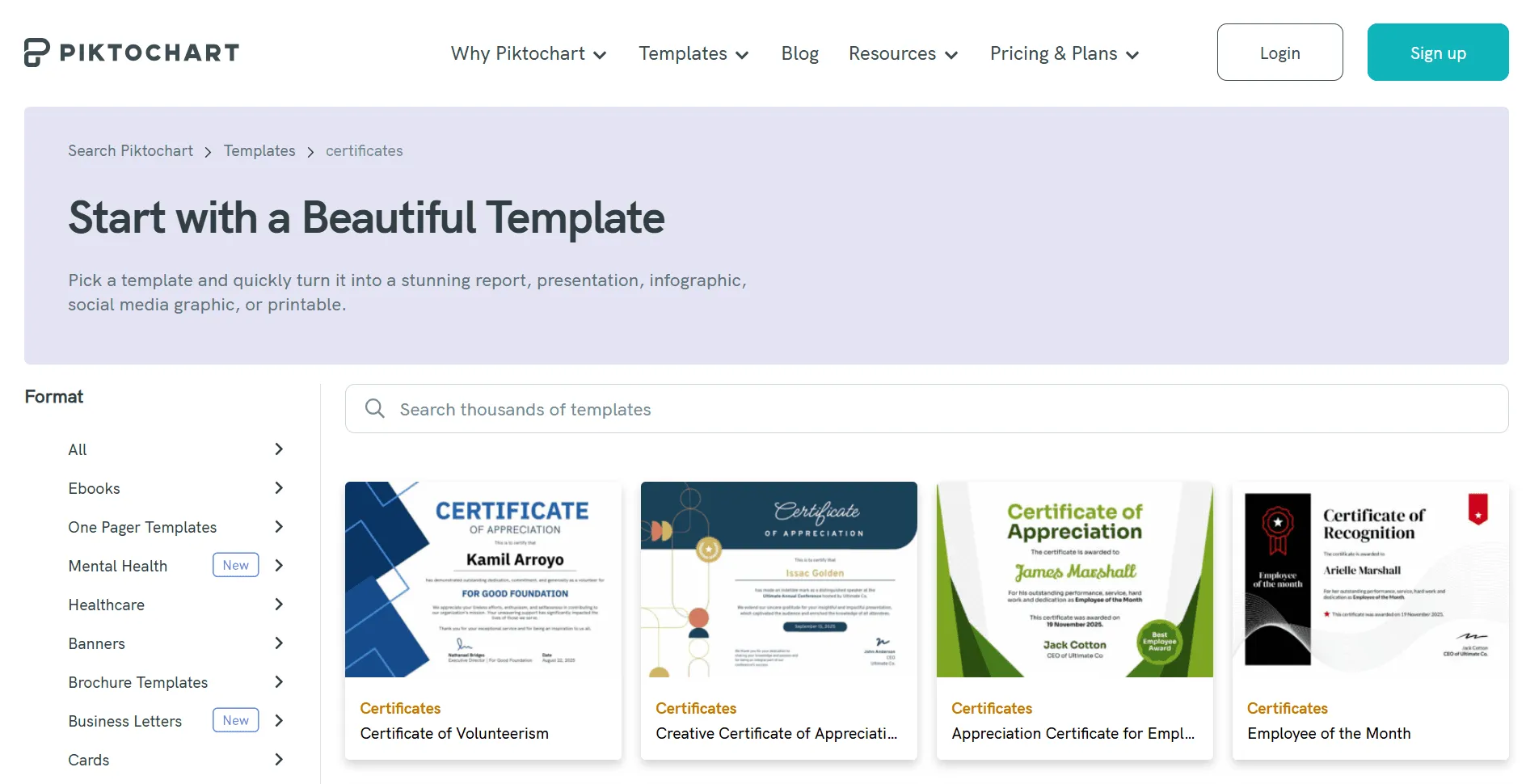
Piktochart is one of the simpler apps like Canva that has expanded into certificates with an AI Certificate Generator. It focuses on speed and simplicity - input a topic or paste text, and Piktochart's AI builds a certificate layout around it. For nonprofits and small education teams, it can be one of the best free tools for occasional certificate design.
What Makes It Stand Out
- Free ai design certificate generator - upload a topic, get a ready layout
- All templates available on the free account (limited downloads)
- Simple, beginner-friendly drag-and-drop editor - a true app like Canva in ease of use
- Offers a free starting point for small programs
Where It Falls Short
- Free account limits you to 2 downloads - nearly unusable for ongoing programs
- No bulk generation - no CSV import or mail-merge for certificates
- No verification features of any kind - purely a design tool
- PDF export requires a paid plan; the free ai design features are severely gated
- Limited ai capabilities compared to Venngage or Adobe Express
Pricing
- Free account (2 downloads only)
- Pro: $14/month (annual billing)
⚠️ Verdict: Decent for very occasional certificate design, but the free account is almost unusably restrictive. Canva also offers more template variety at a similar price point - the main reason to choose Piktochart is its AI generator simplicity.
7. Google Slides - Best Completely Free Design Tool for Certificates
Best for: Individuals, students, and organizations with zero budget who need to create basic certificates
Google Slides is not a dedicated certificate maker, but it's one of the best free tools for basic certificate creation when budget is zero. It's one of those open-source design tools (technically free-to-use, cloud-based) that anyone with a Google account can use instantly.
As Wauld's guide on Google Slides certificates explains, Google Slides can be a practical starting point - but it requires significant manual work to personalize, distribute, and track certificates as volume grows.
What Makes It Stand Out
- 100% free - no paid plan, no pro plan, no limits on use
- Collaborative editing - team members can work on designs simultaneously
- Easy to share and export as PDF or image
- Works in any browser with a free account - no software installation needed
- One of the most accessible free tools for teams already using Google Workspace
Where It Falls Short
- No certificate templates designed for formal credentialing - significant design effort required
- No bulk generation of any kind - fully manual personalization
- No verification features - no QR codes, no unique certificate IDs; features without any credentialing infrastructure
- Not professional-looking without substantial design work
- Canva has a free plan that offers far better templates and design output
Pricing
- Completely free version available for basic editing features. with a Google account
💡 Verdict: A starting point only. Once your program grows, the manual work becomes unsustainable. Read how to transition from Google Slides to Wauld seamlessly.
8. Figma - Best for Custom Certificate Design by Design Teams
Best for: Design teams that need full creative control and are building reusable certificate templates
Figma is one of the most powerful open-source alternatives (available free, with no lock-in) for collaborative design. While it's not a dedicated certificate maker, design-savvy teams use it to build polished, highly customized certificate templates with proper component systems and shared brand styles - capabilities that go far beyond what Canva designs can achieve.
What Makes It Stand Out
- Unmatched design flexibility - full control over every visual element
- Real-time collaboration - multiple team members can work on the same design simultaneously
- Design components and shared styles ensure brand consistency across all certificate versions, making it a powerful editing tool.
- Free account is generous for small teams - a genuinely useful entry point
- Among the best open-source design tools for professional template creation
Where It Falls Short
- No certificate issuance features - Figma designs the template, other tools must handle issuing, personalizing, and distributing
- No bulk generation, verification, or tracking - features without any credentialing layer
- Steep learning curve - not suitable for non-designers
- The pro plan at $15/month per editor adds up quickly for larger teams
Pricing
- Free account available (up to 3 projects)
- Professional (pro plan): $15/month per editor
⚠️ Verdict: Best used as design software in combination with a dedicated credentialing platform like Wauld. Design your certificate template in Figma with full creative control, then import it to Wauld for bulk issuance and verification.
9. VistaCreate (formerly Crello) - Best Free Template-Based Certificate Design
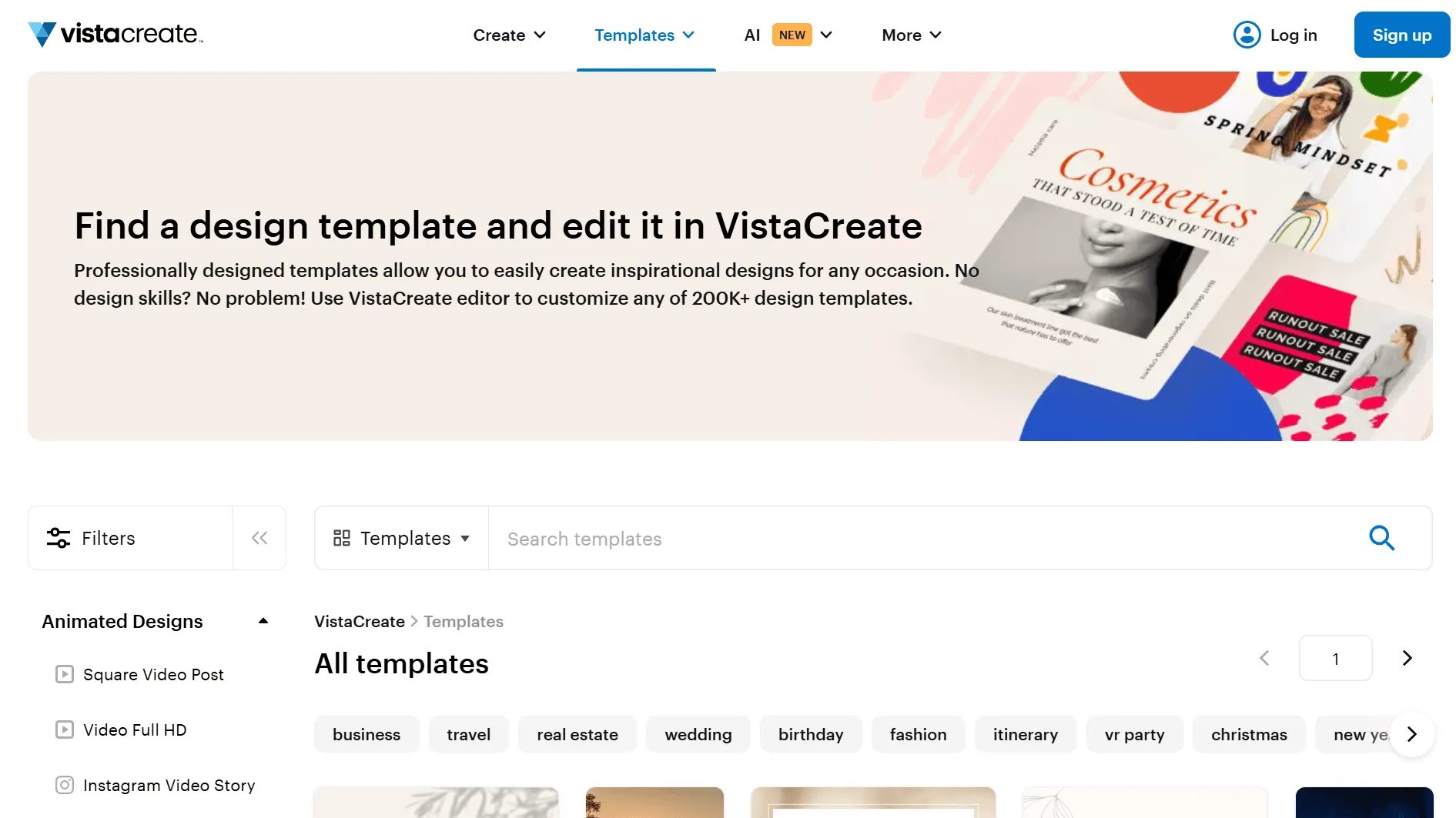
Best for: Small businesses and content creators needing quick, template-driven certificate designs
VistaCreate is a direct Canva competitor and one of the most popular apps like Canva in the market. It's a solid Canva alternative for design, with a particularly generous free account - brand color setup, logo uploads, and animated templates are all available without paying. If Canva has a free plan that frustrates you with its limitations, VistaCreate is worth a try.
What Makes It Stand Out
- Free account with brand kit basics included - genuinely more generous than Canva's free tier for basic branding
- Wide range of modern certificate and award templates - strong selection of templates for recognition and achievement designs
- Animated versions available for digital sharing
- Easy drag-and-drop interface - one of the closest apps like Canva in feel and workflow
- Offers a free plan that includes brand color and logo without upgrading
Where It Falls Short
- Like Canva, it's design only - no bulk generation, no verification, no automated delivery
- Premium assets and advanced ai capabilities require a paid plan
- No ai video or advanced generative tools
- Cannot manage, track, or re-issue certificates after creation
Pricing
- Free account available
- Pro: ~$10/month
⚠️ Verdict: A solid Canva alternative for pure certificate design, and its free account is more generous than most. But as Wauld's 15 Best Certificate Maker Apps guide explains, design-only tools like VistaCreate leave you handling all the slow, manual, and insecure steps of certificate distribution yourself.
10. Credly - Best Enterprise-Grade Credential Platform
Best for: Large enterprises, professional certification bodies, and institutions needing a globally recognized credentialing platform
Credly is an enterprise-level digital badge and credentialing platform - one of the most established names in professional certification. It's not a design software tool, but rather a full credential management system. If you're looking for a Canva alternative at an enterprise scale where credential prestige and industry recognition matter, Credly is the reference point.
What Makes It Stand Out
- Industry-recognized digital badge and certificate issuance
- Strong verification - public credential pages with full verification data
- LMS and CRM integrations for scalable, automated issuance
- Analytics and reporting on credential engagement, shares, and downloads, ideal for social media graphics.
- Trusted by large enterprises and educational institutions worldwide
- AI capabilities for credential pathway recommendations
Where It Falls Short
- No free account - and no 7-day free trial either
- Pricing can be steep - no transparent pro plan pricing; custom quotes only
- Less design flexibility compared to tools like Visme or Wauld
- Better suited for open badges than traditional printable certificate designs
- Onboarding complexity is high - not suitable for small teams or individual course creators
Pricing
- No free account - custom pricing, contact for quote
✅ Verdict: An excellent choice for large enterprises and professional certification bodies. For small to mid-sized organizations looking for canva certificate alternatives with comparable verification and automation at a fraction of the cost, Wauld or Accredible are the smarter picks.
How to Choose the Right Canva Certificate Alternative
Use this quick decision guide:
| Your Situation | Best Tool |
|---|---|
| Need full bulk issuance + verification + automation | Wauld |
| Running an online course platform | Wauld or Accredible |
| Need beautiful design, issuing manually | Visme or Venngage |
| Already using Adobe design software | Adobe Express + Wauld |
| Zero budget, very occasional use | Google Slides |
| Large enterprise / professional body | Credly or Wauld |
| Design team needing open-source design tools | Figma + Wauld |
| HR team issuing training certificates | Wauld - see HR Training Certification guide |
| Webinar or event certificates | Wauld - see Best Webinar Platforms with Certificate Features |
| Want open-source alternatives with full control | Penpot or Figma + Wauld |
Final Verdict: The Best Canva Alternative for Certificate Creation in 2026
There's no shortage of apps like Canva in 2026. But most of them - Visme, Venngage, Adobe Express, VistaCreate - are still just design software. They give you a beautiful certificate file. They don't give you a certificate program.
For design only (single certificates): Visme or Venngage deliver the best-looking results with the strongest generative ai features like prompt-based design.
For the full certificate workflow - design, bulk issuance, automated delivery, QR verification, and analytics: Wauld is the clear winner. It's a solid Canva alternative that handles everything from free account setup to enterprise-scale credential management, with features without the manual overhead that design-only tools leave you with.
Our top picks:
- 🥇 Wauld - Best overall: full credentialing platform, free account, bulk issuance, QR verification, 900+ templates
- 🥈 Accredible - Another Canva alternative for automated credential management with a strong free account and 7-day free trial
- 🥉 Visme - Best for beautiful, branded one-off certificate design with generative AI features
- 🏅 Venngage - Best free AI design tool for quick single certificates
- 🏅 Adobe Express - Best pro plan value for design quality within the Adobe ecosystem
If you're looking for a Canva alternative that actually solves the certificate problem - not just the design part - start with Wauld for free and see the difference a purpose-built platform makes.