Microsoft Teams Webinar Certificate: How to Issue Them Automatically

What Microsoft Teams Webinar Actually Does
Microsoft Teams Webinar is a structured event format inside Microsoft 365, built for training, professional development, and customer education. It supports up to 1,000 attendees (on E3, E5, and Business Premium plans) with full registration, branding, and reporting tools.
Here is what it handles well:
| Feature | Available in Teams Webinar |
|---|---|
| Custom registration form | Yes |
| Attendee capacity limits and waitlists | Yes (Teams Premium) |
| Event branding, banners, themes | Yes |
| Attendance report (CSV download) | Yes |
| Q&A, polls, reactions | Yes |
| Green room for presenters | Yes |
| Certificate of attendance | Not available |
| Verifiable digital credentials | Not available |
| CEU / CPD certificate issuance | Not available |
| Post-issuance engagement analytics | Not available |
The attendance report is there. The certificate layer is completely missing.
The Certificate Gap: What the Community Has Been Saying
This is not a new complaint. It has been an open, unanswered problem since May 2020.
Here is what Teams users have been posting across Microsoft's own community platforms:
"I have set up a webinar in Teams. How do I set up to automatically send a certificate of attendance to the attendees?"
Source: Microsoft Q&A, April 2025
Microsoft's own moderator response: "Unfortunately, currently there is no built-in feature in Teams to do it." They directed the user to submit a feature request via the Teams Feedback Portal. This was the same advice given since 2020.
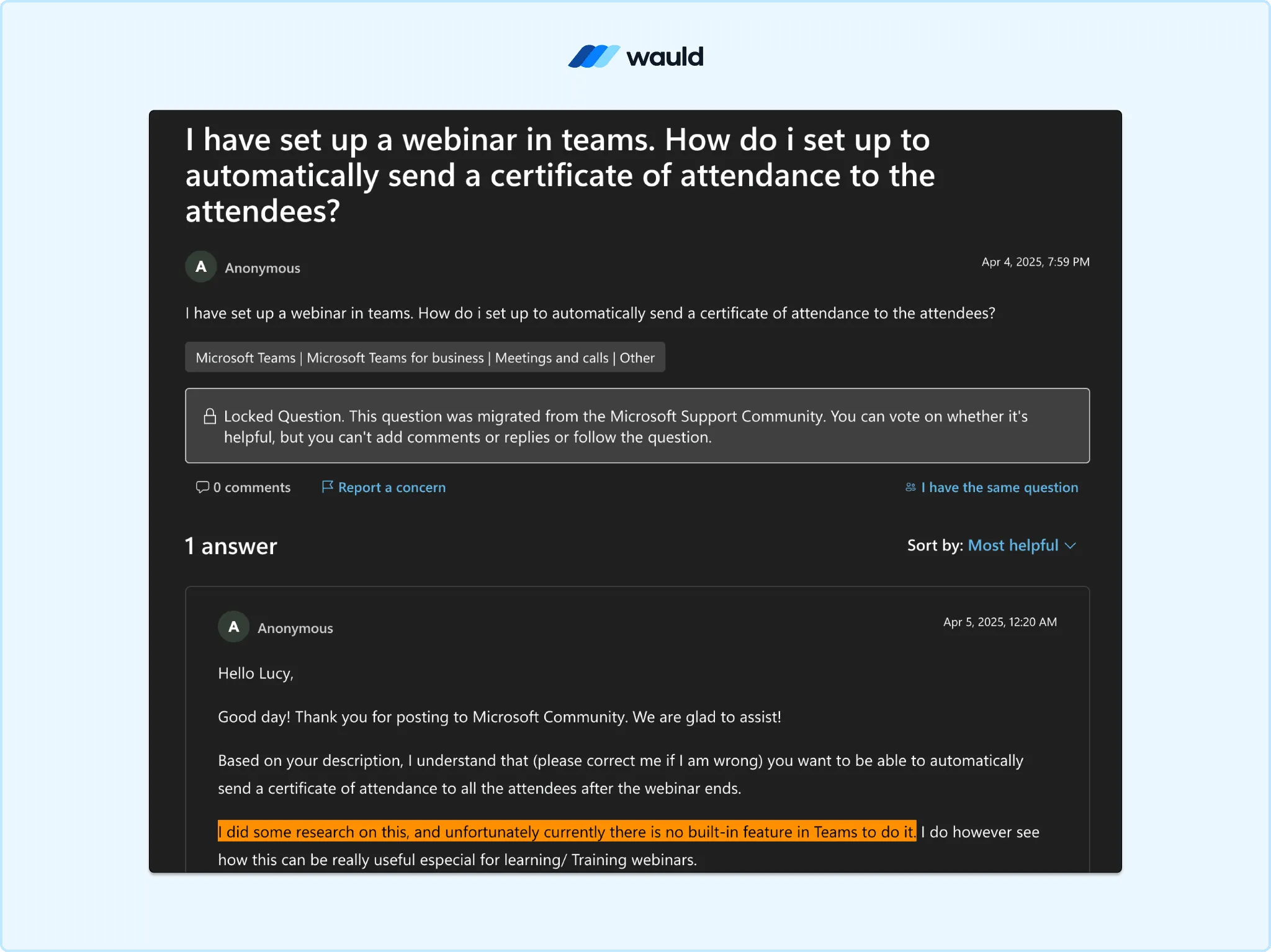
A webinar organizer asks how to automatically send attendance certificates to Teams webinar participants.
Another user on the Microsoft Tech Community wrote in 2020:
"The customer wants to send a certificate of attendance to all participants of a live Teams event. As per the customer, it is possible in Google."
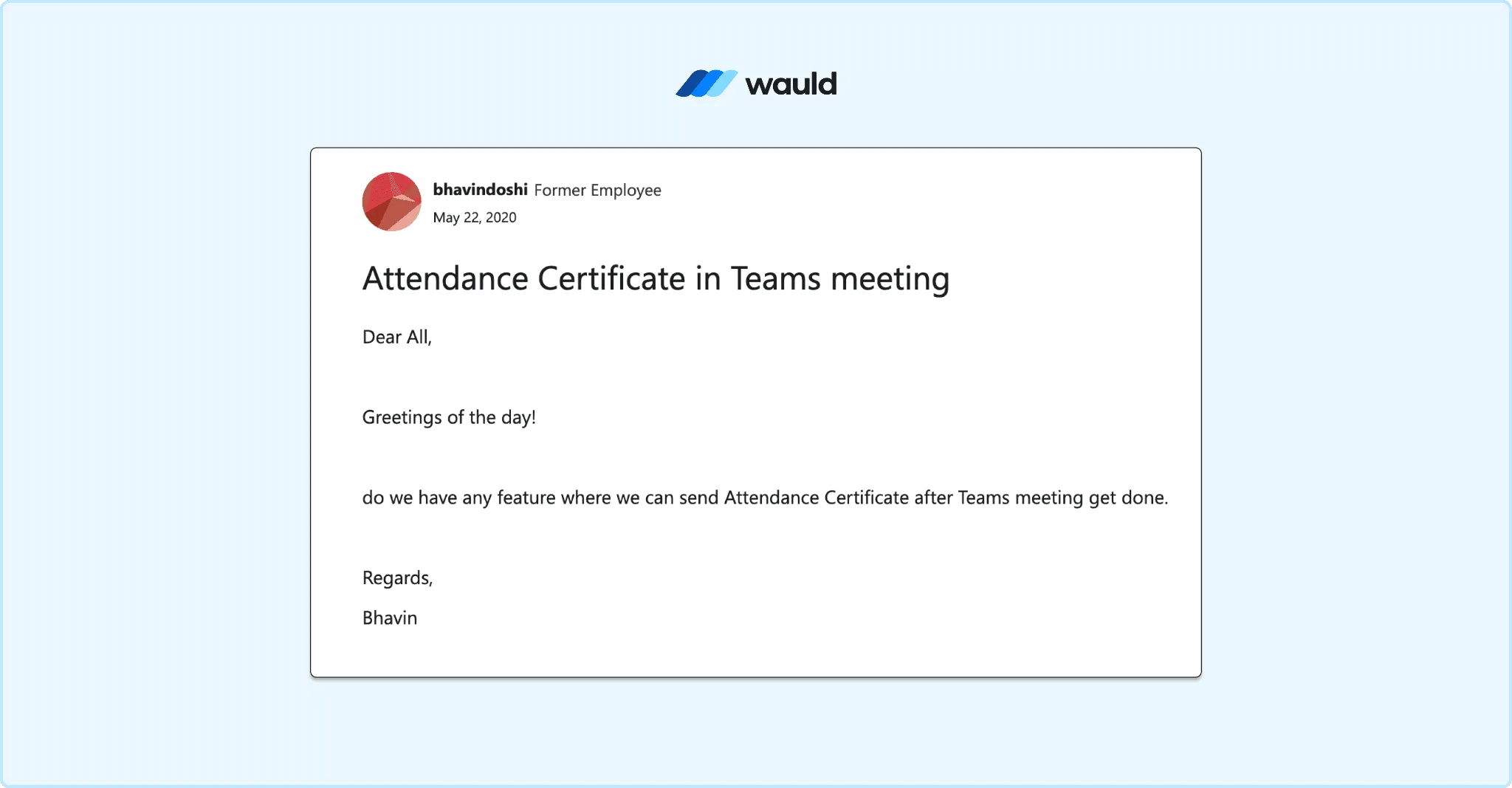
A Microsoft Teams user requests a feature to automatically send attendance certificates after meetings.
In August 2024, a training manager evaluating whether to switch from ON24 to Teams asked on Microsoft Q&A:
"Can Teams attendees complete a quiz and download a certificate that auto-fills their name for CEU submission?"
The answer: No. Microsoft Forms can handle basic quizzes inside Teams. But Teams cannot generate a personalized, auto-filled, verifiable certificate from those results.
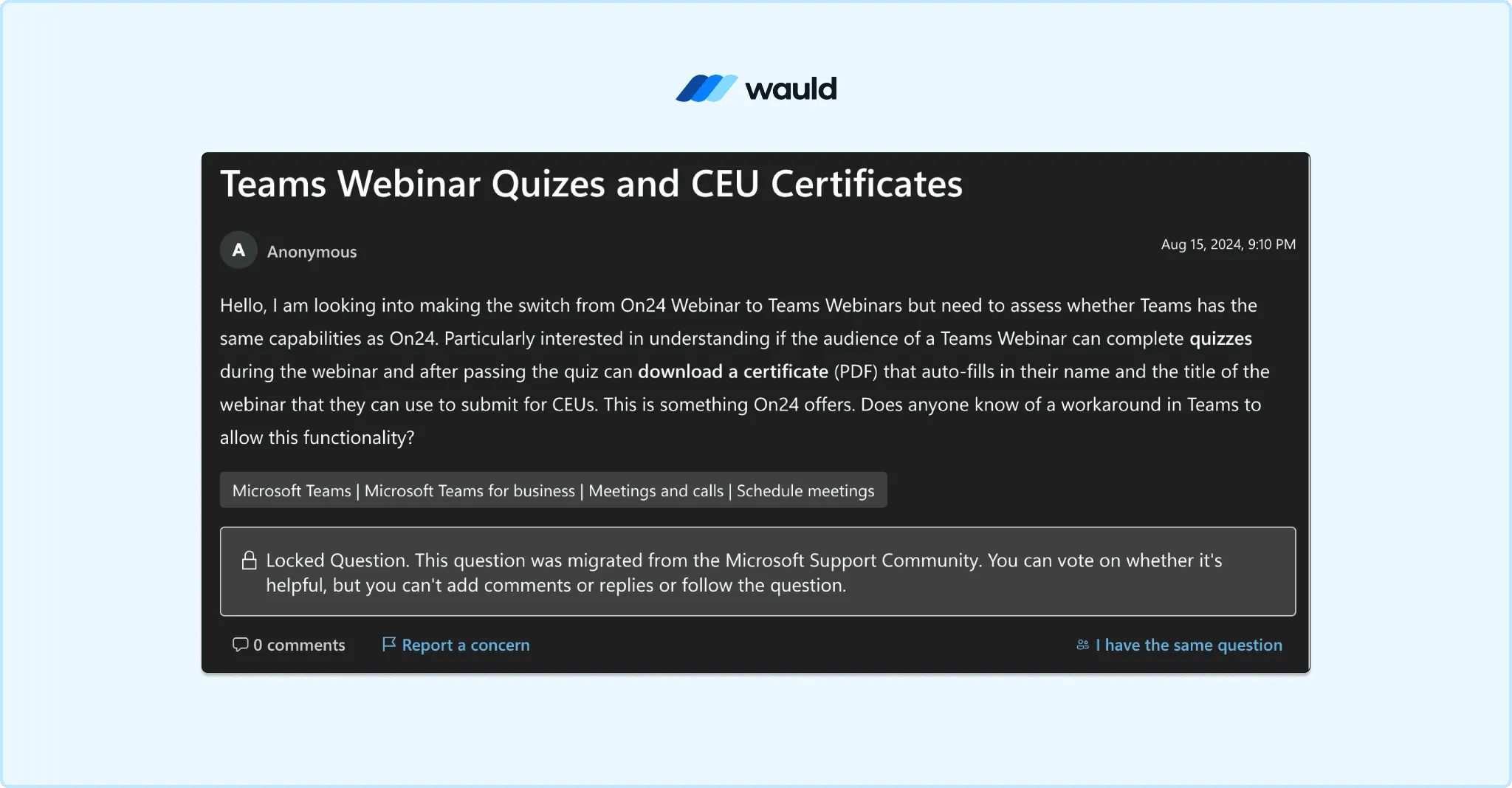
A Teams webinar organizer asks whether attendees can complete quizzes and automatically receive CEU certificates.
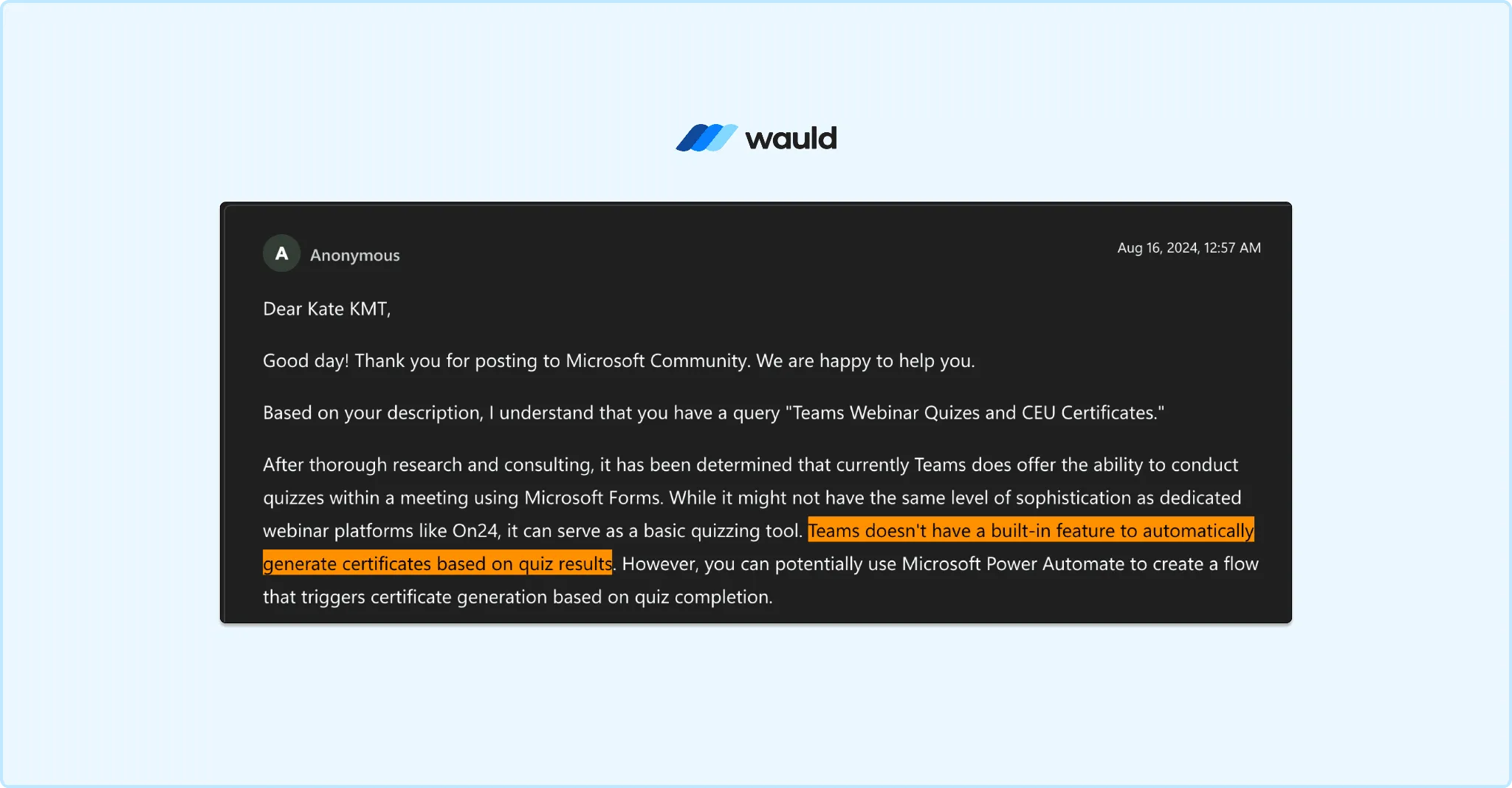
Microsoft confirms Teams does not provide built-in automatic certificate generation from quiz results.
In September 2024, a Power Platform Community user documented they had already built a partial Power Automate workflow, but were still manually editing the attendance CSV before each batch. Teams' attendance report was being corrupted by test sessions. They were asking how to remove that manual step. No clean solution was offered.
The pattern across every thread is identical:
- User asks how to send a Teams webinar certificate of attendance
- Microsoft moderator confirms: no built-in feature
- User is directed to Power Automate or a feature request portal
- Feature request remains open years later
If you run webinars on other platforms too, the same problem comes up. See how it compares in our guide to the best webinar platforms with certificate features.
Why Webinar Certificates Matter
For most webinar organizers, a certificate is not optional. It is a program requirement.
Regulated industries depend on proof of attendance:
- Healthcare training requires documented CPD hours for license renewal
- Legal and finance professionals need CEU documentation for professional standing
- HR and compliance teams run mandatory training that must be evidenced for audits
- Professional associations issue member-facing certificates tied to annual programs
When your Teams webinar ends with no certificate, attendees in these fields cannot submit proof of attendance to their licensing board, employer, or association. A CSV export with timestamps is not evidence. A verifiable digital credential is.
The admin burden without a solution is significant.
According to Wauld's own time analysis, manual certificate issuance takes approximately 2 minutes per certificate. For 1,000 attendees, that is over 33 staff hours, more than four full working days lost to admin after a single webinar. For organizations running monthly webinar programs, that cost compounds fast. If you manage continuing education programs specifically, see the 7 must-haves in your continuing education tracking software for what a proper workflow should look like.
3 Methods to Issue Certificates for Microsoft Teams Webinars
None of these require Power Automate. None require a developer.
Method 1: Bulk CSV Upload (Fastest, No Code Required)
This is the most reliable method for most Teams webinar organizers and works on any Microsoft 365 plan.
Step-by-step:
- After your webinar ends, open it in your Teams Calendar
- Go to Manage Event → Reports → Attendance tab
- Click Download to export the attendance CSV
- Open the file. Remove any rows from test or practice sessions (identifiable by early timestamps)
- Log in to Wauld and select a webinar certificate template or design your own from 1,000+ options
- Upload the cleaned CSV. Map the name and email columns
- Preview a sample certificate to confirm personalisation
- Click Issue. Certificates are delivered to every attendee by email
Total time for 1,000 attendees: approximately 25 minutes.
Pro Tip: If your webinar had a test session before the live event, the attendance report will show two separate sessions. Delete the rows from the practice run before uploading. Wauld's preview step lets you catch errors before anything goes out.
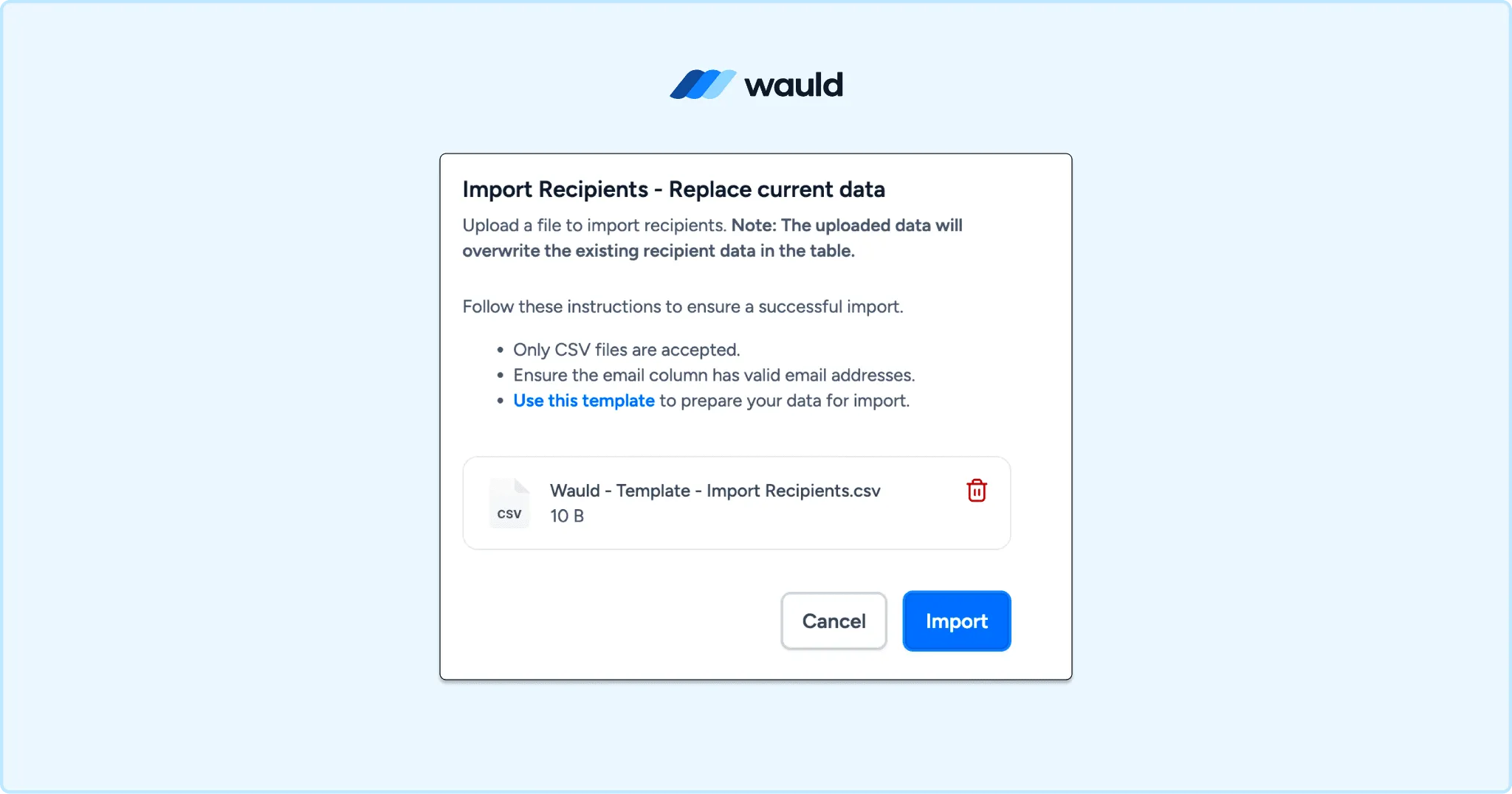
Upload CSV files and issue certificates in bulk with Wauld.
Method 2: Zapier Automation (Best for Recurring Webinars)
Zapier has a dedicated Microsoft Teams Events app, which is separate from the standard Teams app. You can explore it on the Zapier integrations directory.
Available trigger for this workflow:
- New Webinar Registrant: fires when someone registers for a specific webinar
Available action:
- Create Webinar Attendance Report: generates the attendance report after the session ends
The Zapier + Wauld workflow:
| Step | Tool | Action |
|---|---|---|
| 1 | Microsoft Teams Events | New Webinar Registrant (trigger) |
| 2 | Filter | Check attendance duration threshold (optional) |
| 3 | Wauld | Issue Credential (action) |
For a full walkthrough of building Zapier certificate workflows, see How to Automate Certificate Issuance With Zapier and Wauld.
Pro Tip: Teams does not have a native "attendee completed webinar" trigger the way Zoom or GoToWebinar does. Use a scheduled Zapier delay after your webinar end time, then run the "Create Webinar Attendance Report" action to pull the data before passing it to Wauld.
This method is ideal for teams running weekly or monthly webinar series where setting up the flow once and letting it run saves the most time across the program.
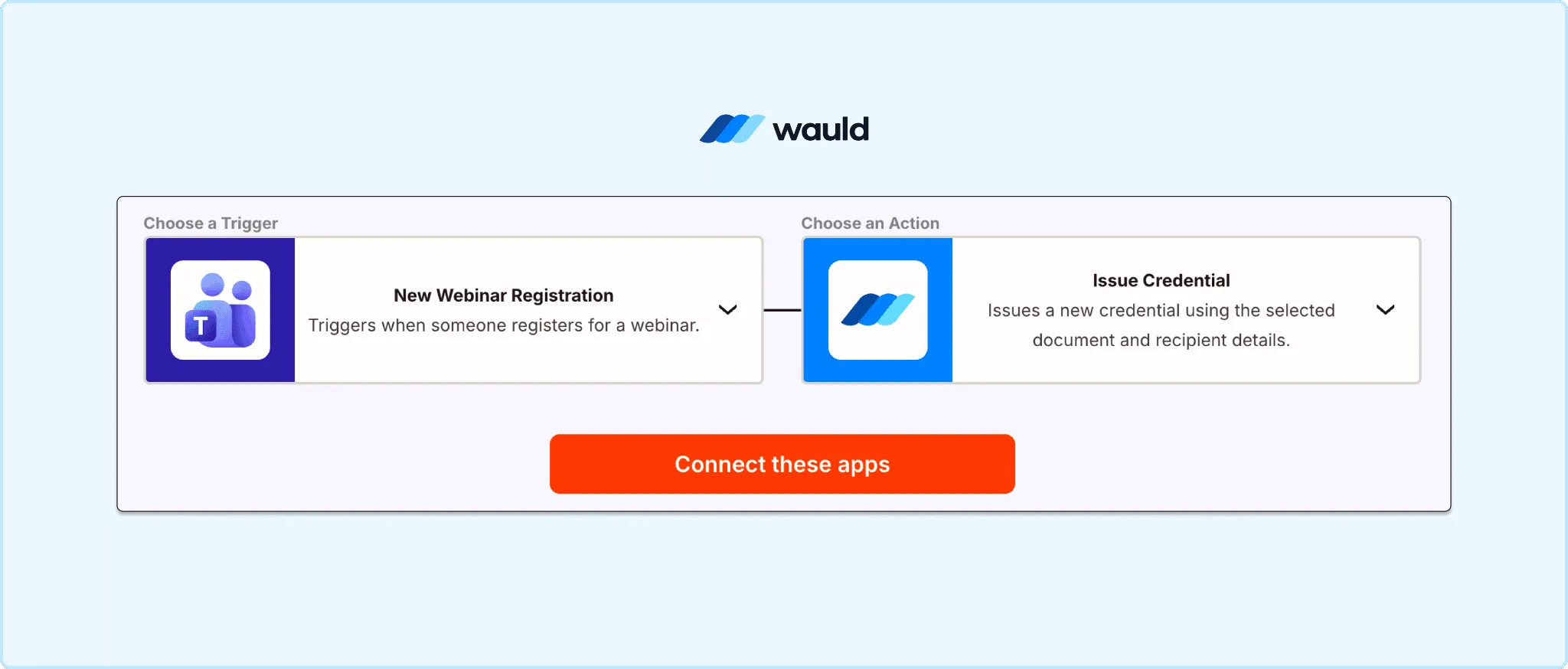
Automate Teams webinar certificate issuance with Zapier and Wauld.
Method 3: Scheduled Delivery (Best for Compliance and CPD Training)
If you run compliance or CPD webinars on a fixed schedule, Wauld's scheduled issuance feature lets you:
- Upload your attendee list in advance
- Set a delivery date and time (for example, 24 hours after the webinar ends)
- Issue certificates to all attendees automatically without logging back in
This is particularly useful for organizations where the certificate issuer is not the webinar organizer. This is a common scenario, given that co-organizers in Teams cannot access attendance reports at all. Only the main organizer can download them, as confirmed in Microsoft's own webinar reporting documentation.
Running similar training on other platforms? See how Wauld handles Zoom webinar certificates and GoToWebinar training certificates too.
How Wauld Connects to Microsoft Teams
Wauld is not a workaround. It is the certificate layer that Teams was never built with.
From Attendance Report to Verifiable Credential
A Teams attendance report is a CSV. It confirms someone was present. It cannot be shared on LinkedIn, verified by an employer, or submitted to a licensing board.
A Wauld certificate is a verifiable digital credential. Every certificate includes:
- Unique UUID: tamper-proof identifier, verifiable in one click
- QR code: instant offline verification for audits and compliance checks
- Branded design: your logo, colors, and authorized signature
- Recipient name and webinar title: personalized, auto-filled from your CSV
- LinkedIn add-to-profile button: one click for attendees to share their credential
- Secure hosted page: a shareable link that works on any device
Not sure whether a certificate or a badge suits your program better? Read Digital Badges vs Certificates: What Is the Difference?
Wauld vs Manual Certificate Process
| Manual (Word + Email) | Power Automate | Wauld | |
|---|---|---|---|
| Setup time | Hours | Days | 20 minutes |
| Technical skill needed | Low | High | None |
| Verifiable credential | No | No | Yes |
| LinkedIn integration | No | No | Yes |
| Engagement analytics | No | No | Yes |
| Edit, reissue, or void | Manual | Manual | Built-in |
| CEU and CPD-ready documentation | No | No | Yes |
| Free plan available | No | No | Up to 300 credentials |
What Wauld Solves That No Workaround Does
The attendance report bug. Teams creates a separate attendance session if anyone joins before the official start time. This includes co-organizers doing practice runs. Wauld's preview step lets you review and correct the recipient list before a single certificate goes out. If something slips through, you can edit and reissue in seconds without starting over.
Co-organizer access. Microsoft's own documentation confirms co-organizers cannot view Teams webinar attendance reports. Wauld's role-based access control means your L&D coordinator, events manager, or association admin can issue, track, and manage certificates independently, with no dependency on the main organizer.
Post-issuance tracking. Once certificates leave Teams as email attachments or PDFs, you have no visibility into what happens next. With Wauld, you can see open rates, download rates, LinkedIn shares, and third-party verification events, all from one dashboard. For training programs and membership associations, this data shows the real reach and impact of your webinars, not just a headcount.
What Happens After You Issue
This is what a Wauld credential looks like for your attendee, and for your brand.
For the attendee:
- They receive a personalized email with their certificate link
- They open a hosted credential page showing their name, your branding, and a verification QR
- They click Add to LinkedIn. Their profile now shows your organization as the verified issuer
- They can store the credential in their Wauld digital wallet or Apple Wallet for instant access
- They can submit the certificate link to a licensing board, employer, or professional association as CPD or CEU evidence
For you:
- Your dashboard shows who opened, downloaded, and shared their certificate
- Every LinkedIn share puts your organization in front of a new professional audience. Wauld calls this the credential flywheel
- Expiry management sends automated reminders when annual CPD certificates are due for renewal
- Change requests go through a structured workflow. Attendees submit proof, and you approve or reject from the dashboard
This is the difference between sending an email attachment and running a structured credential program.
Ready to Supercharge Your Credentialing Process?
Your Teams webinar is already doing the hard work of delivering training. Wauld handles everything that comes after it.
The free plan covers up to 300 verifiable credentials, enough for a mid-sized Teams webinar or a full series of smaller sessions. It includes 900+ certificate templates, bulk CSV issuance, LinkedIn sharing, QR code verification, and verifiable credentials on every plan. No credit card required.
Non-profit organizations running member webinars or compliance training receive 50% off Growth and Enterprise plans permanently. See if your organization qualifies.