Cvent Certificate of Attendance: How to Issue Certificates for Free

Issuing a Certificate of Attendance in Cvent
The event wrapped. People sat through the sessions, filled out the survey, and earned their CMP or CEU credits. An email went out with their certificate attached.
A year later, someone needs that document for a licensing board. They open the old email and click the link. Nothing loads.
If you run CEU, CPE, or CMP certification programs through Cvent, this story is familiar. The certificate does its job during the event, a process Cvent's own blog post on managing continuing education credits covers well. What happens to it afterward is where most planners run into trouble.
This guide covers how the native credit and certificate tool works, where it falls short, and three ways to connect it to Wauld so the credential keeps working after the program closes.
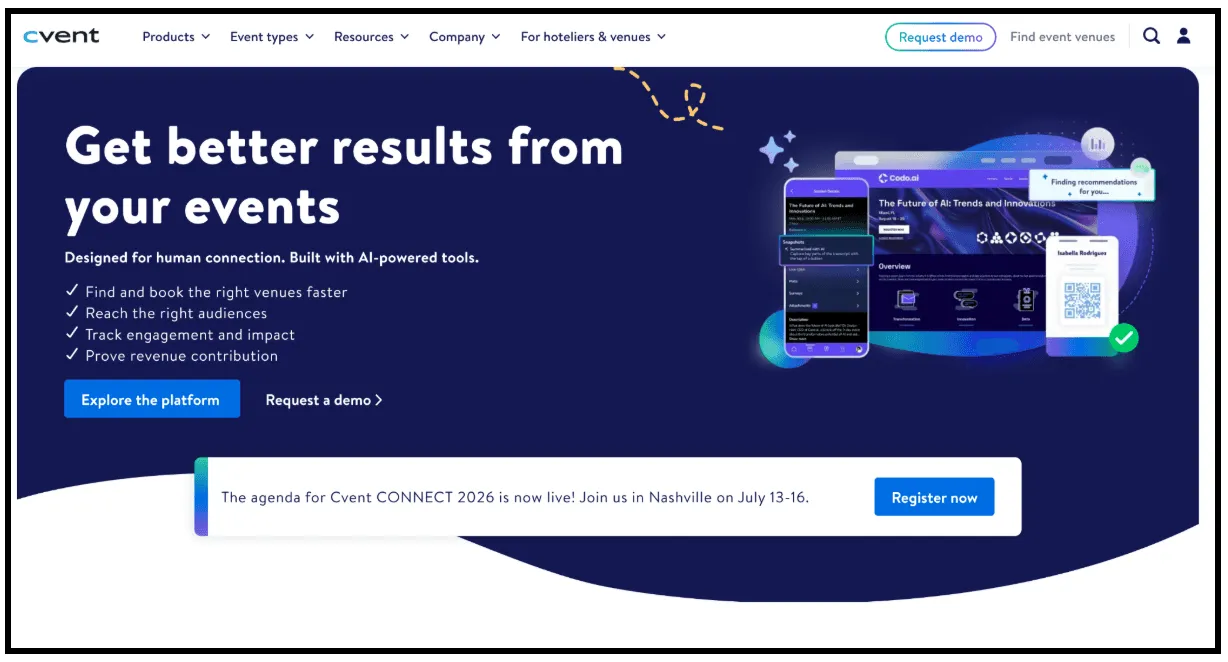
Cvent homepage highlighting AI-powered event management tools for planning, audience engagement, venue sourcing, and event performance.
How the Native Cvent Tool Works
Cvent is a full event management platform, with registration, agenda building, session tracking, and onsite check in living inside one system. The certificate feature sits inside the same Badges and Certificates designer used for name badges, just configured differently.
A staff member explained the split in the Cvent Open Forum: badges show the attendee's information, while certificates award credits or acknowledge completion. Here is what it covers well today.
| Feature | Available natively |
|---|---|
| Event and session credit configuration | Yes |
| Attendance based credit awarding | Yes |
| Document design with data tags | Yes |
| Conditional text and images | Yes |
| Delivery through a triggered email | Yes |
| Bulk download | Only for documents set to type certificate |
| Verification with a unique ID | No |
| QR code check | No |
| LinkedIn sharing | No |
| Access after the event archives | No |
| Central report of everything issued | No |
Registration and credit tracking are genuinely solid. The output itself is a personalized PDF, not a verification layer.
Setting Up Credits and Certificates: Step by Step
This is the actual configuration path, based on a Cvent walkthrough for the Flex platform.
- Configure credits. Enable credits at the account level under Admin, Events, Event Credit Types, then apply them at the event level, the session level, or both. The recommended method credits someone the moment they are marked a participant, or anyone who completes the feedback survey.
- Build the document. Access the builder under Onsite, Badges and Certificates, set the stock size to Portrait or Landscape, and use data tags such as First Name, Company, or Overall Credits. Turn on Dynamic Resizing so long names do not break the layout, then preview before sending.
- Send it out. The common path is a downloadable data tag inside a post event thank you email, restricted to attendees who completed all their feedback surveys.
This is a capable workflow for attendance based credit programs. It was not built to function as a long term, independently verifiable credential.
Where the Native Tool Falls Short
Every point here comes from Cvent's own documentation, staff, or confirmed customer reports in the Cvent Community, not speculation.
- The link expires when the event archives. A long time admin confirmed it directly: the link stays dynamic while live, but stops functioning once archived.
- There is no central report of what has gone out, and bulk download depends on a setting most people miss. A team member confirmed the missing report when asked, and a document set to type invoice cannot be bulk downloaded at all, as support confirmed directly.
- Credit logic can over award. With immediate awarding on, someone gets credit the moment they click the session link, regardless of how long they stayed.
- There is no verification mechanism, LinkedIn sharing, or tracking. No QR code, no unique ID, and no visibility once the email sends, so nothing confirms authenticity or shows who opened it.
- The design tool has a learning curve. Classic platform users have described centering and text formatting as fiddly, with similar friction reported on the OnArrival badge designer too.
This does not make the platform weak at event management. It makes the certificate layer a one time output rather than a durable, trackable record.
How Wauld Steps In
Wauld is a digital credential platform built to design, issue, verify, and track certificates and badges. It does not replace registration, agenda, or check in tools, picking up exactly where the native output stops being useful.
Where the original is a file, a Wauld credential is a record that keeps existing on its own. Every credential includes:
- A unique ID that does not depend on the source event staying active
- A QR code for instant, independent verification
- A branded design pulled from over 1,000 templates
- A one click Add to LinkedIn button from a personal credential wallet
- Analytics showing opens, downloads, shares, and verifications
- Optional expiry dates with automated renewal reminders for recertification cycles
- The ability to edit, void, or reissue after the fact
If your program already separates badges from certificates the way Cvent does, this guide on digital badges versus certificates explains when to issue which. This fits naturally with programs already on Cvent: continuing education certification for associations and memberships, corporate training, and conference tracks where CMP and CEU certification depends on proof that outlasts the event.
3 Methods to Connect Cvent and Wauld
There is no official, prebuilt integration listed on Zapier yet, but Cvent's developer platform offers everything needed to build one.
Method 1: CSV bulk upload
Best for: a single program, an annual conference, or a first pilot before automating anything.
- Export the Event Credits report from a contact's Contact History, or pull attendance data directly from the Attendee List
- Clean the file. Remove no shows and test registrations
- Log in to Wauld and pick a template from the gallery
- Upload the CSV and map the name, email, and credit columns to your certificate fields
- Preview a sample certificate to confirm it personalizes correctly, then click Issue to send a credential to every attendee at once
This is free for up to 300 credentials on Wauld's free plan and needs no technical setup.
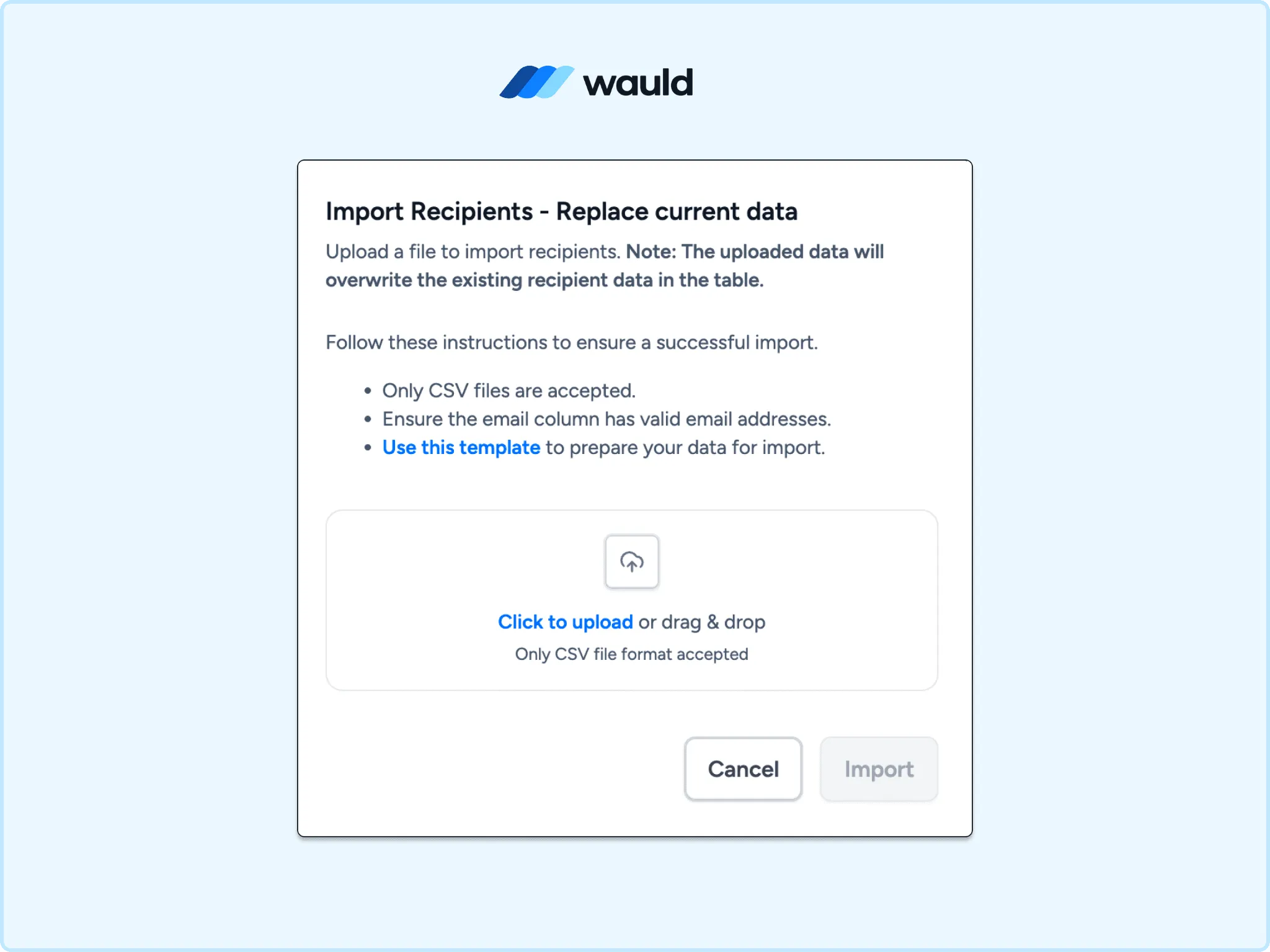
Wauld's CSV import feature enables bulk recipient uploads for issuing certificates at scale.
Method 2: Zapier automation
Cvent's Zapier app offers a few key triggers.
| Trigger | What it does |
|---|---|
| New Attendee Activity | Fires when activity is logged, restrictable to a specific event |
| New or Updated Contact | Fires when a contact record changes |
| New or Updated Event | Fires when an event is created or updated |
Setup steps:
- Generate a Wauld access token from the Integrations section in your Wauld account
- Create a Zap and set Cvent's New Attendee Activity as the trigger, restricted to your event
- Set Wauld's Issue Credential as the action and connect using your token
- Map Cvent's attendee name and email to Wauld's Recipient Name and Recipient Email fields, plus credit totals as custom attributes
- Add a Filter by Zapier step if certificates should only reach people who actually checked in, since activity can fire on registration alone
- Test with a real attendee record, then publish
For the full walkthrough, see how to automate certificate issuance with Zapier and Wauld.
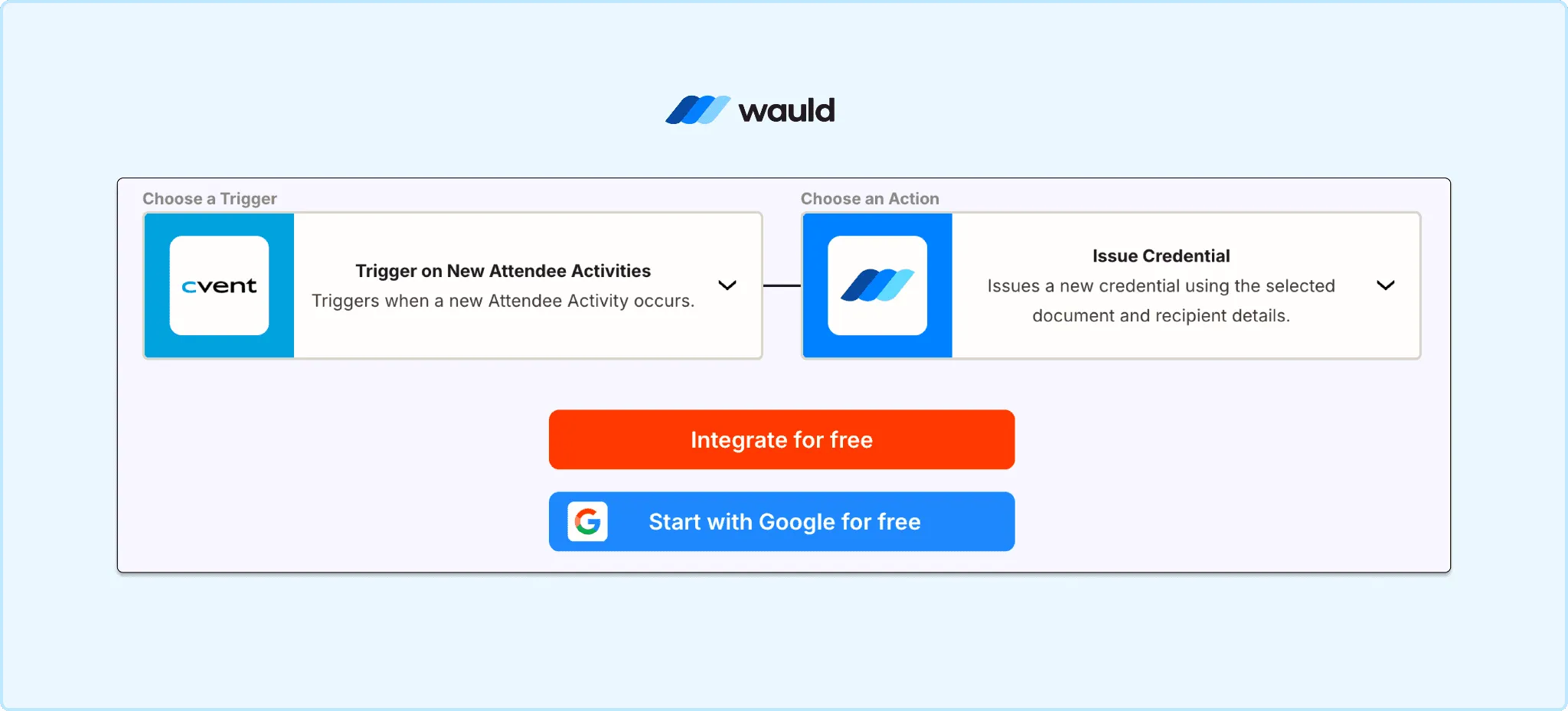
Automate certificate issuance by connecting Cvent attendee activities with Wauld's digital credential platform.
Method 3: Webhooks
Best for: recurring programs that want real time delivery without Zapier task limits.
Cvent has a documented, native webhooks system that pushes attendee, speaker, and session data to your own endpoint the moment something changes.
Setup steps:
- In Cvent, add a webhook configuration with your listening URL under Admin, Integrations, Webhooks
- Choose which actions should trigger a transfer, such as attendee sync, and activate the configuration for your event
- In Wauld, create a Custom Trigger tied to your certificate document, which generates a unique inbound URL
- Point your webhook handler at that Wauld trigger URL, mapping the attendee name, email, and credit details from the payload
- A verifiable credential issues automatically every time the configured Cvent event fires
This runs continuously once built and avoids ongoing per task costs.
Choosing the Right Method
| CSV Upload | Zapier | Webhooks | |
|---|---|---|---|
| Skill needed | None | Low | Medium |
| Setup time | Under 30 minutes | About 1 hour | A few hours |
| Timing | Manual, per event | Near real time | Fully automated |
| Best for | One off programs, pilots | Recurring events | High volume, ongoing programs |
| Cost | Free up to 300 credentials | Zapier plan plus Wauld | Wauld Growth plan, dev time |
For most teams running CEU or CMP programs, CSV is the fastest way to test credentials before automating further.
What Happens After Issuance
- The recipient gets an email linking to a personal credential wallet
- They add it to LinkedIn in one click, with your organization shown as verified issuer
- A QR code lets anyone, including a licensing board years later, confirm authenticity without contacting you
- A dashboard shows who opened, downloaded, and shared every credential issued
- A wrong name means editing and reissuing, not rebuilding from scratch
None of this depends on the source event staying active. That is the gap this setup closes.
Final Thoughts
Cvent handles registration, sessions, and credit tracking well. Its certificate tool does the job it was built for: acknowledging completion when the program happens. What it was not built to do is outlive the event. Once the source event archives, the link is gone, and there was never an independent way to verify it.
Pairing that attendance data with Wauld closes the gap, whether the start is a CSV upload for one conference or a webhook pipeline for recurring programs. A credential that keeps working long after the event ends is the entire point.