9 Best Certificate Generator Software Tools (2026 Guide)

Why the Right Tool Matters More Than You Think
If you have ever sent out a batch of certificates and then spent a week answering "is this real?" emails, you already know the problem. Making a certificate is the easy part. The hard part is issuing it to hundreds of people, tracking who opened it, and giving anyone who receives it a simple way to confirm it is genuine.
That is the gap good certificate generator software is supposed to close. In plain terms, it is a tool that lets you create a certificate design once, fill it with each recipient's details, and send it out at scale. The better ones go further and turn each certificate into a verifiable digital credential, a document with a unique link that proves who issued it and to whom.
This guide compares nine tools you will run into in 2026. Some are full credential platforms built for issuers. Others are developer APIs that generate images and PDFs and can be wired to produce certificates if you bring your own code. We put Wauld first because it covers the whole job in one place, then we walk through the rest honestly, with real features and current pricing, so you can match a tool to what you actually need.
If you want a broader look before you decide, Wauld's roundup of the best free certificate maker apps is a useful companion to this comparison.
A Certificate Is Only as Good as Its Proof
A certificate that cannot be verified is just a nice image. Employers have learned to be skeptical, and for good reason. So when you choose a tool, three questions decide whether it will save you time or create more work:
- Can you issue in bulk? Typing names one at a time does not scale past a small class. You want to upload a spreadsheet or connect a form and let the software do the rest.
- Can recipients share it easily? A credential that lives only in an email attachment gets lost. Recipients should be able to add it to LinkedIn, a resume, or an email signature in a click.
- Can anyone verify it? Every credential should carry a unique verification link, ideally aligned with open standards like Open Badges 3.0 and W3C Verifiable Credentials, so it is trusted across platforms.
Keep those three in mind as you read. They are the difference between a certificate design tool and a real credential platform. Now, the nine tools.
Best Certificate Generator Software Tools in 2026
Wauld
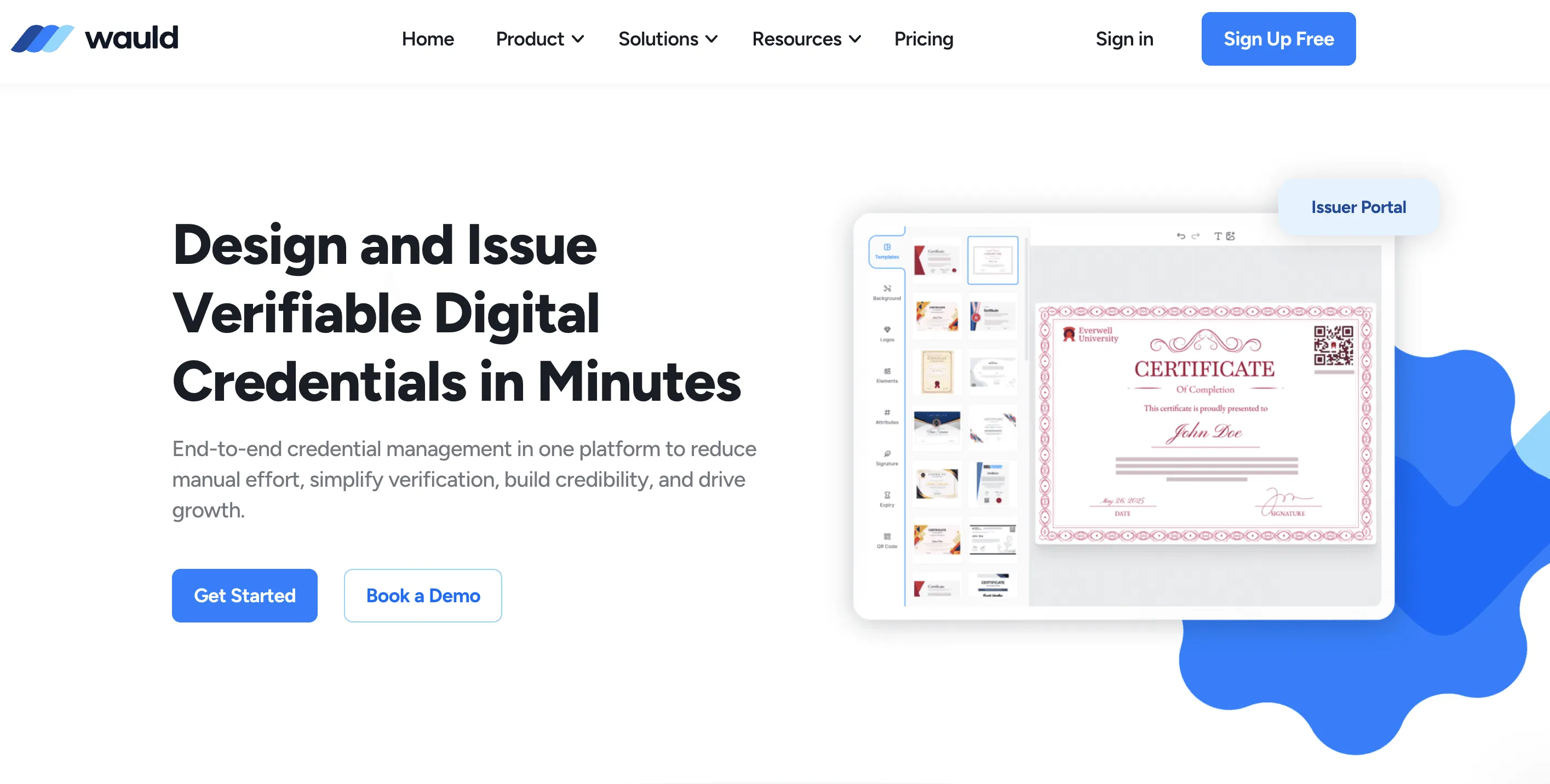
Wauld is a digital credentialing platform built to design, issue, manage, and verify certificates and badges end to end. Instead of stopping at a finished file, it treats every certificate as a verifiable credential with its own link, so recipients can share it and anyone can confirm it. You start from 1000+ customizable templates, adjust logos, colors, signatures, and QR codes in a drag-and-drop editor, then issue in bulk from a spreadsheet or a connected form. The lifecycle is three simple steps: design, issue, and track.
Because it is free to start with no onboarding fees, Wauld fits educators, trainers, coaches, associations, and workforce teams who want a full platform without an enterprise contract. It also shows you who opens, downloads, and shares each credential, including LinkedIn additions and verifications, so you can measure real engagement rather than guess. Wauld aligns with Open Badges 3.0 and W3C Verifiable Credentials, and it was named a SourceForge Top Performer for Digital Credential Management. For a deeper look at the format, see Wauld's complete guide to digital badges for 2026.
| Pros | Cons |
|---|---|
| Free to start, no onboarding fees | Focused on credentialing, not general marketing graphics |
| Covers design, issue, track, and verify in one platform | |
| 1000+ templates plus branded QR codes and emails | |
| Bulk issuance from spreadsheets and forms | |
| Engagement analytics, including LinkedIn adds and verifications | |
| Open Badges 3.0 and W3C Verifiable Credentials support |
Bannerbear
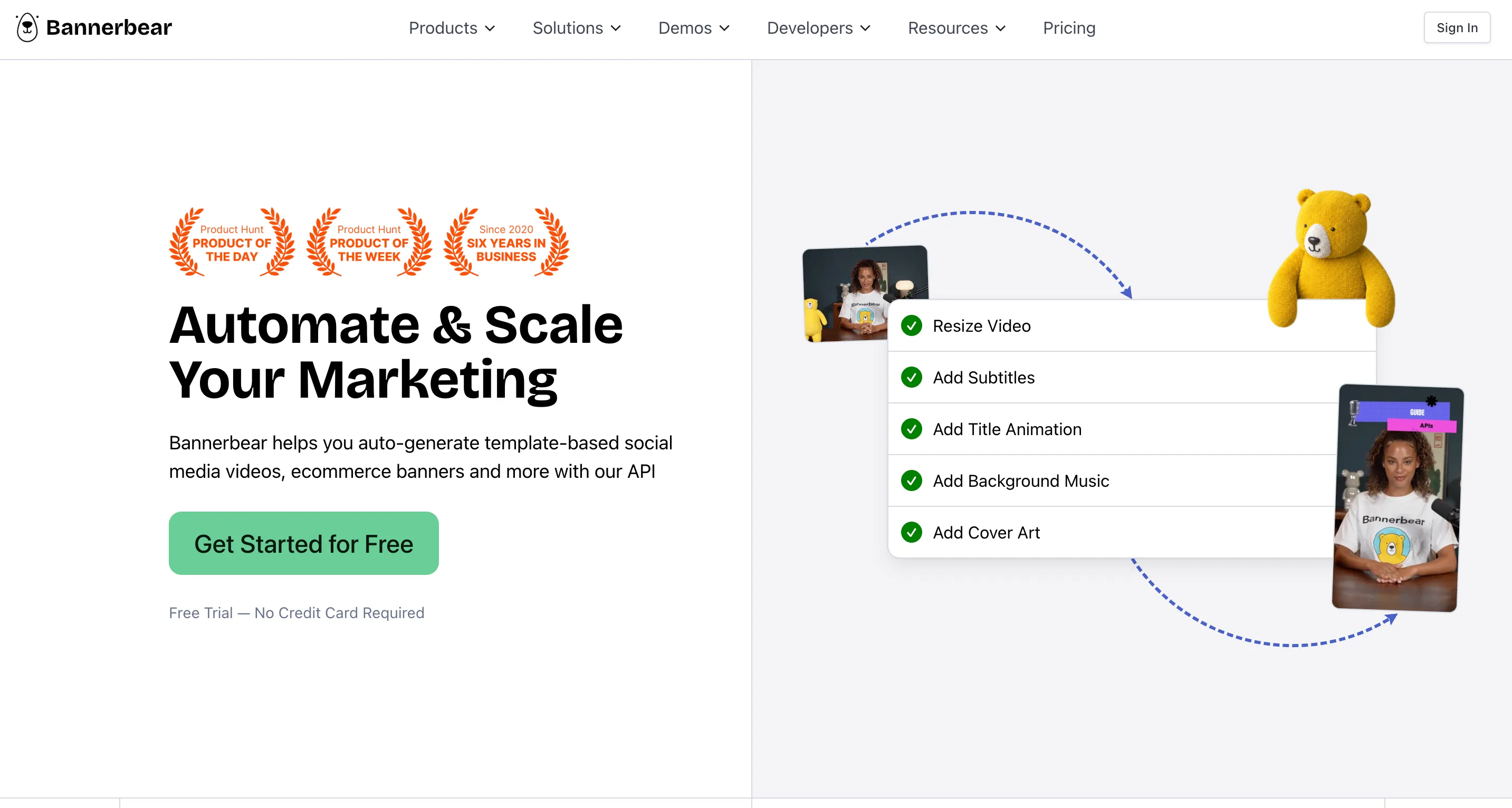
Bannerbear is an API-first tool that automatically generates images, PDFs, and short videos from a template. Developers define a template, then hit the API with each recipient's data to produce a finished file in a few seconds. It is a solid choice for teams that want to wire certificate creation into their own app or workflow and are comfortable writing code.
You can sign up for free and generate up to 30 images through the API, with paid plans starting at $49 per month for 1,000 images on a credit system where an image costs one credit and videos and PDFs cost more. Bannerbear is built for automation, not for issuing and verifying credentials, so recipient sharing and verification are things you would build yourself. Wauld's own Bannerbear alternatives roundup is worth a read if certificate automation is your main goal.
| Pros | Cons |
|---|---|
| Fast, reliable REST API for images, PDFs, and video | No built-in credential verification or recipient portal |
| Free tier for testing (up to 30 images) | Requires developer setup |
| Credit-based plans that scale | Paid plans start at $49 per month |
DynaPictures
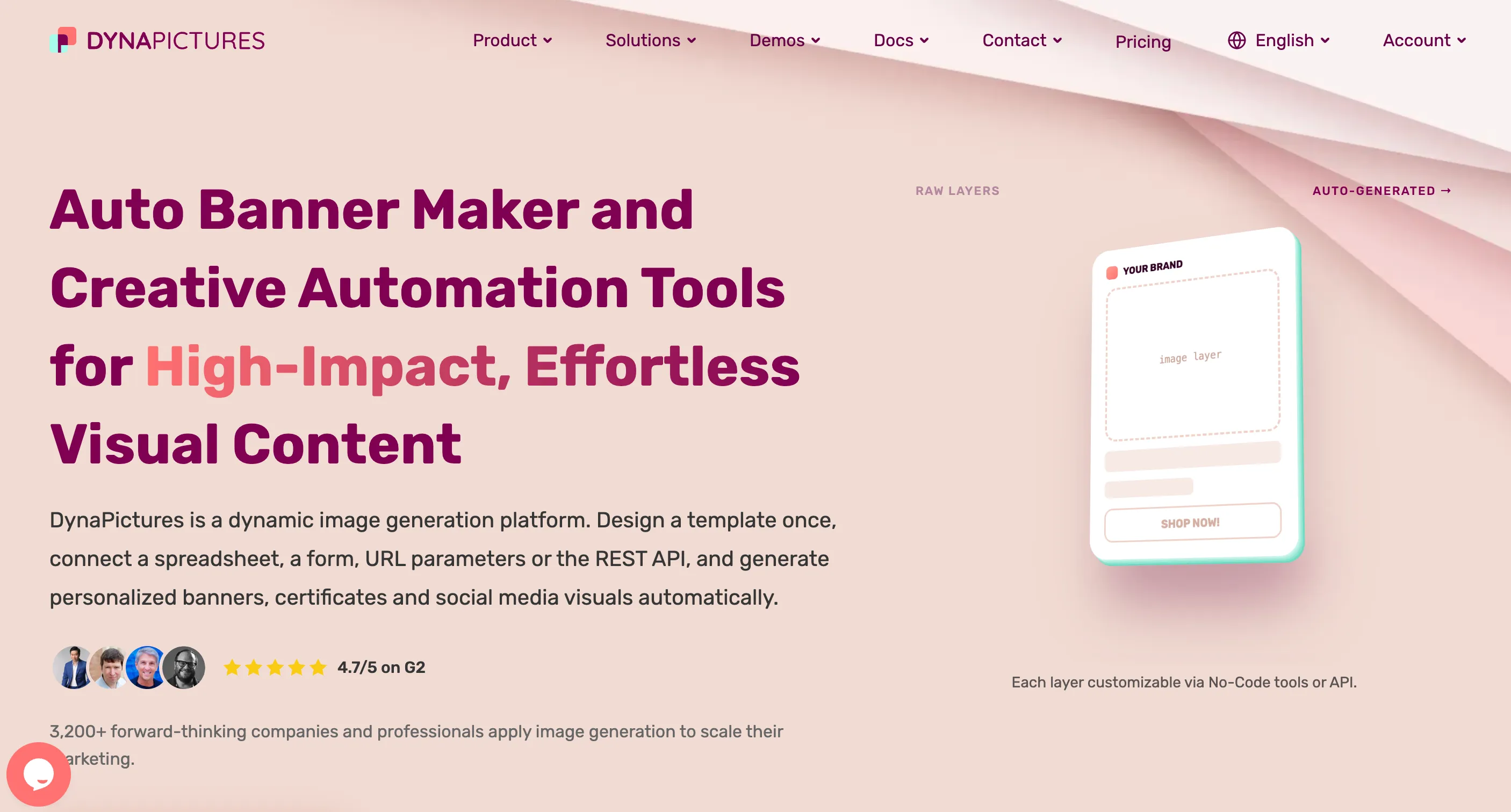
DynaPictures automates personalized image creation from templates and data. It stands out for offering six ways to generate visuals, including a REST API, no-code tools, forms, URL parameters, widgets, and spreadsheets, and it can output JPEG, PNG, PDF, PPTX, WEBP, and AVIF. That flexibility makes it handy for marketers and developers who want personalized banners, social graphics, and certificate-style images from a single design.
Pricing starts with a free plan, then Lite at $29 per month and Pro from $79 per month, with custom enterprise pricing above that. Like the other API tools here, it generates files well but does not issue verifiable credentials or give recipients a place to store and share them, so you would add that layer separately.
| Pros | Cons |
|---|---|
| Six generation methods, including no-code options | Not a credential platform, no verification link |
| Wide range of output formats | Recipient sharing is not built in |
| Free plan to start | Pro tier climbs to $79 per month |
Plainly
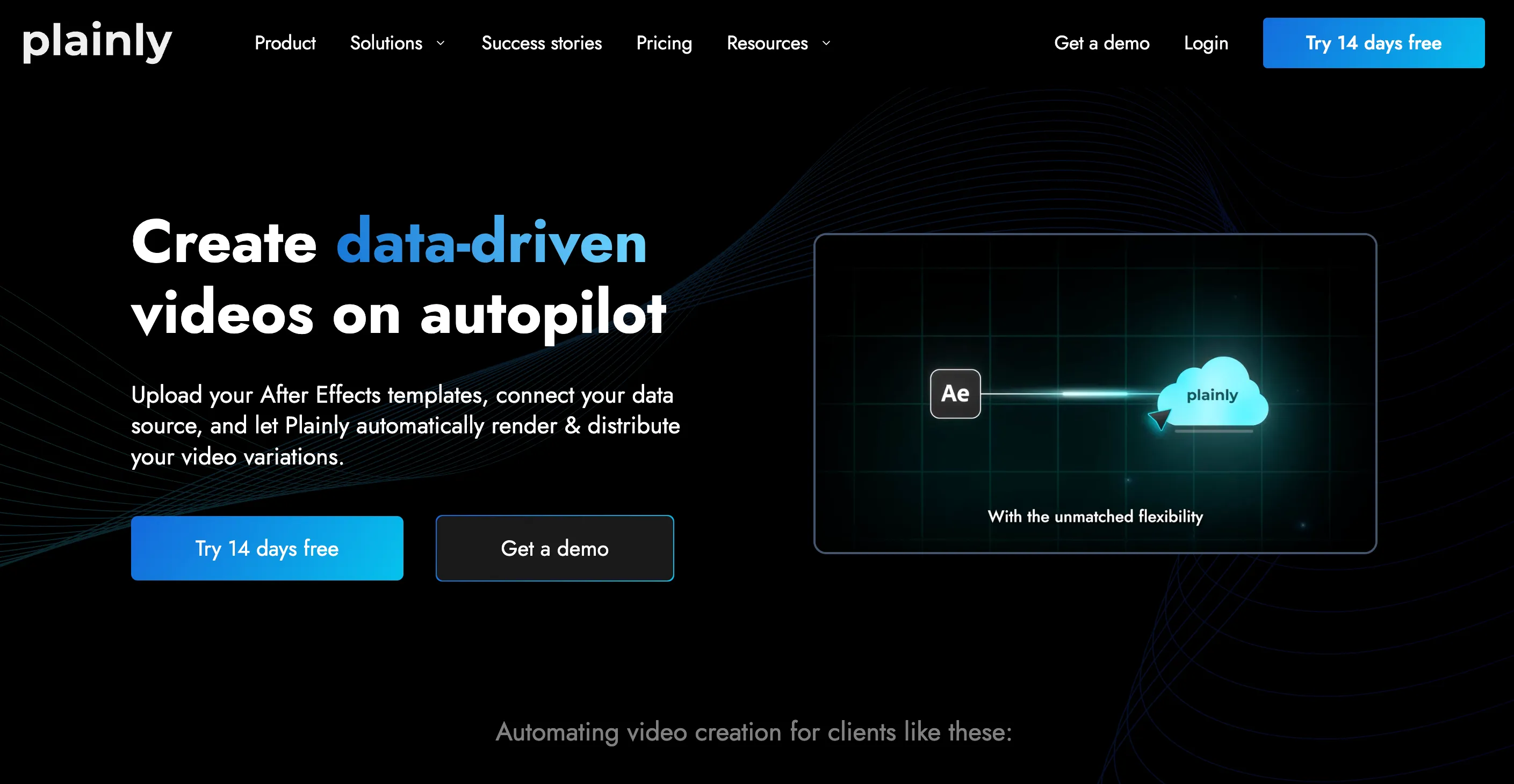
Plainly is a video automation platform rather than a certificate tool, so it is a slightly different animal. You build an After Effects template, upload it, connect your data through the API, CSV, or an integration, and Plainly renders unique videos at scale. If you want animated "certificate reveal" videos or personalized congratulations clips, it does that job well.
Plans run higher than the image tools here, with Explorer at $134, Team at $259, and Pro at $649 per month, plus a 14-day free trial with Pro-level limits. For static certificates and verifiable credentials, though, Plainly is not the right fit, since it is optimized for rendered video and leaves issuing, tracking, and verification to other systems.
| Pros | Cons |
|---|---|
| Powerful automated video generation | Built for video, not certificates or credentials |
| API, CSV, and native integrations | Higher price point (from $134 per month) |
| 14-day free trial | No verification or recipient portal |
Abyssale
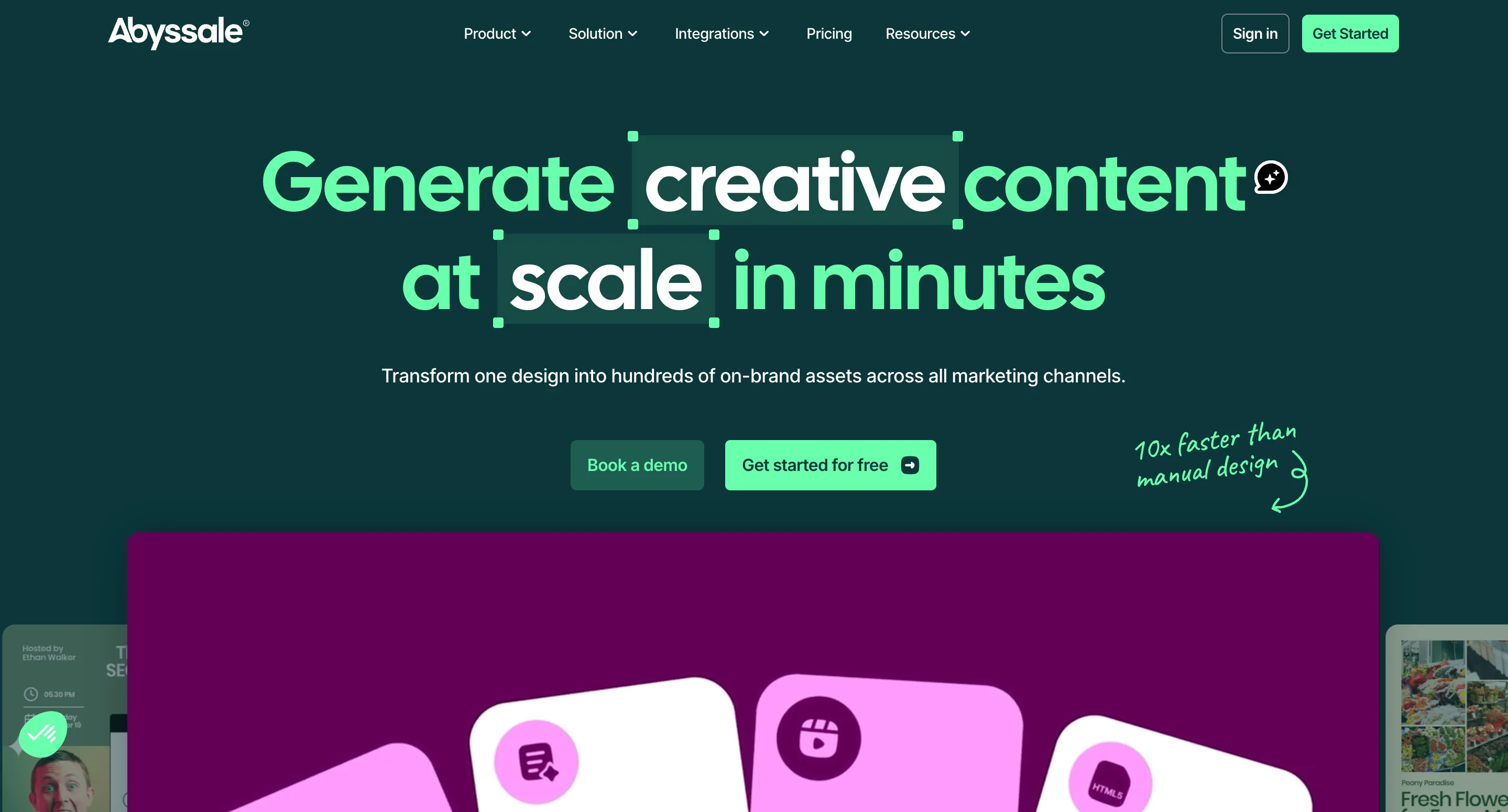
Abyssale (listed by some as Abbysale) is a creative automation platform aimed at agencies and marketing teams. It generates static images, animated videos, GIFs, HTML5 banners, and print-ready PDFs from your designs, using both a REST API and no-code integrations with Zapier, Make, Airtable, and n8n. It shines for high-volume ad production and on-brand marketing creatives.
Pricing is per seat, starting at $15 per seat per month for the Start plan, $45 for Pro (which adds API access and automation), and $75 for the Suite plan with HTML5 ads and CMYK PDF export. It can produce certificate-style PDFs, but its center of gravity is advertising creative, not credential issuance and verification, so certificates are a side use rather than the main event.
| Pros | Cons |
|---|---|
| Strong for bulk marketing creatives and ads | Certificates are a secondary use case |
| API plus popular no-code integrations | Per-seat pricing adds up for teams |
| Print-ready CMYK PDF output | No credential verification or recipient sharing |
Thirds.ai
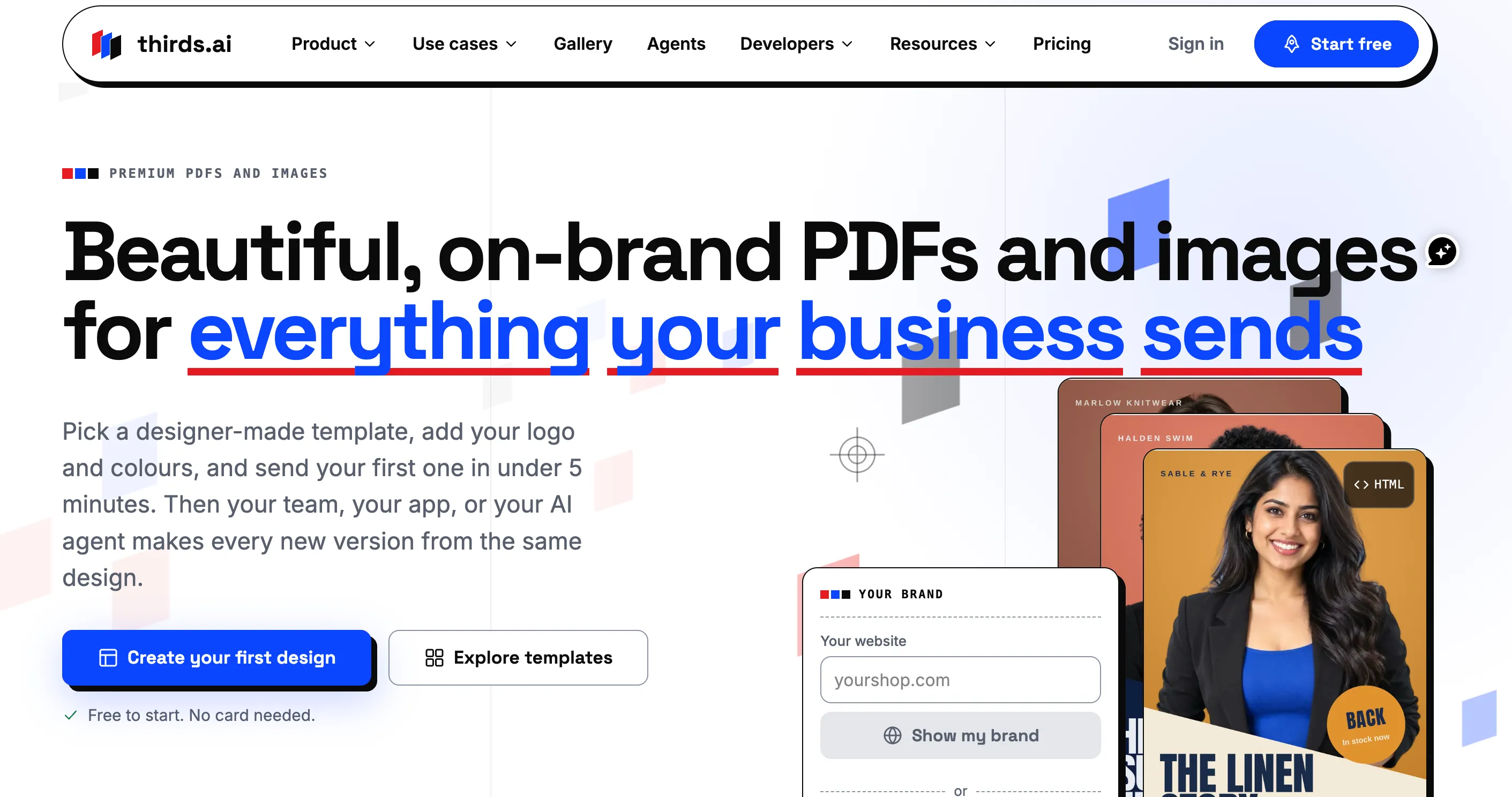
Thirds.ai is a PDF and image automation platform that turns reusable templates into batch-generated branded files. You pick a designer-made template, add your logo and colors, and generate your first file in a few minutes. It includes a visual drag-and-drop editor, brand kit management, AI-assisted template generation, and image-to-template conversion, and it outputs PNG, JPEG, WebP, and PDF. For teams that want to produce certificate images or documents in bulk from a spreadsheet, it is quick to set up.
Pricing starts free with 50 credits per month, then Starter at $29 per month for 2,500 credits, Growth at $79 for 10,000, and Scale at $199 for 40,000, where one image or one PDF (up to 100 pages) costs a single credit. It connects to code and AI agents through a REST API, Node.js and Python SDKs, and an MCP server. As with the other render tools, Thirds.ai produces the file but does not turn it into a verifiable credential or manage recipients, so plan to handle sharing and verification elsewhere.
| Pros | Cons |
|---|---|
| Designer-made templates plus drag-and-drop editor and API | No built-in verification or recipient portal |
| Batch generation from spreadsheets, with AI and MCP support | Runs on a credit system |
| Multiple output formats (PNG, JPEG, WebP, PDF) |
Placid
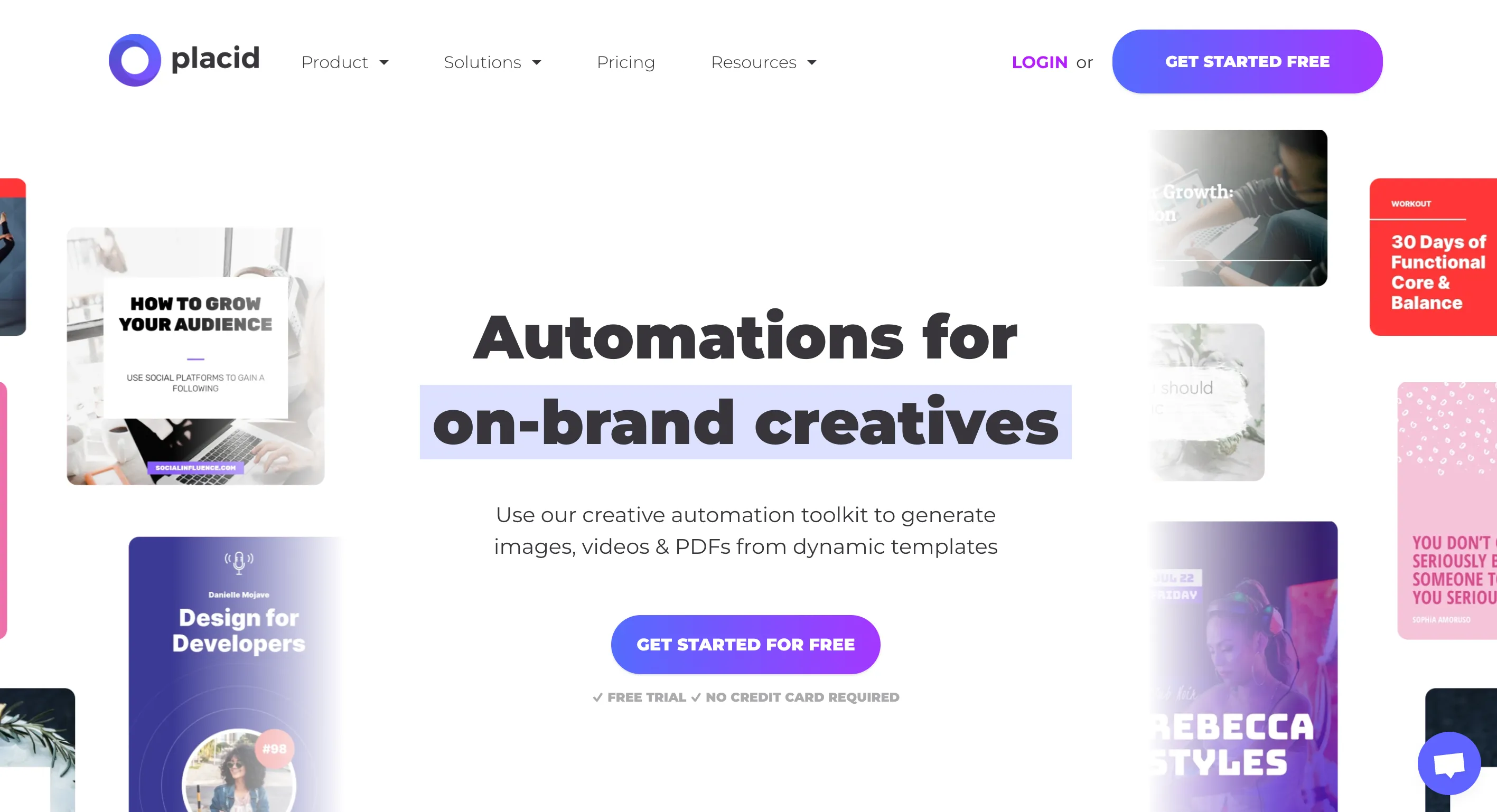
Placid generates images, PDFs, and videos from custom templates through a set of clean APIs, and it even ships a dedicated PDF certificate generator tool. It supports large canvas sizes, offers an Editor SDK, and integrates with Airtable, Make, n8n, Webflow, WordPress, and Zapier. For content and marketing teams that want automated on-brand visuals, plus the occasional certificate, it is a capable option.
Placid runs on a credit system, where an image is one credit, a PDF page is two credits, and unused credits roll over up to twice your monthly budget. It is a strong generator, but like the rest of this group it stops at the finished file. Issuing verifiable credentials, tracking engagement, and giving recipients a portal are not part of the package.
| Pros | Cons |
|---|---|
| Includes a PDF certificate generator tool | Not a full credential platform |
| Rollover credits and generous canvas sizes | Verification and recipient sharing not included |
| Wide integration list plus Editor SDK | Video and PDF cost more credits |
Renderform
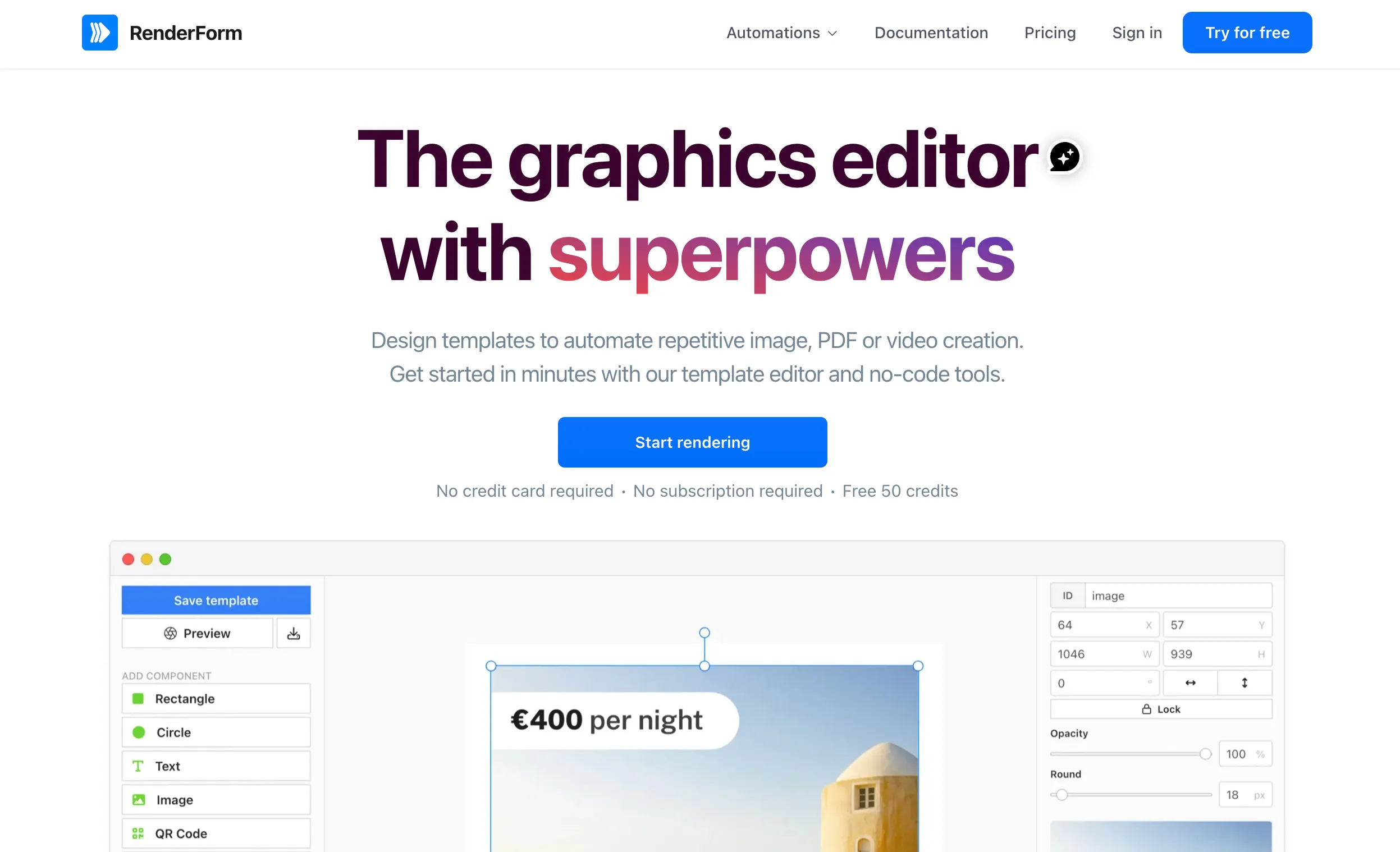
Renderform is a template-based image and PDF generation API with the lowest entry price in this group. It offers a fast REST API, a CLI, webhooks, custom font uploads, and integrations, so developers can generate branded images at scale. The pricing is the headline: a free account with 50 one-time credits (watermarked, and not refreshed each month), then paid plans from $9 per month for 250 renders.
That low cost comes with trade-offs to note. Free-account images carry a watermark, the upload size is capped at 25MB, and generated images are deleted after 14 days, so you need to save files promptly. Like the other APIs here, Renderform produces the image or PDF but leaves issuing, verification, and recipient sharing for you to build. Wauld's Renderform alternatives guide covers this in more detail.
| Pros | Cons |
|---|---|
| Lowest entry price (from $9 per month) | Free tier watermarks output |
| Fast API with CLI and webhooks | Generated images deleted after 14 days |
| Custom font support | No verification or recipient portal |
APITemplate.io
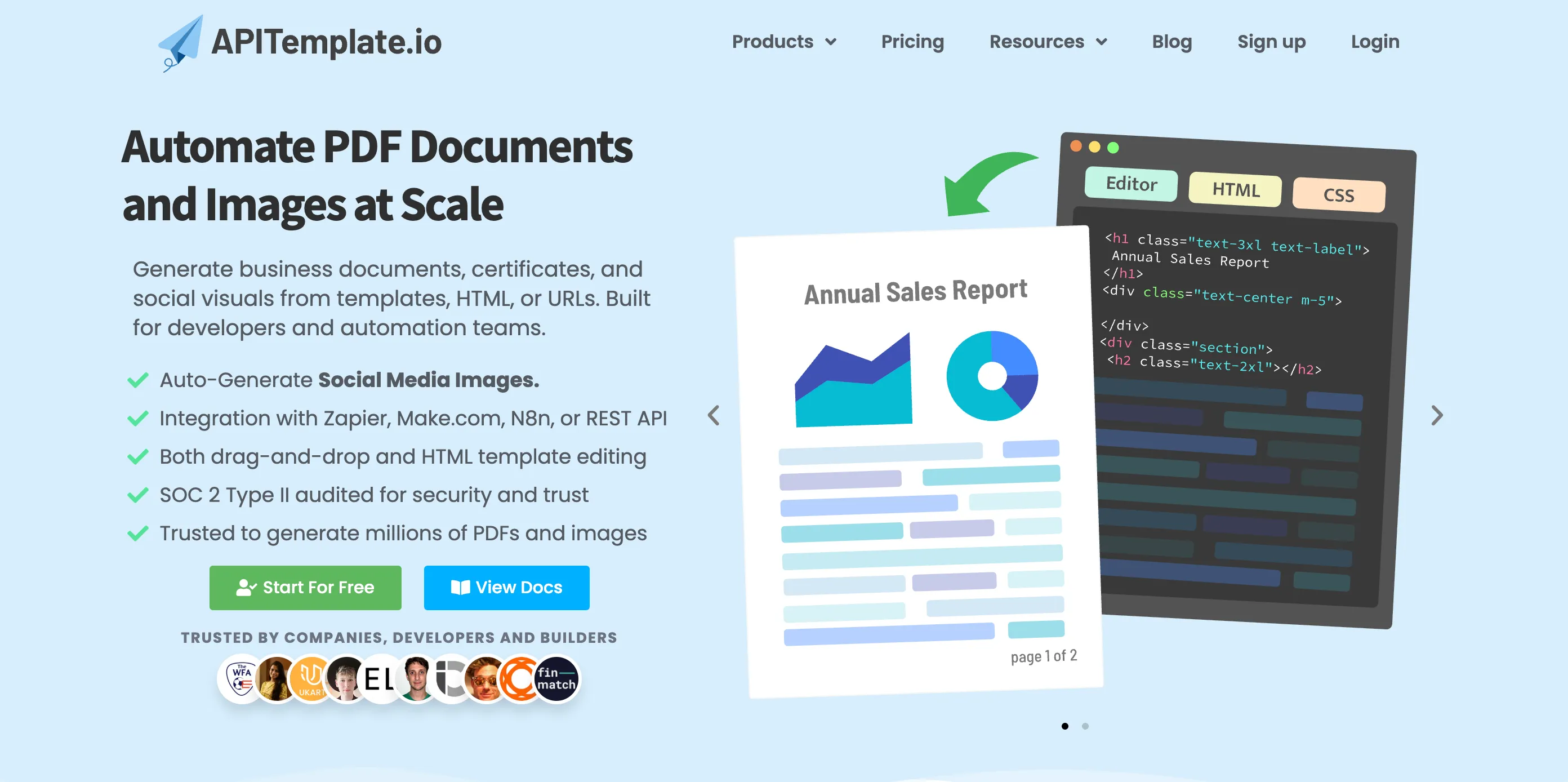
APITemplate.io automates PDF and image generation with a simple API. For PDFs it supports Markdown, HTML, and a WYSIWYG editor, and for images it offers a drag-and-drop template editor. It integrates with Make, Zapier, Bubble, Airtable, and n8n, and it is SOC 2 Type II audited, which is reassuring for teams with security requirements.
You can start free with up to 50 images or PDFs a month, then move to the Starter plan at $29 per month for 1,500 images or PDFs (billed annually), scaling up to enterprise volume, with PDF-only plans from $19 per month. It is a practical document-automation choice, but it is a generator, not a credential platform, so verification links and recipient management are not included.
| Pros | Cons |
|---|---|
| Flexible PDF creation (Markdown, HTML, WYSIWYG) | No credential verification built in |
| SOC 2 Type II audited | Recipient sharing not included |
| Free tier and affordable PDF-only plans | Higher volume needs paid tiers |
Overall Comparison Table
| Platform | Free to start | Templates | Verifiable credentials | Bulk issuance | Best for |
|---|---|---|---|---|---|
| Wauld | Yes, no onboarding fees | 1000+ | Yes (Open Badges, W3C) | Yes, spreadsheet and forms | All-in-one design, issue, track, verify |
| Bannerbear | Yes, up to 30 images | Yes | No | Via your own code | Developers automating image and PDF output |
| DynaPictures | Yes, free plan | Yes | No | Via API and spreadsheets | Personalized marketing images at scale |
| Plainly | 14-day trial | Yes (After Effects) | No | Via API and CSV | Automated personalized video |
| Abyssale | Paid, per seat | Yes | No | Via API and spreadsheets | Bulk ad and marketing creatives |
| Thirds.ai | Yes, 50 credits/mo | Yes | No | Via API and spreadsheets | Quick image and PDF automation |
| Placid | Free trial | Yes | No | Via API | Content teams needing images, PDFs, video |
| Renderform | Yes, watermarked | Up to 100 | No | Via API | Low-cost template image generation |
| APITemplate.io | Yes, 50 PDFs | Yes | No | Via API | Document-heavy PDF automation |
Pricing and limits change often, so confirm current details on each tool's own pricing page before you buy.
Why Wauld Is a Good Fit
Here is the honest summary. Most tools on this list are excellent at what they were built for: turning a template plus some data into an image, a PDF, or a video. If you are a developer who just needs files generated and you will handle everything else, any of them can work.
But issuing certificates is bigger than making files. You need to send them to real people, let those people show them off, and let anyone confirm they are genuine. That is where Wauld pulls ahead. It is the only option here that covers the whole lifecycle in one place: design a branded certificate from 1000+ templates, issue it in bulk from a spreadsheet or form, track who opens and shares it, and hand every recipient a verifiable link they can add to LinkedIn or a resume. Because it aligns with Open Badges 3.0 and W3C Verifiable Credentials, those credentials are trusted wherever they land.
It is also friendly to smaller teams. Free to start, no onboarding fees, and no enterprise contract required, so a single trainer or a growing association gets the same core toolkit a big organization would. You are not stitching together an image API, a delivery system, and a verification service. It is one platform. If you want to compare it against other issuers, Wauld's list of the top digital certificate platforms for certificate management is a good next stop.
Conclusion
Choosing certificate generator software comes down to one question: do you need files, or do you need credentials? The API tools here, Bannerbear, DynaPictures, Plainly, Abyssale, Thirds.ai, Placid, Renderform, and APITemplate.io, are strong at generating images, PDFs, and video, and they suit engineering teams that want to automate output inside their own systems. If that is your job, pick the one whose formats, integrations, and price fit best.
If you want certificates that people can share and anyone can verify, without building the plumbing yourself, a full credential platform is the smarter path. Wauld gives you design, issuing, tracking, and verification in one welcoming, affordable package, which is why it leads this list for 2026. Whichever you choose, match the tool to the job, and your recipients (and your inbox) will thank you.
Design, issue, and verify certificates in one place
Start from 1,000+ templates, issue in bulk from a spreadsheet or form, and give every recipient a verifiable link they can share. Wauld is free to start, with no onboarding fees.
FAQs on Certificate Generator Software
What is certificate generator software? It is a tool that lets you design a certificate once, fill it with each recipient's details, and produce finished files at scale. The more complete platforms go further and turn each certificate into a verifiable credential with a unique link that proves who issued it and to whom.
What is the best certificate generator software in 2026? It depends on the job. Wauld leads this list because it covers design, bulk issuing, tracking, and verification in one platform. If you only need files generated inside your own app or workflow, developer-first APIs like Bannerbear, Placid, and APITemplate.io are strong picks.
Is there free certificate generator software? Yes. Wauld is free to start with no onboarding fees, and several API tools offer free tiers, including Bannerbear (up to 30 images), DynaPictures, Renderform (50 watermarked credits), and APITemplate.io (up to 50 images or PDFs a month). Thirds.ai also starts free with 50 credits a month.
What is the difference between a certificate generator and a credential platform? A generator produces the image or PDF and stops there. A credential platform like Wauld also issues each certificate as a verifiable credential, gives recipients an easy way to share it, and lets anyone confirm it through a unique verification link.
Can I issue certificates in bulk? Yes. Most tools here support bulk output, whether by uploading a spreadsheet, connecting a form, or calling an API. Wauld issues in bulk from a spreadsheet or a connected form, so you are not typing names one at a time.
How do recipients verify a digital certificate? Each credential carries a unique verification link that anyone can open to confirm who issued it and to whom. Wauld aligns with open standards like Open Badges 3.0 and W3C Verifiable Credentials, so its credentials are trusted across platforms.