





Good Standing
We're a SourceForge Top Performer for Digital Credential Management.Read the announcement
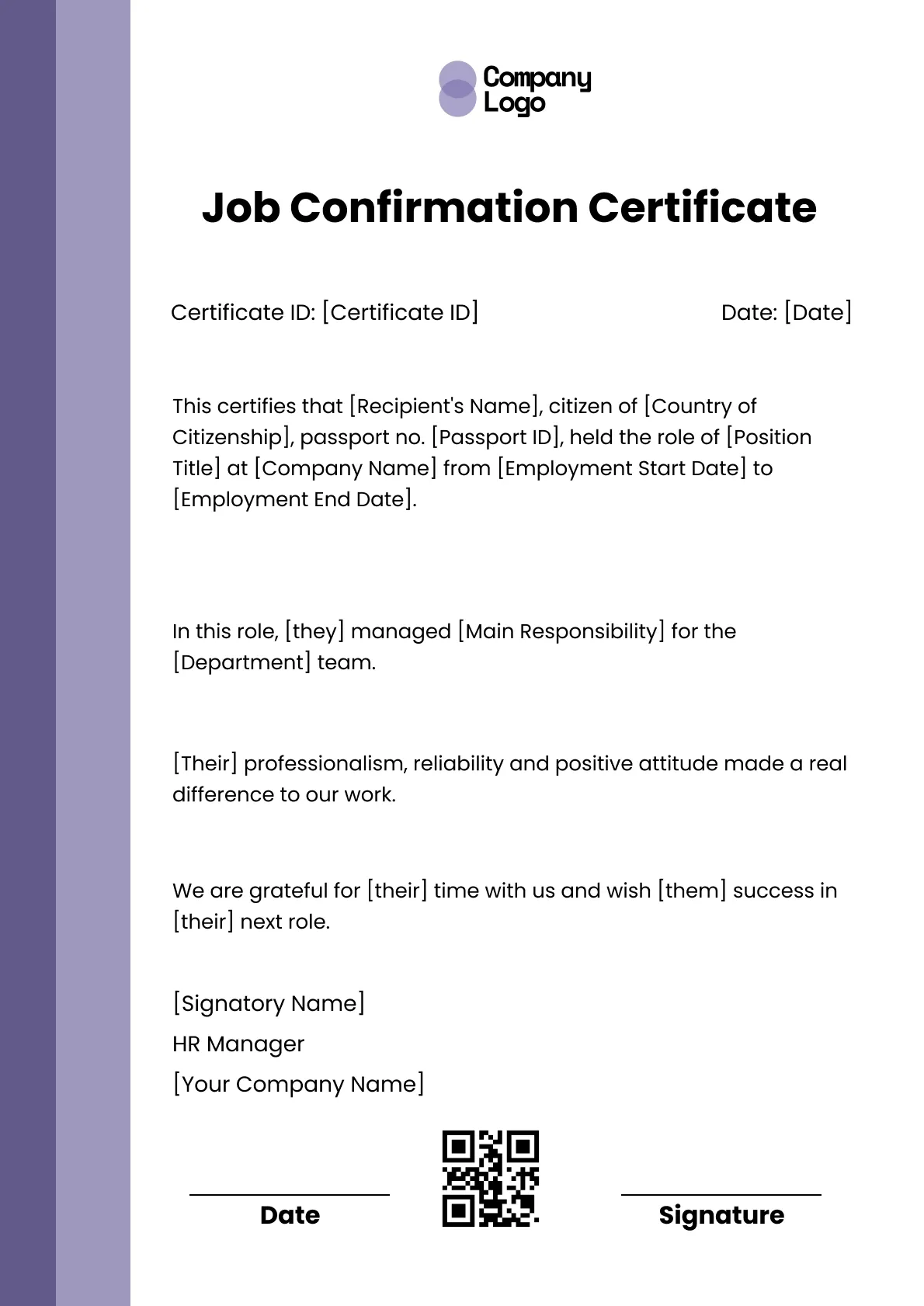
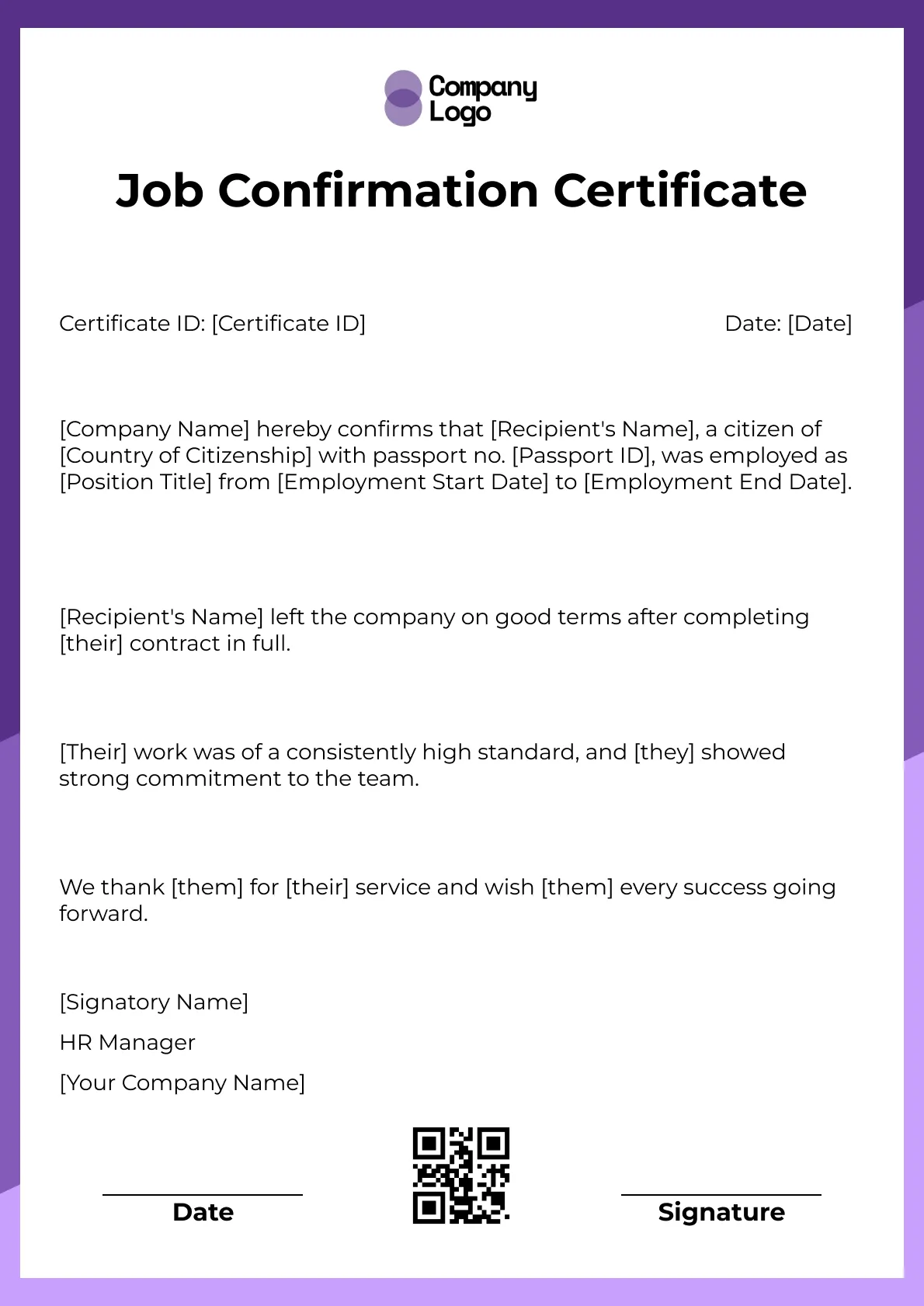
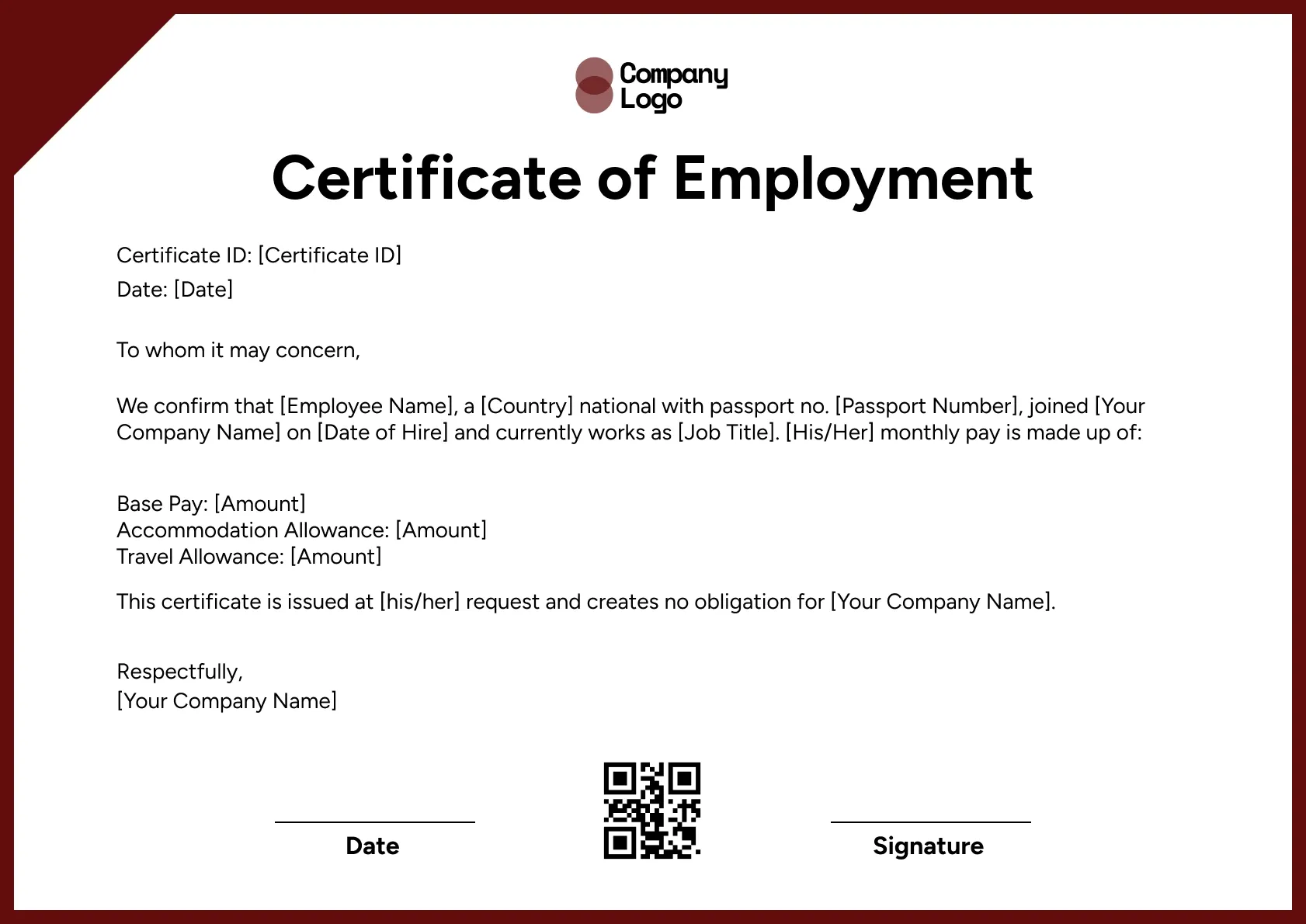
A modern employment confirmation template with a purple sidebar. Confirm an employee's role and department, then issue verifiable copies with Wauld.
Use this templateBEST FOR
CATEGORIES
Edit color, fonts, logos, and layout freely in the Wauld visual editor.
Every issued certificate gets a unique QR code linking to a live verification page.
Connect Wauld to the tools you already use to automate issuing and delivery.
Every credential is stored as a secure record that recipients and employers can trust.
Confirm an employee's role and department in a clean, modern format. This portrait design places a bold purple sidebar down one edge, and lets you issue employment certificates that recipients can verify online.
Key Features:
This version has room to name the department the employee worked in, not just their title. That context helps a reader understand where the person sat in your organization.
The layout is simple to fill in, so HR teams can turn requests around quickly. Save the template once and reuse it for every confirmation, changing only the employee details.
Find answers to the most common questions about this template.
Not always. A passport number is common on certificates used for visas or international checks, but you can leave it off for domestic requests. The field is optional.
Yes. This template has space to name the position held and the department or team the employee worked in, which adds helpful context for the reader.
Only a few minutes. You replace the placeholder fields with the employee's details, add your logo and signature, and the certificate is ready to issue.
Yes. You can share the template within your Wauld workspace so colleagues on your team can edit and issue certificates from the same design.
Connect your forms, learning platforms, and other tools to Wauld through these integrations to automate certificate delivery.
Good Standing
Good Standing
Good Standing
Good Standing

Certificate Templates & Design


Digital Credentialing
Comparisons & Alternatives
Customize this template and issue verifiable credentials in minutes. Free for up to 300 credentials, no credit card required.
Sign up for free