Automate Credential Management With Power Automate Integration
Connect Wauld with Microsoft Power Automate to issue verifiable certificates and badges automatically from Forms, SharePoint, or Dynamics 365.

From a Power Automate cloud flow to a verified credential
Set up the integration once, then every trigger event in your connected Microsoft apps issues a credential on its own.

A trigger fires in Power Automate
A Microsoft Forms response, a new SharePoint item, or a Dynamics 365 update. Any of 1,000+ connectors can start it.
Your cloud flow maps the data
Conditions, filters, and data operations decide who qualifies and shape the recipient details.

The HTTP action calls Wauld
An HTTP action POSTs the details to your Wauld webhook, and the credential is issued in seconds.
Recipient receives their credential
A verifiable certificate or badge lands in the recipient's inbox, ready to share. Wauld's webhook can then flow the data back into Power Automate to update SharePoint or notify Teams.
Automation Workflows Teams Build With Power Automate
Recognize learners, customers, and employees the moment they earn it, and boost productivity by taking manual issuance out of the process

A Microsoft Forms response arrives
The Microsoft Forms trigger passes each entry to your flow, and the certificate arrives before the tab closes.
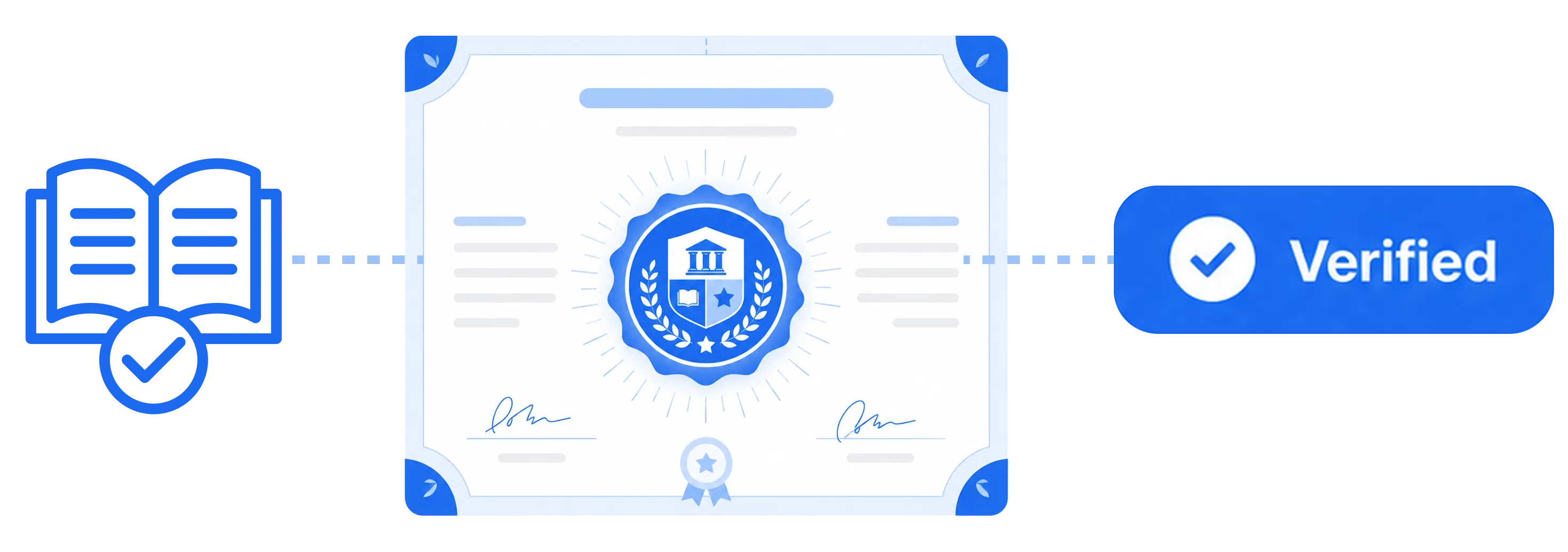
A quiz score clears the bar
A condition step issues credentials only to those who passed the quiz and sends everyone else a retake reminder.
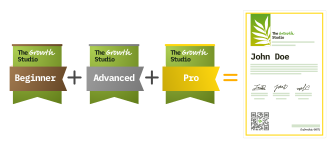
A SharePoint list item is added
When a SharePoint item is created or its status flips to complete, the credential goes out automatically.

A new row lands in Excel
Every new row in an Excel workbook on OneDrive becomes a credential, so issuing in bulk is just pasting a list.

A Dynamics 365 record updates
When a Dynamics 365 or Dataverse record reaches the right stage, issue the credential straight from that data.

A Microsoft Teams event wraps up
Use Teams attendance and registration data to send proof-of-attendance credentials the moment an event ends.

A Power Apps button is pressed
Trigger a flow from a Power Apps app so staff issue a credential with a single tap, no export required.

A scheduled recurrence runs
A Recurrence trigger reissues compliance certificates on a fixed cycle, so recertification never slips.
What You Can Connect Through Power Automate
Power Automate offers 1,000+ connectors across Microsoft 365, Dynamics 365, and third-party apps. Almost any tool that records a completion can issue a credential through Wauld's webhook. A sample of what teams connect:
Microsoft 365 apps
- Microsoft Forms
- SharePoint
- Outlook
- OneDrive
Teams & collaboration
- Microsoft Teams
- Planner
- Viva Engage
Business apps & data
- Dynamics 365
- Dataverse
- SQL Server
- Azure
Spreadsheets & lists
- Excel Online
- SharePoint Lists
Productivity & scheduling
- Power Apps
- Approvals
- Scheduler
CRM & marketing
- Salesforce
- HubSpot
- Mailchimp
Plus Power BI, Slack, Jira, Trello, Google services, Adobe, and roughly 1,000 more connectors available in Power Automate and the wider Power Platform, along with desktop flows for apps that have no API.
Integrate Wauld With Your Automation Stack
Most of these platforms connect to Wauld with a native Issue Credential action and Credential Issued trigger, while Power Automate connects through Wauld's webhook, so you can build on whichever workflow tool your team already runs on








Prefer to build the connection yourself? Wauld also offers native webhooks and a REST API.
Why Automation Teams Choose Wauld
Streamline credentialing without leaving Power Automate or the Microsoft apps around it

Digital badges
Create digital badges in your own brand colors and fonts, then hand recipients something ready to pin to a LinkedIn profile, drop into an email signature, or display across their profiles.
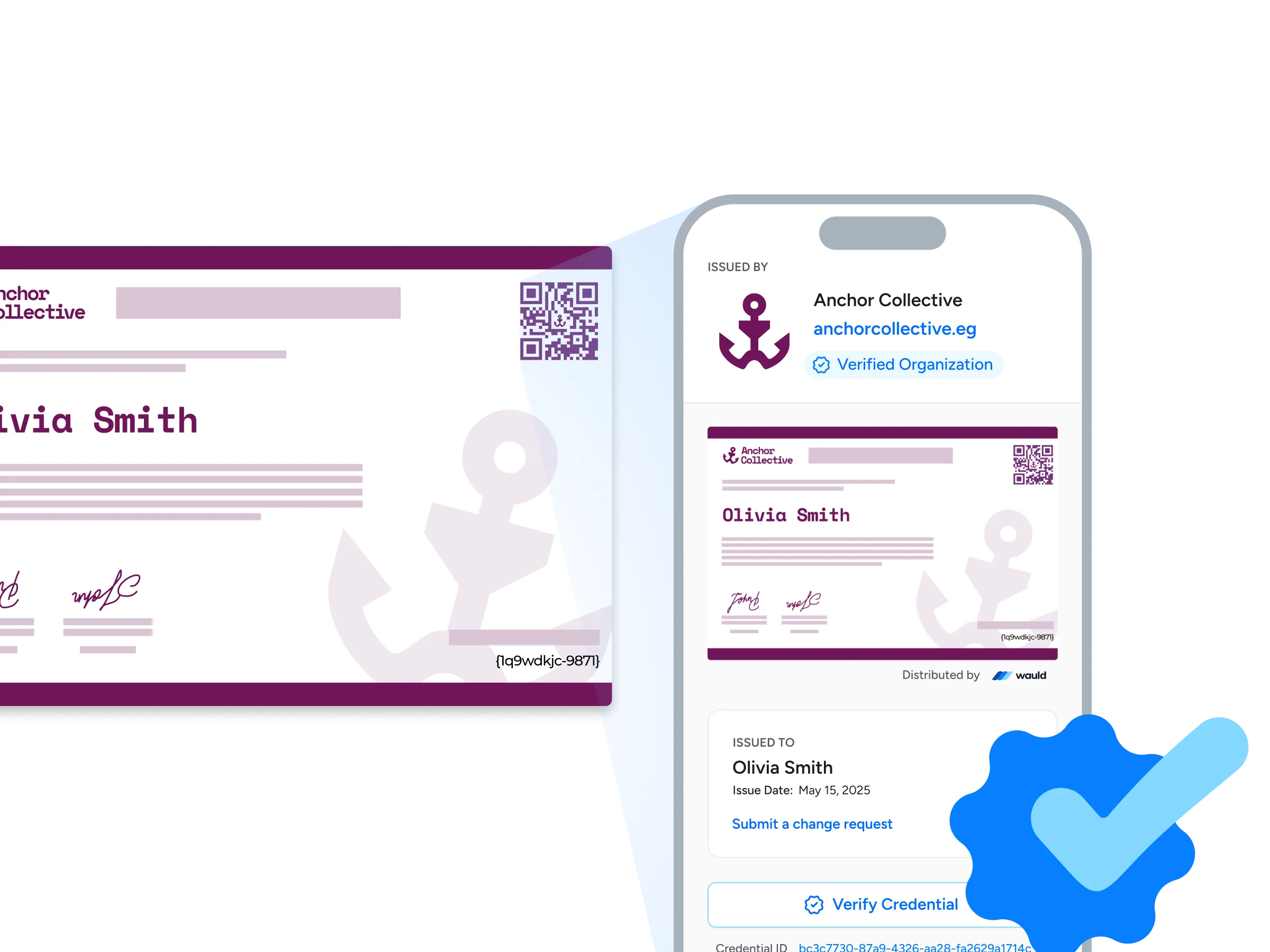
Verification pages
Every credential ships with its own verification page carrying your organization URL and a verified-organization badge, so anyone can confirm it in seconds with a single click or a quick QR scan.
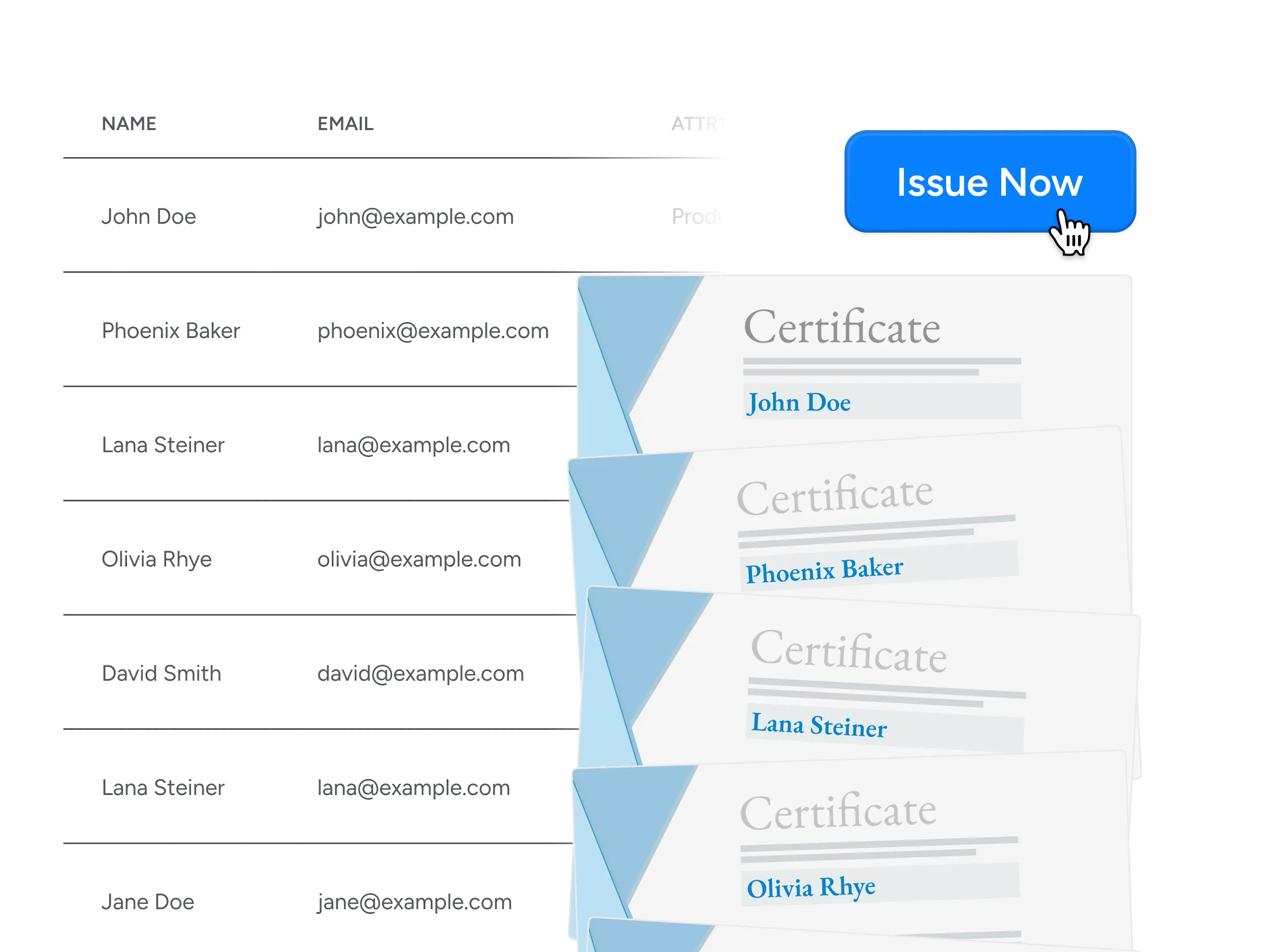
Bulk issuance
Send thousands of certificates and badges in minutes through CSV uploads, connected workflows, or the API, so no one has to issue them one at a time.
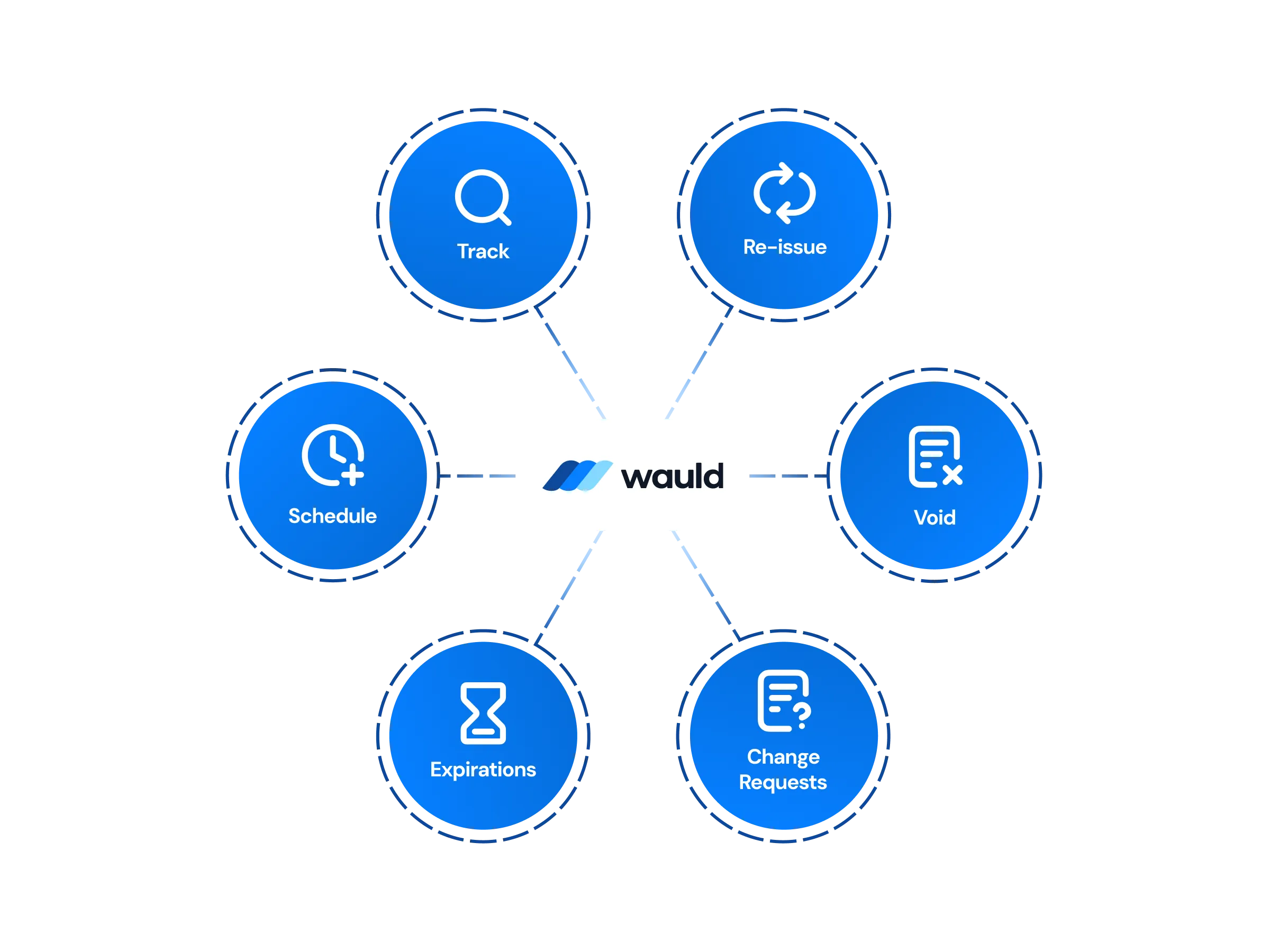
Central Management of certificates
Run everything from one dashboard, designing, issuing, editing, handling change requests, or revoking credentials, with workspaces and role-based permissions backed by enterprise-grade security.
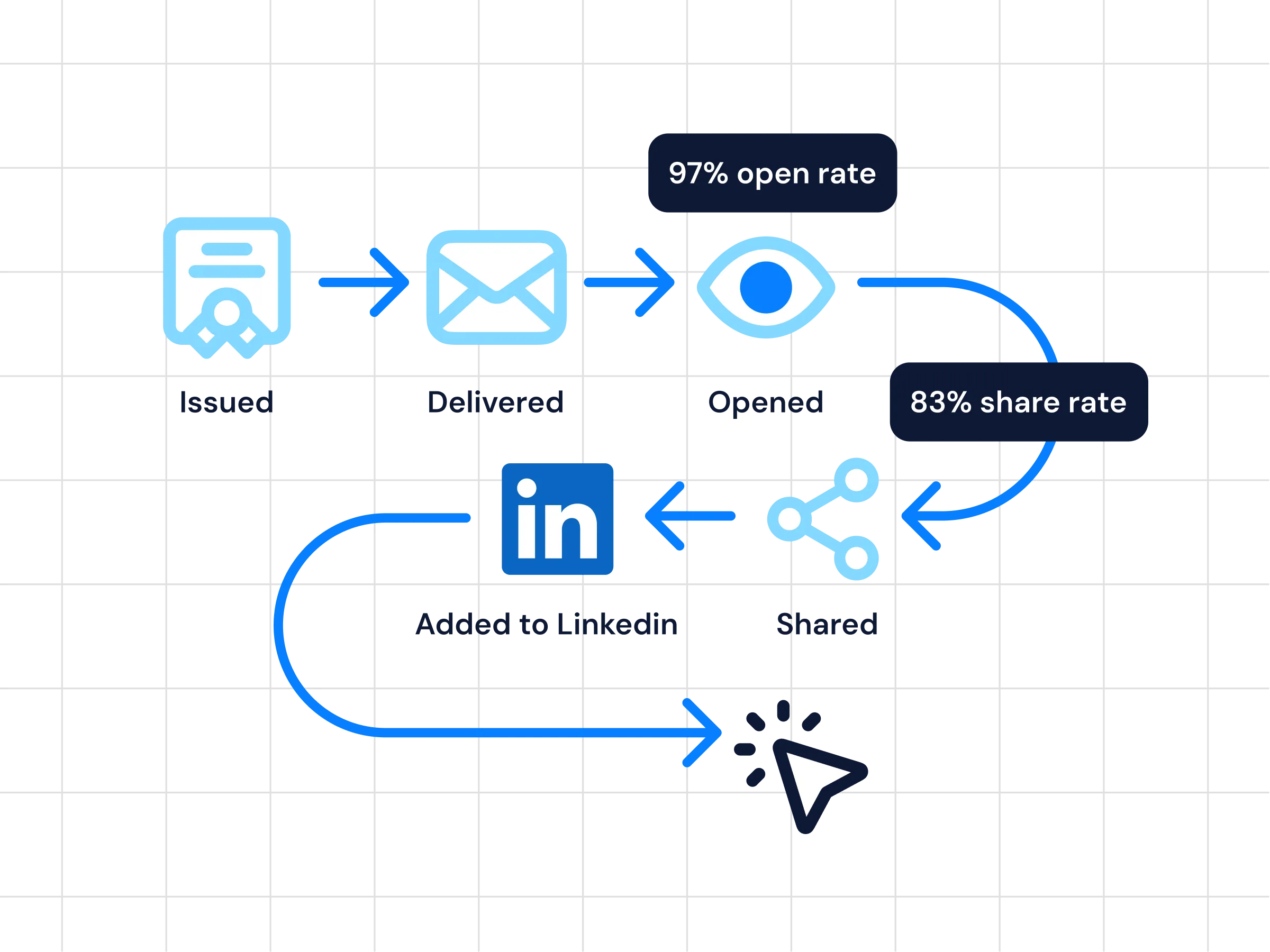
Analytics
Watch how credentials perform in real time, with issuance, opens, shares, verification scans, and recipient engagement all in a single view.
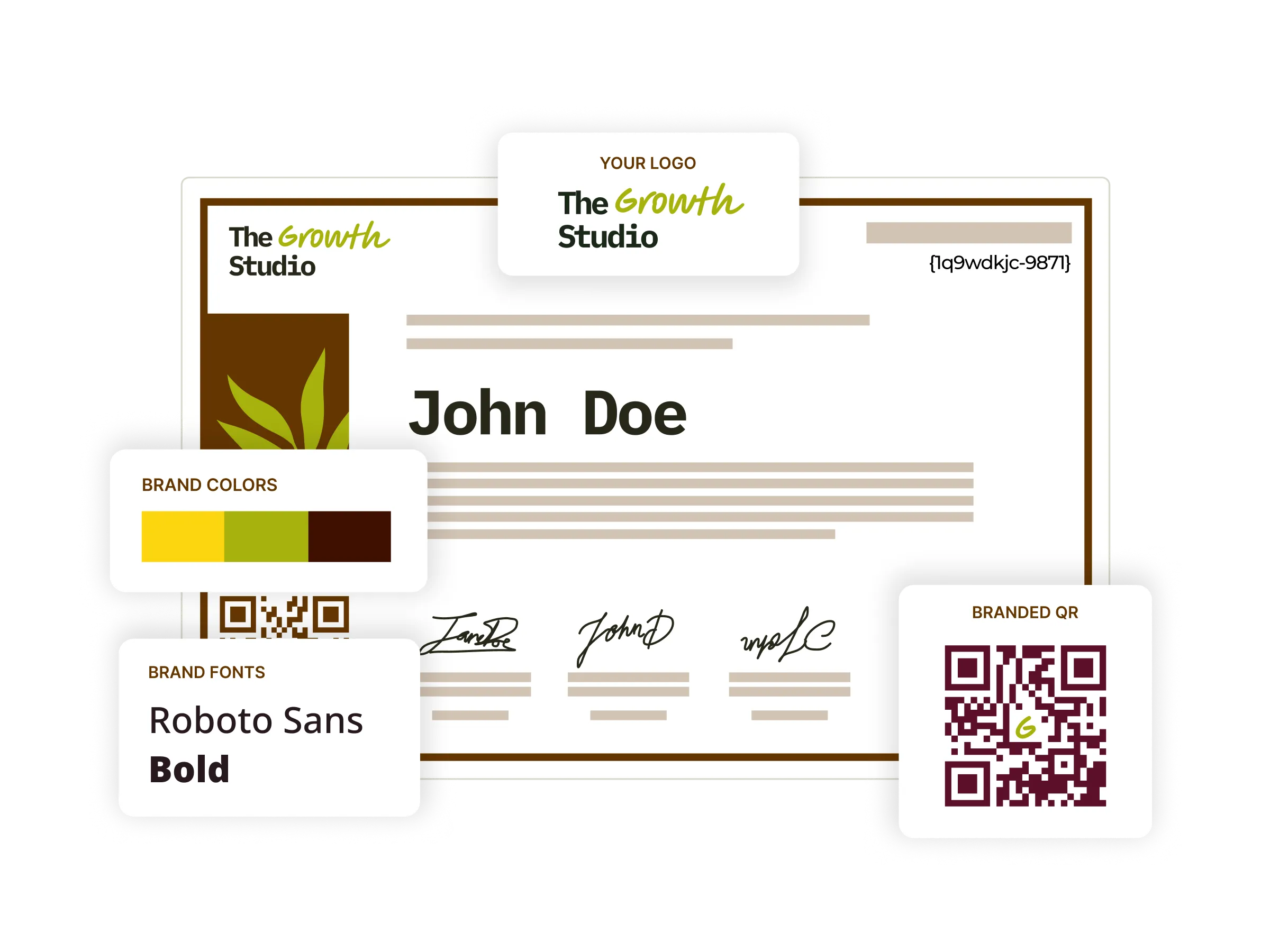
Digital certificates
Start from 1,200+ certificate templates, tailor them to your own brand, and issue and track every one from a single platform, so the whole credentialing workflow stays in one place.
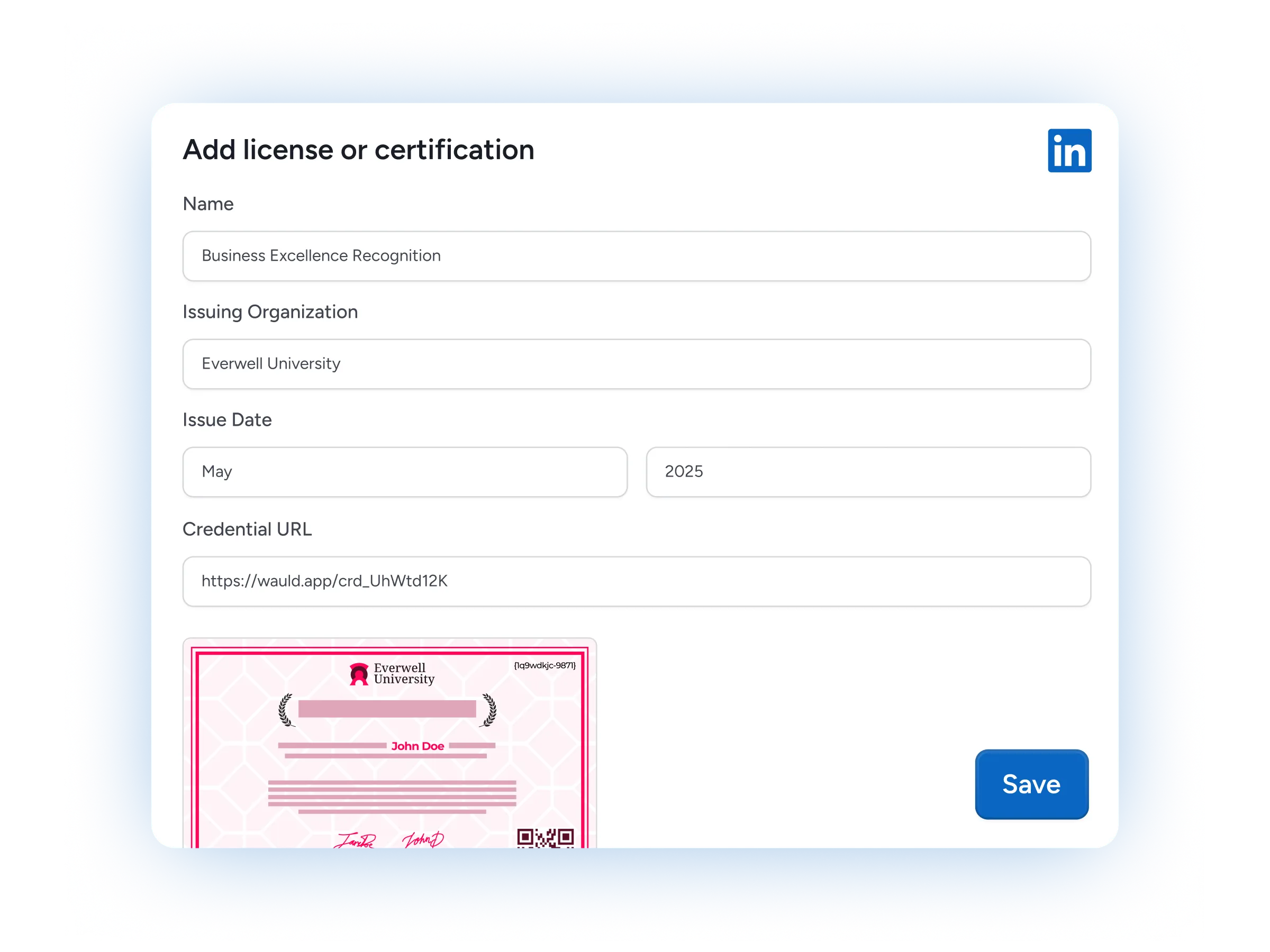
LinkedIn Sharing
One click adds a credential to a recipient's LinkedIn profile, putting your programs in front of their entire professional network.
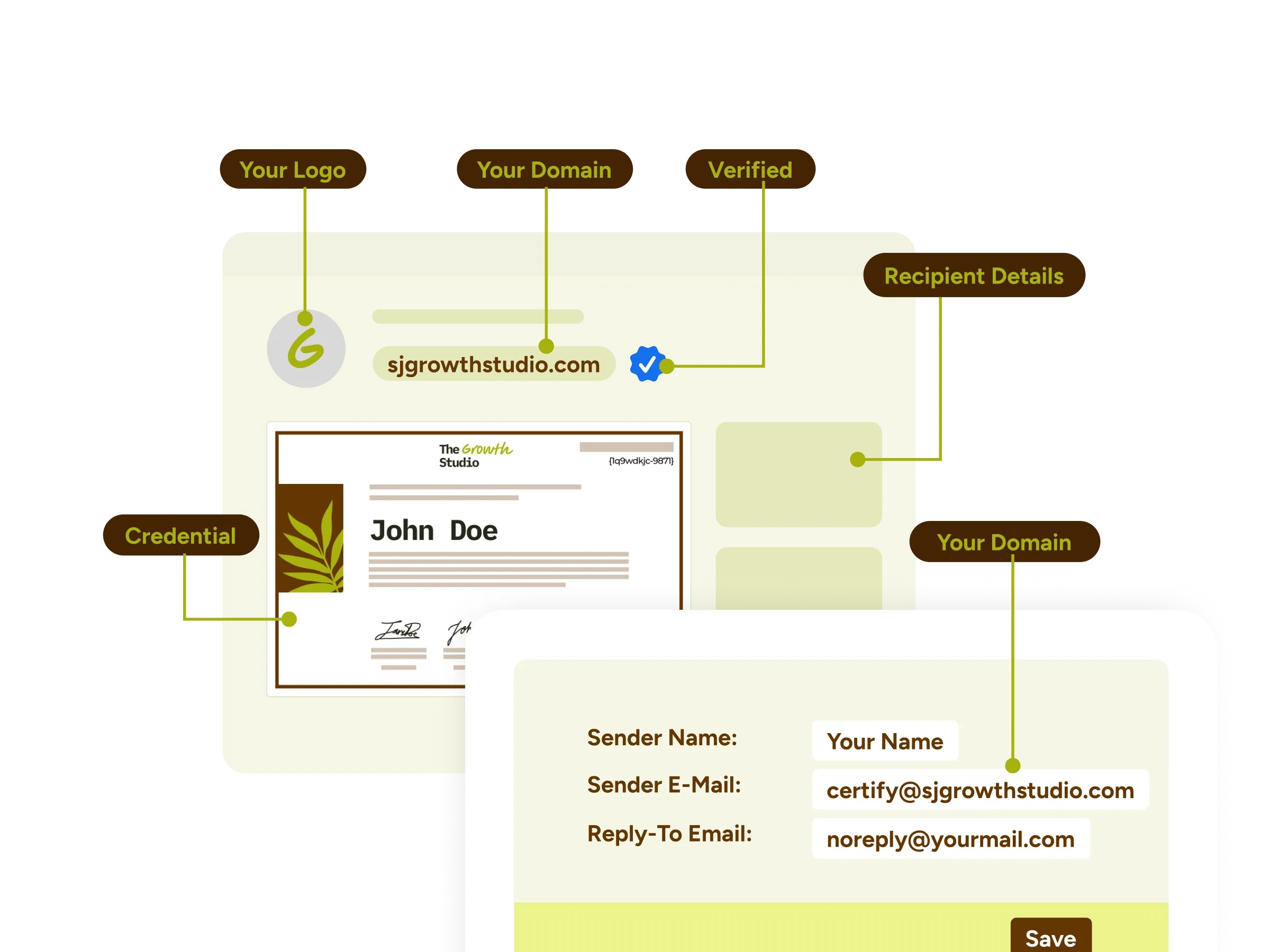
White-label experience
Deliver an end-to-end branded experience with custom domains, email templates, credential wallets, and certificates that carry your organization's identity throughout.

Certificates as Marketing Assets
Turn each credential into a growth channel, because every time recipients share an achievement on LinkedIn and social media, your brand's visibility and reach travel with it.
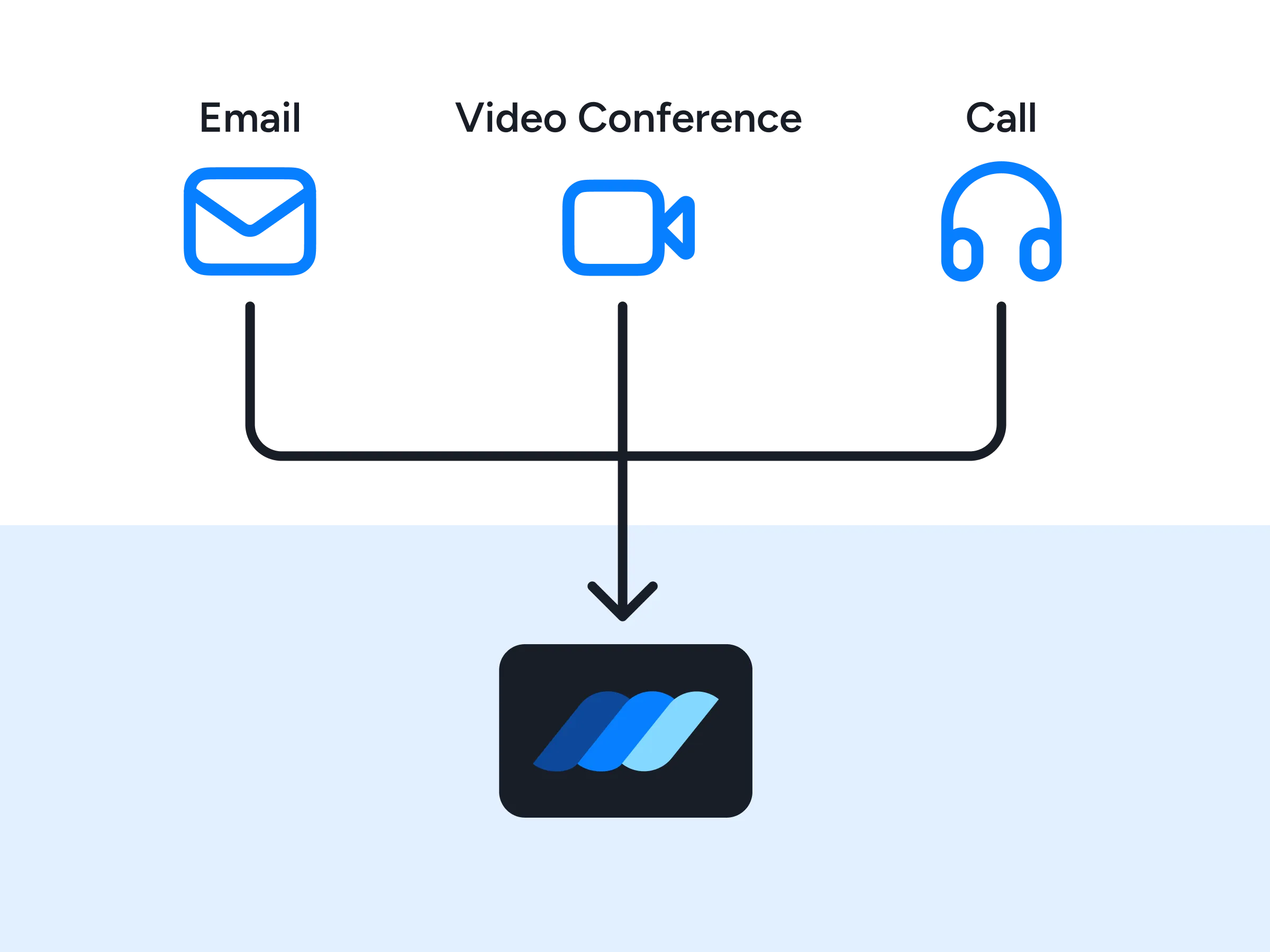
Premium Support
Lean on priority support from our team, with dedicated onboarding, hands-on implementation guidance, and fast response times whenever a question comes up.
FAQs
Everything you need to know about connecting Microsoft Power Automate with Wauld and issuing digital credentials
How do I connect Wauld with Microsoft Power Automate?
In Wauld, open Integrations, create a webhook endpoint, and copy the URL. In Power Automate, build an automated cloud flow, pick your trigger (for example, a new Microsoft Forms response), add any data operations you need, then add an HTTP action that POSTs the recipient's name and email to your Wauld webhook URL. Run a live test to confirm the credential is issued, and switch the flow on. Most teams complete this in under an hour.
Is there a native Wauld connector in Power Automate?
Wauld connects to Power Automate through webhooks rather than a listed connector, so you reach Wauld using the built-in HTTP action instead of picking Wauld from the connector gallery. Note that the HTTP action is a premium connector and needs a Power Automate Premium license (around $15 per user per month). If you would rather skip the premium license, Wauld connects to the same Microsoft apps through Zapier, Pabbly Connect, or a direct Excel and OneDrive automation.
Which Microsoft apps can trigger a credential?
Any app with a Power Automate connector can start the workflow: Microsoft Forms, SharePoint, Excel, Dynamics 365, Microsoft Teams, Outlook, Power Apps, and 1,000+ connectors across Microsoft 365 and third-party services. Whichever tool records a completion can trigger credential issuance in Wauld through your flow.
Do I need a developer to set up the integration?
No. The flow is built visually in the Power Automate designer, which is documented step by step on Microsoft Learn: choose a trigger, map a few fields, add the HTTP action, and turn it on. The only technical step is pasting your Wauld webhook URL. If your automation lives elsewhere, Wauld also offers Zapier, Pabbly Connect, webhooks, and an API.
Can I issue credentials to a whole cohort from SharePoint or Excel?
Yes. Point a cloud flow at a SharePoint list or an Excel table and add an Apply to each step so it runs once per row, and Wauld issues a credential for every person in the cohort. For one-off batches you can skip automation entirely and upload a CSV directly in Wauld.
Can recipients share credentials issued through Power Automate on LinkedIn?
Absolutely. However a credential was triggered, it is ready to add to a LinkedIn profile in one click, and each one gets its own verification page that an employer can confirm in seconds with a single click or a quick QR scan.
Which Wauld pricing plan includes the Power Automate integration?
Wauld's webhooks are available on all plans, including the Free plan, so you can create a free Wauld account and start automating credential issuance right away. The Power Automate side is subject to Power Automate pricing, since the HTTP action needs a Premium license. As your programs grow, higher Wauld tiers add white-label branding, bulk issuance, and deeper analytics.
What happens to my issued credentials if I downgrade or cancel my paid plan?
Once issued, your digital credentials remain valid and accessible to recipients even if you cancel your subscription. After your plan expires, features exclusive to paid plans will no longer be available, but all features included in the free plan will continue to work.
Start Issuing Certificates From Power Automate Today
Create your free Wauld account and issue your first certificate in minutes.
Talk to an Expert