Automate Credential Workflows With the OttoKit Integration
Integrate OttoKit (formerly SureTriggers) with Wauld to issue a certificate or badge when someone submits a form, completes a payment, or finishes a course.
From an OttoKit workflow to a verified credential
Build the automation once, then every trigger event in your connected apps and WordPress plugins issues a credential on its own.

An OttoKit trigger fires
A form submission or completed course starts the workflow. OttoKit connects 1,500+ apps and WordPress plugins.
OttoKit runs the workflow
In the visual workflow builder, filters and paths decide who qualifies and shape the recipient details before they reach Wauld.

Credential is issued
The Issue Credential action hands those details to your chosen Wauld template and issues the certificate or badge in seconds.
Recipient receives their credential
A verifiable certificate or badge lands in the recipient's inbox, along with an invite to share it and add it to their profile. The Credential Issued trigger can then send that data back to your CRM, a Google Sheet, or a Slack channel.
Automation Workflows Teams Build With OttoKit
Recognize learners, customers, and members the moment they earn it, and take manual issuance out of the process entirely
A form is submitted
Gravity Forms, WPForms, or Fluent Forms passes the entry to OttoKit, and the registrant has their certificate before they close the tab.

A LearnDash course is completed
The moment a learner finishes a LearnDash course, OttoKit issues a verifiable certificate they can show an employer, a client, or their own audience.
A Tutor LMS student finishes a course
Connect Tutor LMS so every completed course produces a branded credential automatically, with no export step and no manual issuance.
A WooCommerce order is completed
Trigger a credential from a completed WooCommerce order so paid courses and programs confirm access the moment the payment lands.
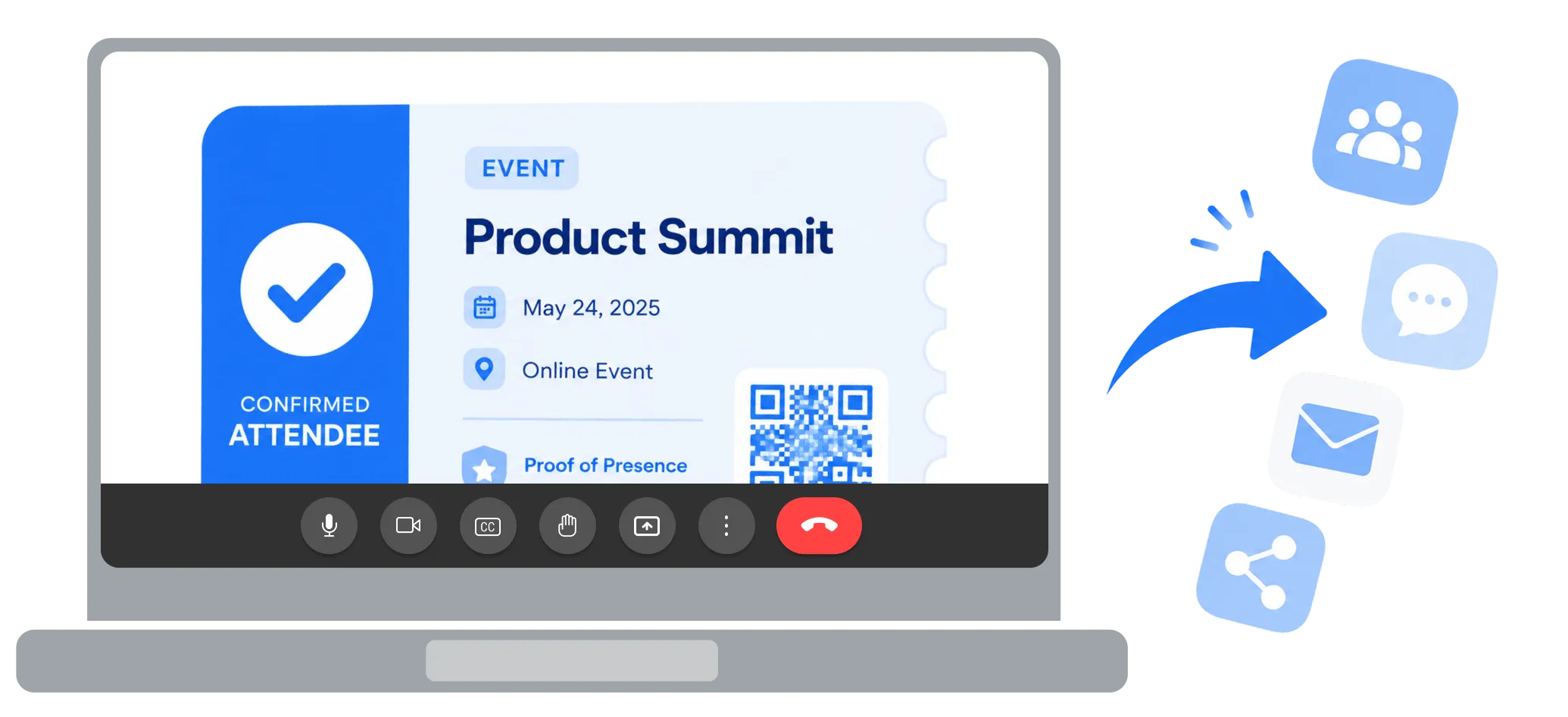
A MemberPress membership starts
Welcome new members with a credential as soon as their MemberPress membership begins, and reward renewals and level changes the same way.

A new row lands in Google Sheets
Watch a Google Sheets tab and turn every new row into a credential, which makes issuing to a whole cohort a matter of pasting a list.
A payment clears
Issue a credential from an Easy Digital Downloads or SureCart payment, so enrollment confirmations go out the instant the money clears.

A scheduled workflow runs
Use OttoKit's scheduler to reissue compliance certificates on a fixed cycle, so recertification never depends on someone remembering.
What You Can Connect Through OttoKit
Use OttoKit to integrate Wauld with 1,500+ apps and popular WordPress plugins. Almost any tool that records a completion can issue a credential through this automation platform. A sample of what teams connect:
Forms & lead capture
- Gravity Forms
- WPForms
- Fluent Forms
- Contact Form 7
Courses & LMS
- LearnDash
- Tutor LMS
- LifterLMS
E-commerce & payments
- WooCommerce
- Easy Digital Downloads
- SureCart
Membership & access
- MemberPress
- Paid Memberships Pro
- Restrict Content Pro
CRM & email marketing
- FluentCRM
- Mailchimp
- HubSpot
Spreadsheets & messaging
- Google Sheets
- Slack
- Gmail
Plus Elementor, Bricks, Presto Player, Stripe, PayPal, Airtable, Notion, Zoom, Twilio, and around 1,500 more.
Integrate Wauld With Your Automation Stack
OttoKit is one of several no-code routes into Wauld, so you can build on whichever automation platform your team already runs on




Why Automation Teams Choose Wauld
Streamline credentialing without leaving OttoKit or the WordPress plugins and cloud apps around it
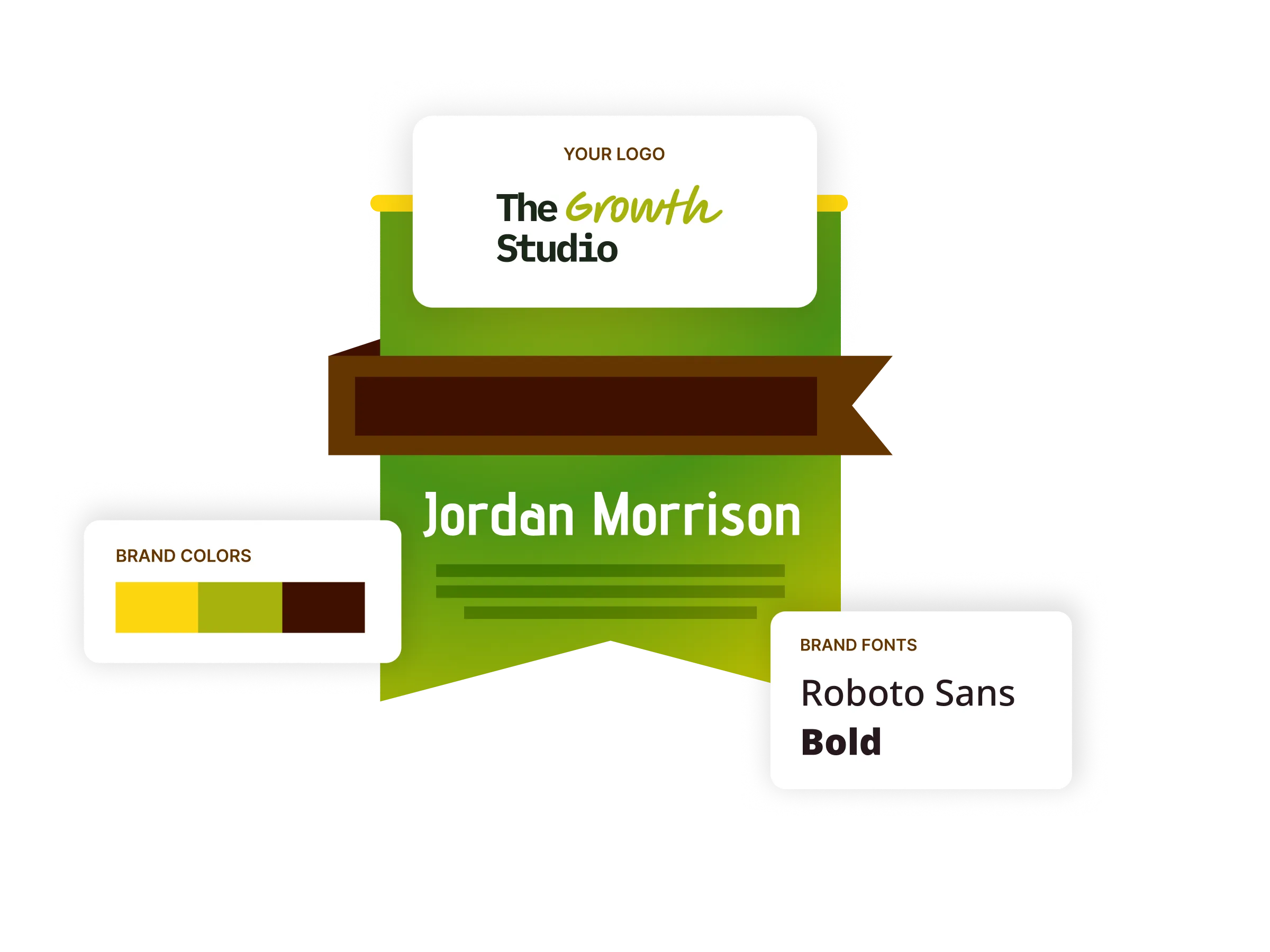
Digital badges
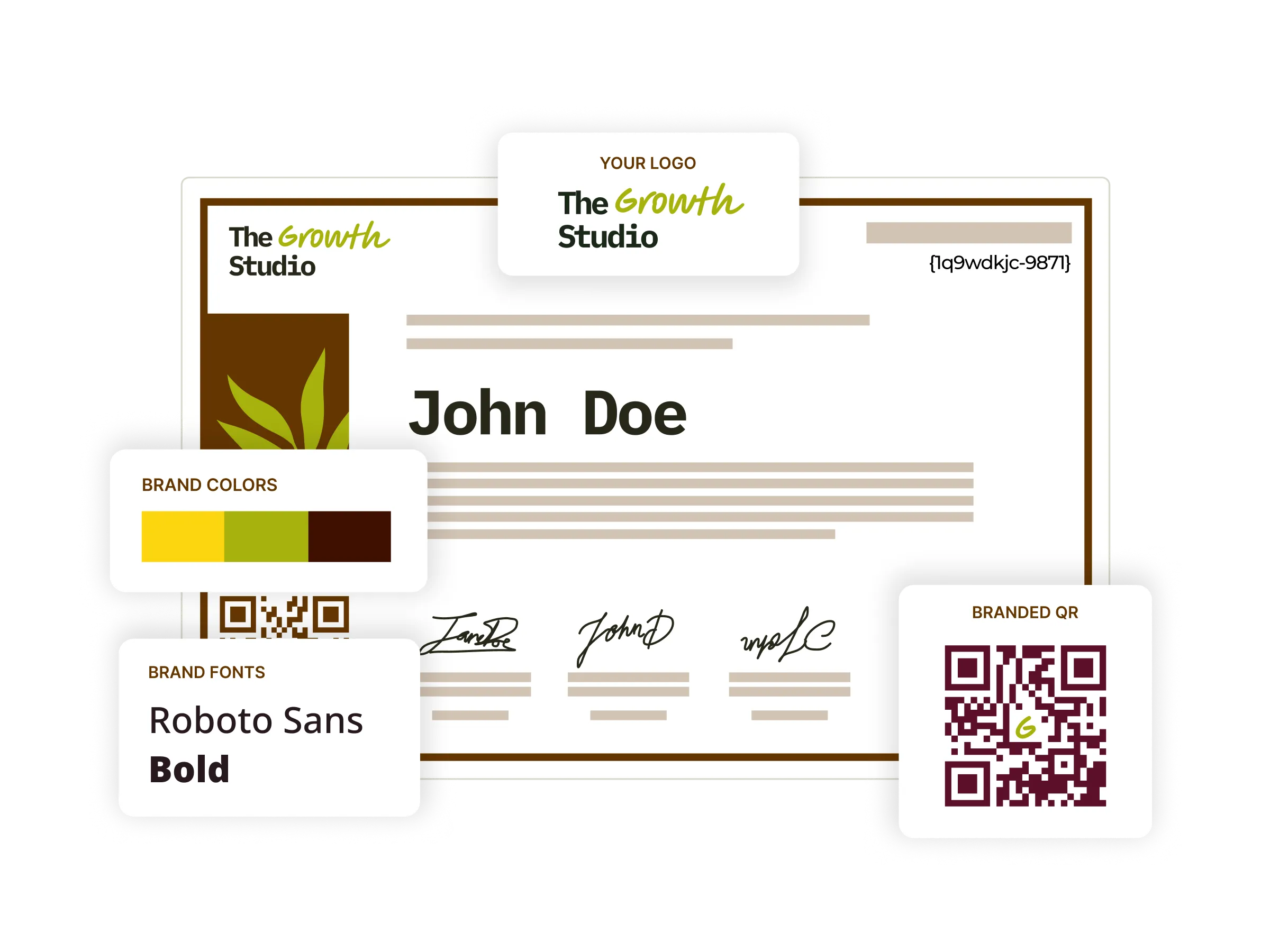
Build digital badges in your own brand colors and fonts, ready for recipients to show off on LinkedIn, in email signatures, and across their profiles.
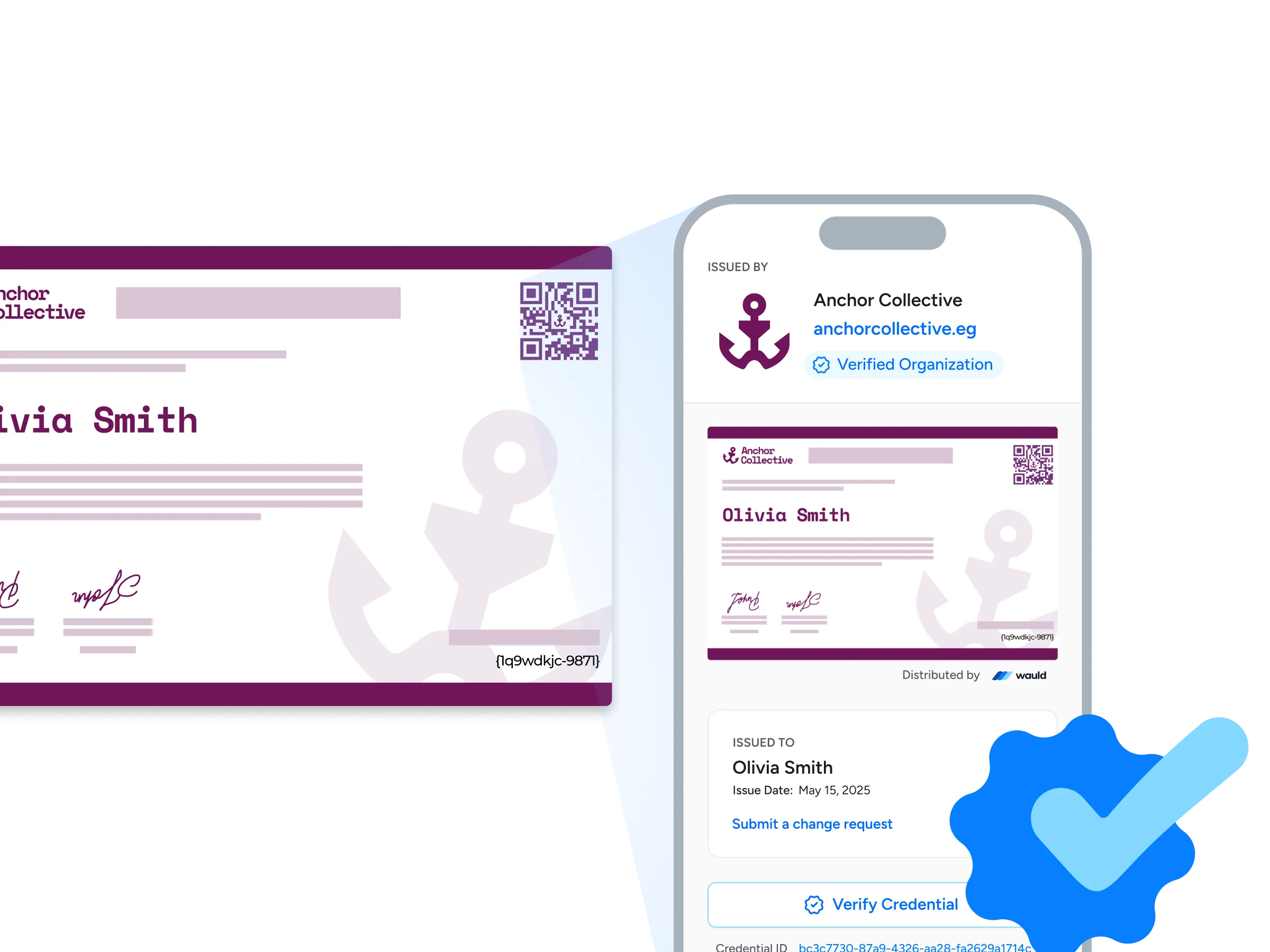
Verification pages
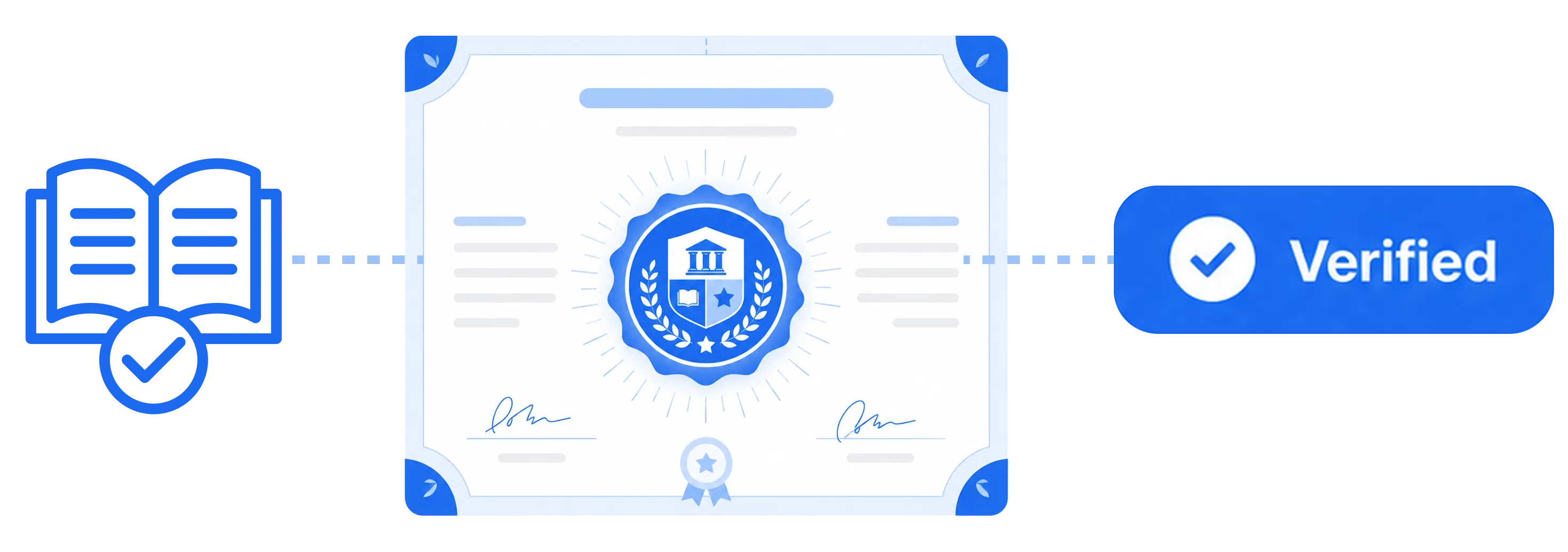
Each credential carries its own verification page, complete with your organization URL and a verified organization badge, so an employer can confirm it in seconds with a single click or a quick QR scan.
Digital certificates
Start from 1,200+ certificate templates, tailor them to your own brand, and issue and track every one from a single platform, so your whole credentialing workflow stays in one place.
Bulk issuance
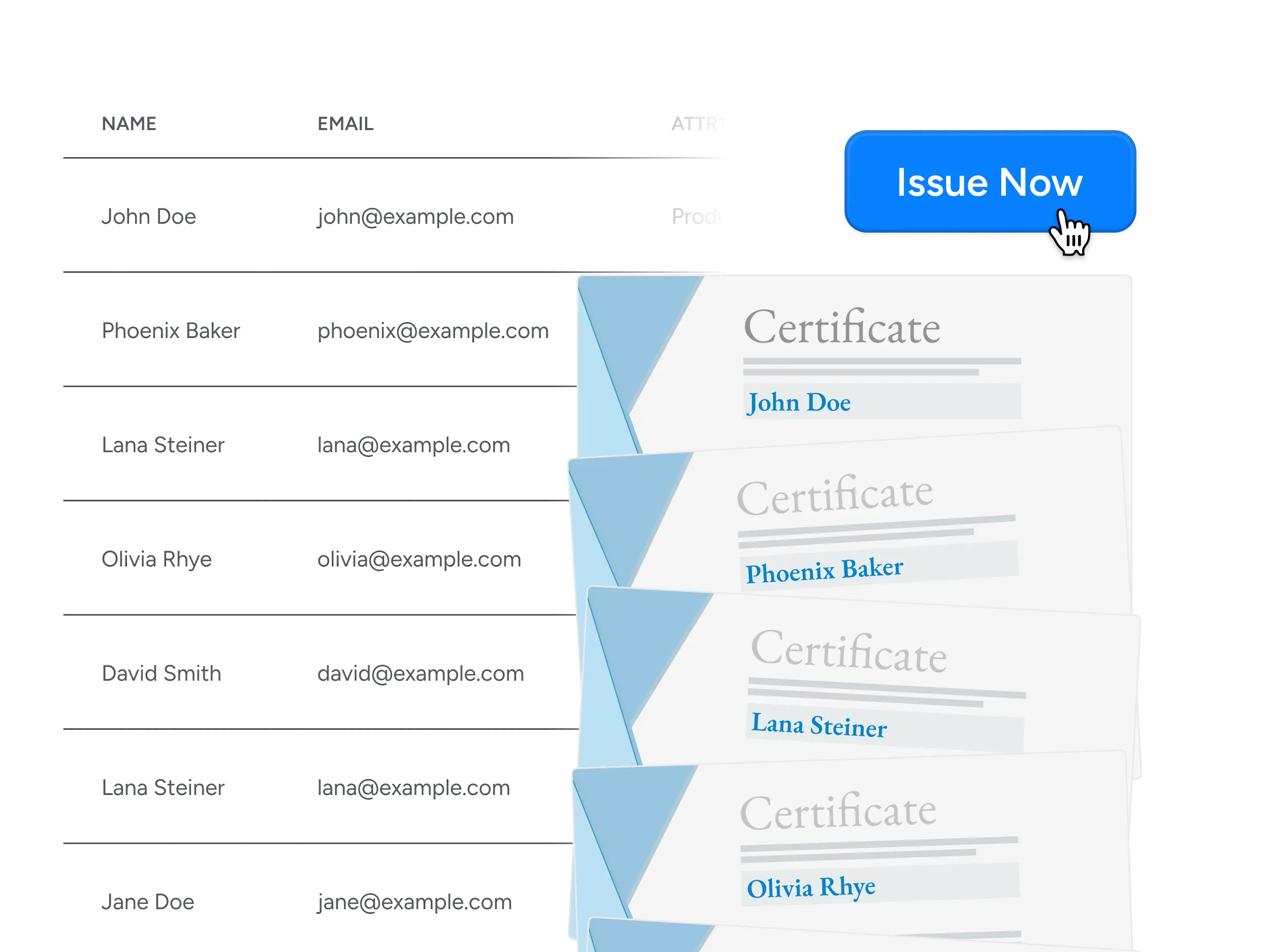
Send thousands of certificates and badges in minutes through CSV uploads, integrations, APIs, or automated workflows, with no manual effort required.
Central Management of certificates
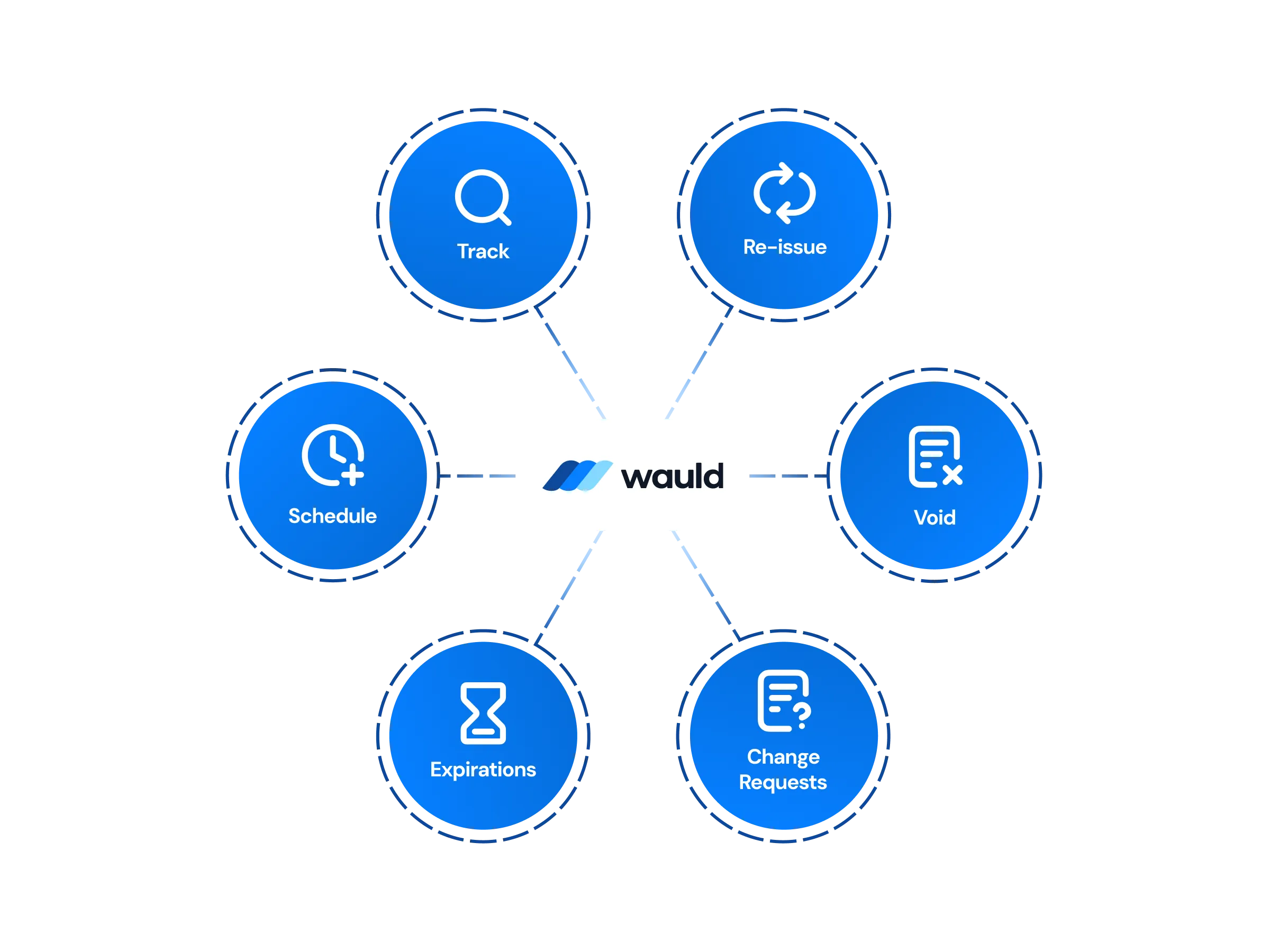
Design, issue, edit, handle change requests, and void credentials from one dashboard, with workspaces and role-based permissions backed by enterprise-grade security.
White-label experience
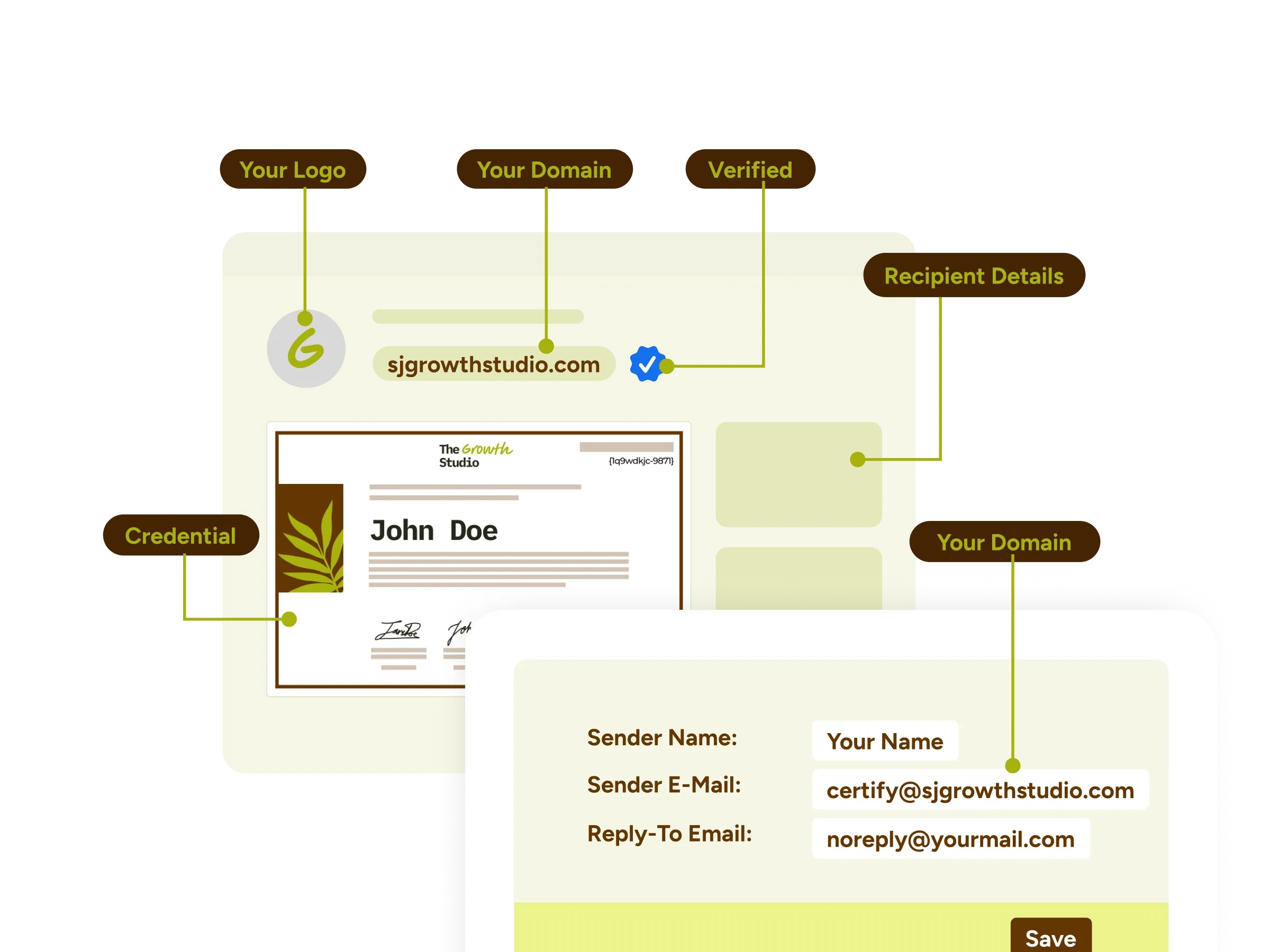
Give recipients a fully branded credentialing experience, with custom domains, email templates, credential wallets, and certificates that carry your organization's identity from end to end.
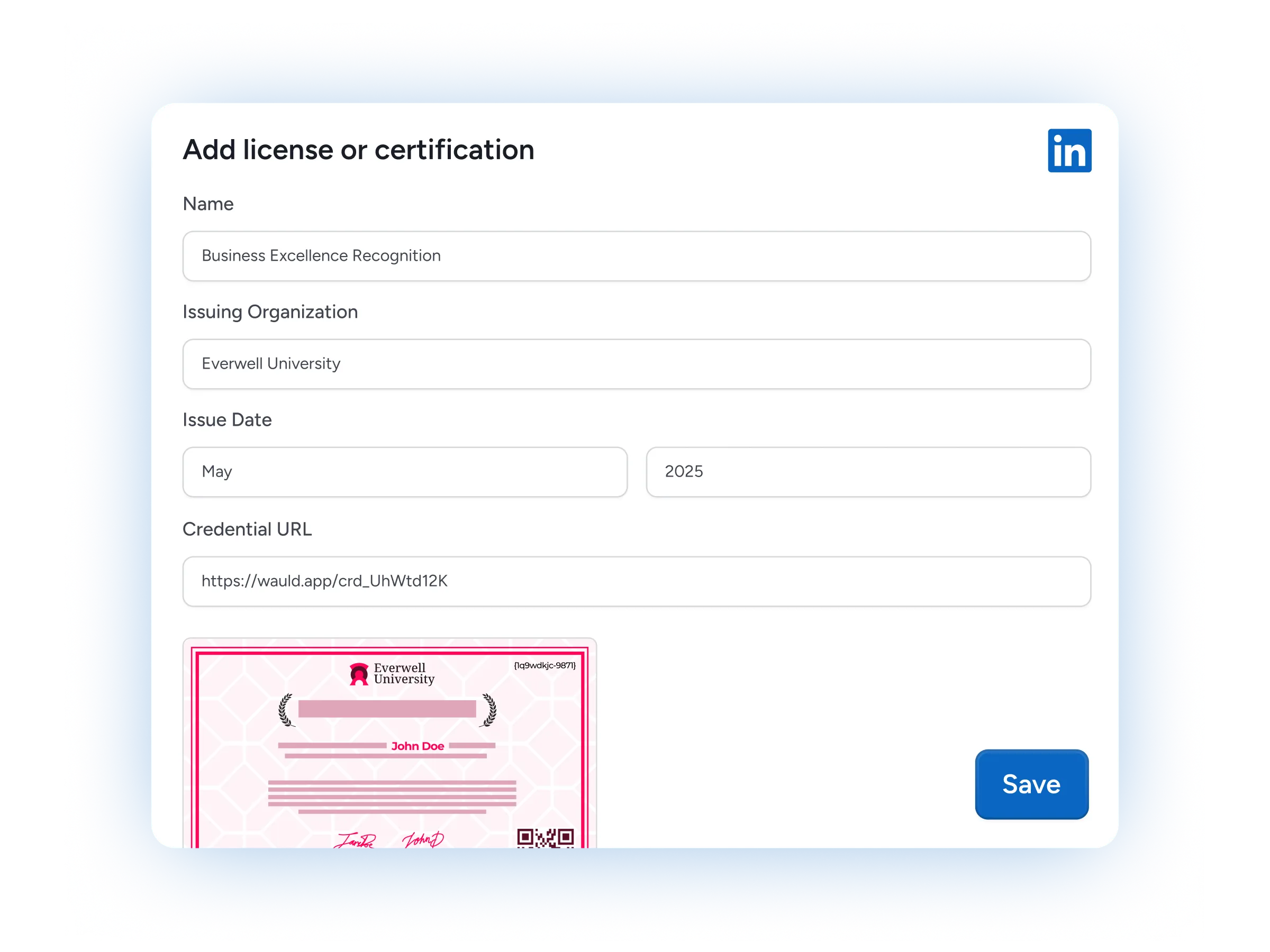
LinkedIn Sharing
Recipients add a credential to their LinkedIn profile in a single click, putting your programs in front of their entire professional network.
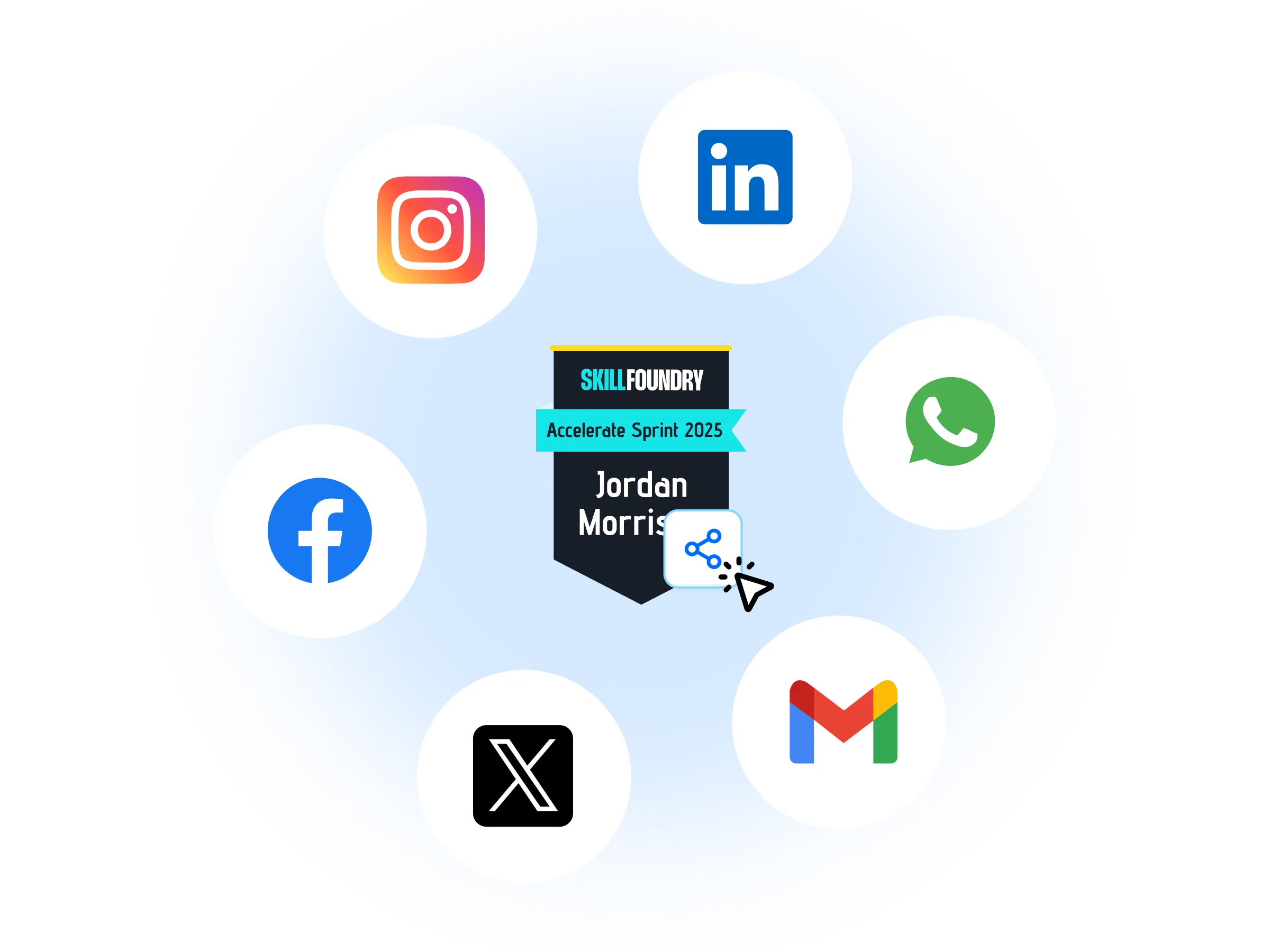
Certificates as Marketing Assets
Turn each credential into a growth channel, letting recipients share what they achieved across LinkedIn and social media and widening your brand's reach with every post.
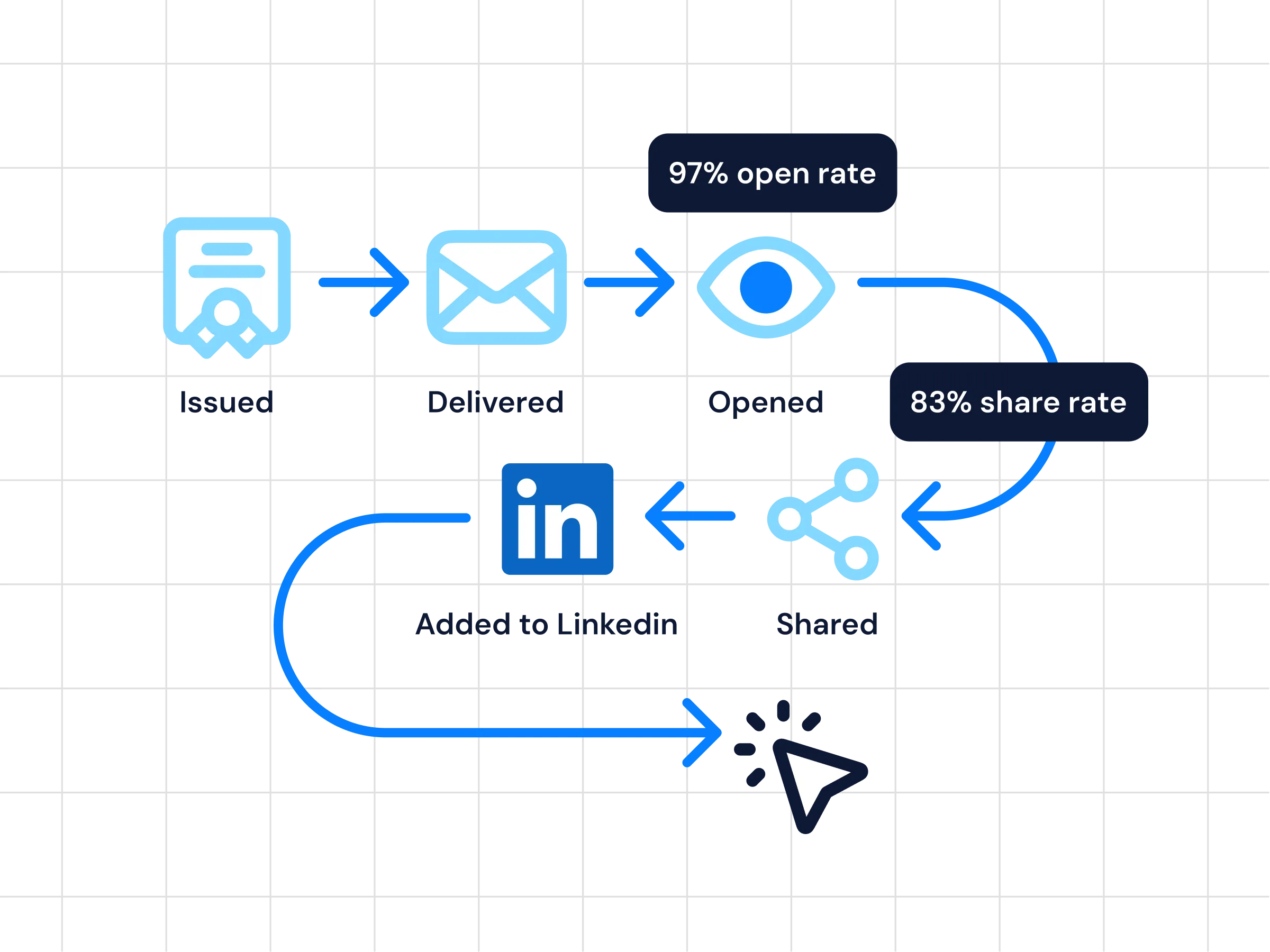
Analytics
Follow credential performance with real-time insight into issuance, opens, shares, verification activity, and recipient engagement.
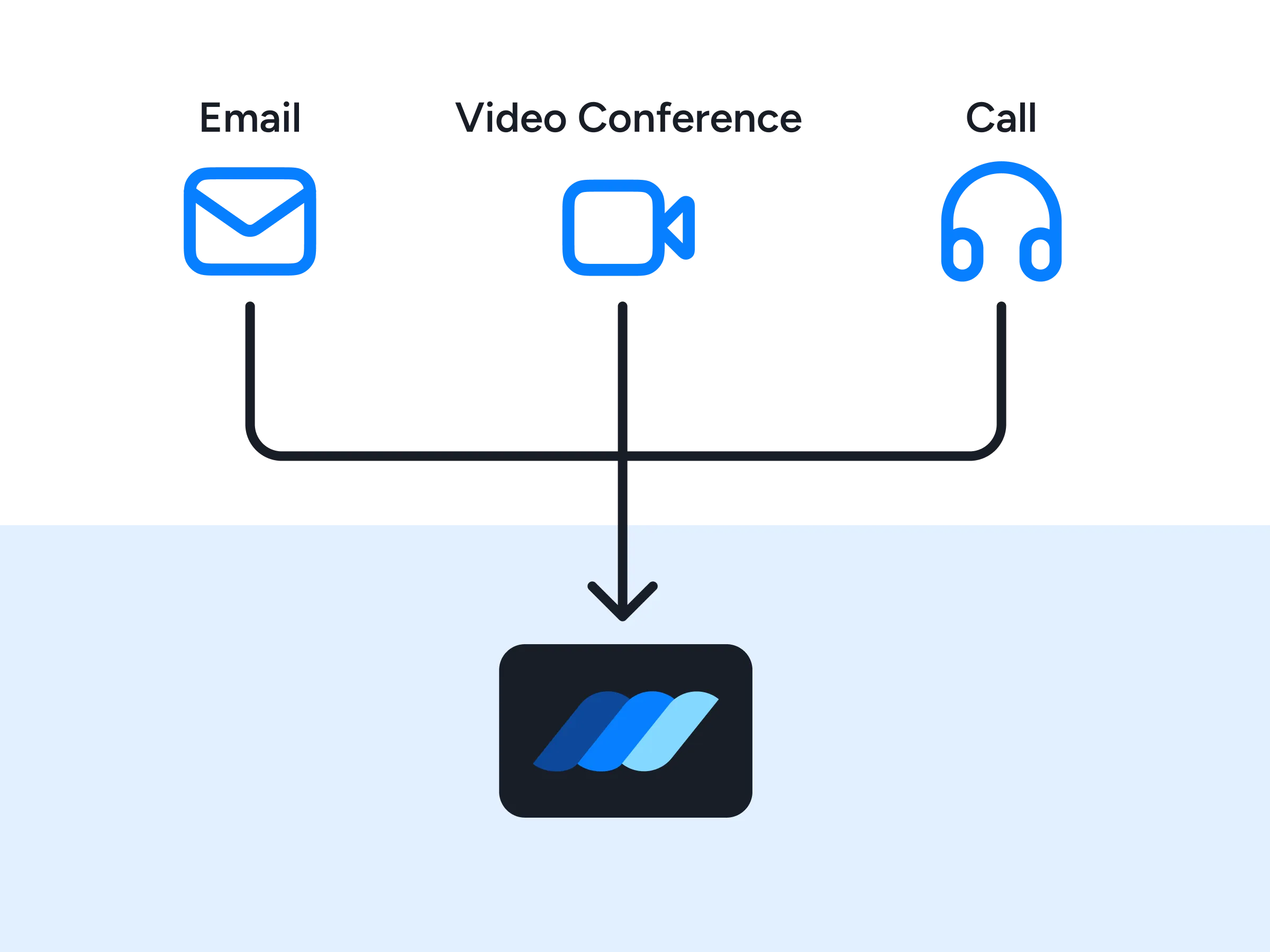
Premium Support
Lean on priority help from our team, with dedicated onboarding, implementation guidance, and fast response times whenever you need a hand.
FAQs
Everything you need to know about the OttoKit integration and issuing digital credentials
How do I integrate Wauld with OttoKit?
You need an OttoKit account and a Wauld account to begin. Open the visual workflow builder, pick the app you want as the trigger, then add Wauld as the action and choose Issue Credential. Map the recipient's name and email to the Wauld template you want to use, run a test to confirm the data lands correctly, and switch the workflow on. Most teams have the integration live in under an hour.
Is OttoKit the same as SureTriggers?
Yes. OttoKit is the automation platform formerly known as SureTriggers. The name changed, but it is the same cloud platform and the same visual workflow builder, so everything you built there continues to work, including its connection to Wauld.
Which Wauld trigger and action are available in OttoKit?
The integration works in both directions. Issue Credential is an action, so any step in an OttoKit workflow can create and send a credential. Credential Issued is a trigger, so a workflow can start the moment a credential goes out in Wauld and carry that data into your CRM, spreadsheet, help desk, or email marketing tool.
Do I need a WordPress site to use OttoKit with Wauld?
No. OttoKit is a cloud platform, so the automation runs on the cloud whether or not you have a WordPress site. It also offers a WordPress plugin that connects your WordPress installation, which lets you trigger credentials from plugins like Gravity Forms, WooCommerce, and LearnDash. If your programs live entirely in external apps, you can connect those instead and still automate every credential.
Which applications can I connect with Wauld through OttoKit?
OttoKit supports 1,500+ apps and popular WordPress plugins, so you can integrate a wide range of tools with Wauld without any coding. That includes LearnDash, Tutor LMS, WooCommerce, MemberPress, Gravity Forms, Google Sheets, Gmail, and Slack. If a tool is not in the directory yet, you can submit a request for integration or connect it through a webhook.
Do I need a developer to set up the OttoKit integration?
No. OttoKit is a no-code automation platform built from the ground up to be accessible to everyone. You create an automation by dragging and dropping triggers and actions in the visual workflow builder, without any coding. If your automation lives somewhere else, Wauld also offers Zapier, Integrately, webhooks, web triggers, and an API.
Which Wauld pricing plan includes the OttoKit integration?
The OttoKit integration is available on all Wauld plans, including the Free plan, so you can create a free Wauld account and start automating credential issuance right away. As your programs grow, higher tiers add white-label branding, bulk issuance, and deeper analytics.
What happens to my issued credentials if I downgrade or cancel my paid plan?
Once issued, your digital credentials remain valid and accessible to recipients even if you cancel your subscription. After your plan expires, features exclusive to paid plans will no longer be available, but all features included in the free plan will continue to work.
Start Automating Credentials With OttoKit Today
Create your free Wauld account and issue your first certificate in minutes.
Talk to an Expert