





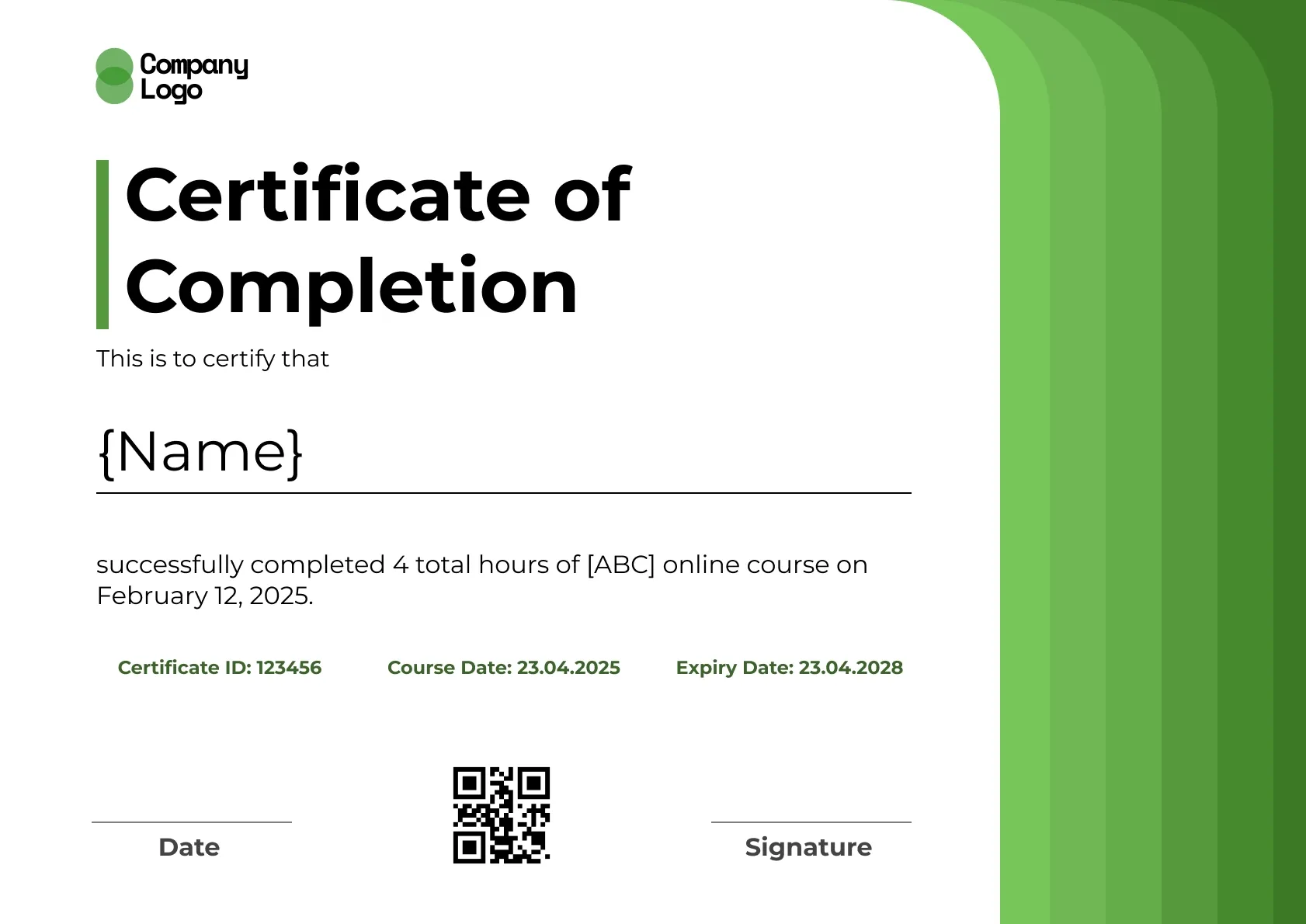
Course Completion
We're a SourceForge Top Performer for Digital Credential Management.Read the announcement
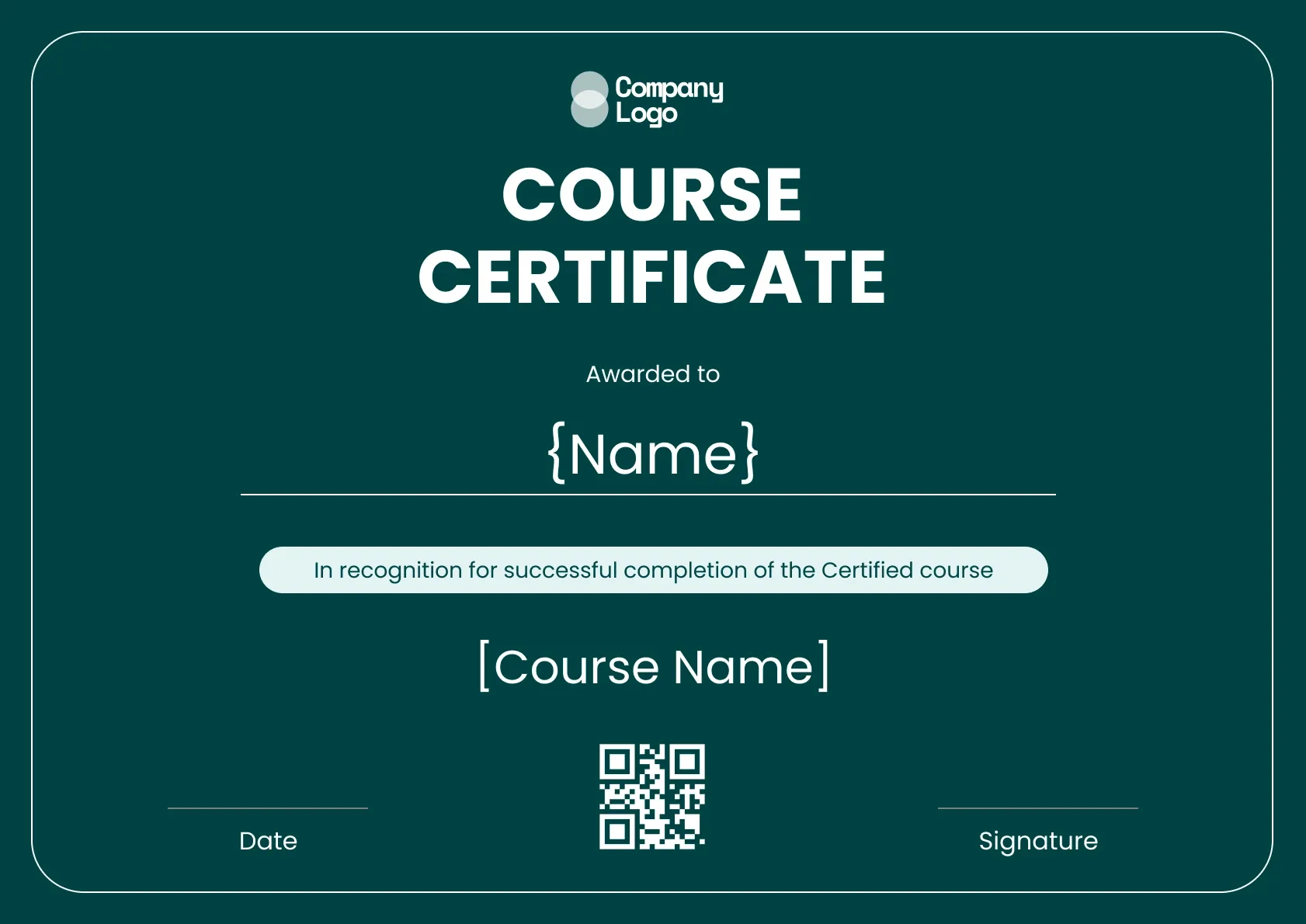
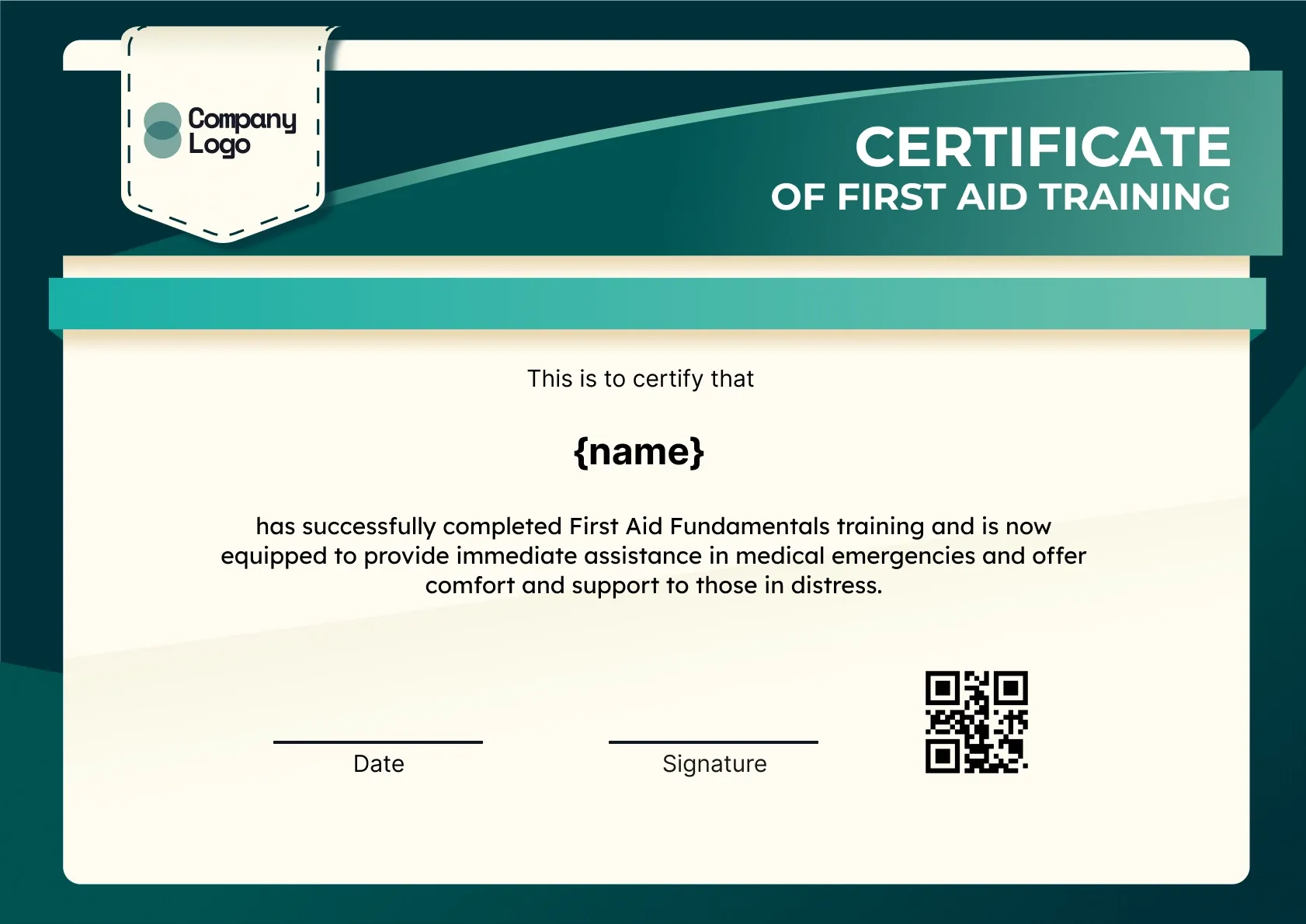
Premium professional course certificate template in rich green. Add your brand, issue in bulk, and give paying learners a free, QR-verified certificate.
Use this templateBEST FOR
CATEGORIES
Every issued certificate gets a unique QR code linking to a live verification page.
Upload a CSV and issue personalized certificates to hundreds at once.
Set expiry dates, send renewal reminders, and reissue certificates when training is due again.
See how many certificates you have issued, viewed, and verified from one dashboard.
A premium professional course certificate template in rich green, with a bold frame that gives paid and flagship programs a high-value feel. The deep color suits courses where learners pay, so the certificate matches the price of the program.
Key Features:
Each certificate carries the learner name, course title, completion date, the issuer, and a QR verification link that proves it is genuine.
Add your branding in Wauld, then issue certificates in bulk once a cohort finishes, or connect the platform your course runs on. Learners who pay for a course expect the finish to match the price, and a branded, verifiable certificate signals the program was worth it. Reuse the saved design across your premium courses, so every paid program ends with a certificate that looks considered and links to a record an employer can verify.
Offer A4 or US Letter so paying learners can print a copy that suits them. On a premium course the certificate is the final impression, so it should look the part: a rich, branded design plus a verifiable link signals the programme was worth the price. Issue a whole cohort in bulk, or connect your course platform to send automatically, and reuse the saved design so every paid course closes on a certificate that holds its value.
SAMPLE WORDING
Customize the template
Edit the wording, colors, logo and fields in the Wauld editor so the certificate matches your course.
Add your learners
Enter recipients one by one, upload a CSV, or connect your LMS to pull them in automatically.
Issue with verification
Send each learner a certificate with its own QR code and verified online record they can share.
Running your course on an LMS? Connect it with Wauld, for example through the Moodle integration, to issue certificates automatically as learners finish.
Find answers to the most common questions about this template.
A clear online course certificate names the learner, the course title, and the completion date. Many also show the number of hours, the instructor or issuing body, and a verification link or QR code so the achievement can be confirmed.
Connect your course platform or LMS to Wauld through an automation tool, then issue a certificate the moment a learner completes a course. You can also upload a CSV of finishers to send a batch at once, each with its own verification link.
Yes. Every certificate you issue with Wauld includes a QR code and a verified online record. Recipients and employers can scan or click to confirm the certificate is genuine and view its details.
Yes. Every certificate template on Wauld is free to use. You can edit the design, add your details, and download or share the finished certificate at no cost.
Connect your forms, learning platforms, and other tools to Wauld through these integrations to automate certificate delivery.
Course Completion
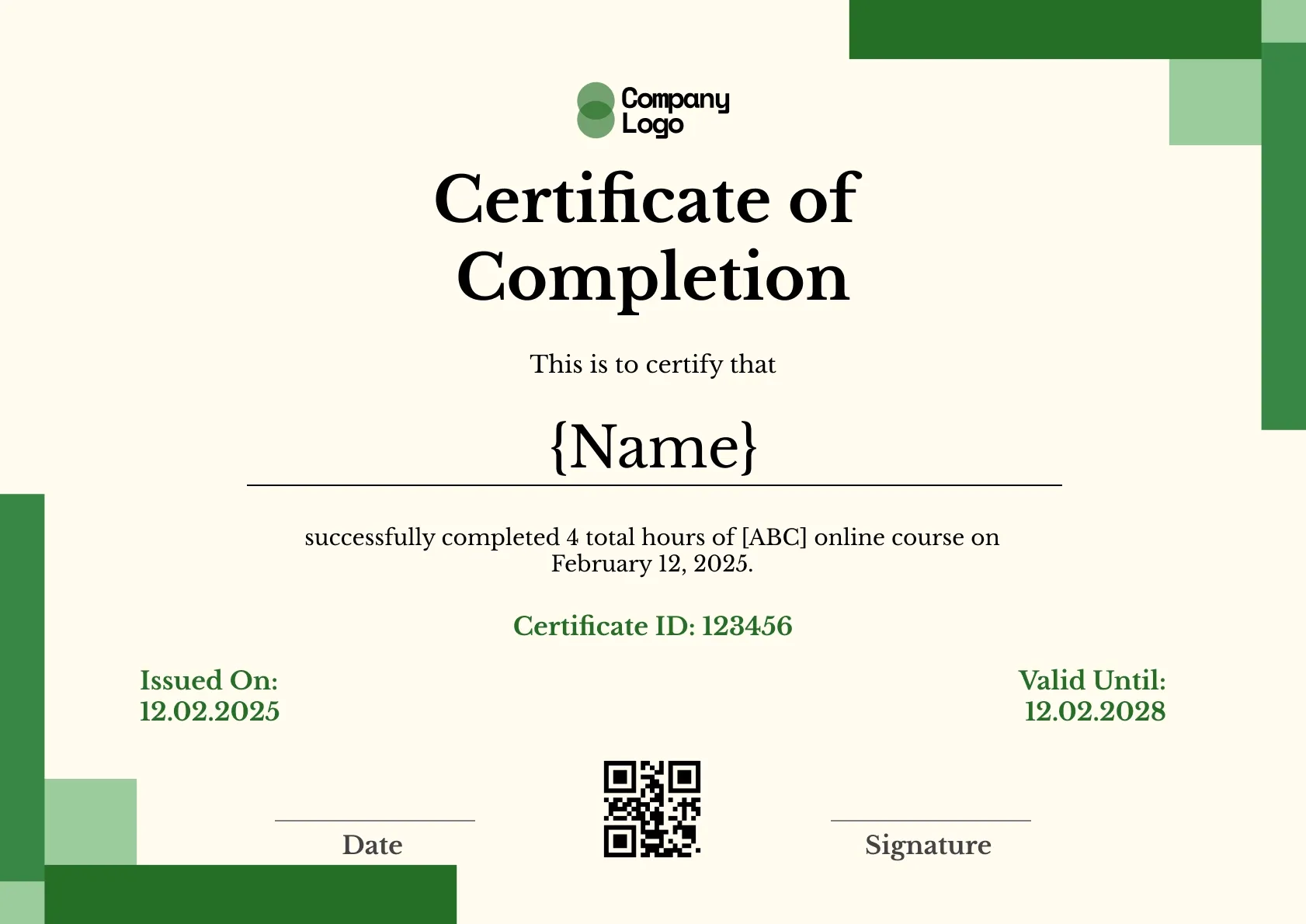
Course Completion
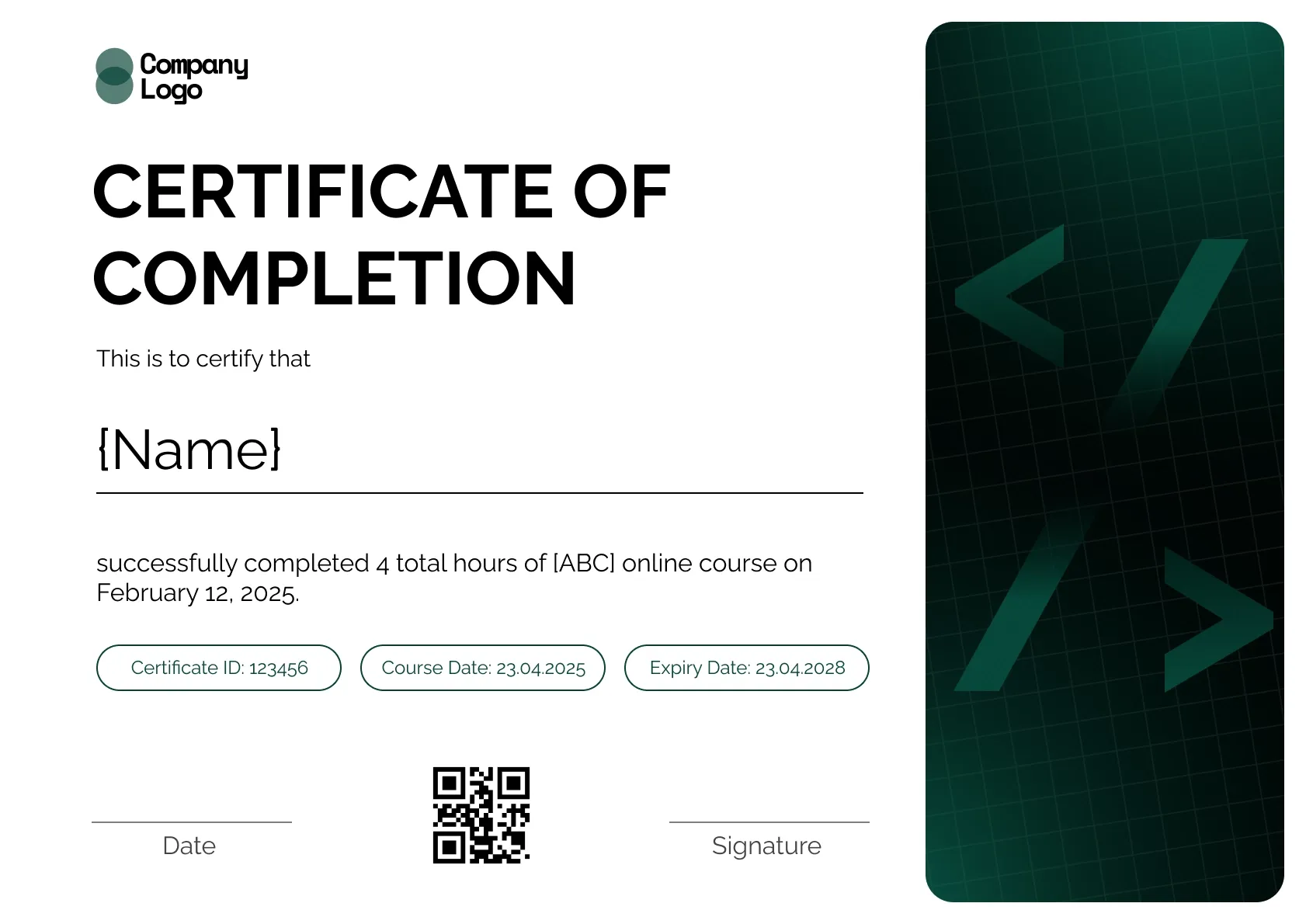
Course Completion
Course Completion
Certificate Templates & Design


Certificate Templates & Design


Digital Credentialing

Customize this template and issue verifiable credentials in minutes. Free for up to 300 credentials, no credit card required.
Sign up for free