Issue Verifiable Credentials From Your Moodle LMS
Integrate Moodle with Wauld to automatically issue verifiable certificates and badges. As soon as a learner completes a course, passes a quiz, or finishes an activity, Wauld issues and delivers the matching credential.
How Moodle Completions Become Verified Credentials
Set up the LMS integration once, then every completion in your Moodle courses issues a credential on its own.
Moodle records a completion
A learner finishes a course, passes a quiz, submits an assignment, or completes an activity, and Moodle logs the completion event.
The event reaches Wauld
A Moodle webhook plugin sends that completion event to Wauld's custom trigger in real time, so nothing has to be exported by hand.

The credential is issued
Wauld maps the learner's name, course, and grade to your chosen template and issues the certificate or badge in seconds.
The learner receives their credential
A verifiable certificate or badge lands in the learner's inbox, ready to verify with a single click or QR scan and share straight to LinkedIn.
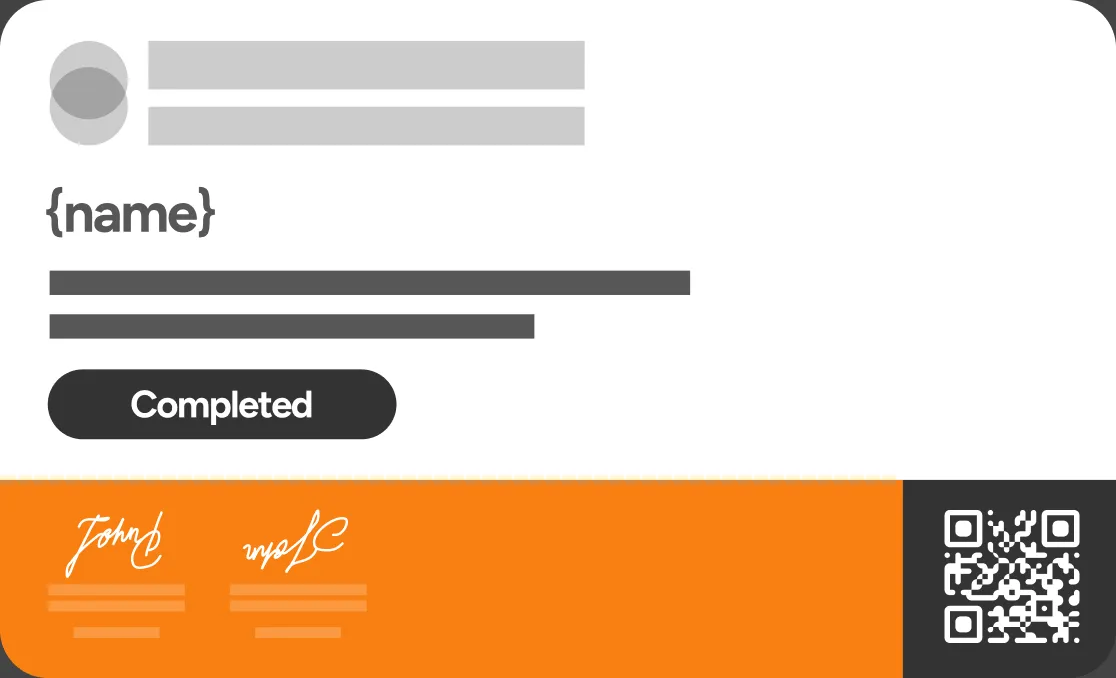
Recognize Learners at Every Moodle Milestone
Turn course completions, quiz passes, and graded activities into credentials learners can share
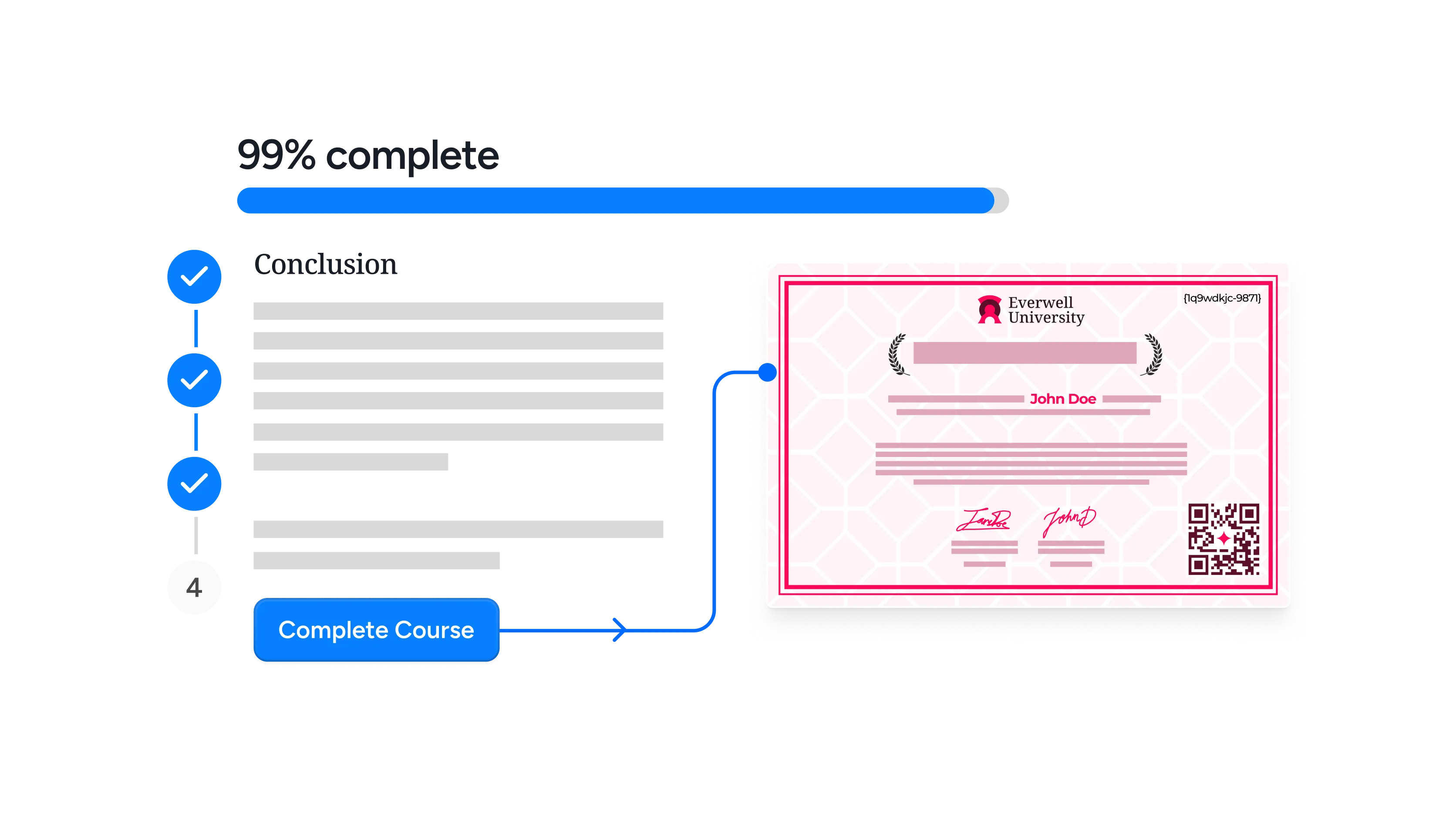
Completes a course
Issue a verifiable certificate the moment a learner meets your completion criteria for a Moodle course, turning it into proof they can share and verify.
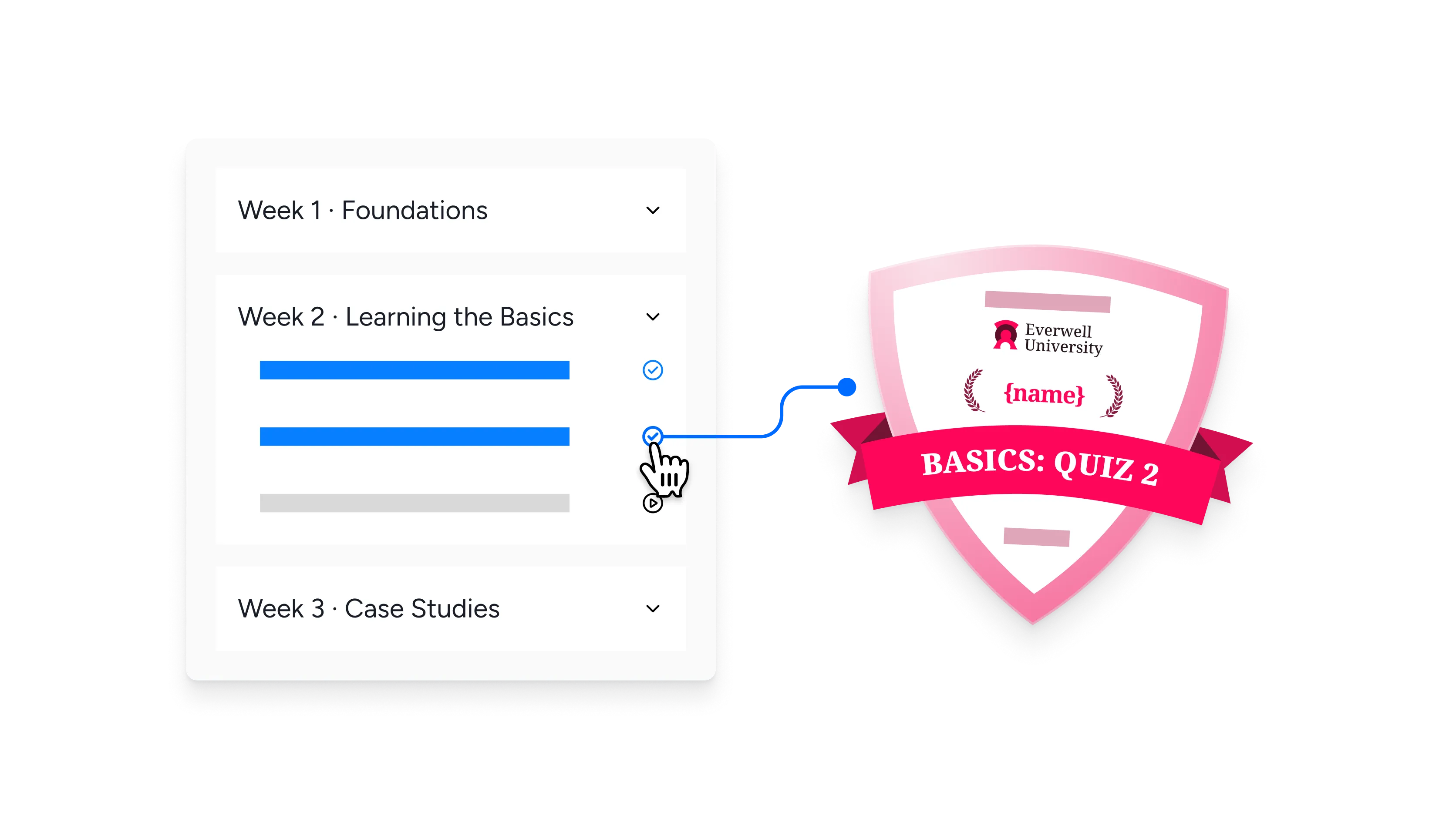
Completes an activity or module
Recognize progress at the module level by issuing a credential when a student completes a specific activity, keeping motivation high across longer online courses.

Passes a quiz
Reward a passing quiz score with a digital badge that reinforces learning and gives students something to show for the assessment.
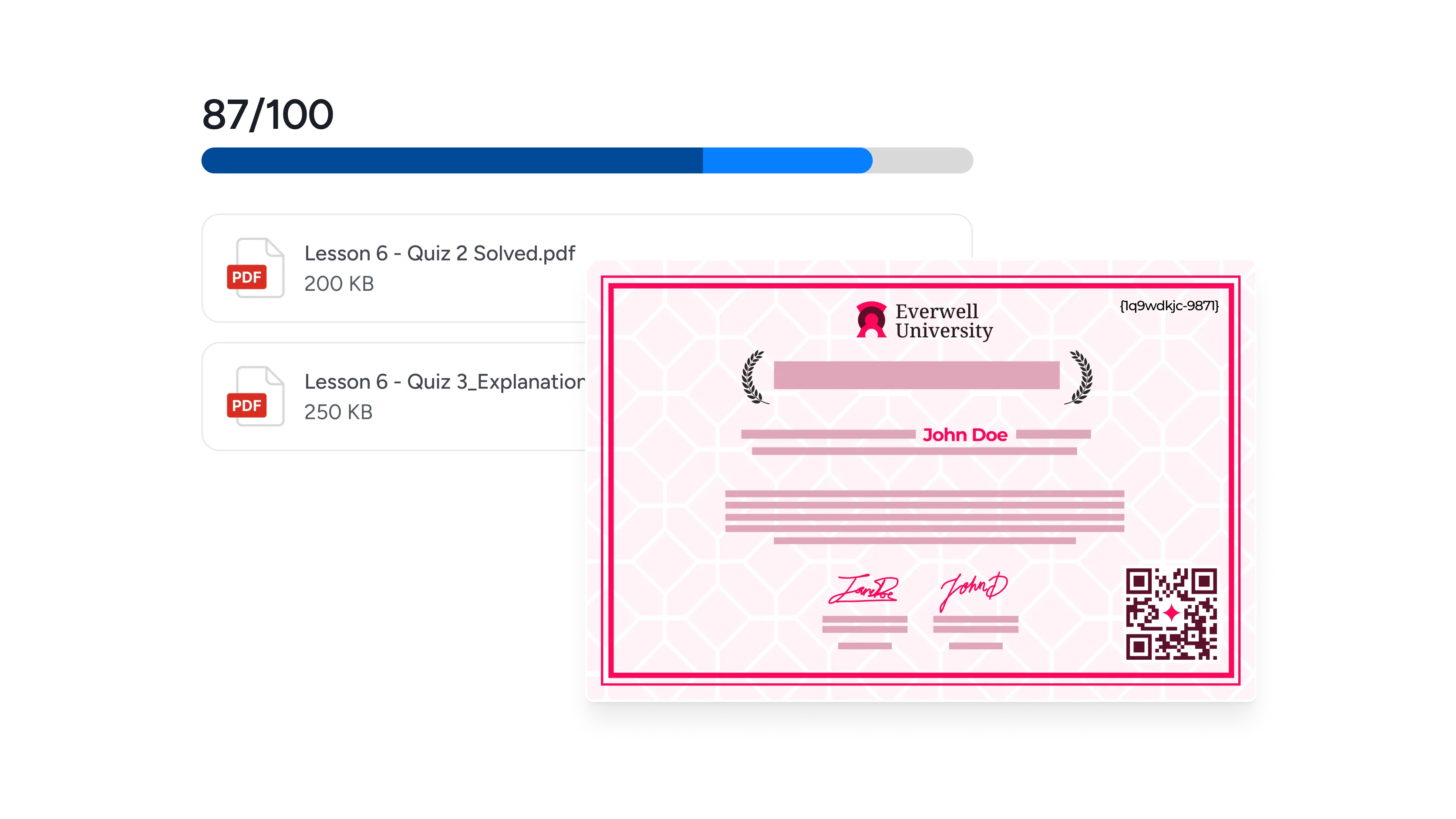
Passes a graded assignment
When an assignment is graded above your threshold, issue a certificate automatically so recognition matches the grade without any manual admin work.
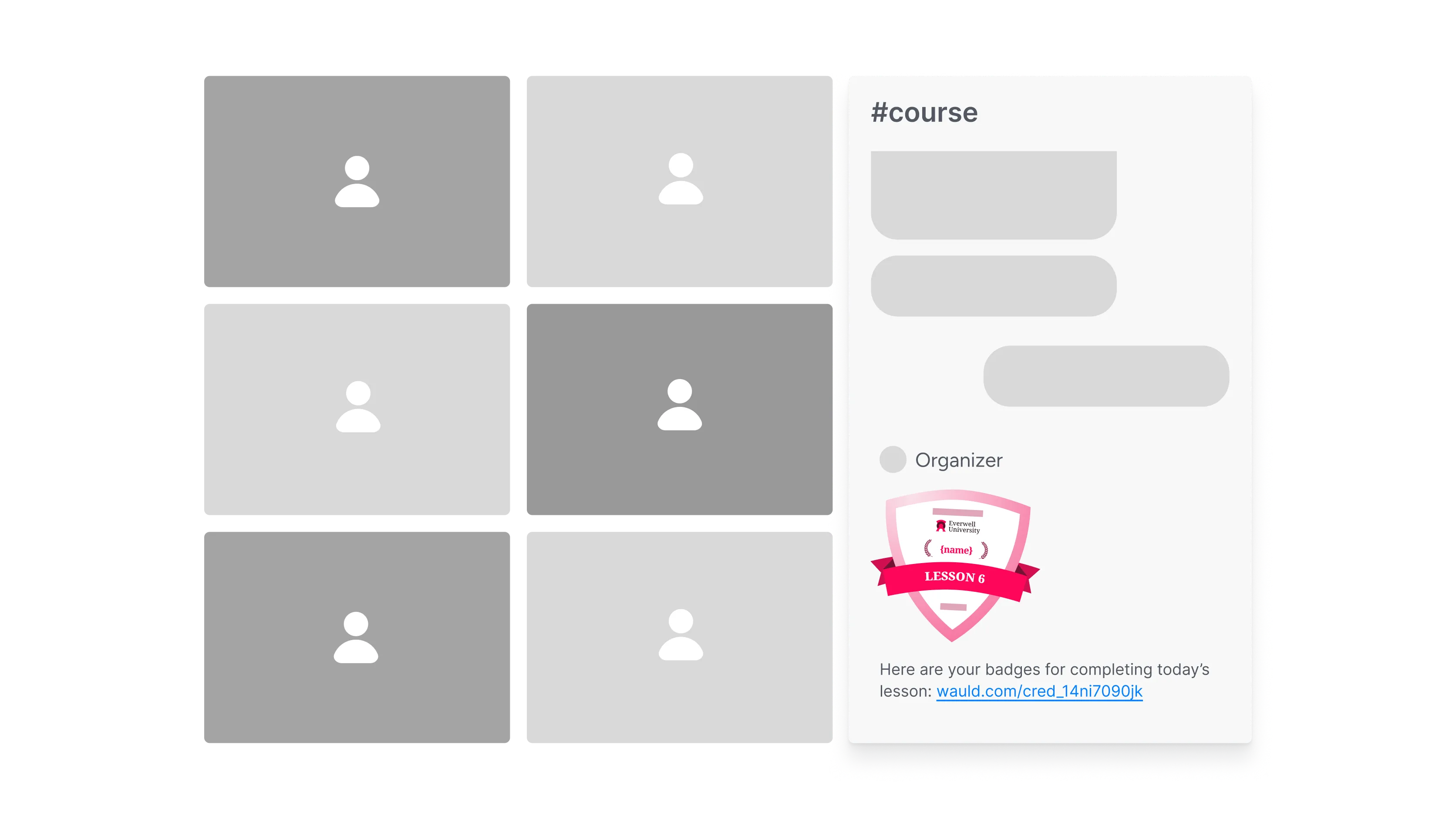
Finishes a lesson
Acknowledge lesson completion to keep students engaged and moving through your Moodle content at a steady, motivating pace.
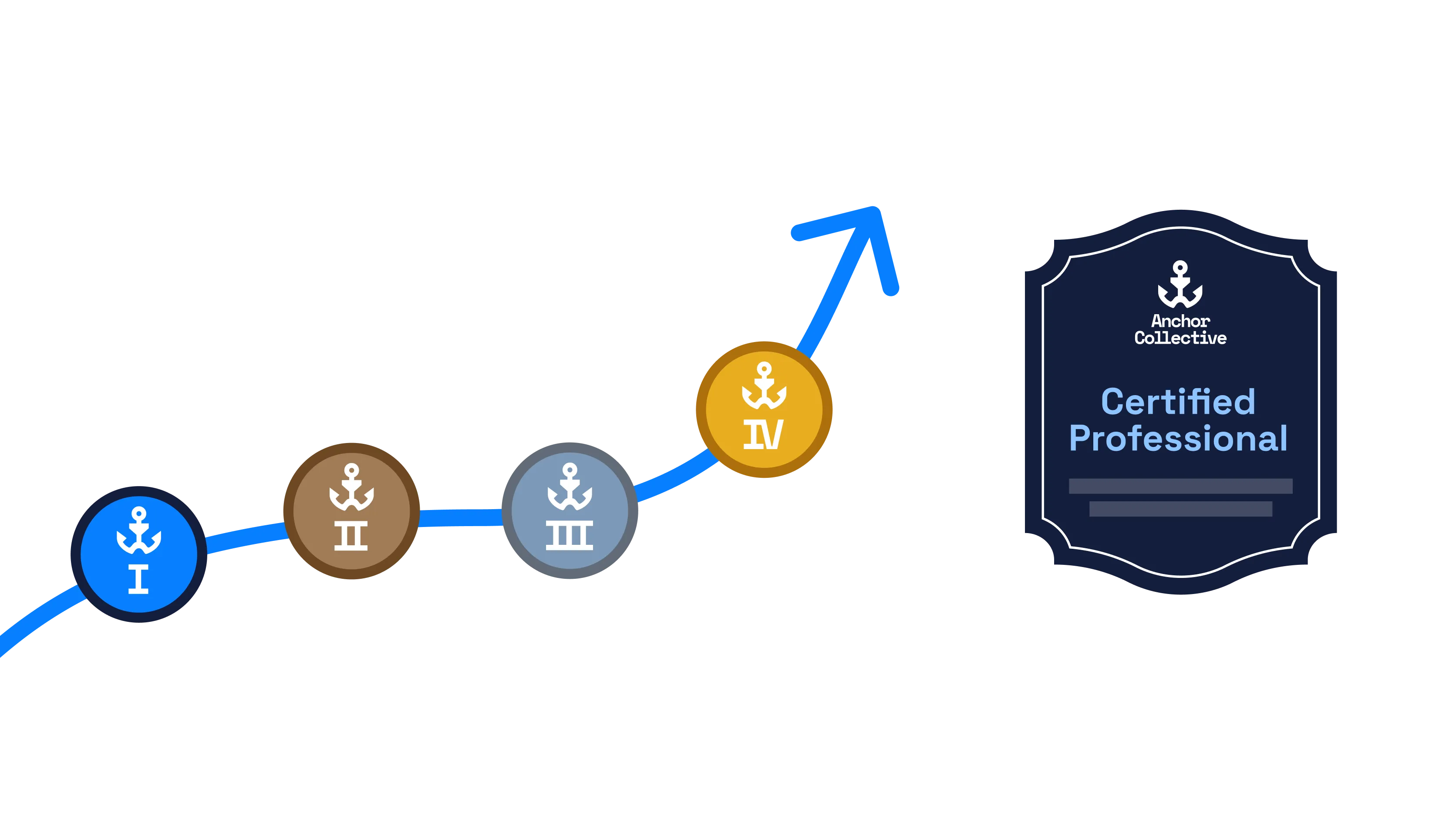
Completes a learning plan
Celebrate a completed learning plan or achieved competency with a credential that captures the full learning experience across your online learning programs, not just a single course.
Connect Moodle to Wauld
Choose the integration method that fits your Moodle deployment and streamline credentialing, from a no-code CSV upload to a real-time webhook or full API access


Why Moodle Teams Choose Wauld
Add verification, design, and analytics to your learning platform without changing how your courses are built
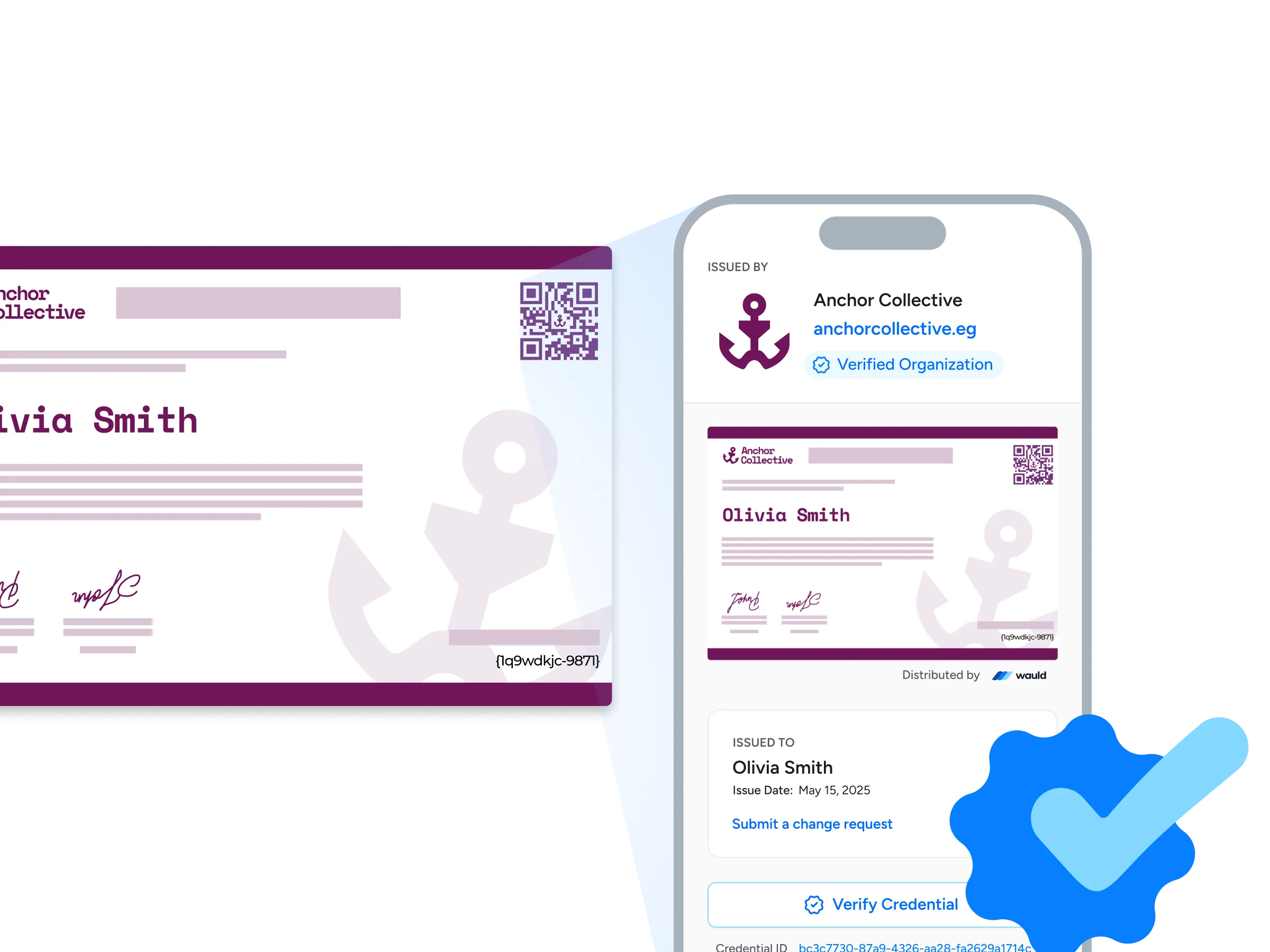
Verification pages
Every credential you issue from Moodle gets its own public verification page, so an employer or administrator can confirm it in seconds with a single click or a quick QR scan, with no login and no request back to your LMS.
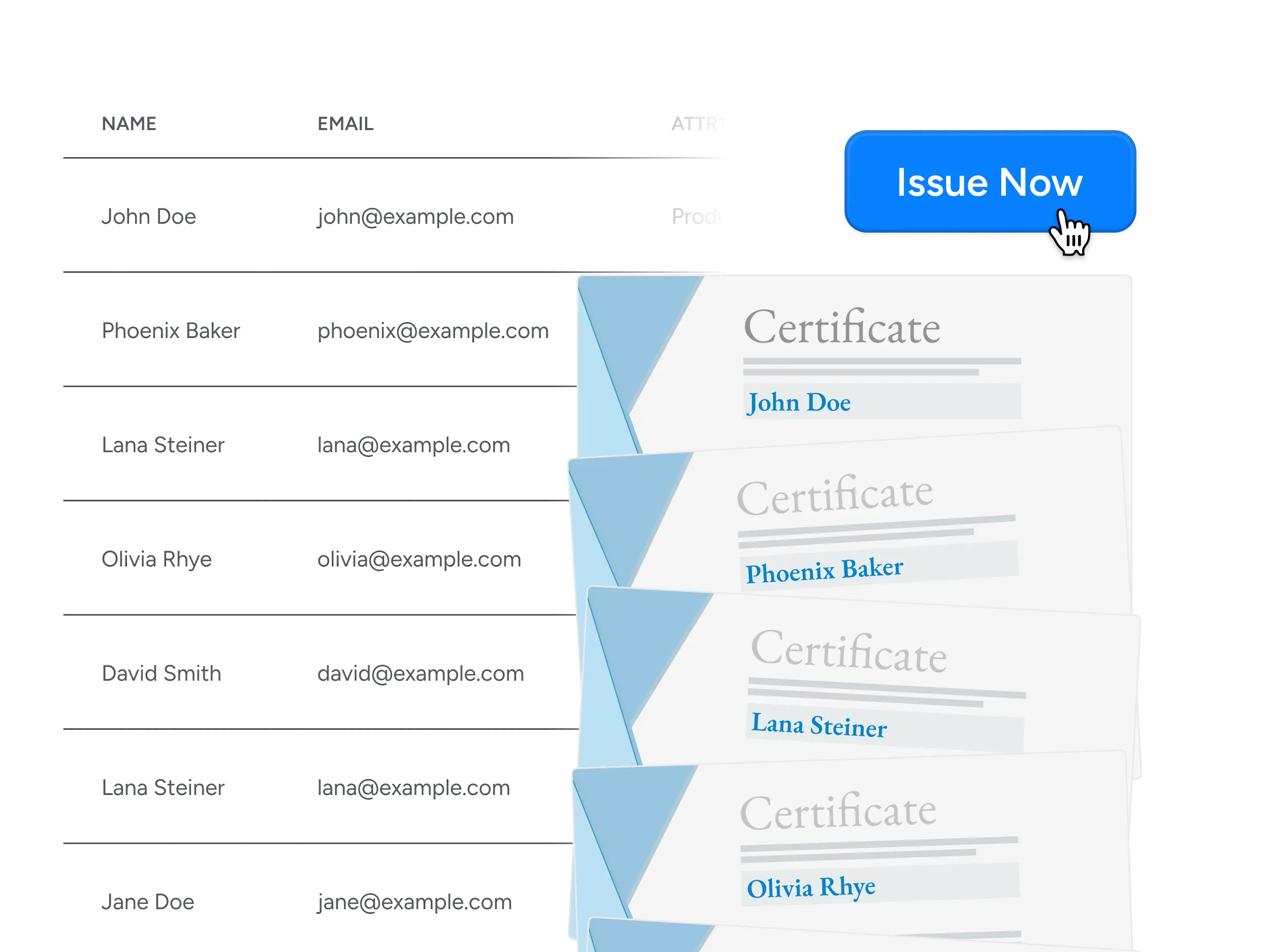
Bulk issuance
Issue thousands of certificates and badges at once from a Moodle course completion report, using a CSV upload, the API, or an automated workflow to save time instead of generating PDFs one at a time.
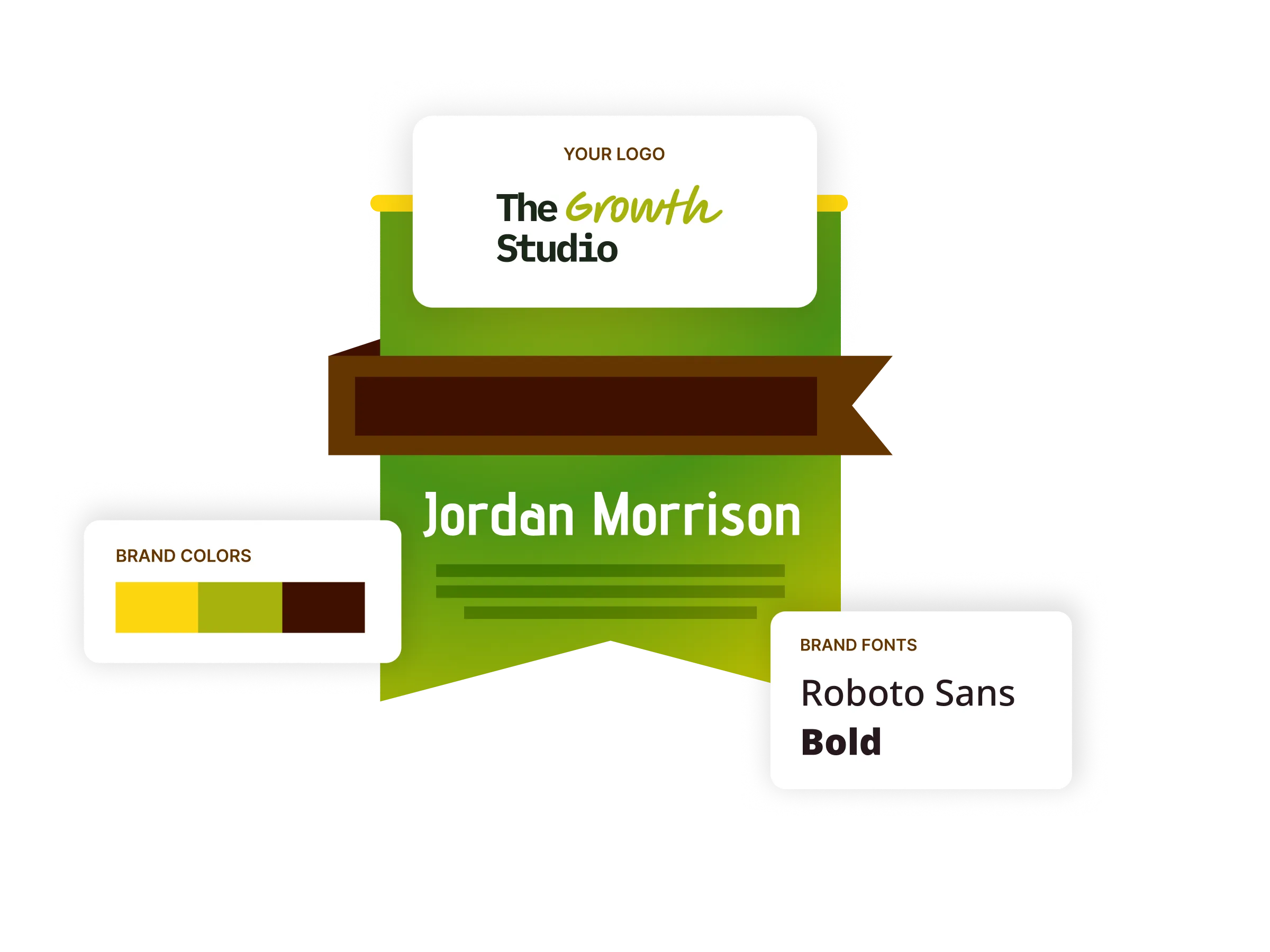
Digital badges
Design and customize digital badges in your own brand colors and fonts that certify real skills, ready for recipients to display on LinkedIn, in email signatures, and across their profiles.
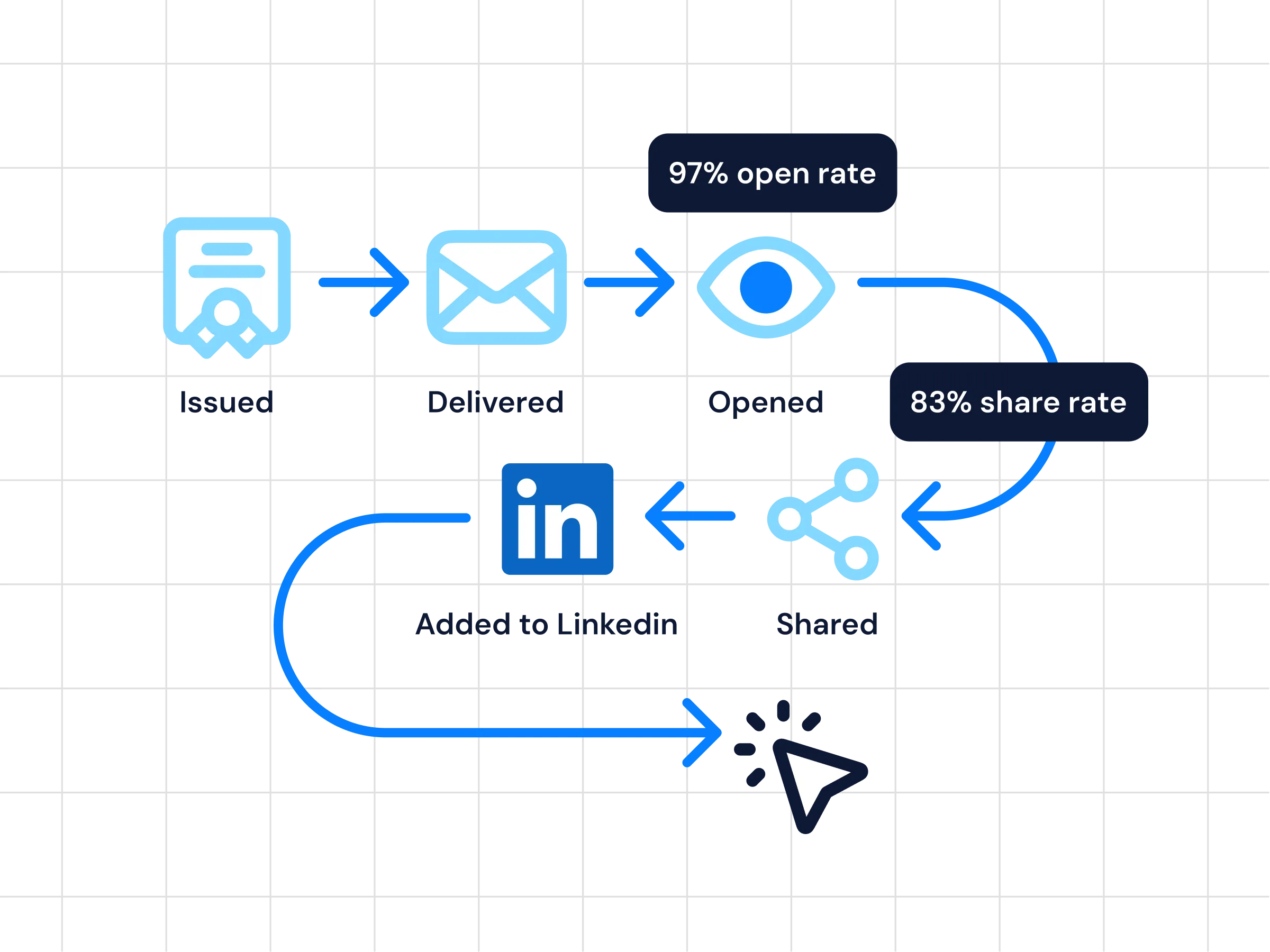
Analytics
Get insight Moodle's native certificates never give you: real-time tracking of who opened, downloaded, shared, and verified each credential across your courses and learning experiences.
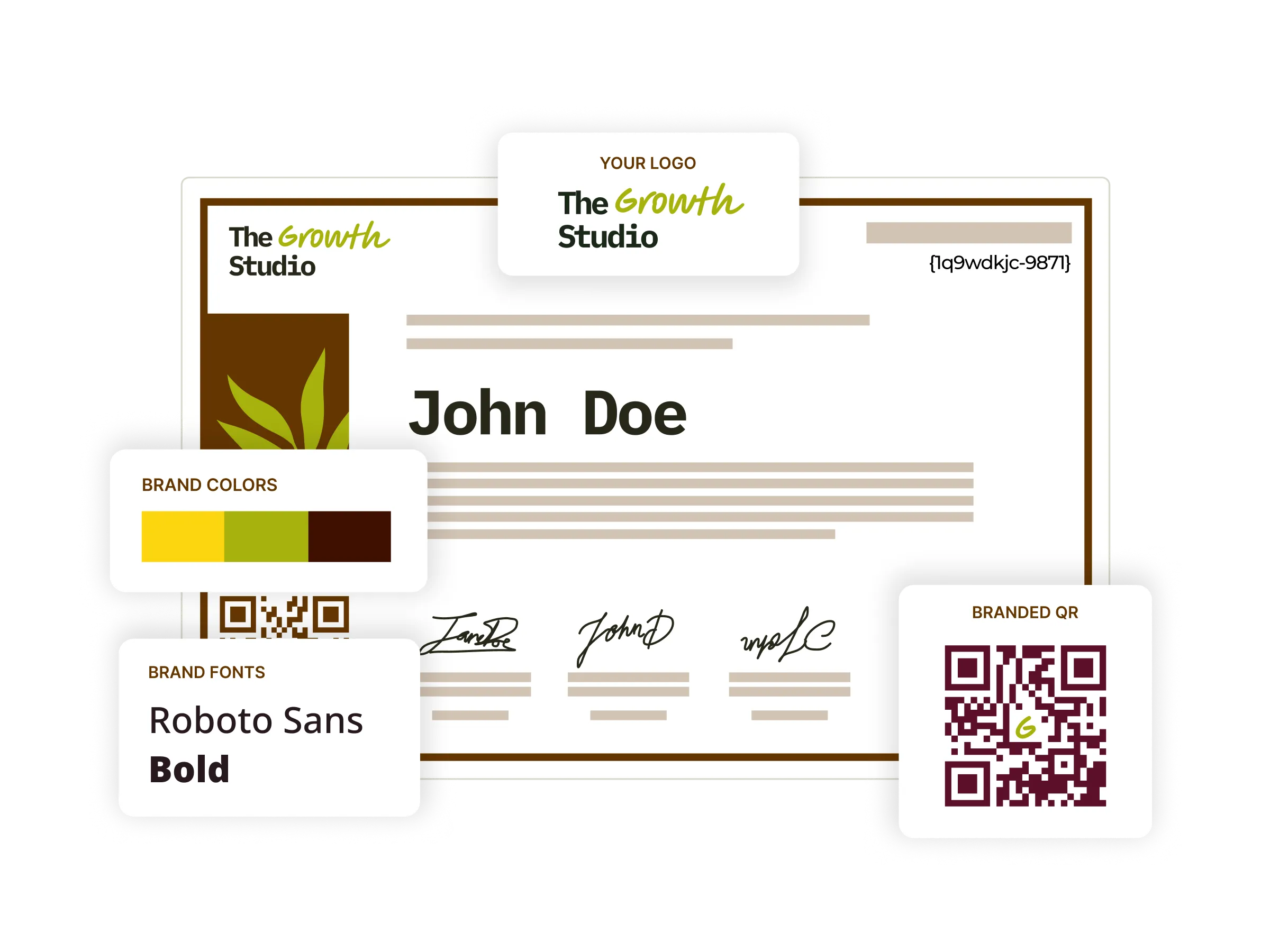
Digital certificates
Choose from 1,200+ certificate templates and tailor each one to your brand, then issue and track them from a single platform, so your whole credentialing workflow lives in one place instead of a hand-built Moodle template.
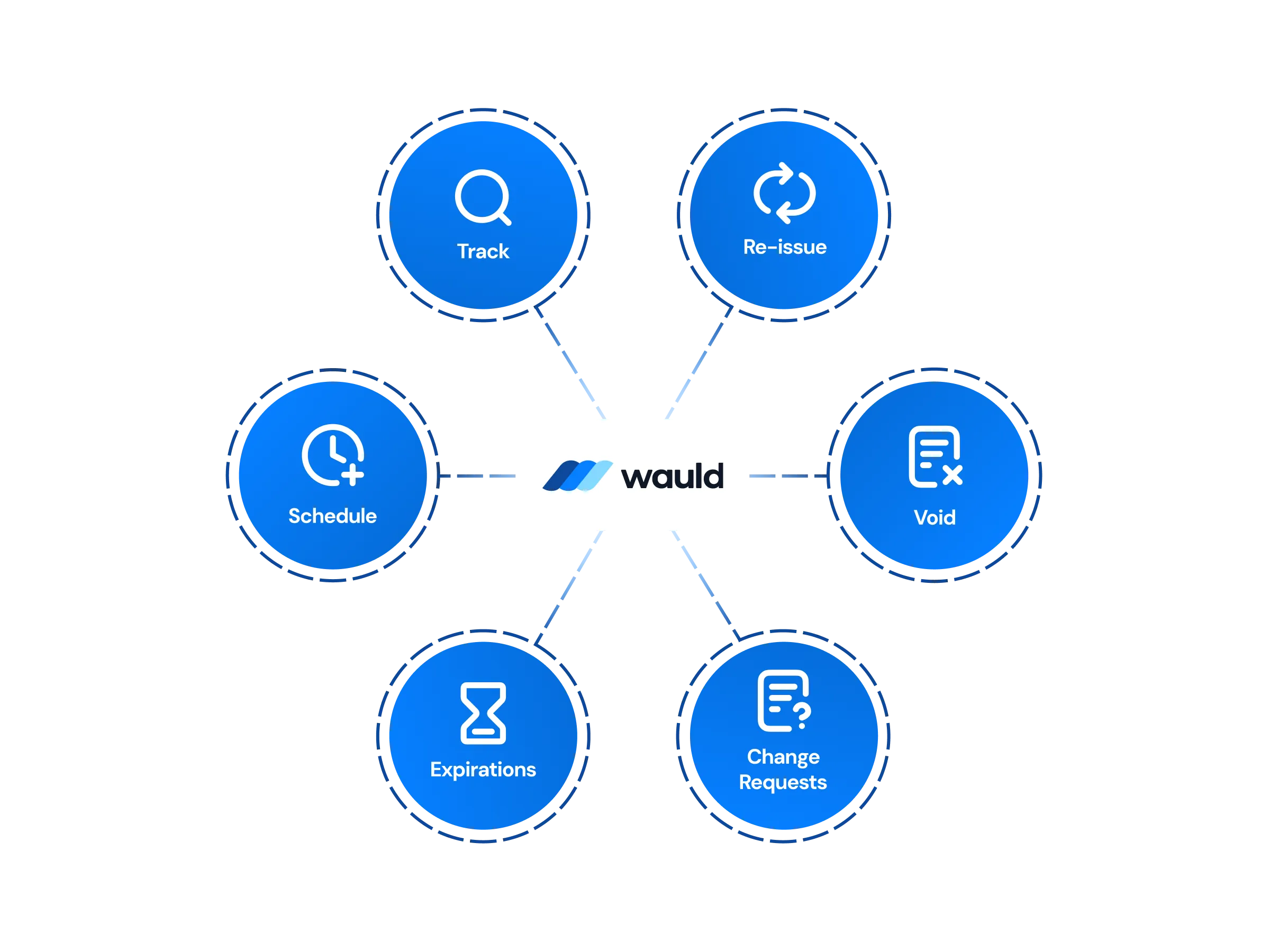
Central management
Design, issue, edit, update, process change requests, or void credentials from a single dashboard interface, with workspaces and role-based permissions that give each administrator the right level of access and ensure accountability.
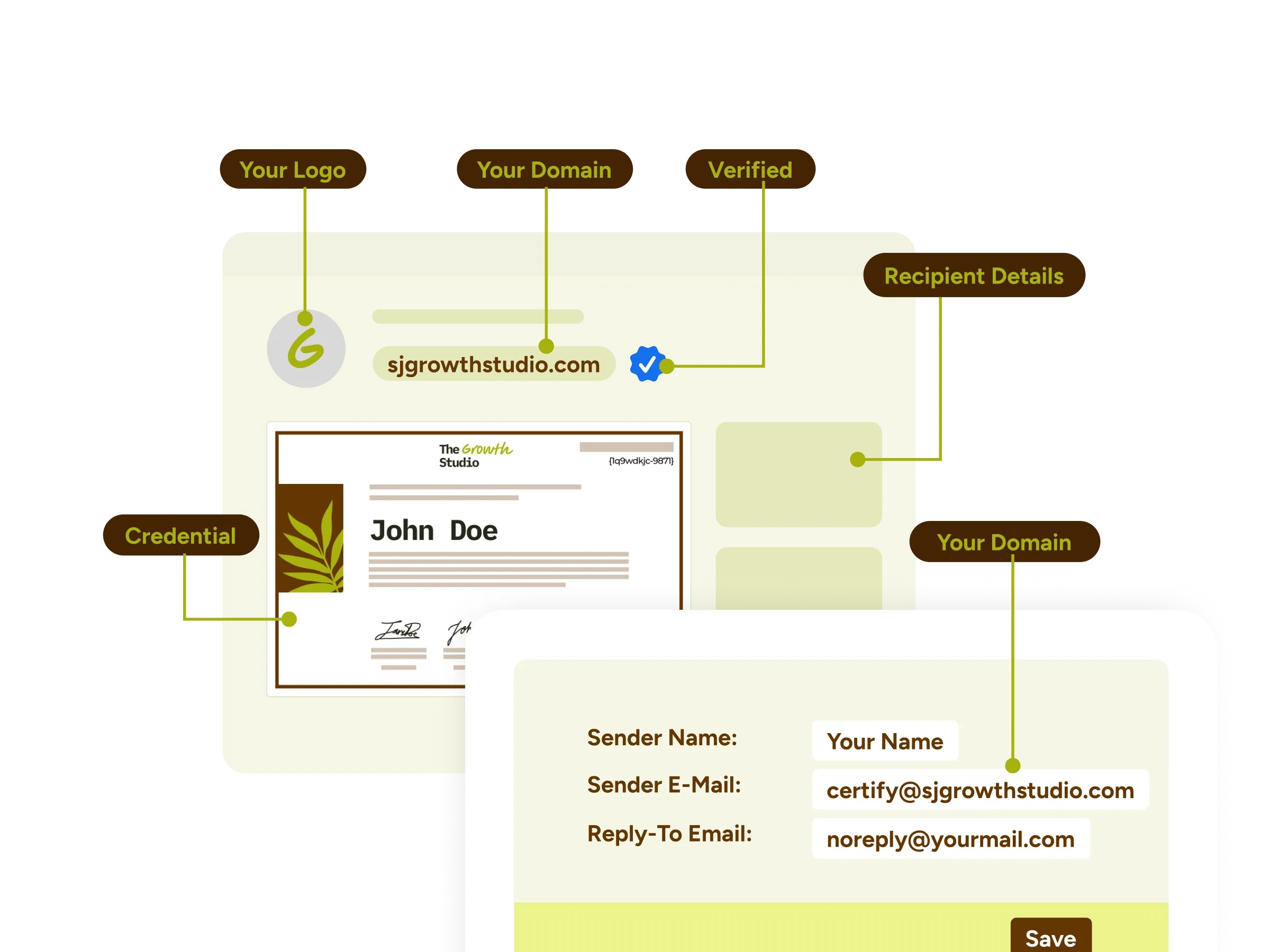
White-label experience
Deliver a fully branded, user-friendly user experience with custom domains, email templates, and a recipient portal that reflects your institution's identity end-to-end.
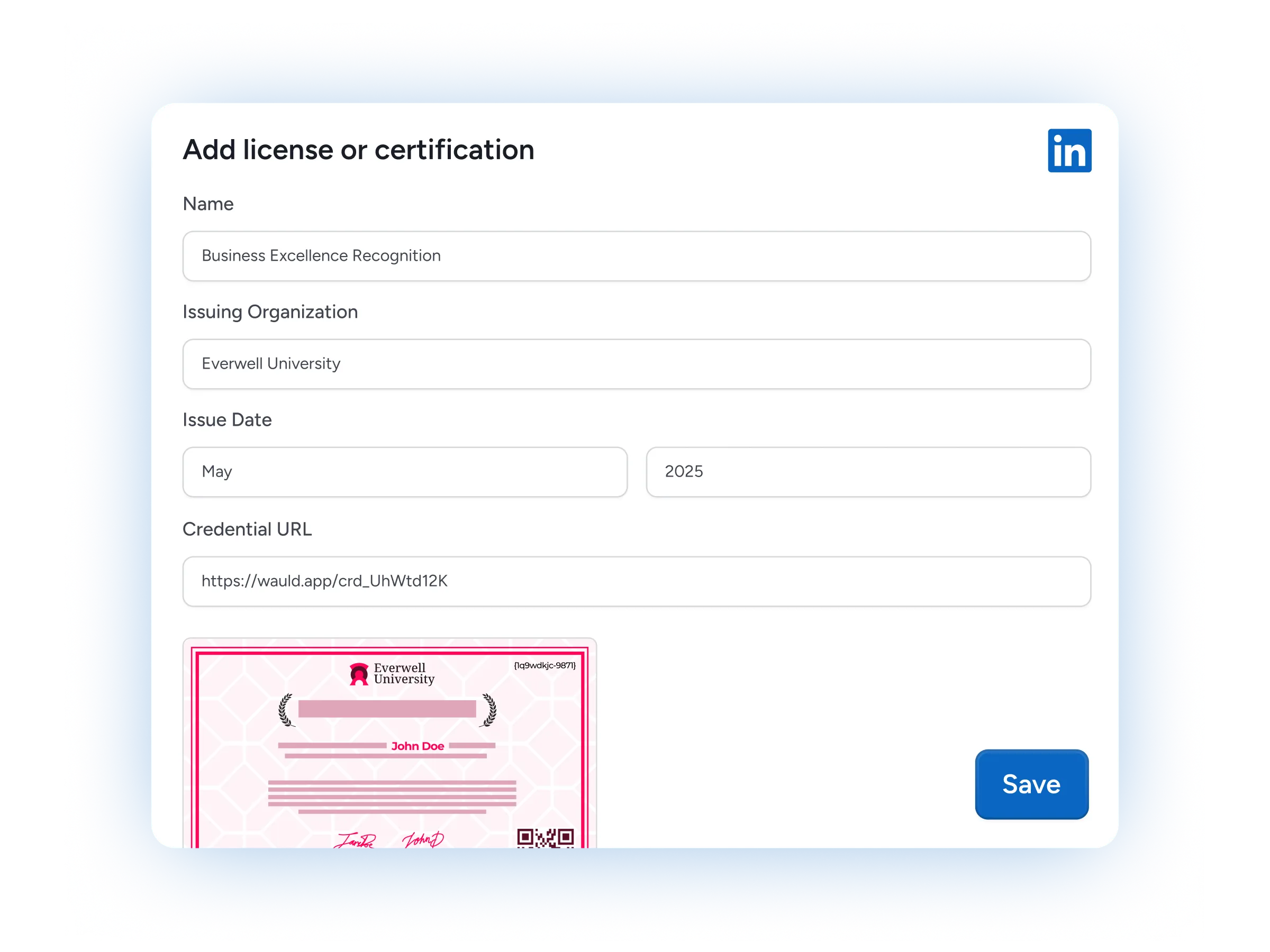
LinkedIn sharing
Learners add a credential to their LinkedIn profile in one click, putting your courses and your institution in front of their entire professional network.

Certificates as marketing assets
Every shared credential doubles as a marketing asset, carrying your brand across LinkedIn and social media and drawing new students toward your online courses.
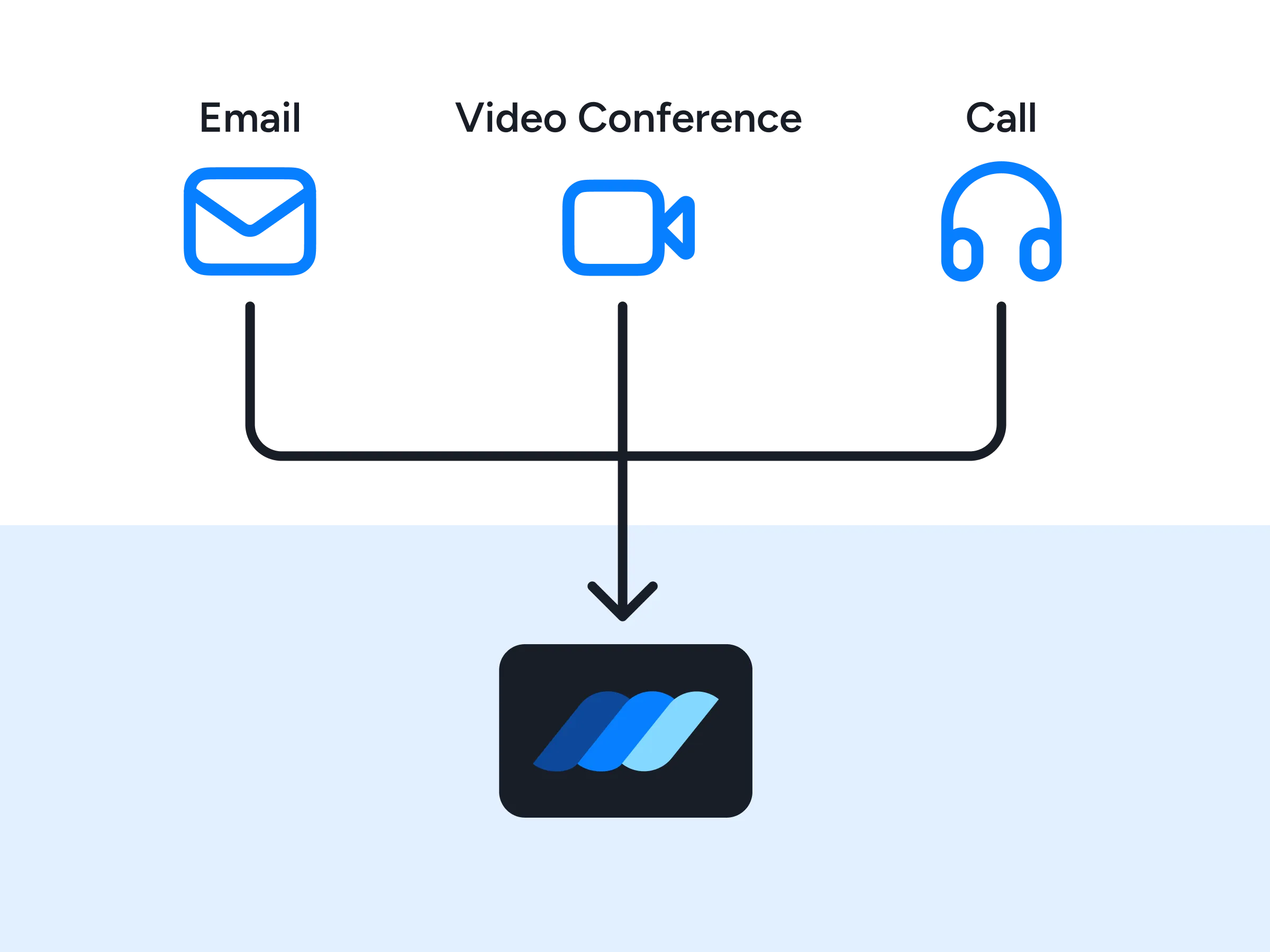
Premium support
Get priority help from our team, including dedicated onboarding, integration guidance, and fast response times whenever you need a hand connecting Wauld into your Moodle learning ecosystem.
FAQs
Everything you need to know about connecting Moodle and issuing verifiable credentials
How do I integrate Moodle with Wauld to issue certificates automatically?
Moodle is the open-source learning management system that runs your courses and completion tracking, and Wauld adds verifiable credentialing functionality on top of it. Connect the two platforms seamlessly, and every time a student completes a course, passes a quiz, or finishes an activity in your LMS, the matching certificate or badge is issued automatically through a webhook, CSV upload, or API.
Is there a Moodle plugin for Wauld, and do I need a developer?
There is no dedicated Wauld plugin or third-party connector to install inside the Moodle platform. Instead you connect the two using tools you likely already have: a CSV export for batch issuing with no plugins, a Moodle webhook pointed at Wauld's custom trigger for real-time issuing, or the API for full developer control. Teams working in the Microsoft ecosystem can also reach Wauld through Microsoft Power Automate, and most setups are ready in under an hour.
Which Moodle versions and deployments does the integration support?
The CSV method works on any Moodle deployment, including MoodleCloud, self-hosted, and managed hosting, with zero add-ons. The real-time webhook method works on installations where you can install a webhook connector, so it maintains compatibility across current Moodle versions and both the open-source Moodle LMS and larger managed setups.
Is Wauld a Moodle certified integration or add-on?
Wauld is not listed as a Moodle certified integration in the plugins directory, because it works as an external credentialing layer rather than an in-Moodle add-on. Because it sits outside Moodle rather than as a Learning Tools Interoperability (LTI) tool inside it, the integration stays LMS-agnostic: the same setup certifies students from Moodle today and from other learning management systems later, with no change to how your courses are built.
How does Wauld handle student data and security?
You only pass the learner details a credential needs, such as name, email, course, and grade, so student data stays minimal. Issuers sign in with secure Google authentication and single sign-on, every credential carries a unique ID and QR code for trust and verification, and role-based workspaces ensure each user sees only what they should.
Which Wauld plan includes the Moodle integration, and what if I downgrade?
The Moodle connection is available on Wauld's Free plan. Webhooks, custom triggers, and CSV upload are all included at no cost, so you can start issuing credentials to your students right away, and Google single sign-on gives issuers and recipients one secure login. Once issued, credentials stay valid even if you cancel or downgrade; features exclusive to paid plans stop, but everything in the free plan keeps working.
Start Issuing Verifiable Credentials From Moodle Today
Create your free Wauld account and connect your Moodle LMS in minutes.
Talk to an Expert