





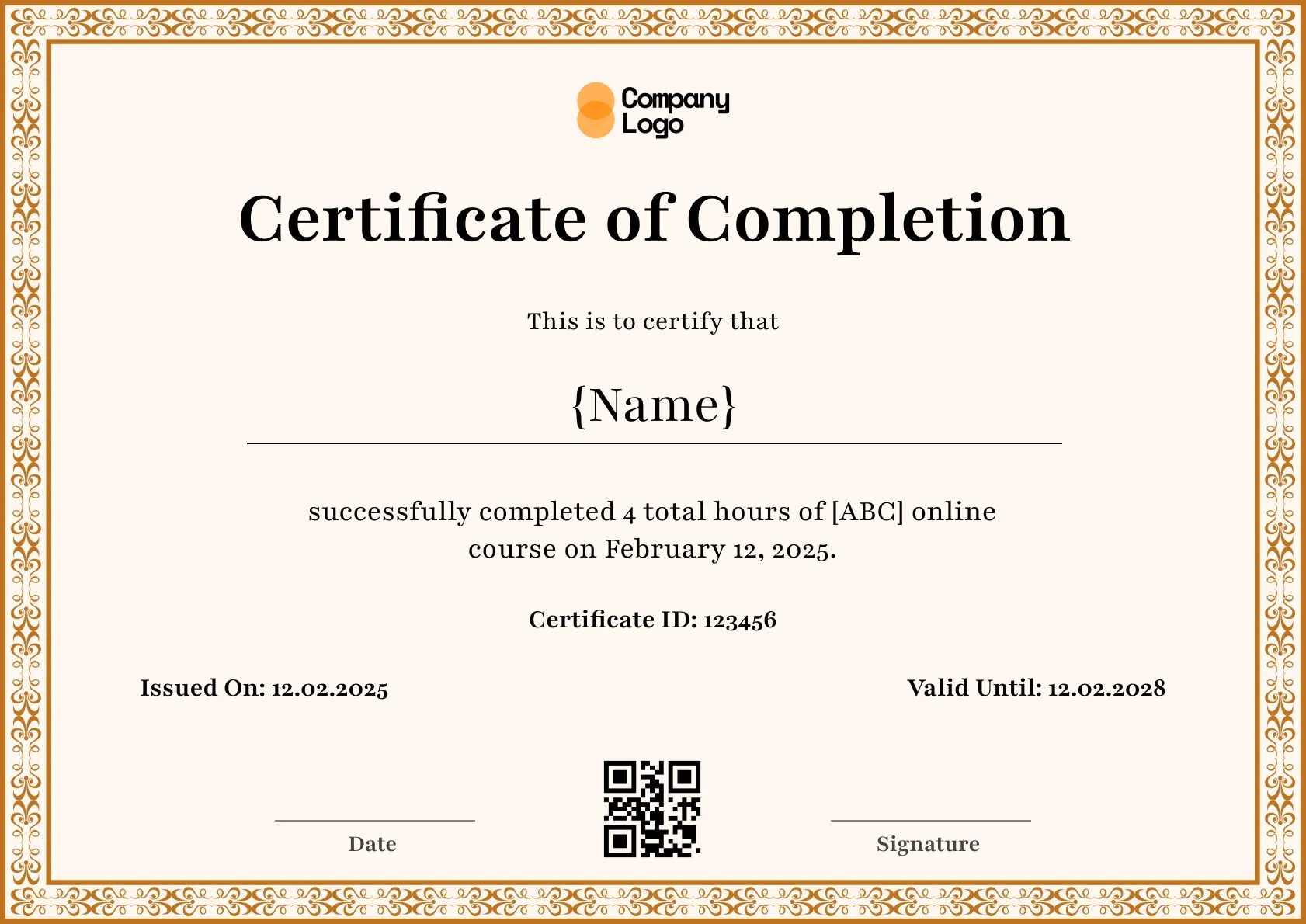
Course Completion
We're a SourceForge Top Performer for Digital Credential Management.Read the announcement
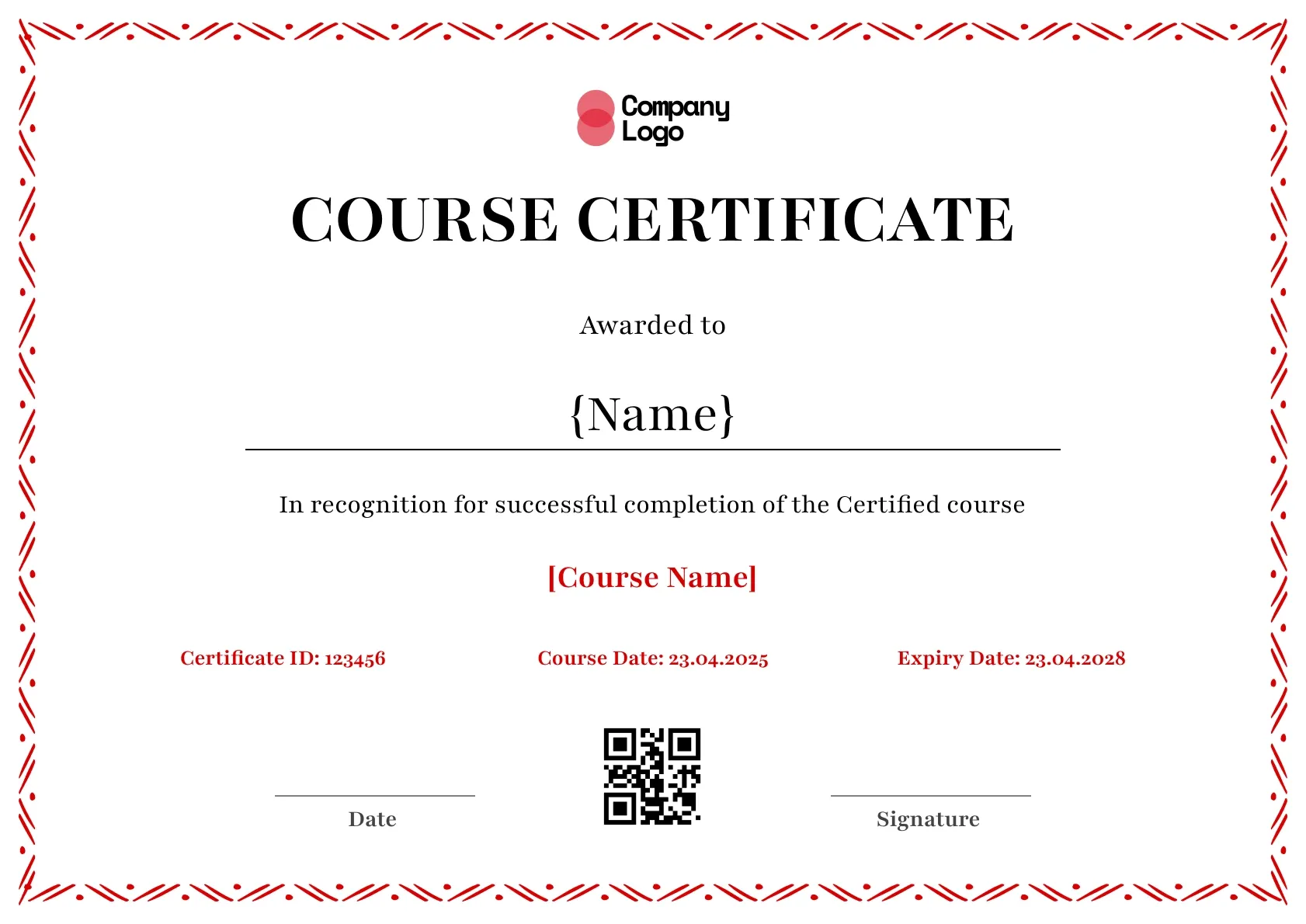
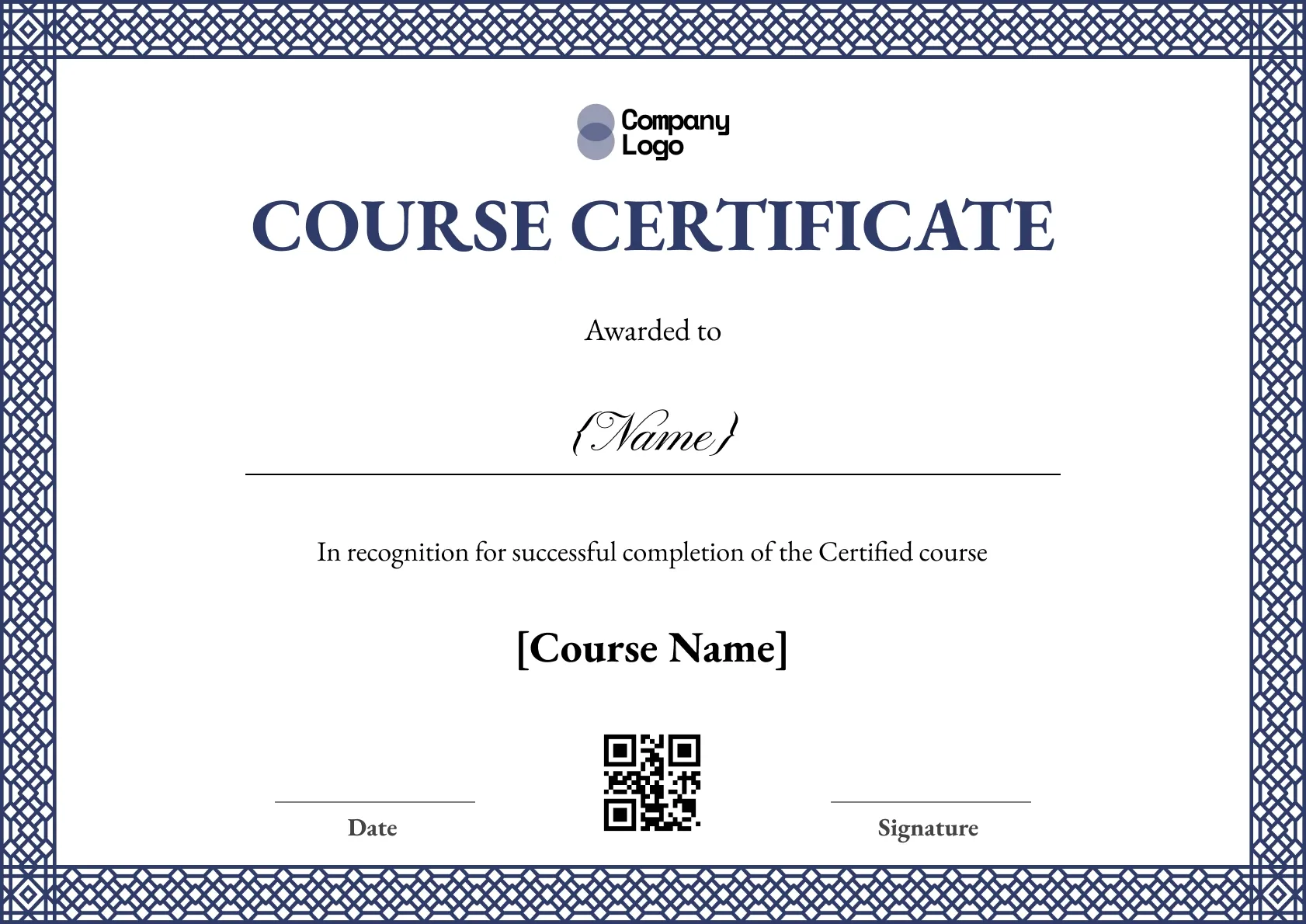
Online course certificate template for instructors, in clean red. Add the learner, course and date, then download a free PDF or share a QR-verified page.
Use this templateBEST FOR
CATEGORIES
Edit color, fonts, logos, and layout freely in the Wauld visual editor.
Each recipient gets a public URL for LinkedIn, portfolios, and email signatures.
Connect Wauld to the tools you already use to automate issuing and delivery.
Every credential is stored as a secure record that recipients and employers can trust.
An online course certificate template for independent instructors, kept clean with a single red accent so it takes seconds to set up and send. The tidy layout suits solo course creators who want a professional certificate without a design tool.
Key Features:
Each certificate carries the learner name, course title, completion date, the instructor, and a QR verification link so recipients can prove it is real.
Customize the wording and your name in Wauld, then issue certificates to each learner, one by one or as a batch. For an independent instructor the verification link matters: it turns a simple file into a credential a learner can trust and share, which reflects well on your course. Save the design and reuse it across everything you teach, so each course ends with a consistent certificate that carries your name.
Both A4 and US Letter are available, so your learners print a clean copy wherever they are. As a solo instructor you do not need a design tool or a team: set your name once, and every course you teach ends with a professional, verifiable certificate that carries your brand. The verified link is what turns a downloadable file into something a learner is proud to share, and each share quietly points new students back to you.
SAMPLE WORDING
Customize the template
Edit the wording, colors, logo and fields in the Wauld editor so the certificate matches your course.
Add your learners
Enter recipients one by one, upload a CSV, or connect your LMS to pull them in automatically.
Issue with verification
Send each learner a certificate with its own QR code and verified online record they can share.
Running your course on an LMS? Connect it with Wauld, for example through the Moodle integration, to issue certificates automatically as learners finish.
Find answers to the most common questions about this template.
A clear online course certificate names the learner, the course title, and the completion date. Many also show the number of hours, the instructor or issuing body, and a verification link or QR code so the achievement can be confirmed.
Yes. Every text field is editable, including the recipient name, course or program title, dates, logo, and signature. Adjust the wording and colors to match your organization before you issue it.
Yes. Every certificate you issue with Wauld includes a QR code and a verified online record. Recipients and employers can scan or click to confirm the certificate is genuine and view its details.
Yes. Every certificate template on Wauld is free to use. You can edit the design, add your details, and download or share the finished certificate at no cost.
Connect your forms, learning platforms, and other tools to Wauld through these integrations to automate certificate delivery.
Course Completion
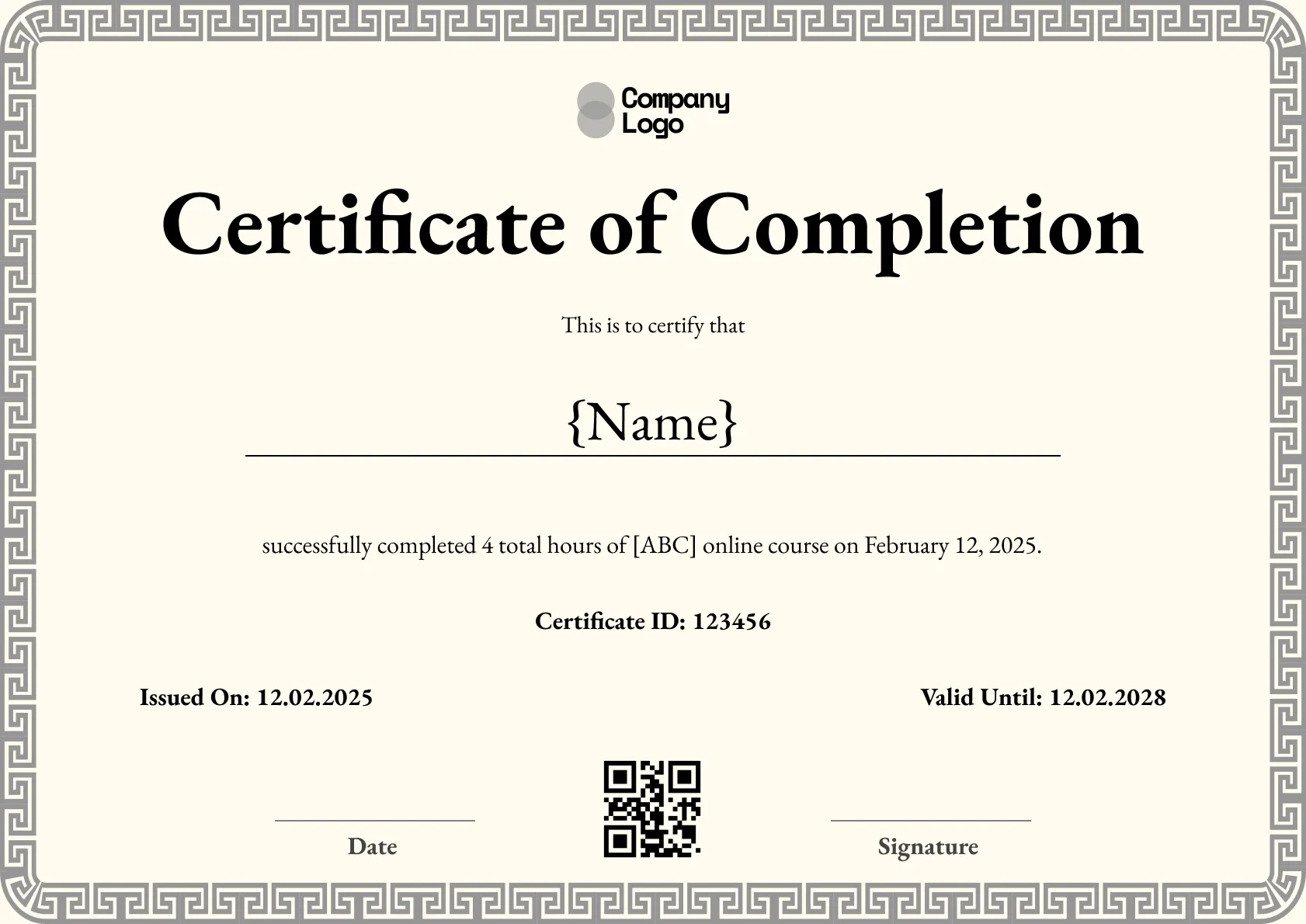
Course Completion
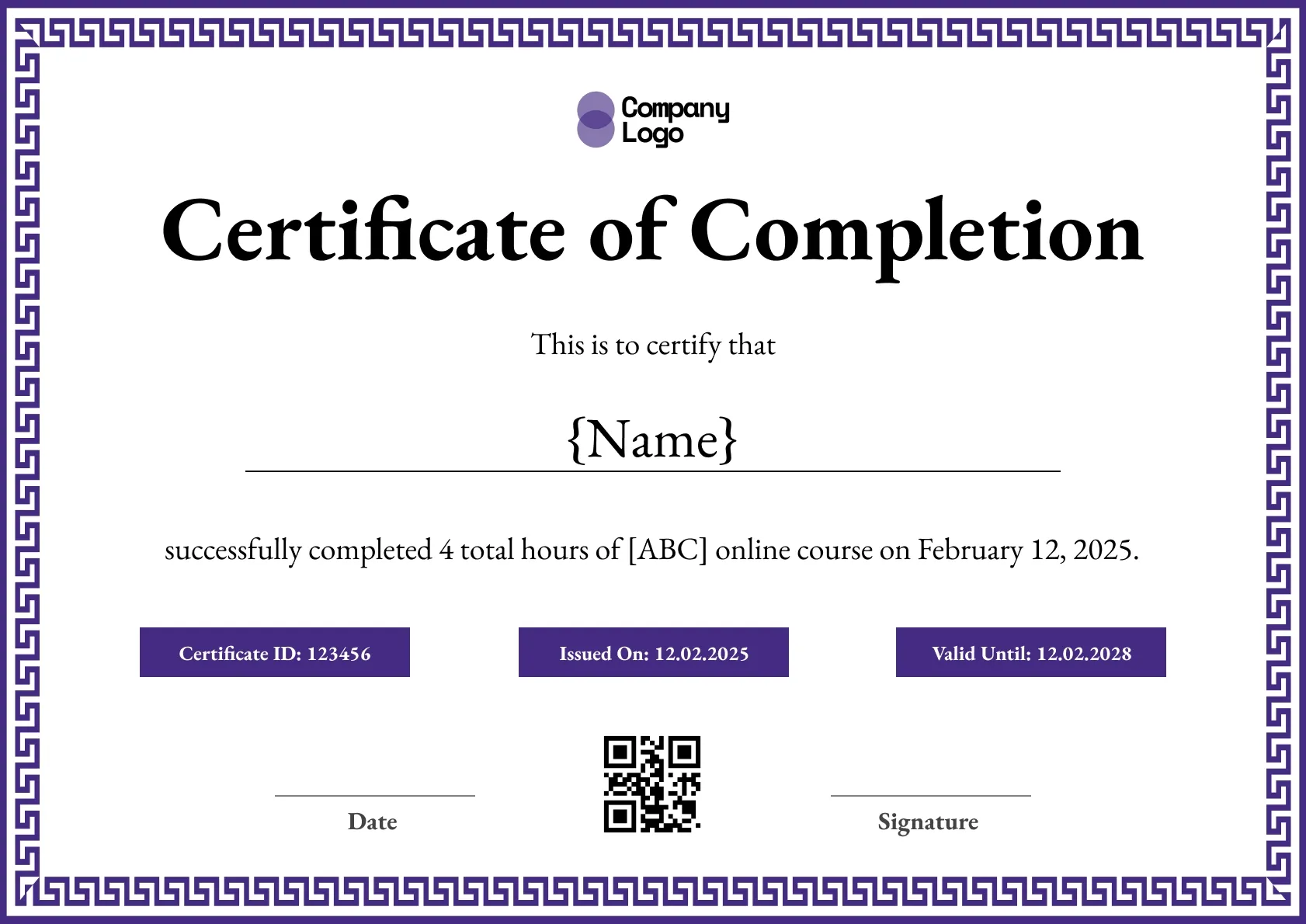
Course Completion
Course Completion
Certificate Templates & Design


Certificate Templates & Design


Digital Credentialing

Customize this template and issue verifiable credentials in minutes. Free for up to 300 credentials, no credit card required.
Sign up for free