





Compliance
We're a SourceForge Top Performer for Digital Credential Management.Read the announcement
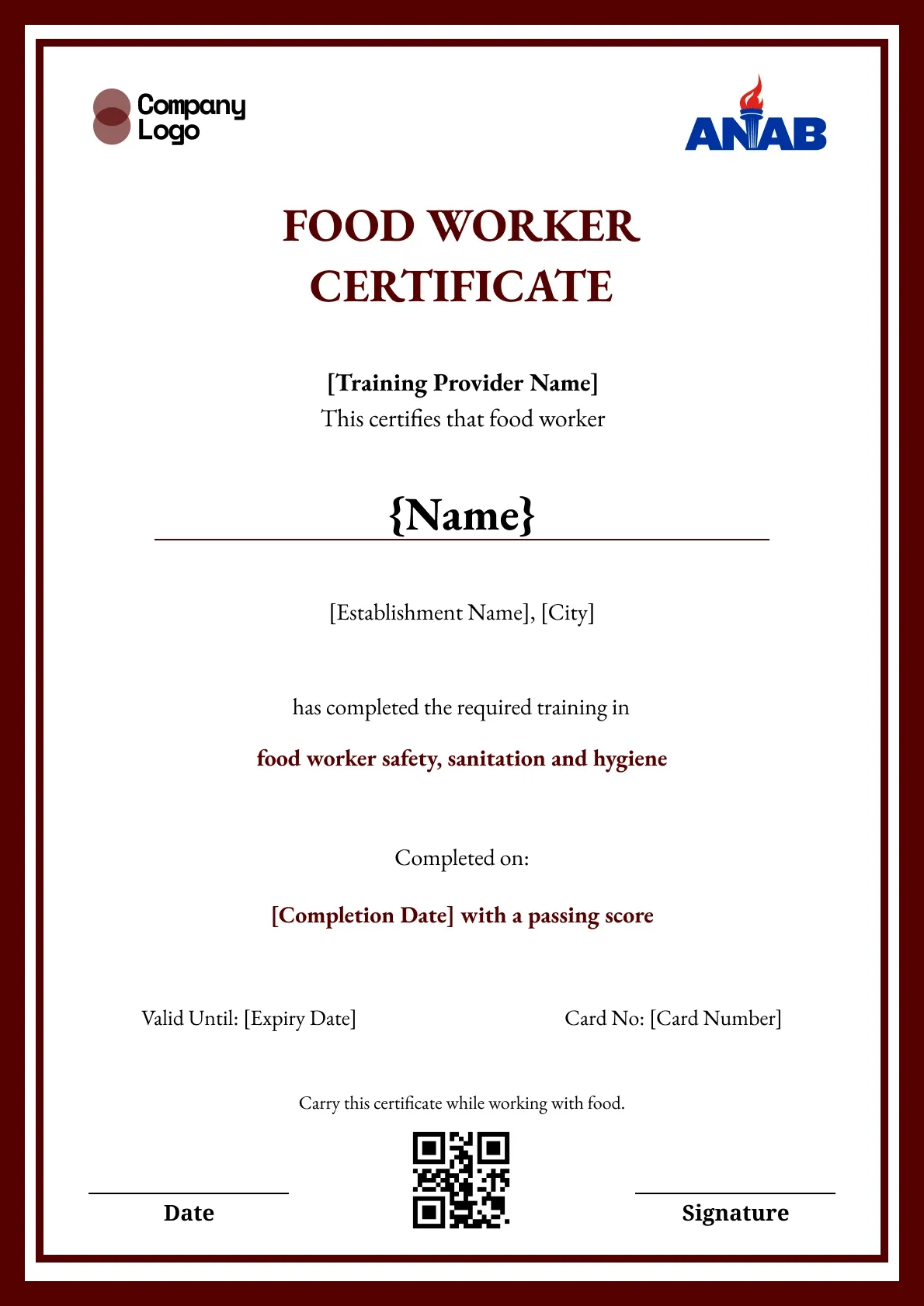
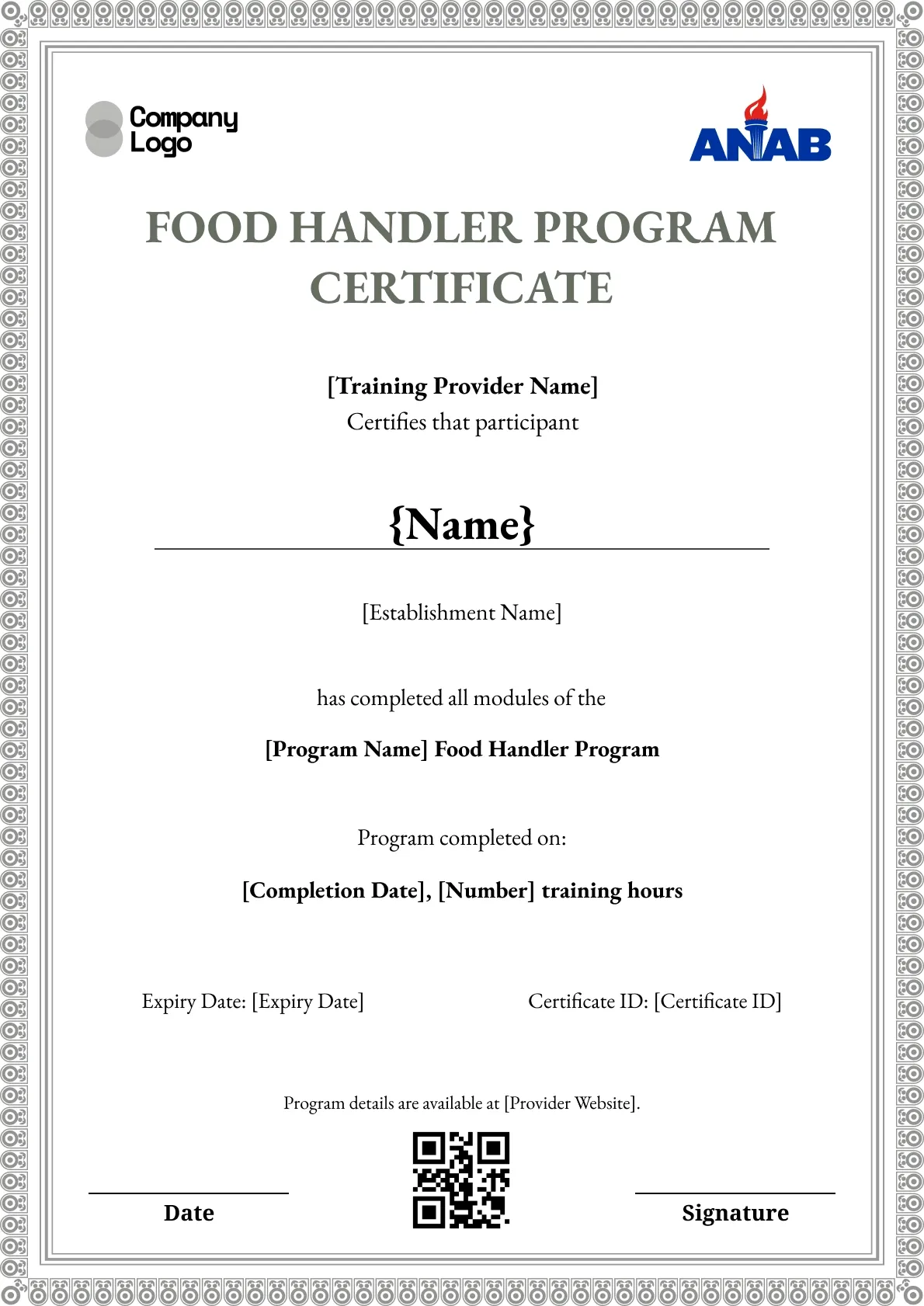
Certify a food worker with this maroon-bordered template. Space for the training completed, completion date, expiry, and card number.
Use this templateBEST FOR
CATEGORIES
Each recipient gets a public URL for LinkedIn, portfolios, and email signatures.
Set expiry dates, send renewal reminders, and reissue certificates when training is due again.
Connect Wauld to the tools you already use to automate issuing and delivery.
Every credential is stored as a secure record that recipients and employers can trust.
Certify a food worker with this clean maroon-bordered template. A thin deep-red frame surrounds the name, the training completed, and lines for the completion date, expiry date, and card number. Add your details, then issue and manage records through workplace training on Wauld.
Key Features:
Made to carry: A footer reminds the worker to carry the certificate while working with food, which helps during an inspection.
Keep it on brand: Switch the maroon to your color, add your logo, and edit the city and establishment fields.
Printing notes: Sized for A4 or US Letter portrait and exported as a print-ready PDF for printing or online sharing.
Find answers to the most common questions about this template.
A food handler certificate shows that a worker has completed food safety training covering topics like personal hygiene, cross-contamination, and safe temperatures. It records the name, the training completed, and an expiry date that employers and inspectors can check.
Yes. You can add your logo, name, and signature so every food safety certificate matches your training program. Upload your logo in the editor and place it where it fits the design.
Validity depends on your state and employer, but many food handler certificates last two or three years. With Wauld you can set the expiry date on each certificate and reissue it when the training is due again.
Every certificate carries a QR code and a certificate ID linked to a live verification page. An employer or health inspector can scan the code or enter the ID to confirm the certificate is genuine.
Connect your forms, learning platforms, and other tools to Wauld through these integrations to automate certificate delivery.
Compliance
Compliance
Compliance
Compliance
Digital Credentialing

Certificate Templates & Design

Customize this template and issue verifiable credentials in minutes. Free for up to 300 credentials, no credit card required.
Sign up for free