How to Issue Verifiable Digital Certificates from Classe365

Verifiable Digital Certificates from Classe365
Your students put in years of work. A PDF sitting in a downloads folder is not the learning experience they earned. Classe365 digital certificates handle the administrative record cleanly. What they do not handle is what happens after that credential is generated. No employer can verify it independently. No student can share it with a direct link. No administrator can track whether it was ever opened.
That gap is exactly what this guide addresses. You will see where Classe365 falls short, what Wauld adds on top, and how to connect both platforms so every credential your institution issues actually works outside the system.
What Is Classe365?
Classe365 is an all-in-one student management software trusted by 6,000+ educational institutions across 130 countries. It covers the full learner lifecycle, from CRM and admission through a Student Information System, Learning Management System, finance, and graduation.
The certificate module lives inside Modules > Administration > Degrees and Certificates. Administrators can build templates using a WYSIWYG editor or custom HTML, populate them with student data variables, and generate credentials in bulk or individually. For a full walkthrough, see Classe365's official certificate documentation.
The degree audit integration is particularly strong for higher education institutions. Admins can confirm that a student has met all credit, GPA, and enrollment requirements before any credential is issued. Classe365 AI also powers attendance analytics and assessment feedback across the platform, giving institutions sharper visibility into student progress. For more on degree tracking, see the Classe365 degree audit module guide.
The Native Certificate Module: What It Does
Classe365 handles credential creation through a five-step workflow inside the platform.
Step 1: Create a template. Choose a default layout or build from scratch in the in-platform editor.
Step 2: Design it. Use the WYSIWYG editor or write custom HTML with inline CSS for full control.
Step 3: Add data variables. Pull student profile fields, enrolment details, organization data, and dates into each design.
Step 4: Generate. Select students from the degree audit module and issue in bulk or individually.
Step 5: View and manage. All issued credentials sit in the Certificates tab. Admins can edit custom variable fields inline for each student.
For internal record-keeping, grading documentation, and academic transcripts, it works well. The student information system keeps everything organized and confirms completion before issuance.
The Real Gap: Where Classe365 Falls Short on Digital Credentialing
The native module handles records cleanly. The problem starts the moment a credential needs to function outside Classe365. Admins have no visibility into what happens next. Students have no portable proof of their learning experience.
| Gap | What it means in practice |
|---|---|
| No verification layer | No QR code, no URL. Employers cannot confirm a certificate is real |
| No post-issuance analytics | Zero visibility on who opened, downloaded, or shared their credential |
| No recipient wallet | Certificates scatter into student downloads folders permanently |
| No digital badges | No modular credentials for skills, milestones, or achievements |
| Manual issuance only | No automatic trigger when a degree audit is marked complete |
| Basic template options | No pre-built library, every design built from scratch |
| No LinkedIn sharing | No one-click path for students to add credentials to their profile |
This gap is consistent across most student management software built for academic records first and credential delivery second. Wauld has documented the same issue with Skilljar, Thinkific, and Knowledge Anywhere LMS.
For a deeper breakdown, read Wauld's comparison of LMS certificates vs dedicated credentialing platforms.
What Wauld Adds to Simplify Classe365 Credentialing
Wauld is a dedicated digital credential platform built for higher education institutions, training providers, and professional associations. It manages the full lifecycle of certificates and badges: design, issue, track, and share. It does not replace Classe365. It picks up exactly where the student management software stops.
For administrators and registrars:
- 1,000+ professional templates. A library of designs covering degree completion, course awards, CPD, and professional recognition. See the full Wauld template gallery.
- Bulk issuance via CSV. Export completions from Classe365, upload to Wauld, and issue credentials to hundreds of students at once.
- Engagement analytics. See who opened, downloaded, shared on LinkedIn, and verified each credential. Certificates become measurable outcomes.
- Full lifecycle control. Edit, revoke, or reissue any credential from one dashboard. The verification page updates instantly.
For students and alumni:
- Proactive inbox delivery. A branded credential email arrives seconds after issuance. No portal navigation, no PDF hunt.
- One-click sharing. LinkedIn, email links, and secure credential URLs built in.
- Personal credential wallet. Every certificate in one place, accessible from any device and addable to Apple Wallet.
- Instant public verification. A unique verification page and QR code on every credential. Anyone confirms authenticity in one click.
For compliance and accreditation teams:
- Open Badge 3.0 compliant. Wauld credentials meet the international Open Badges portability standard, recognized globally. Classe365 PDFs do not.
- KYC-verified organization badge. Complete identity verification once and earn a trust badge visible on every issued credential.
Want to understand the full difference between a static PDF and a verifiable digital credential? Read Wauld's guide on why course certificates matter beyond the download.
How to Connect Classe365 and Wauld: Three Methods
Method 1: Bulk CSV Upload (Zero Setup, No Code)
The simplest path for any institution. No technical configuration, no third-party subscriptions, and no changes to your existing Classe365 setup.
Step 1: Export from Classe365. Go to the Certificates tab or Degree Audit module. Filter by completion status and date range. Export student data to a spreadsheet.
Step 2: Format your CSV. Your file needs recipient first name, last name, email, program name, and completion date. Add any custom fields your Wauld design requires, such as GPA, module name, or graduation year.
Step 3: Upload to Wauld. Select your credential layout, click bulk issue, and upload. Wauld generates a personalized, verifiable credential for every row and delivers them to each student inbox in one operation.
A batch of 200 completions takes roughly 20 minutes. Every recipient gets a shareable credential the same day. Read how much time bulk issuance saves per credential.
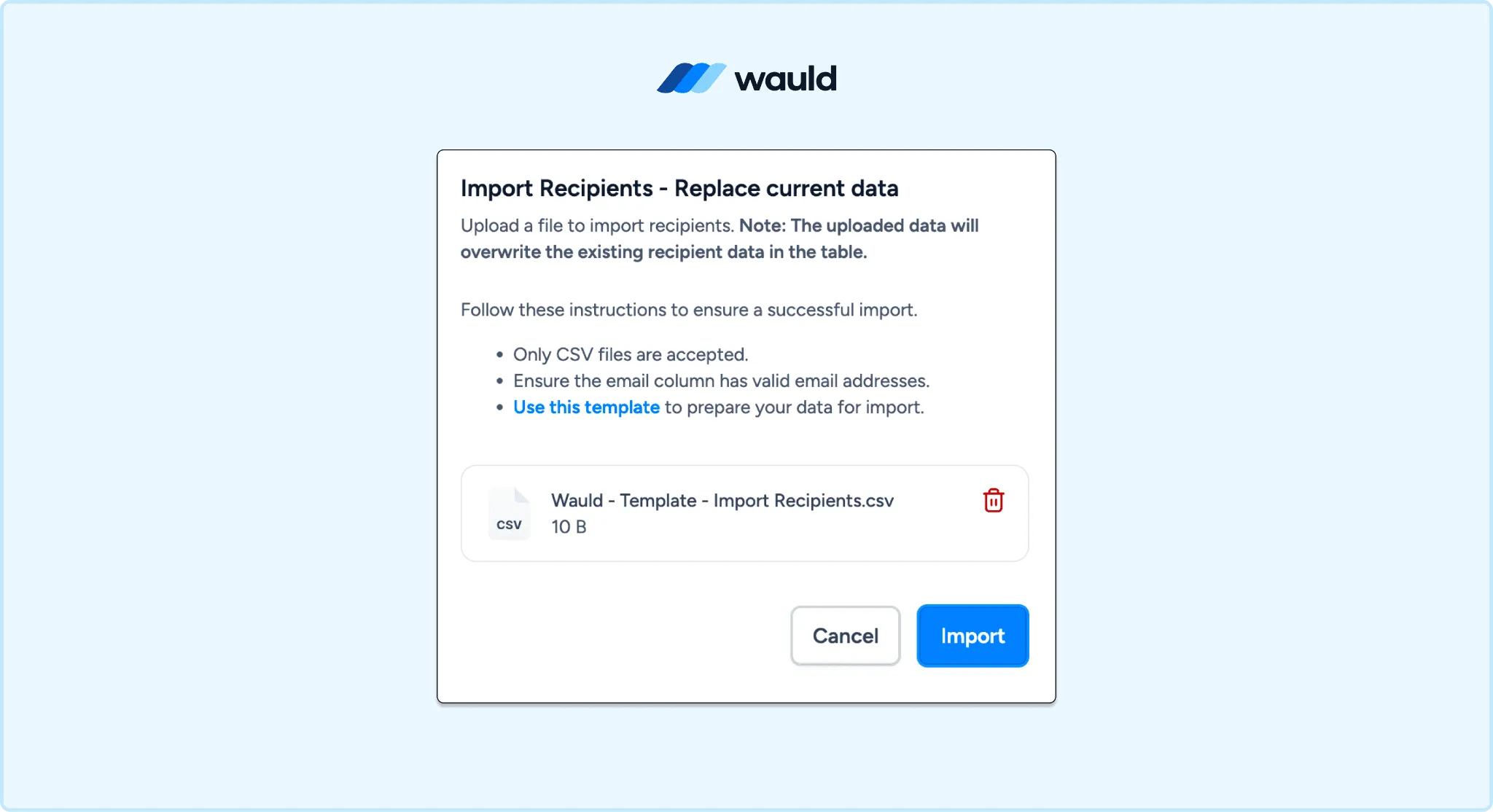
Issue digital credentials at scale with Wauld’s bulk CSV issuance feature, enabling organizations to award credentials to hundreds or thousands of recipients in a single upload.
Method 2: Wauld Custom Trigger via Classe365 REST API (Real-Time, Developer Setup)
For institutions with a technical team, Wauld's custom triggers feature provides a real-time, completion-based pipeline with no Zapier subscription required.
Wauld generates a unique trigger URL for any credential document. When your system sends the correct payload to that URL, Wauld issues the credential instantly. On the Classe365 side, the REST API exposes a POST /rest/studentSubjectStatusUpdate endpoint that accepts a completion status. Your team can call this after any subject or course is marked complete, then forward the student data directly to Wauld.
Setup steps:
- Create a Wauld custom trigger. Open your credential document in Wauld, go to Integrations, select Custom Trigger, and copy the unique trigger URL.
- Get your Classe365 API key. Go to Admin Panel > Settings > APIs and generate a key.
- Build a middleware. Query the Classe365
GET /rest/studentsDataendpoint for completions, extract student name, email, program, and completion date, and POST that data to the Wauld trigger URL. - Test end to end. Mark a student complete in Classe365, confirm the middleware fires, and verify credential delivery.
This is the only method that issues credentials based on actual course or degree completion in real time. No polling delays, no Zapier cost, no manual exports. For how Wauld handles trigger payloads and outbound webhook data, read the Wauld product update on webhooks and custom triggers.
| Method | Automated | Completion-based | Best for |
|---|---|---|---|
| Bulk CSV to Wauld | Batch only | Yes | Any institution, fastest to start |
| Wauld Custom Trigger via API | Real-time | Yes | Teams wanting true completion automation |
What Happens After the Credential Goes Out
With Wauld, a certificate does not stop being useful once it lands in an inbox.
Students get a personal credential page to view, download, and share. They can add it to LinkedIn, send a verification link to a hiring manager, or let anyone check authenticity via QR code. Every Wauld credential is built for this from day one.
On the institution side, the dashboard shows open rates, shares, and verification events across all issued credentials. If any credential needs to be voided or reissued after a transcript correction or name change, one action in the dashboard updates the live verification page instantly.
This is the difference between a Classe365 digital certificate and a true verifiable credential. The PDF sits in a downloads folder. The credential keeps working.
Ready to Upgrade Your Classe365 Certificates?
Classe365 is excellent school and university management software. Its degree audit, student information system, and bulk certificate generation are strong tools for educational institutions managing complex academic programs.
The certificates just need to do more.