May 2026 - Monthly Product Updates: Zapier, Webhooks, Custom Triggers, Image Attributes, and More

This month, Wauld became easier to use across the tools and workflows your team already depends on.
Credential issuance often starts long before someone clicks issue inside Wauld. A recipient may complete a course, submit a form, attend a webinar, pass an assessment, get approved in an internal system, or reach a milestone in another platform. Instead of bringing that data into Wauld manually every time, you now have more ways to make credential issuance part of those existing workflows.
You can now use Wauld with more automation options, send issued credential data to other systems, trigger issuance from external workflows, and personalize credentials with image attributes in the Design Studio.
Here’s what’s new:
Use Zapier to bring credential issuance into more workflows
Send issued credential data to other systems with webhooks
Trigger credential issuance from external workflows using custom triggers
Add image attributes to credential designs
These updates help you reduce manual work, keep your systems better aligned, and create credentials that are more useful, personalized, and connected to the way your team already works.
Connect Wauld with your everyday tools through Zapier
You can now use Zapier to bring credential issuance into workflows across 9,000+ supported apps.
With this update, you can issue credentials in Wauld based on events from other tools, or start follow-up actions in other systems after a credential is issued. This can support workflows such as issuing a credential after a course completion, form submission, webinar attendance, spreadsheet update, CRM status change, or other activity captured in your connected apps.
In Zapier, you can use two Wauld events:
Issue Credential - an action that lets another app issue a credential in Wauld
Credential Issued - a trigger that starts a workflow in another app after a credential is issued from Wauld
These two events cover around 95% of the credential automation use cases we have encountered so far. In most workflows, teams either want another system to issue a credential in Wauld, or they want something to happen after Wauld issues a credential.
You can also use Wauld Zap templates to start faster. These templates give you ready-made workflow structures for common credentialing use cases, so you can choose a relevant flow, map your recipient and credential data, and adjust it based on how your team works.
Visit the Wauld app page on Zapier to explore available Wauld integrations, view Zap templates, and see the apps you can use with Wauld.
To learn how to set up and use this integration, read the Wauld Zapier Integration Guide.
Use webhooks to keep your systems updated after credentials are issued
You can now use webhooks to send credential issuance data from Wauld to other systems automatically.
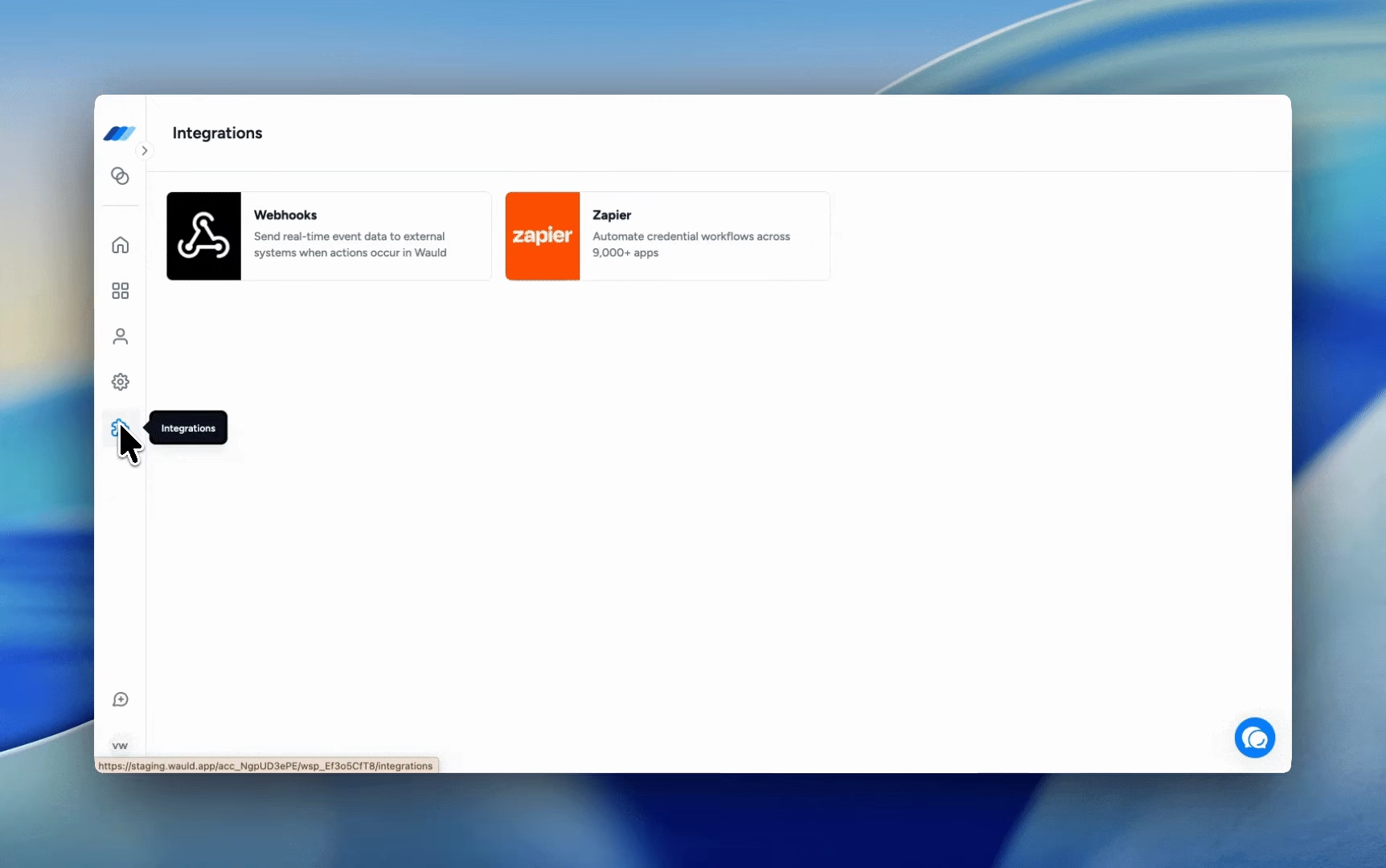
With this update, you can configure a webhook URL and receive a structured payload whenever a credential is issued. This helps you keep external systems updated, trigger follow-up workflows, and pass issuance details to the tools that need them.
The webhook payload includes key issuance information, such as issuer details, recipient details, credential details, and related issuance data. This allows your connected systems to understand who issued the credential, who received it, what was issued, and when the issuance happened.
You can use webhooks to support workflows such as updating learner records, syncing issued credential details with a CRM, sending data to an internal reporting system, triggering notifications, starting an approval or follow-up process, or storing issuance activity in your own database.
This gives you more flexibility to use Wauld issuance data across the systems where your team already manages recipients, records, reporting, or follow-up actions.
Sample webhook payload
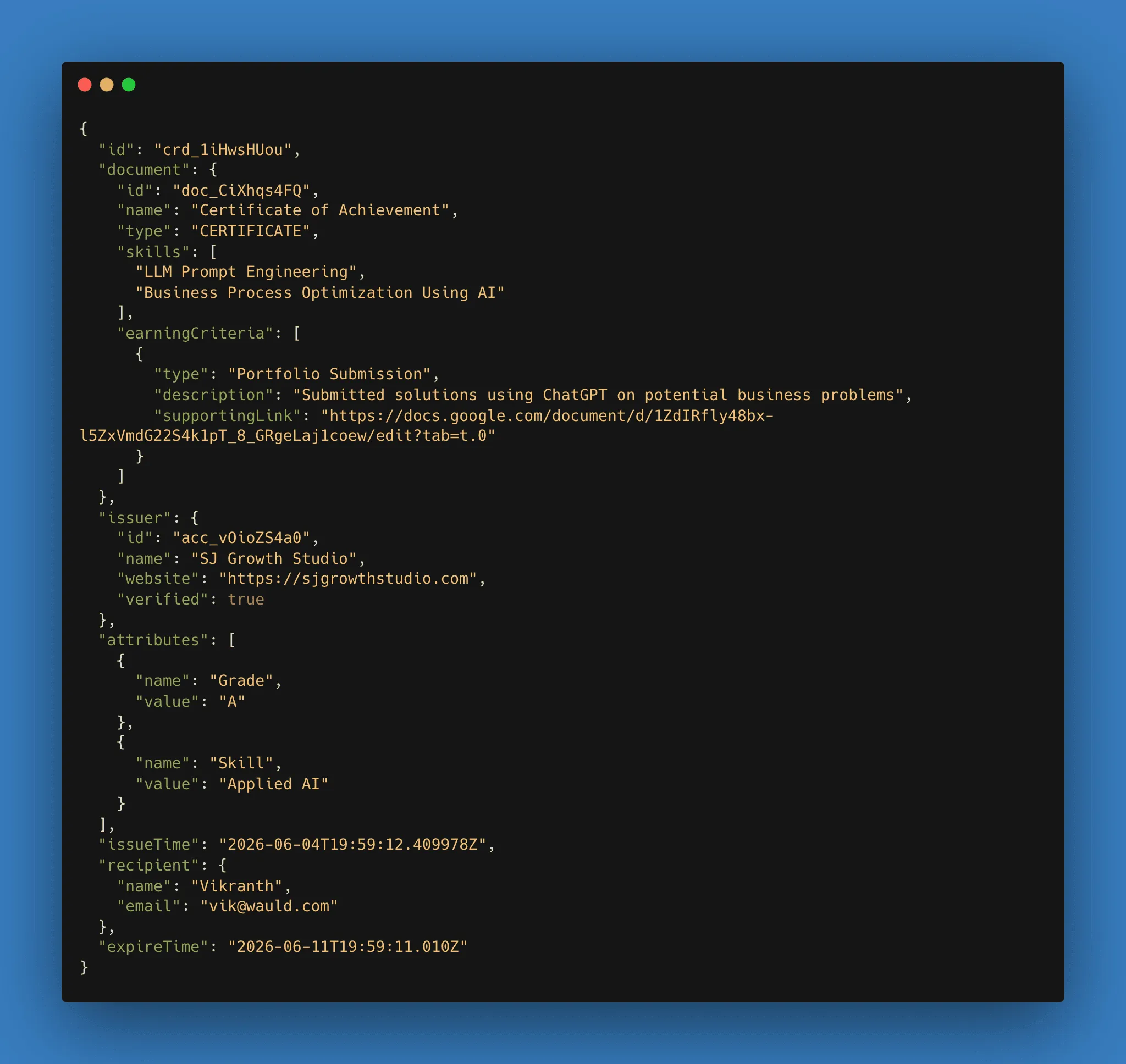
You can review the sample webhook payload above to see what data is sent when a credential is issued.
Trigger credential issuance from external workflows
You can now set up custom triggers in Wauld to issue credentials from the systems and workflows your team already uses.
With this update, you can create a trigger for a specific document, set an expiry, and configure the credential issuance action. Once the trigger is created, you get a unique trigger URL for that document.
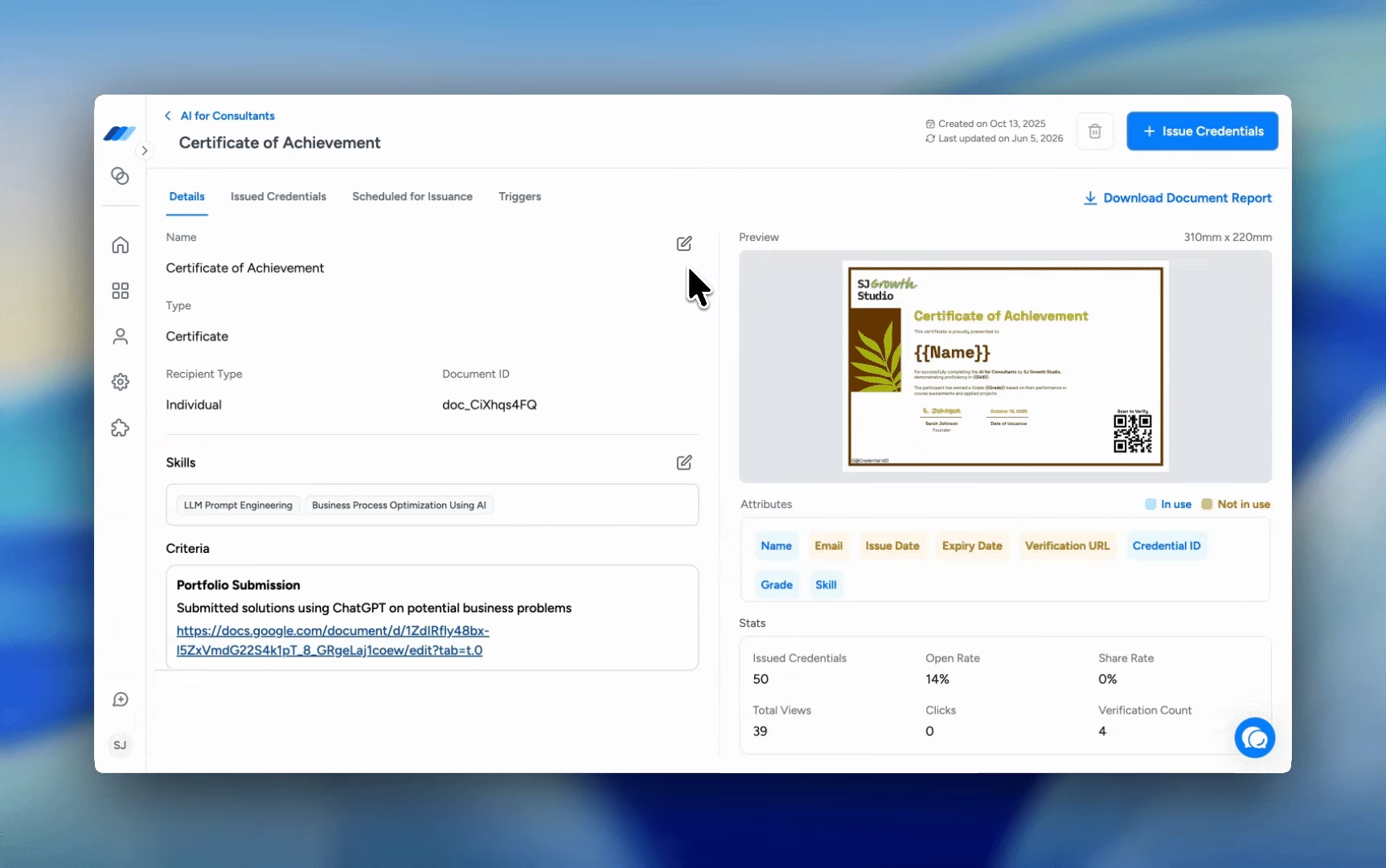
When the defined payload is sent to this URL, Wauld uses the submitted data to issue the credential automatically. This helps you turn actions from another system, such as a course completion, assessment result, event attendance, form submission, or internal approval, into credential issuance without adding recipients manually each time.
Custom triggers are useful when you want Wauld to be the final step in a broader workflow. Your external system can complete its own process first, then send the required data to Wauld so the right credential is issued from the right document.
This gives you a more flexible way to connect credential issuance with your existing processes, while keeping the credential design, document setup, and issuance configuration managed inside Wauld.
Add image attributes to credential designs
You can now add image attributes to your credential designs, giving you more flexibility to personalize credentials with recipient-specific visuals.
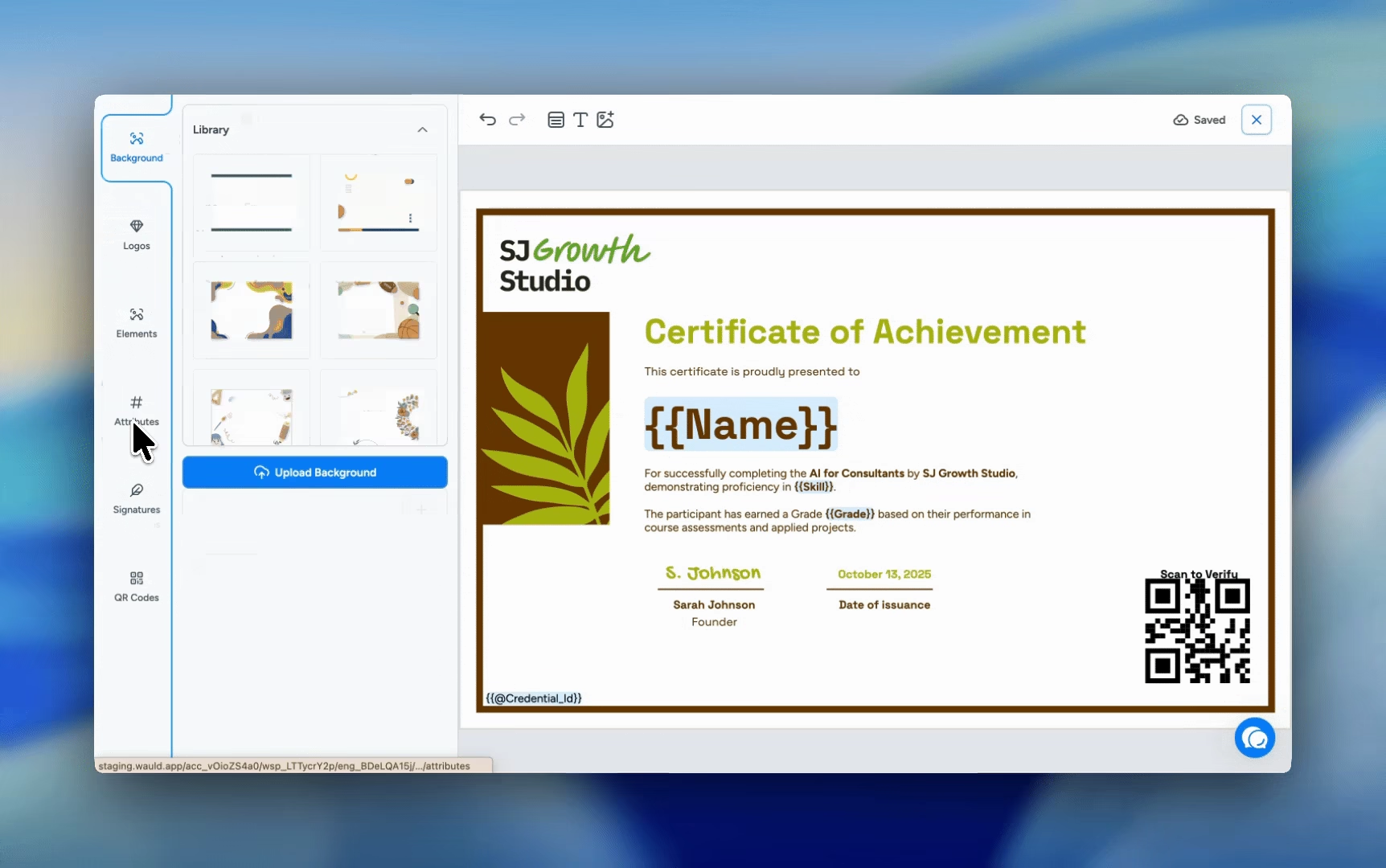
With this update, custom attributes can be created as either text or image attributes. Image attributes can be used for details such as profile photos, signatures, logos, ID photos, or other visuals that may be different for each recipient.
For example, if you are issuing marksheets, you can include each student’s photo directly on their marksheet. If you are issuing employee of the month certificates across departments, you can use image attributes to add the right employee photo to each certificate without creating separate designs for every recipient.
Once an image attribute is added to the Design Studio, you can place it on the canvas and resize it however you need. The image preserves its original aspect ratio and expands to fit the selected area, so it stays clean and consistent in the design.
You can also use the existing resizing, snapping, and layering options in the Design Studio to position image attributes more precisely and create better credential layouts. Before issuing, these images are shown in the credential preview, helping you review how each recipient’s credential will look.
This helps you create credentials that feel more personal, branded, and complete, while giving your recipients credentials that include the right visual details for their achievement or identity.
What’s next?
We are not slowing down yet.
Next month, you can expect updates that make Wauld more integrable across your credentialing ecosystem. That means more ways to use Wauld with the automation tools your team already trusts, smoother setup flows for important organization actions, better control over credential communication, cleaner screens in places where the experience needed polish, and sharper ways to find the issued credentials you are looking for.
In short, more ecosystem coverage, better workflows, cleaner interfaces, and fewer reasons to say, “Can we do this manually for now?”