Compliance
We're a SourceForge Top Performer for Digital Credential Management.Read the announcement
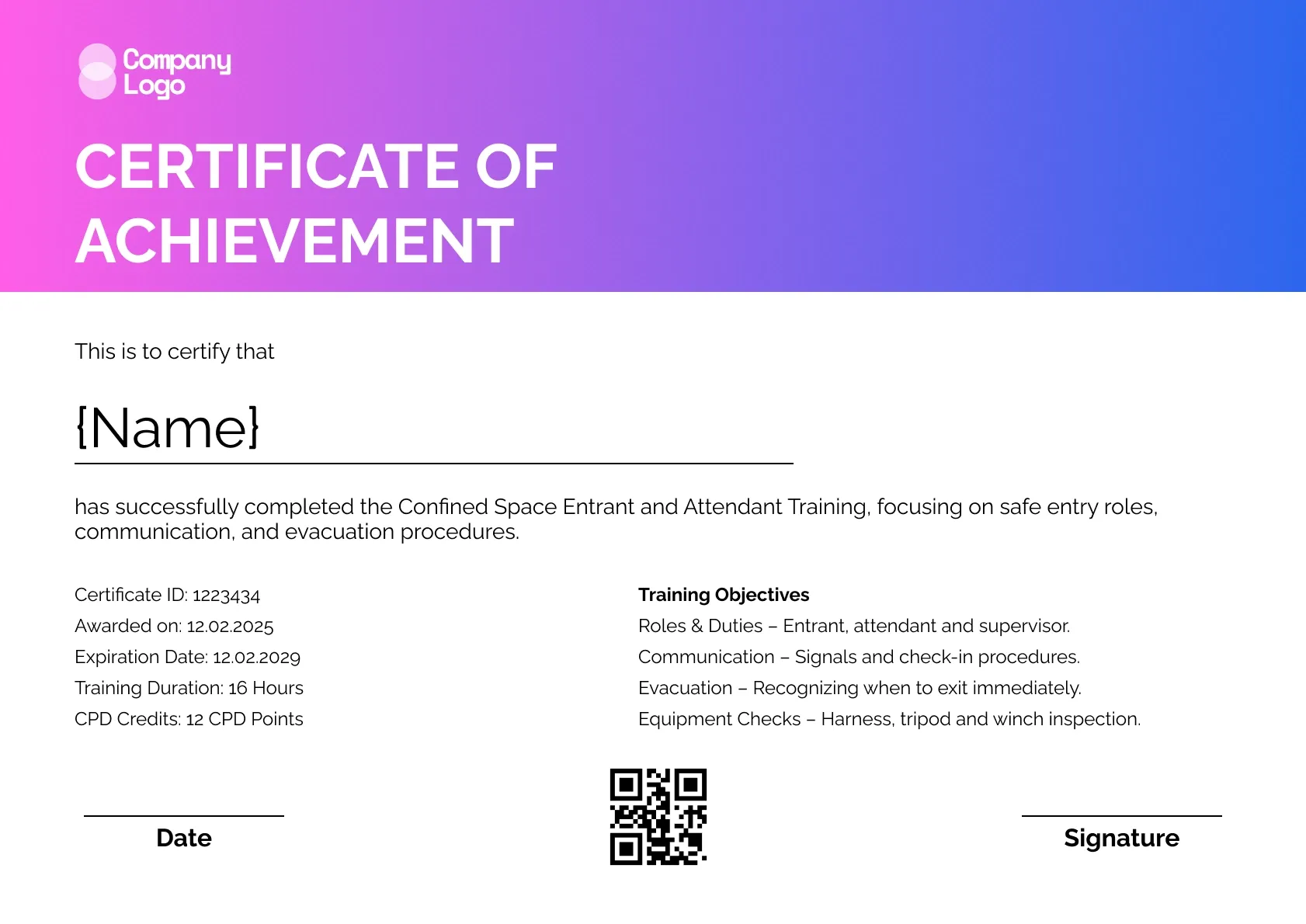
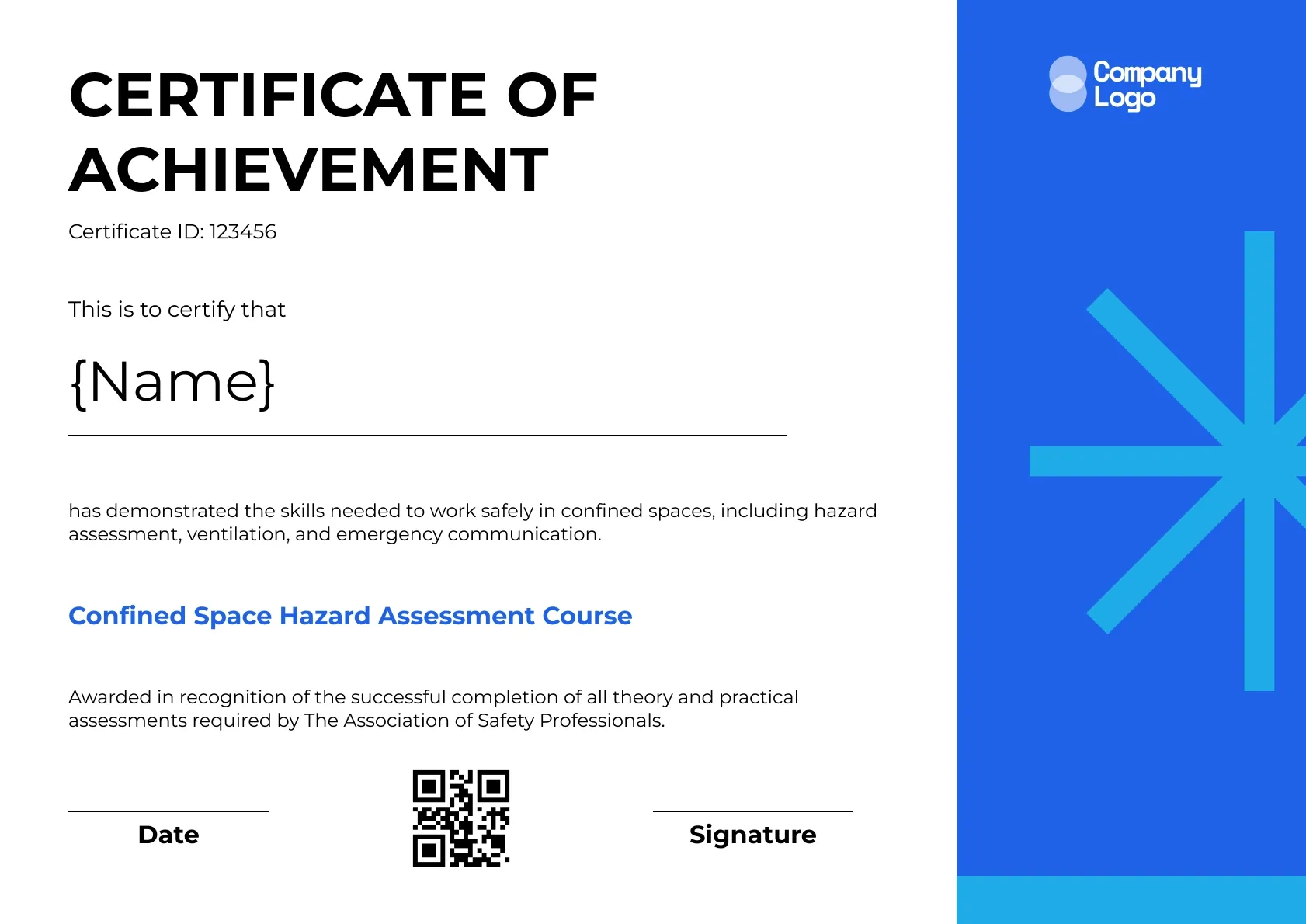
A pink to blue gradient header makes this editable confined space certificate stand out. Underneath, it holds a full set of details: certificate ID, award and expiry dates, training hours, CPD credits and a list of training objectives.
Use this templateBEST FOR
CATEGORIES
Show your training company logo, the assessor's name and signature, and any accrediting body on every certificate.
A QR code on each certificate opens a live verification page, so an entry supervisor can confirm a worker's training before they go in.
Upload your class list as a CSV and send every worker their certificate in one go.
Set an expiry date and let Wauld remind workers and supervisors before refresher training is due.
Download a high-resolution PDF sized for A4 and US Letter for site files or a worker's wallet folder.
Key Features:
Suggested wording: "This is to certify that {Name} has successfully completed the Confined Space Entrant and Attendant Training, focusing on safe entry roles, communication and evacuation procedures."
Fields included: Worker name, Certificate ID, Awarded on, Expiration date, Training duration, CPD credits, Training objectives, Date, Signature, QR code
Who it's for: Trainers who want every detail of the course on one certificate.
Find answers to the most common questions about this template.
On this editable confined space certificate you can change every label and value, including the awarded date, expiration date, training duration, CPD credits and training objectives. Colours, logos and fonts are editable too. It suits detailed records for entrant and attendant training.
List three to five learning objectives, such as identify permit-required spaces, interpret atmospheric test results, perform attendant duties and initiate emergency procedures. Objectives show exactly what the course aimed to teach, which helps employers and auditors judge whether it fits the worker's role.
Many employers and clients set their own refresher cycles, often one to three years. An expiration date makes that policy visible. If your organisation does not set one, delete the field or replace it with a review date. Clients on large projects often ask contractors to show that every worker's confined space training falls within their required window.
Yes. Change the objectives and title for each role, or add a role column to your spreadsheet and map it to the course line. Wauld creates each certificate with the right role, so one template covers your whole crew. Workers who hold several roles can receive one certificate per role, which keeps each record clear.
Compliance
Compliance
Compliance
Compliance

Certificate Templates & Design


Digital Credentialing

Customize this template, add your recipients and send verifiable certificates in minutes. Free up to 300 credentials, no credit card required.
Sign up for free