Compliance
We're a SourceForge Top Performer for Digital Credential Management.Read the announcement
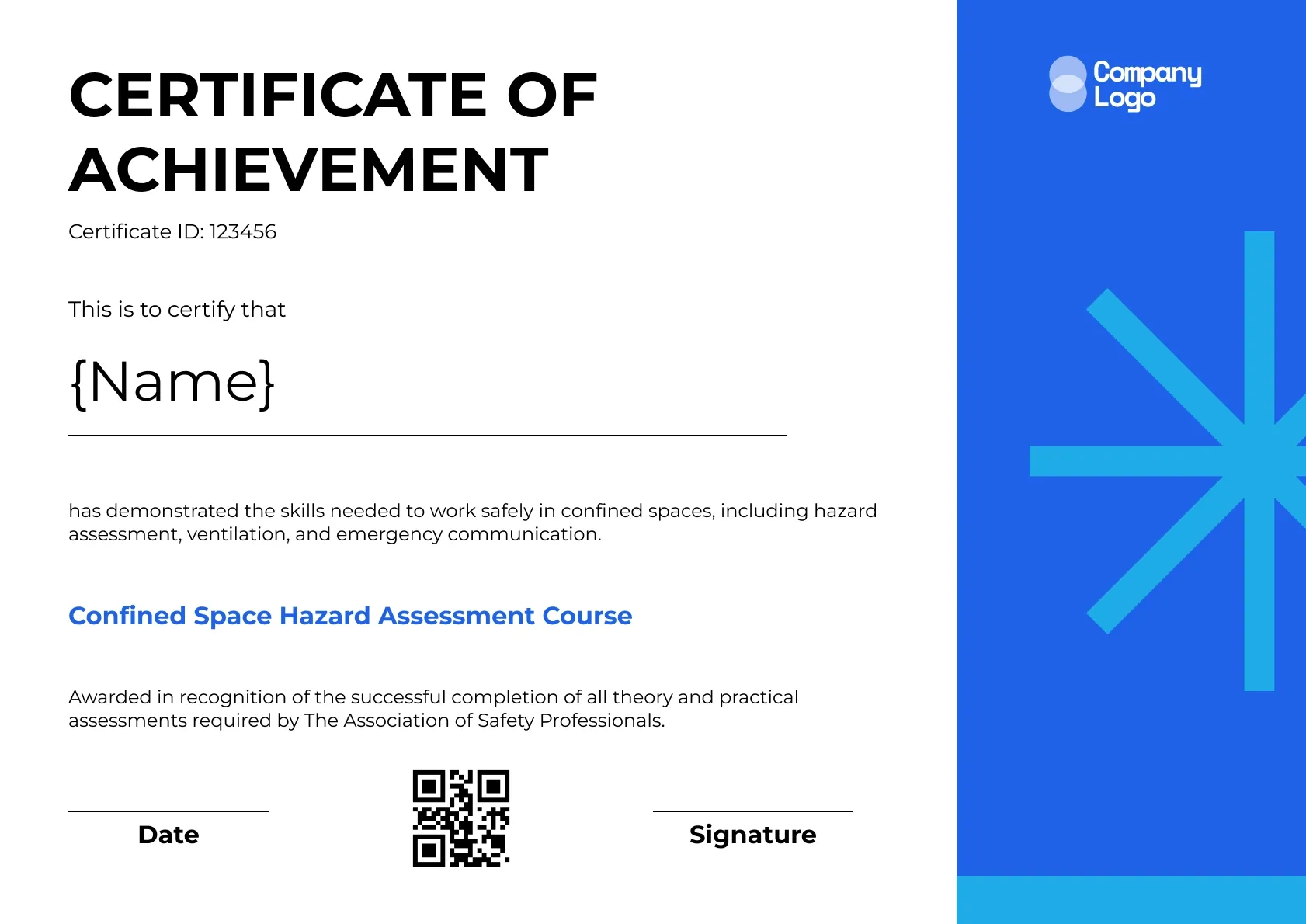
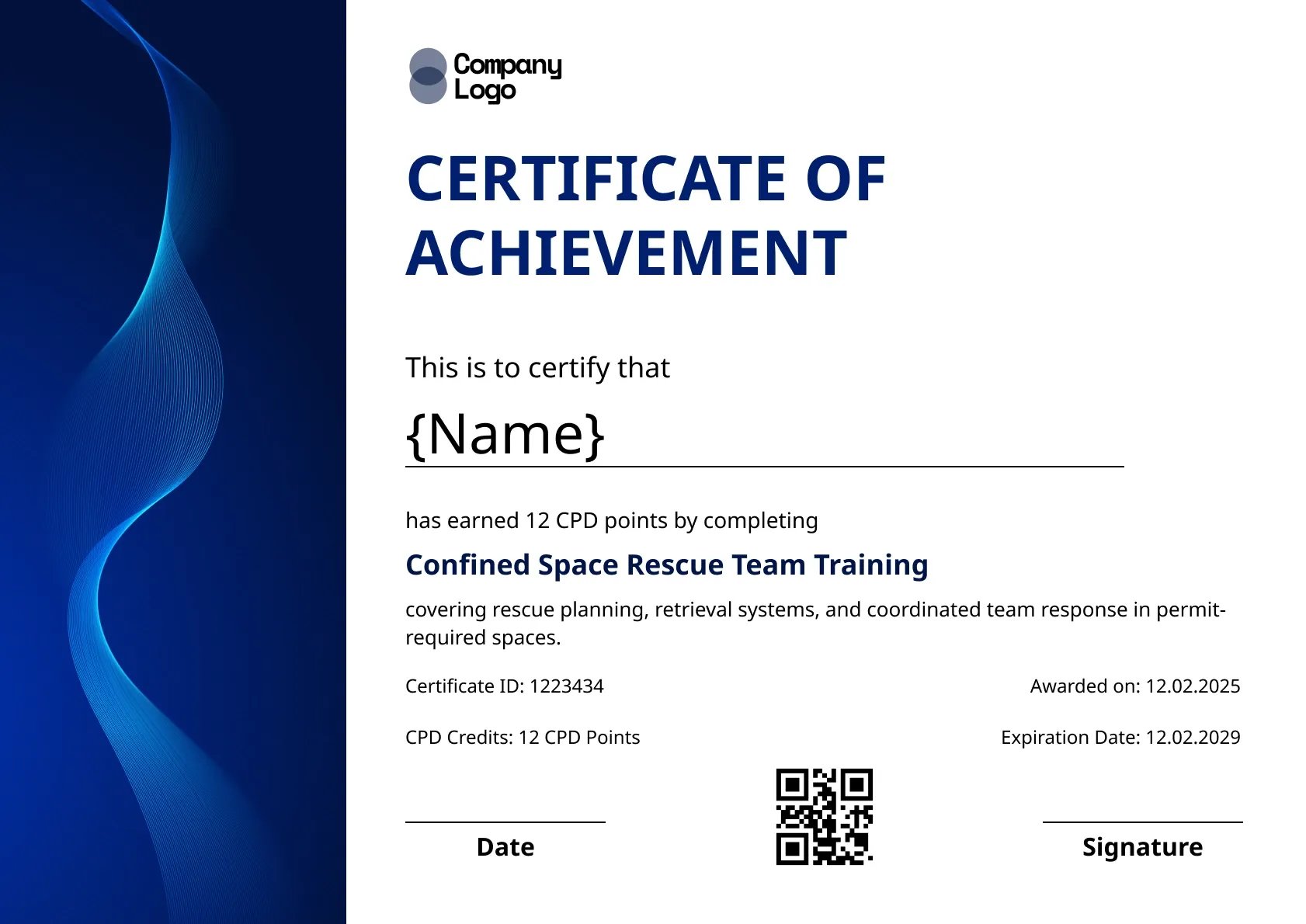
A bright blue panel with a white starburst sits beside a clean white page on this confined space certification template. It recognises the skills needed to work safely in confined spaces, from hazard assessment to ventilation and emergency communication.
Use this templateBEST FOR
CATEGORIES
Show your training company logo, the assessor's name and signature, and any accrediting body on every certificate.
A QR code on each certificate opens a live verification page, so an entry supervisor can confirm a worker's training before they go in.
Upload your class list as a CSV and send every worker their certificate in one go.
Set an expiry date and let Wauld remind workers and supervisors before refresher training is due.
Download a high-resolution PDF sized for A4 and US Letter for site files or a worker's wallet folder.
Key Features:
Suggested wording: "This is to certify that {Name} has demonstrated the skills needed to work safely in confined spaces, including hazard assessment, ventilation and emergency communication. Confined Space Hazard Assessment Course."
Fields included: Worker name, Certificate ID, Skills statement, Course name, Accreditation statement, Date, Signature, QR code
Who it's for: Training providers who certify confined space skills after a practical and theory assessment.
Find answers to the most common questions about this template.
Open this confined space certification template, add the course name and a skills statement describing what the worker can do, such as assess atmospheric hazards or complete an entry permit. Then add your accreditation statement if you have one. Upload your class list to Wauld, and each worker's certificate is generated with a unique ID.
The skills statement sits above the course line and describes the practical competence the worker showed, not just attendance. For example, demonstrated safe use of a four-gas monitor and completed a permit for entry. Employers value this detail because it shows what the worker can actually do on site.
Only if the course included rescue training. Rescue is a separate role with its own requirements, including annual practice rescues under 1910.146(k). If your hazard assessment course did not cover rescue, leave it out so nobody assumes the worker is qualified to perform a rescue.
Use the accreditation statement for the body that accredited or approved your course, such as an industry association or training standards body. The trainer and a training manager can sign. If you are not accredited, replace the statement with a short description of your training organisation instead.
Compliance
Compliance
Compliance
Compliance

Certificate Templates & Design


Digital Credentialing

Customize this template, add your recipients and send verifiable certificates in minutes. Free up to 300 credentials, no credit card required.
Sign up for free