
Course Completion
We're a SourceForge Top Performer for Digital Credential Management.Read the announcement
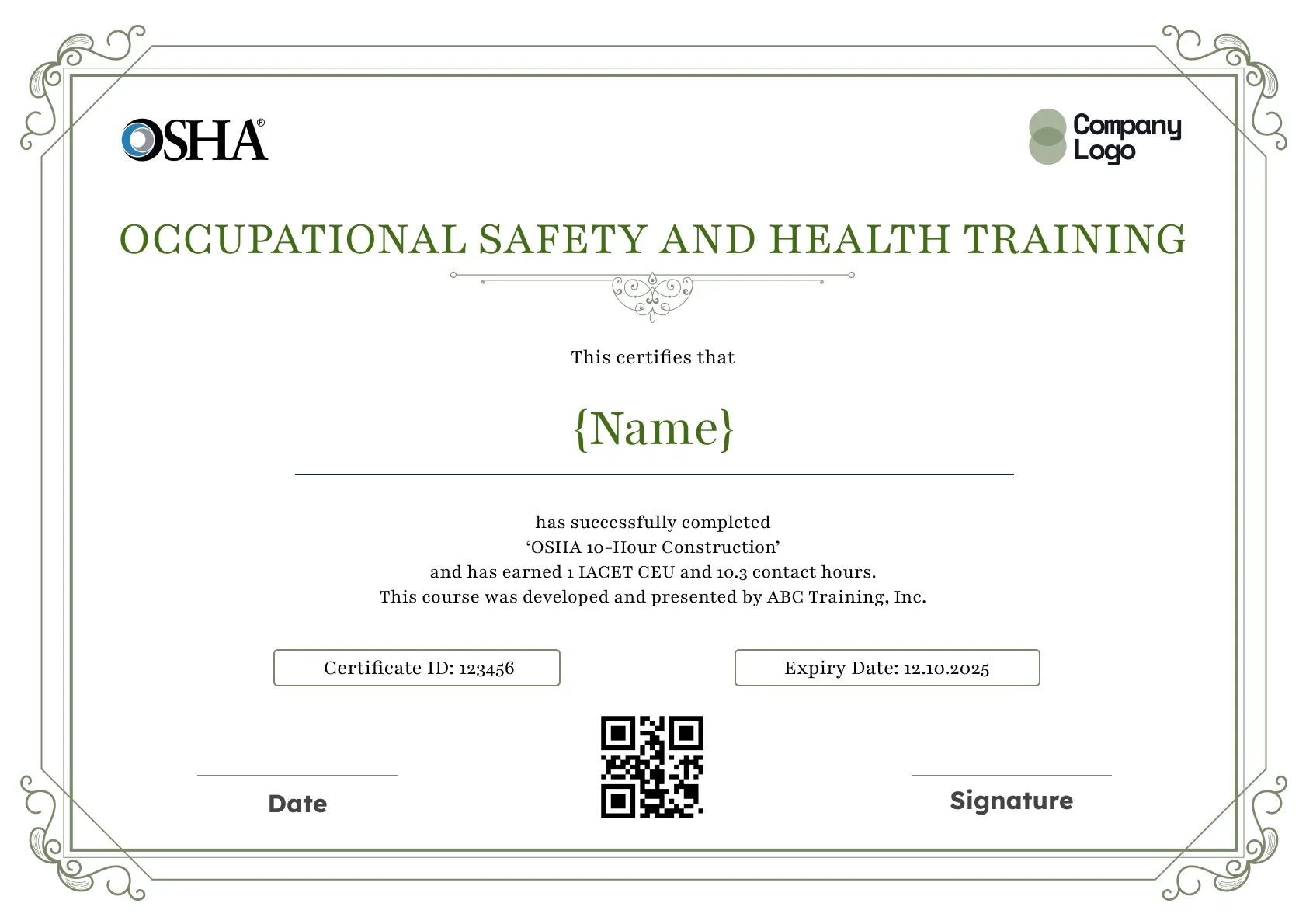
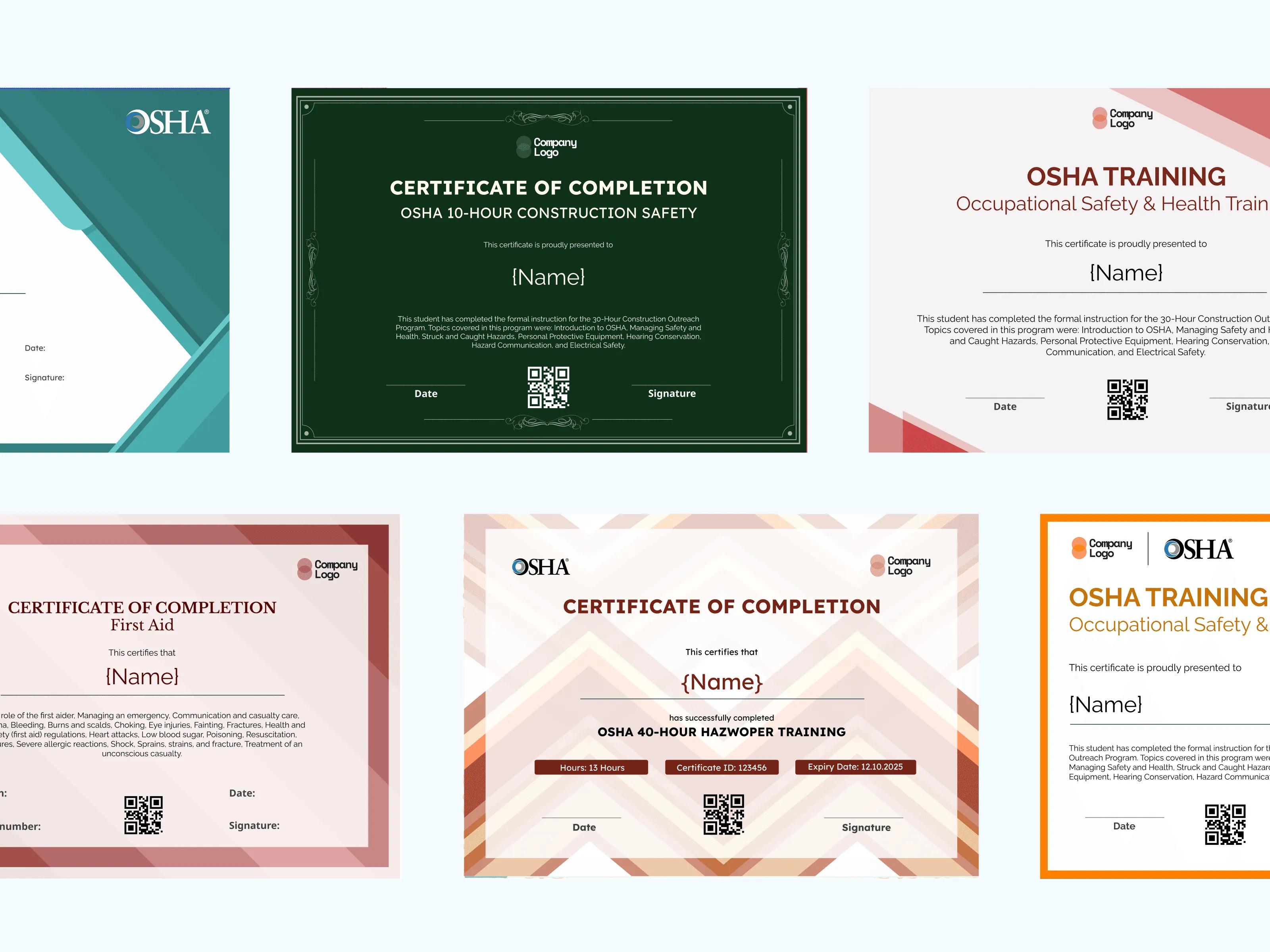
This occupational safety and health certificate keeps things traditional: a thin scrollwork frame, a green serif title and plenty of white space for the learner's name. It suits training providers who want a formal record of OSHA-aligned safety training that still prints cleanly.
Use this templateBEST FOR
CATEGORIES
Place your training company logo, the authorized trainer's name and a signature line so every certificate looks like it came from your classroom.
Each certificate carries a QR code that opens a live verification page, so a foreman or safety manager can confirm the training on the spot.
Upload a CSV of your class roster and send certificates to every attendee at once, instead of filling in names one by one.
Set an expiry date for refresher-based courses and let Wauld remind learners before their training lapses.
Download a high-resolution PDF sized for A4 and US Letter, ready for the site office wall or a worker's file.
Key Features:
Suggested wording: "This certifies that {Name} has successfully completed Occupational Safety and Health Training, earning 1.0 CEU and 10 contact hours. This course was developed and presented by {Training Provider}."
Fields included: Recipient name, Course title, CEUs and contact hours, Training provider, Certificate ID, Expiry date, Date, Signature, QR code.
Who it's for: Safety consultants, OSHA-authorized trainers and in-house EHS teams who keep formal training records for audits.
Find answers to the most common questions about this template.
An occupational safety and health certificate is written proof that a person finished a specific safety course. It names the learner, the course, the training provider, the CEUs or contact hours earned and the completion date. Safety managers keep these records to show inspectors and clients that occupational safety and health training actually happened, and when.
The two boxes sit side by side so an auditor can match the record to your training log and see at a glance whether it is still current. The certificate ID ties the paper or PDF copy to one learner, and the expiry date flags when a refresher is due, which matters for courses your company repeats every year or two.
Yes. The course title and hours lines are plain text, so you can describe a construction safety training block, a general industry module or an in-house occupational safety and health training session. The scrollwork border stays neutral enough for any industry, and you can place your company logo opposite the training mark on the top row.
Every certificate issued through Wauld carries a QR code and a unique ID. Scanning the code opens a verification page that shows the learner's name, the course, the issue date and whether the credential is still valid or has been voided. Employers can check a record in seconds without phoning your training office or asking for a stamped copy.
Course Completion
Compliance
Course Completion
Course Completion
Certificate Templates & Design


Digital Credentialing


Comparisons & Alternatives
Customize this template, add your recipients and send verifiable certificates in minutes. Free up to 300 credentials, no credit card required.
Sign up for free