Course Completion
We're a SourceForge Top Performer for Digital Credential Management.Read the announcement
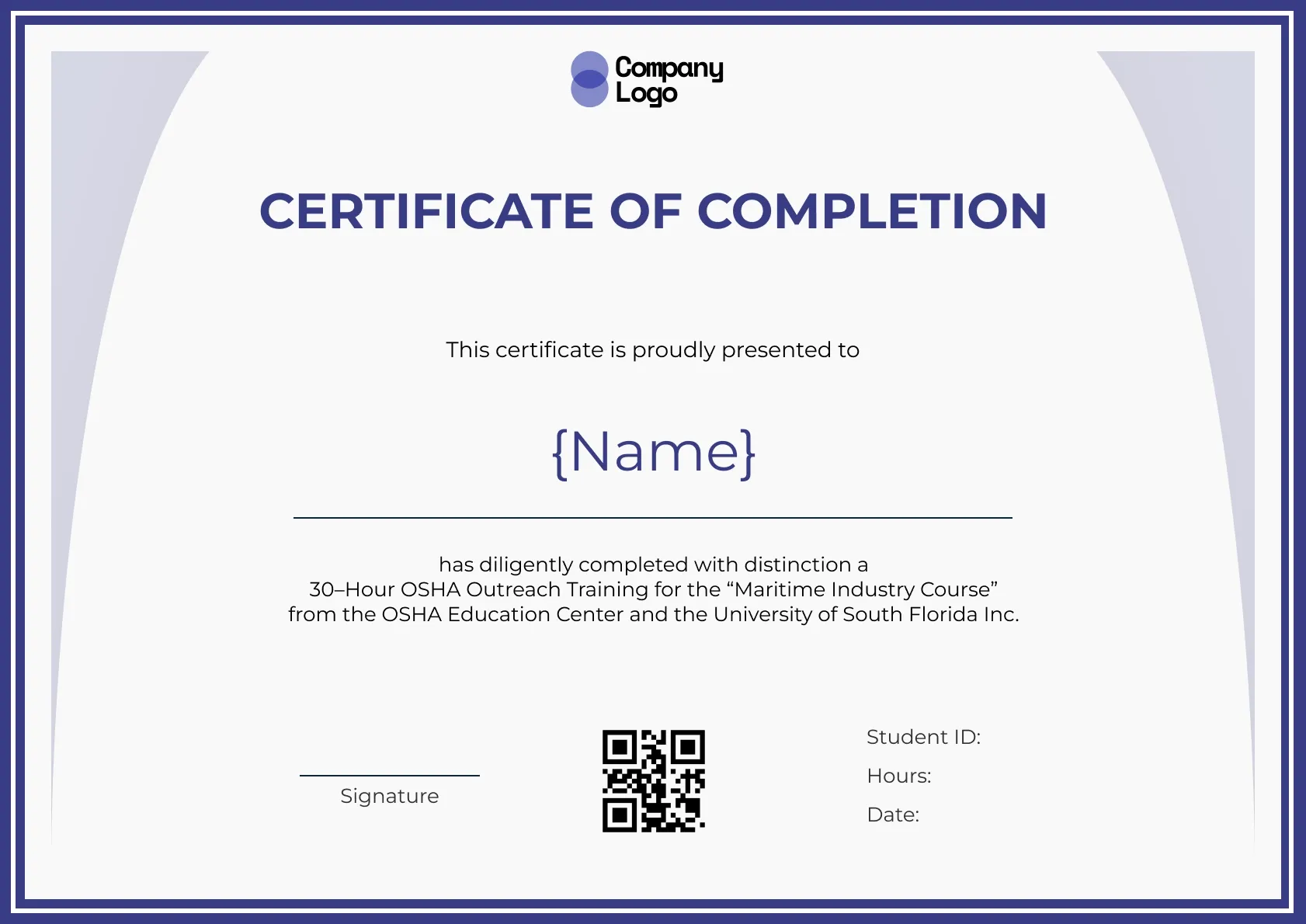
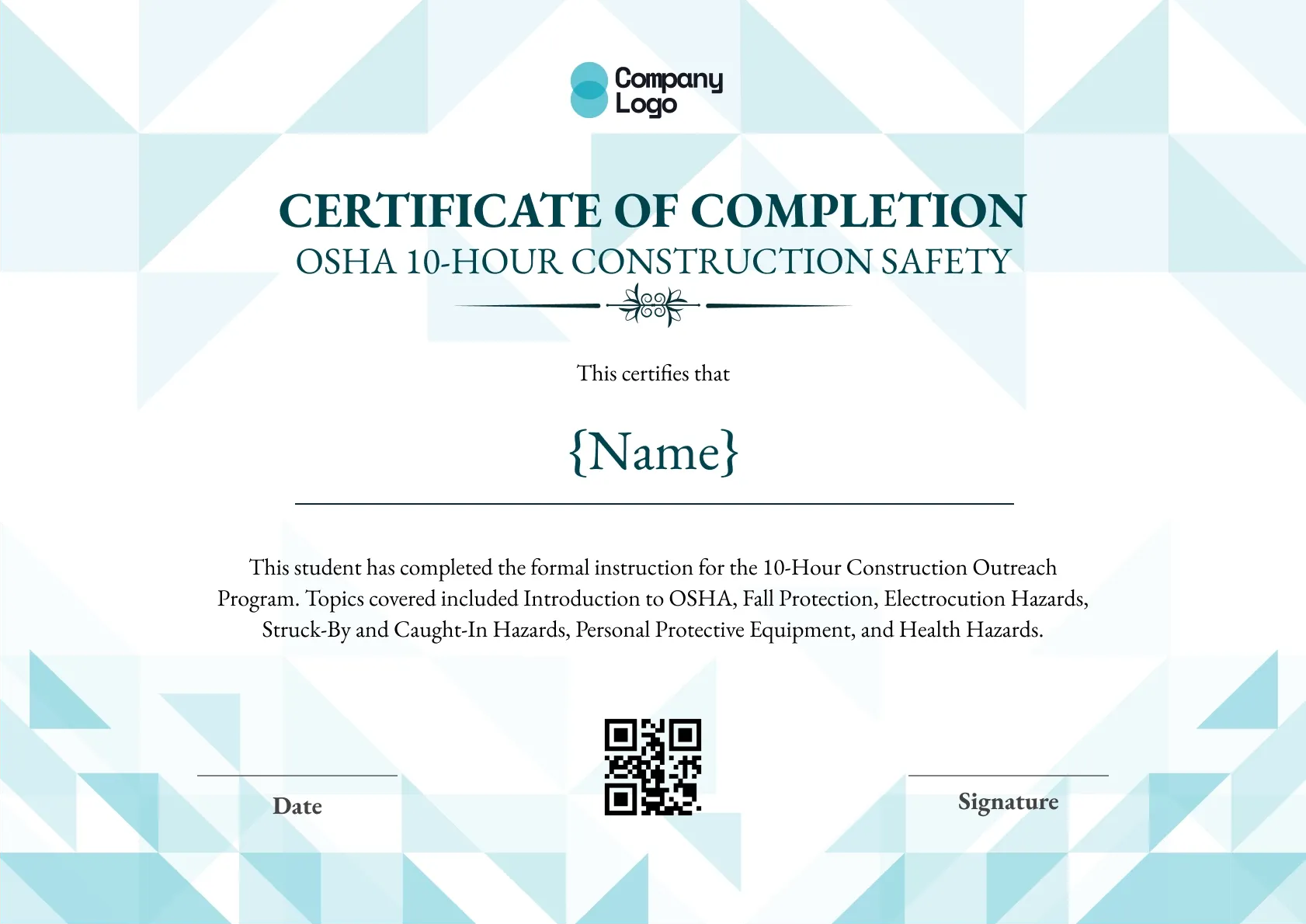
This editable OSHA certificate frames the page with a navy double border and soft lilac arches on each side. Student ID, hours and date sit in a neat column next to the QR code, and the wording is ready for maritime or general outreach courses.
Use this templateBEST FOR
CATEGORIES
Place your training company logo, the authorized trainer's name and a signature line so every certificate looks like it came from your classroom.
Each certificate carries a QR code that opens a live verification page, so a foreman or safety manager can confirm the training on the spot.
Upload a CSV of your class roster and send certificates to every attendee at once, instead of filling in names one by one.
Set an expiry date for refresher-based courses and let Wauld remind learners before their training lapses.
Download a high-resolution PDF sized for A4 and US Letter, ready for the site office wall or a worker's file.
Key Features:
Suggested wording: "This certificate is proudly presented to {Name}, who has completed with distinction a 30-Hour OSHA Outreach Training for the Maritime Industry Course."
Fields included: Recipient name, Course description, Student ID, Hours, Date, Signature, QR code.
Who it's for: Outreach trainers and maritime safety providers who need a formal certificate they can tailor to each course.
Find answers to the most common questions about this template.
On this editable OSHA certificate you can change every line of text, including the course description, student ID, hours and date. You can also swap the logo, adjust the colours of the navy border and lilac arches, and move fields. Editing happens in the browser, so you do not need design software to adapt it for each course you run.
Yes. OSHA's Outreach program includes a maritime track alongside construction and general industry, and this certificate can describe any of them. Update the course description to name the maritime 10-hour or 30-hour course and the topics covered, such as shipyard hazards and confined spaces. The classic border keeps it formal enough for any track.
No. The OSHA outreach card is issued only through an authorized trainer and comes from the Department of Labor. Your editable certificate is a separate completion record that many providers give on the day the course ends, since official cards can take weeks to arrive. Make that clear in the wording so learners know the card is still coming.
As many as you need. Wauld's free plan lets you issue up to 300 credentials with no card required, which covers several OSHA 30 certification classes. Upload your learner list, check one preview, and every certificate is generated with its own student ID, hours and QR code, then emailed to each learner automatically.
Course Completion
Compliance
Course Completion
Course Completion
Certificate Templates & Design


Digital Credentialing

Comparisons & Alternatives
Customize this template, add your recipients and send verifiable certificates in minutes. Free up to 300 credentials, no credit card required.
Sign up for free