Turn Gravity Forms Submissions into Certificates For Free

Gravity Forms is the gold standard for WordPress forms. It has been for over a decade. If you are building serious workflows on WordPress, whether that is an LMS with thousands of students, a membership site with complex access rules, a multi-step business process, or a client-facing service intake, there is a good chance Gravity Forms is at the center of it.
The add-on ecosystem around Gravity Forms is extraordinary. There is an add-on for Zapier, Salesforce, Stripe, Mailchimp, HubSpot, Slack, and hundreds of other tools. But despite that ecosystem, there is a genuine gap when it comes to document generation. Generating beautiful, branded certificates and formal documents with real design quality, conditional sections, and multi-channel delivery is not something Gravity Forms does natively.
Wauld fills that gap cleanly. Connect your Gravity Forms to Wauld through the Zapier add-on or the Webhooks add-on, and every form submission can automatically trigger a professional document: a course completion certificate, a client proposal, a service agreement, or a compliance letter. Generated instantly, delivered automatically, branded exactly to your standard.
The Gravity Forms Ecosystem and Where Document Generation Fits
What Enterprise and Developer-Grade WordPress Sites Build with Gravity Forms
Gravity Forms is not a tool for simple contact pages. The teams that license it are doing more sophisticated things:
- LMS platforms on LearnDash, LifterLMS, or [Tutor LMS](Tutor LMS), where Gravity Forms handles enrollment, quiz submission, and student record management.
- Membership sites on MemberPress or Restrict Content Pro, where Gravity Forms manages registration and member profile data.
- Agency client portals, where Gravity Forms handles project briefs, approvals, and deliverable sign-offs.
- Healthcare and professional services, where Gravity Forms handles patient intake and compliance data collection.
- Multi-step business workflows, where Gravity Forms manages internal requests, approvals, IT tickets, and HR processes.
In all of these contexts, form submissions generate data that should flow into documents. The LMS student who passes a final quiz needs a certificate. The agency client who submits a project brief should receive a proposal. The gap is the same in every case.
Existing PDF Options and Their Limitations
Gravity Forms users have had some options for PDF generation, most notably GravityPDF. It is a WordPress plugin that hooks into Gravity Forms and generates PDFs from form entries. It is genuinely useful for basic use cases, but it has meaningful limitations that Wauld addresses.
Design flexibility is constrained because GravityPDF works from HTML and CSS templates, which requires developer involvement for anything beyond basic layouts. Delivery options are limited to email and download links. Conditional document sections are difficult to implement. Certificate-specific features like verification URLs, certificate IDs, and QR codes are not built in. And bulk historical generation for past entries is not available.
Wauld is the right choice for teams that need professional-grade certificates, design flexibility, and delivery to multiple systems.
Use Cases: What WordPress Teams Are Building with Gravity Forms and Wauld
- LMS Course Completion CertificatesThis is the highest-volume use case in the Gravity Forms and Wauld ecosystem. Online learning platforms built on WordPress using LearnDash, LifterLMS, or Tutor LMS often use Gravity Forms for final assessments or completion verification.
The workflow is straightforward. A student completes a course and submits a completion form. The Gravity Forms submission fires a webhook or Zapier trigger. Wauld receives the student's name, course title, completion date, and score. Wauld generates a personalized certificate (and URL) with your LMS platform branding and emails it to the student within 60 seconds of submission.
For WordPress LMS platforms at scale with 300 or 3,000 enrolled students, this automation is essential. Without it, Gravity Forms certificate generation becomes a manual operation that bottlenecks at a single staff member or gets outsourced to a tool that does not match your brand. - Membership Site Welcome BadgesWhen someone joins your membership site and completes the registration form in Gravity Forms, that is a high-stakes moment. A generic confirmation email is a missed opportunity. With Wauld, that registration form triggers the generation of a personalized welcome badge: a welcome letter addressed to the new member by name, a summary of their membership benefits, and their unique member ID. Delivered by email before they have even closed the browser tab. :)
- Compliance and Policy Acknowledgement DocumentationOrganizations using Gravity Forms for compliance purposes can use Wauld to generate the formal documentation that compliance requires. Each submitted compliance form triggers the generation of a dated, named acknowledgement document (mostly a certificate). These documents can also carry an expiration date configurable via Wauld. These documents are stored automatically in a designated Drive folder or compliance system, creating an audit trail without manual filing.
Three Ways to Connect Gravity Forms to Wauld
Method 1: Gravity Forms Zapier Add-On
The Zapier Add-On is the easiest path to a working integration. It is included with Gravity Forms Elite Plan or available as a standalone add-on with the Pro Plan. While, Wauld offers Zapier in its free plan.
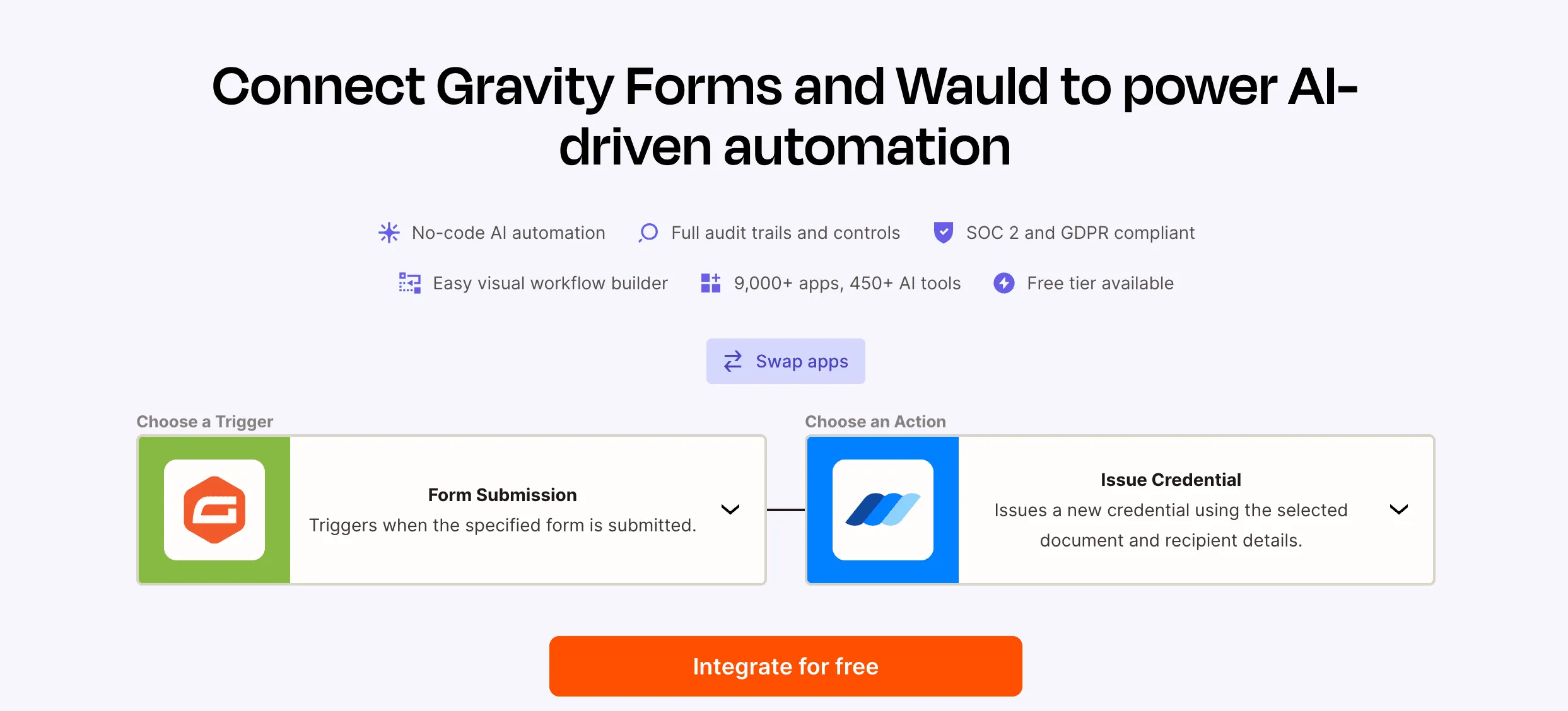
_ Gravity Form + Wauld via Zapier_
In Zapier, create a new Zap with "Gravity Forms" as the trigger and "Form Submission" as the event. Connect your WordPress site, select your specific form, and test the trigger to confirm all form fields appear with correct values. Set the action to Wauld, select "Issue Credential," choose your template, and map each Gravity Forms field value to the corresponding Wauld template variable. The email is sent by Wauld automatically.
This method is recommended for marketing teams and site owners who prefer a visual, no-code setup. And, already have a Zapier account.
Note: Zapier’s free plan includes up to 100 tasks per month. Since issuing a single certificate involves 2 automation tasks, the free plan can support the issuance of approximately 50 certificates per month.
Method 2: Gravity Forms Webhooks Add-On
The Webhooks Add-On is the lowest-latency option. The document is triggered the instant the form is submitted, without passing through a third-party automation layer.
In Wauld, go to Integrations, then Webhooks, then Create New Endpoint and copy the generated URL. In WordPress, go to Forms, select your form, go to Settings, then Webhooks, and add a new webhook. Set the Request URL to your Wauld endpoint, set Request Method to POST and Request Format to JSON. In the Body section, map the form fields you want to send, using names that match your Wauld template merge tags. Submit a test entry and verify the payload arrived correctly in Wauld.
This method is preferred by developers who want direct control and minimum latency with no dependency on a third-party automation platform. This functionality is available in Gravity Forms Elite Plan (starting from $259 pm)
Method 3: Custom PHP with the Wauld API
For development teams building custom WordPress plugins or themes, Gravity Forms provides action hooks that fire on entry submission. You can use the gform_after_submission action hook to capture entry data, build a JSON payload from the entry data mapping GF field IDs to Wauld template variable names, and make an HTTP POST request to the Wauld API endpoint using wp_remote_post(). This approach gives you the most control, allowing you to apply any business logic before triggering Wauld.
Working with Gravity Forms Field Types in Wauld
Gravity Forms has one of the richest field type libraries of any form builder. A few field types require specific handling.
- Name fields are multi-input fields storing first name, last name, and optionally a prefix as separate sub-values. In Zapier, map "Name (First)" and "Name (Last)" individually to your Wauld merge tags.
- Address fields similarly store street, city, state, zip, and country as separate sub-values, each mappable to its own Wauld merge tag.
- Calculated number fields derive their value from a formula and are included in the webhook payload for use in documents.
- File upload fields produce a URL pointing to the uploaded file on your WordPress server, which Wauld can embed as an image if the URL is publicly accessible.
- Entry ID is assigned to every Gravity Forms submission and is valuable for certificate tracking. Map it to a Wauld merge tag such as {{entry_id}} to include it as a unique identifier in every certificate.
GravityPDF vs. Wauld: An Honest Comparison
Gravity PDF is a WordPress add-on that helps users automatically generate PDF documents from Gravity Forms submissions. It is commonly used to create certificates, invoices, reports, and application PDFs directly from form entries. The tool works well for basic PDF automation workflows but is not designed as a full-scale digital credentialing or certificate verification platform.
Pros of Gravity Forms + Gravity PDF
- Easy to set up with WordPress websites
- Automatically generates PDF certificates after form submission or quiz completion
- Supports conditional workflows and email delivery
- Certificates can be customized with logos, merge tags, and branding
- Works well with quizzes, surveys, and LMS-style workflows
- Good ecosystem of WordPress integrations and add-ons
- Self-hosted setup gives better data control and privacy
Cons of Gravity Forms + Gravity PDF
- Only 6 dedicated certificate templates available officially
- Certificates are static PDFs, not true digital credentials
- No built-in verification or credential authenticity checks
- No public credential wallet/profile for recipients
- No credential tracking or analytics (views, shares, clicks, etc.)
- No LinkedIn-native credential sharing experience
- No expiry management or renewal workflows
- Requires WordPress dependency and plugin maintenance
- Advanced customization often requires HTML/CSS/PHP knowledge
- Managing large-scale issuance and recipient records can become operationally heavy
- No built-in badge ecosystem or skill-based credentialing
- Verification usually depends on manually sharing PDFs instead of secure URLs or blockchain-backed verification systems
These limitations are usually where dedicated credentialing platforms like Wauld become more scalable for training companies, cohorts, academies, and certification programs.
Wauld is the right choice for teams who need professional-grade documents, certificate-specific features including QR verification and unique certificate IDs, full visual design editing without code, multi-channel delivery to Drive and Slack and CRM systems, and bulk generation for historical entries.
Many teams use both. GravityPDF handles routine internal PDFs such as export receipts and basic confirmations. Wauld handles client-facing certificates and formal documents where design quality and automation depth matter.
Performance and WordPress Hosting Considerations
One frequently overlooked benefit of using Wauld for Gravity Forms document automation rather than a WordPress plugin is the impact on your server's performance. PDF generation is computationally intensive. On shared hosting or many managed WordPress environments, generating PDFs at high volume can cause noticeable slowdowns and even trigger timeout errors.
Wauld offloads all document generation to its own infrastructure. When a Gravity Forms webhook fires to Wauld, your WordPress server's job is done. It just sent a small JSON payload. The heavy lifting happens on Wauld's servers, not yours. For high-traffic sites or high-volume form submission scenarios, this architectural separation is a meaningful advantage.
Advanced Workflows: Batch Historical Certificate Generation
If you have been running a course, quiz or program without automated Gravity Forms PDF generation, you likely have a backlog of students who never received their certificates. Wauld's batch processing capability can address this.
Export your historical Gravity Forms entries as a CSV, import the CSV into Wauld's batch generation tool, specify the template to use, and Wauld generates certificates for all historical entries and delivers them in bulk.
Get Started with Gravity Forms and Wauld
Gravity Forms is already the most capable form builder in the WordPress ecosystem. Adding Wauld to the stack makes it significantly more powerful for any workflow that should result in a document.
Whether you are running an LMS and need certificates for every graduate, an agency automating client proposals, a compliance-heavy organization generating signed acknowledgements, or a membership site creating personalized welcome packages, the Gravity Forms and Wauld integration handles it automatically, at any volume, with professional design quality.
The setup takes less than an hour. Once it is live, it runs without any ongoing effort. Every form submission becomes a document. Every document is delivered instantly.
Start building at wauld.com. Your first 300 certificate issuance is free.