Issue Verifiable LightSpeed VT Certificates For Free

Issue Verifiable LightSpeed VT Certificates
Your learner just completed a Sales Certification in LightSpeed VT. They finished every required course, passed the tests, and clicked "View/Print Certificate." A PDF landed in their downloads folder.
That is where the credential journey ends.
No verification link. No shareable page. No way for a manager, a regulator, or a future employer to confirm that certificate is real without logging into your VT system. If you run sales training, compliance programs, or onboarding courses on LightSpeed VT, you have probably lived this moment. The interactive training system is exceptional at delivering and tracking content. Issuing certificates that work outside the platform is a different problem entirely.
This guide covers three things: what LightSpeed VT's native certification system does, where it falls short, and how to connect it with Wauld to turn every course completion into a verifiable digital credential that learners can actually use.
What Is LightSpeed VT?
LightSpeed VT is a virtual interactive training system with over 25 years in the corporate training space. It has helped more than 50,000 companies train their teams and monetize content, with clients including Grant Cardone, the PGA, and Optavia.
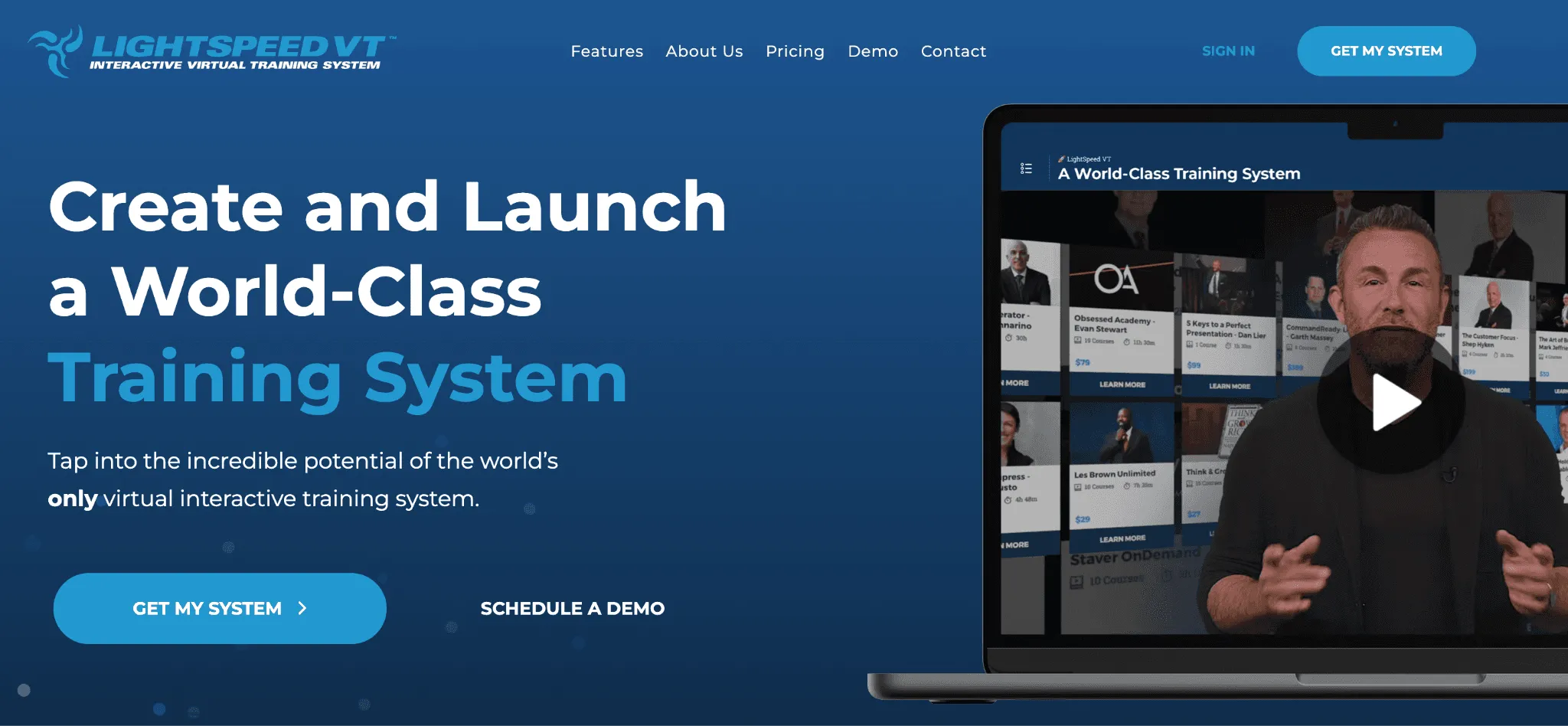
What sets LightSpeed VT apart is its interactive video engine, which transforms regular video content into immersive learning experiences with built-in questions, upsells, and real-time engagement tracking. Key features include courseware management, deep reporting and dashboards, a multi-private label environment for multi-location organizations, SCORM support, assigned training with Revolutions, and a native mobile app VT2Go for offline access.
LightSpeed VT's Native Certification System: What It Does
LightSpeed VT has two built-in certification tools.
Internal Certifications are tied directly to course completions. A Super User groups one or more courses into a certification, assigns it to content roles and locations, and the system unlocks a printable certificate when a user completes all required courses. Users track their own progress through the "My Certifications" module, which shows remaining courses and links directly to them. According to LightSpeed VT's documentation, there is no maximum number of courses per certification, and users can hold multiple certifications simultaneously.
The printable certificate is customizable across five templates, with controls for title, dates, font, theme color, logo, headline, signature, and a custom background image.
External Certifications and Licenses handle credentials earned outside the VT system -- state licenses, compliance certificates, and third-party training records. The External Certifications feature must be enabled in System Management. Once active, admins create certificate categories, assign them to content roles or teams, and then manually upload a digital copy per user with issued and expiration dates. The system sends expiry reminders to the user and their manager.
For basic compliance recordkeeping, it works. The word "manually" is doing a lot of heavy lifting.
The Real Gap: Where This Training System Falls Short
| Gap | What it means in practice |
|---|---|
| No verification layer | PDFs have no QR code, no URL, and no way to confirm authenticity without system access |
| No post-issuance tracking | Zero visibility into who opened, downloaded, or shared their certificate |
| No shareable credential page | No public-facing page a learner can link to without a VT system login |
| No Open Badge support | Certificates carry no portable metadata, no skill tags, no earning criteria |
| Manual external cert management | Every external credential requires an admin to locate a user, upload a file, and submit one at a time |
This pattern is documented consistently across training platforms built for content delivery first. Wauld has covered the same gap withSkilljar,Knowledge Anywhere LMS, andLearnDash. ReadLMS certificates vs digital credentialing platforms for a deeper breakdown.
What Wauld Adds to LightSpeed VT Certificates
Wauld is a dedicated digital credentialing platform for the full credential lifecycle: design, issue, track, verify, and share. It does not replace LightSpeed VT. It picks up exactly where course delivery stops.
For admins and training teams:
- 1,000-plus professional templates. Choose from the full Wauld template gallery covering course completions, compliance programs, sales certifications, and more. No building from scratch.
- Bulk issuance via CSV. Upload a spreadsheet of completions and issue credentials to hundreds of users at once. See how much time this saves per certificate.
- Engagement analytics. Track open rates, downloads, LinkedIn shares, and verification counts. Turn certificates into a measurable training metric.
- Automated expiry reminders. Wauld notifies users and managers before a credential expires, filling the gap in LightSpeed VT's internal certification system directly.
- Full lifecycle control. Edit, revoke, or reissue any credential from the dashboard. The verification page updates instantly.
For learners and end users:
- Proactive inbox delivery. Users receive a branded credential email within seconds of issuance instead of navigating to download a PDF.
- One-click sharing. LinkedIn, social platforms, email links, and a secure public credential URL, on by default for every credential.
- Instant public verification. Each credential has a unique ID, a public verification page, and a QR code. Anyone can confirm authenticity in one click without any login.
For compliance and enterprise teams:
- Open Badge 3.0 compliant. Wauld's certificates and badges meet the Open Badges international portability standard with full embedded metadata. LightSpeed VT PDFs do not.
- One system for internal and external credentials. Wauld handles both course-completion certificates from LightSpeed VT and the third-party licenses currently managed manually in VT's External Certifications tab, replacing two separate workflows with one.
How to Connect LightSpeed VT and Wauld
Method 1: Webhooks (Real-Time, Completion-Based)
LightSpeed VT has a native webhook system that fires real-time events directly to any external URL. The relevant events for certificate issuance are Course Completion and Certification Completion, both available in the LightSpeed VT webhook event library. The system retries failed deliveries at one-hour intervals up to four times, so no completion events are silently dropped.
Wauld accepts incoming webhooks and issues a credential the moment the event payload arrives. A learner completes their certification in LightSpeed VT, the webhook fires, and their verifiable digital credential lands in their inbox automatically, with no manual steps and no delay.
Before you start: An active LightSpeed VT account with webhook access, and a Wauld account with at least one certificate template configured.
Setup steps:
- Get your Wauld webhook endpoint. Log into Wauld, open Integrations from the left sidebar, and locate the Webhooks section. Copy the unique endpoint URL generated for your credential template.
- Configure the webhook in LightSpeed VT. In your VT system, navigate to the Super User Dashboard, then Integration Management. Go to the Webhooks tab and click "Add URL." Paste your Wauld endpoint URL.
- Select the trigger event. Choose Certification Completion to fire when a user completes a full certification, or Course Completion to fire on individual course completions. Select the locations and content roles this webhook should apply to.
- Map the payload fields in Wauld. Back in Wauld, map the incoming fields from LightSpeed VT -- learner name, email, certification title, completion date, location, and content role -- to the corresponding fields on your certificate template. Any custom attributes your template requires must be mapped here.
- Test with a real completion. Trigger a test completion in LightSpeed VT, confirm the webhook fires, and verify the credential arrives in the recipient inbox with the correct data.
- Go live. Once confirmed, the integration runs automatically for every qualifying completion from that point forward.
Pro Tip: Use the Certification Completion event if you only want credentials issued when a full multi-course certification is earned, not for each individual course inside it.
Method 2: Bulk CSV Upload (Zero Setup, No Code)
The simplest path. Ideal for periodic batches, historical completions before the webhook is live, or replacing the manual per-user workflow inside LightSpeed VT's External Certifications tab.
- Export from LightSpeed VT. Pull completion or certification data from the reporting dashboard, filtering by course, team, or location.
- Format your CSV. Include recipient first name, last name, email, and any custom fields your Wauld template requires.
- Upload to Wauld. Select your template, click bulk issue, and upload. Wauld issues personalized, verifiable credentials to every inbox in one operation.
A batch of 200 completions takes roughly 20 minutes from export to delivered credential.
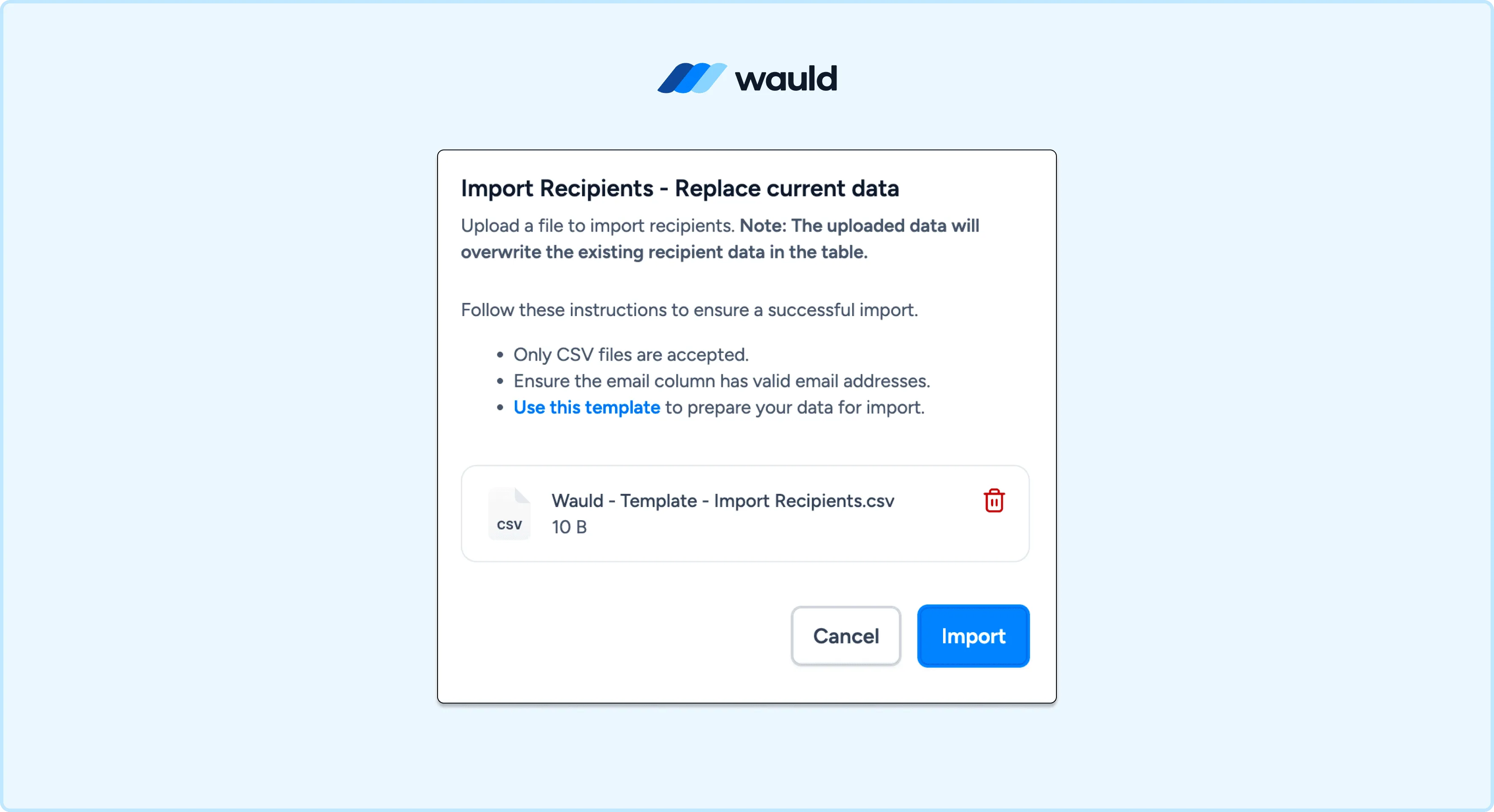
Upload Bulk CSV file in Wauld
Comparing the Methods
| Method | Automated | Verifiable | Best for |
|---|---|---|---|
| Native LightSpeed VT PDF | Yes | No | Basic internal records |
| Webhook to Wauld | Real-time | Yes | Ongoing automated issuance, completion-based |
| Bulk CSV to Wauld | Batch only | Yes | Periodic batches, historical records |
Ready to Upgrade Your LightSpeed VT Certificates?
LightSpeed VT is a powerful interactive training system. Its courseware management, deep reporting, and multi-location tools are genuinely strong. The certificates just need to do more.
Wauld connects in under an hour, works without changing how you deliver courses, and turns every certification completion into a verifiable digital credential that learners are proud to share and employers actually trust.