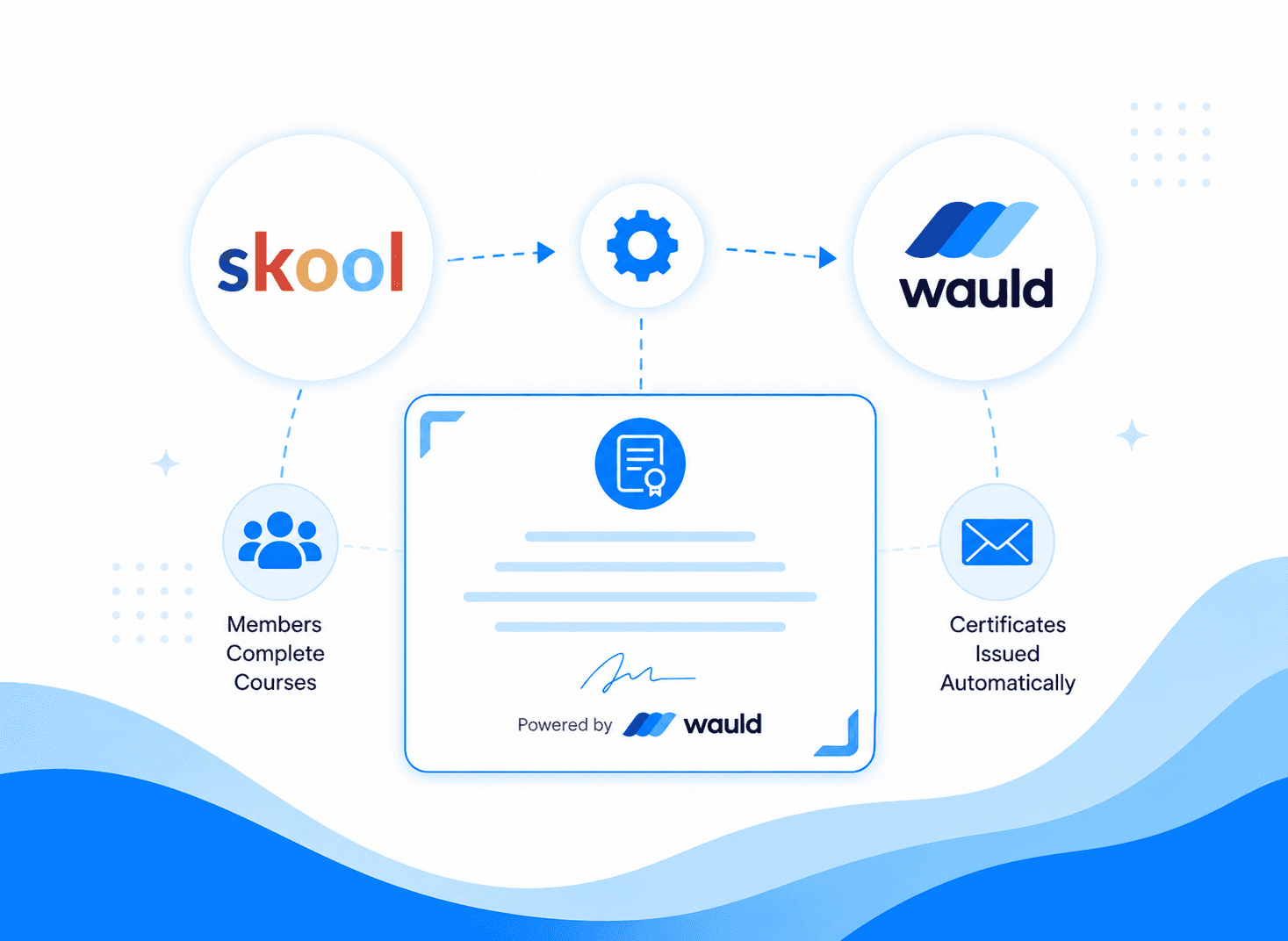


Key Takeaways
Skilljar's built-in certificates automate issuance and verification, but provide a relatively basic certificate experience with limited branding and sharing options.
Zapier integrations let you connect Skilljar completions to external certificate and workflow tools, adding flexibility without requiring custom code.
Wauld adds a richer credential experience on top of Skilljar, with proactive inbox delivery, engagement analytics, 900+ design templates, digital badges, and credential lifecycle management that goes beyond what an LMS handles natively.
Automate Certificates Issuance in Skilljar
Your learner just completed a Skilljar course. They passed the quiz, finished every lesson, and waited. And then nothing happened.
No certificate arrived in their inbox. No credential showed up on their profile. Just a completed course and a silent LMS.
If you run customer education or partner training on Skilljar, you have probably hit this moment. Certificates matter more than most training teams realize. For many learners, the certificate is the whole point. It is proof that the learning happened, something they can share, add to LinkedIn, and point to in a performance review. When it does not arrive promptly or at all, it quietly erodes trust in your training program.
In this guide, we'll look at three of the most practical ways to automate certificates in Skilljar:
Skilljar's built-in certificate system
Automation through Zapier
Issuing verifiable digital credentials with Wauld
We'll compare what each approach does well, where it falls short, and which option makes the most sense depending on your training goals.
Method 1: Skilljar's Built-In Certificate System
Skilljar's native certificate feature is the starting point for most teams. It is built into every plan and does not require any external tools to set up.
To configure it, go to your Skilljar dashboard, navigate to Course Management, select Courses, and open the course you want to work with. Click the Actions tab, scroll to the Completion section, and select "Add Completion Action." From there, choose "Issue Certificate on Successful Completion."
You can then select Skilljar's default certificate template, choose an existing custom template, or create a new one. Custom templates allow you to upload your own certificate background, customize certificate text, add dynamic fields such as learner names and course information, configure text styling and sizing, display QR codes, and include details such as scores, credits, issue dates, expiration dates, certificate numbers, and LinkedIn certification information. Templates can also be reused across multiple courses.
What you can configure:
Certificate template (Skilljar default or a custom template you build)
Expiration settings: no expiration, expires on a fixed date, or expires a set period after course completion. Note: all Skilljar certificates expire at 12 am on the listed date, regardless of how the date was set.
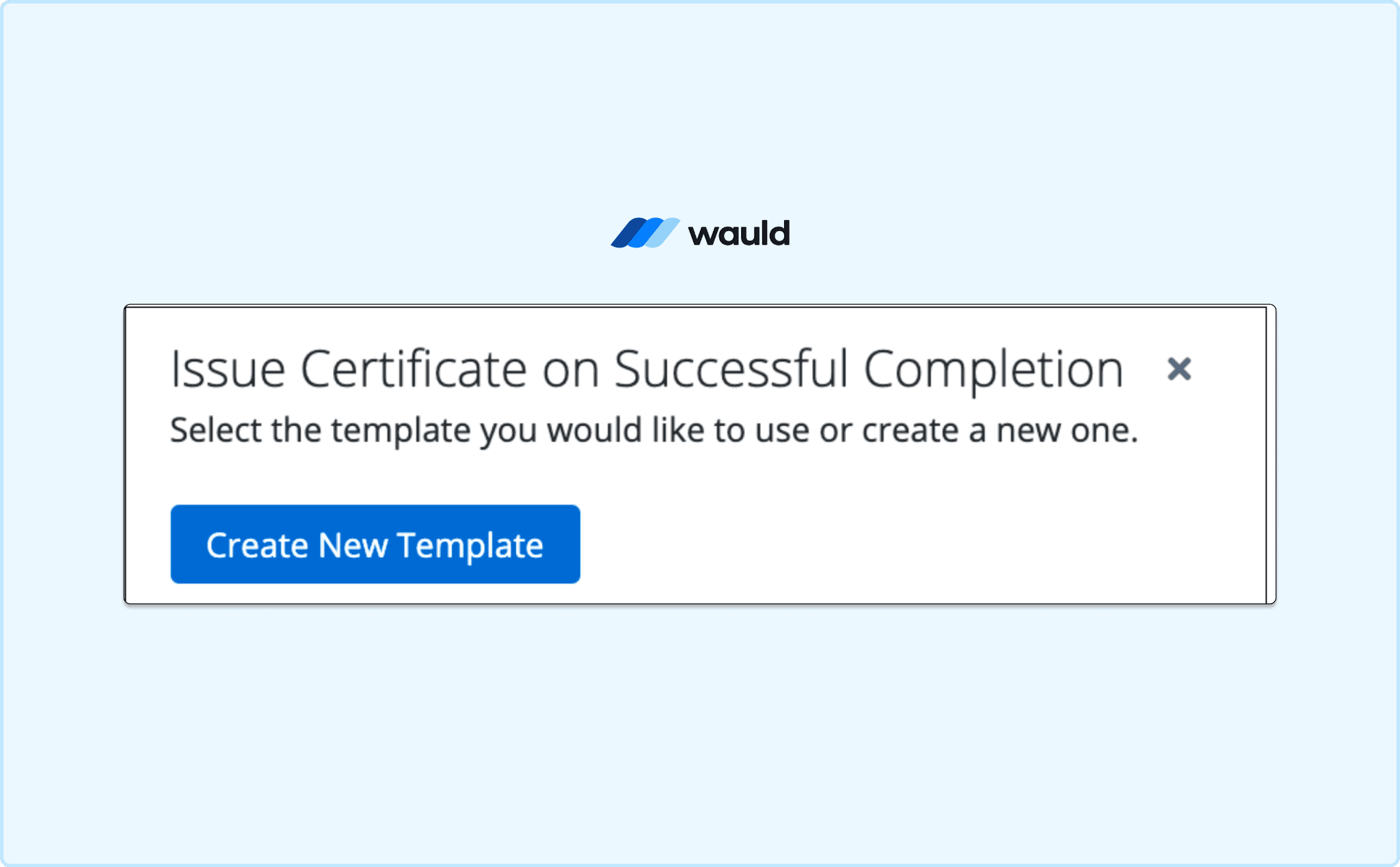
Create a new template for a new Action
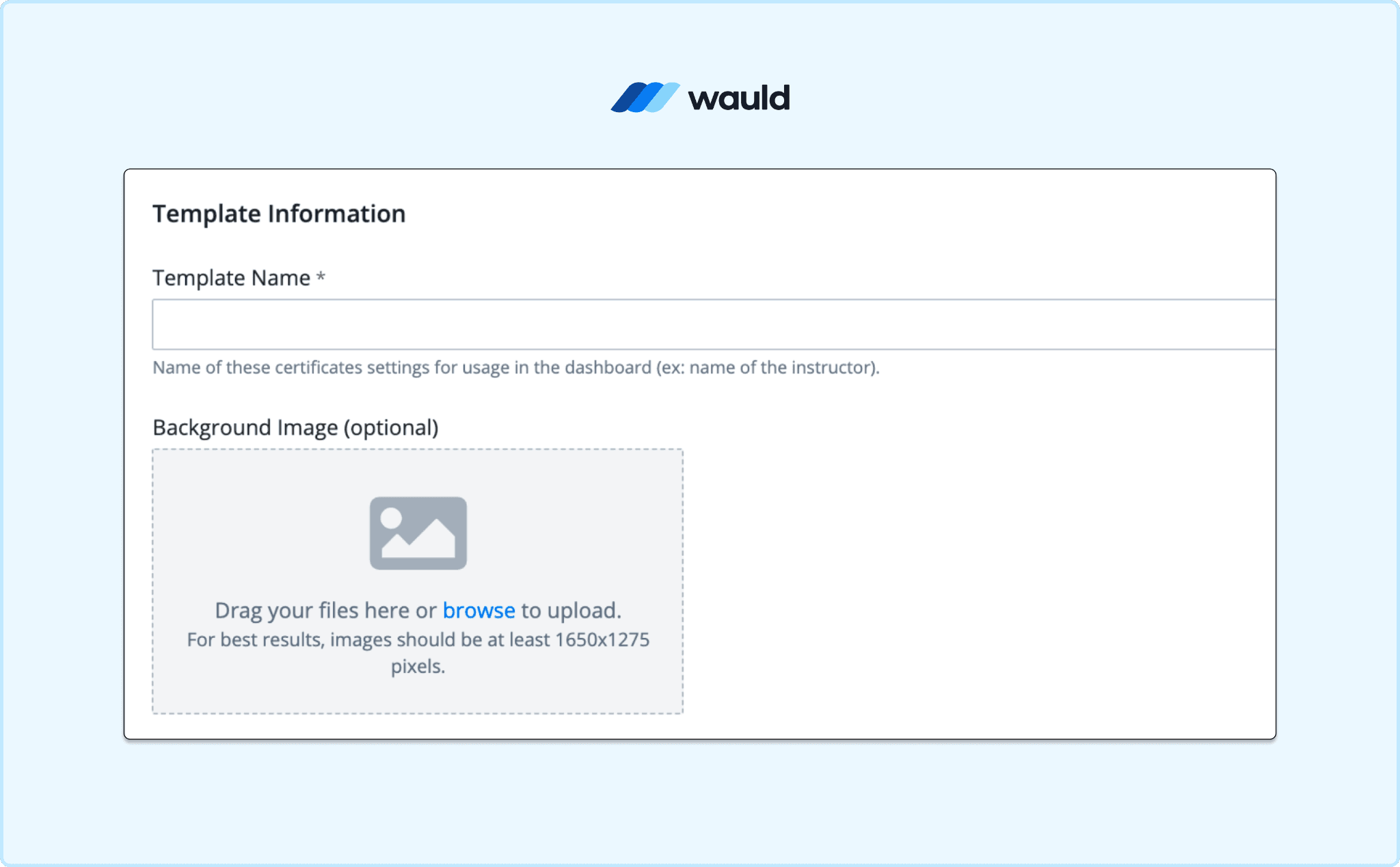
Add Template Name and Information
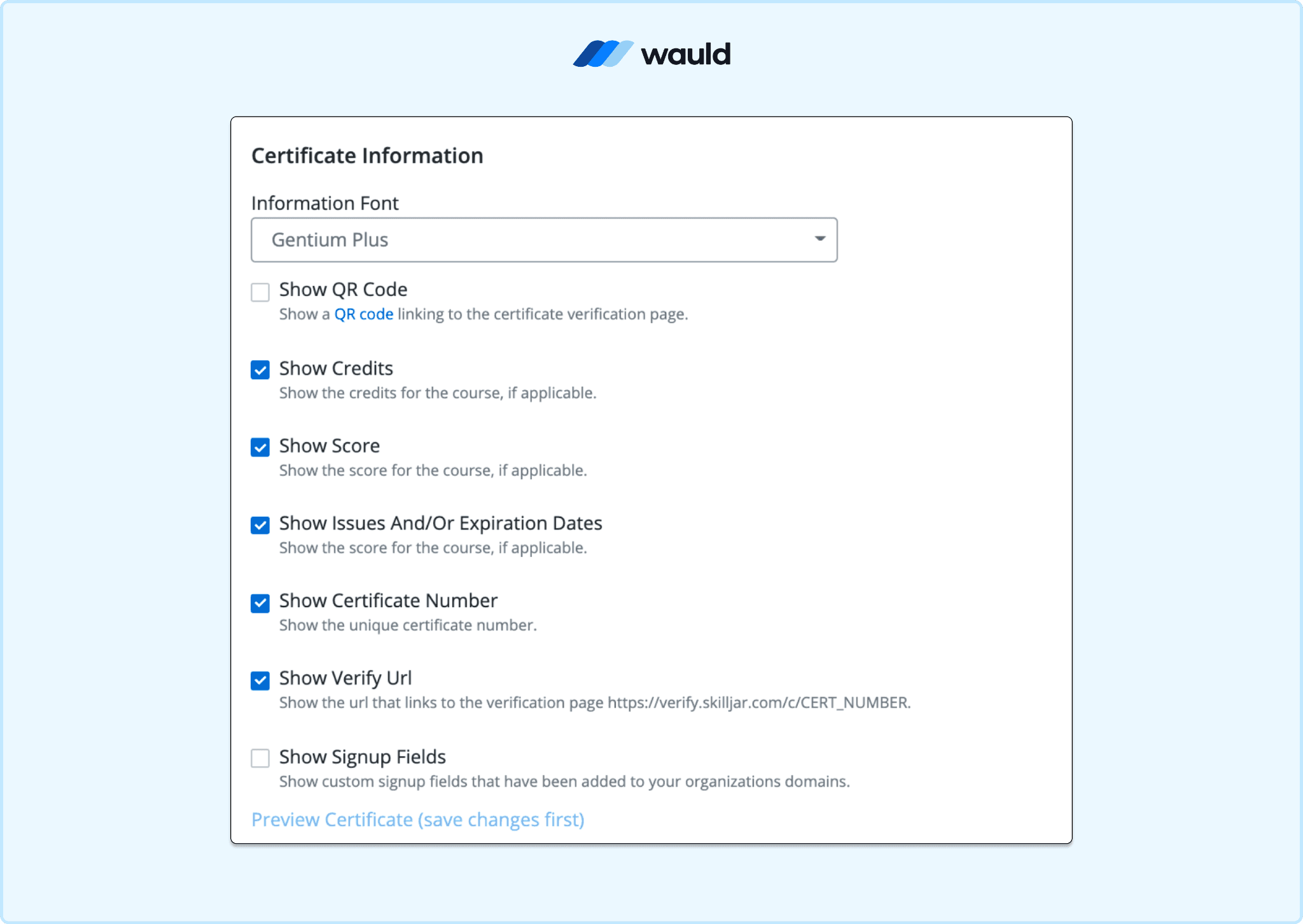
Modify Certificate Information
LinkedIn certification fields, so learners can add the credential directly to their LinkedIn profile
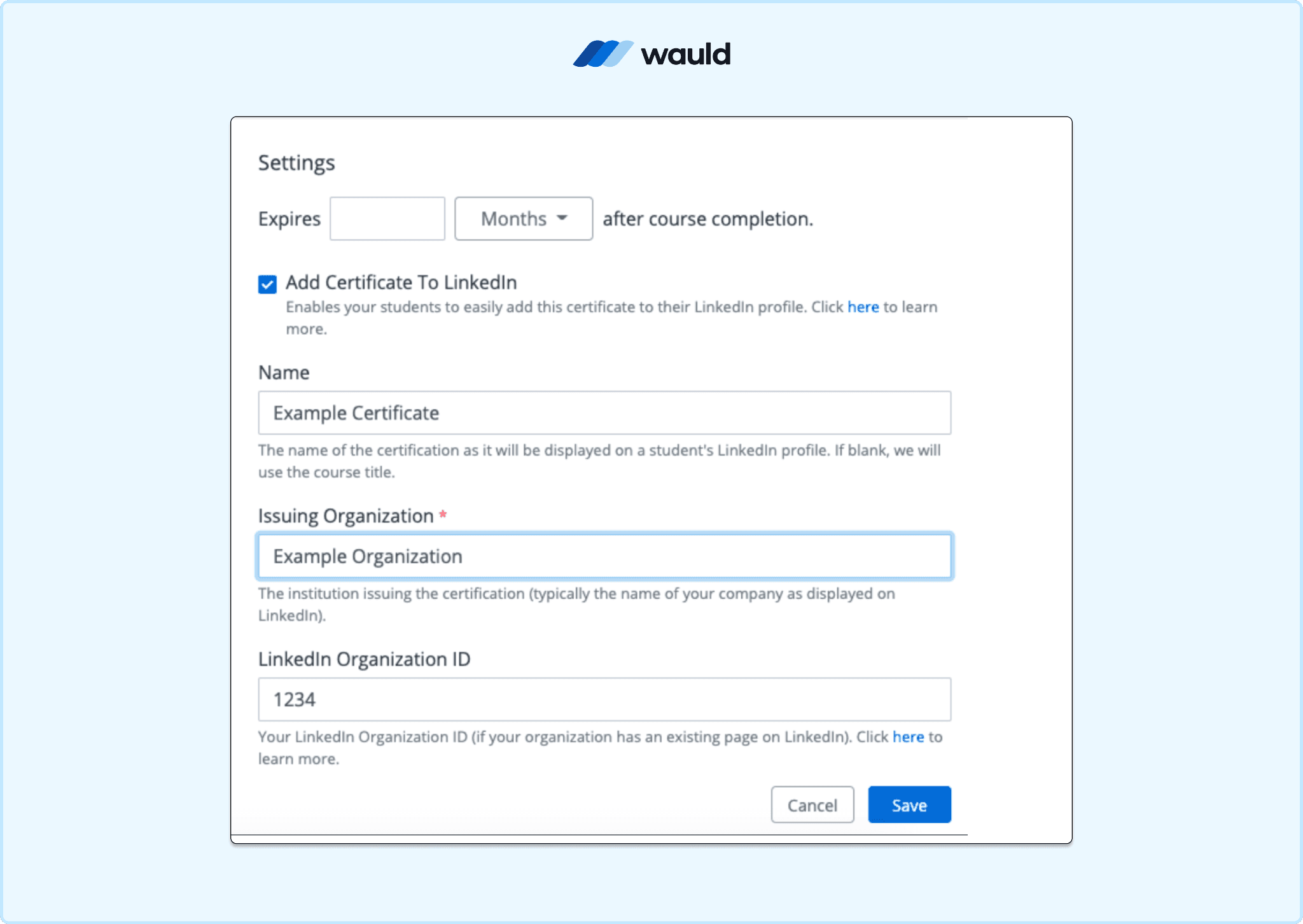
A passing quiz score requirement, which you set at the quiz level by updating the passing score in the quiz settings, then enabling "Issue Certificate on Successful Completion" in the Actions tab
Once saved, the certificate is automatically issued when a learner meets the completion requirement. Learners can view and download their certificates from the profile section of their Skilljar account. Each certificate also gets a unique verification URL which allows anyone to confirm a learner's completion.
Completion email delivery: Skilljar does not push certificates to learners by default. To send an email when a course is completed, go to the Actions tab, scroll to the Completion section, and toggle on "Email Student on Completion." This sends the learner an email with a link to view their certificate. It is not an email attachment; it is a link back to their Skilljar profile.
What works well: The trigger is reliable and tied to actual LMS completion data. LinkedIn integration is available out of the box. The verification URL is a genuine plus for training teams that need to confirm credentials.
What falls short:
Certificate design options are relatively limited, with fewer customization capabilities and no large library of pre-built templates.
Certificates are managed within Skilljar's certification framework and verification system rather than through a dedicated credential platform designed for sharing and showcasing achievements.
There are no built-in engagement analytics to track views, downloads, shares, or other learner interactions with issued certificates.
Learners have limited options for professionally showcasing their achievements. While Skilljar provides LinkedIn integration and a verification URL, there is no proactive inbox delivery, no engagement tracking, and no dedicated credential page outside the Skilljar platform.
Cost: Included in all Skilljar plans.
The Real Gap in Skilljar's Native Certificate System
Skilljar's native certificate system does a good job of handling the administrative side of certification. You can automatically issue certificates based on course completion, add verification links, configure expiration rules, and allow learners to add certifications to LinkedIn. For many training programs, that is all you need.
The gap appears when certificates become more than proof of completion and start serving as professional credentials that learners actively share, showcase, and engage with.
What Skilljar's native system is less focused on is the broader credential experience:
Professional credential sharing. Skilljar provides certificate verification and LinkedIn integration, but it is primarily designed around learning management rather than helping learners actively showcase credentials across professional networks and digital profiles.
Credential engagement insights. Once a certificate is issued, training teams have limited visibility into how learners interact with it. Understanding views, downloads, shares, and overall credential engagement often requires a dedicated credentialing solution.
Advanced credential branding. Skilljar supports certificate customization, but organizations looking for extensive design flexibility, large template libraries, digital badges, and highly branded credential experiences may find dedicated credential platforms better suited to those needs.
Long-term credential management. As certification programs mature, many organizations expand beyond issuing completion certificates and begin managing badges, professional certifications, renewal programs, and credential portfolios. These use cases often extend beyond the core scope of an LMS.
Skilljar handles certificate issuance and certification management well. However, organizations that want certificates to drive learner engagement, professional recognition, and brand visibility often complement their LMS with a dedicated credentialing platform.
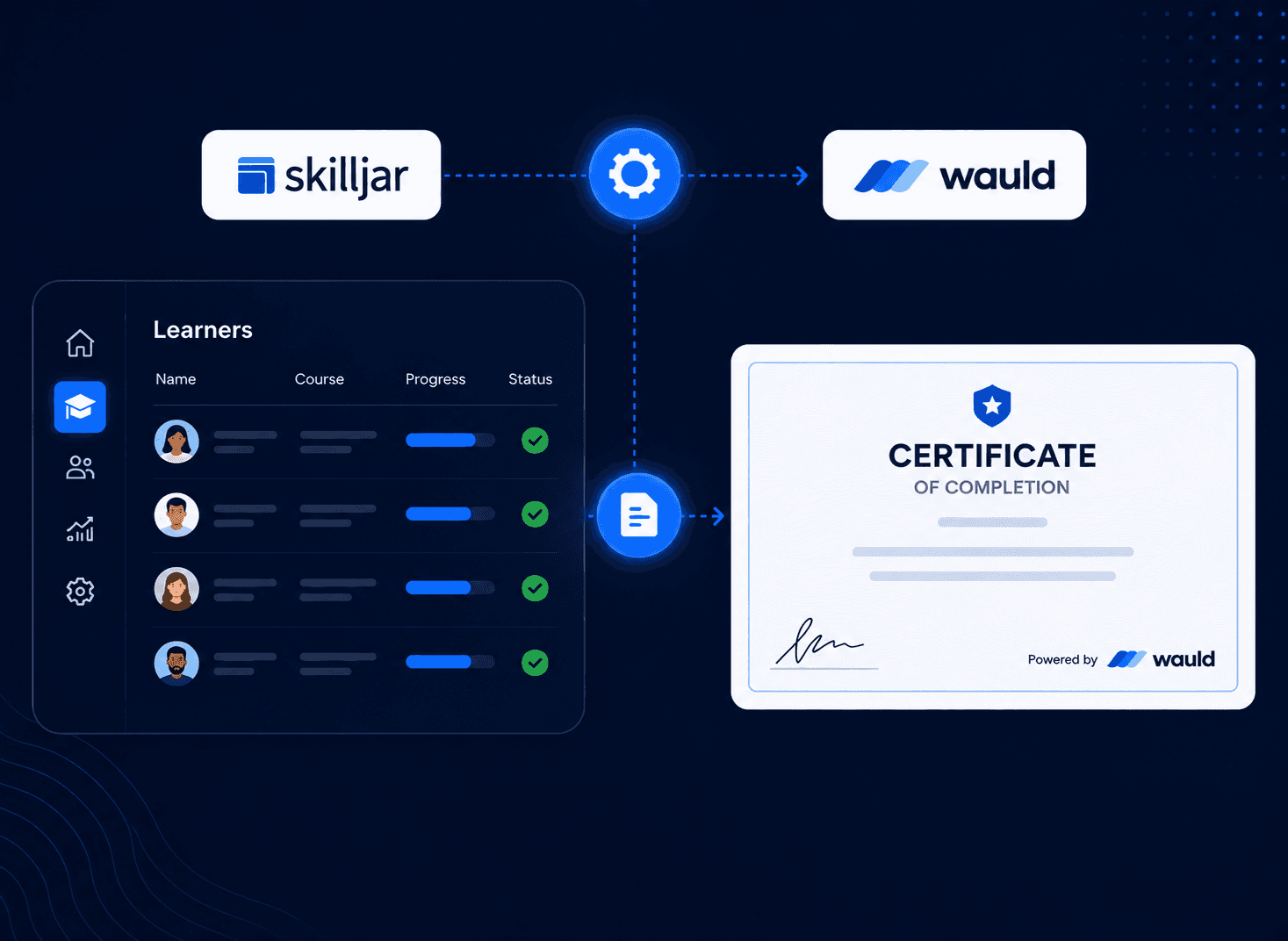
One example is Wauld, which connects to Skilljar and turns course completions into verifiable digital credentials that learners can easily share, showcase, and verify.
Method 2: Skilljar and Zapier Integration
Skilljar has a documented Zapier integration that enables training events to trigger automated actions in external systems. For certificate automation, the most relevant trigger is Course Completion.
When a learner completes a course, Zapier can automatically send completion data from Skilljar to another platform. This makes it possible to trigger certificate issuance, update CRM records, send internal notifications, enroll learners into follow-up programs, or add credential information to external systems.
For organizations that want more flexibility than Skilljar's native certificate functionality provides, Zapier acts as a bridge between Skilljar and the rest of their technology stack.
What works well: The native Skilljar Zapier app is plug-and-play for course completion triggers. No code is required. The trigger fires on actual LMS completion events. Skilljar can also serve as the action destination in a Zap, not just the trigger source. Up to 100 actions can run in a single Zap workflow.
What falls short:
The free Zapier plan is limited to 100 tasks per month, which can be restrictive as learner volume grows.
Advanced workflows, including API calls back to Skilljar, require the premium Webhooks by Zapier app and a paid Zapier plan.
Because the automation relies on a third-party platform, any Zapier outage or delay can affect certificate delivery.
The certificate experience ultimately depends on the platform you connect to, as Zapier only handles the automation layer and does not provide certificates itself.
Cost: The Skilljar Zapier integration is available to all Skilljar plan holders at no extra cost. Zapier's free plan covers the native Skilljar app for Course Enrollment, Course Completion, and Domain Enrollment triggers. The paid Starter plan (required for "Webhooks by Zapier" and custom webhook triggers) starts at around $19.99 per month, billed annually.
Method 3: Issue Verifiable Digital Certificates with Wauld
Wauld is a digital credential platform built to manage the full lifecycle of certificates and badges: design, issue, track, and verify. It connects to Skilljar through Zapier, allowing course completions to automatically trigger certificate issuance. The difference from every other method is what happens once that trigger fires.
How the Integration Works
When a Skilljar course completion event reaches Wauld, a branded, personalized certificate is generated and delivered automatically. The learner receives it in their inbox within seconds, with no need to log into Skilljar or navigate to their profile.
Every certificate issued through Wauld includes:
A unique credential ID
A public verification page that anyone can open and check
A QR code linking to that verification page
A downloadable PDF version
One-click LinkedIn sharing
The credential email comes from your branded domain. Learners do not need a Wauld account to receive or share their certificate.
Connecting Skilljar to Wauld
There are three common ways to connect Skilljar and Wauld, depending on your technical requirements and preferred level of automation.
Zapier Automation: Connect Skilljar to Wauld through Zapier so course completions automatically trigger certificate issuance and delivery.
Bulk CSV Issuance: Upload historical learner records from Skilljar to issue certificates in bulk for past course completions.
Webhook Integration: Skilljar supports webhooks for real-time training events, including course completions. Organizations with technical resources can connect these webhook events to Wauld to automate certificate issuance through custom workflows and integrations.
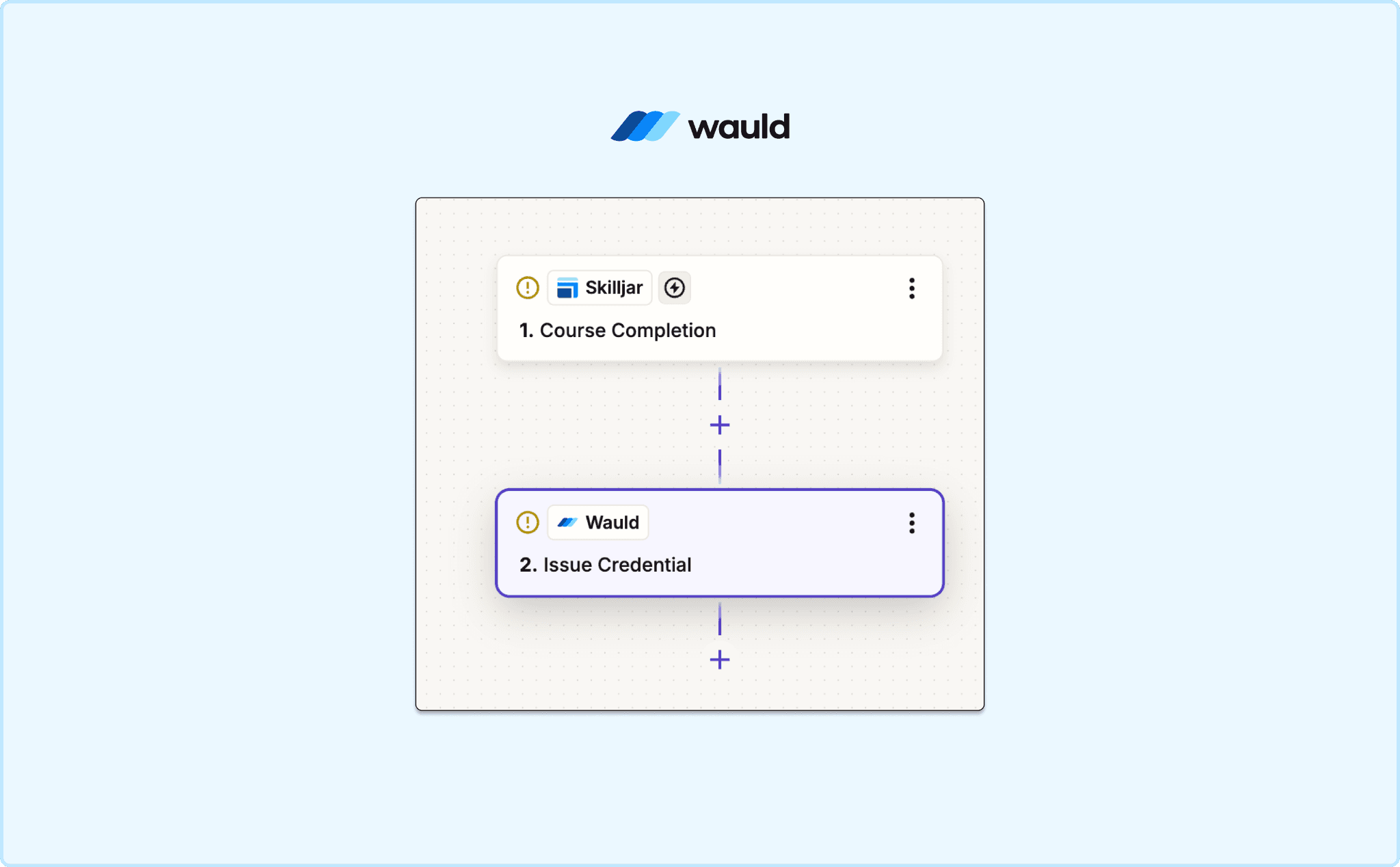
Add respective triggers in Zapier
What Wauld Adds Beyond Skilljar's Native System
Skilljar already handles certificate verification and LinkedIn integration well. Where Wauld extends the experience is in how credentials are delivered, tracked, designed, and managed after issuance.
Professional certificate design. Wauld's certificate designer gives you full control over layouts, typography, color, logo placement, and backgrounds. You also get access to a library of over 900 pre-built certificate and badge templates to start from.
Engagement analytics. Wauld shows you who opened their certificate, who downloaded it, who shared it on LinkedIn, and how many times it was viewed or verified. Skilljar's native system gives you issuance records. Wauld gives you engagement data.
Verifiable digital badges. Alongside traditional certificates, Wauld lets you issue digital badges. For organizations building certification programs with real professional weight, these are credentials learners can display and share across platforms.
Credential lifecycle management. Wauld supports credential renewal workflows, revocation, expiration management, and centralized credential tracking. As certification programs mature, these capabilities help organizations manage credentials beyond simple course completion.
Comparing the Methods
Method | Completion Verified | Verifiable Credential | Cost |
Skilljar Built-In | Yes | Yes, unique verification URL | Included |
Skilljar + Zapier (native) + Platform | Yes | Depends on platform | Free Zapier plan usable |
Skilljar + Wauld | Yes | Yes, public page + QR | Free plan available |
Final Thoughts
Skilljar is a well-designed external LMS. The built-in certificate system handles the administrative core: completion tracking, quiz-gated issuance, LinkedIn fields, and a verification URL. For teams that need a basic proof of completion tied to actual LMS data, it works well.
The gap shows up when certificates become more than proof of completion and start serving as professional credentials. While Skilljar handles certificate issuance and verification well, organizations that want branded credential delivery, richer sharing experiences, and credential engagement insights often look beyond the LMS itself. Learners download them once and move on.
Wauld connects to Skilljar in under an hour through Zapier, works without changing how you build or deliver your courses, and turns every course completion into a verifiable digital credential that learners are proud to share.
If you are running customer education or partner training on Skilljar and want your certificates to actually mean something beyond the download, Wauld is the fastest path to getting there.
Frequently Asked Questions About Skilljar Certificates
Answers to common questions about creating, managing, verifying, and automating certificates and digital credentials in Skilljar.