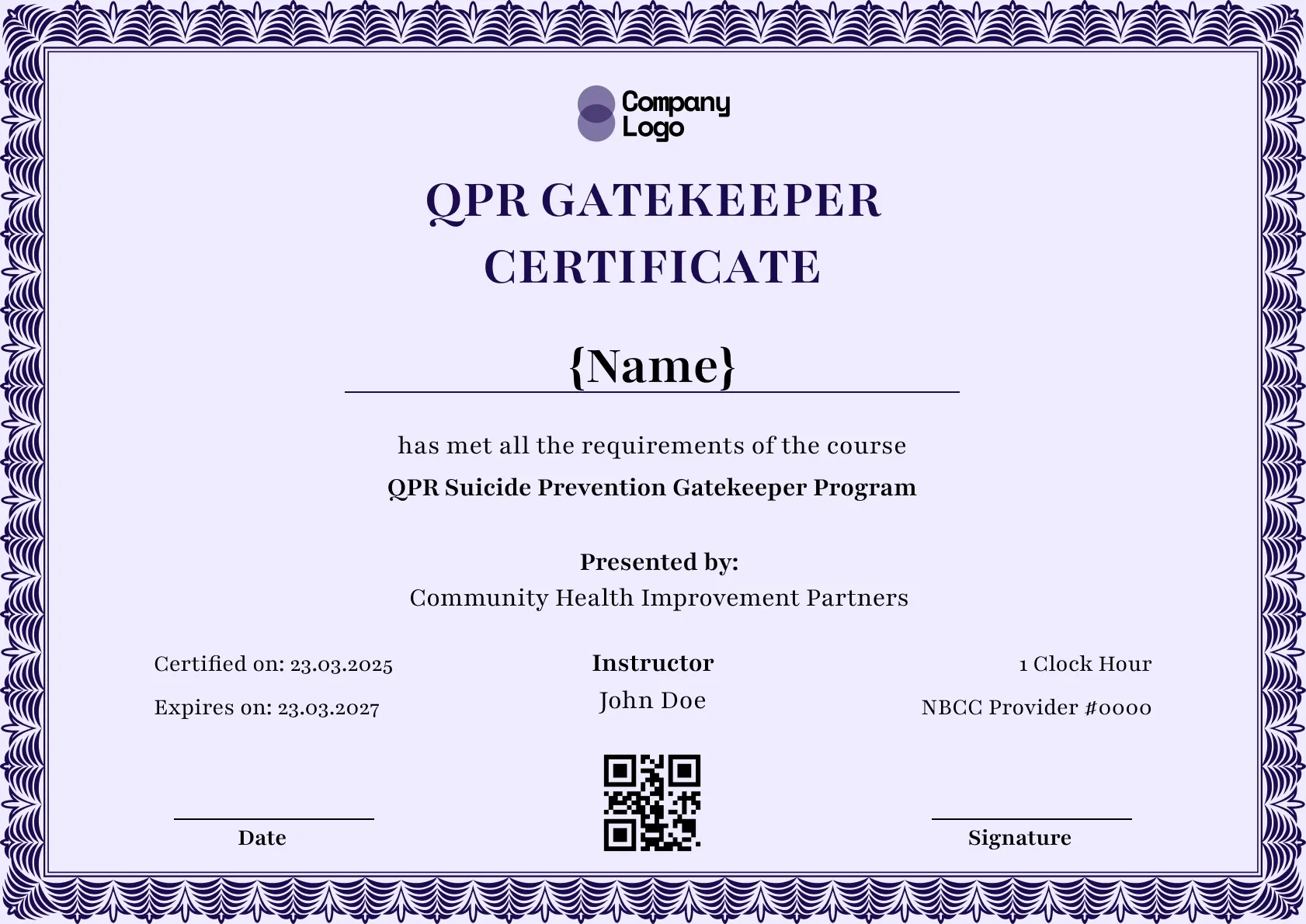
Course Completion
We're a SourceForge Top Performer for Digital Credential Management.Read the announcement
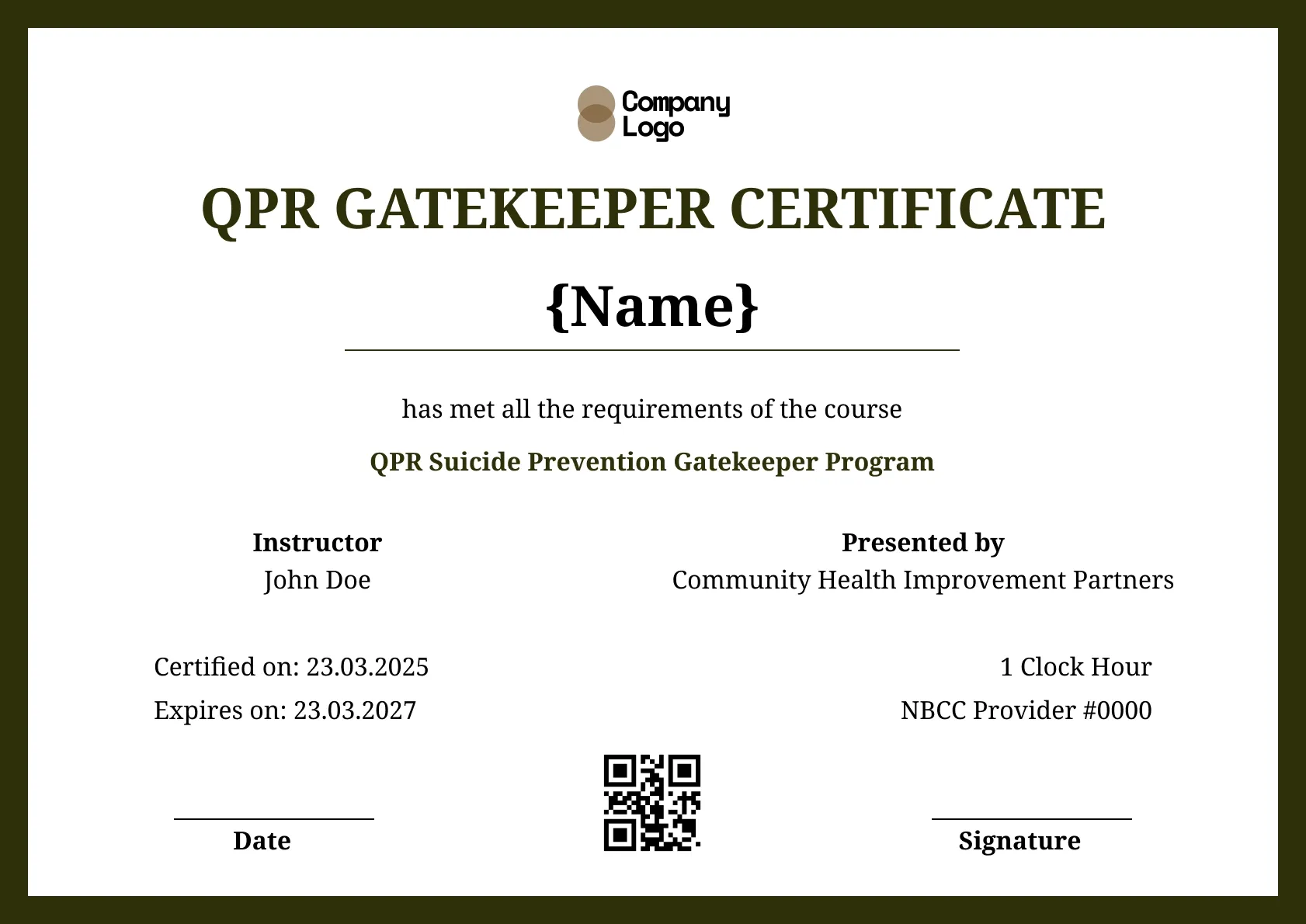
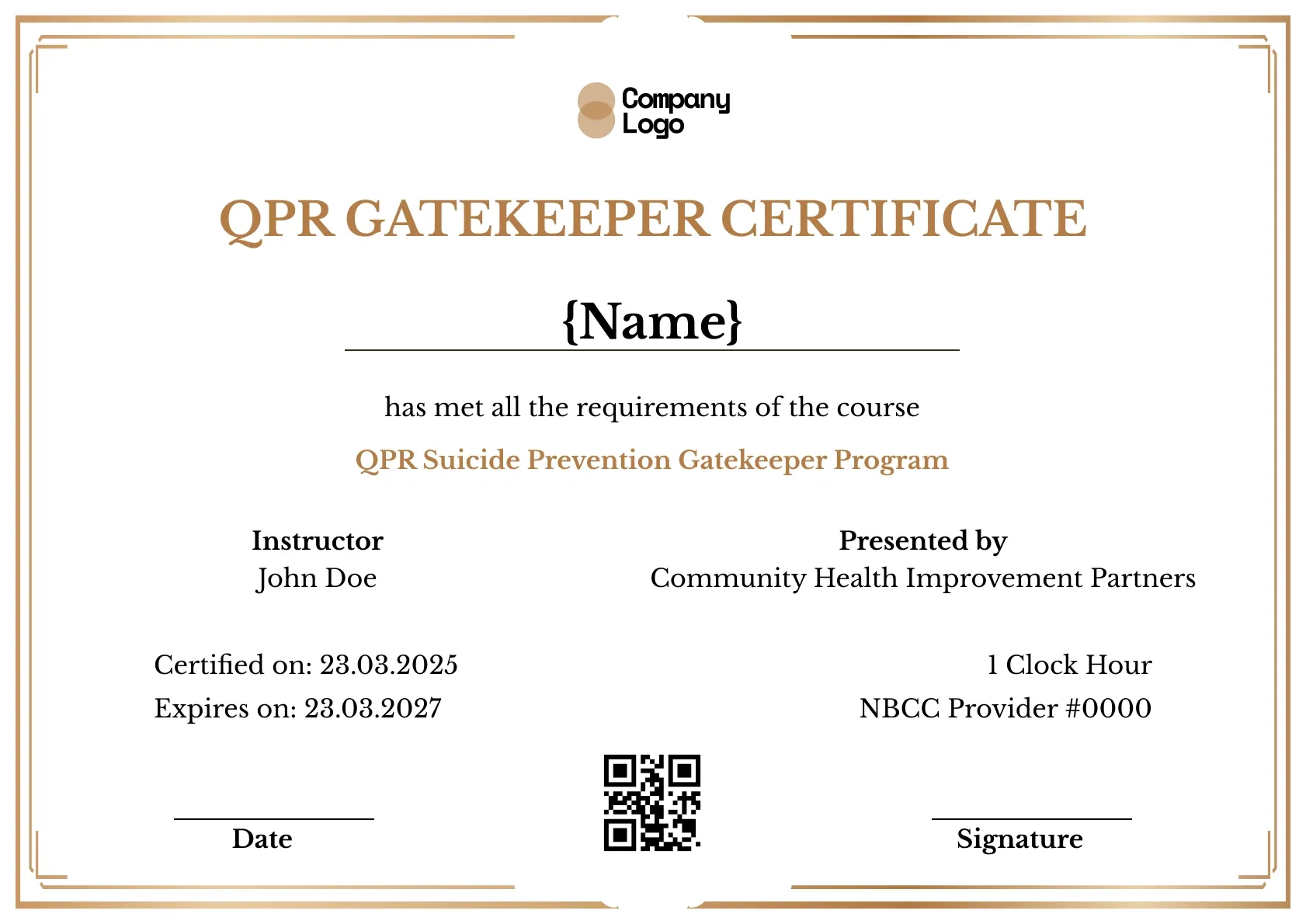
A suicide prevention certificate for school staff, with a slim olive-green border. Schools can issue verifiable copies to staff who train with Wauld.
Use this templateBEST FOR
CATEGORIES
Add your school or district logo, signatures and seal, and your own provider number in place of the sample.
Each certificate has a QR code and ID opening a live page, so a district or employer can confirm a staff member's training.
Upload your staff list as a spreadsheet and Wauld issues a certificate to everyone who attended at once.
Each staff member gets an email link to view, download and share their certificate as soon as it is issued.
Give school staff a record of their suicide prevention training with this plain olive-green design. A slim border and a green course line keep it simple, with room for your school's name, the date, and the staff member.
Key features:
Suggested wording: "This certifies that {Name} completed suicide prevention training provided by {Organization} for its school staff."
The provider number and one-clock-hour line are placeholders. Only an approved provider may list them, so add your school's own details or remove them. This template is not affiliated with or endorsed by the QPR Institute.
Fields included: Participant name, course name, date certified, expiry date, presenting organization, instructor, certificate ID, and a QR code for verification.
Who it's for: Schools and districts that train support and teaching staff and want a straightforward, verifiable certificate.
Find answers to the most common questions about this template.
Yes. Add your teaching and support staff in Wauld, or upload a staff list, and issue verifiable certificates in one batch, with your school named as the presenter. Each copy carries its own ID and QR code and records the date. The whole staff is covered from one place after a training session.
Yes. Upload your staff list to Wauld as a spreadsheet and it issues a certificate to everyone who attended at once, each with its own QR code. You can have Wauld email them automatically. A full staff is certified after one session without preparing each certificate by hand.
Yes. The verification page is hosted by Wauld and stays live over time, so a staff member can confirm their training long after the session, even at another school. The page names your school and the date it was issued. As long as the certificate stays active, the link and QR code keep resolving.
Yes. Open the certificate in Wauld and revoke it, and its verification page no longer reads as valid. You can then reissue a corrected copy if a name or date changes, and it gets a fresh ID and QR code. The withdrawn one stays on record for your history.
Course Completion
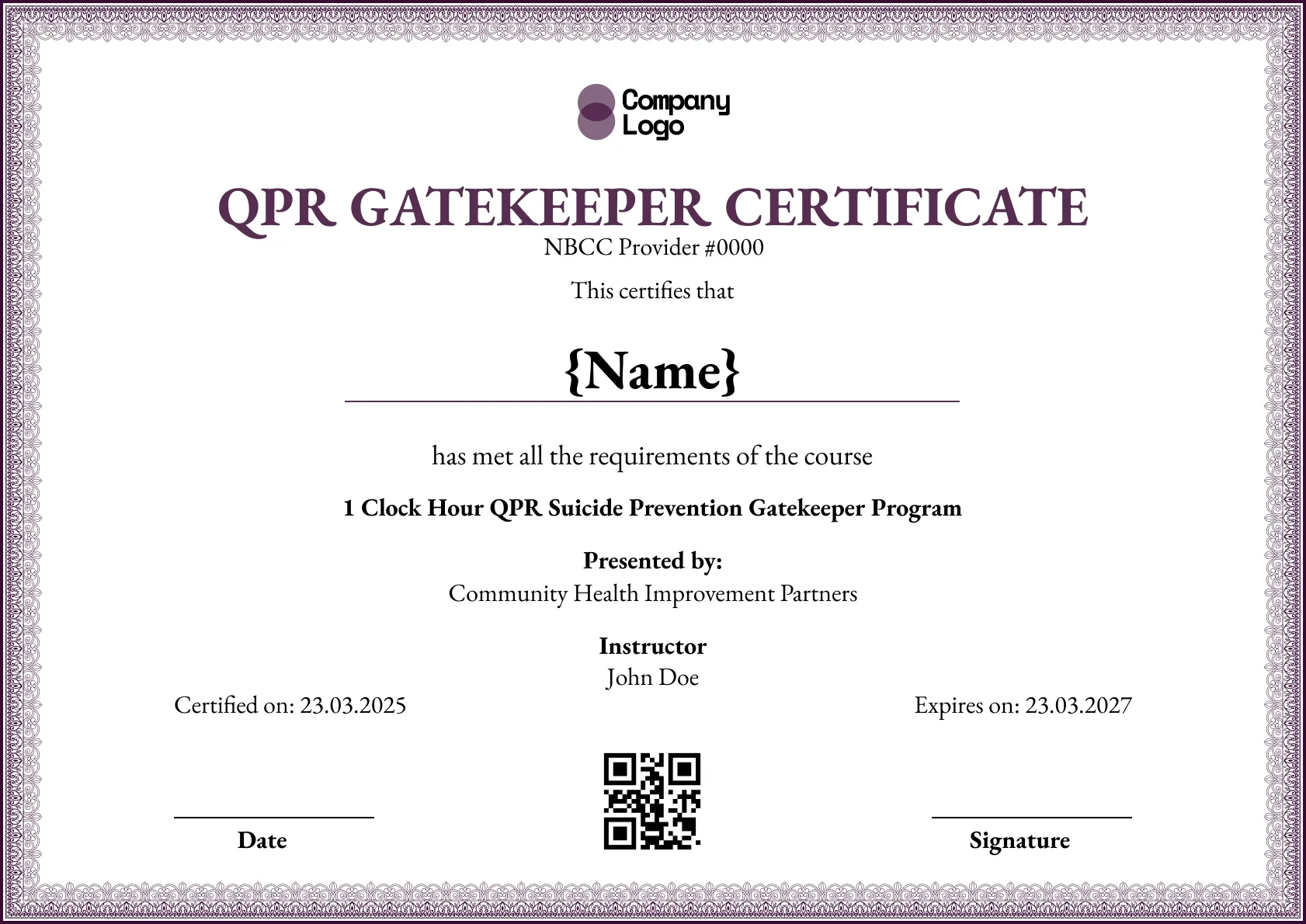
Course Completion
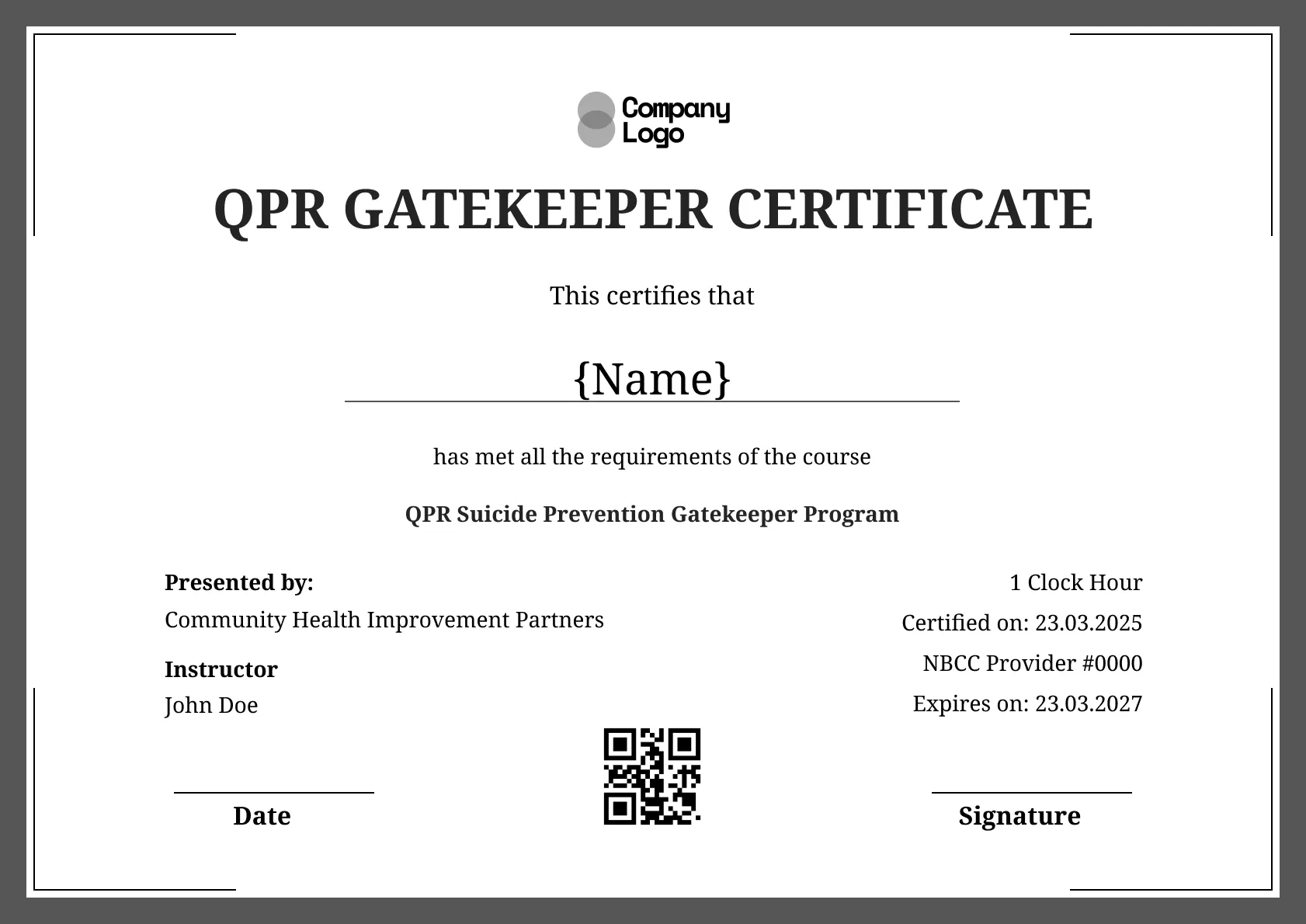
Course Completion
Course Completion
Comparisons & Alternatives


Digital Credentialing

Customize this template and issue verifiable credentials in minutes. Free for up to 300 credentials, no credit card required.
Sign up for free