Compliance, Course Completion
We're a SourceForge Top Performer for Digital Credential Management.Read the announcement
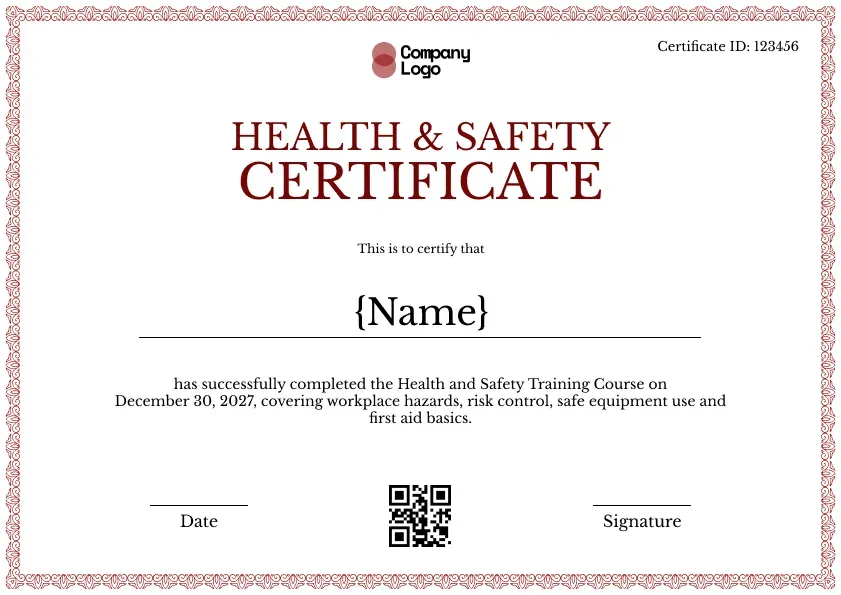
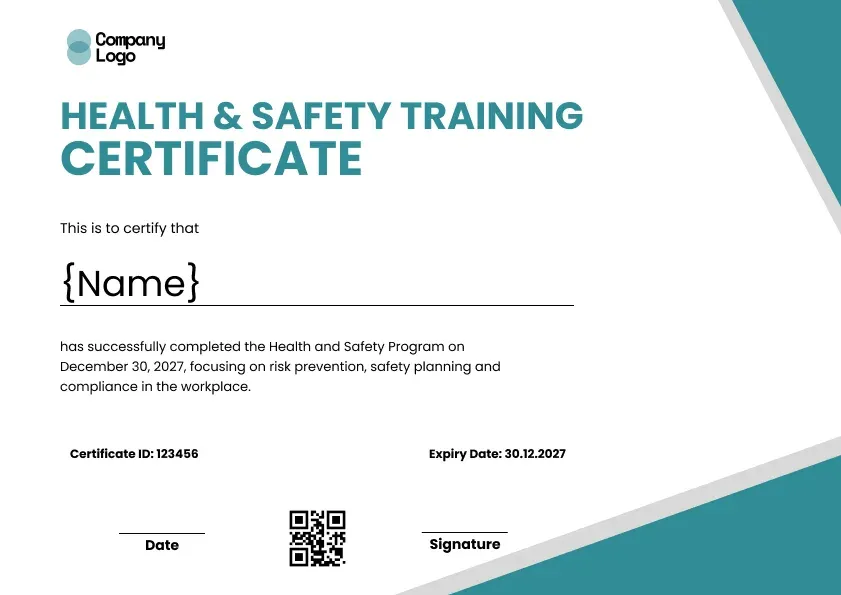
A red health and safety certificate template with a fine red lace border. Covers workplace hazards, risk control, safe equipment use and first aid basics.
Use this templateBEST FOR
CATEGORIES
Your logo sits top center inside the lace border.
Every certificate carries its own QR code.
Issue certificates to every learner at once.
Learners receive their certificate by email.
Print a copy to hand out at the end of the course.
This is a traditional health and safety certificate with a warm touch. A fine red lace border frames the page, the title is set in a dark red serif, and the wording covers a well-rounded course: workplace hazards, risk control, safe equipment use and first aid basics. It works for almost any health and safety training course. It suits any safety course built around the workplace hazard and emergency basics expected by the Occupational Safety and Health Administration (OSHA) for general industry or by HSE in the UK. Use it as the finish line of an occupational safety and health certificate program, and keep workplace safety records in one place.
Key Features:
Suggested wording:
Health and Safety Certificate. This is to certify that {Name} has successfully completed the Health and Safety Training Course on [Date], covering workplace hazards, risk control, safe equipment use and first aid basics.
Fields included: Learner name, course summary, completion date, certificate ID, date, signature line, logo and QR code.
Who it's for: Training providers, colleges and employers running in-house health and safety courses.
Find answers to the most common questions about this template.
No. The red health and safety certificate template covers first aid basics as one part of a general safety course, not a full first aid qualification. For dedicated first aid or CPR training, use Wauld's first aid certificate templates instead. If your general course does touch on first aid awareness, you can note that on the course line so the record is accurate.
Yes. Add an expiry or refresher date in the Wauld editor so each safety training certificate shows when it lapses. Expiry dates keep workplace safety records up to date and make renewals, annual refreshers and audits straightforward. Wauld can send automatic renewal reminders when the date is due, so staff never miss their next session.
Yes. The red health and safety certificate template is fully editable, so you can change the lace border and title colors to suit your brand. Keep the traditional style or recolor it to match your training provider's look, then add your logo and course details. The design works with any palette, so you can make the safety certificate your own.
Choose this template, edit the course details and logo, then upload your learners and send. Wauld creates a verifiable health and safety certificate for every learner at once, each with its own QR code and verification link. You can issue to a full cohort in one upload, so there is no manual admin and every record can be checked online.
Compliance, Course Completion
Compliance, Course Completion
Compliance, Course Completion
Compliance, Course Completion

Certificate Templates & Design


Digital Credentialing


Digital Credentialing

Customize the template and issue verifiable credentials in minutes, free for up to 300 credentials with no credit card required.
Sign up for free