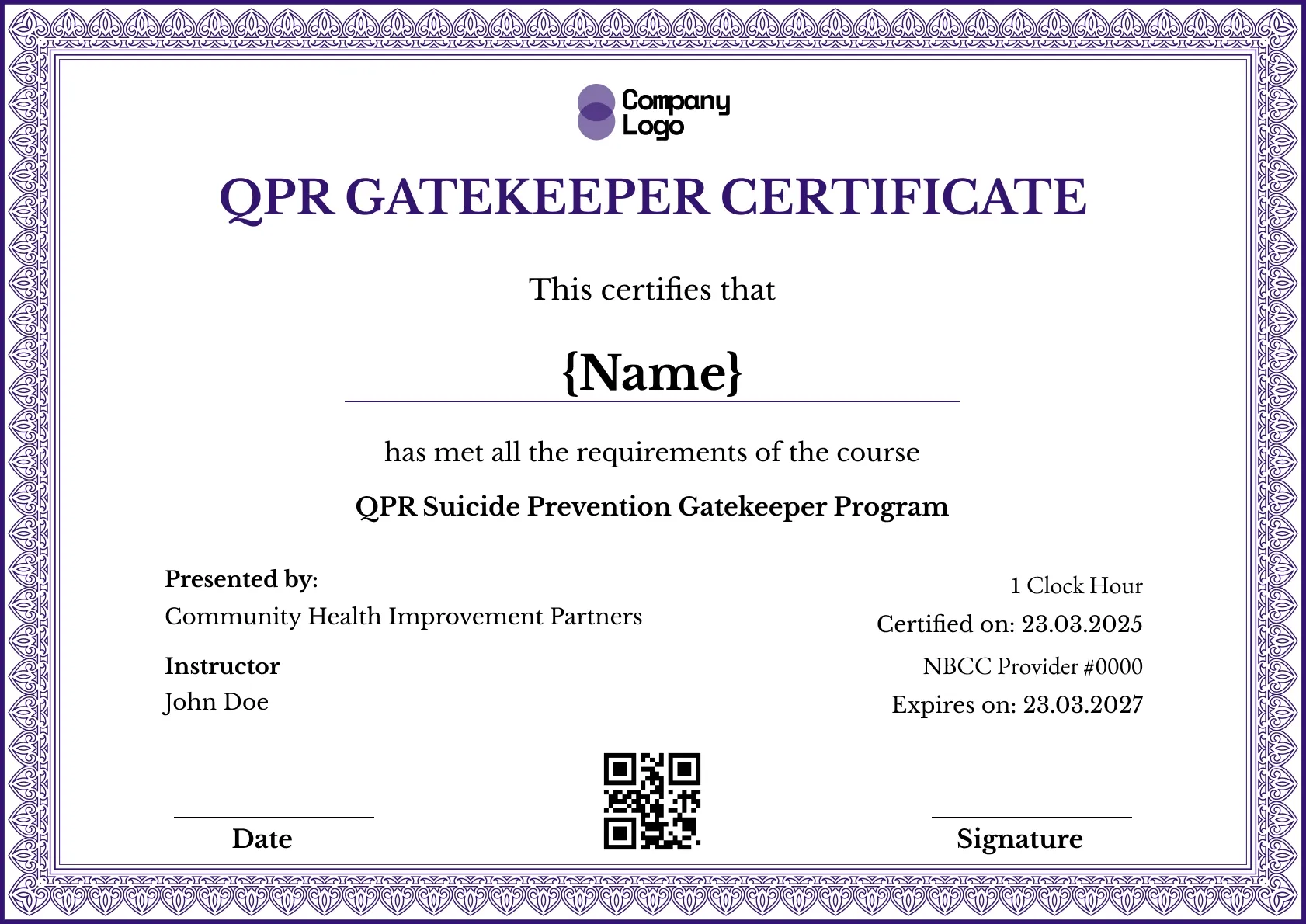
Course Completion
We're a SourceForge Top Performer for Digital Credential Management.Read the announcement
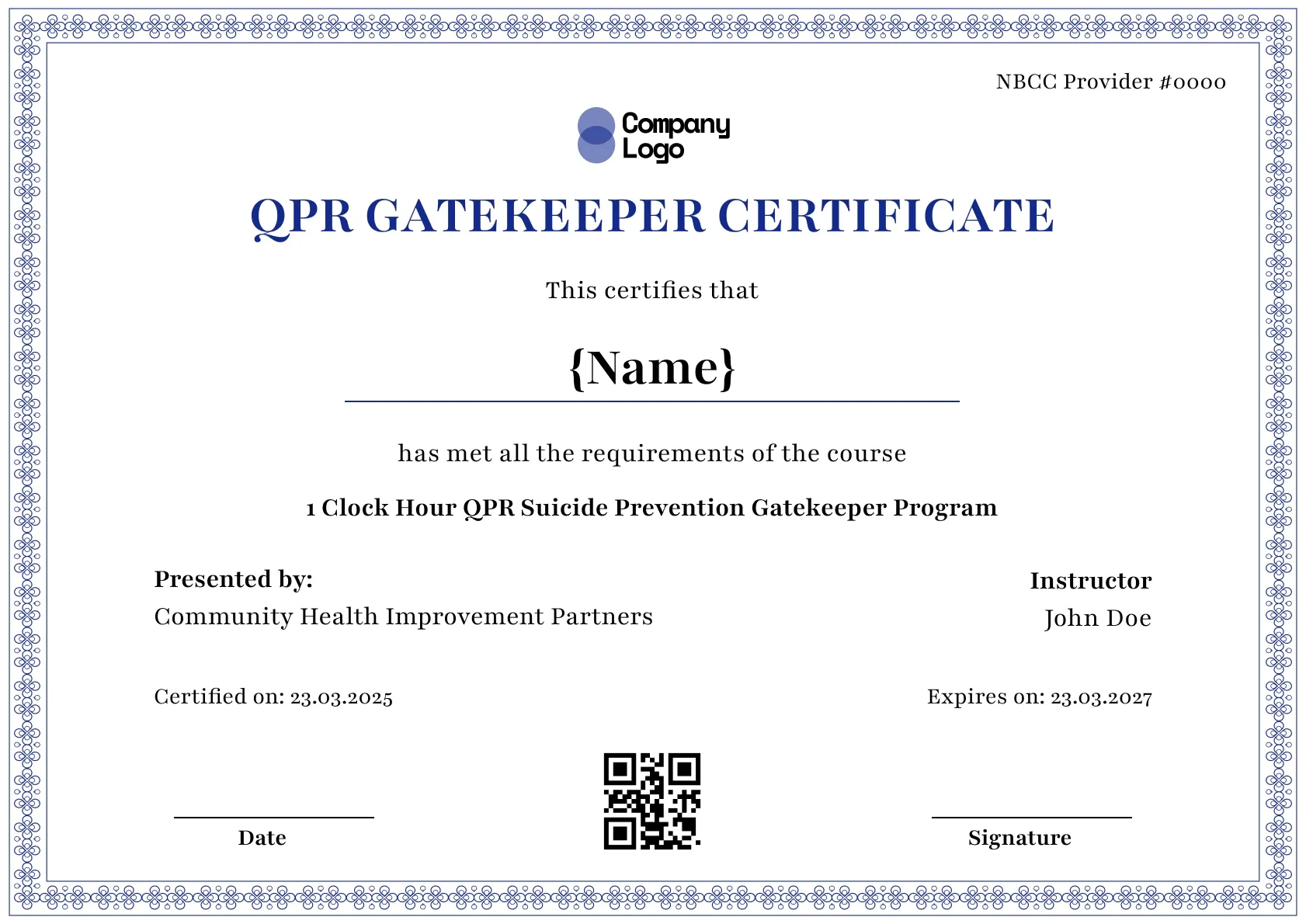
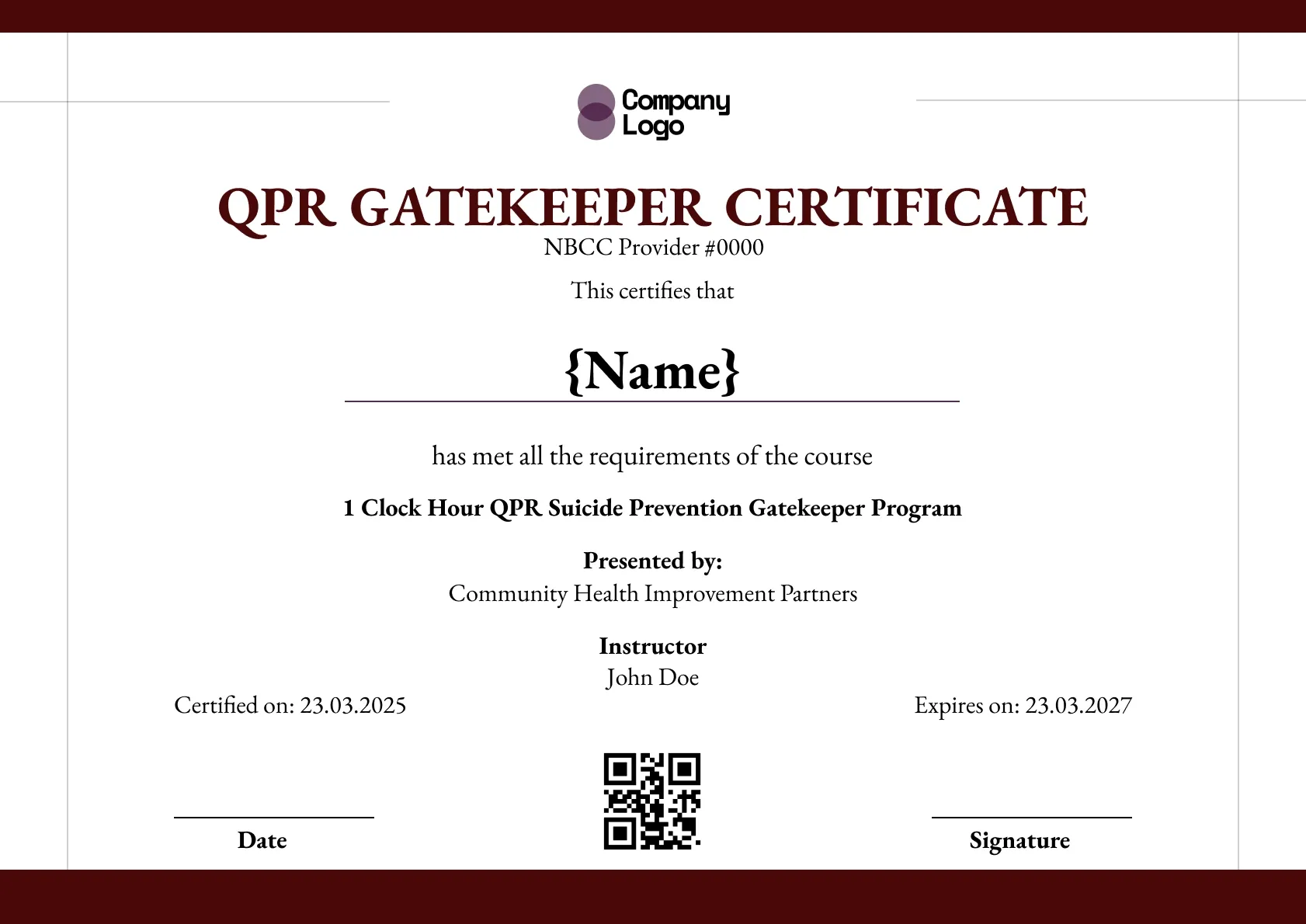
A QPR course certificate template that records the instructor details, on a blue border. Add the participant, then issue verifiable copies with Wauld.
Use this templateBEST FOR
CATEGORIES
Add your logo, the instructor's name and signature, your seal, and your own provider number in place of the sample.
Every certificate carries a QR code and ID, so anyone checking a participant's course can confirm it on a live page.
Load your participant list as a spreadsheet and send the whole course their certificates together.
Each participant receives an email with a link to view, download and share their certificate.
Issue a course certificate that lists the instructor and session details in full, framed by a delicate blue scrollwork border and a navy headline on white. Add the participant, the instructor, and the date, then issue verifiable copies with Wauld.
Key features:
Suggested wording: "This certifies that {Name} completed the QPR Suicide Prevention Gatekeeper course delivered by {Instructor} of {Organization}."
The provider number and one-clock-hour line are placeholders. Only an approved provider may list them, so add your own details or remove them. This template is not affiliated with or endorsed by the QPR Institute.
Fields included: Participant name, course name, date certified, expiry date, presenting organization, instructor, certificate ID, and a QR code for verification.
Who it's for: Course providers and instructors that want the course and instructor details recorded on a verifiable certificate.
Find answers to the most common questions about this template.
Yes. The template is free to edit in Wauld, and a free account lets you add the instructor and course details and issue up to 300 certificates at no cost. You fill in the instructor's name, the course and the date, add your logo, and send each participant a verifiable copy. No card is required to start, and you only move to a paid plan if you need more than 300.
The first 300 certificates are free. If your course grows past that, you move to a paid Wauld plan for a higher volume, and the step up is about quantity rather than features. Nothing you have already issued is affected, so earlier participants keep their working certificates and verification pages.
Yes. A certificate issued in Wauld keeps its live verification page, hosted by Wauld rather than tied to a file, so a participant can confirm the course and the instructor months or years later. The page names the issuing organization and the date. If you revoke a certificate, the page reflects that, so verification always shows the current status.
Yes. Export your participant list to a spreadsheet, with the instructor and course details filled in, and upload it to Wauld. It issues a certificate for every row at once, each with its own ID and QR code, and can email them to participants automatically. A full course is handled in one upload instead of one certificate at a time.
Course Completion
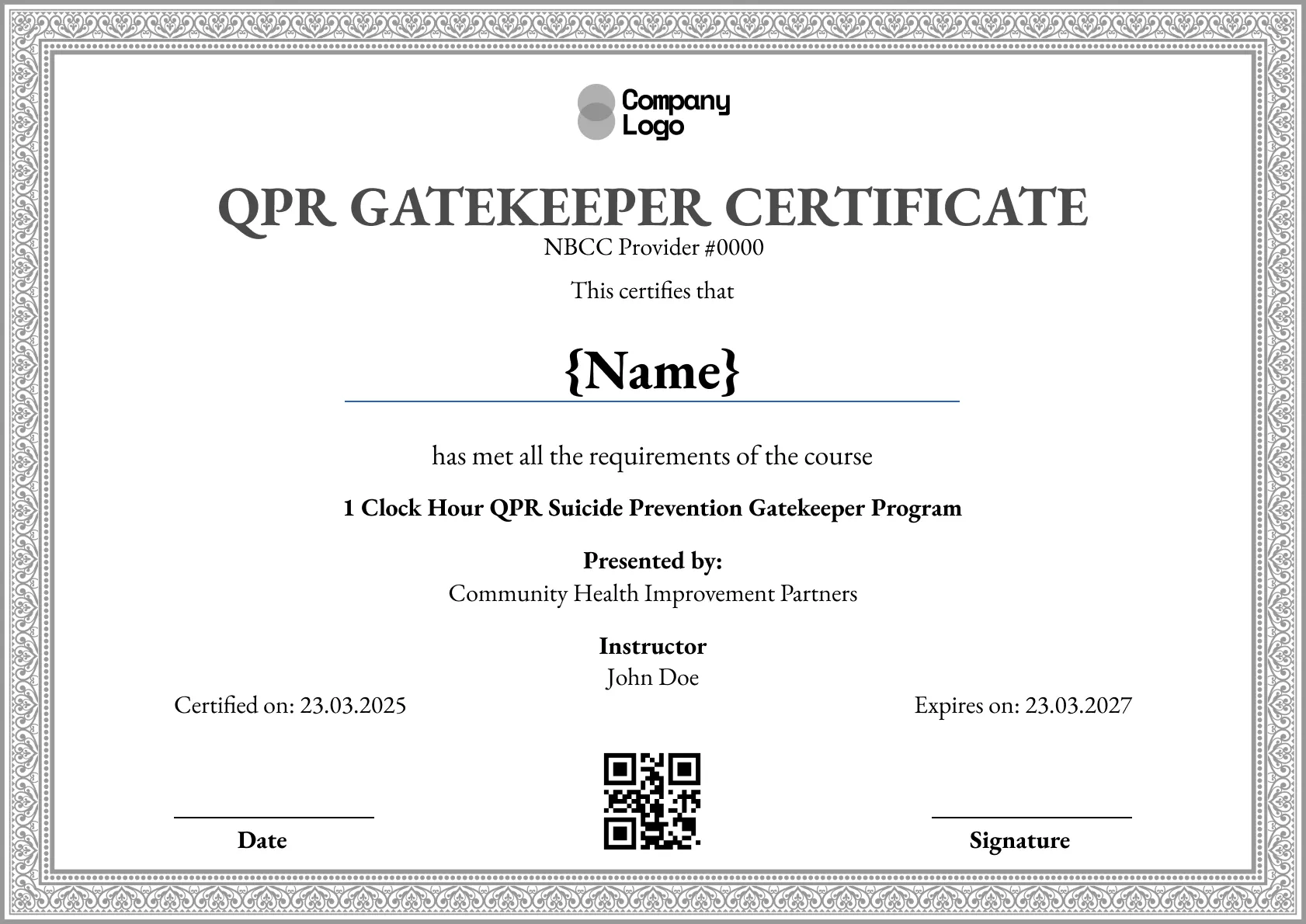
Course Completion
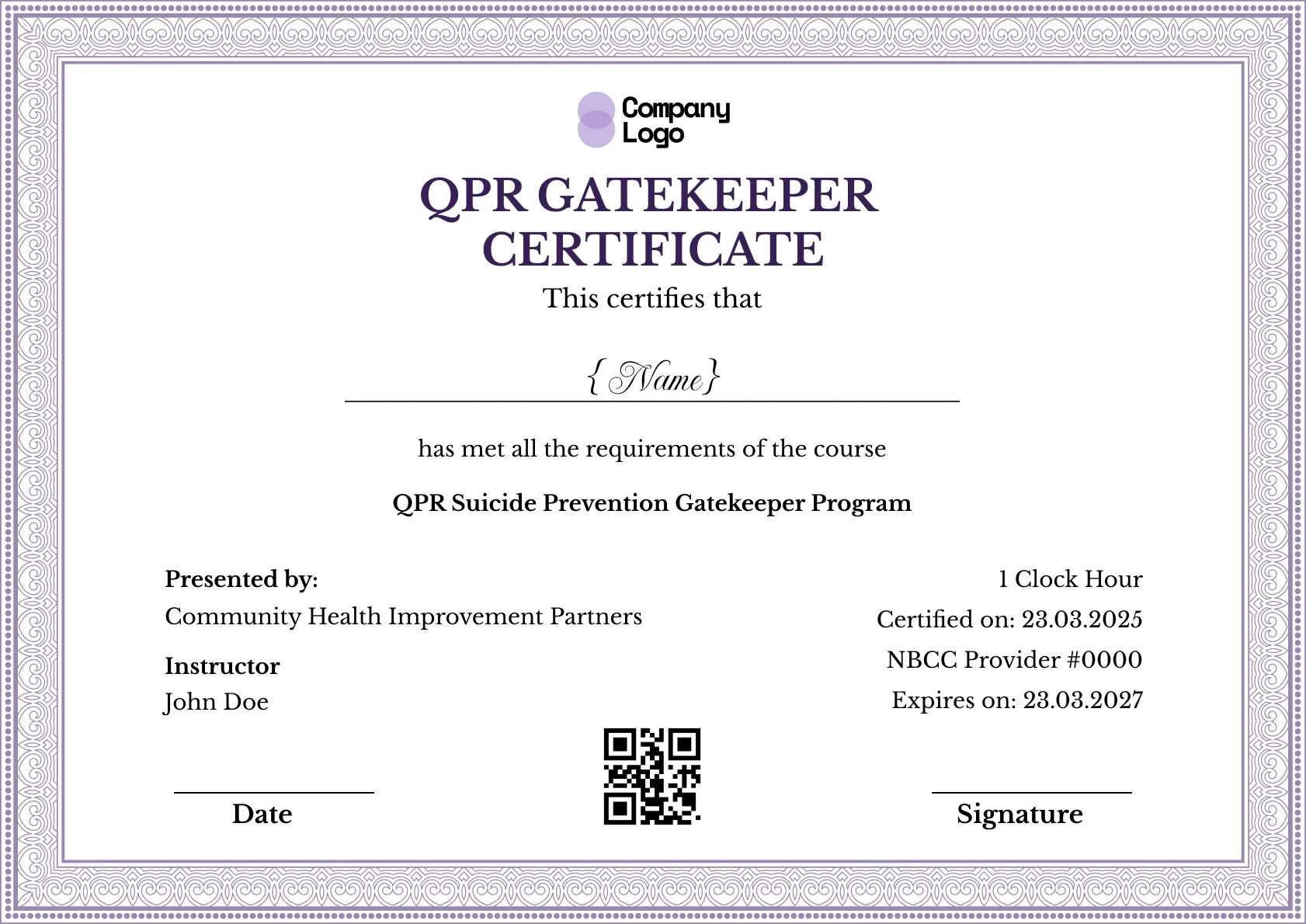
Course Completion
Course Completion
Comparisons & Alternatives


Digital Credentialing

Customize this template and issue verifiable credentials in minutes. Free for up to 300 credentials, no credit card required.
Sign up for free