Membership
We're a SourceForge Top Performer for Digital Credential Management.Read the announcement
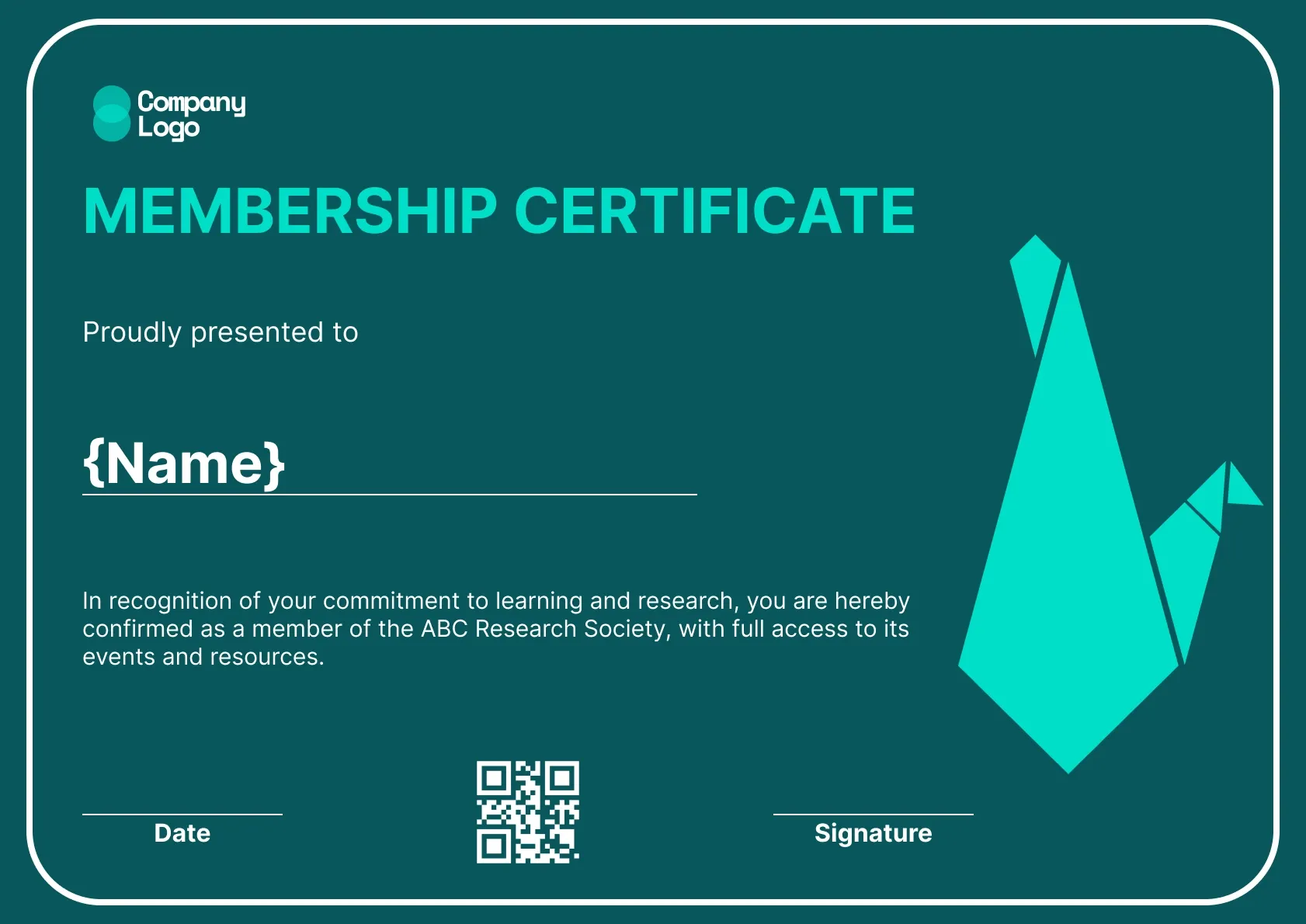
A mint origami crane glides across a deep teal background on this editable membership certificate. The wording confirms membership of a research society, and every line can be edited for your own group.
Use this templateBEST FOR
CATEGORIES
Show your club, society or company logo along with the names and signatures of your president, secretary or managing member.
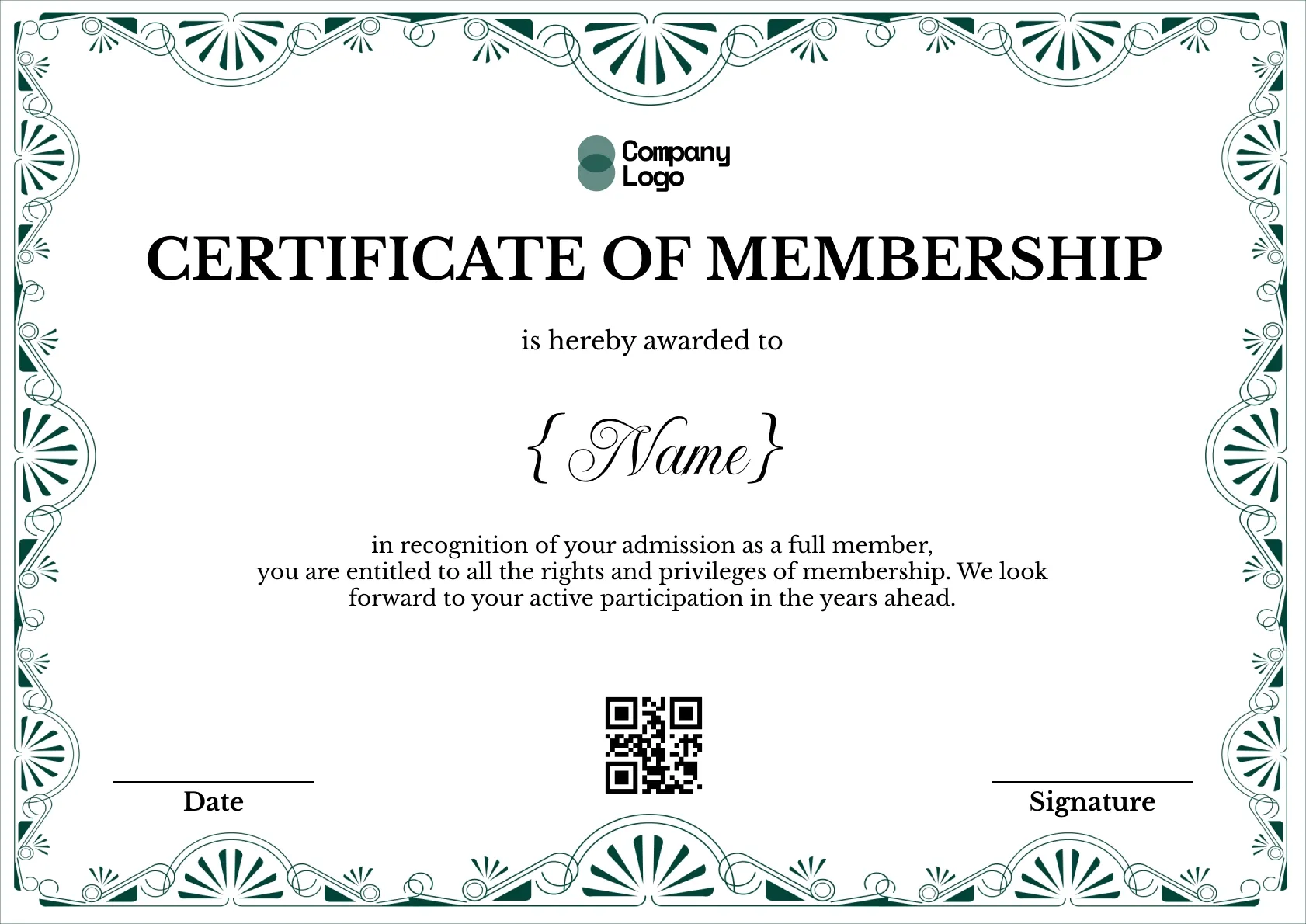
Each certificate carries a QR code that opens a live verification page, so a venue, partner or employer can confirm membership.
Upload your member list as a CSV and send every certificate at once, whether you welcome ten members or ten thousand.
Set a membership end date and let Wauld remind members before it is time to renew.
Download a high-resolution PDF sized for A4 and US Letter, ready to frame or post to members.
Key Features:
Suggested wording: "Proudly presented to {Name}. In recognition of your commitment to learning and research, you are hereby confirmed as a member of the ABC Research Society, with full access to its events and resources."
Fields included: Member name, Society name, Date, Signature, QR code
Who it's for: Research groups, societies and clubs that want to tailor every detail.
Find answers to the most common questions about this template.
Everything on this editable membership certificate can be changed, including the society name, wording, colours, fonts and logo. The deep teal background and mint origami crane can be recoloured to suit your brand. It is a flexible starting point for research societies, professional networks and any organisation with its own membership structure.
Yes. Save one copy for each level, such as student, associate and full member, and adjust the title and wording on each. When you issue, pick the matching template or add a level column to your upload file. Members then receive a certificate that reflects the tier they joined at, which matters when levels carry different rights.
Yes. A single line listing the main membership benefits, such as journal access, conference discounts and mentoring, reminds members why they joined. Keep it short so the design stays uncluttered, and put the full list of benefits in your welcome email or member handbook where there is room to explain each one properly.
Each renewal period, export the members who have paid and upload that list to Wauld. Everyone on it receives an updated certificate showing the new year. For members who do not renew, void last year's certificate so the verification page shows their membership has lapsed, which keeps your records honest for partners who check.
Yes. Duplicate it and save a version for each membership tier or group, then pick the right one each time you issue.
Membership
Membership
Membership
Membership

Digital Credentialing


Comparisons & Alternatives
Customize this template, add your recipients and send verifiable certificates in minutes. Free up to 300 credentials, no credit card required.
Sign up for free