Course Completion
We're a SourceForge Top Performer for Digital Credential Management.Read the announcement
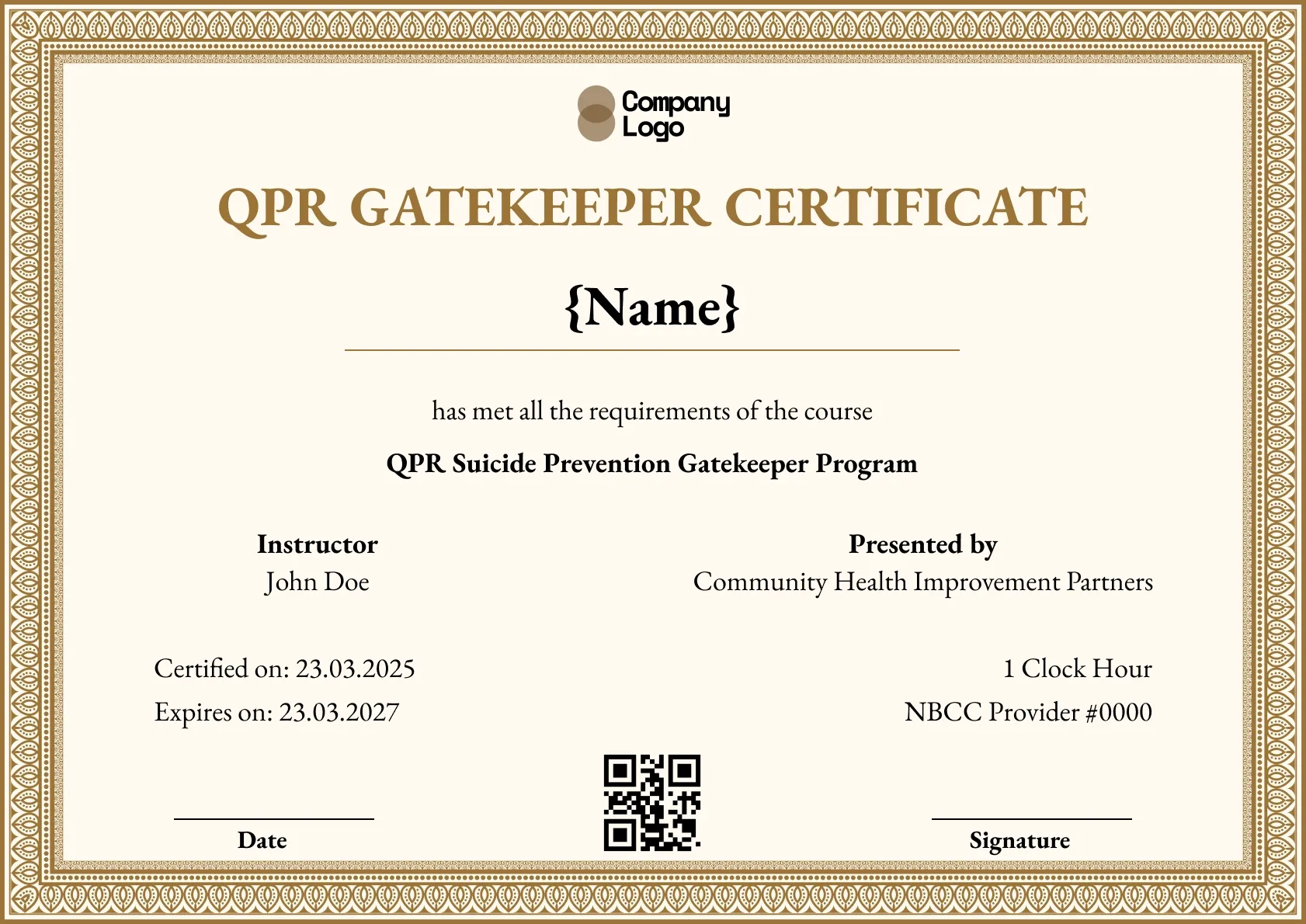
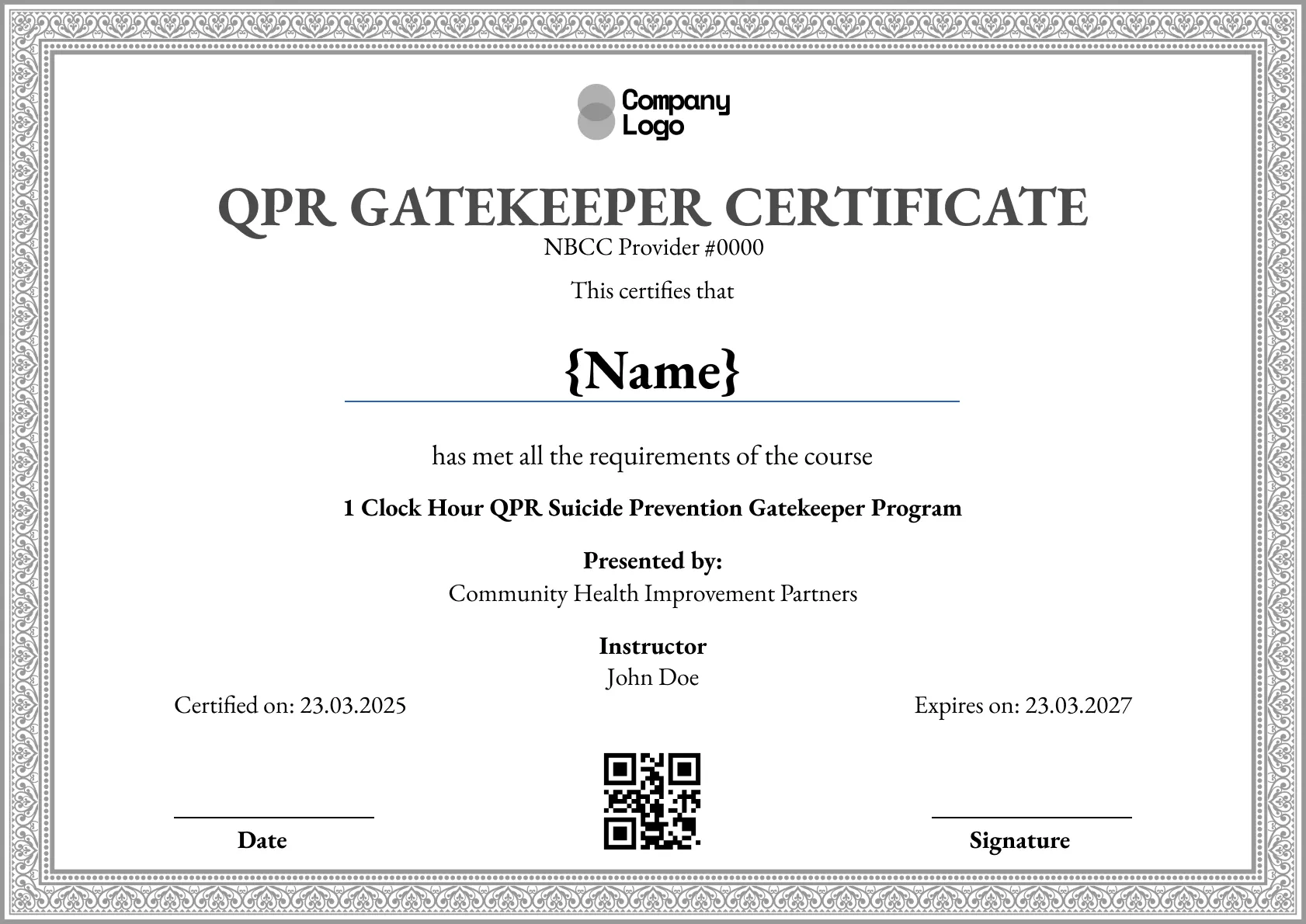
An elegant QPR certificate template with an ornate gold border on cream. Personalize the wording, then issue verifiable, print-ready copies with Wauld.
Use this templateBEST FOR
CATEGORIES
Add your logo, authorized signatures and seal, and your own provider number instead of the sample, for a formal QPR certificate.
A QR code and ID on every copy open a live page, letting an employer or board confirm the certificate without emailing your office.
Upload the course roster and Wauld produces a personalized certificate for every participant in a single step.
Participants get an email link to view, download and share their certificate the moment the course closes.
Give your QPR certificate a formal finish with this elegant template, framed by an ornate gold border on a cream background. Personalize the wording, record the participant and date, then issue verifiable, print-ready copies with Wauld.
Key features:
Suggested wording: "This is to certify that {Name} has successfully completed the QPR Suicide Prevention Gatekeeper Program presented by {Organization}."
The sample shows a provider number and one clock hour as placeholders. Only an approved continuing-education provider may list them, so replace them with yours or remove them. This template is not affiliated with or endorsed by the QPR Institute.
Fields included: Participant name, course name, date certified, expiry date, presenting organization, instructor, certificate ID, and a QR code for verification.
Who it's for: Course providers and continuing-education teams that want a formal, elegant QPR certificate to issue at the end of a program.
Find answers to the most common questions about this template.
Yes. The ornate gold border and serif heading give it a graduation-style finish, and Wauld exports a high-resolution file sized for A4 and US Letter. A participant can print and frame it for an office wall and the detail stays sharp. The same certificate also carries a QR code, so a framed copy can still be verified online.
Yes. Wauld's free plan covers up to 300 certificates. You can customize the wording, add your seal and signatures, and issue verifiable copies to participants without paying. Past 300, a paid plan raises the limit, and nothing you issued on the free plan stops working.
Yes. Each certificate's verification page is hosted on Wauld and stays live over time, so a participant can prove they completed the course long after it ended. The page shows who issued it and when, which is what an employer or board looks for. As long as you keep the certificate active, the link and QR code keep resolving.
Yes. Upload your course roster to Wauld as a spreadsheet, with a row per participant, and it creates a personalized certificate for every name in one step. Each copy gets its own ID and QR code and can be emailed out automatically. This saves preparing a formal certificate by hand for each person in the cohort.
Course Completion
Course Completion
Course Completion
Course Completion

Digital Credentialing


Certificate Templates & Design

Customize this template and issue verifiable credentials in minutes. Free for up to 300 credentials, no credit card required.
Sign up for free