
Participation
We're a SourceForge Top Performer for Digital Credential Management.Read the announcement
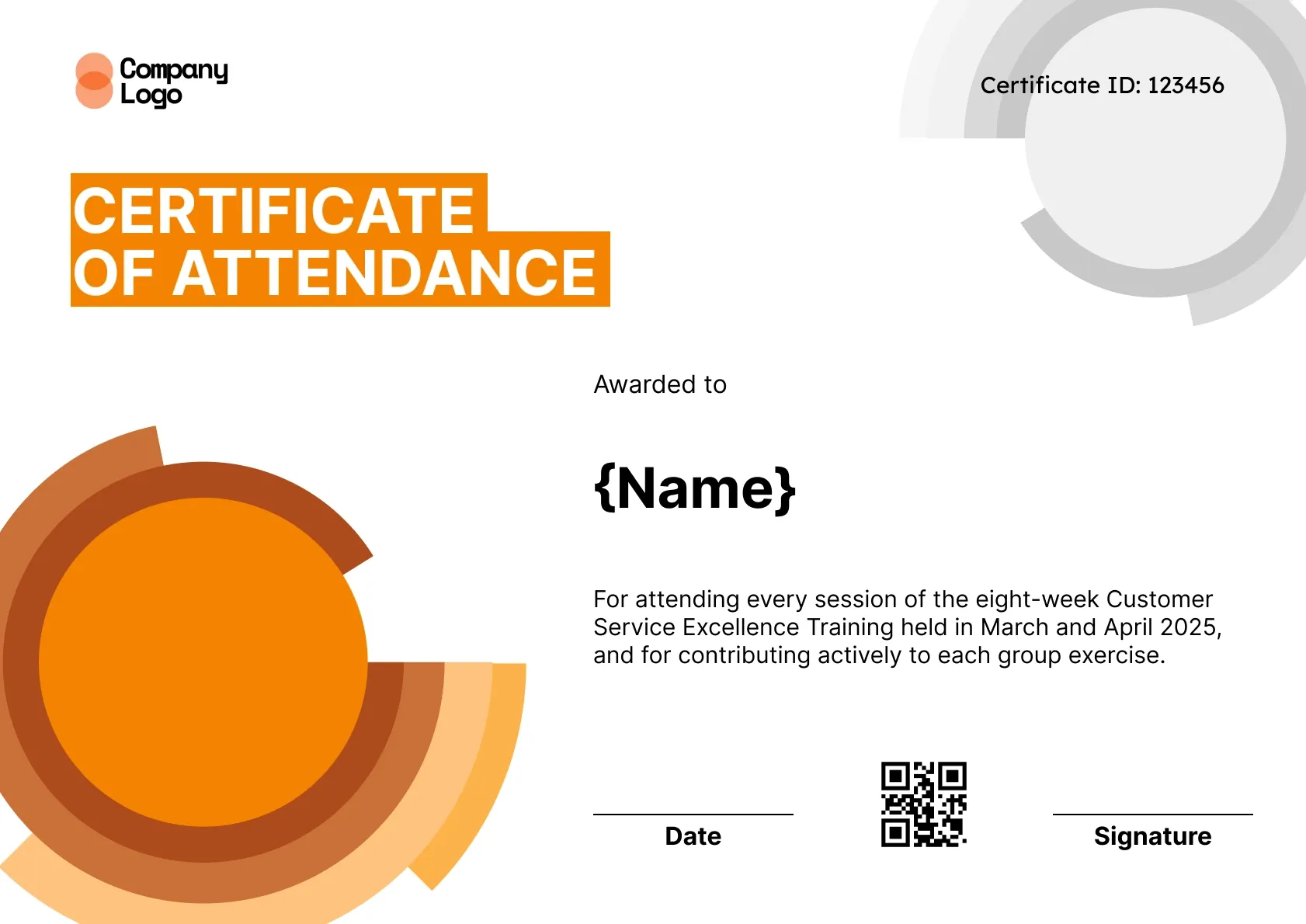
Bold orange rings sweep across the lower left of this editable training attendance certificate, with grey arcs in the top corner and a certificate ID. The description block fits multi-week staff training, from customer service to compliance.
Use this templateBEST FOR
CATEGORIES
Show your school, company or event logo along with the session name, dates and speaker names.
Each certificate carries a QR code that opens a verification page, so an employer or school can confirm attendance in seconds.
Upload a CSV of attendees, or connect your event or webinar tool, and send every certificate at once.
Wauld emails each attendee a link to view, download and share their certificate, so nobody has to chase you for a copy.
Download a high-resolution PDF sized for A4 and US Letter for handing out at the door or mailing home.
An editable training attendance certificate has to flex around very different programmes, from a half-day induction to an eight-week course. Every element here can be reworked, from the training name and dates to the bold orange ring graphic and the certificate ID in the corner. The description block is the key piece, giving HR and learning teams space to record exactly which sessions and activities an employee attended.
Key features
Suggested wording
Awarded to {Name} for attending every session of the eight-week Customer Service Excellence Training held in March and April 2025, and for contributing actively to each group exercise.
Fields included
Attendee name, Training name, Dates, Certificate ID, Date, Signature, QR code
Who it's for
HR and L&D teams tracking attendance at internal training.
Find answers to the most common questions about this template.
Everything. On this editable training attendance certificate you can change the training name, dates, description, certificate ID format, colours and logo. The bold orange ring graphic can be recoloured too. It suits staff training and multi-week programs. Changes you save apply to every certificate issued from the template afterwards, so you only set it up once per program.
Use the description to list the dates and the main activities, such as attended six weekly sessions on customer service, including role plays and a final review, from 2 September to 7 October. Clear detail turns the certificate into a useful training attendance record.
Yes, if the training only requires attendance. Many compliance sessions, such as harassment prevention or data privacy briefings, need proof that each employee attended. HR can issue certificates through Wauld and export the list later for audits. If a session also includes a quiz, consider a completion certificate instead, since attendance alone does not show the employee understood the material.
Yes. Note online event attendance in the description if needed, or keep the wording neutral so it works for both in-person and remote staff. Everyone receives the same verified certificate by email. Using one design for both groups keeps records consistent, so nobody's certificate looks second best because they joined remotely. Remote staff can open theirs from the email on any device.
Participation

Participation

Participation
Participation

Automation & Integrations


Comparisons & Alternatives
Customize this template, add your recipients and send verifiable certificates in minutes. Free up to 300 credentials, no credit card required.
Sign up for free