Course Completion
We're a SourceForge Top Performer for Digital Credential Management.Read the announcement
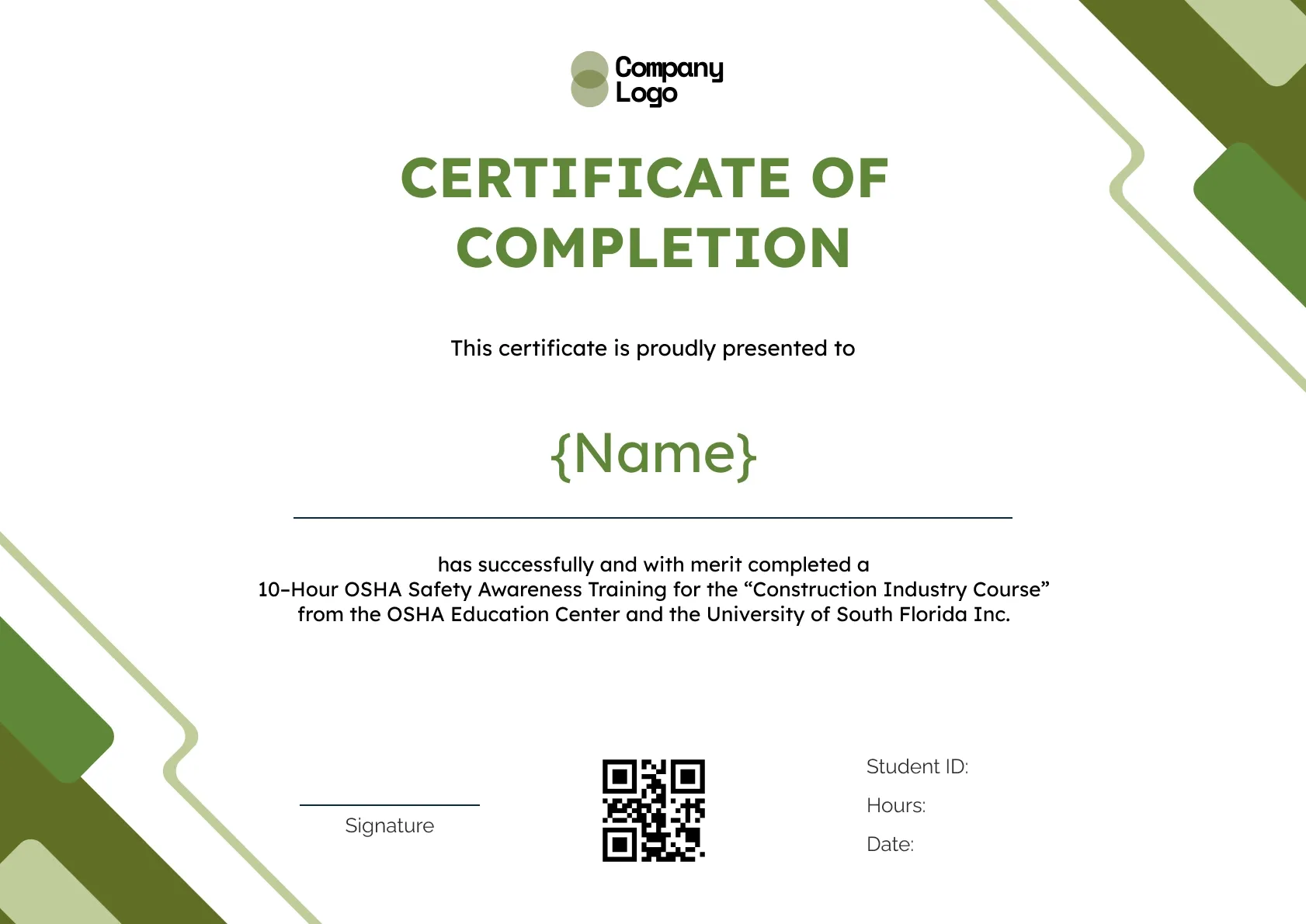
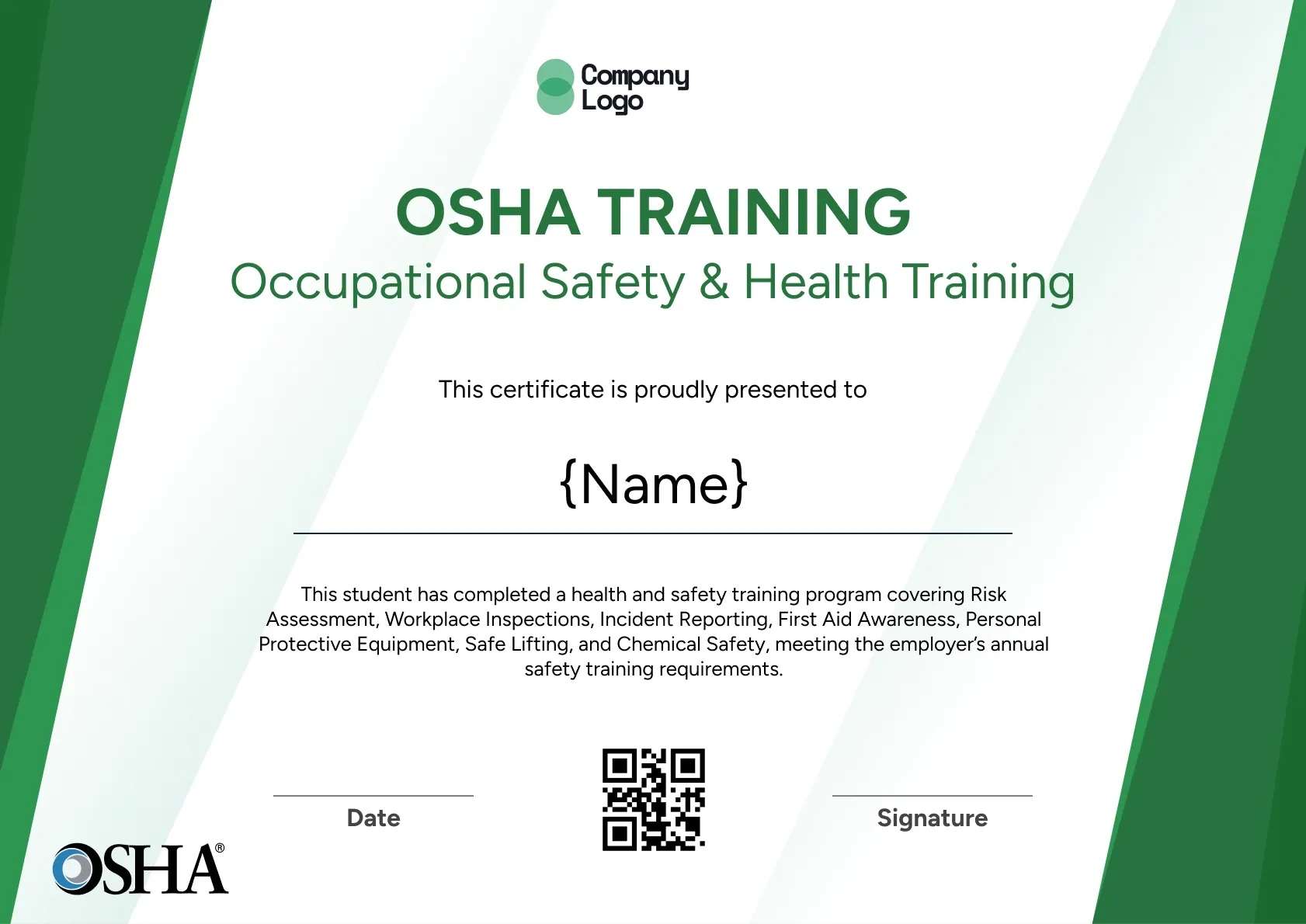
Olive green diagonal bars cut across the top and bottom corners of this printable OSHA certificate, giving it a bold, outdoorsy feel. Student ID, hours and date fields sit beside the QR code, and the wording is set up for 10-hour safety awareness training.
Use this templateBEST FOR
CATEGORIES
Place your training company logo, the authorized trainer's name and a signature line so every certificate looks like it came from your classroom.
Each certificate carries a QR code that opens a live verification page, so a foreman or safety manager can confirm the training on the spot.
Upload a CSV of your class roster and send certificates to every attendee at once, instead of filling in names one by one.
Set an expiry date for refresher-based courses and let Wauld remind learners before their training lapses.
Download a high-resolution PDF sized for A4 and US Letter, ready for the site office wall or a worker's file.
Key Features:
Suggested wording: "This certificate is proudly presented to {Name}, who has completed a 10-Hour OSHA Safety Awareness Training for the Construction Industry Course."
Fields included: Recipient name, Course description, Student ID, Hours, Date, Signature, QR code.
Who it's for: Contractors and trainers who hand out printed certificates on site.
Find answers to the most common questions about this template.
Download the certificate as a PDF from Wauld and print it on A4 or US Letter paper in landscape orientation. Use a heavier card stock, around 200 to 250 gsm, for a sturdier record. The olive green corner bars sit inside the margins, so most office printers will print the full design without clipping.
Some job sites, especially remote ones, keep a paper binder of worker training records in the site office for inspectors and clients. A printable OSHA certificate fits that workflow. Because it also has a QR code, anyone holding the printed copy can still check the live digital record.
Yes. Student ID, hours and date fields sit beside the course description, which suits a 10-hour safety awareness course or OSHA 10 certification class. Put the learner's name in large type and the trainer's signature on the left, and the record is complete.
Yes. When you issue through Wauld, every learner receives an emailed digital certificate. You can also download the PDFs to print for your site binder. Both versions share the same unique ID, so the paper and digital records always match when an inspector or client checks a worker's training.
Course Completion
Course Completion
Course Completion
Compliance
Certificate Templates & Design


Digital Credentialing


Comparisons & Alternatives
Customize this template, add your recipients and send verifiable certificates in minutes. Free up to 300 credentials, no credit card required.
Sign up for free