Top 11 Training Certificate Softwares in 2026

The Right Training Certificate Software
If you run training and need to hand out certificates that look good and prove they are real, the tool you pick matters. This blog compares the top training certificate software in 2026 for the people who actually issue credentials: coaches, course creators, trainers, schools and universities, training companies, associations, and L&D teams.
Some of these tools are dedicated credentialing platforms built only for designing and issuing certificates and badges. Others are full-course platforms or corporate learning systems that include certificates as one feature. You will get an honest breakdown of what each one does, what it costs, and the pros and cons, so you can match a tool to your situation instead of guessing.
What to look for in training certificate software
Before you compare tools, get clear on what you actually need. Here are the criteria that matter most for issuing training certificates:
- Design and templates. Ready-made certificate and badge templates, plus brand controls for your logo, colors, and fonts.
- Verification. A way for anyone to confirm a certificate is genuine, usually a QR code or a public link that opens a verification page. This stops fakes.
- Open Badges support. Open Badges is a global standard that packs skill and issuer data into a badge so it stays portable on any platform, like LinkedIn. You can read the spec from the Open Badges standard maintained by 1EdTech.
- Bulk issuance and automation. Send hundreds of certificates at once from a spreadsheet, and trigger issuance automatically through API, webhooks, Zapier, or LMS integrations.
- White-label and branding. White-label means the certificate carries only your brand, with no platform logo. Important if you sell or co-brand training.
- Pricing and contract terms. A real free plan or transparent pricing, and ideally no forced annual contract so you can start small.
- Tracking and lifecycle. Analytics on opens, shares, and LinkedIn adds, plus expiry, renewal, and revocation for credentials that need to stay current.
Wauld: Best training certificate software overall
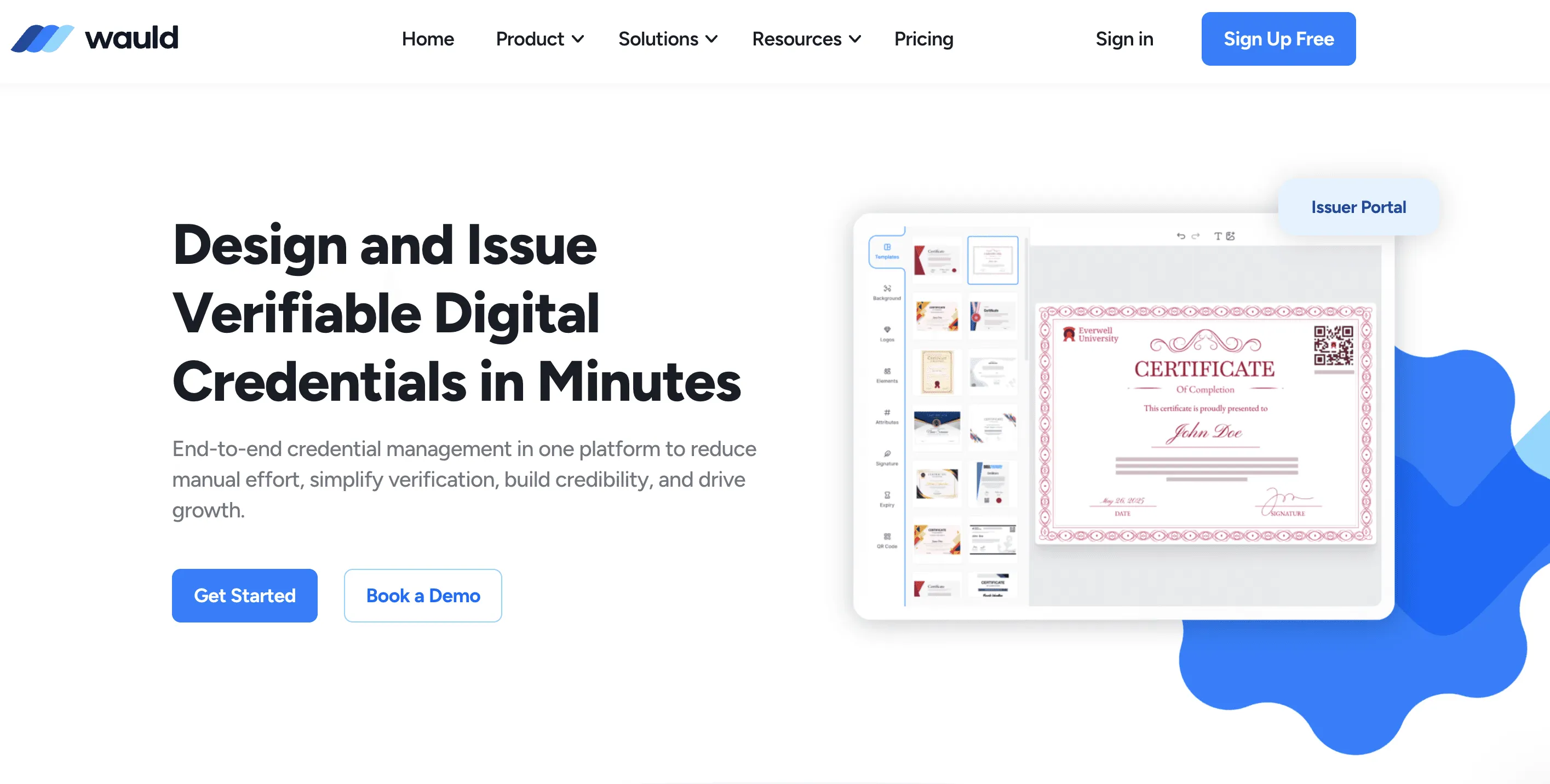
Wauld is a digital credential platform built specifically to design, issue, and verify certificates and badges. It suits almost any issuer who wants professional, verifiable certificates without buying a full learning system: coaches, training companies, associations, schools, and L&D teams. It is the strongest all-round pick on this list because it pairs serious features with a real free plan and no annual contract.
Key features
- 1,000+ handcrafted certificate and badge templates ready to brand
- Full white-label branding on every plan, customizable per program
- Open Badge 3.0 compliant, so credentials stay portable and verifiable anywhere
- QR code verification on every credential, with no recipient account needed
- Real-time analytics: opens, downloads, shares, LinkedIn adds, and verifications at recipient level
- One-click LinkedIn add straight from the delivery email
- Automation on the free plan through Zapier, webhooks, and event triggers
- AI-assisted design to generate and refine layouts without a designer
- Full post-issuance editing of both data and design, plus expiry and revocation
Pricing: Free plan includes 300 credentials per year with analytics, automation, and AI design. Growth plan from $39/month, no annual contract.
- Pros: Real free plan with no annual contract; AI design, Open Badge 3.0, QR verification, and full white-label on every tier; full post-issuance editing of both data and design.
- Cons: Not a course platform, so it does not host or sell courses. Pair it with your existing LMS if you need both.
If you want a wider view of the category, Wauld's roundup of digital certificate platforms for certificate management is a useful next read.
Docebo
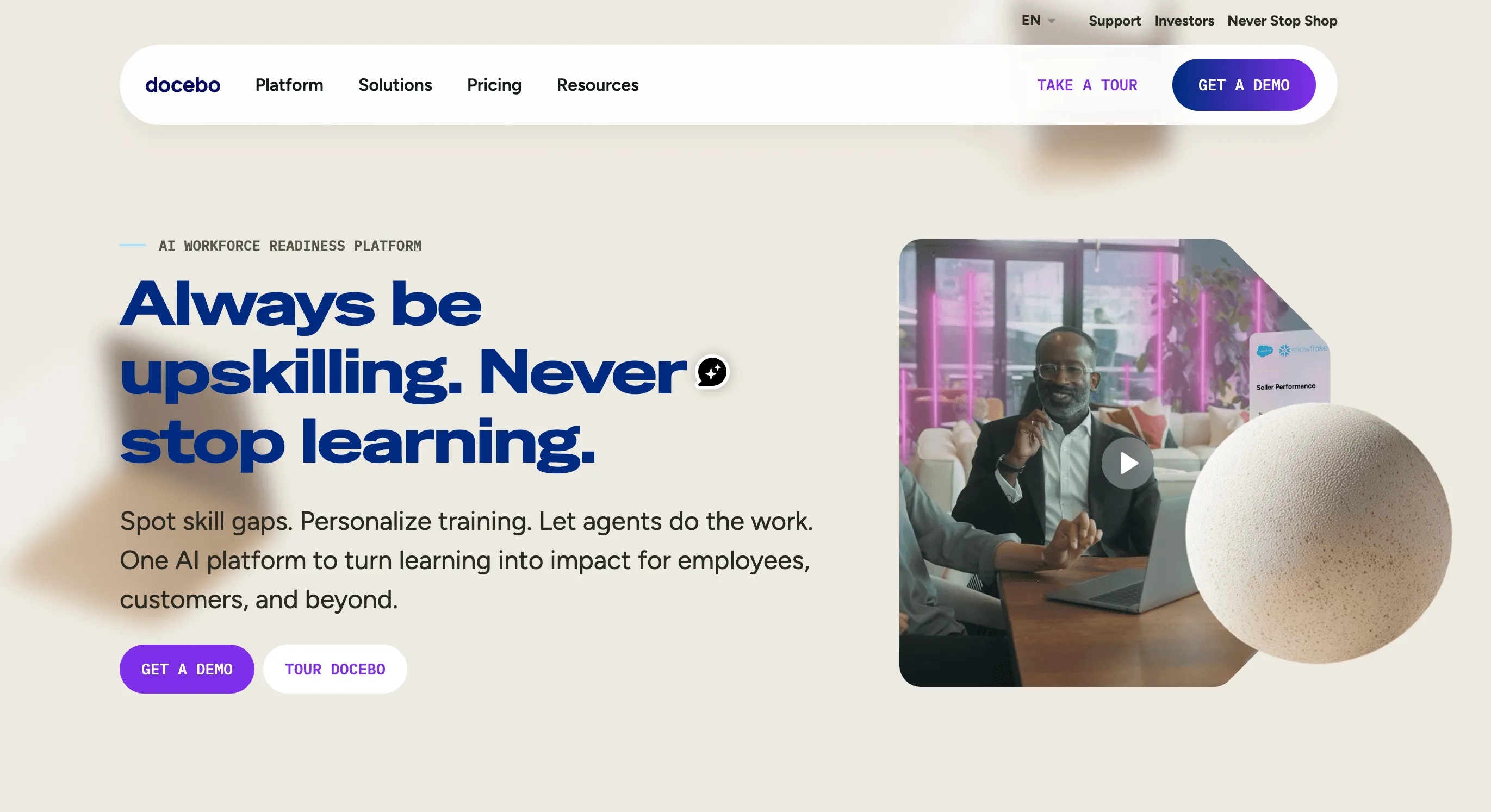
Docebo is an AI-powered enterprise learning platform used by big organizations to run training at scale. Certificates are part of a much larger system that covers course delivery, learning paths, and skills. It suits enterprise L&D teams that need a full LMS, not just a certificate tool.
Key features
- AI-driven content recommendations and learning automation
- Course delivery, learning paths, and skills management
- Certificate generation on course completion
- Deep integrations with HR and enterprise systems
- Advanced reporting and analytics
- Multi-language and multi-audience support
Pricing: Custom quote only. Independent estimates put it in the range of roughly $7 to $10 per user per month, with total contracts commonly from tens of thousands of dollars per year. Annual contracts, often multi-year.
- Pros: Powerful AI-driven enterprise LMS; deep integrations and strong reporting; scales to very large workforces.
- Cons: No public pricing and enterprise-level cost; far more than you need if you only issue certificates; certificate design is basic next to a dedicated tool.
Absorb LMS
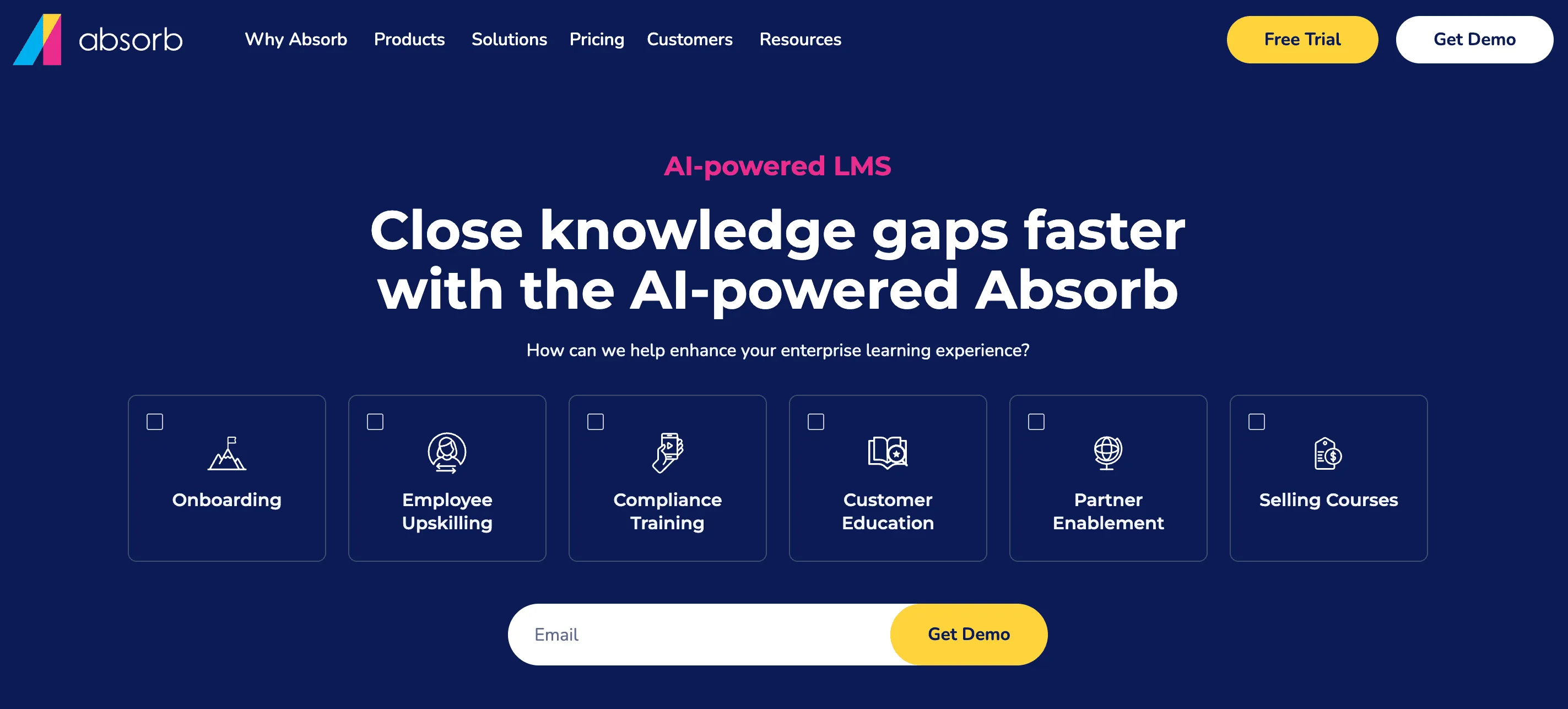
Absorb LMS is a corporate learning platform aimed at mid-size and large companies. Like Docebo, it issues certificates as part of completing courses, with strong tools for managing learners, compliance, and reporting across a workforce.
Key features
- Course creation and learner management
- Certificate issuance tied to course completion
- Compliance and recertification tracking
- E-commerce for selling courses
- Reporting and analytics dashboards
- Integrations with HR and business systems
Pricing: Custom quote only, based mainly on active learners and feature tier. Reported averages run into the tens of thousands of dollars per year for SMB through enterprise deployments.
- Pros: Strong corporate LMS with compliance and recertification tracking; e-commerce and solid reporting; handles large learner bases.
- Cons: No free plan and no public pricing; certificate design is simpler than a dedicated credentialing tool.
Thinkific
Thinkific is a popular platform for building and selling online courses. Certificates are a completion feature you can switch on, which makes it a fit for creators and small training businesses that sell courses and want to reward finishers with a certificate.
Key features
- Course builder with video, quizzes, and assignments
- Completion certificates on qualifying plans
- Sales pages, payments, and memberships
- 0% transaction fees on its plans
- Integrations and an app store
- Student management and basic analytics
Pricing: No permanent free plan as of 2026, with a 30-day trial instead. Paid plans that include certificates start at roughly $74/month (billed annually) on the Start plan, rising to around $149/month for Grow.
- Pros: Easy course builder with 0% transaction fees; certificates auto-issue the moment a learner completes a course; good ecosystem of apps and integrations.
- Cons: No free plan now; certificates are excluded from the cheapest Basic tier; completion certificates are not full verifiable credentials.
Teachable
Teachable is another well-known course and digital product platform. It is simple to start with and popular with solo creators and coaches. Certificates are now part of its paid plans as a way to mark course completion.
Key features
- Course and digital product builder
- Completion certificates included on paid plans
- Checkout, payments, and coupons
- Email and basic marketing tools
- Student progress tracking
- Integrations with common tools
Pricing: No free plan, with a 7-day trial. Paid plans start at $29/month (billed annually) for Starter, then Builder at $69/month, Growth at $139/month, and Advanced at $309/month. The Starter plan carries a 7.5% transaction fee.
- Pros: Quick and simple to launch; completion certificates now come on every paid plan, including Starter; good for selling courses and digital products together.
- Cons: No free plan, and the Starter plan adds a 7.5% transaction fee; certificate design and verification are basic compared with dedicated platforms.
LearnWorlds
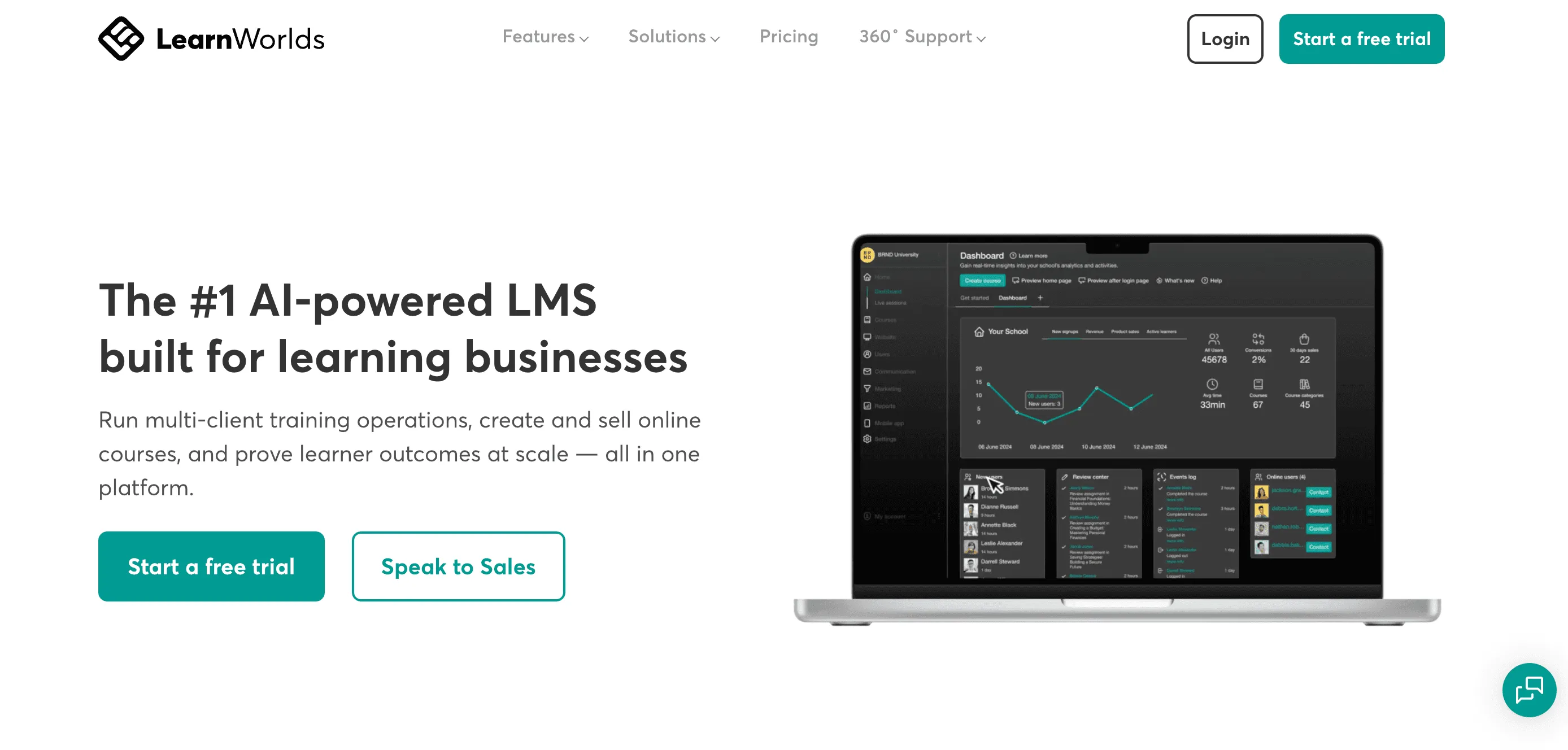
LearnWorlds is a course platform known for interactive video, assessments, and polished, branded school sites. It suits training businesses and creators who want a more advanced course experience, with certificates issued on completion.
Key features
- Interactive video and rich assessments
- Completion certificates with custom builders on higher tiers
- Fully branded school and mobile app options
- SCORM support on the top tier for packaged e-learning content
- AI course-building tools across plans
- Integrations and an open API
Pricing: No free plan, with a 30-day trial. Starter from $24/month (billed annually) but with a $5 fee per course enrollment; Pro Trainer from $79/month with no transaction fees; Learning Center from $249/month.
- Pros: Strong interactive video and assessments; fully branded academy and app options; AI course tools across all plans.
- Cons: No free plan, and the cheapest plan adds a $5 per-enrollment fee; certificates sit inside a course platform rather than a standalone credentialing system.
Disco
Disco is an AI-native social learning platform built around cohorts and community. It suits course operators and academies that run group programs and want learning, community, and certificates in one branded space.
Key features
- Cohort and community-based learning
- AI assistant and admin automation
- Completion certificates within programs
- Member directories and customizable profiles
- Branded experience across web and mobile
- Integrations with common tools
Pricing: Custom pricing only, with a 14-day trial and no credit card needed to start. You book a demo for a quote.
- Pros: Strong cohort and community features; AI assistant and automation reduce admin work; fully branded learner experience.
- Cons: No public pricing, so you must book a demo; certificates are secondary to the community and AI experience.
iSpring Learn
iSpring Learn is a corporate LMS that pairs neatly with iSpring's PowerPoint-based authoring tools. It suits companies that build a lot of slide-based training and want certificates, quizzes, and learning paths in a predictable per-user system.
Key features
- Course delivery, quizzes, and learning paths
- Completion certificates included
- Strong PowerPoint-to-course authoring (with iSpring Suite)
- Reporting and analytics
- Mobile learning app
- Per-active-user pricing model
Pricing: Per active user. Independent listings put it in the range of roughly $3 to $4.50 per user per month, depending on volume and source. Billed annually.
- Pros: Predictable per-active-user pricing; excellent PowerPoint-to-course authoring; certificates, quizzes, and paths included as standard.
- Cons: Certificate design is more basic than a dedicated platform; you pay per active learner, and billing is annual.
CE App
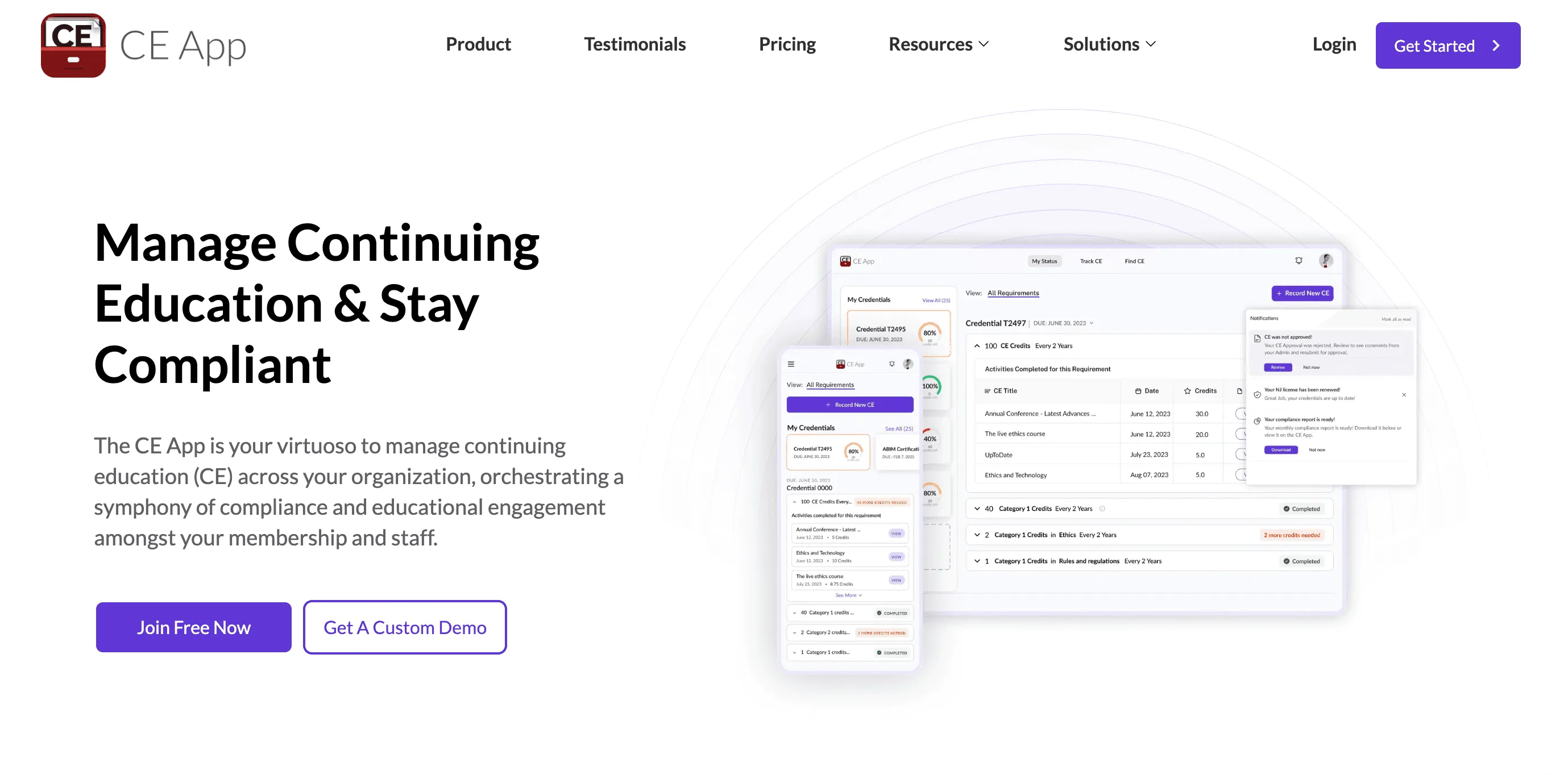
CE App (The CE App) is built for continuing education, the credit-based training that regulated professionals must keep current. It suits associations, certifying bodies, and employers in fields like healthcare who need to track continuing education credits, manage renewals, and deliver certificates for compliance.
Key features
- CE credit tracking across devices
- Credential and renewal management with reminders
- Certificate delivery and management
- Admin and reporting tools for groups
- Solutions for associations, educators, and employers
- Automation to help members meet requirements
Pricing: Free Forever plan available for smaller organizations, plus a 14-day trial. Individuals start at $5/month (paid annually); Organizations start at $89/month (paid annually); Enterprise is custom.
- Pros: Free Forever plan for smaller organizations; purpose-built for CE credit tracking and renewals; affordable individual tier with reminders and automation.
- Cons: Focused on tracking and compliance, not on designing a wide range of branded certificates and badges.
TalentGuard
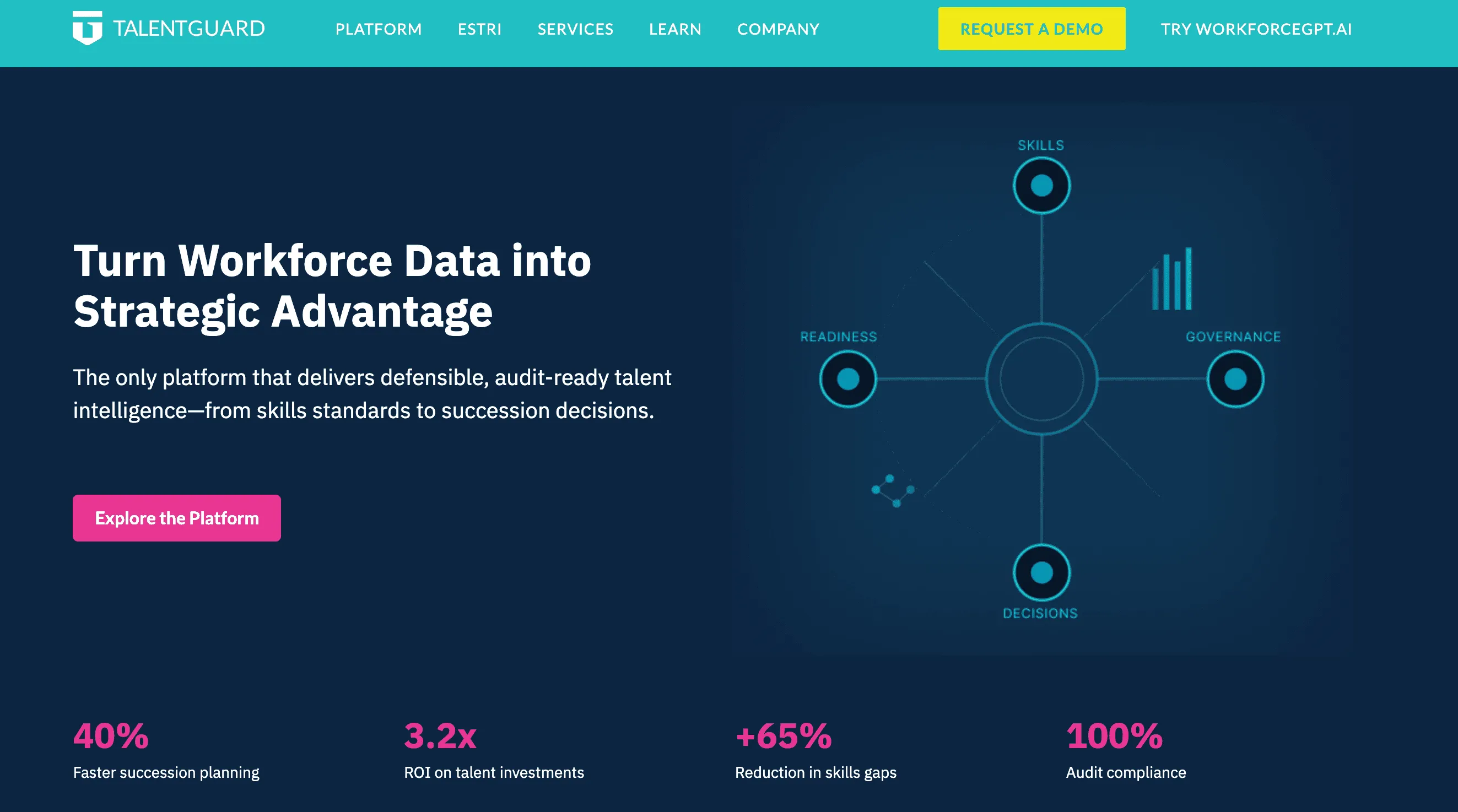
TalentGuard is a talent management suite that includes certification tracking alongside career pathing, succession, and performance. It suits larger HR teams that want to keep employee credentials and compliance in the same system as the rest of their people data.
Key features
- Certification and training tracking
- Career pathing and development planning
- Succession and performance management
- HRIS and learning platform integrations
- Compliance dashboards and audit trails
- Automated reminders and alerts
Pricing: Custom pricing based on company size and modules, with some listings citing a starting point near $3 per user per month. Demo-based.
- Pros: Certification tracking unified with HR data like career pathing, succession, and performance; HRIS and LMS integrations keep records synced; compliance dashboards and audit trails for regulated teams.
- Cons: Tracks credentials rather than designing and issuing branded certificates; built for organizations of roughly 500+ employees, so it is overkill if issuing is all you need.
Certifier
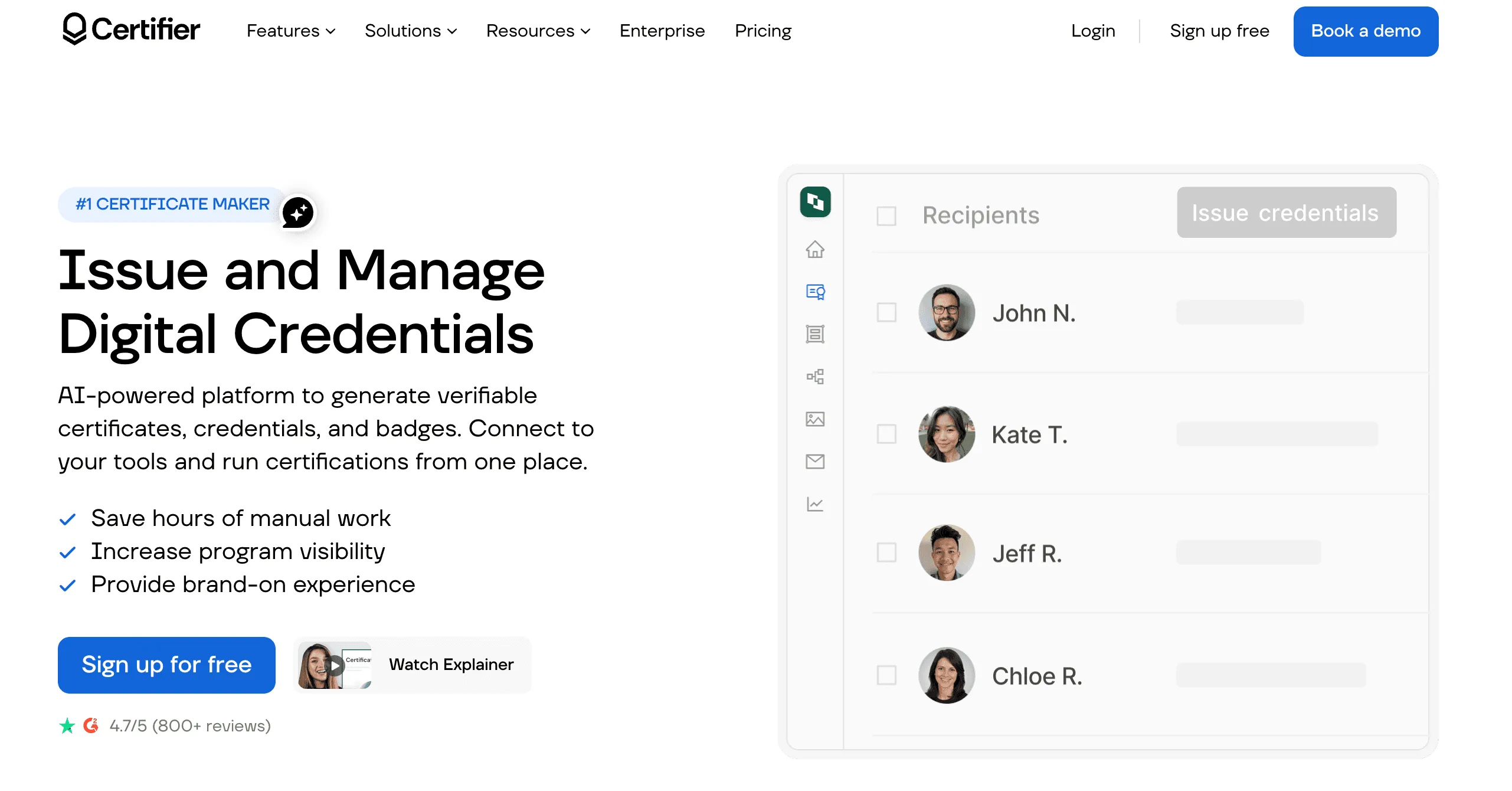
Certifier is a dedicated digital credentialing platform, in the same category as Wauld. It focuses on quick, branded certificate and badge issuance with AI design and broad integrations, which makes it a fit for marketing and L&D teams that want to get credentials out the door fast.
Key features
- Large certificate and badge template library with brand control
- AI certificate and badge generator
- Bulk issuance and automated sending
- Full lifecycle management, including post-issuance editing
- Open Badge 3.0 applied automatically
- Native integrations with Google Sheets, HubSpot, Salesforce, Airtable, and LMS tools
- GDPR-compliant storage with ISO 27001 certification
Pricing: Free plan includes 250 credentials per year. Paid plans from $39/month, no annual contract.
- Pros: Fast setup with AI design; broad native integrations; free plan and no annual contract.
- Cons: Like Wauld, it is a credentialing tool, not a course platform, so it does not host or sell courses.
How To Choose
Match the tool to your situation rather than the longest feature list:
- Solo coach or creator who mainly issues certificates: Start with Wauld. Its free plan covers 300 credentials a year with branding, verification, and analytics, and there is no annual contract. Certifier is a close alternative.
- You sell online courses and want completion certificates: A course platform makes sense. Teachable is the simplest for solo creators, Thinkific suits small businesses, and LearnWorlds fits interactive, branded academies. For verifiable, portable credentials on top, add a dedicated tool like Wauld.
- Small training business or association issuing at scale: Wauld for design, verification, and automation. If you run regulated continuing education, CE App handles credit tracking and renewals.
- Cohort-based programs and communities: Disco brings learning, community, and certificates together.
- Mid-size to large corporate L&D: iSpring Learn for predictable per-user training, Absorb LMS for a full corporate LMS, or Docebo for enterprise scale. TalentGuard fits when certification tracking must live inside HR.
If budget is your main concern, Wauld's guide to free certificate maker apps is worth a look before you commit to a paid plan. And if you want to see how dedicated platforms stack up against the open-source route, Wauld's comparison of Open Badge Factory alternatives is a helpful reference.
The Comparison Table
| Tool | Free plan | Entry paid price | Type | Best for |
|---|---|---|---|---|
| Wauld | Yes, 300/yr | $39/month | Credentialing | Best overall certificate issuing |
| Docebo | No | Custom quote | Enterprise LMS | Large enterprise L&D |
| Absorb LMS | No | Custom quote | Corporate LMS | Mid to large corporate training |
| Thinkific | No (trial) | ~$74/month | Course platform | Selling courses with certificates |
| Teachable | No (trial) | $29/month | Course platform | Solo creators and coaches |
| LearnWorlds | No (trial) | $24/month | Course platform | Interactive branded academies |
| Disco | No (trial) | Custom quote | Social learning | Cohorts and communities |
| iSpring Learn | No (trial) | ~$3 to $4.50/user/mo | Corporate LMS | PowerPoint-based training |
| CE App | Yes (Free Forever) | $5/mo individual, $89/mo org | CE tracking | Continuing education compliance |
| TalentGuard | No | Custom (from ~$3/user/mo) | HR suite | Certification tracking in HR |
| Certifier | Yes, 250/yr | $39/month | Credentialing | Fast branded issuance |
Conclusion
The right training certificate software depends on whether you want a dedicated credentialing tool or certificates bundled inside a bigger learning system. Course platforms like Thinkific, Teachable, and LearnWorlds make sense if selling courses is your main goal. Corporate systems like Docebo, Absorb LMS, and iSpring Learn fit larger training operations, while CE App and TalentGuard handle compliance and HR tracking.
But if your priority is issuing certificates and badges that look professional, verify instantly, and travel with your learners, a dedicated platform wins. Wauld is the strongest overall pick: a free plan with 300 credentials a year, AI design, Open Badge 3.0, real-time analytics, and full white-label branding, with no annual contract. You can start free and upgrade only when you are ready. For more head-to-head context, see Wauld's breakdown of the best alternatives to enterprise credentialing platforms.