Top 5 Gift Certificate Makers in 2026: Wauld, Canva, Adobe, PosterMyWall, PicsArt

Why the Right Gift Certificate Maker Matters
A gift certificate is often the last thing a recipient sees before a gift feels real, so the tool you use to make it matters more than most people assume. Some platforms are built for one-off, printable designs. Others are built to personalize, deliver, and track certificates at scale. Picking the wrong one usually means hours of manual editing, a certificate that looks generic, or no way to track whether it was ever redeemed.
This guide compares the 5 best gift certificate maker tools in 2026, Wauld, Canva, Adobe Express, PosterMyWall, and PicsArt, so you can pick the one that fits how you actually plan to issue certificates, whether that's a single printable voucher or a branded program you run all year.
If you'd rather skip the tool comparison and start from a finished design, browse Wauld's 20 editable gift certificate templates to see what a fully customizable, ready-to-send certificate looks like.
Quick Comparison: Top 5 Gift Certificate Makers
| Tool | Best For | Free Plan? | Bulk / Personalized Delivery | Starting Price |
|---|---|---|---|---|
| Wauld | End-to-end gift certificate creation and delivery | Yes | Yes | Free / Custom |
| Canva | General-purpose design with a huge template library | Yes (watermark on some assets) | No | $15/month |
| Adobe Express | Polished design with AI editing tools | Yes | No | $9.99/month |
| PosterMyWall | Quick promotional graphics with a large template pool | Yes | No | $13/month |
| PicsArt | Mobile-first design with AI photo tools | Yes | No | ~$5/month |
1. Wauld, Best Overall Gift Certificate Maker
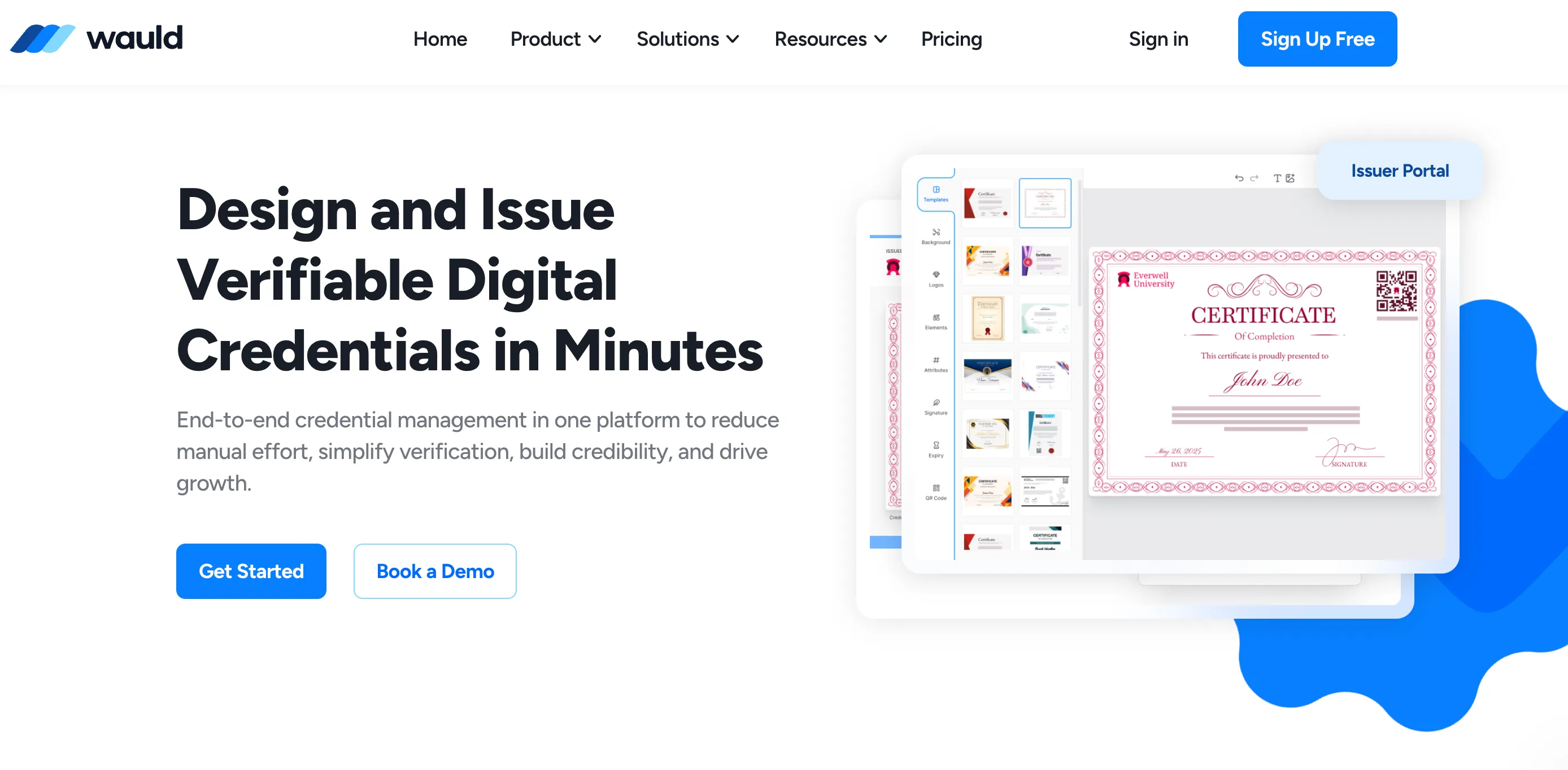
Best for: Boutiques, restaurants, spas, salons, and any business that issues gift certificates regularly and wants to send them, not just design them.
Wauld is built for the full gift certificate lifecycle, not just the design step. You start from a customizable gift certificate template, personalize the recipient's name, amount, message, and branding, then either download a print-ready PDF or send it straight to the recipient's inbox. For businesses issuing certificates on an ongoing basis, that last part is the difference maker: most design tools stop at the download button, while Wauld carries the certificate through to delivery.
| Pros | Cons |
|---|---|
| A wide range of editable gift certificate templates, covering seasonal, dining, spa, retail, and digital-first designs | Not a general graphic design tool, so it isn't the right fit if you need posters, flyers, or social graphics too |
| Personalize name, amount, message, and branding without touching a design canvas | Less useful if you only need a single certificate and never plan to issue another |
| Send certificates directly to recipients by email instead of downloading and forwarding manually | |
| Unique codes and QR verification on digital certificates, so redemption is easy to confirm | |
| A genuinely usable free account, with paid plans for higher volume and automation |
Pricing
- Free account available
- Paid plans for higher-volume issuance and automation, see Wauld pricing
My suggestion: The strongest option on this list for anyone who issues gift certificates as an actual program rather than a one-off favor. If you want to see the full range of templates first, start with 20 editable gift certificate templates to customize.
2. Canva, Best for a Huge Template Library
Best for: Small businesses and individuals who want a lot of design choice and don't mind handling delivery themselves.
Canva is the tool most people reach for first, and for good reason. Its gift certificate template library is enormous, the drag-and-drop editor is easy to pick up, and its brand kit tools make it simple to match your logo and colors. It's a genuinely strong design tool. What it isn't is a certificate delivery system: every certificate you make in Canva is a static file that you download and send yourself.
| Pros | Cons |
|---|---|
| One of the largest gift certificate template libraries available anywhere | No personalization at scale, each certificate is edited and exported one at a time |
| Simple drag-and-drop editor, minimal learning curve | No built-in delivery, tracking, or redemption codes |
| Strong brand kit tools for consistent colors, fonts, and logos | Many premium templates and elements sit behind the $15/month Pro plan |
| Free plan covers a large share of templates and elements | No verification features, so there's no way to confirm a certificate hasn't already been used |
Pricing
- Free plan available
- Canva Pro: around $15/month (roughly $10/month billed annually)
- Canva for Teams: around $20/user/month
My suggestion: A strong choice if design variety matters most and you're only issuing a handful of certificates. For a program that issues certificates regularly, pair a Canva-style design with Wauld's gift certificate templates to add personalization and delivery on top.
3. Adobe Express, Best for Polished, AI-Assisted Design
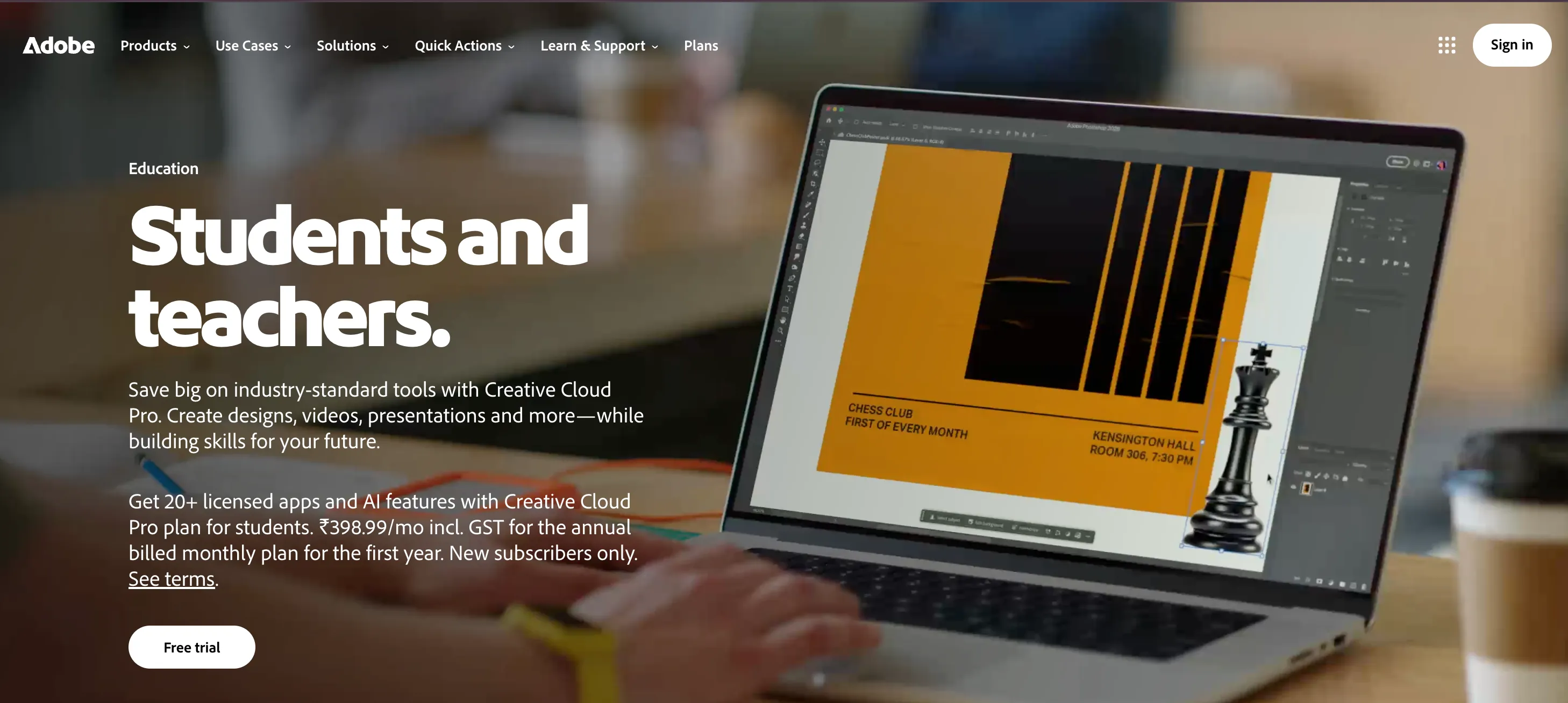
Best for: Businesses already in the Adobe ecosystem that want professional-grade design tools for a one-off certificate.
Adobe Express brings Adobe's design pedigree, Adobe Stock assets, and Firefly-powered AI editing to certificate creation. The templates lean more premium than most competitors, and the generative AI tools make it fast to adjust backgrounds, remove elements, or generate new artwork. It's a genuinely capable design tool, but like Canva, it stops at the export step.
| Pros | Cons |
|---|---|
| Clean, professional templates with access to Adobe Stock assets | No bulk creation, personalization, or delivery, every certificate is exported and sent manually |
| Firefly AI tools for background editing and generative fill | No redemption codes or verification of any kind |
| Free plan includes a solid number of templates, stock assets, and monthly AI credits | Free plan AI credits are limited (25/month) with a file size cap |
| Premium plan is included with most Adobe Creative Cloud subscriptions, strong value for existing Adobe users | Fewer certificate-specific templates than Canva's overall library |
Pricing
- Free plan available (limited AI credits per month)
- Premium: $9.99/month (included in most Creative Cloud plans)
My suggestion: A good pick if you want a certificate that looks like it came from a design studio and only need one or two of them. For an ongoing gift certificate program, it's worth pairing Adobe Express's design output with a platform like Wauld that handles personalization and delivery.
4. PosterMyWall, Best for Quick Promotional Graphics

Best for: Restaurants, event organizers, and small businesses already using PosterMyWall for flyers and social posts who want a matching gift certificate.
PosterMyWall is best known for posters, flyers, and social media graphics, and its gift certificate templates fit naturally alongside that. If you're already designing promotional material there, adding a certificate to the same brand kit is quick. Where it falls short is anything beyond the design itself: there's no personalization workflow, no delivery system, and no way to track redemption.
| Pros | Cons |
|---|---|
| Large template library that spans certificates, flyers, and social graphics in one place | No bulk personalization, each certificate is a manual edit |
| Easy to keep a certificate visually consistent with other promotional material | No delivery, tracking, or redemption features, it's a design tool only |
| Free plan gives access to over a million templates | Premium tier ($13/month) is required for AI tools, HD downloads, and email campaigns |
| AI design tools available on paid plans | Not purpose-built for certificates the way a credentialing platform is |
Pricing
- Free plan available
- Premium: $13/month, AI tools, HD downloads, email campaigns
- Premium Plus: $30/month, multiple brands, higher email volume
My suggestion: Useful if a gift certificate is one of several promotional assets you're producing in the same place. Not built for issuing certificates as an ongoing program.
5. PicsArt, Best for Mobile-First, Social-Ready Design
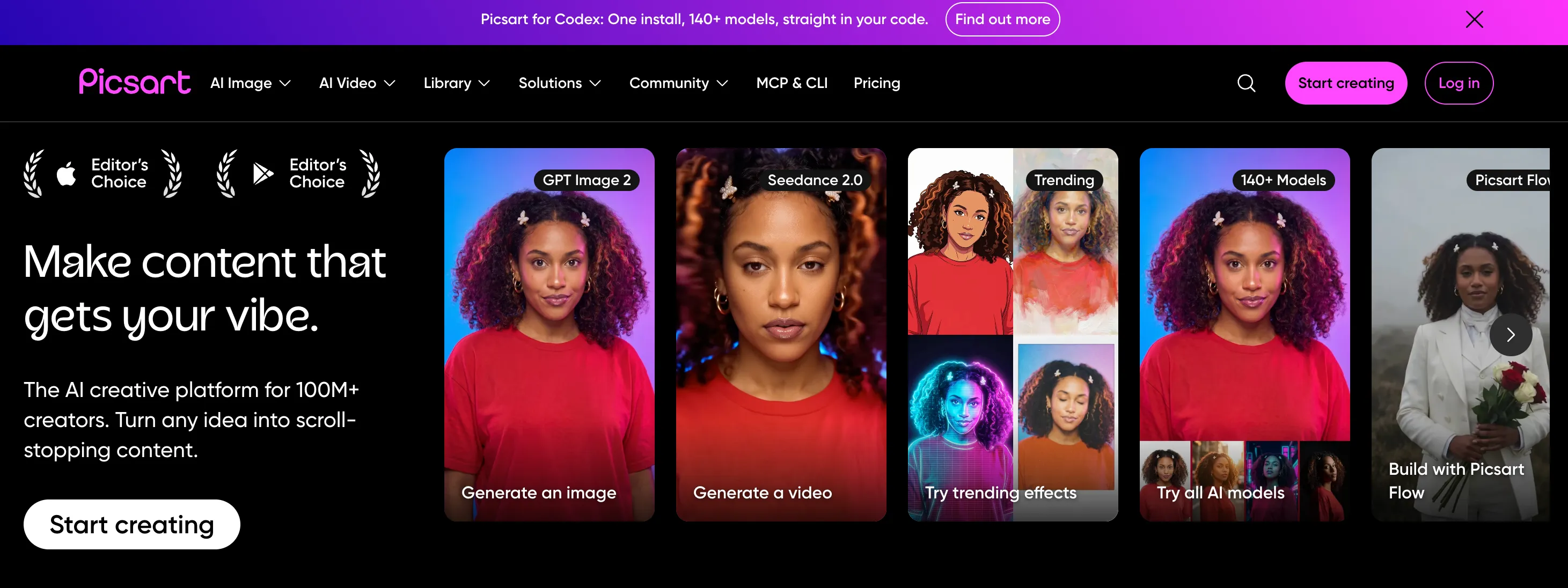
Best for: Creators and small businesses who want to design and send a gift certificate straight from their phone.
PicsArt's design sensibility skews bold and expressive, with strong AI photo tools and a mobile app that makes it possible to build a certificate without ever touching a desktop. It's a natural fit for digital-first gift certificates meant to be shared on social media or sent directly from a phone, less so for formal, print-ready designs.
| Pros | Cons |
|---|---|
| Genuinely strong mobile app, design and export a certificate without a desktop | Weaker print-ready PDF control than desktop-first tools |
| Vivid AI-generated backgrounds and a large font and graphic library | No bulk creation, delivery, or redemption tracking |
| Easy to create something that looks good on Instagram or in a text message | Less suited to formal or premium gift certificate designs |
| Affordable Gold plan compared to most competitors on this list | Limited tools for structured fields like certificate numbers or expiry dates |
Pricing
- Free plan available
- PicsArt Gold: around $5/month
My suggestion: A solid choice for a casual, social-ready gift certificate, especially if you're designing entirely from a phone. Not built for a business that needs to track or verify redemption.
How to Choose the Right Gift Certificate Maker
| Your Situation | Best Tool |
|---|---|
| Issuing gift certificates regularly and want delivery, not just design | Wauld |
| Want the widest template selection and don't mind manual delivery | Canva |
| Already in the Adobe ecosystem, want premium design quality | Adobe Express |
| Already designing flyers or social posts and want a matching certificate | PosterMyWall |
| Designing entirely from a phone for a casual, social-ready certificate | PicsArt |
| Want a done-for-you certificate design, no design tool needed | 20 editable gift certificate templates |
| Building a seasonal promotion | Free printable Christmas gift certificate templates |
My Final Suggestion
Canva, Adobe Express, PosterMyWall, and PicsArt are all capable design tools, and any one of them can produce a good-looking gift certificate. What none of them do is carry that certificate past the export button: personalizing it per recipient, sending it, or confirming it was redeemed all become manual work.
Wauld is the only tool on this list built for the entire process, from picking a template to sending a personalized certificate straight to the recipient. If you're issuing gift certificates as an actual program rather than a one-off design, it's the clear starting point. Browse Wauld's full range of gift certificate templates or compare more certificate maker options in Wauld's guide to the best free certificate maker apps.
Turn a gift certificate template into a certificate you actually send
Create a free Wauld account, personalize your gift certificate, and deliver it straight to the recipient.
FAQs on Top Gift Certificate Makers
What is the best gift certificate maker overall? Wauld is the best overall pick because it covers the full process, not just the design. You personalize a gift certificate template with the recipient's name, amount, and branding, then send it directly or download a print-ready PDF, all from a free account.
Can I make a gift certificate for free? Yes. All 5 tools in this guide, Wauld, Canva, Adobe Express, PosterMyWall, and PicsArt, offer a free plan. The difference is what the free plan includes: Wauld's free account covers personalization and delivery, while the design-only tools often gate clean downloads, HD exports, or AI credits behind a paid plan.
What's the difference between a gift certificate maker and a design tool like Canva? A design tool like Canva, Adobe Express, PosterMyWall, or PicsArt helps you create the certificate file, but you still have to personalize, download, and send each one yourself. A gift certificate maker like Wauld handles the design and the delivery, so the certificate reaches the recipient without extra manual steps.
Can I track whether a gift certificate has been redeemed? Not with a pure design tool. Canva, Adobe Express, PosterMyWall, and PicsArt all export static files with no built-in tracking. Wauld adds a unique code and QR verification to digital certificates, so you can confirm whether one has already been used.
Which gift certificate maker is best for a print-ready design? Wauld and Canva both produce clean, print-ready PDFs from their templates. Adobe Express is a strong choice too if you want Adobe Stock assets or Firefly AI tools in the design. PicsArt is more suited to digital, mobile-first certificates than print.