List Certifications on Resume & Get Hired Fast

Your career path is a story, and your resume is a one-page summary. It's a narrative about challenges met, skills acquired, and goals achieved.
You've spent late nights studying, invested in your own growth, and earned certifications that mark key milestones in your professional journey. Each of them represents a new chapter in expertise.
But if those powerful plot points are buried or formatted incorrectly, your story ends before the hiring manager even gets to the interesting part.
Our goal is to help you become a better storyteller. This guide acts as your editor, aiming to help you place these crucial details exactly where they belong in your narrative.
Whether you’re a recent graduate beginning your career or a seasoned professional planning your next move, knowing how to list certifications on your resume is essential. It’s the key to standing out and unlocking your next opportunity.
Let's make sure your story doesn't just get read, but actually gets you an interview.
Why Your Certifications on CV are a Strategic Imperative
In a job market where recruiters spend roughly 7.4 seconds per resume, your certifications serve as a powerful shortcut. They are objective, third-party endorsements of your skills. For a hiring manager, this validation is gold.
It reduces risks and instantly signals your competence in a specific domain. Think of the certifications on your CV as evidence that backs up the claims you make in the experience section.
For freshers and college passouts, certifications bridge the experience gap. They show initiative and a tangible skill set when your work history is thin.
As seasoned professionals, they show their commitment to staying on top of industry changes. A well-placed certification demonstrates you have the technical skills required for the role, making your resume instantly more compelling.
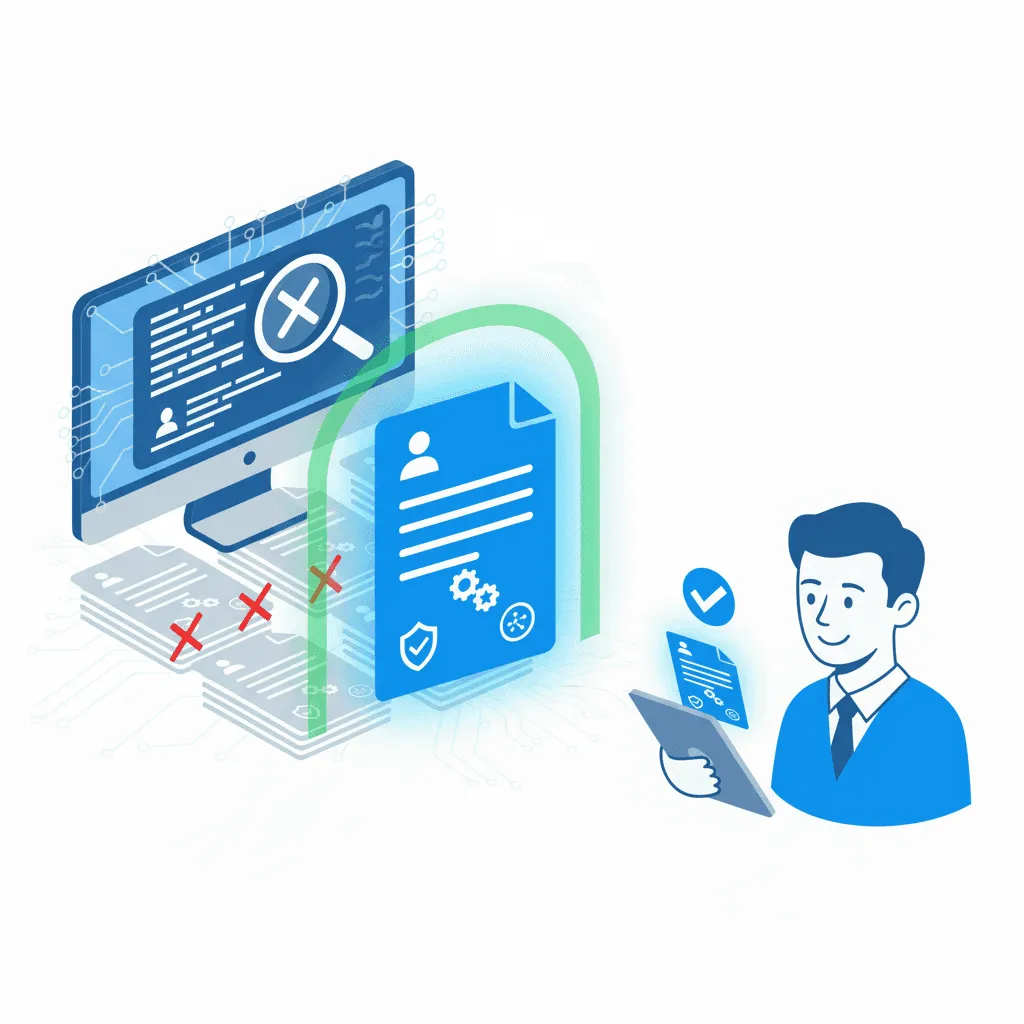
The ATS Trend: How to Display Certifications on a Resume for Robots
Before your story reaches a human reader, it has to get past the gatekeeper: the Applicant Tracking System (ATS).
Over 98.4% of large companies use an applicant tracking system (ATS) to screen candidates. This software scans your resume for keywords and specific formatting, and if it can't parse the information, your application is rejected.
Understanding how to display certifications on a resume for an ATS is no longer optional.
Here are the game rules:
- Use Standard Headings: Always title the section with a clear, recognizable heading like "Certifications" or "Professional Certifications."
- Keep Formatting Simple: Avoid tables, columns, or fancy graphics within your certifications section. Use simple text and bullet points. The ATS reads linearly.
- Use Full Names and Acronyms: The ATS looks for keywords in the job description. If a job requires a "Certified ScrumMaster (CSM)," make sure you write out the full name and the acronym to hit the keyword match.
The Core Components: How to List Certifications on a Resume Flawlessly
Before a hiring manager is impressed by your certifications, they must comprehend and understand the information clearly. A confusing or incomplete entry creates friction and doubt.
At the same time, many companies use Applicant Tracking Systems (ATS) to perform initial screening. These systems are powerful but literal. They need information in a predictable format.
Mastering the technical format of how to list certifications on a resume ensures your story is understood by both human and machine. Every entry in your resume certifications section must contain these three core components:
- Full, Official Name of the Certification: Make sure you are precise. Use the exact title, such as "Certified ScrumMaster (CSM)" instead of just "Scrum Certified." This precision is critical for keyword matching in an ATS.
- Name of the Issuing Organization: This lends credibility to your credentials. Instead of a generic "Online Marketing Course," specify "Inbound Marketing Certified by HubSpot Academy."
- Dates of Attainment and Expiration: Always include the month and year you earned the certification. If it has an expiration date, include it to show it's current (e.g., "Issued Oct 2023, Expires Oct 2025").
Formatting Examples: Do This, Not That
DO THIS:
- Project Management Professional (PMP) | Project Management Institute | Issued Mar 2023, Expires Mar 2026
- Google Analytics Individual Qualification | Google | Issued Aug 2024
AND NOT THIS:
- PMP Certified - 2023
- Took a Google Analytics course
Handling Special Cases
- For Certifications in Progress: Show your ambition. List the certification, and under the date, write “In Progress, Expected Completion Dec 2025.”
- For Non-Expired Certifications: Simply omit the expiration date. The date of issue is sufficient.
- For Older Certifications: If a certification from over a decade ago is still foundational to your career (like a specific trade license), keep it. If it’s a technology certification that's now outdated, it’s preferable to remove it to show you are focused on current skills.
Strategic Placement: Where to Put Certifications on Your Resume for Maximum Impact
Now that you have the format down, the next strategic question is where to put certifications on a resume for the best effect.
You have a few options, and the right choice depends on the importance of the certification to the specific role you are applying for.
Think of it like organizing a storefront; you want to put your most appealing products right in the window.
Here’s a breakdown of your strategic placement options:
| Placement Location | When to Use It | The Strategic Narrative |
|---|---|---|
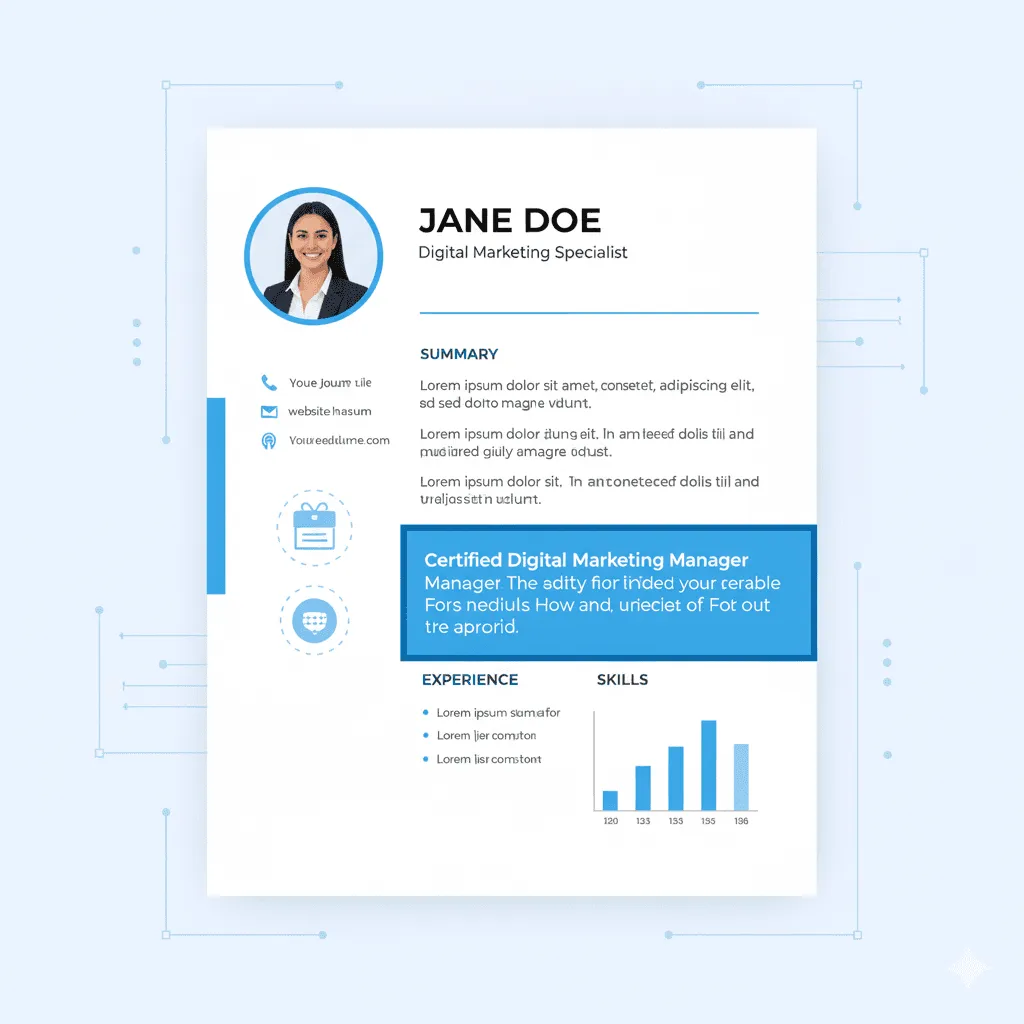
| A Dedicated | This is the gold standard and the best approach when you have two or more relevant certifications. It should typically follow your Work Experience and Education sections. | It tells the reader, "I have invested deeply in my professional development, and here is an organized summary of my validated skills." It creates a dedicated space to showcase your qualifications without cluttering other areas. |
| In Your Resume Header | Use this prime real estate only for elite, industry-standard certifications that are often a non-negotiable requirement for the job. Think "John Doe, PMP" or "Jane Smith, CPA." | This immediately signals that you are a top-tier candidate who meets a critical requirement before the reader has even scanned a single line of your experience. It's a powerful first impression. |
| Within Your Resume Summary | If a job description repeatedly emphasizes a specific certification (e.g., "Salesforce Certified Administrator required"), this is the place to mention it. | This hooks the reader from the very beginning. Your summary can read: "Results-driven sales operations manager and a Salesforce Certified Administrator with over 8 years of experience..." This directly answers the recruiter's primary question. |
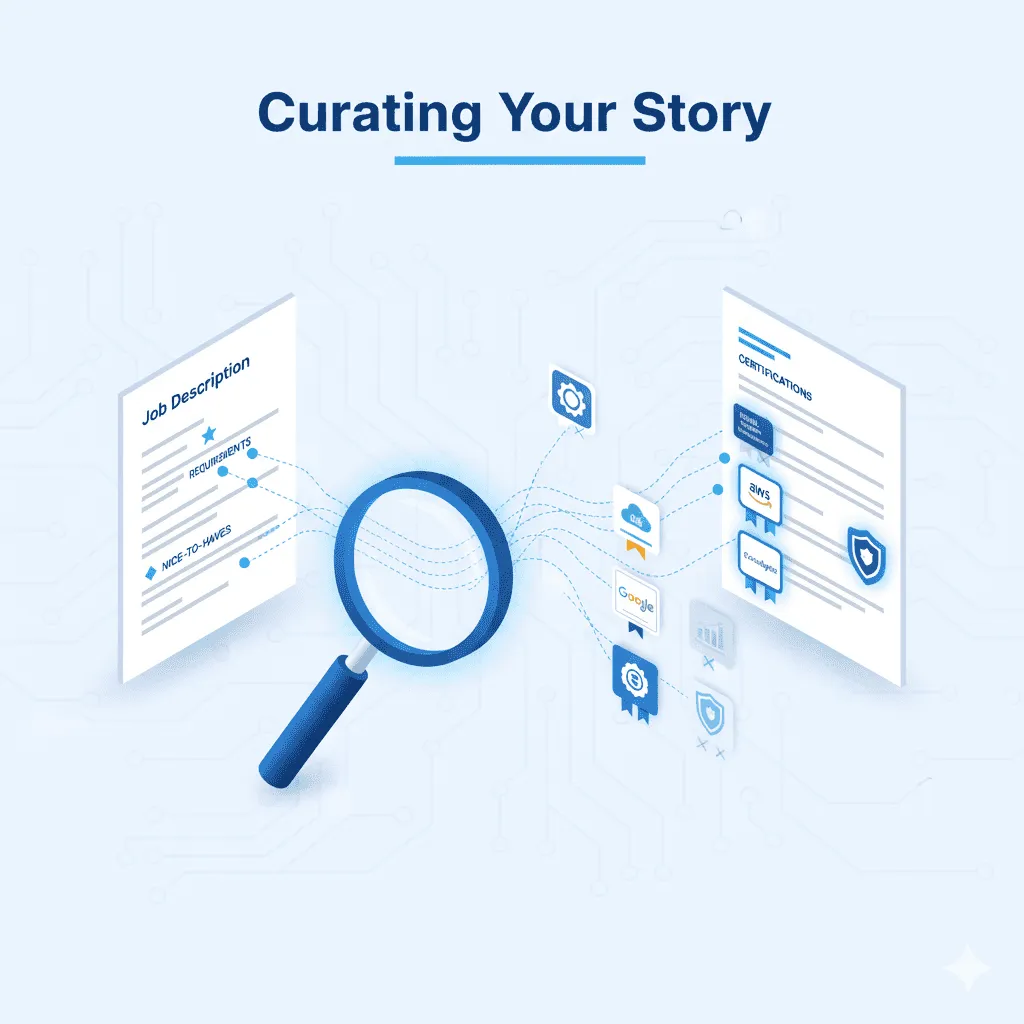
Curating Your Story: Deciding Which Certifications to Include on Your Resume
Your resume is a targeted marketing document, not a comprehensive archive of your entire life. One of the most common mistakes job seekers make is to list certifications on resume documents that have no relevance to the job they are applying for.
This creates noise and detracts from your most powerful qualifications. A curated list is always more impactful than an exhaustive one.
Follow this simple, three-step process to decide which credentials to cut:
- Deconstruct the Job Description: Print out the job description and highlight every skill, technology, or qualification mentioned. Look at both the "Requirements" and the "Nice to Haves." This is your blueprint.
- Map Your Certifications to the Blueprint: Scroll through your list of certifications and draw a direct line from each one to a highlighted skill in the job description. If a certification validates a core requirement, it’s a must-have.
- Prioritize and Prune: If you have multiple certifications that map to the requirements, prioritize them based on industry recognition and recency. A recent "AWS Certified Developer" will be more impactful in a cloud role than a ten-year-old "CompTIA A+" certification.
While those participation awards from various school certificate templates show engagement, focus on credentials that certify expert-level skills.
Lastly, when you customize your resume certifications section for every role, it signals to the hiring manager that you’ve read their specifications and believe you’re the right fit.
The Next Chapter: Verifying Your Story with Digital Badges on Your Resume
The final, and perhaps most modern, element of your story is verifiability. In a world of deep fakes and embellished claims, how can you provide instant trust? The answer is a digital badge on your resume.
There is much more to a digital badge than a simple image. It is a secure, verifiable credential packed with metadata. When a hiring manager clicks on a badge you've linked to in your resume, they are taken to a verification page that details what you did to earn it, who issued it, and when.
This is where Wauld comes in. We provide the platform for organizations, from higher education institutions to corporate trainers, to issue these powerful digital badges. As a recipient, you can add this verifiable link to your resume, LinkedIn profile, or email signature.
Imagine a recruiter reading about your regulatory compliance experience, clicking a link, and immediately seeing your official, validated compliance certificate. The impact is immediate.
Including a link to a digital badge is a subtle but powerful signal that you are not just skilled but also technically savvy and transparent.
Conclusion: Your Story Conveyed Your Way
Your resume is the story of your professional journey, and your certifications are the evidence that makes that story believable and compelling.
When you think like a strategist, you transform your credentials from an afterthought into a central theme of your narrative.
Certifications have been listed on a resume with a focus on format, delivered effectively by selecting the right placement, and curated to appeal to your audience.
It has taken a lot of effort on your part to earn your qualifications. Now, by presenting them with the care and strategy they deserve, you ensure that they work just as hard for you.
This approach doesn't just get your resume noticed; it builds a foundation of credibility and expertise that can launch the next great chapter in your career.
A Note for Course Providers and Online Trainers:
Your brand's reputation is built on your students' career outcomes, so give them the verifiable digital certificates that employers value.