Compliance, Course Completion
We're a SourceForge Top Performer for Digital Credential Management.Read the announcement
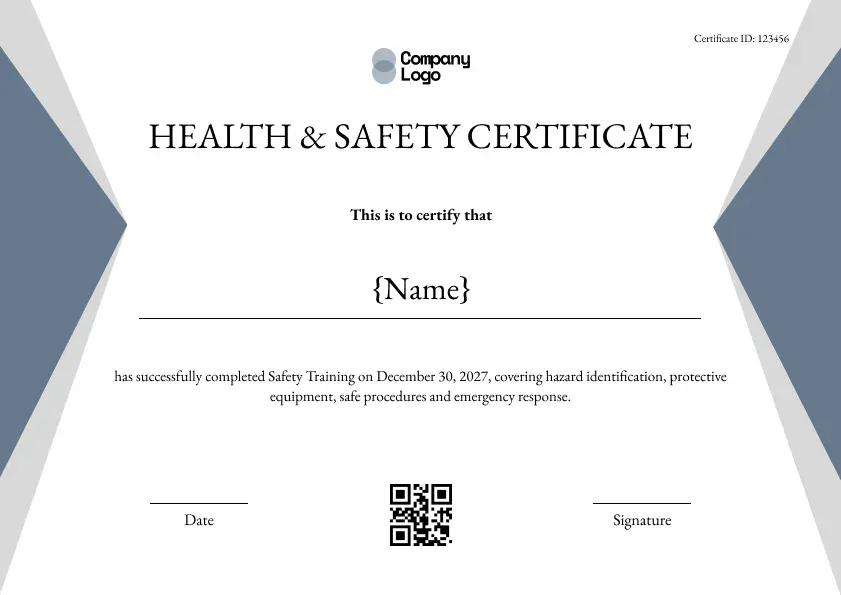
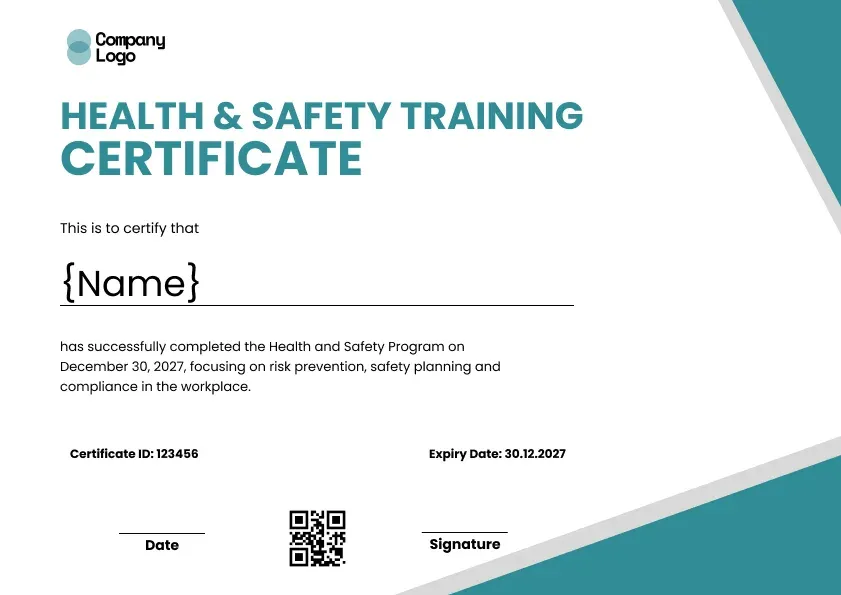
A gray safety training certificate template with slate and light grey wedges on each side. Covers hazard spotting, protective gear and emergency response.
Use this templateBEST FOR
CATEGORIES
Your logo sits top center in grey.
Scan to confirm the safety training online.
Issue certificates to every team at once.
Employees receive their certificate by email.
Print copies for the safety file.
Neutral grey works with any brand, which makes this a handy all-round safety certificate. Slate and light grey wedges point in from both sides like arrows toward the name, and the title sits on a single line in a classic serif. The wording covers hazard identification, protective equipment, safe procedures and emergency response. It suits any safety course based on the Occupational Safety and Health Administration (OSHA) general industry rules or similar guidance, and it works as the last step of an occupational safety and health certificate program. Every workplace hazard and emergency topic you teach can go in the wording.
Key Features:
Suggested wording:
Health and Safety Certificate. This is to certify that {Name} has successfully completed Safety Training on [Date], covering hazard identification, protective equipment, safe procedures and emergency response.
Fields included: Employee name, training summary, completion date, certificate ID, date, signature line, logo and QR code.
Who it's for: Corporate safety teams, facilities managers and training providers who want a neutral design.
Find answers to the most common questions about this template.
Yes. Change the slate and light grey wedge colors to your brand colors in the Wauld editor. The gray safety training certificate template works with any palette, so you can keep it neutral for low-cost printing or make it fully branded with your logo and colors. Edit the wording too, so the safety certificate matches your organization.
Yes. Add an expiry or refresher date in the Wauld editor so each safety training certificate shows when it lapses. Expiry dates keep workplace safety records up to date and make renewals, annual refreshers and audits straightforward. Wauld can send automatic renewal reminders when the date is due, so staff never miss their next session.
Yes. The neutral gray safety training certificate is designed to look sharp in greyscale, so it prints cleanly on any office printer. Printing in black and white keeps ink costs low when you issue certificates in bulk, and it is sized for A4 and US Letter. You can also issue it digitally with a QR code and verification link if you prefer a paperless record.
Choose this template, customize the wording and logo, then upload your employees and send. Wauld creates a verifiable safety certificate for every employee in one batch, each with its own QR code and verification link. Bulk issuing takes minutes, and every workplace safety record stays verifiable and audit-ready online.
Compliance, Course Completion
Compliance, Course Completion
Compliance, Course Completion
Compliance, Course Completion

Certificate Templates & Design


Digital Credentialing


Certificate Templates & Design

Customize the template and issue verifiable credentials in minutes, free for up to 300 credentials with no credit card required.
Sign up for free