Turn SurveyMonkey Responses Into Digital Credentials
Connect SurveyMonkey to Wauld and automatically issue verifiable certificates and badges when respondents complete surveys, pass quizzes, or submit forms.
From a SurveyMonkey Response to a Verified SurveyMonkey Credential
Set up the connection once, then every completed SurveyMonkey survey response automatically issues a certificate credential on its own.

Survey response comes in
A respondent finishes your SurveyMonkey survey, passes a quiz, or submits a form through any collector you are running.
Trigger reaches Wauld
The response reaches Wauld via webhook, Zapier automation, or SurveyMonkey redirect with custom variables.

Credential is issued
Wauld maps each answer to the fields in your chosen template and issues the credential in seconds.
Respondent receives their credential
A verifiable certificate or badge arrives by email, ready to verify, share, and add to a LinkedIn profile.
Turn Survey Data Into Meaningful Recognition
Teams already conduct market research, gather feedback, and run training checks in SurveyMonkey.
Wauld turns those survey results into recognition people keep.
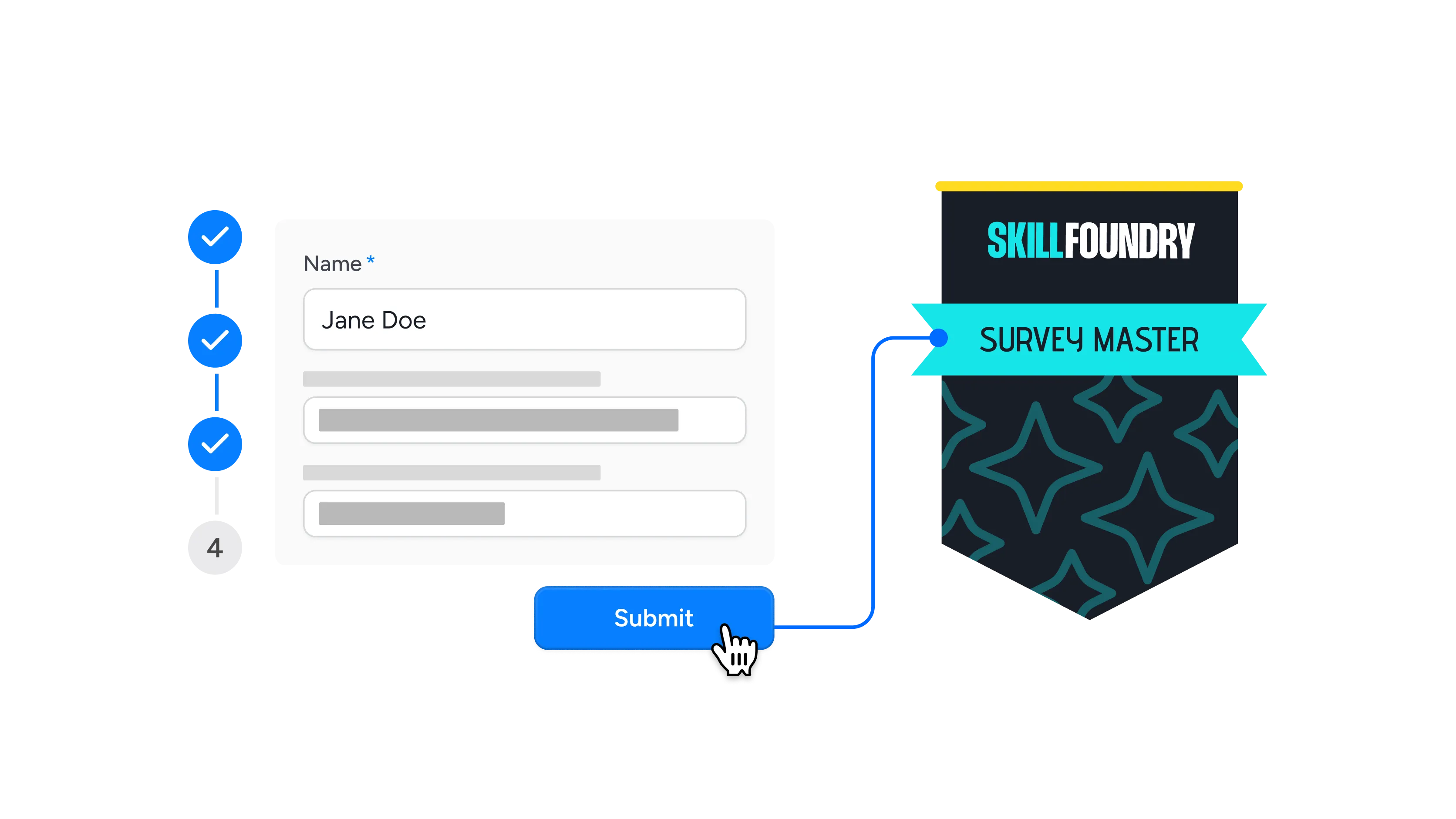
Completes a survey
Thank everyone who reaches the end of your survey with a certificate that recognizes the contribution and lifts completion rates on the next one you send.
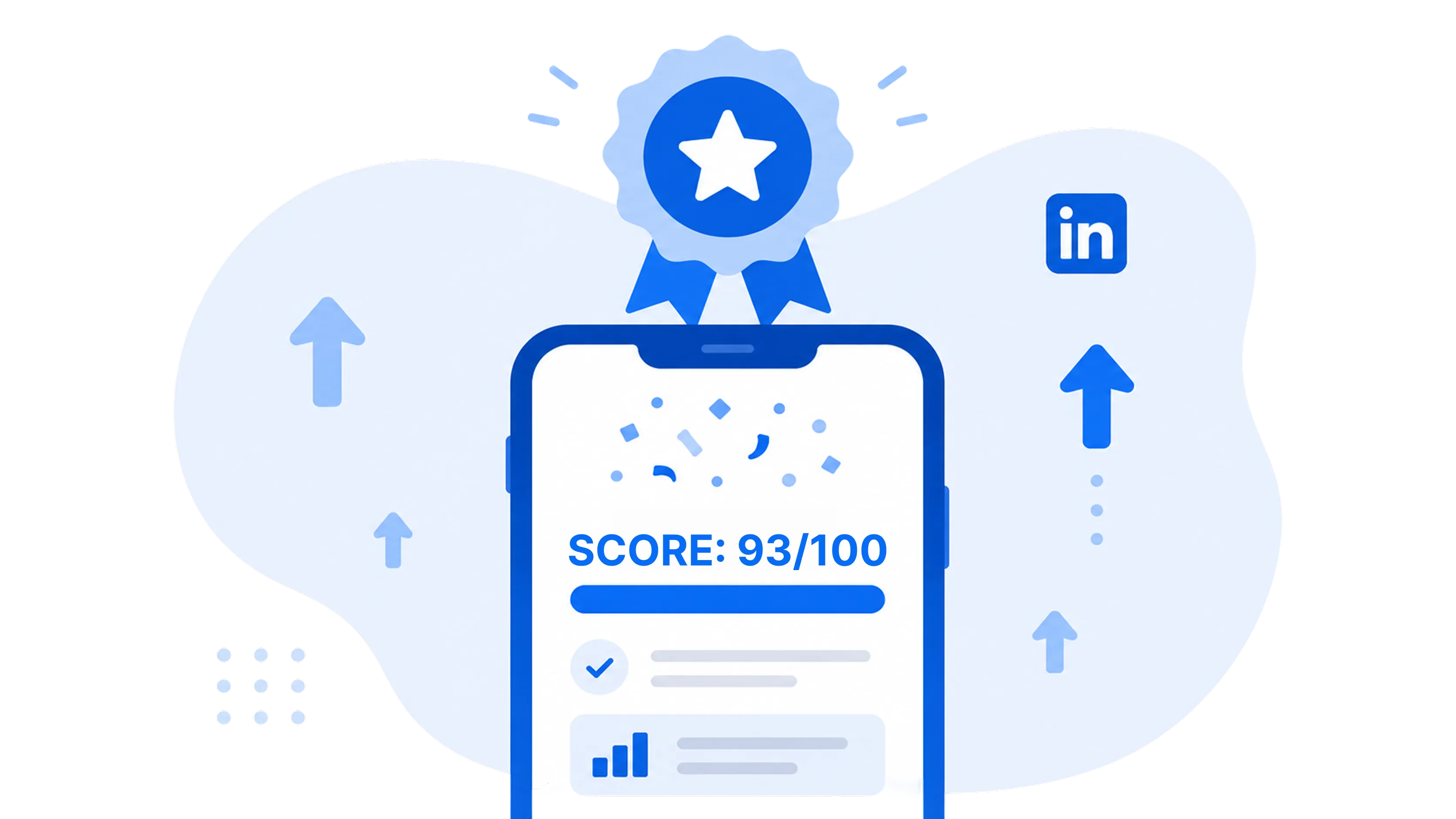
Passes a quiz
Enable quiz mode in SurveyMonkey and use each score to decide who earns a badge, turning a routine knowledge check into something worth passing.
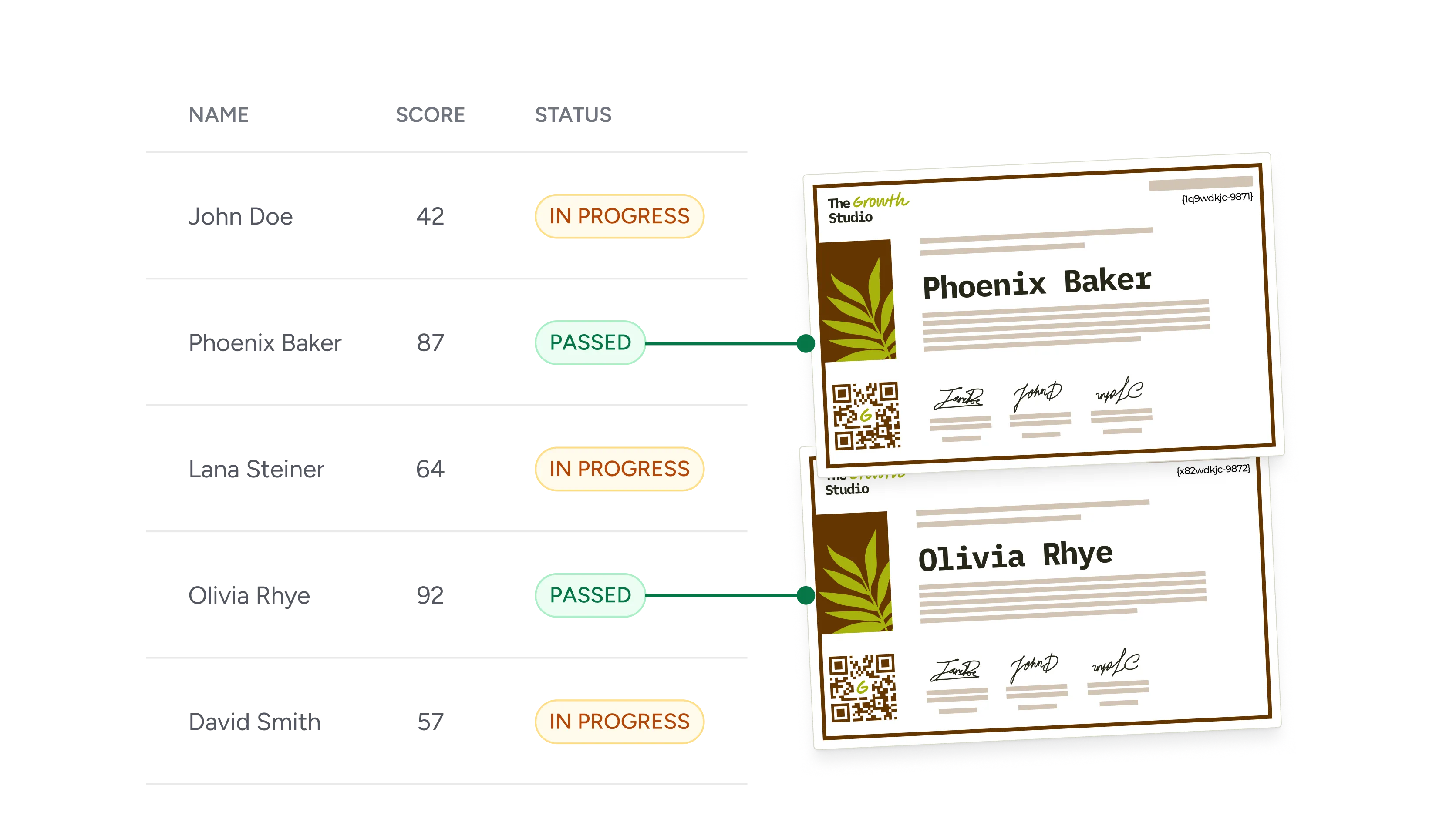
Finishes an assessment
Convert assessment scores into verifiable proof of skill, so participants leave with evidence an employer can confirm in seconds.
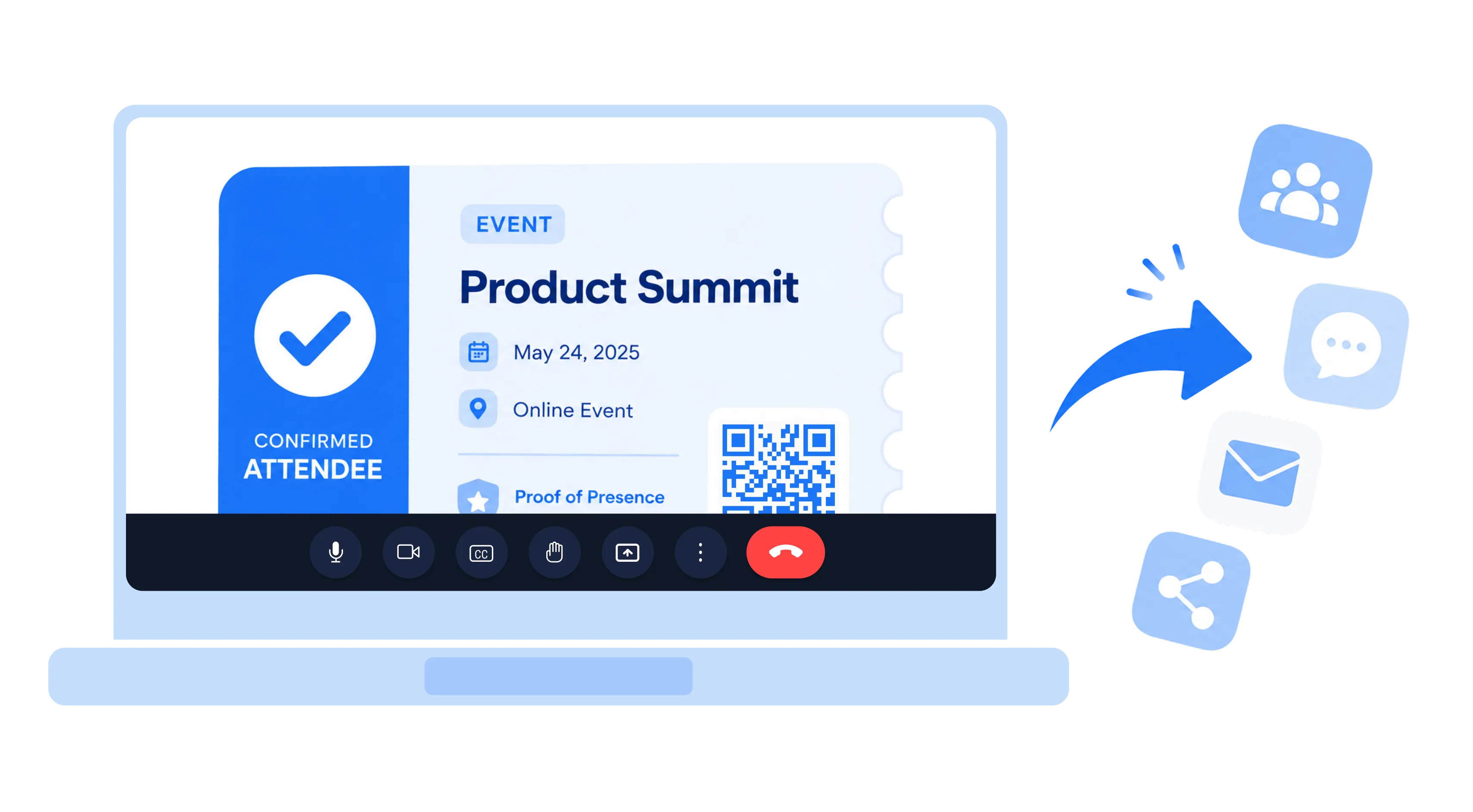
Attends a webinar
Send your post-event feedback survey, then reward everyone who replies with an attendance certificate that doubles as proof of presence.
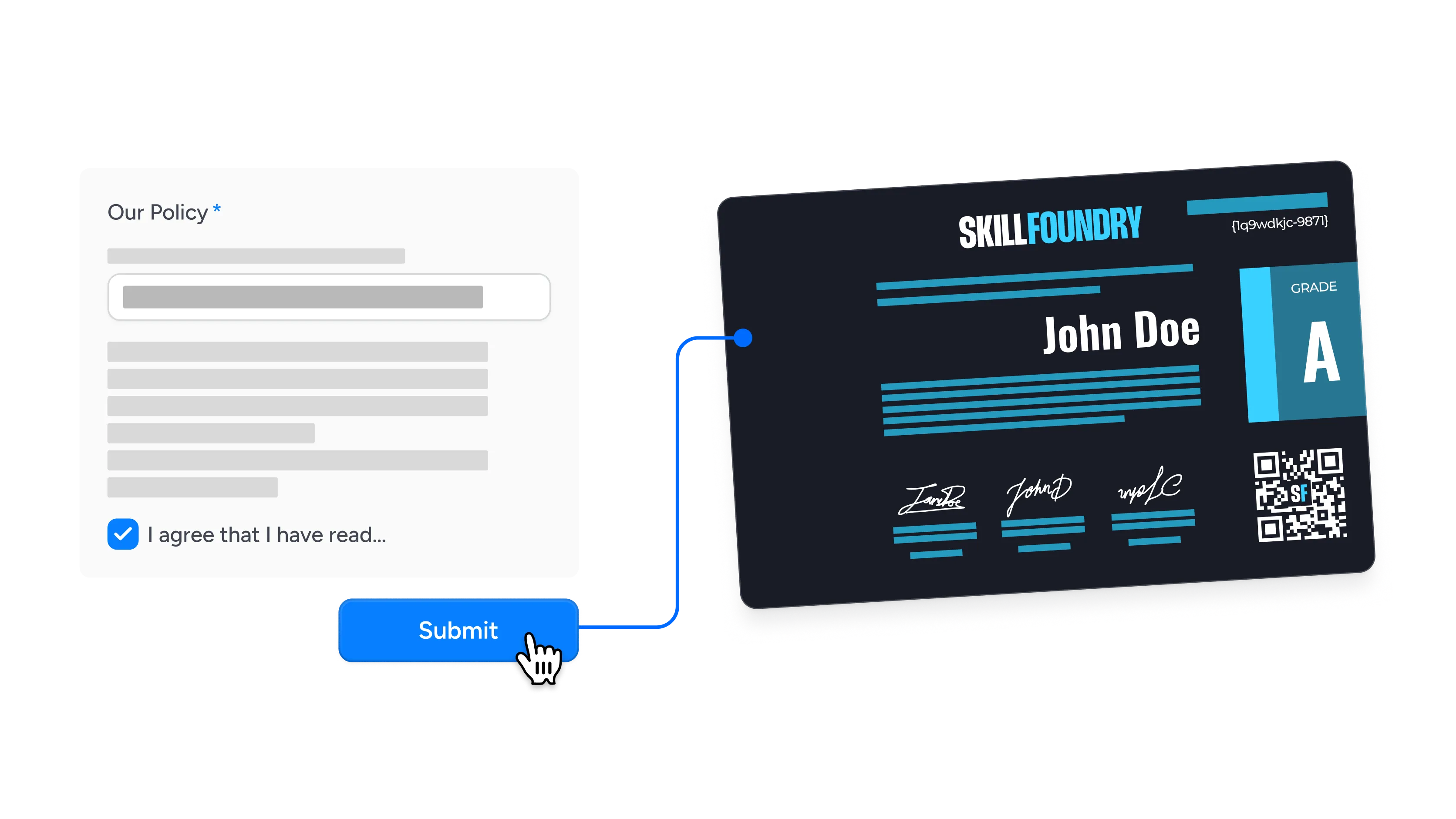
Acknowledges a policy
Issue a dated compliance credential when staff confirm they have read a policy, giving you an audit trail that sits beside the survey data.
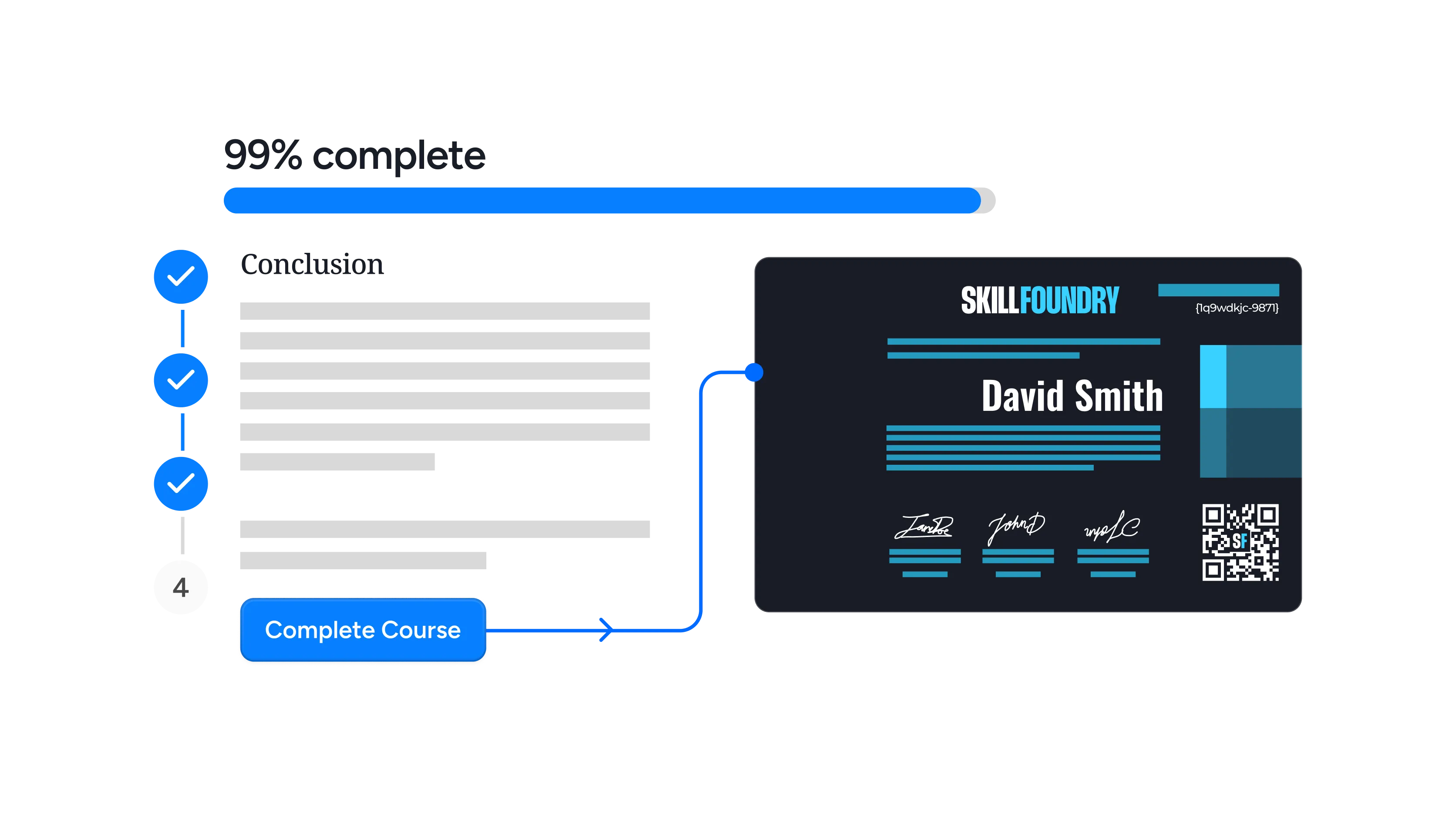
Completes a training program
Recognize a full program rather than one session by rolling up the responses gathered across a multi-part training into a single certificate.
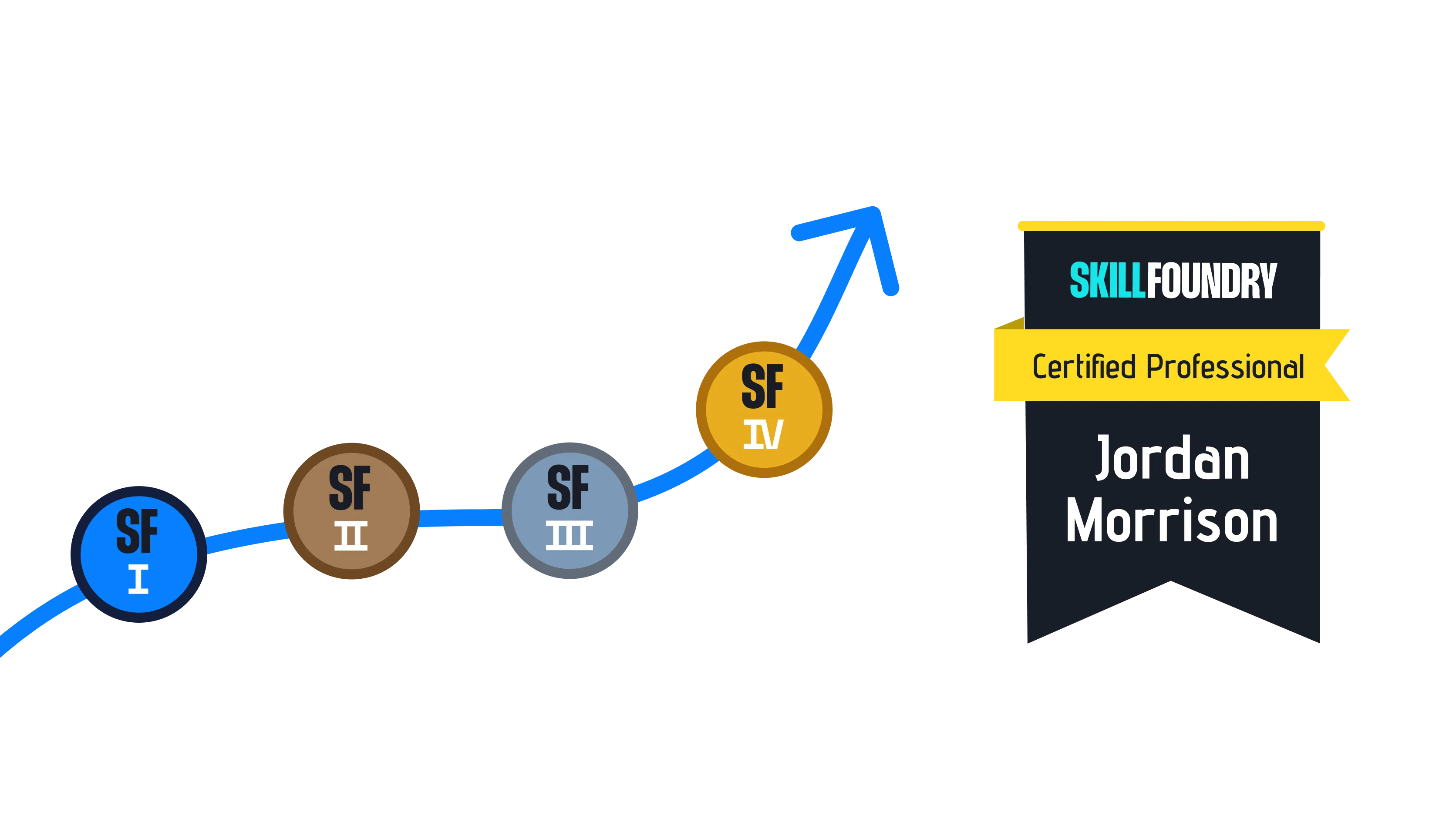
Reaches a certification milestone
Award a tiered badge each time someone clears the next level of your program, giving participants a visible reason to keep progressing.
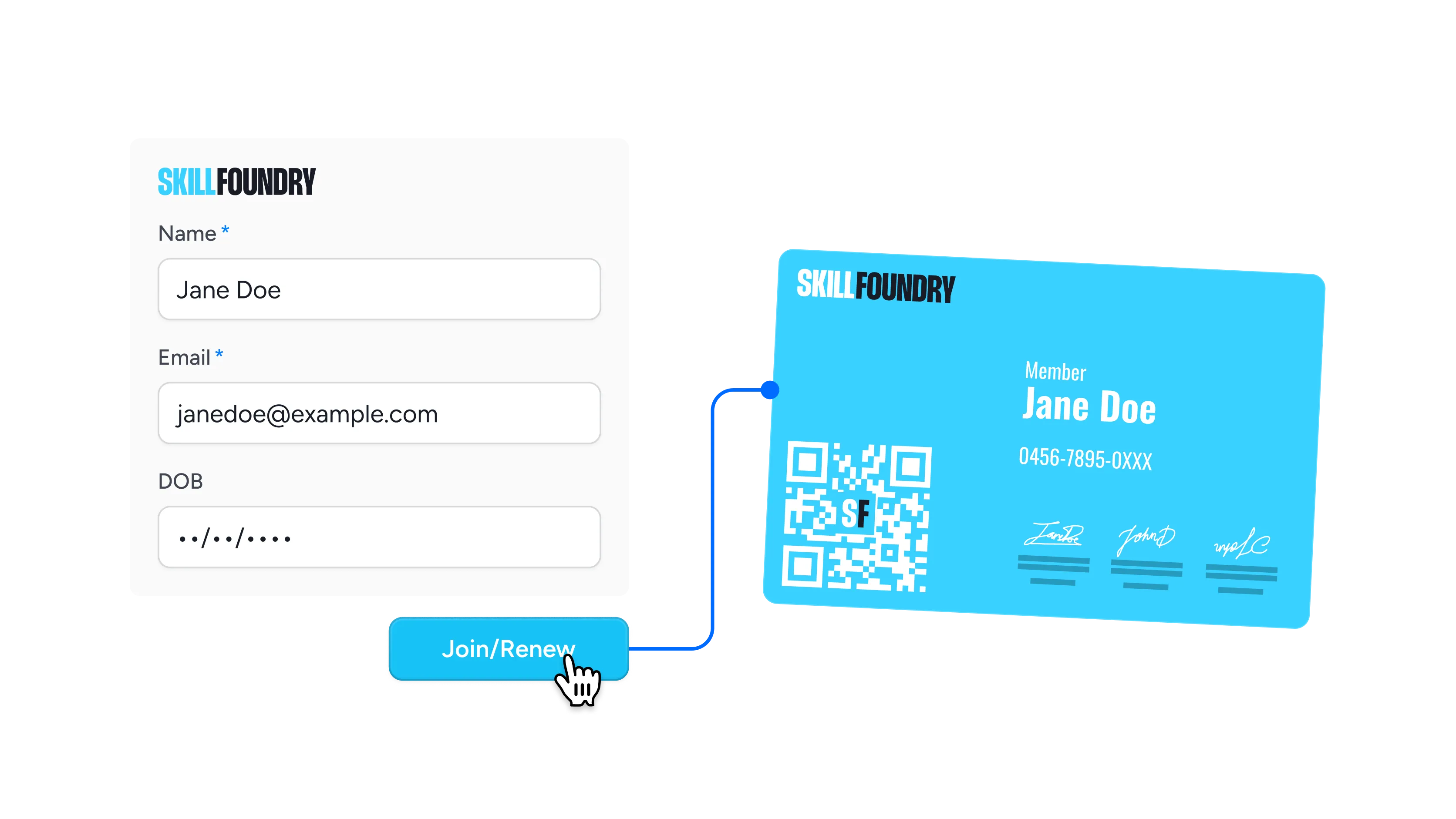
Submits a registration form
Welcome the people who sign up through a SurveyMonkey form with a membership badge that confirms their place before day one.
Connect SurveyMonkey to Wauld
Choose the integration method that fits your workflow, from a no-code app to full developer control


Why Teams Choose Wauld for
SurveyMonkey Credentials
Everything you need to design, issue, and track credentials from a single platform
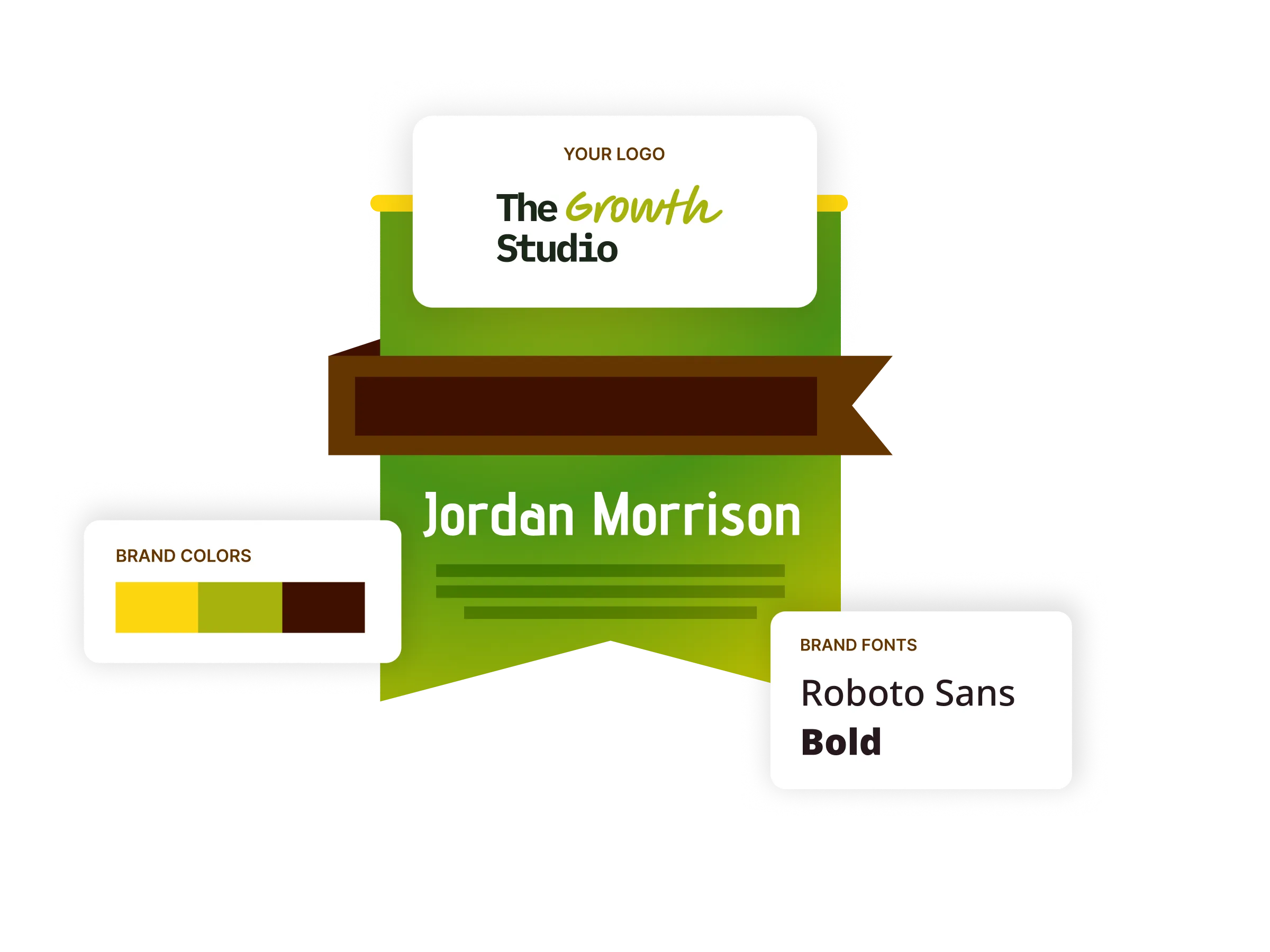
Digital badges
Build badges in your own colors, fonts, and shapes, then hand recipients something they can pin to a LinkedIn profile, an email signature, or a personal site.
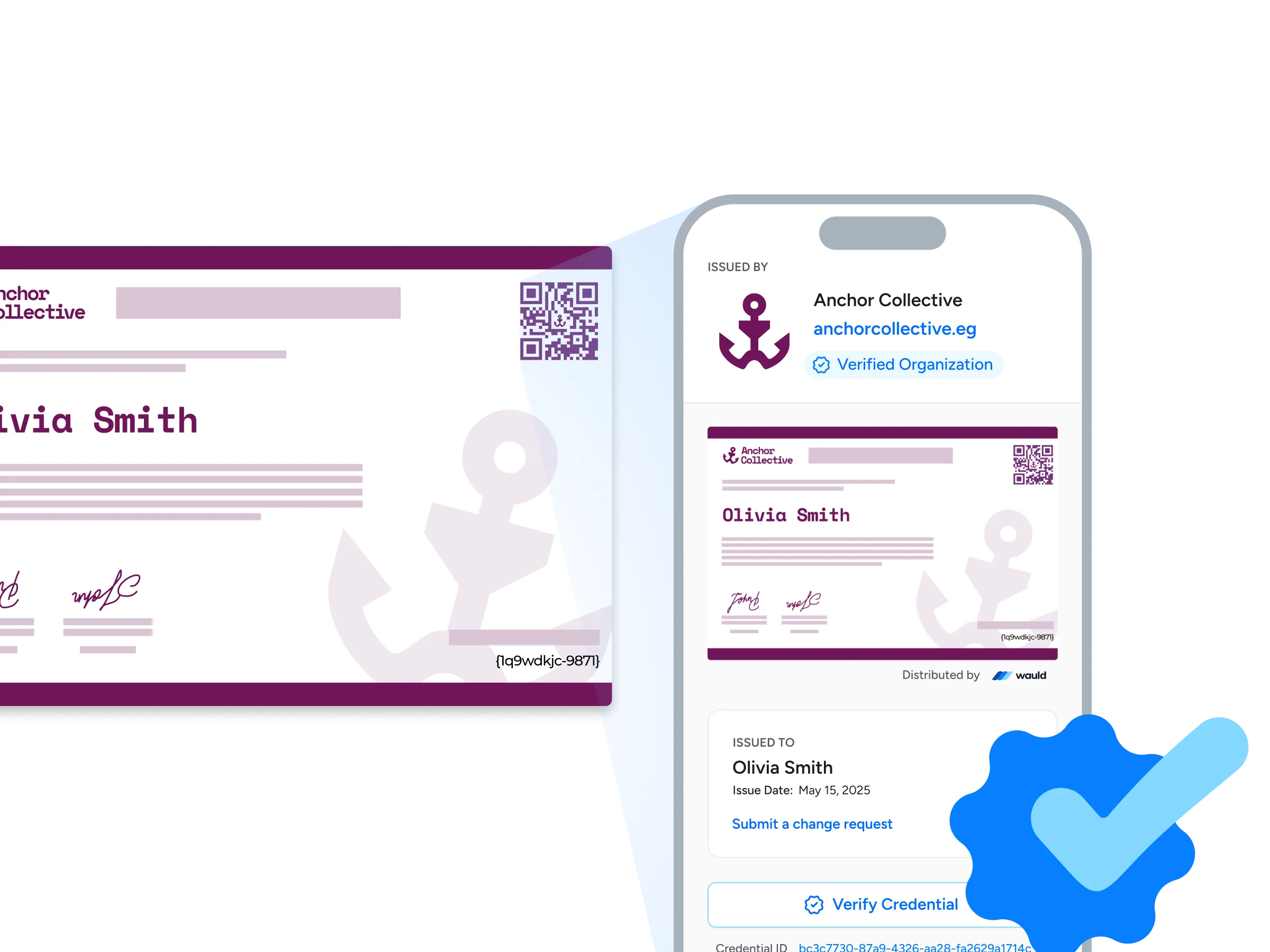
Verification pages
Each credential carries its own verification page listing the issuing organization, its website, and a verified organization badge, so anyone can confirm it with a single click or a quick QR scan.
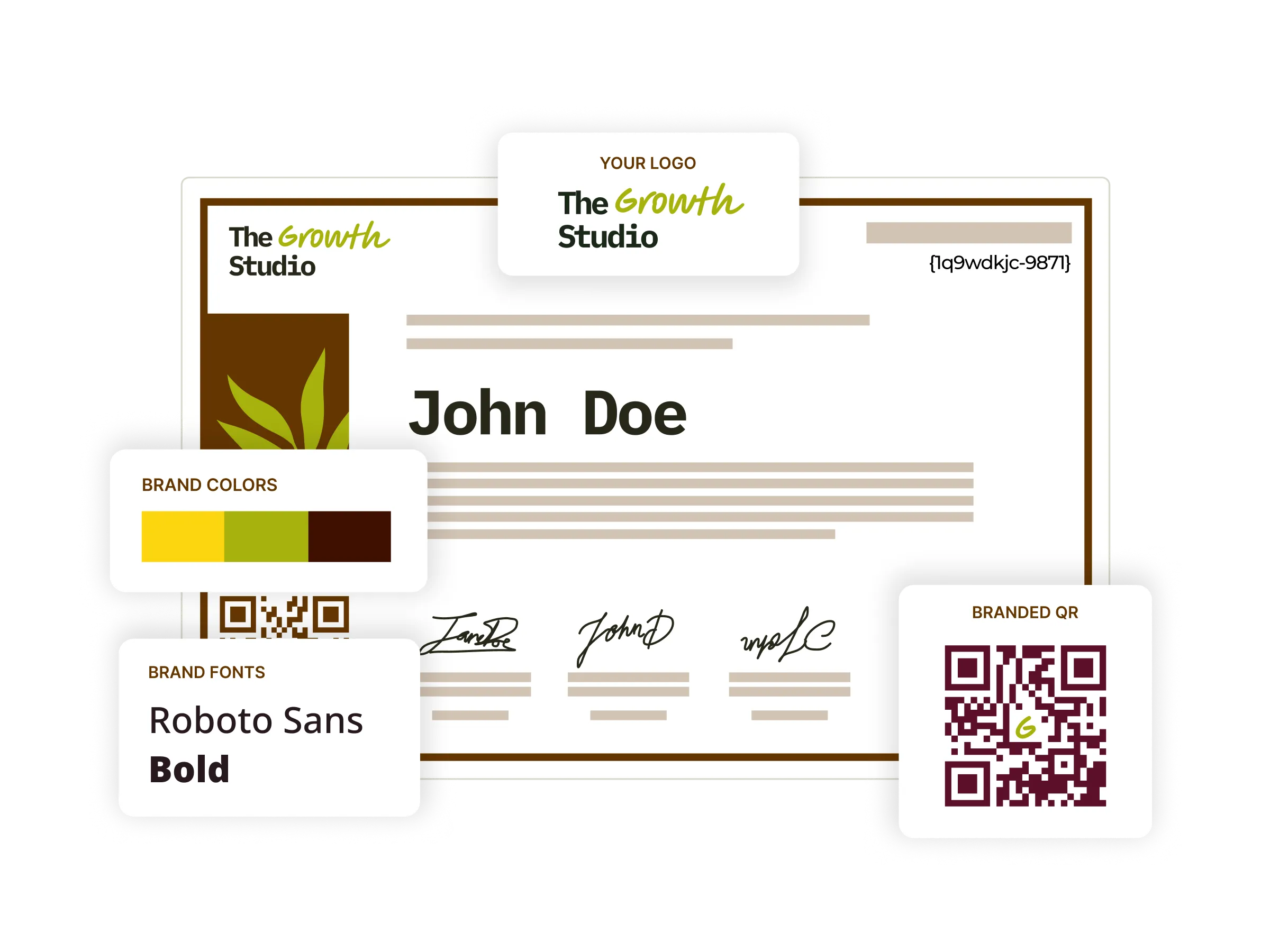
Digital certificates
Start from a library of 1,200+ certificate templates, personalize one to your brand, then issue and track every copy from the same platform.
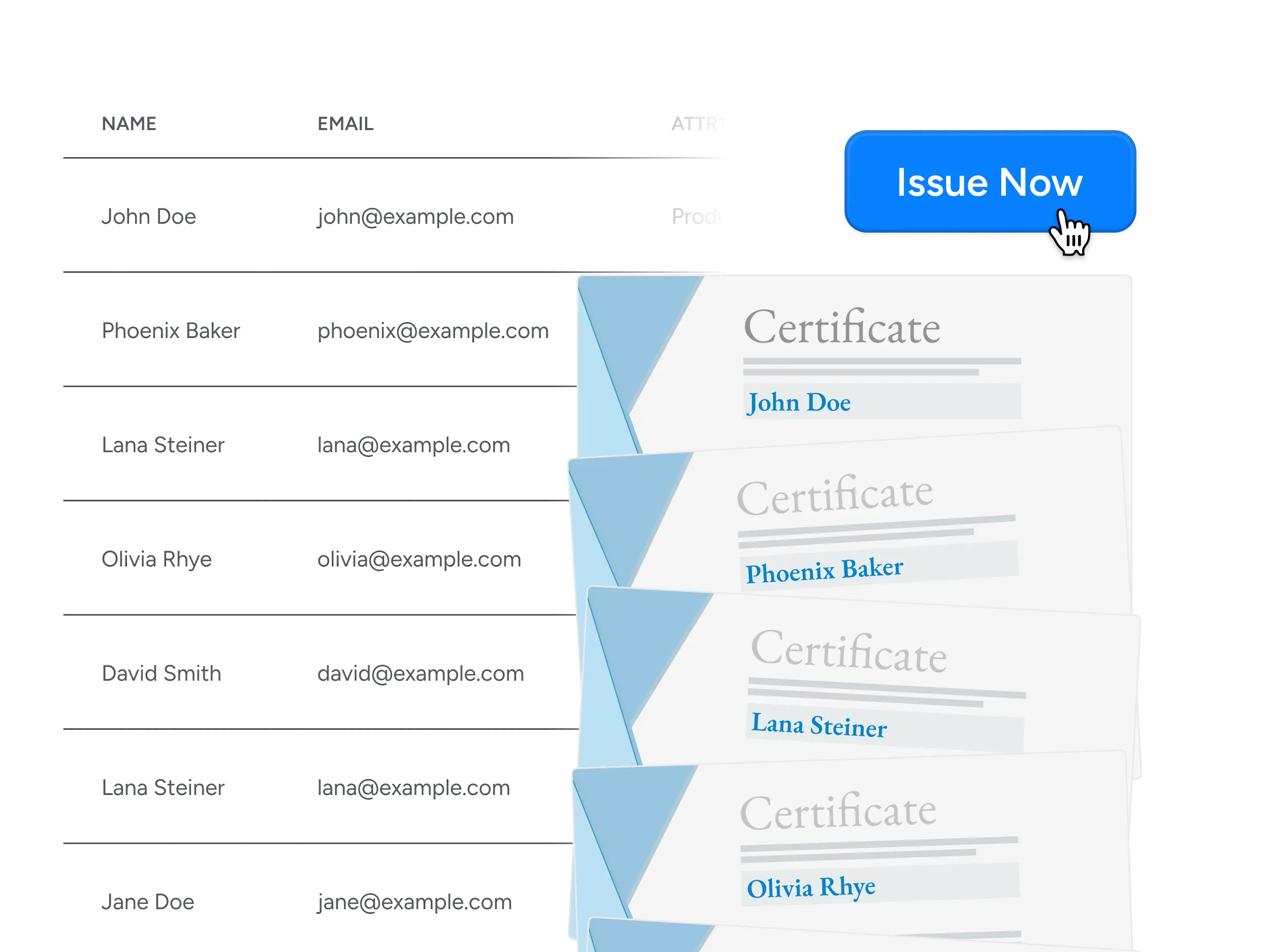
Bulk issuance
Issue thousands of credentials at once from a CSV export, a connected app, an API call, or a scheduled automation, with no manual assembly in between.
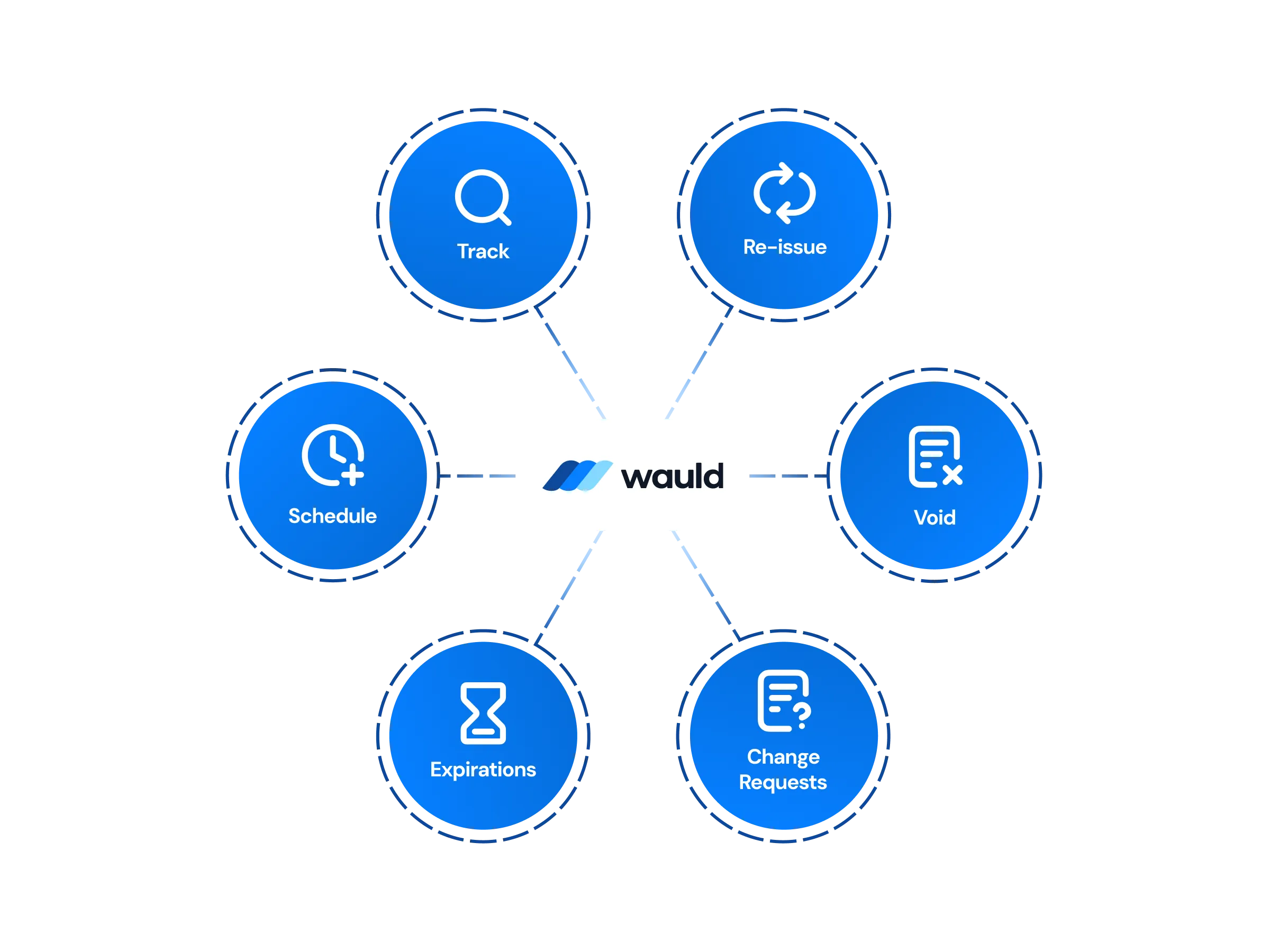
Central management of certificates
Edit, reissue, handle change requests, or void a credential from one dashboard, with workspaces and role-based permission controls behind enterprise-grade security.
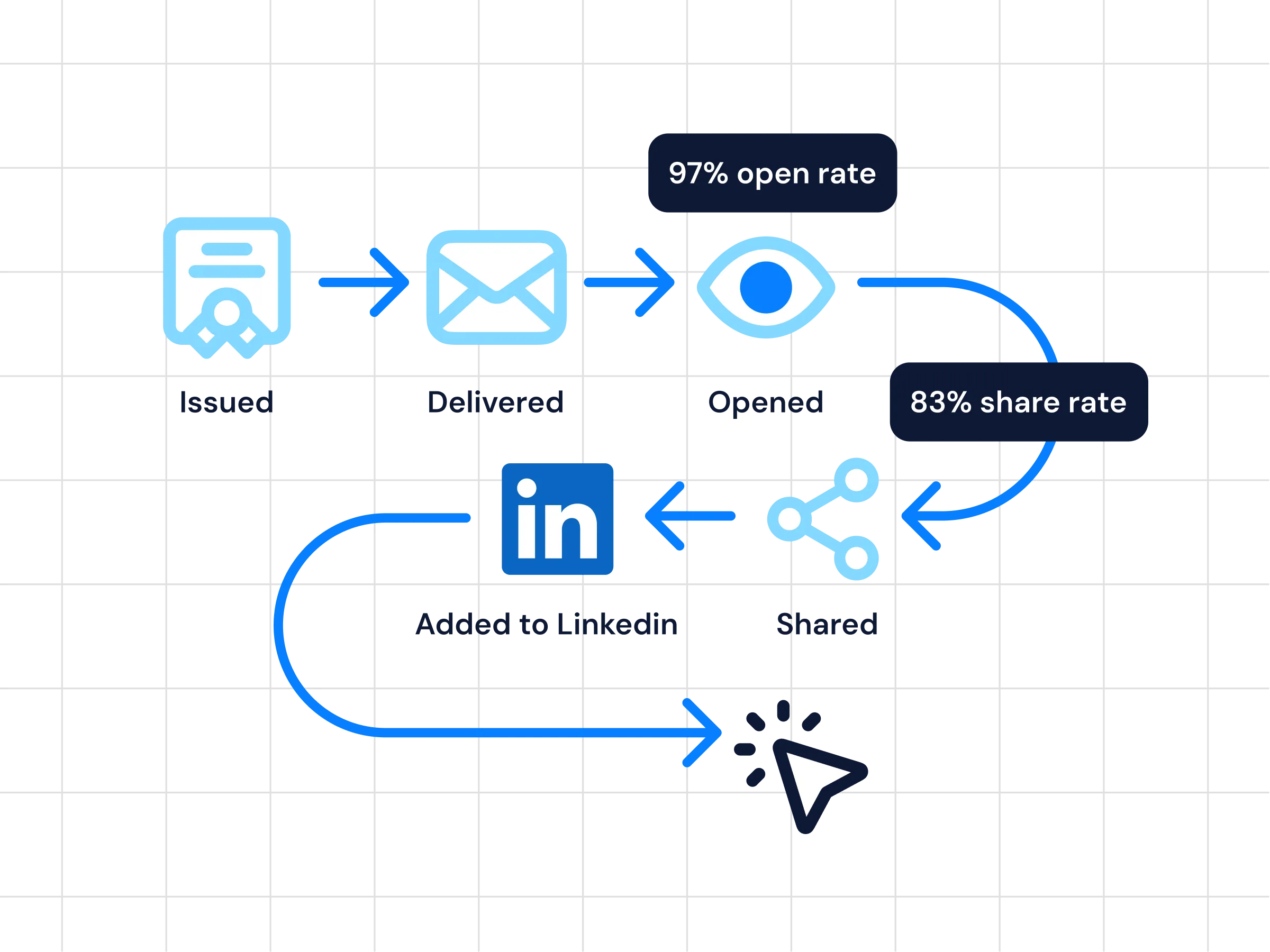
Analytics
Follow every credential in real-time as it is issued, delivered, opened, and shared, and use those insights to see which programs earn the most engagement.
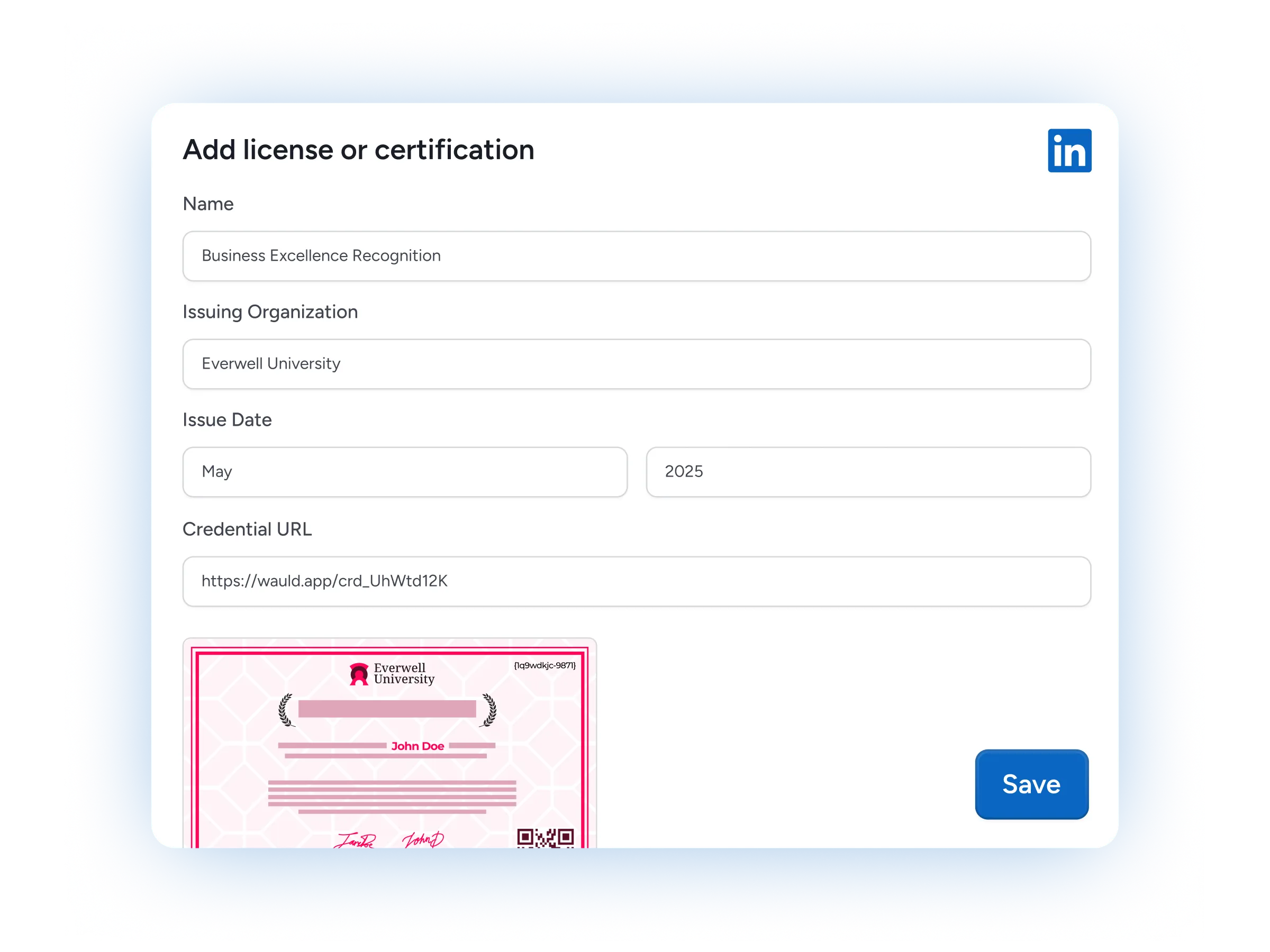
LinkedIn sharing
One click moves a credential onto a recipient's LinkedIn profile, putting your program in front of their entire professional network.
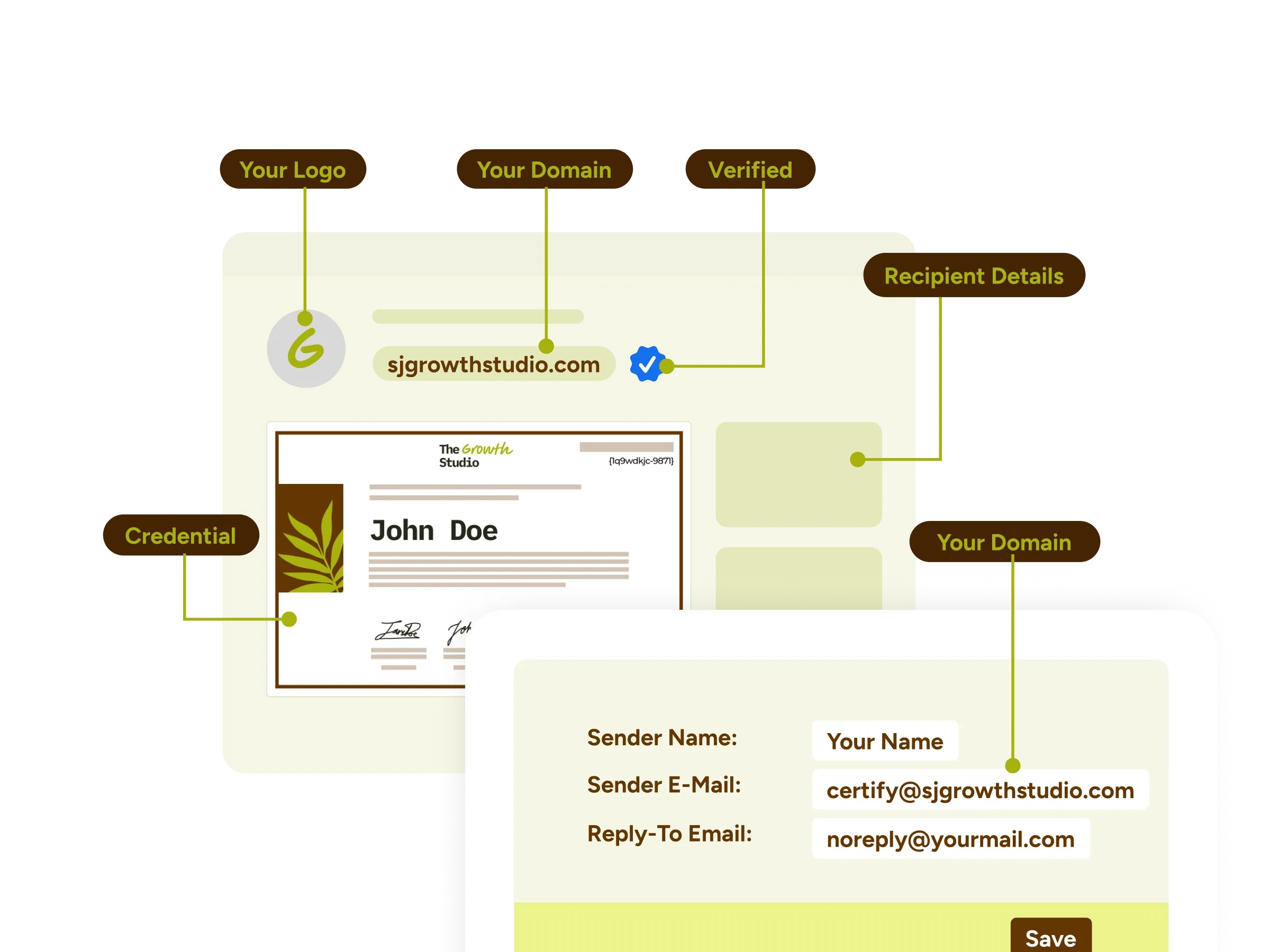
White-label experience
Run the whole experience under your own name, with a custom domain, branded emails, and a credential wallet that carries your identity end to end.
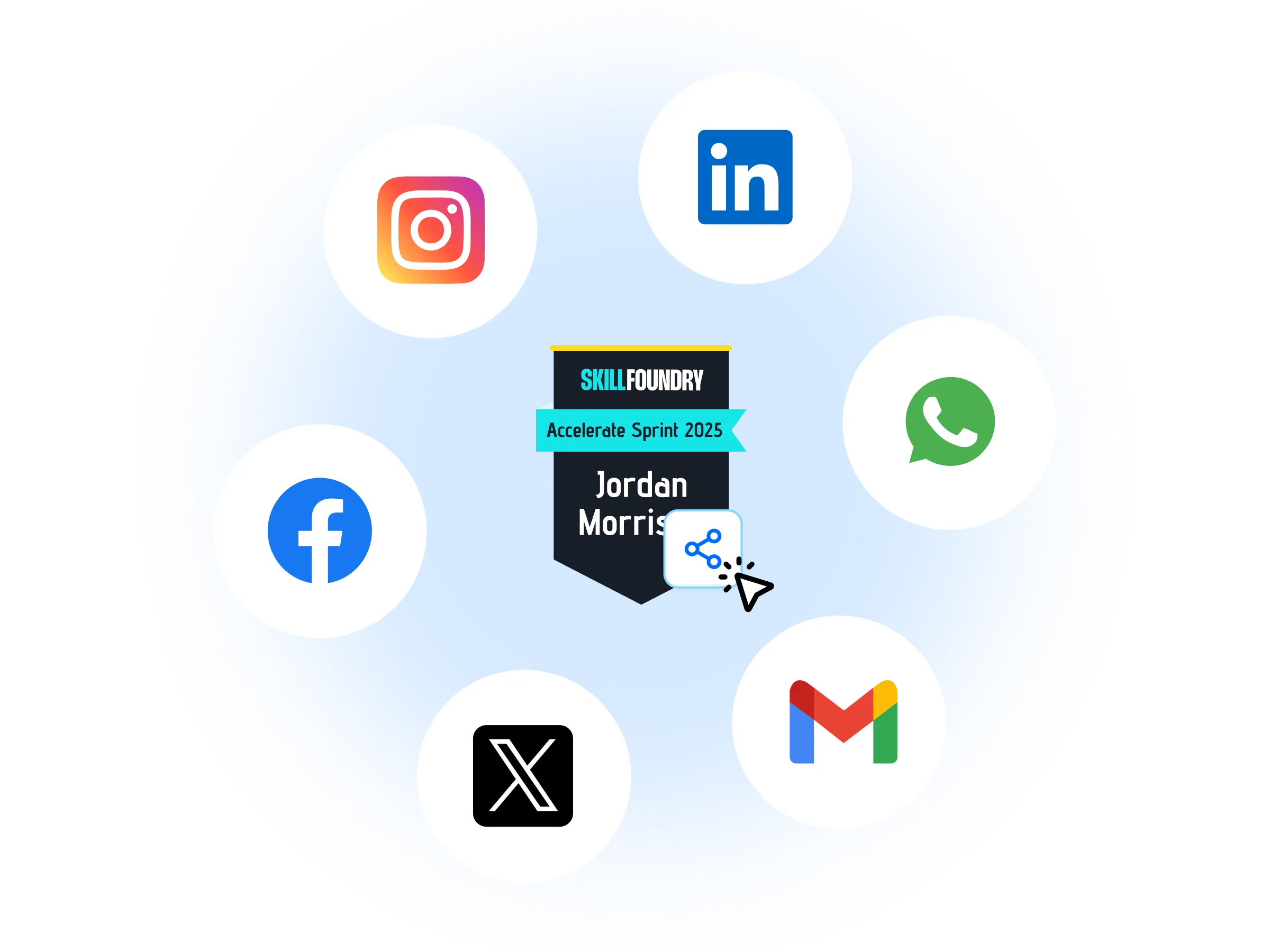
Certificates as marketing assets
Every credential a recipient shares is a marketing impression you never paid for, carrying your name across LinkedIn and social feeds.
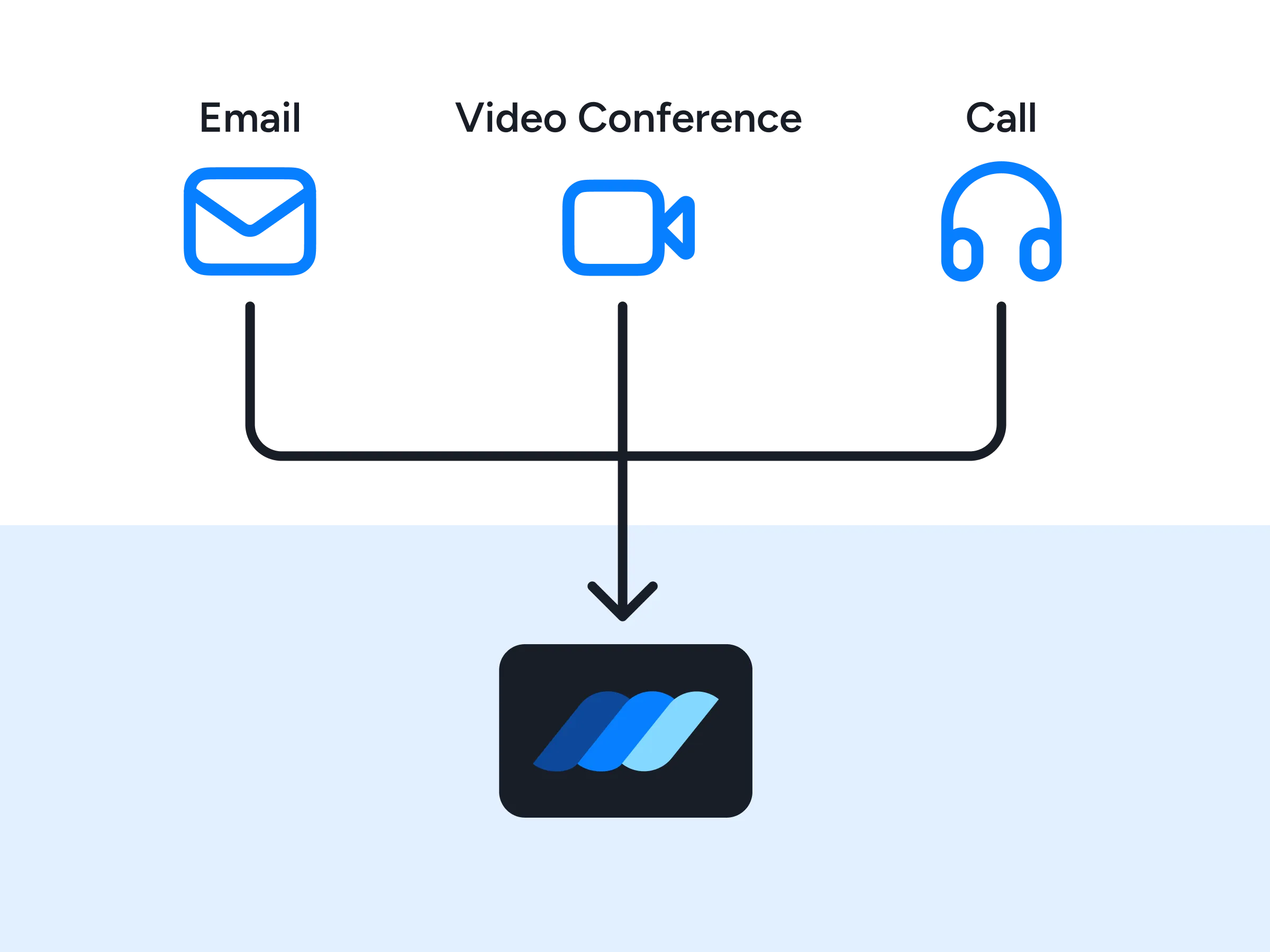
Premium support
Lean on a named contact for onboarding, setup guidance, and quick answers whenever a question comes up mid-rollout.
FAQs
Everything you need to know about connecting SurveyMonkey and issuing digital credentials
How do I automatically issue SurveyMonkey certificates and credentials?
You create surveys in SurveyMonkey and Wauld handles the credential issuance. Connect the two once, and every completed SurveyMonkey response automatically issues your customized certificate or credential badge, with the respondent's answers used to populate your template. It makes no difference whether it arrives from a SurveyMonkey email invitation collector, a web link, or a survey embedded on your site.
Can I reward respondents for completing a survey, quiz, or form?
Yes. Anything you collect in SurveyMonkey can earn a credential: satisfaction surveys, quiz mode scores, assessments, post-event surveys, compliance acknowledgements, and registration forms. You send surveys the way you always have, and Wauld takes over after the last question. If you run the same survey as a recurring campaign, each cycle can issue its own credential, which lifts completion rates and long-term retention.
How do I integrate SurveyMonkey with Wauld, and do I need a developer?
Most teams finish setup in under an hour. Two of the four routes automate workflows with no code at all: the Zapier app, which fires the moment a response lands, and a CSV export from Analyze Results for one-off batches. Webhooks and the API give you real-time control instead, but both are registered through SurveyMonkey's developer portal, so they suit higher-tier SurveyMonkey plans and teams with a developer on hand. Worth checking your own account first, since the Zapier trigger and response exports also require a paid subscription there.
Does Wauld work alongside my SurveyMonkey Salesforce or HubSpot integration?
Yes, because they do different jobs. SurveyMonkey for Salesforce is an Enterprise add-on you install from the AppExchange marketplace, and that Salesforce integration handles mapping survey results onto standard or custom objects, so SurveyMonkey data and CRM records combine into a 360-degree view of the customer. The HubSpot integration syncs responses into contact records for marketing teams to segment on, and results can be routed to destinations such as Microsoft Teams for deeper insights across the business. Wauld runs alongside all of them. Your CRM keeps the customer experience data actionable for sales and support, while Wauld issues and tracks the credential the participant walks away with.
Can respondents share their certificates and badges on LinkedIn?
Absolutely. Every credential is ready to add to a LinkedIn profile in one click, and recipients can also pass the verification link along by email or across social platforms, which puts your programs in front of a wider professional audience.
Which Wauld pricing plan includes SurveyMonkey credentials and certificate integration?
The SurveyMonkey connection for issuing certificates and credentials works on Wauld's Free plan. Zapier, webhooks, and CSV uploads are all included at no cost, so you can start issuing SurveyMonkey credentials to survey participants right away. Higher tiers add unlimited workspaces, role-based access, QR code verification logs, and white-label branding. Your SurveyMonkey plan is a separate question, since its Zapier trigger and webhooks require a paid subscription there.
What happens to my issued credentials if I downgrade or cancel my paid plan?
Once issued, your digital credentials remain valid and accessible to recipients even if you cancel your subscription. After your plan expires, features exclusive to paid plans will no longer be available, but all features included in the free plan will continue to work.
Start Issuing SurveyMonkey Certificates and Credentials Today
Create your free Wauld account and issue your first certificate in minutes.
Talk to an Expert