Automate Certificate Issuance Workflows from Smartsheet
Save time on credential management, reduce manual work, and boost program credibility with automated, branded, and verifiable certificates and badges.
From Smartsheet row events to verified credentials in seconds
Configure your Smartsheet integration once, then automatically issue credentials every time a row meets your conditions.
Smartsheet row changes
A new row is added, a status field updates, or an approval is completed in your Smartsheet.
Data syncs to Wauld
Row data syncs to Wauld via Zapier, webhook, Power Automate, or REST API.

Credentials are mapped
Smartsheet columns map to certificate template fields and recipient attributes.
Recipients receive credentials
Verifiable certificates and badges are issued automatically and delivered to recipients' inboxes, ready to share and verify.
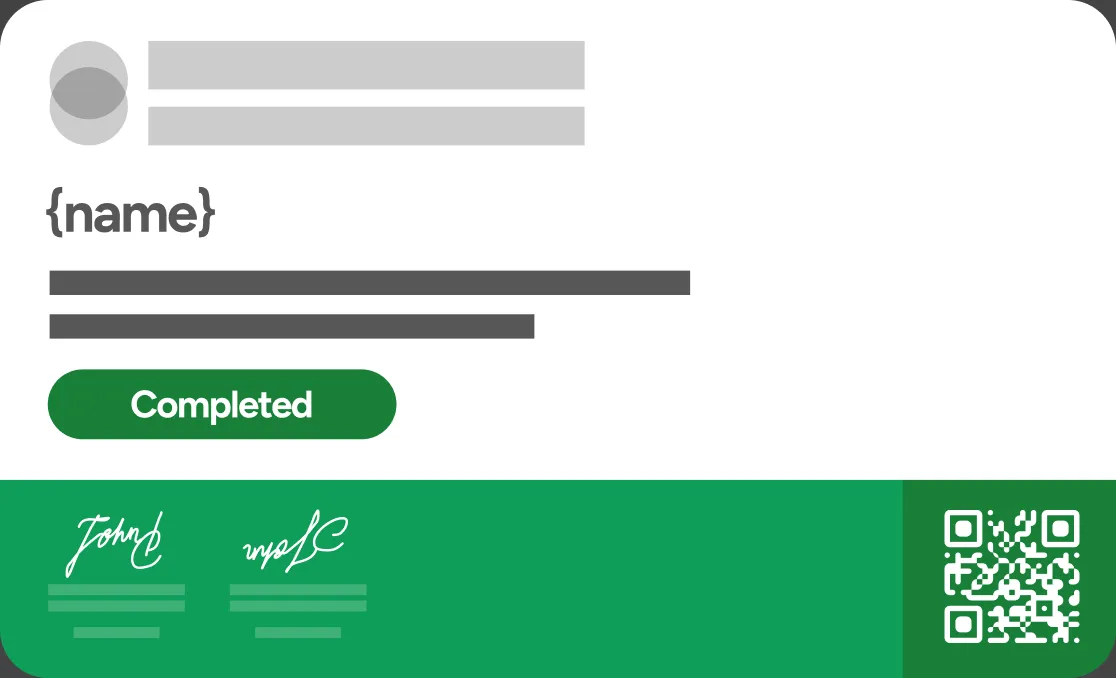
Connect Smartsheet to Wauld
Choose the integration method that fits your workflow and technical capability



Why Teams Choose Wauld for Smartsheet Credentialing
Automate issuance, eliminate manual work, and scale credential programs across your organization
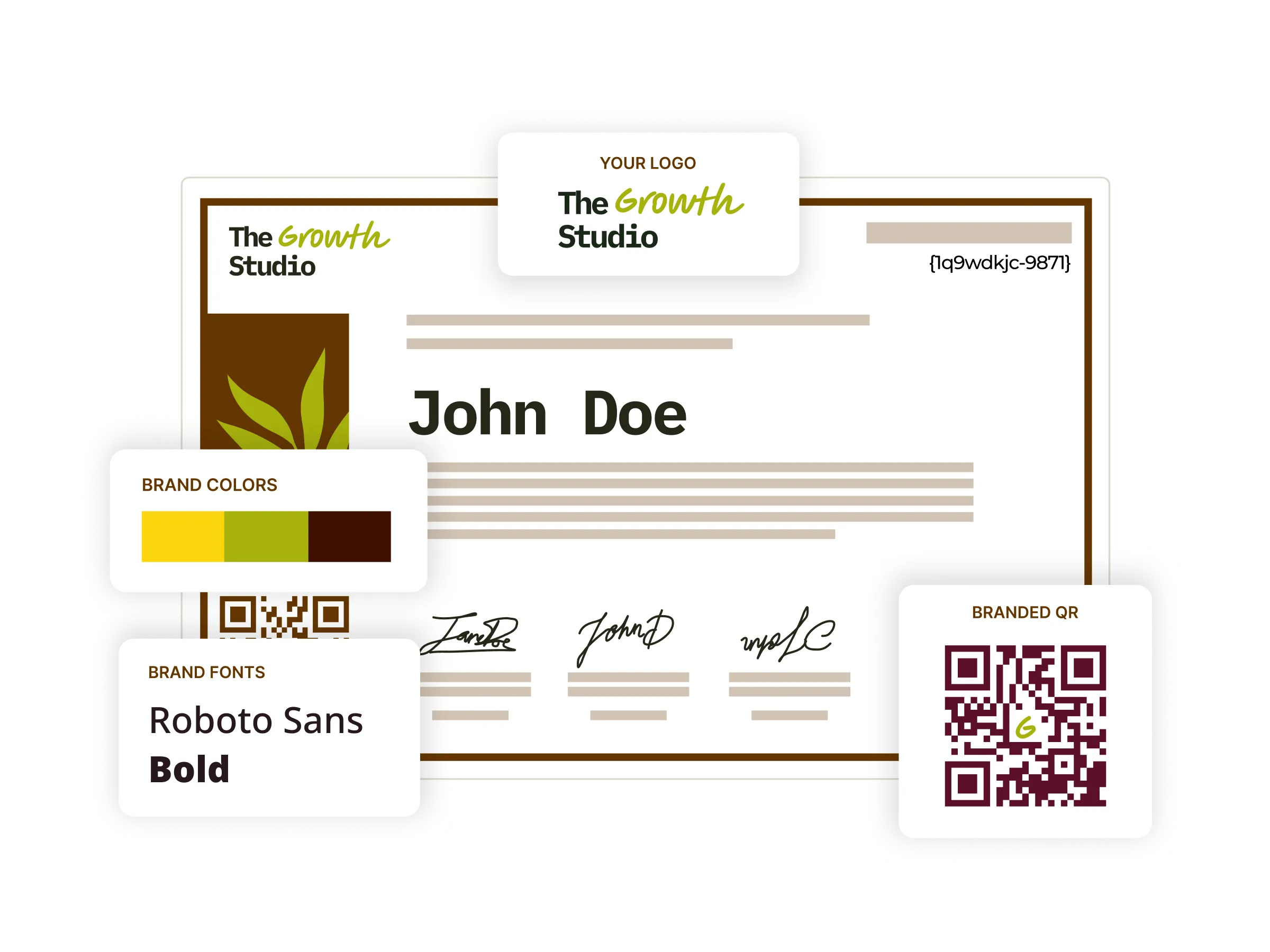
Branded Certificates
Create fully branded certificates that reflect your organization's identity. Customize colors, logos, text, and layouts to match your brand end-to-end.
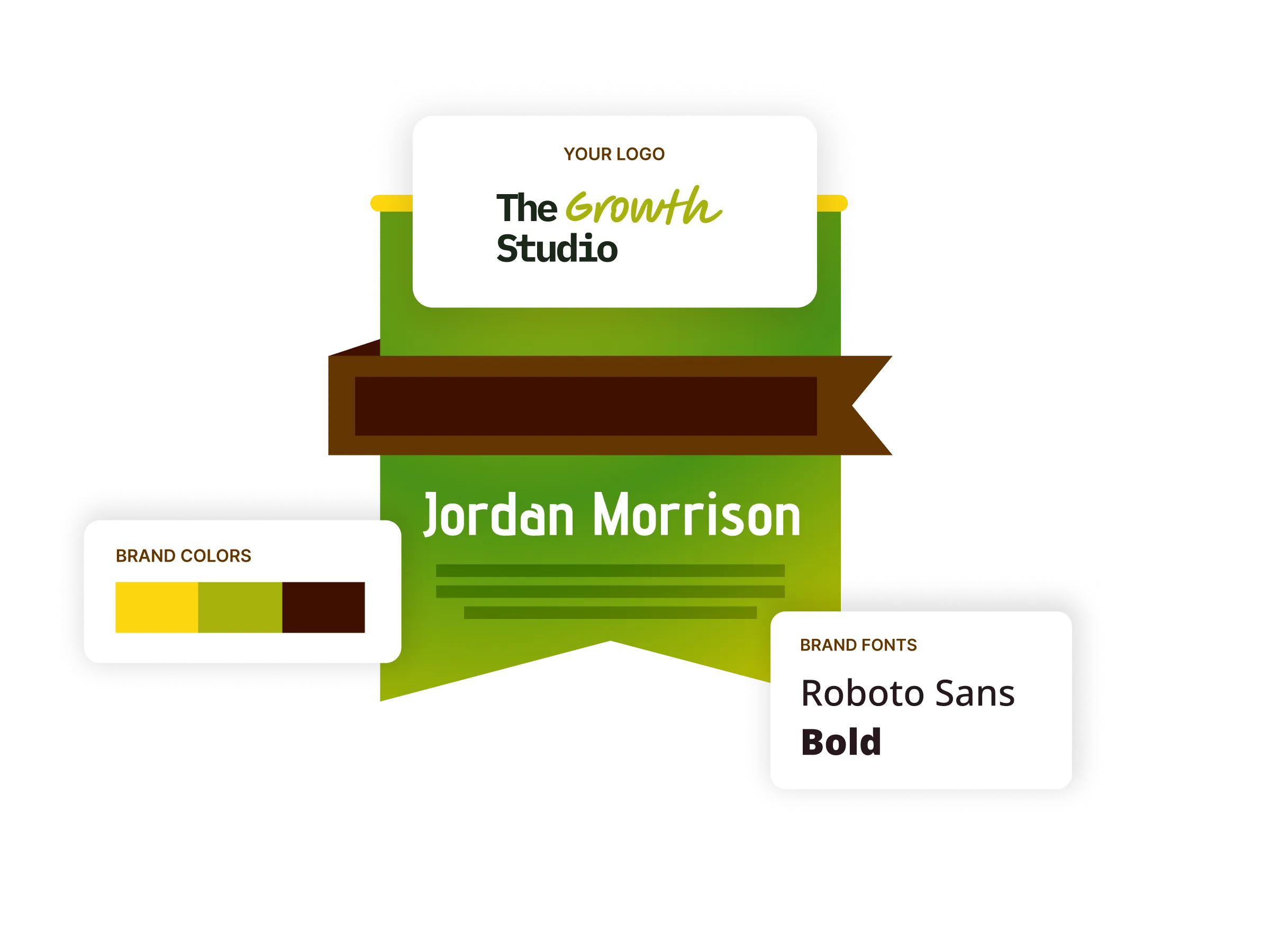
Digital Badges
Issue digital badges alongside certificates with the ability to design, edit, and manage credentials from a single secure dashboard.
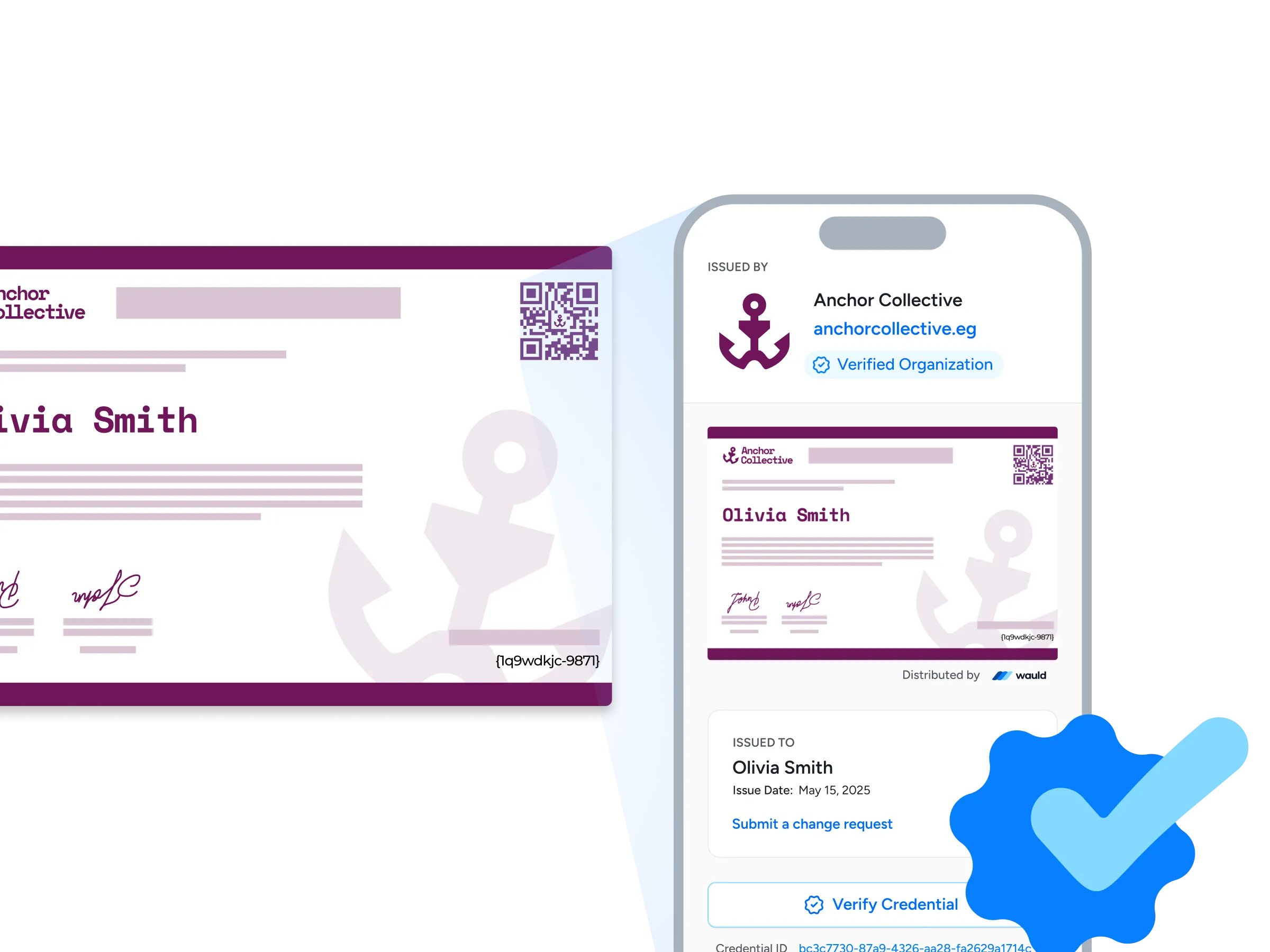
Verification Pages
Create secure, branded verification pages where recipients can share their credentials. Verifiers can confirm authenticity in seconds.
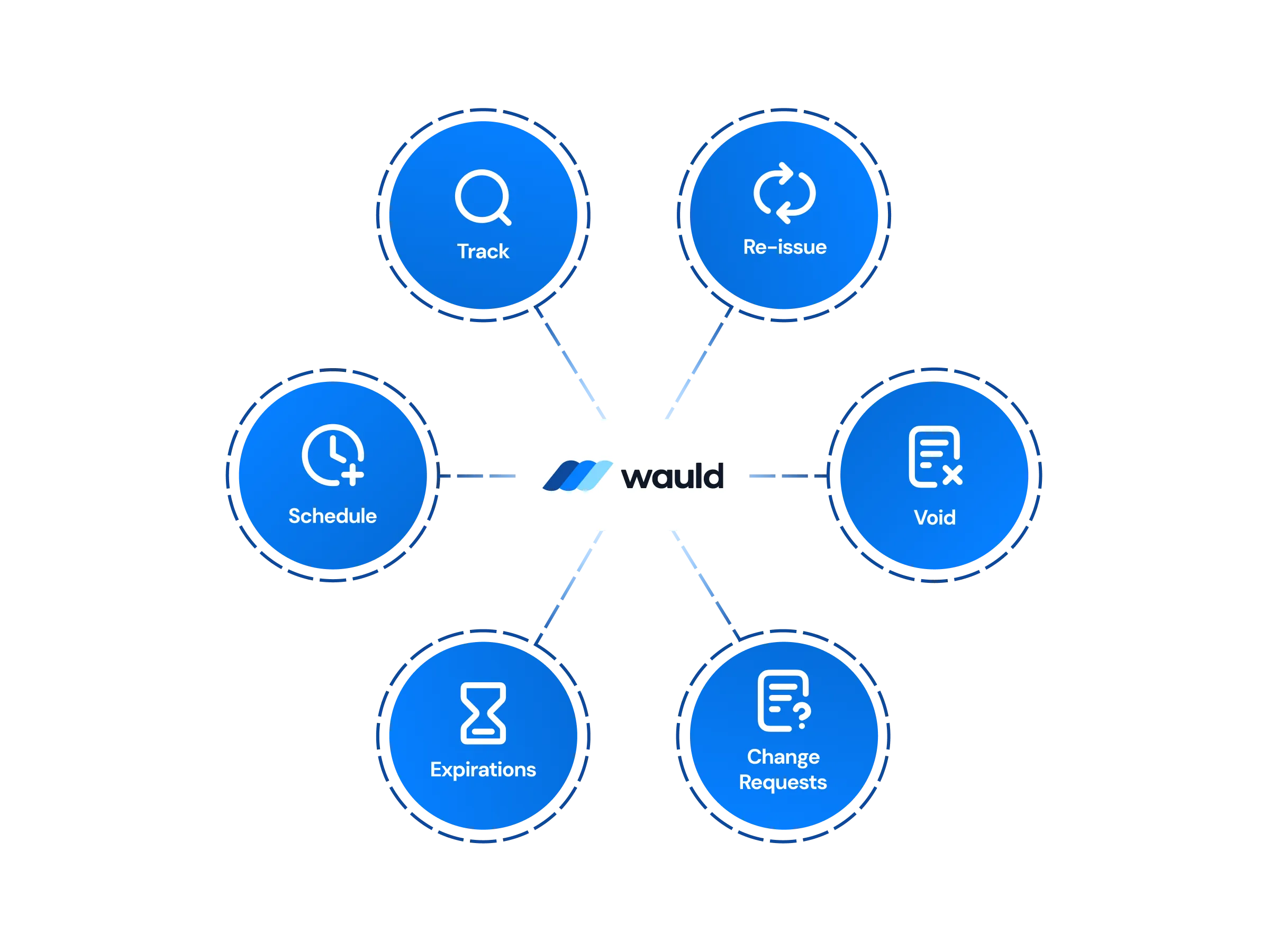
Central Management
Manage all your Smartsheet integrations, templates, and issuance history from one dashboard. Track who received what and when.
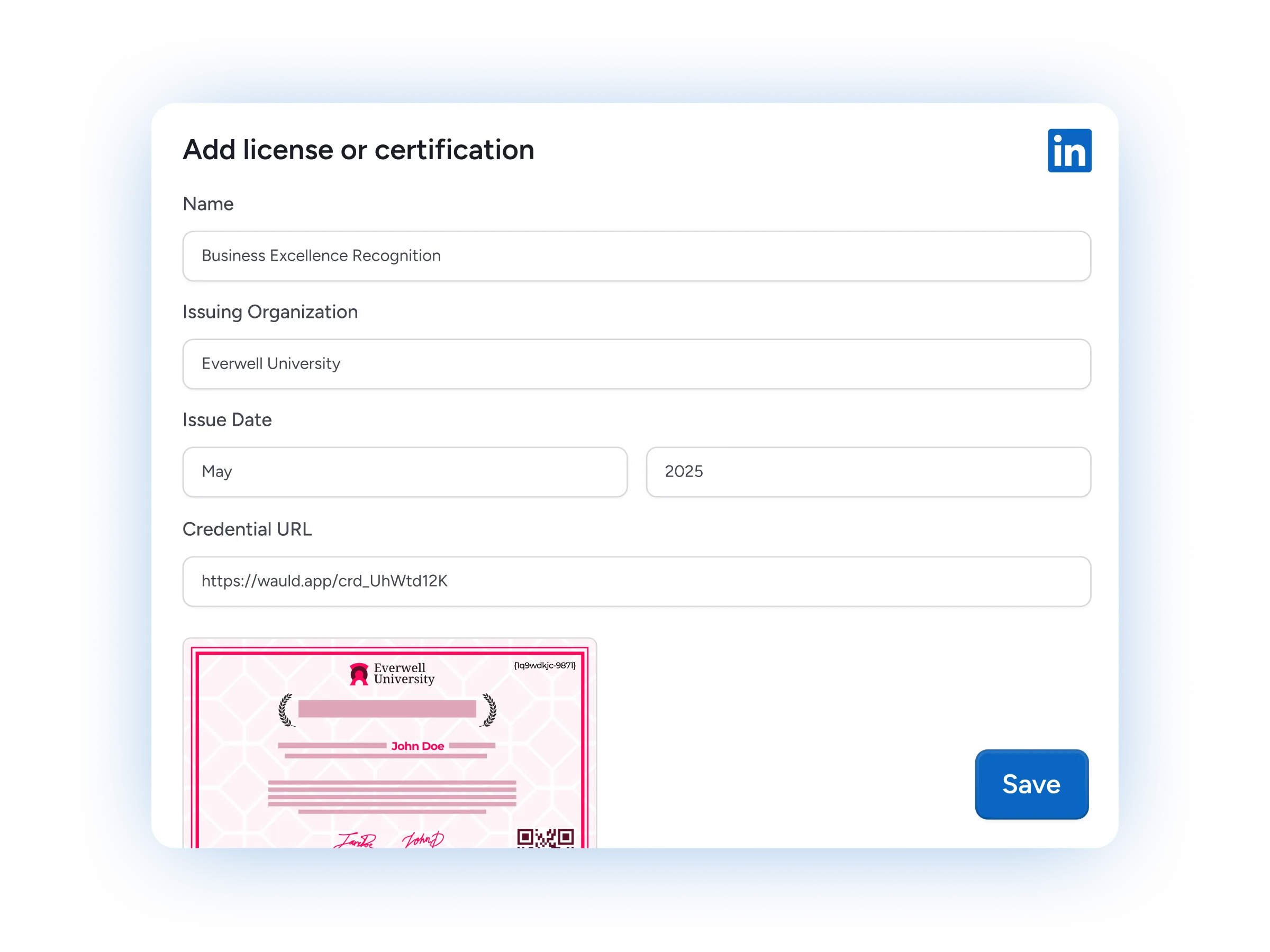
LinkedIn Sharing
Recipients can instantly add credentials to their LinkedIn profiles with a single click, increasing visibility and credibility.
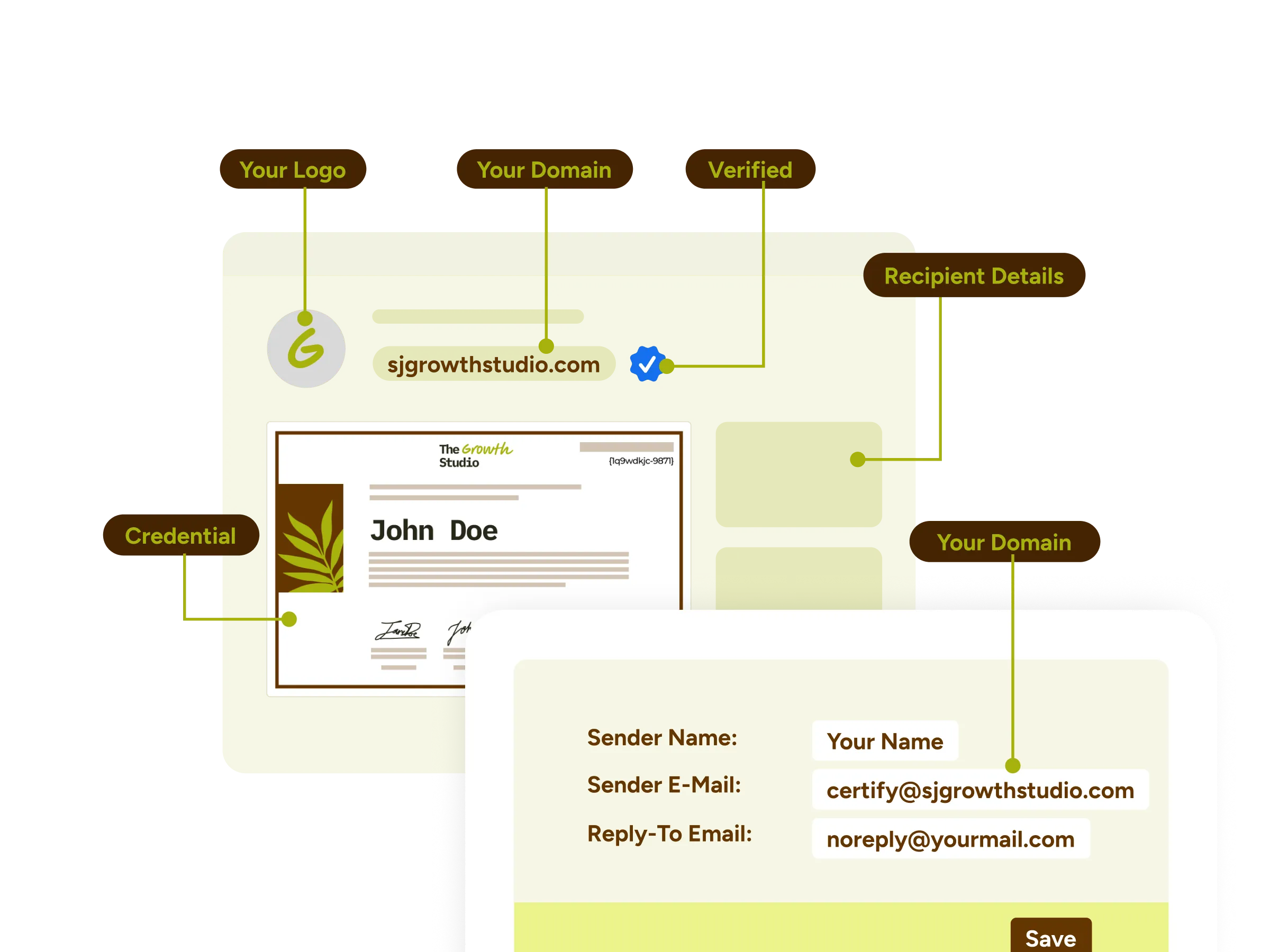
White-Label Experience
Deliver a fully branded experience with custom domains, email templates, and credential wallets that reflect your organization's identity.
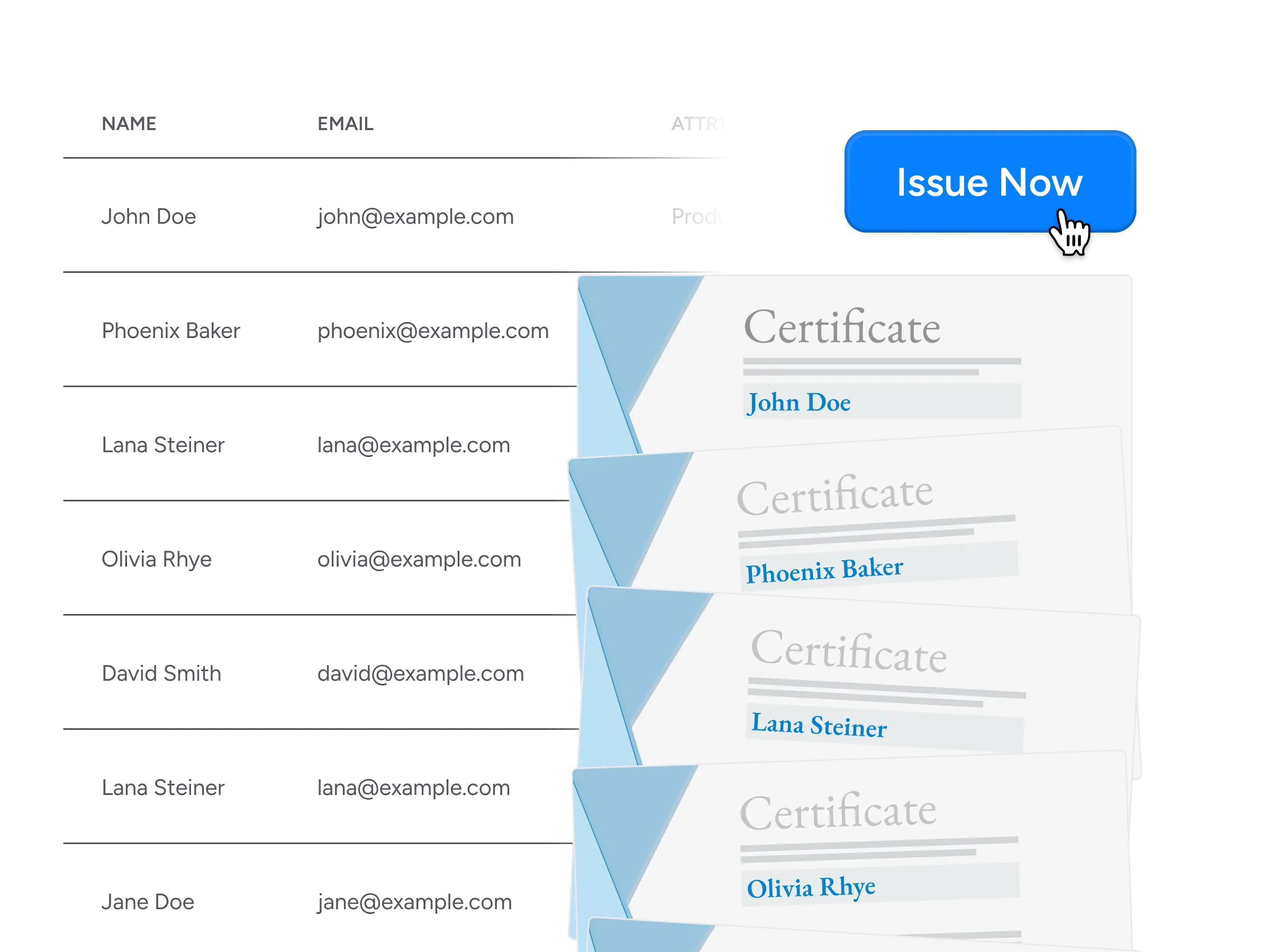
Bulk Issuance
Issue hundreds or thousands of certificates in minutes from your Smartsheet. No manual data entry, no delays - just instant issuance.
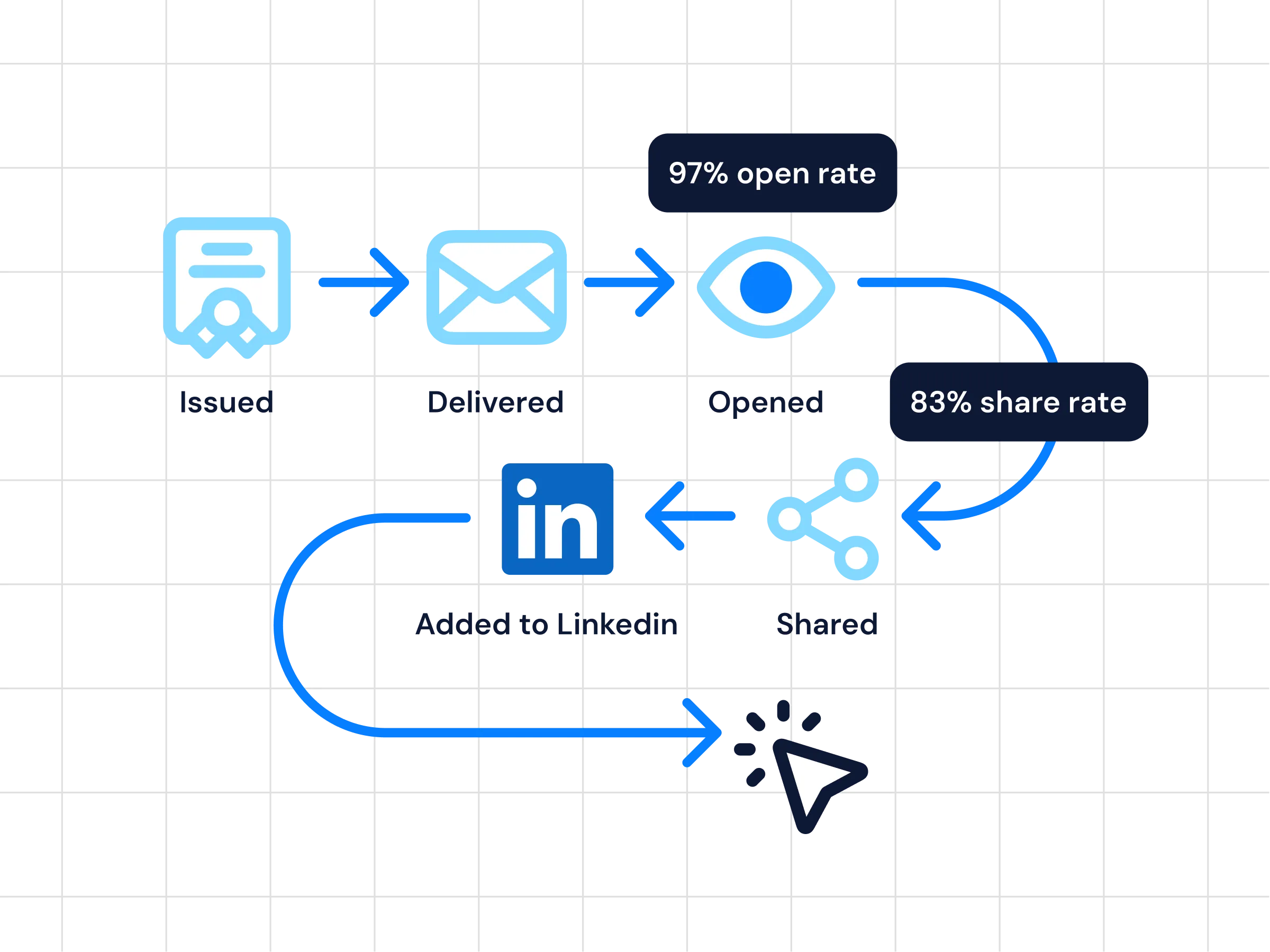
Analytics
Track credential opens, shares, verification activity, and recipient engagement in real-time. Measure the impact of your programs.

Certificates as Marketing Assets
Enable recipients to share credentials on LinkedIn, Twitter, and social media, turning your credentials into growth engines.

Premium Support
Get dedicated support to help you set up your Smartsheet integration, design templates, and scale your credentialing program.
FAQs
Everything you need to know about Smartsheet integration and automated credential issuance
How do I connect Smartsheet to Wauld for automatic certificate issuance?
Connect Smartsheet to Wauld once, then configure which row events (creation, status changes, or approval completions) trigger credential issuance. Map your Smartsheet columns to certificate fields, and every matching row automatically issues a certificate or badge to the recipient.
Can I issue certificates based on Smartsheet approval workflows?
Yes. Set up an approval request in Smartsheet, and when the row is approved, Wauld automatically issues the credential. You can also configure conditional issuance - for example, issue only if a score exceeds a threshold or a specific field has a particular value.
What Smartsheet row events can trigger credential issuance?
Credentials can be triggered when rows are created, when existing rows are updated, when a status field changes, or when an approval is completed. You can also set date-based triggers for time-sensitive credentials, such as issuing a renewal badge on a specific date.
How do I handle incomplete or invalid records in Smartsheet before issuing credentials?
Use Smartsheet's native workflows to validate data and only route complete records to Wauld. Alternatively, configure Wauld to validate required fields (name, email) before issuance and flag incomplete records for manual review. Duplicate rows can be prevented with Smartsheet's workflow conditions.
Can I map Smartsheet columns to specific certificate fields?
Absolutely. Map your Smartsheet columns (recipient name, email, date, program, score, or custom fields) directly to certificate template fields. Wauld will automatically populate certificate details from your sheet data with no manual data entry.
Which Smartsheet data can I use in credential issuance workflows?
You can use any column data from your Smartsheet rows: text fields (names, titles), date fields, numeric fields (scores, hours), dropdown fields (program names, skill levels), and checkbox fields (compliance status). Timestamps and approval information are also available.
Can multiple team members manage the Smartsheet integration?
Yes. Team members with Editor or Admin access to your Smartsheet can configure workflows and trigger credentials. All issuance activity is tracked in Wauld's dashboard, and you can set role-based permissions in Wauld to control who can approve or issue credentials.
Do I need a Smartsheet Business or Enterprise plan?
Basic Smartsheet plans support row-based and time-based triggers for credential issuance. Approval request workflows are available on Smartsheet Pro and higher plans. Check your plan details or contact Smartsheet support to confirm which workflow features are included in your subscription.
Which integration method should I use: Zapier, webhooks, Power Automate, or API?
Zapier is the easiest no-code option if you're already familiar with it. Webhooks offer real-time triggering and are ideal for custom integrations. Power Automate is best if your team uses Microsoft 365. The REST API provides the most control and is recommended for enterprise-scale automation.
Which Wauld pricing plan includes Smartsheet integration?
Smartsheet integration is available on all Wauld plans. The Free plan includes manual CSV uploads and basic webhooks. Paid plans add real-time sync, advanced automation, white-label branding, and dedicated support for complex workflows.
Start Issuing Certificates From Smartsheet Today
Create your free Wauld account and automate your first certificate workflow in minutes.
Talk to an Expert