The Microsoft Teams Integration That Issues Certificates Automatically
Microsoft Teams gives you an attendance report and stops there. Integrate it with Wauld and every attendee of your webinar, training session, or meeting receives a branded, verifiable certificate or badge.
From a Microsoft Teams attendance report to a verified certificate
Set up the Microsoft Teams integration once, then every session you run ends with credentials in your attendees' inboxes and no manual workflow in between.

Your Microsoft Teams session ends
A webinar, training session, or meeting wraps up in Microsoft Teams and the attendance report is ready in the event's Reports tab.
Attendance reaches Wauld
Send it through Power Automate, Zapier, or a web trigger, or simply upload the attendance CSV. Nothing is typed out by hand.

Credential is issued
Wauld maps each attendee's name and email to your chosen template, shows you a preview, and issues the credential in seconds.
Attendee receives their credential
An email notification delivers a verifiable certificate or badge on its own hosted page, ready to add to LinkedIn, submit as CPD evidence, or post in a Teams chat or channel.
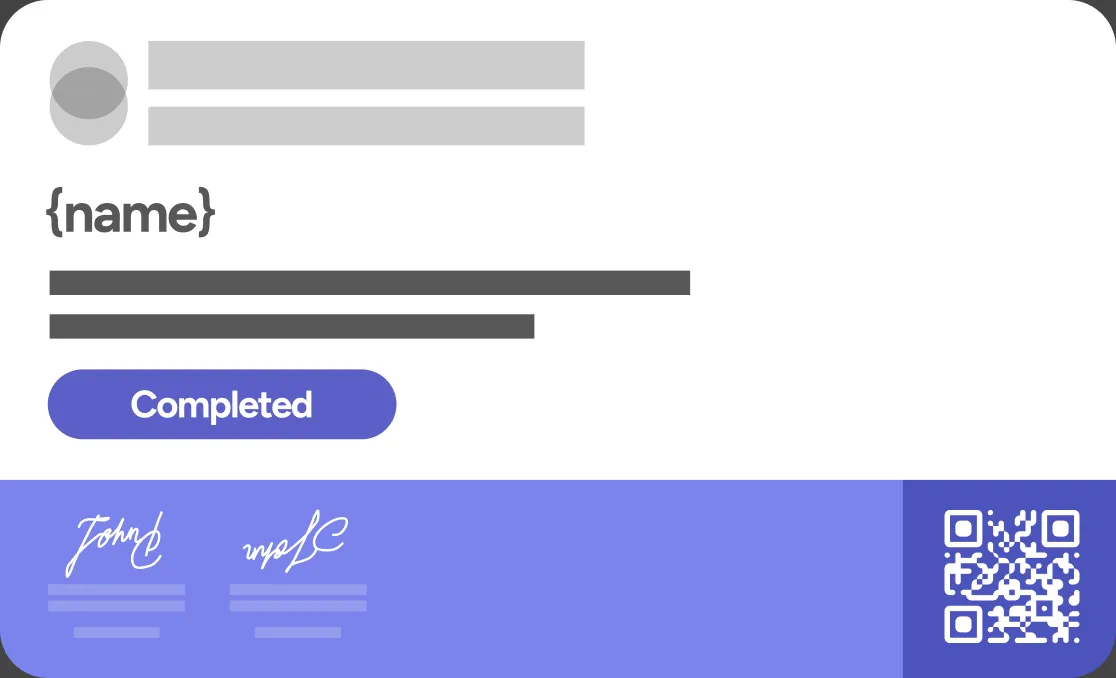
Recognize Every Session You Run in Microsoft Teams
Give attendees, learners, and new hires proof that holds up outside your organization

Attends a webinar
Turn the Microsoft Teams attendance report into a certificate of attendance for every participant, so proof of presence arrives without anyone chasing it.
Completes a training session
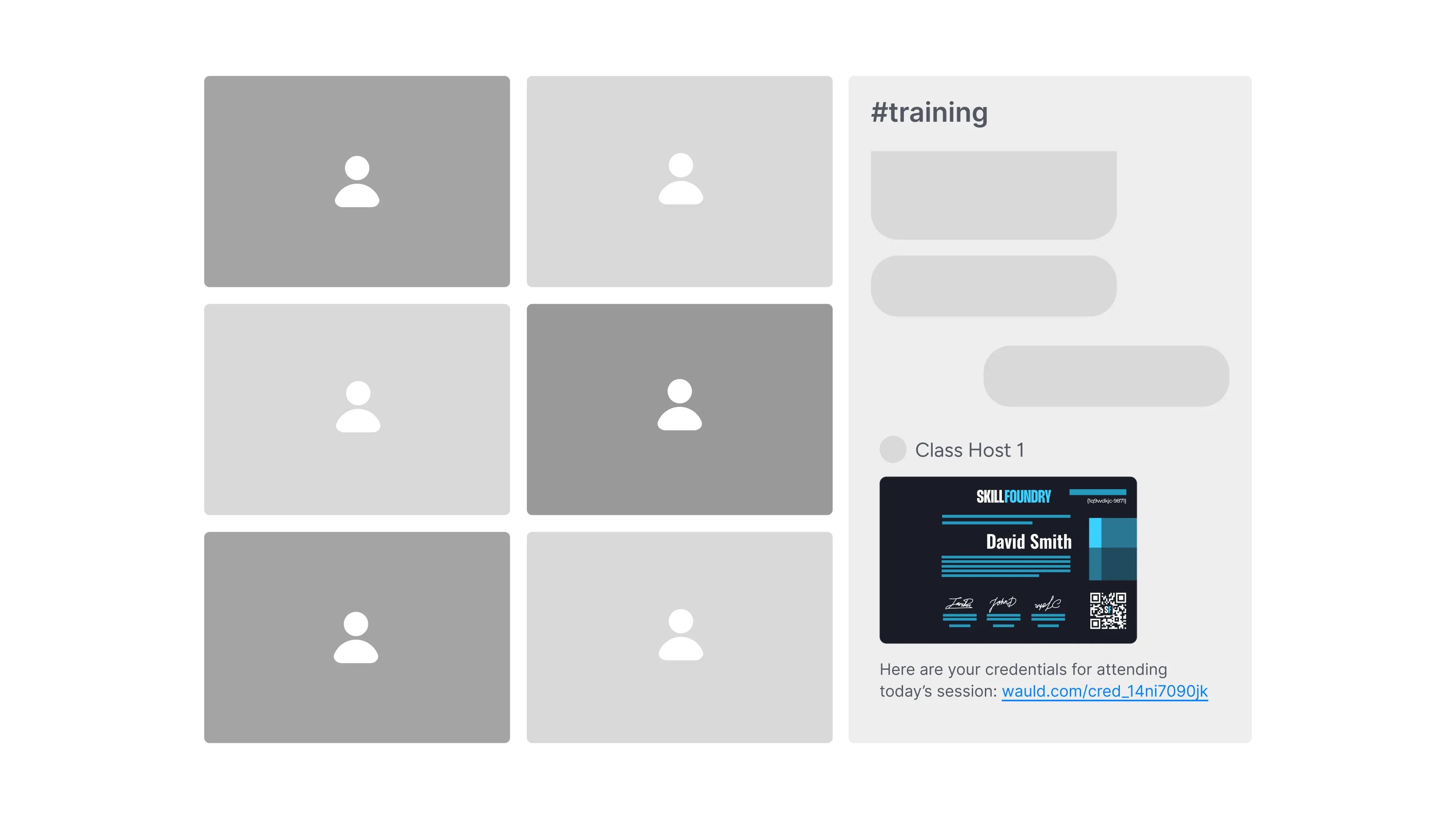
Recognize people who sat through a live Teams training with a branded certificate, then share the link in the Microsoft Teams channel where you ran the session.

Passes a quiz
If you use Microsoft Forms for the quiz, Teams collects the answers but cannot certify the result. Pass the scores to Wauld and the badge goes out automatically.
Finishes onboarding
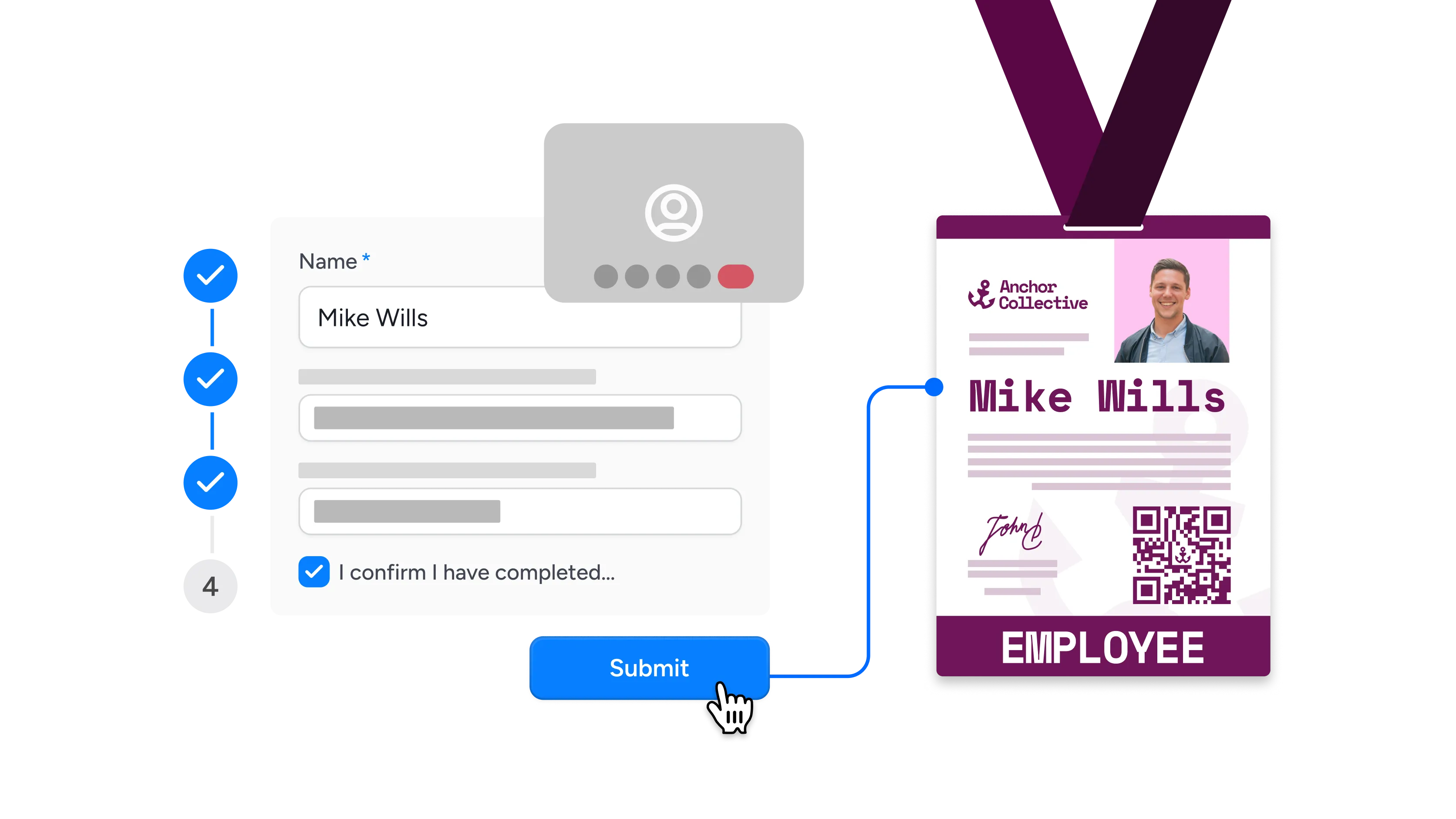
Close out a new-hire onboarding run in Teams with a credential that gives HR a dated, verifiable record of who completed it.
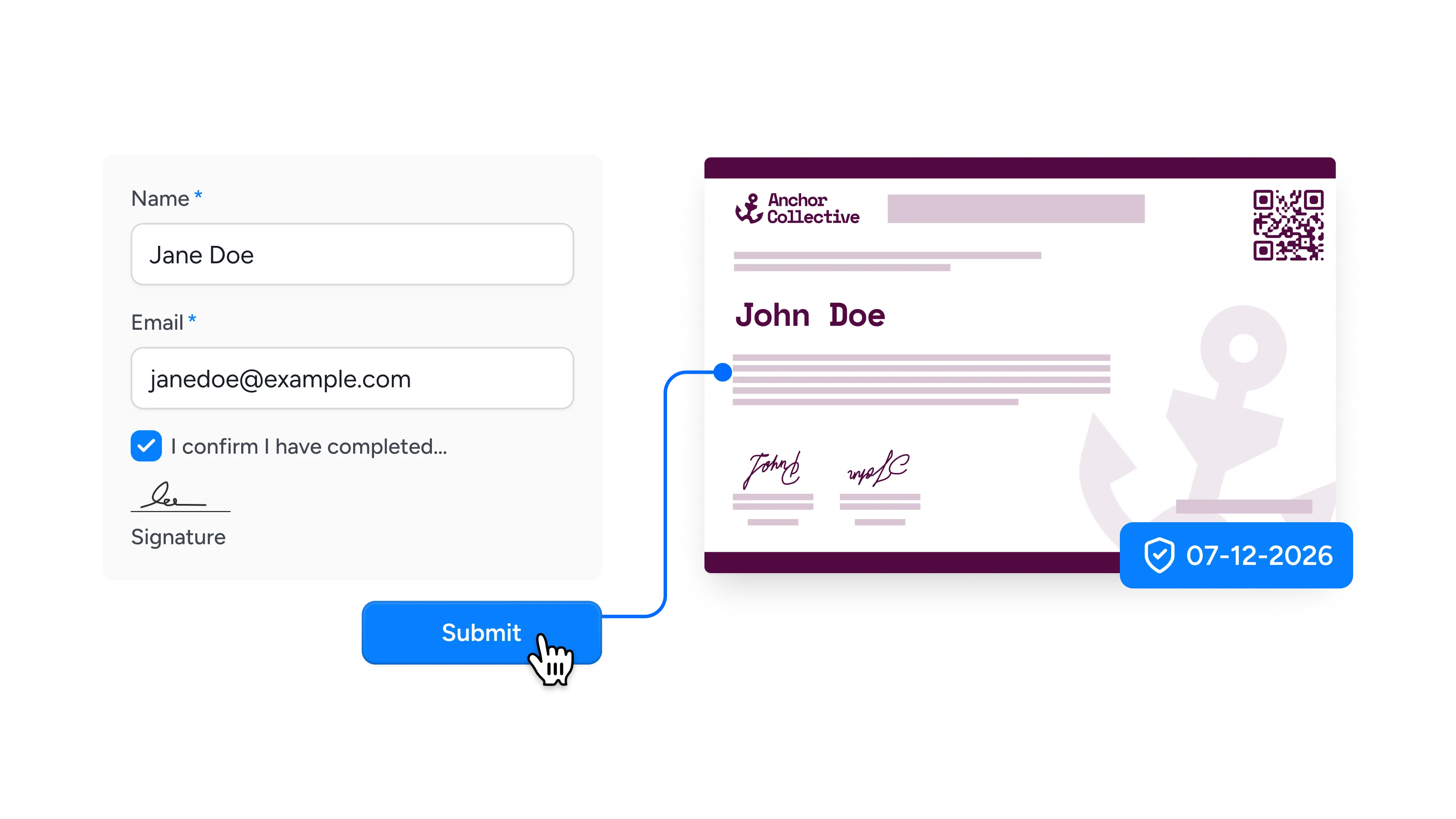
Completes compliance training
Issue evidence auditors will accept, with a unique identifier on every certificate, a verification log behind it, and an expiry notification when renewal is due.
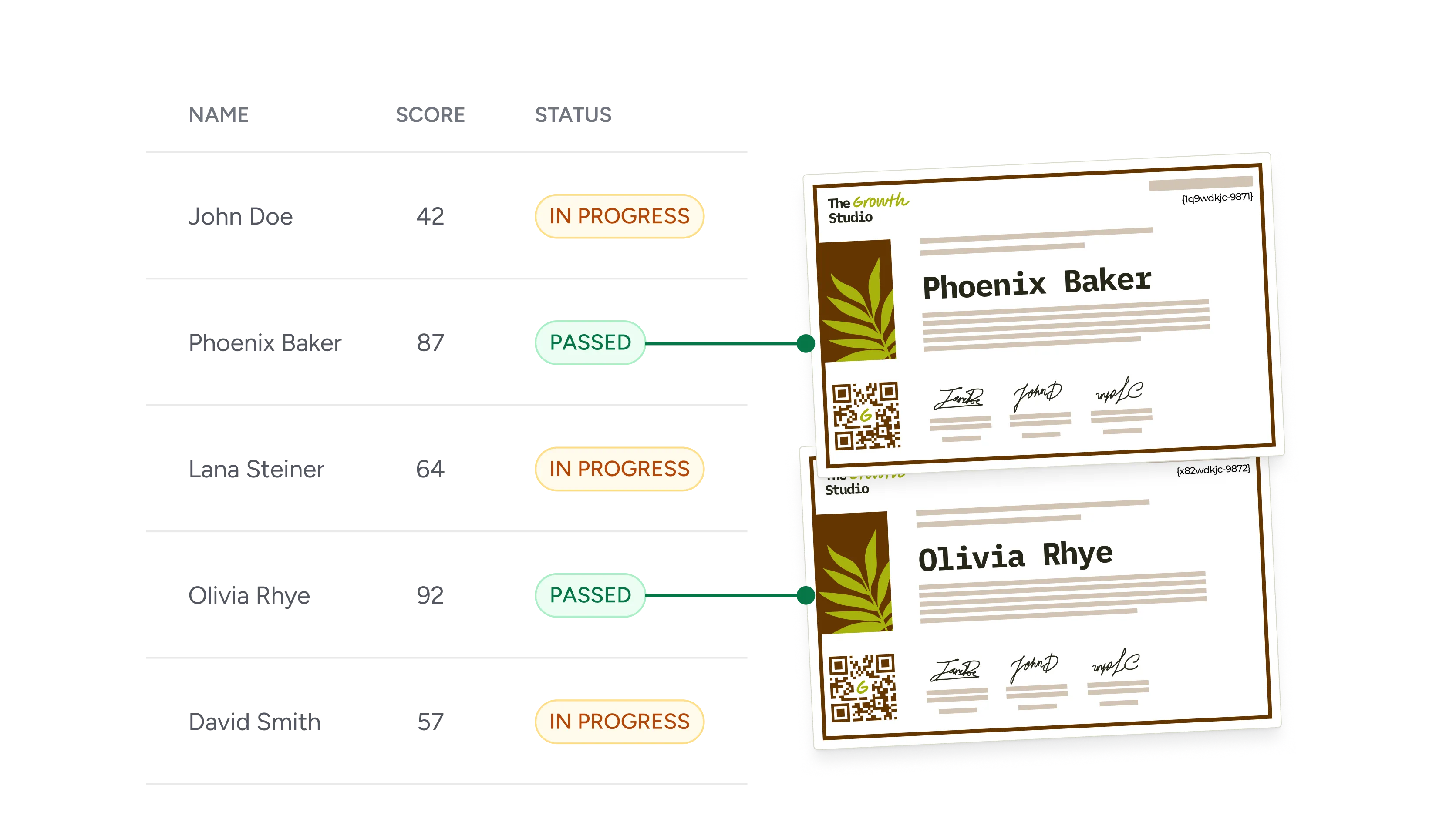
Completes an assessment
Validate skills after a Teams-delivered assessment with a credential that carries the score, the criteria, and your organization's name.

Finishes a certification track
Reward the people who complete a full certification track with a credential they can show a licensing board or an employer.

Completes a webinar series
Recognize attendance across a whole series rather than a single session, and keep people coming back for the next one.
Connect Microsoft Teams to Wauld
Choose the best Microsoft Teams integration method for your workflow, from a no-code upload to full developer control


Why Microsoft Teams Organizers Choose Wauld
Everything Microsoft Teams leaves out once the meeting ends
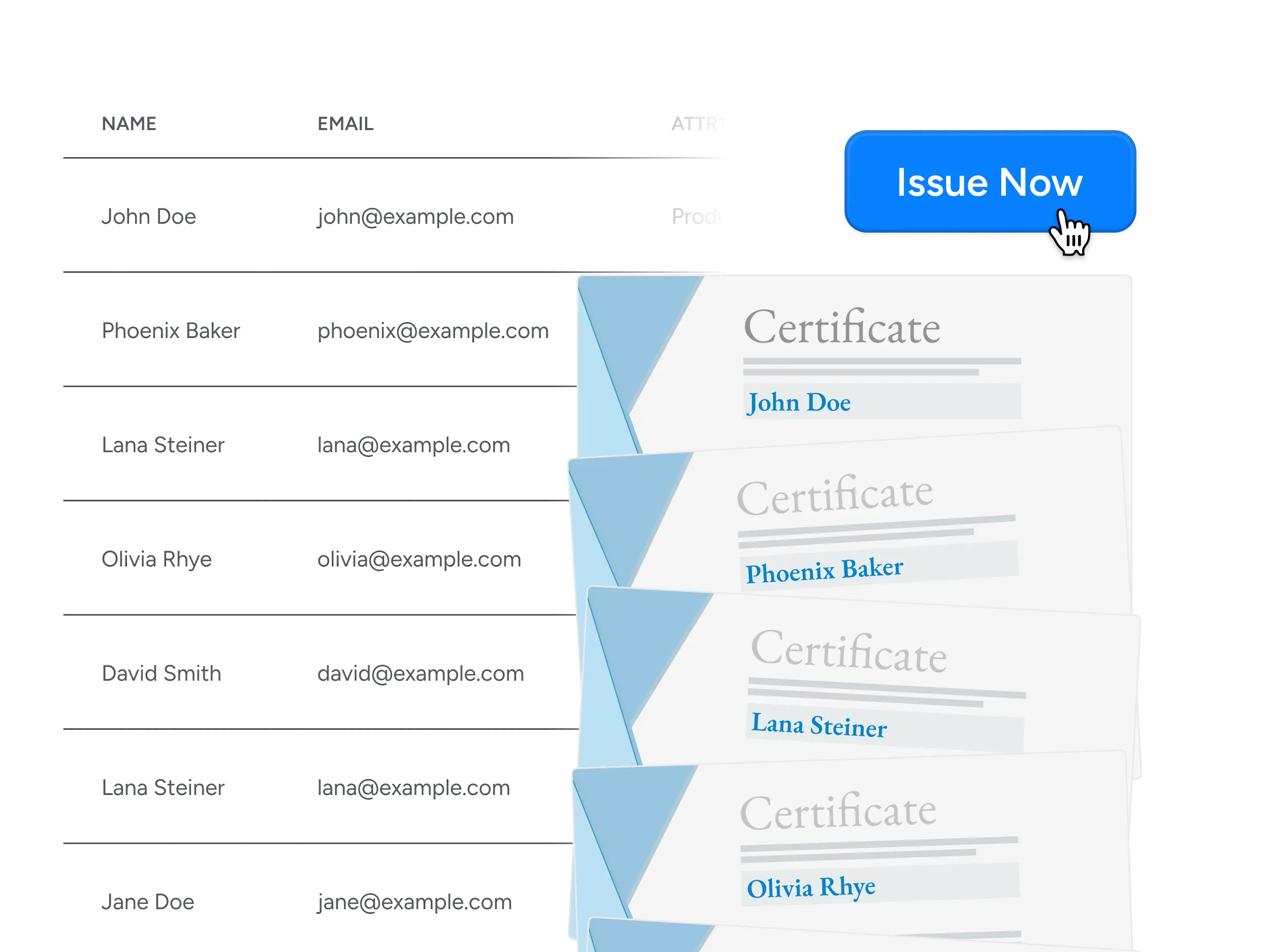
Bulk issuance
The attendance report goes in as it comes out of Teams, and thousands of certificates go out in minutes. For a series you run every month, workflow automation takes over and the batch issues itself.
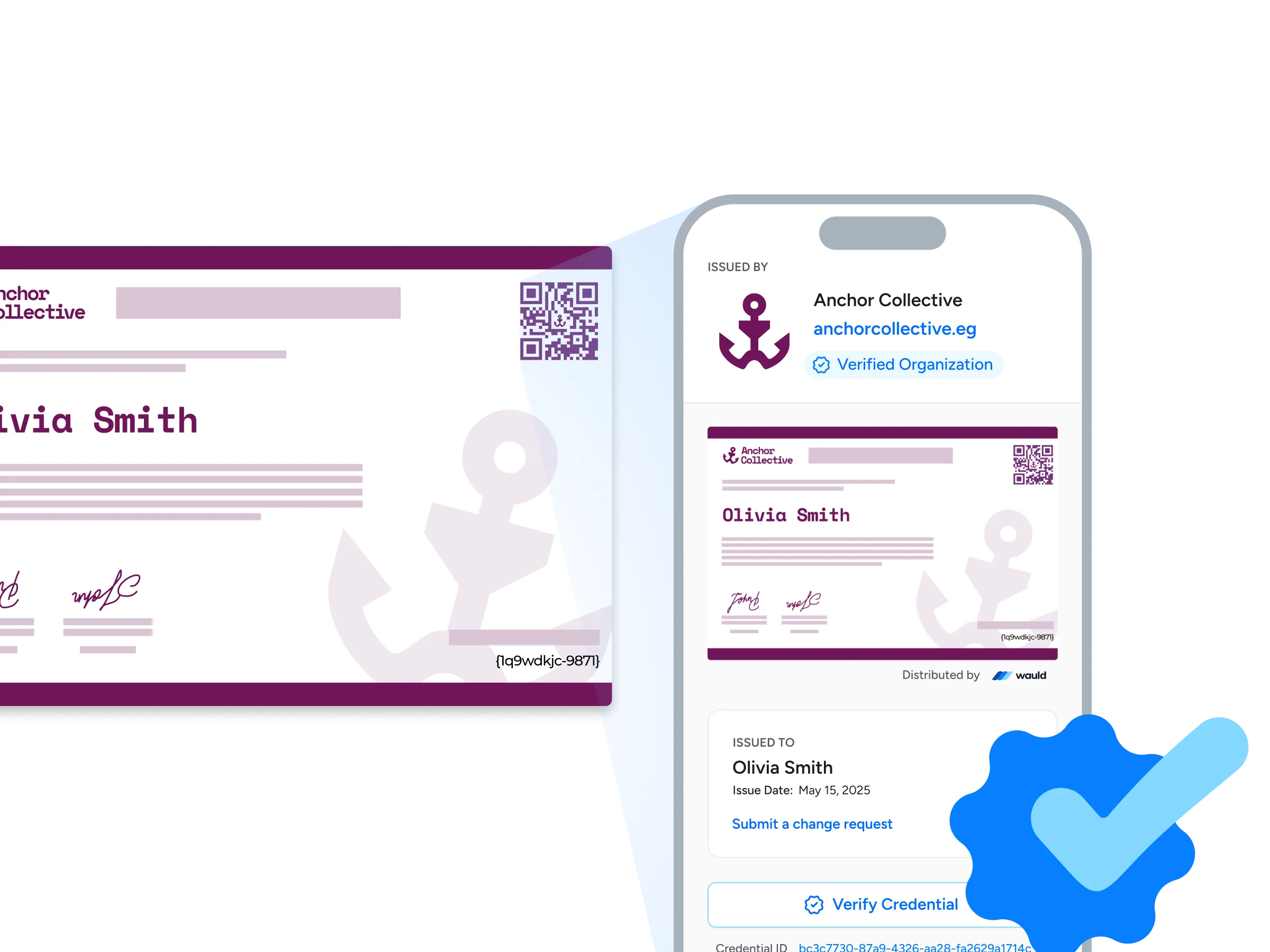
Verification pages
A row in a spreadsheet proves nothing to an employer. Each credential carries a unique identifier and its own hosted page, so a third-party check resolves in one click and every verification request is logged.
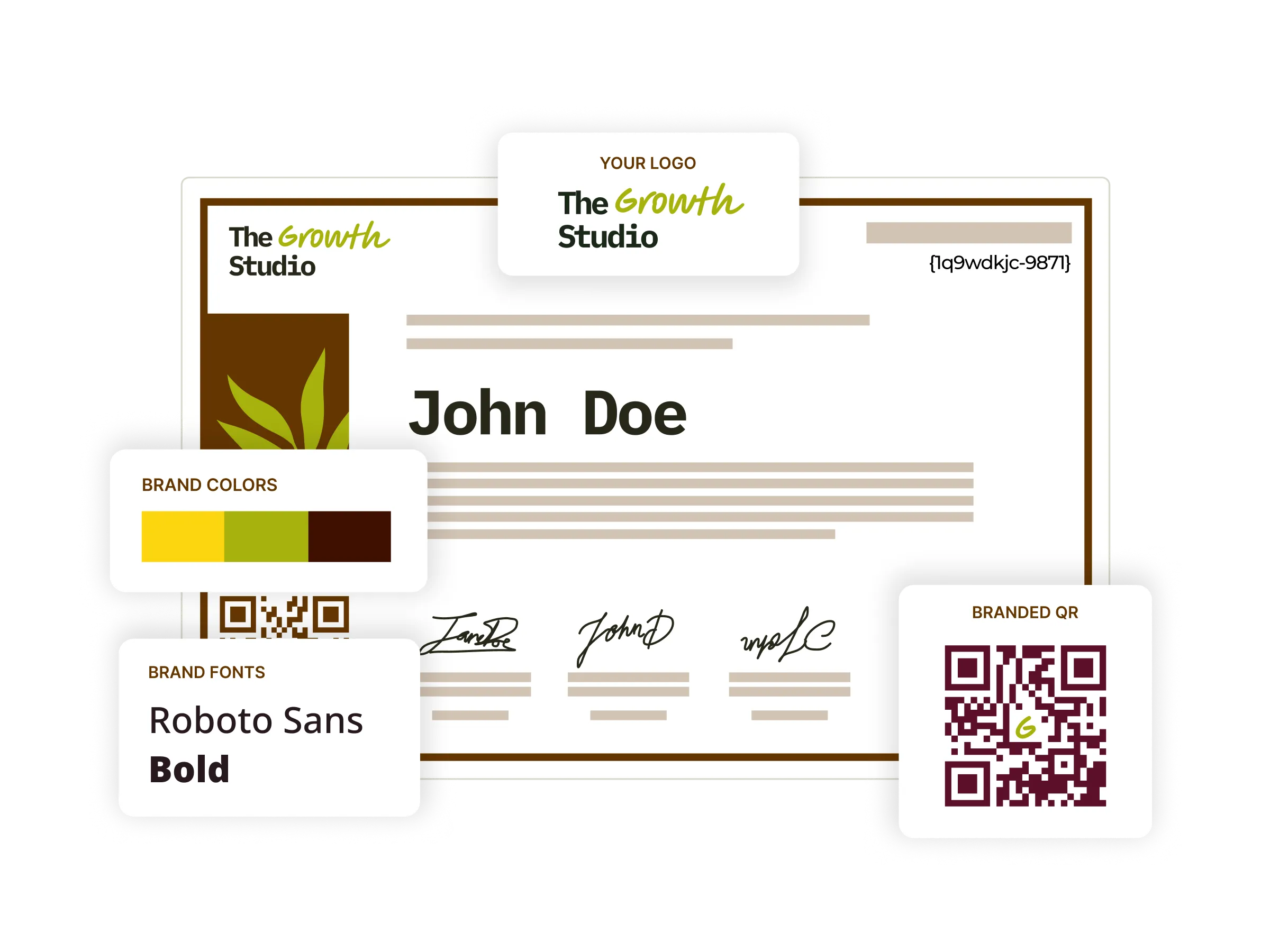
Digital certificates
Start from 1,000+ templates or build your own, then add signatures, custom fields, and a QR code. Your session title and each attendee's name drop into place at issue time.
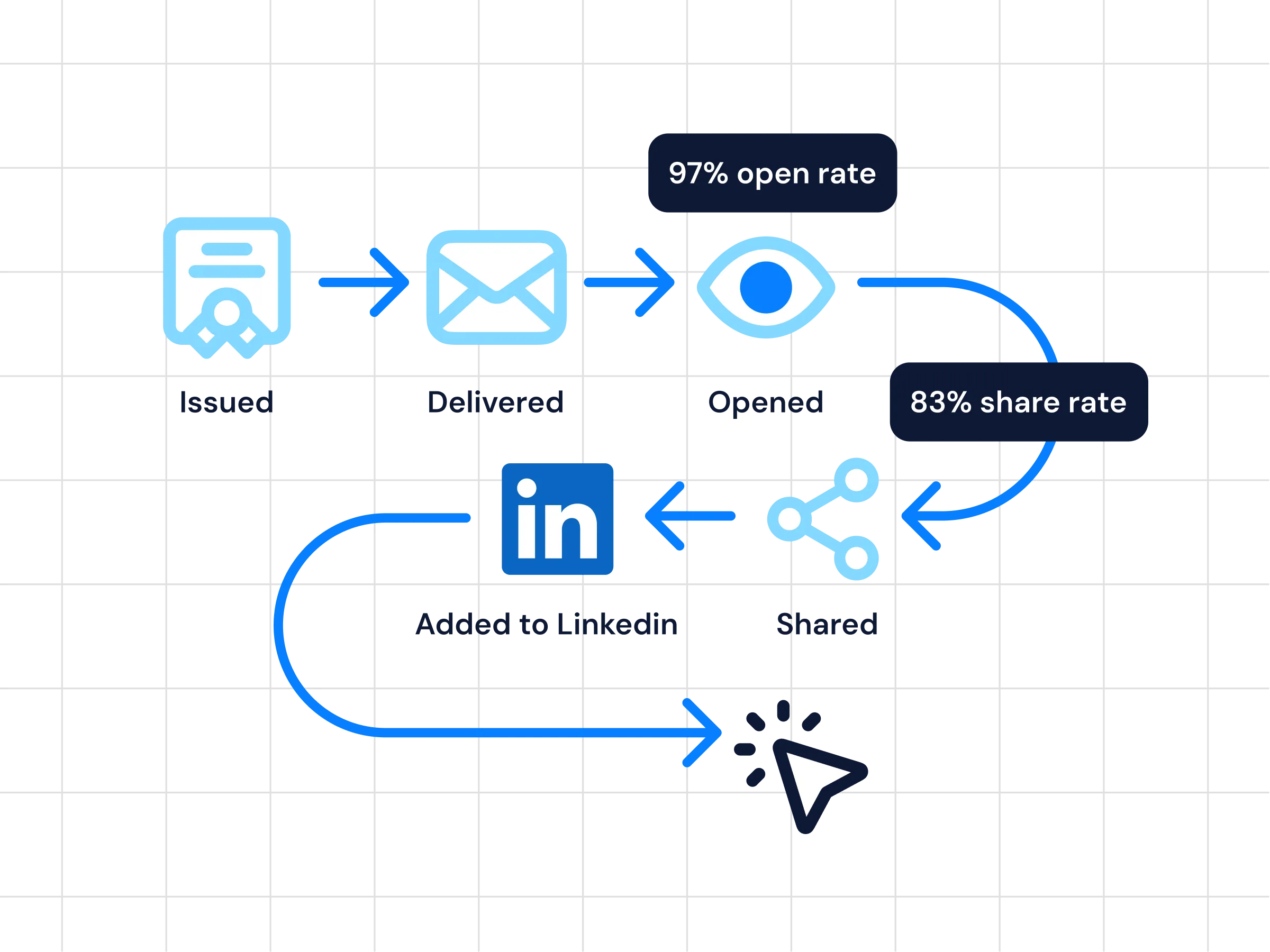
Analytics
See what happens after the certificates land: opens, downloads, shares, and verification activity, tracked per credential and in real-time on one dashboard, so you can make data-driven decisions about the next session.
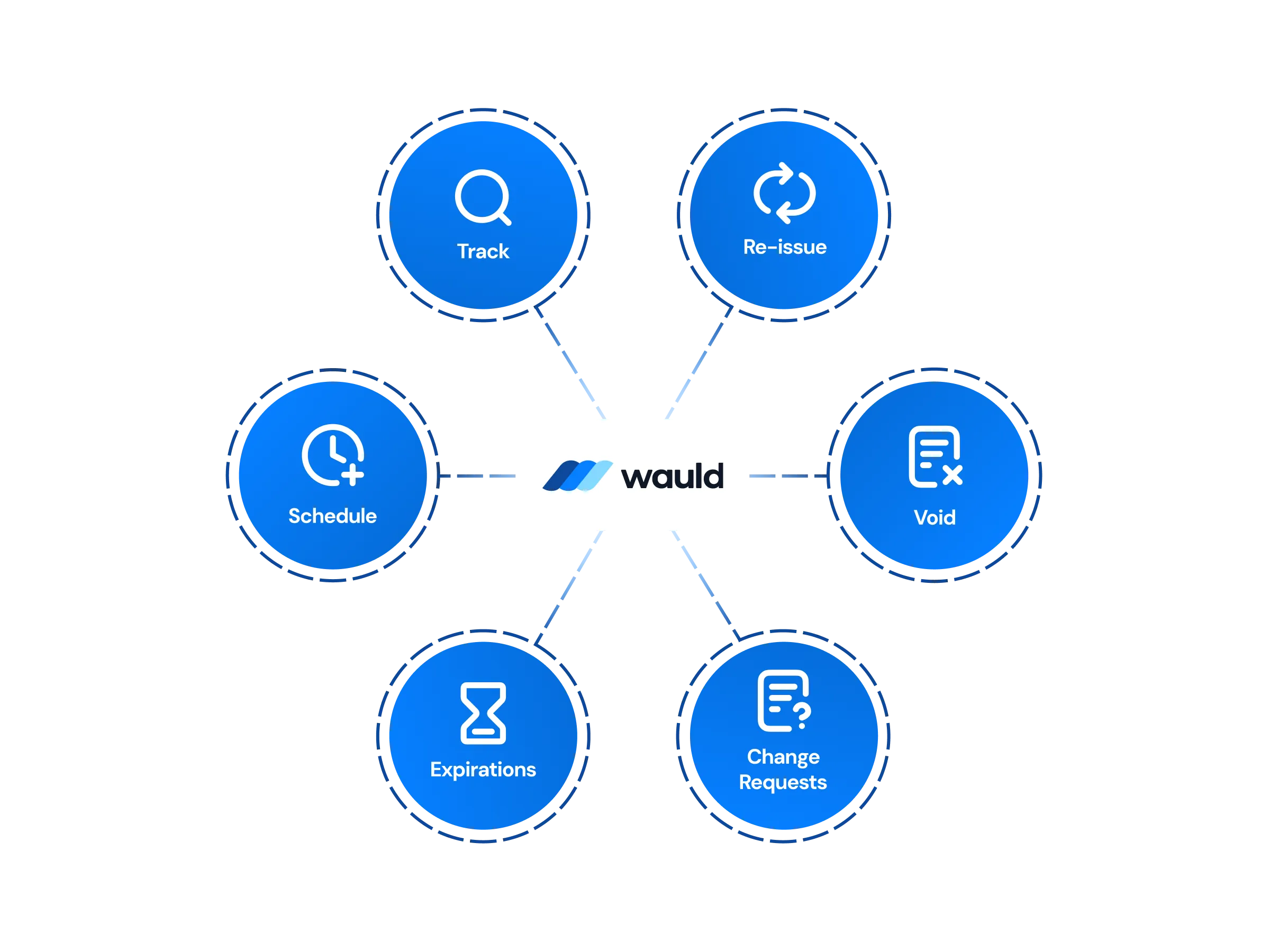
Central Management of certificates
Fix a misspelled name, resend to someone who missed the email, approve a change request, or void a credential outright, all from one workspace with role-based access controls deciding who can do what.

Digital badges
Badges suit the shorter sessions where a full certificate would be too much. Each one names the skills demonstrated and the criteria behind them, and ships as an Open Badges 3.0 credential other platforms can read.
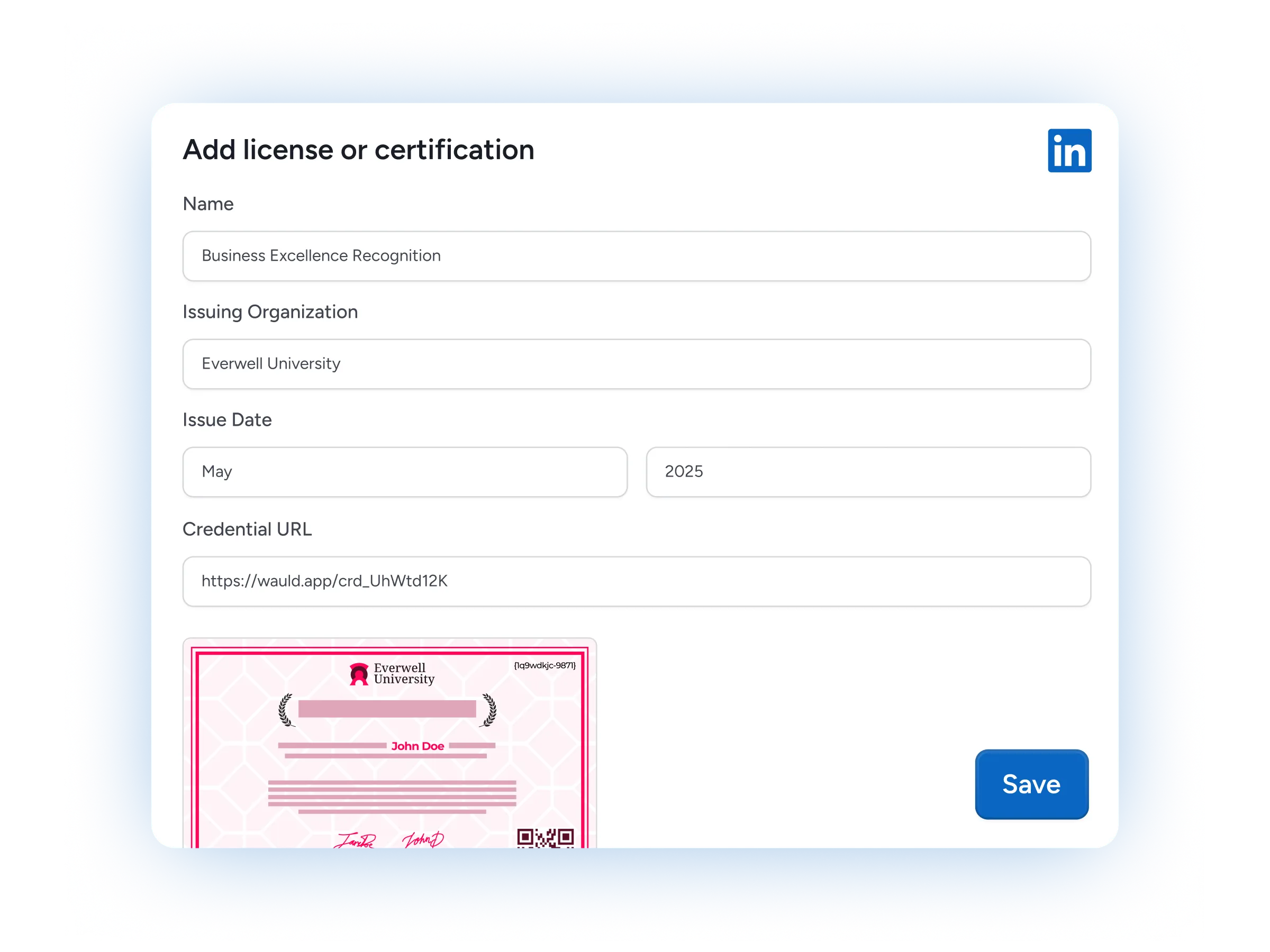
LinkedIn Sharing
One click moves a credential onto an attendee's LinkedIn profile with your organization named as the issuer. They can share it elsewhere or resend the link themselves from their recipient portal.
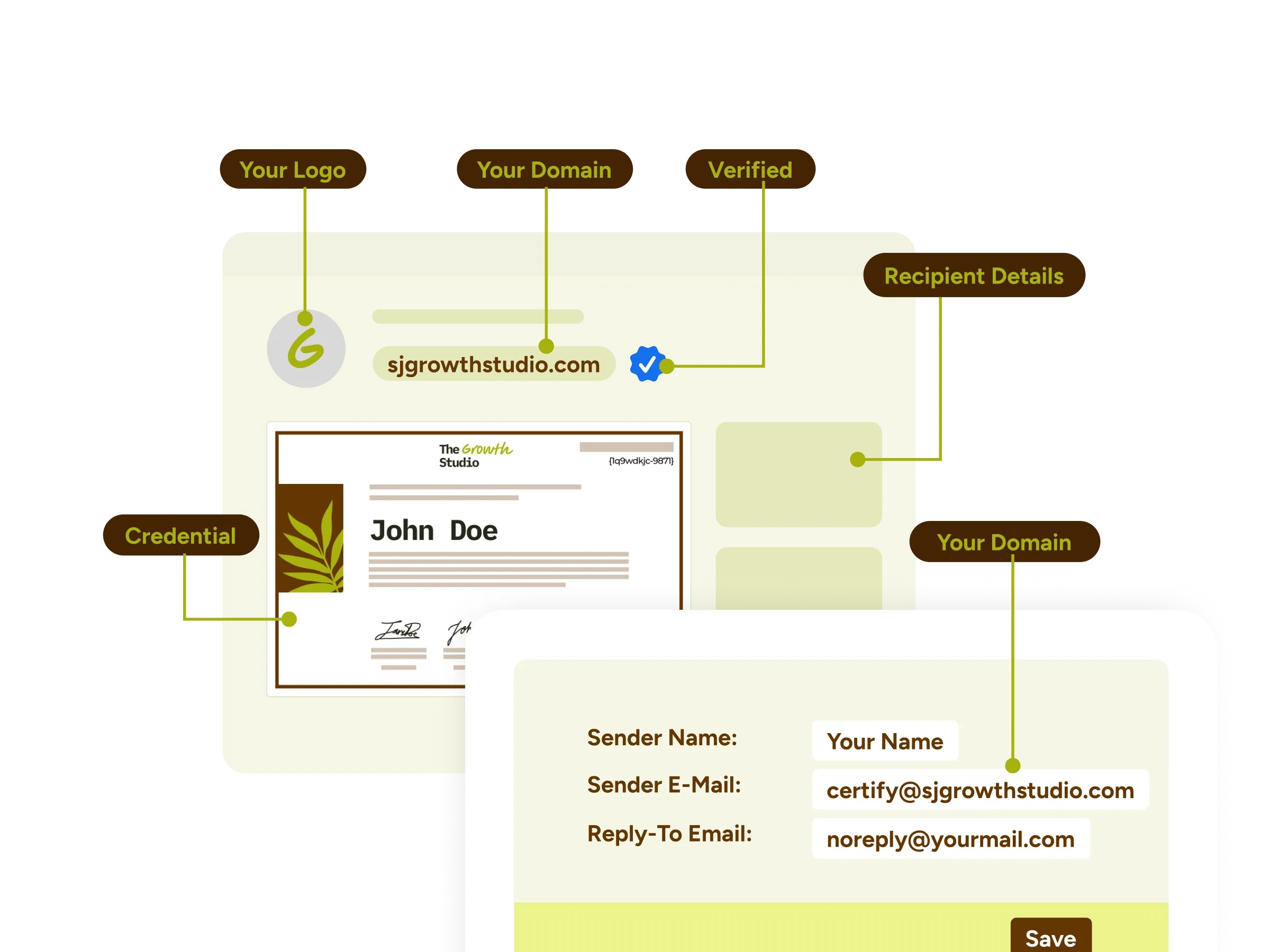
White-label experience
On Enterprise the whole experience carries your name instead of ours: credentials hosted on your own domain, delivery emails sent from it, and your organization's fonts on the certificate itself.

Certificates as Marketing Assets
Every share puts your training program in front of an audience you did not have to buy. A session that ends in shareable credentials keeps earning attention long after the recording stops.
Premium Support
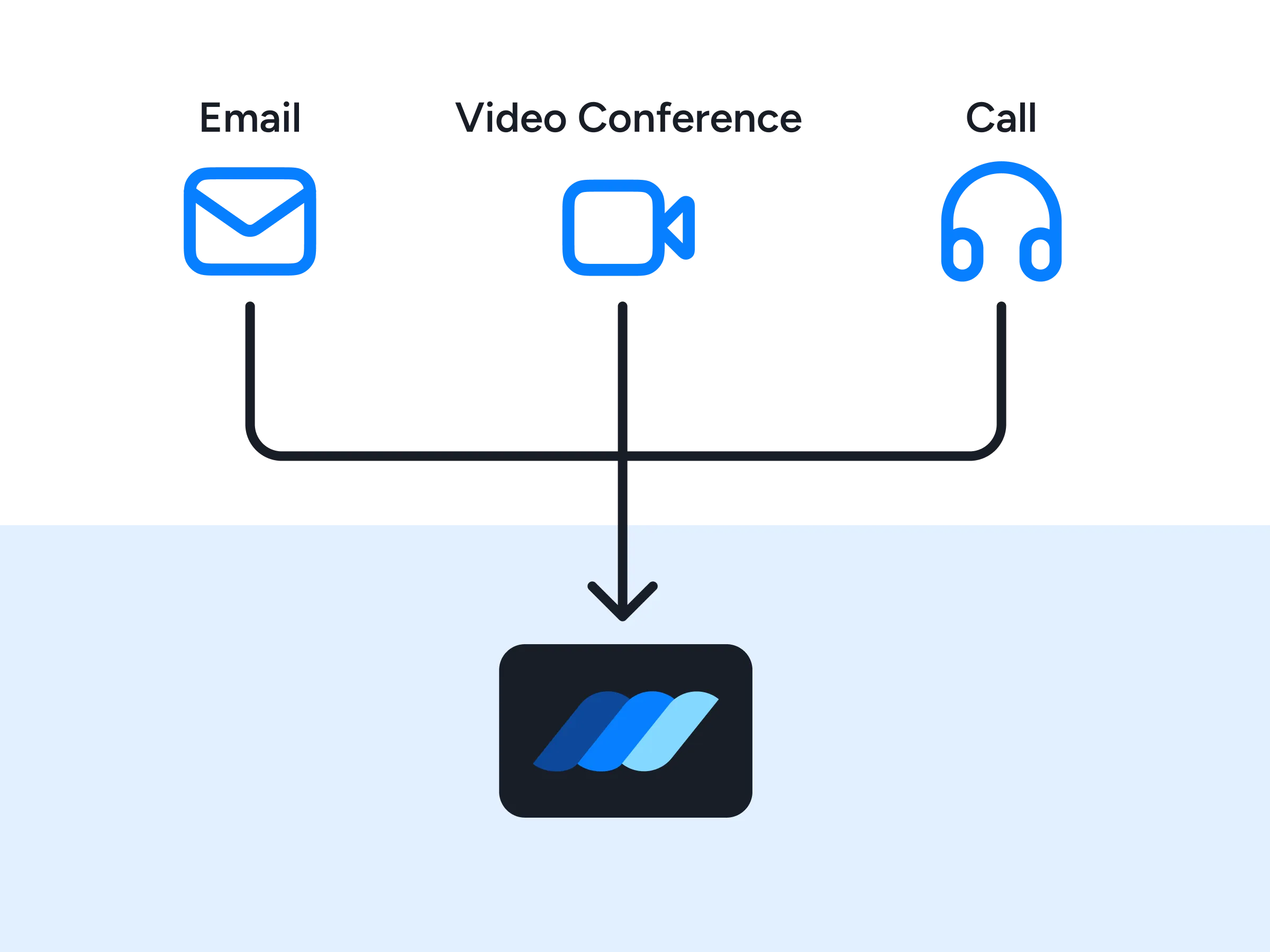
An integration specialist will help you wire up the connection and settle your credentialing best practices. Technical support runs over email, scheduled video calls, and live chat, with priority response on paid plans.
FAQs
Everything you need to know about the Microsoft Teams integration and issuing certificates of attendance
Does Microsoft Teams have a built-in certificate of attendance?
No. Teams gives you a registration form, an attendance report covering the people who join Teams meetings and webinars you host, and a CSV download, but the Teams platform has no way to turn that into a certificate. Microsoft has confirmed this in its own community threads and still points people to the feedback portal. Wauld is the certificate layer that sits on top of the attendance data Teams already collects.
How do I issue certificates of attendance for a Microsoft Teams webinar?
Open the event in your Teams calendar, go to Manage Event, Reports, then the Attendance tab and download the report. Upload that CSV to Wauld, map the name and email columns, preview a sample, and issue. It works on any Microsoft 365 plan, including the older Office 365 tiers, and for a 1,000-attendee webinar the whole run takes about 25 minutes.
How do I set up the integration with Microsoft Teams, and do I need a developer?
Four of the five routes need no code at all. Upload the attendance CSV for one-off events, build a Power Automate flow if you would rather stay inside Microsoft 365, use Zapier to automate a recurring program, or send attendee details to a web trigger URL from any tool that can call one. Only the API needs a developer, which suits development teams that want to wire credentialing into their own systems.
Does my IT team need to approve anything?
Not for Wauld itself. There is no Microsoft Teams app to install and nothing listed in the Teams app store, so no third-party apps land in your tenant and there are no custom apps to build. Wauld requests no Microsoft Graph scopes and deploys no bot, which leaves your Teams environment and the Microsoft Teams experience your people already know untouched. The CSV and web trigger routes need no approval at all, and Power Automate runs inside your own tenant on licensing you already hold. If you automate through Zapier instead, that step authorizes Zapier's own Microsoft Teams Events app against your Microsoft account, which some tenants ask an administrator to approve in the Teams admin center or Microsoft Entra ID, formerly Azure AD.
Do I need Power Automate to make this work?
No, but it is there if you want it. CSV upload, Zapier, and web triggers all work without it. If your organization already runs on Microsoft 365, the Wauld connector for Power Automate is the most natural fit: build a flow that picks up the attendance report and issues credentials, and it stays inside your own tenant rather than routing through an outside service. It is included on every plan, including Free.
Can someone other than the meeting organizer issue the certificates?
Yes, and this matters in MS Teams because co-organizers cannot open the attendance report. Microsoft's own documentation on Microsoft Learn confirms only the main organizer can download it. Once that report is in Wauld, role-based permissions on the Growth and Enterprise plans let your L&D coordinator or events manager collaborate on issuing, tracking, and managing credentials without waiting on the organizer again.
Can Teams attendees share their certificates and badges on LinkedIn?
Absolutely. Every credential is ready to add to a LinkedIn profile in one click, with your organization listed as the issuer, so each attendee puts your training program in front of their professional network. They can also share it directly within Teams by pasting the link into a Teams chat.
Can I use the same setup for sessions I run outside Teams?
Yes. The integrations for Microsoft Teams described here are one route into Wauld, and there are many integrations available for other platforms, so a single certificate template and issuing workflow can cover a webinar you run on Zoom and a training session you run in Teams. The integration with Teams is not a separate system to maintain.
Which Wauld pricing plan includes the Microsoft Teams integration?
You can start on Wauld's Free plan, which covers up to 300 credentials and already includes bulk CSV issuance, Power Automate, Zapier, web triggers, and 1,000+ certificate and badge templates. Growth adds scheduled issuance, role-based access control, QR code verification, and the verified organization badge. Enterprise adds a fully white-labeled experience on your own domain.
What happens to my issued credentials if I downgrade or cancel my paid plan?
Once issued, your digital credentials remain valid and accessible to recipients even if you cancel your subscription. After your plan expires, features exclusive to paid plans will no longer be available, but all features included in the free plan will continue to work.
Start Issuing Certificates From Microsoft Teams Today
Create your free Wauld account, integrate Microsoft Teams, and issue your first certificate in minutes.
Talk to an Expert