Turn Microsoft Forms Responses Into Digital Credentials
Connect Microsoft Forms to Wauld and issue branded, verifiable certificates and badges automatically, the moment someone submits your form.

From a Microsoft Forms Response to a Verified Credential
Set up the integration once to streamline everything after it, and every submission follows the same automated workflow.

A new response is submitted
Someone finishes your Microsoft Forms quiz or survey and hits submit, and the entry appears in your Responses tab straight away.
The trigger reaches Wauld
A Power Automate flow, a custom trigger, or a scheduled export carries the form data across, so nothing has to be sent by hand.

The credential is issued
Wauld matches the answers to your chosen template and issues the certificate or badge in seconds.
Your participant receives their credential
A verifiable certificate or badge arrives in their inbox, ready to download, verify, and add to a LinkedIn profile.
Turn Everyday Form Submissions Into Credentials
Recognize learners, employees, and attendees the moment they submit
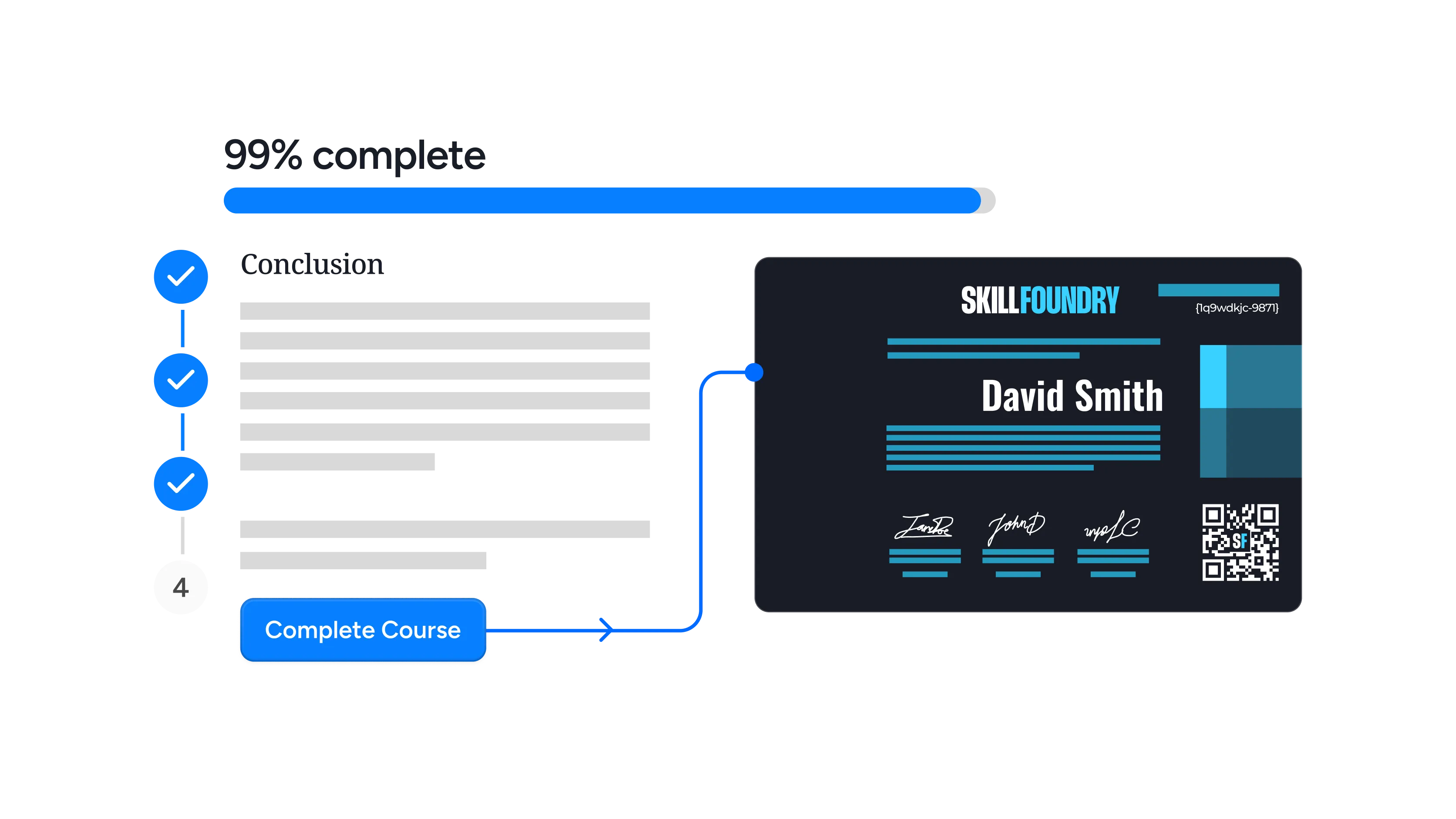
Completes a training course
Close every course with a short sign-off form and send a branded completion certificate the moment the form response lands.

Passes a scored quiz
Forms grades quizzes for you, but the total is not handed to the flow, so calculate it there or read it from the synced Excel sheet before issuing above your pass mark.

Attends a webinar or event
Send a post-event survey, then reward everyone who completes it with an attendance credential they can share the same day.
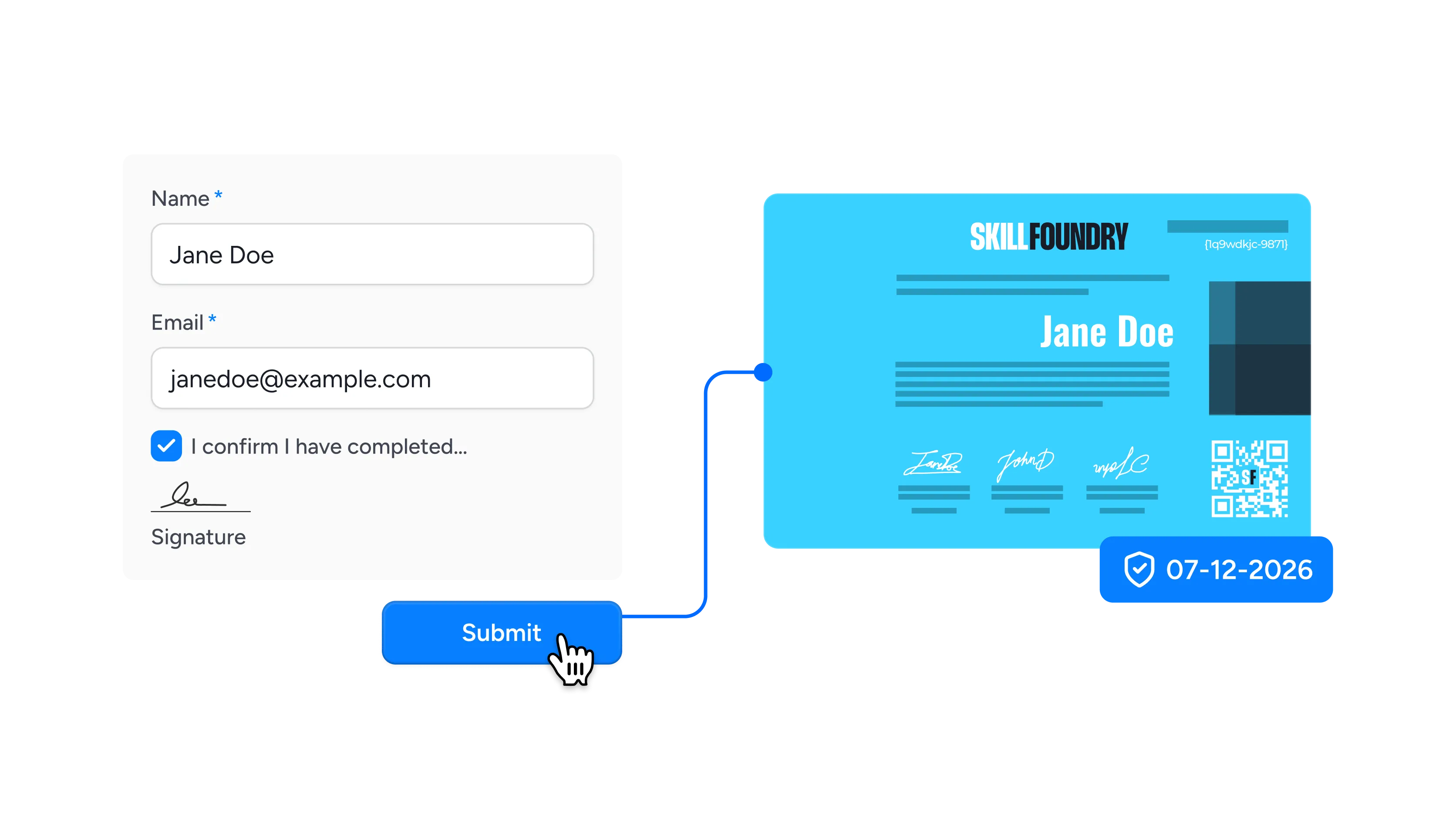
Finishes compliance training
Collect an attestation at the end of mandatory training and issue a dated, verifiable record that stands up in an audit.
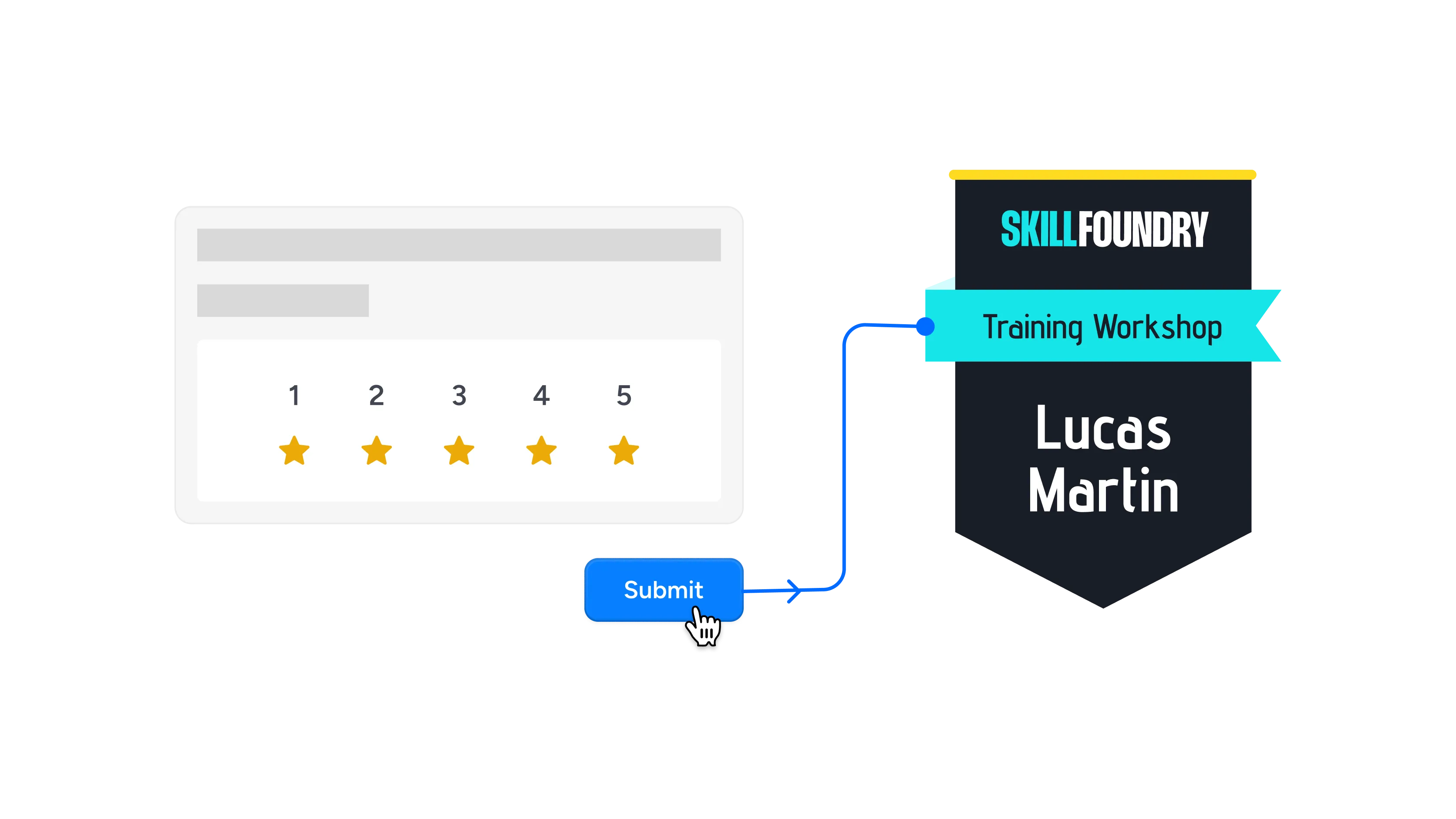
Submits workshop feedback
Create a survey as the closing step of a workshop so data collection and recognition happen in a single action.
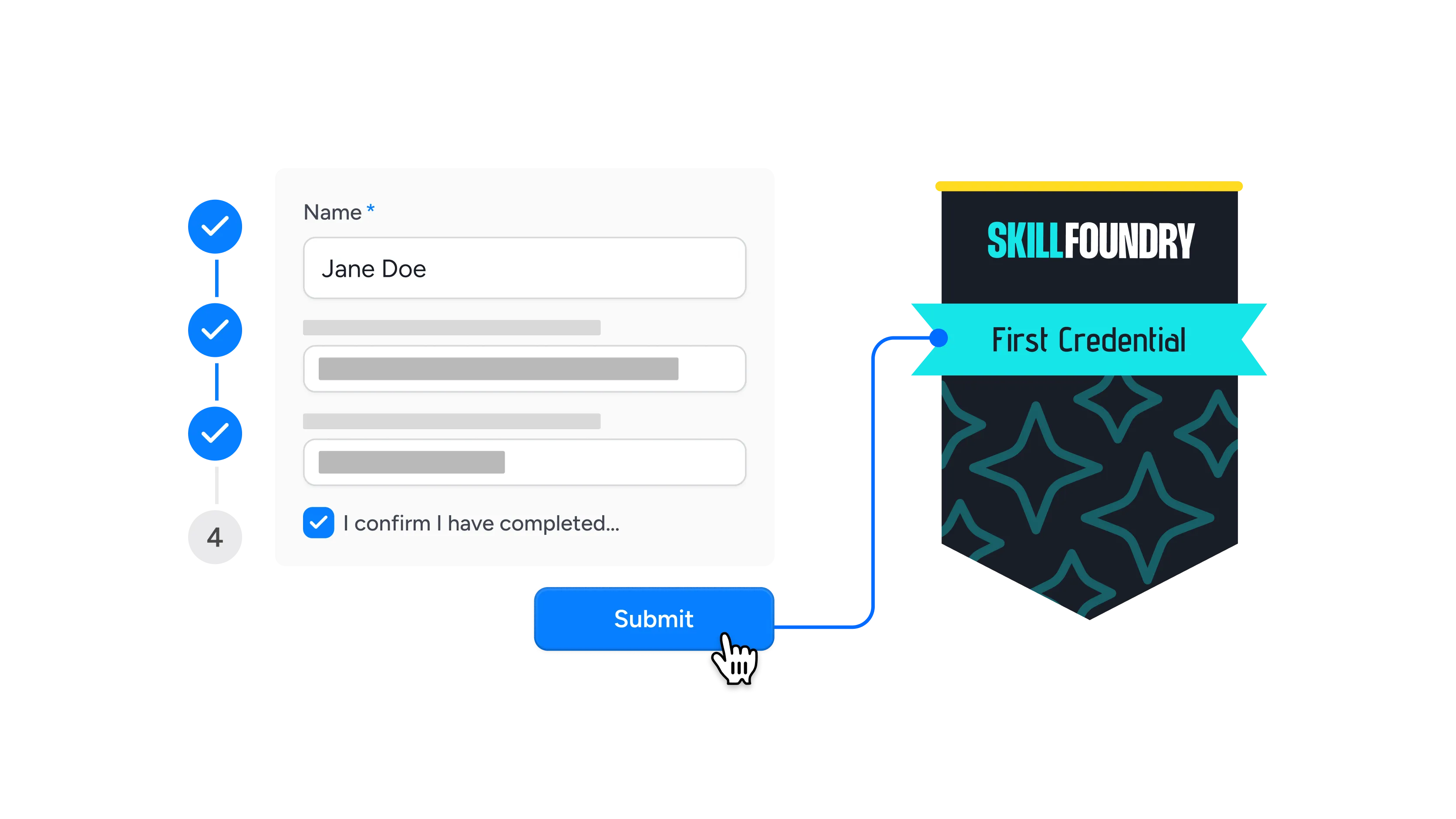
Works through employee onboarding
Have new hires confirm each stage as they go, then issue their first credential once the final step is submitted.
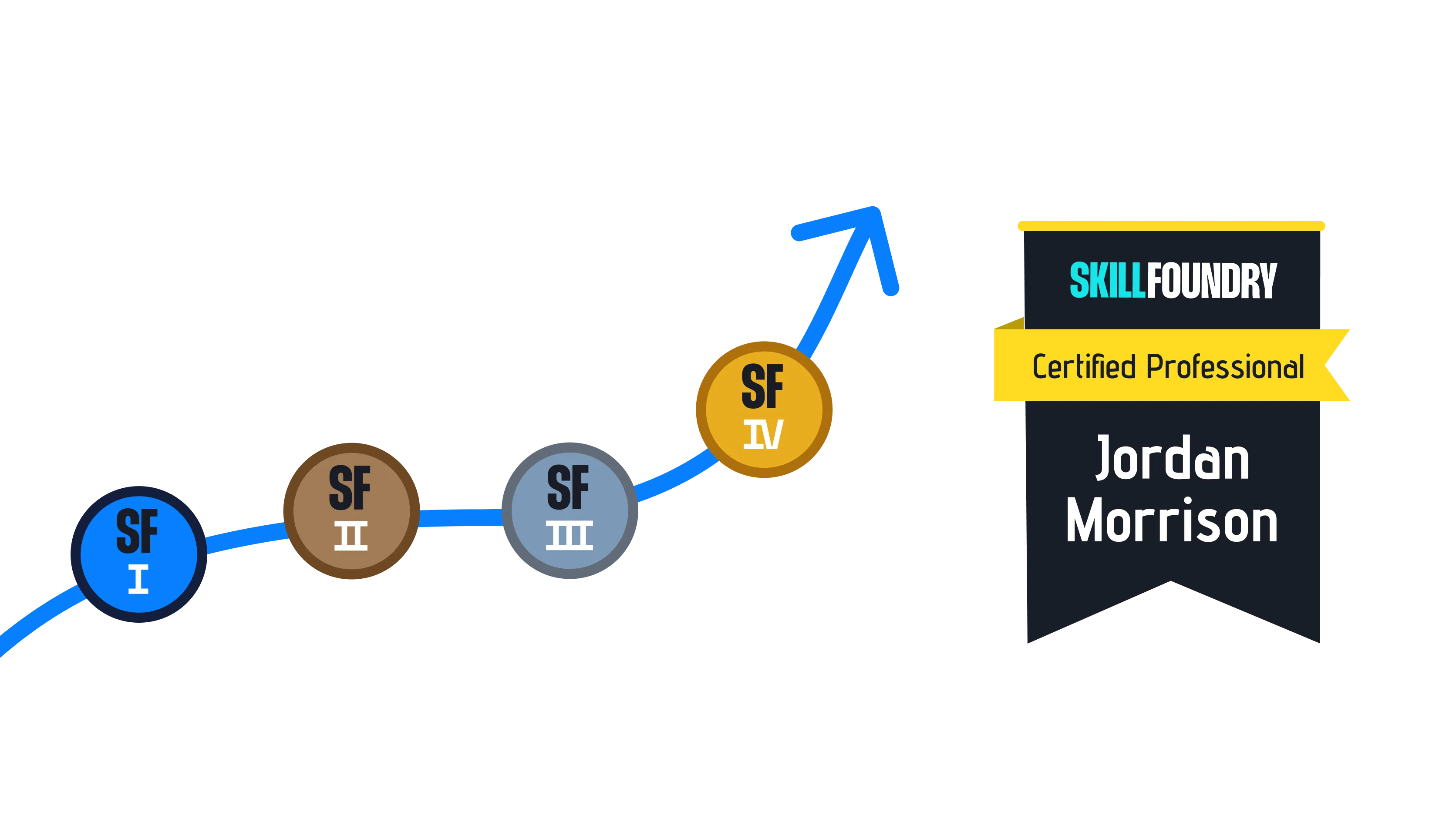
Completes a multi-part program
Chain several forms across a longer program and release the credential only after every stage has been recorded.
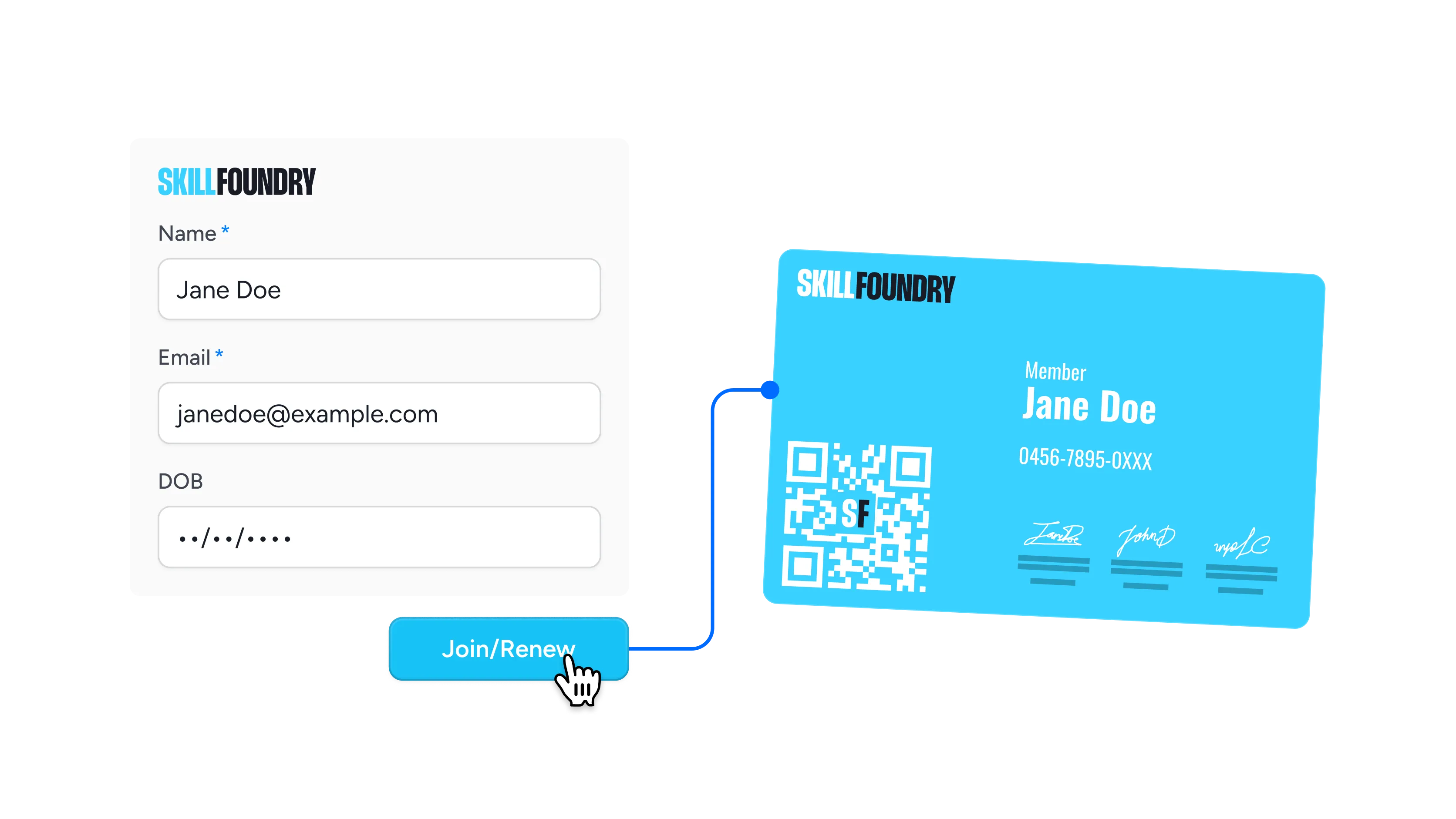
Registers as a member or volunteer
Turn a sign-up or renewal form into a membership credential that people can verify, download, and display anywhere.
Connect Microsoft Forms to Wauld
Pick the connector that suits your stack, from no-code workflow automation to full developer control



Why Microsoft 365 Teams Choose Wauld
Everything Forms leaves undone once the response has landed
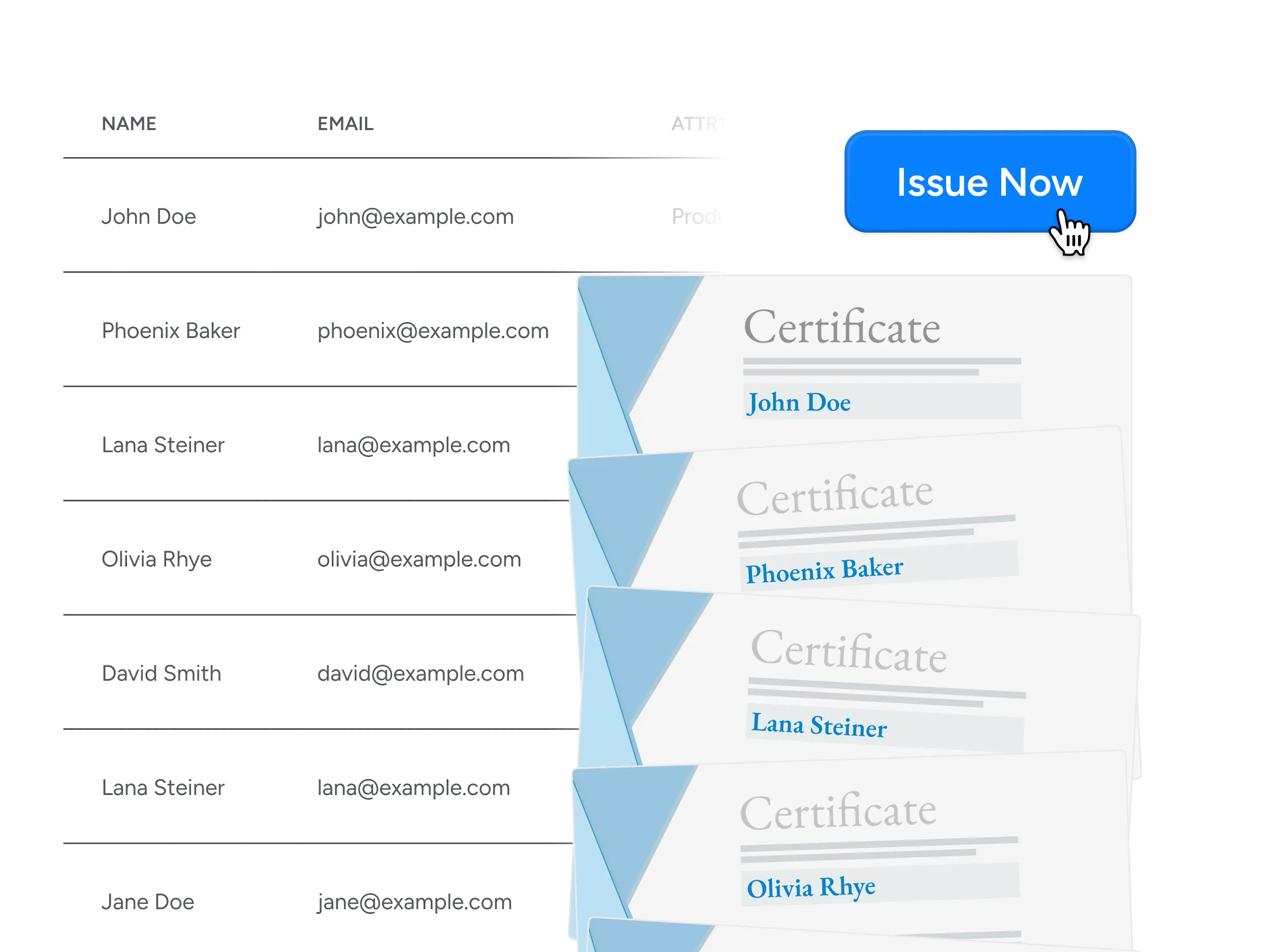
Bulk issuance
Export a whole term of responses to CSV and issue thousands of certificates in one pass, with no scripting and no sending them out one by one.
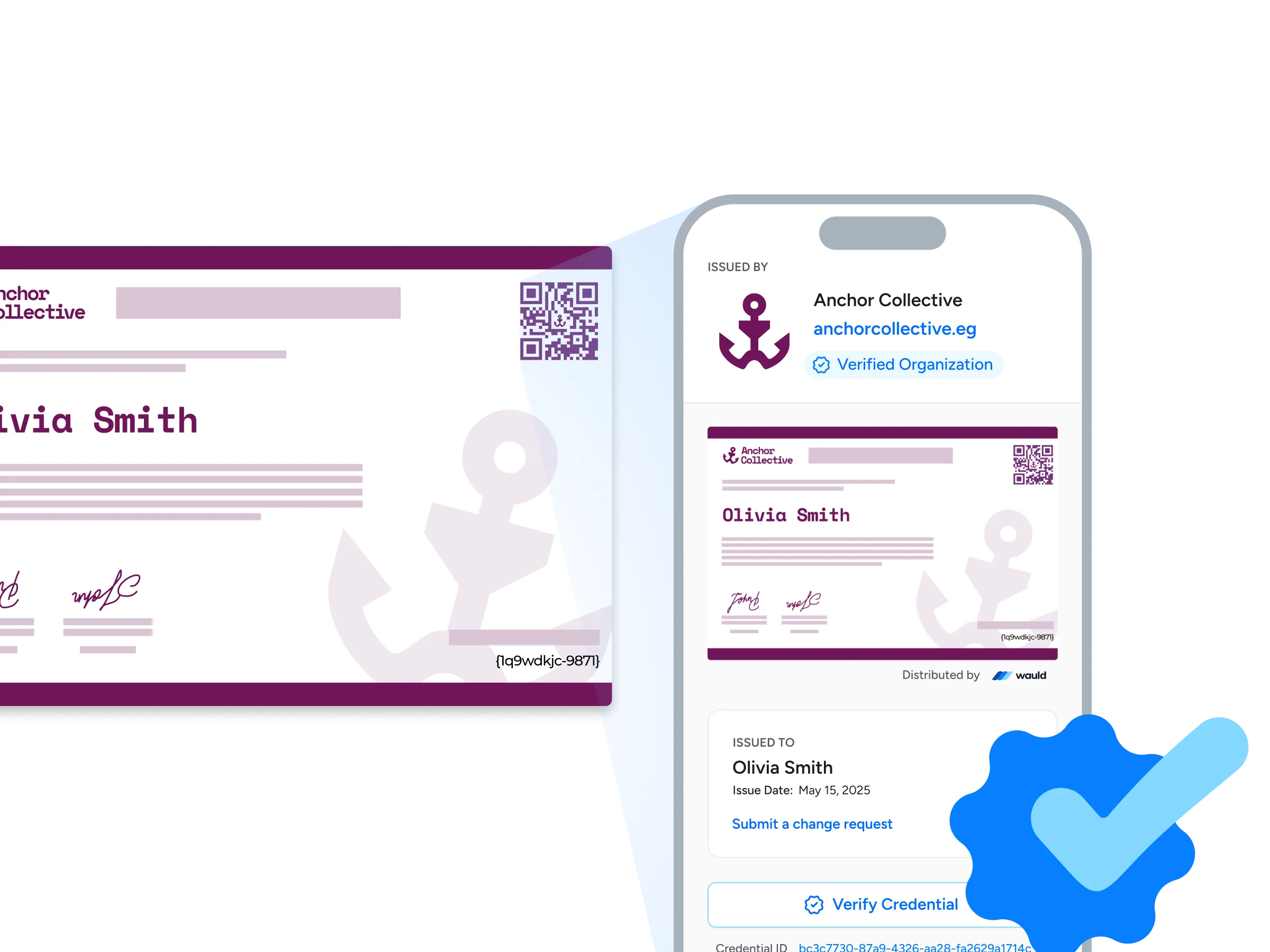
Verification pages
Each credential carries its own verification page showing your organization, its web address, and a verified badge, so an employer can confirm it with one click or a quick QR scan.
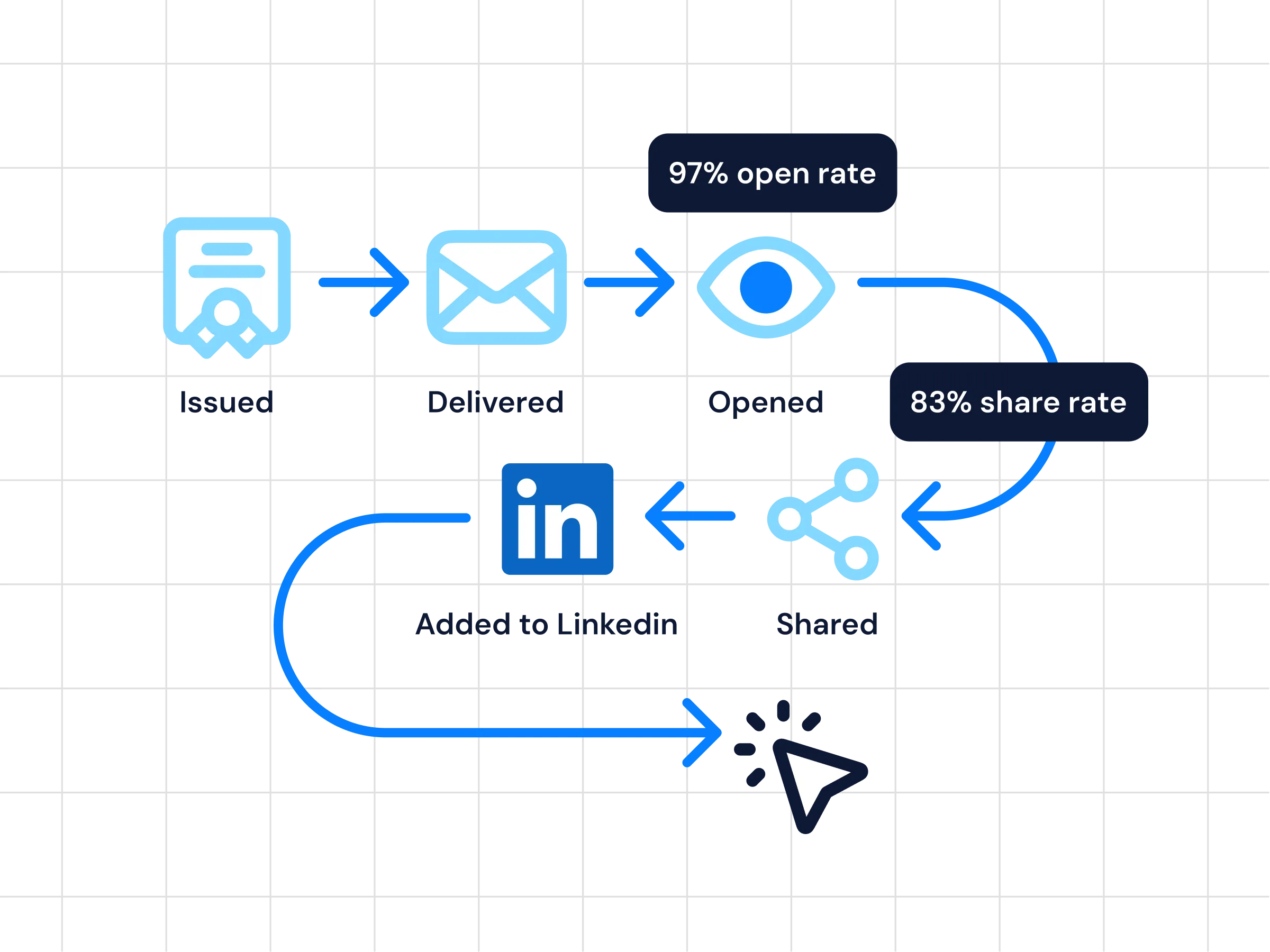
Analytics
Follow real-time updates on issuance, opens, shares, and verification activity, so you can see which programs earn attention and which quietly stall.
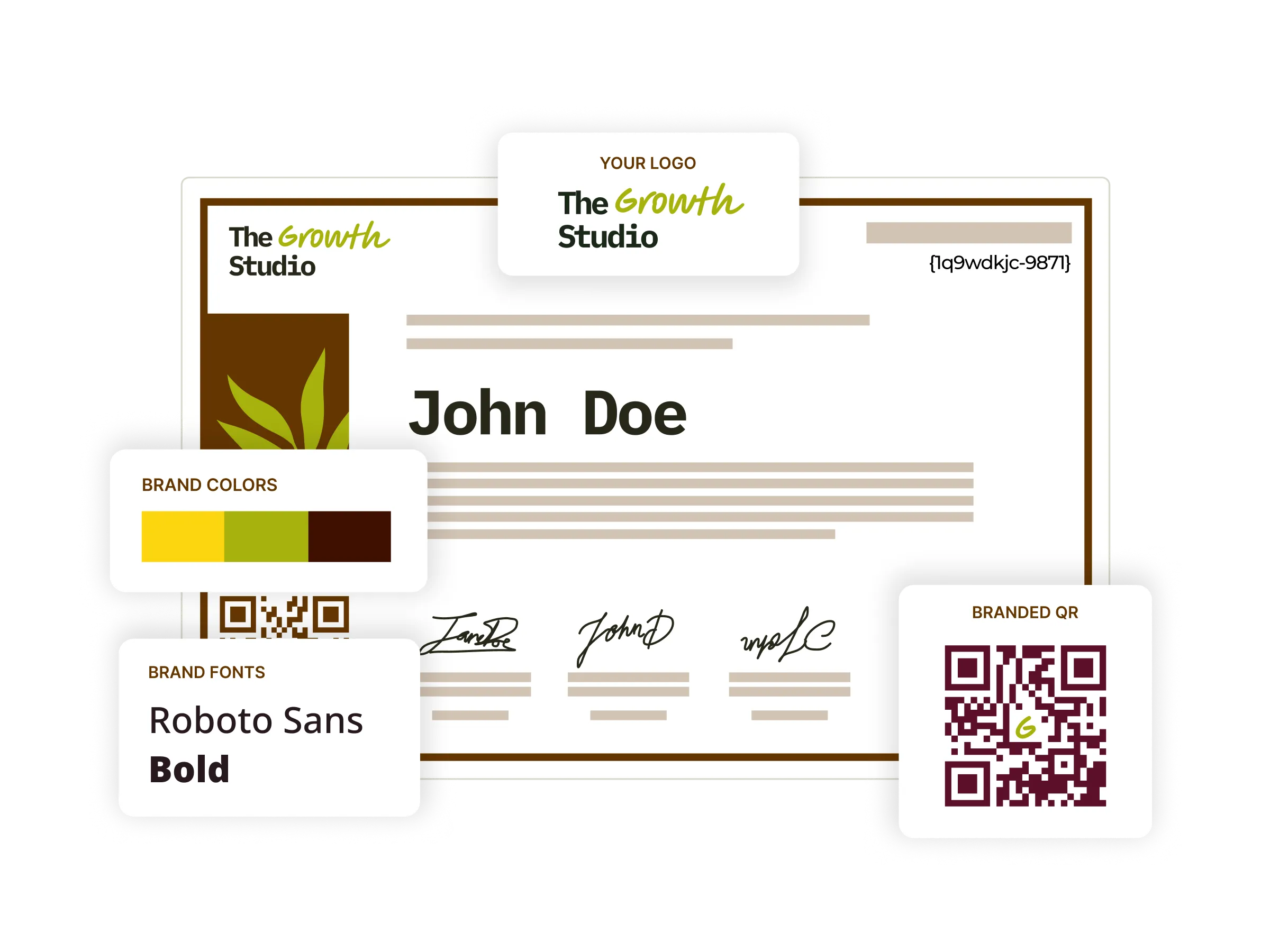
Digital certificates
Begin with 1,200+ certificate templates, restyle them in your own colors, fonts, and signatures, then issue and track every one of them from a single platform.
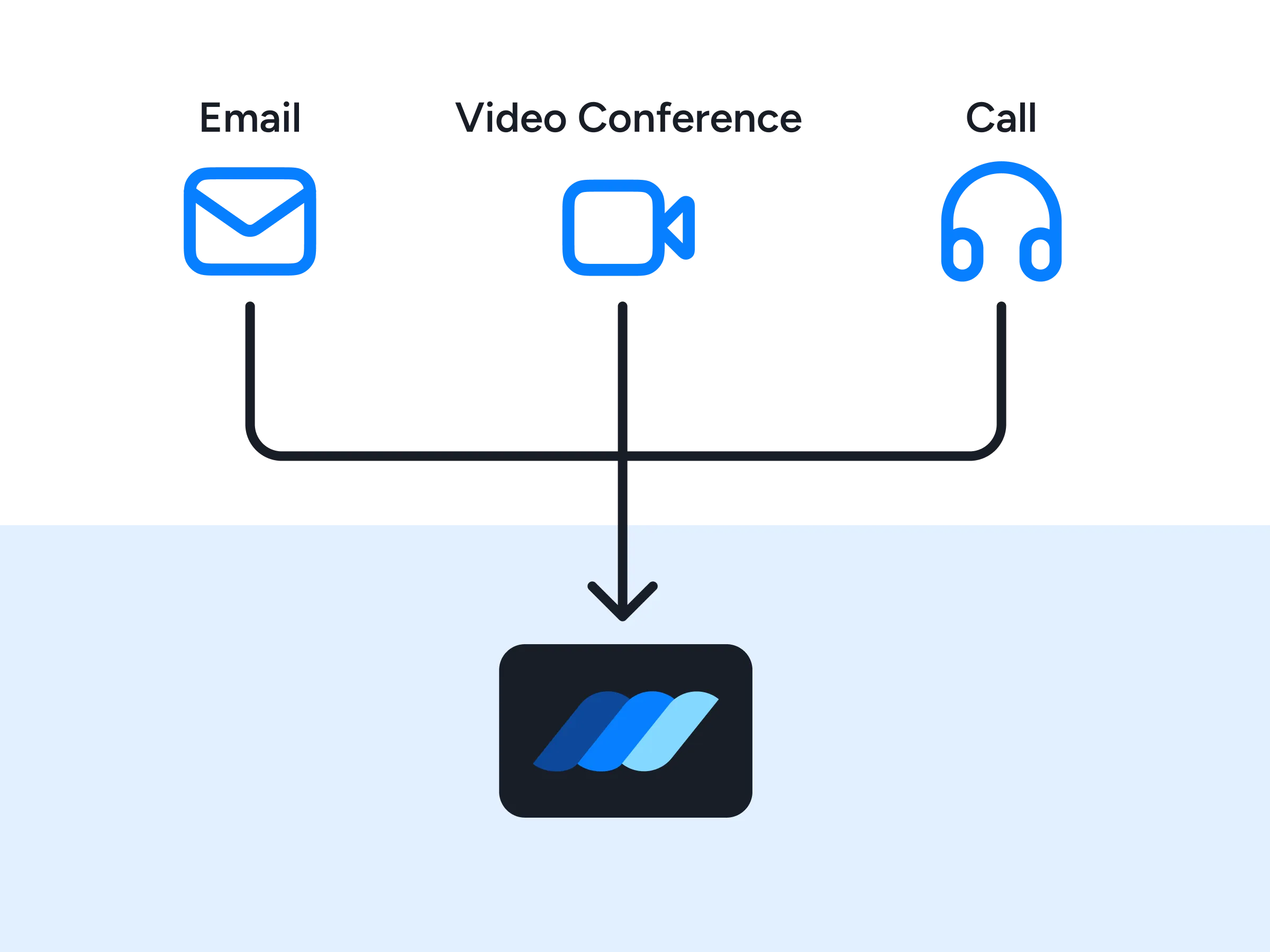
Premium support
Dedicated onboarding, implementation guidance, and fast technical support from a team that has wired up these flows many times before.
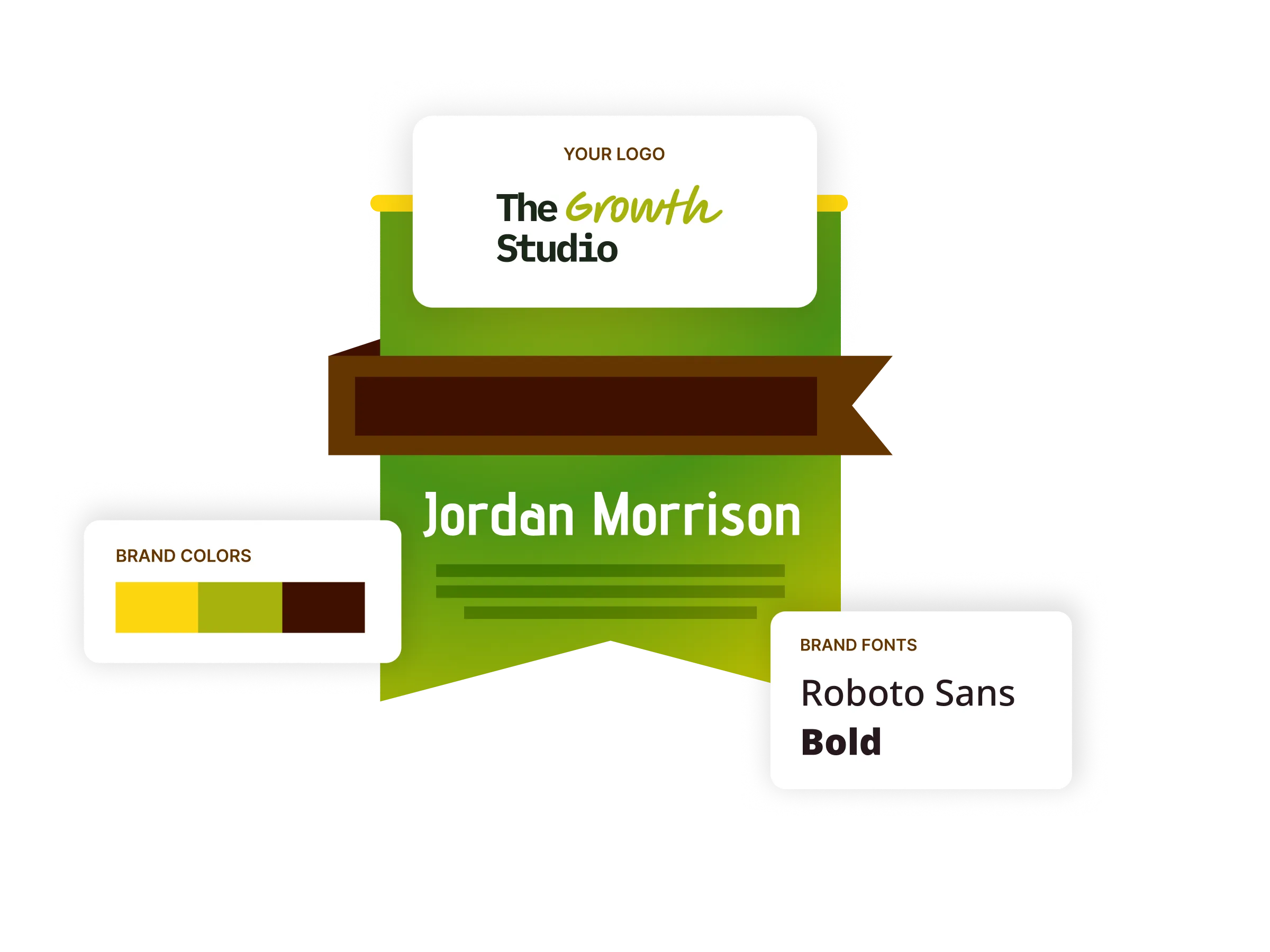
Digital badges
Award badges alongside certificates for shorter modules and micro-credentials, styled to your brand and sized for LinkedIn profiles and email signatures.
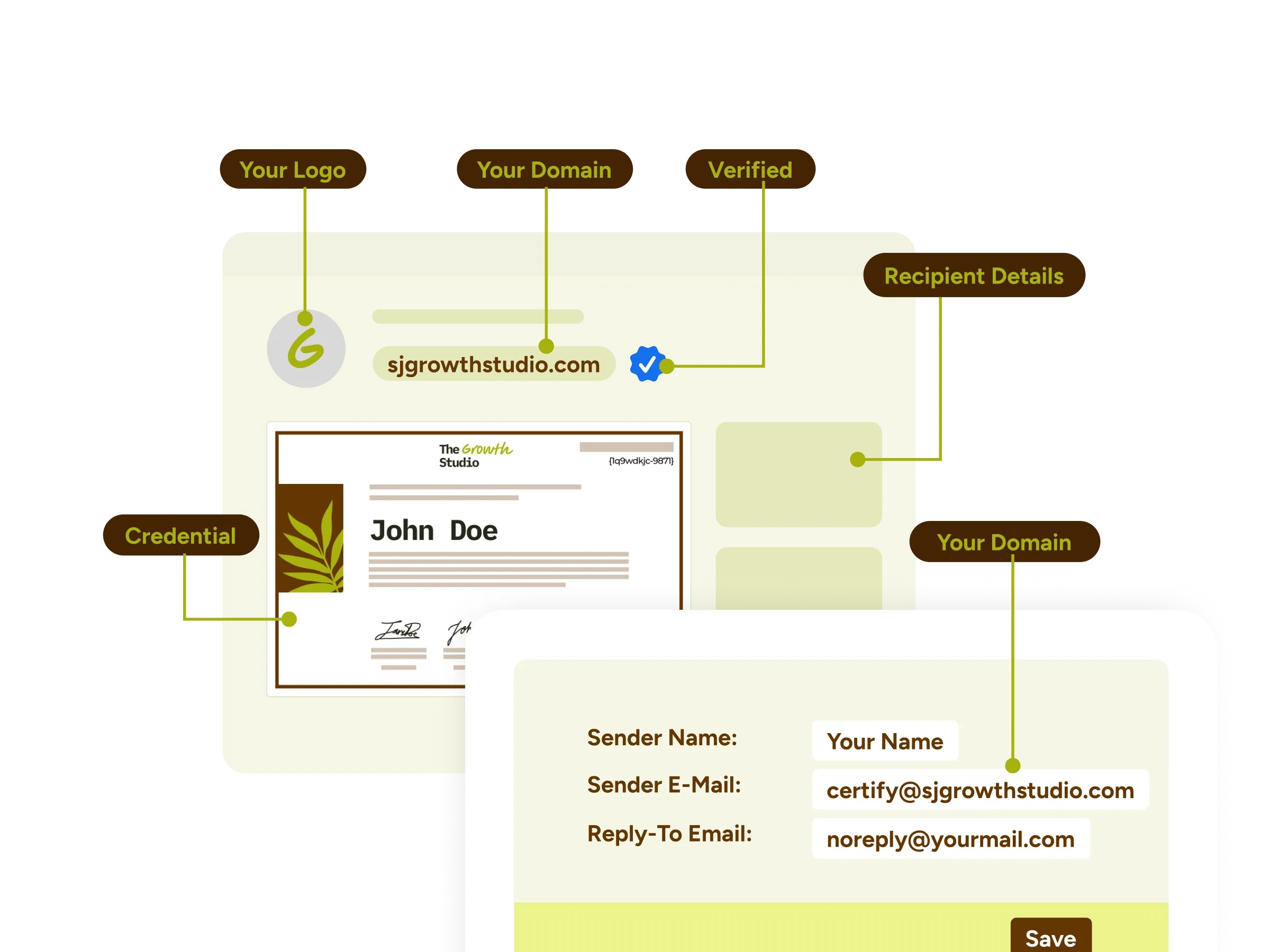
White-label experience
Send from your own domain and email templates and host the credential wallet under your own brand, so nothing in the experience looks borrowed from somebody else.
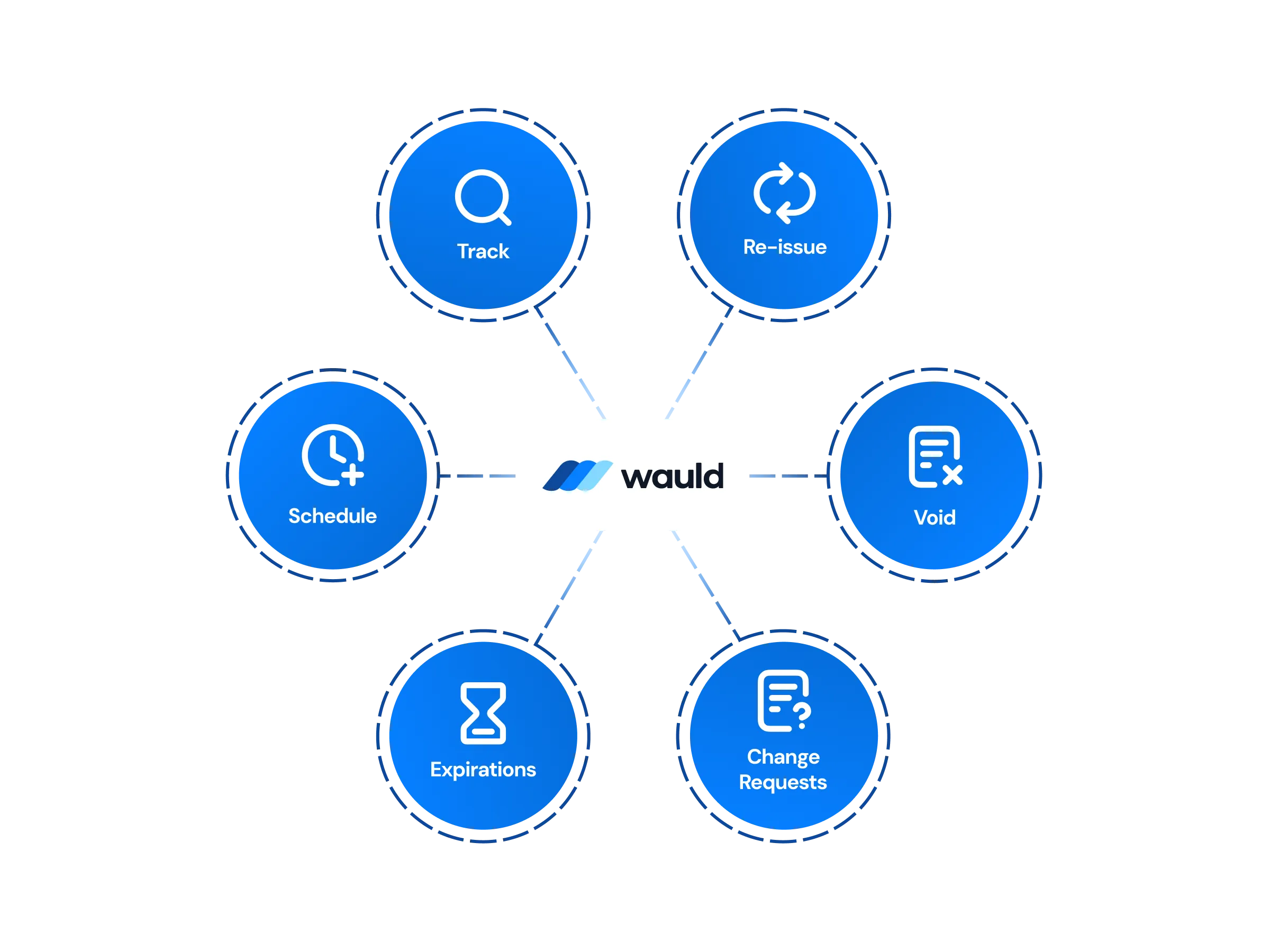
Central management
Design, issue, edit, handle change requests, or void credentials from one dashboard, with workspaces and role-based permissions keeping departments cleanly separated.
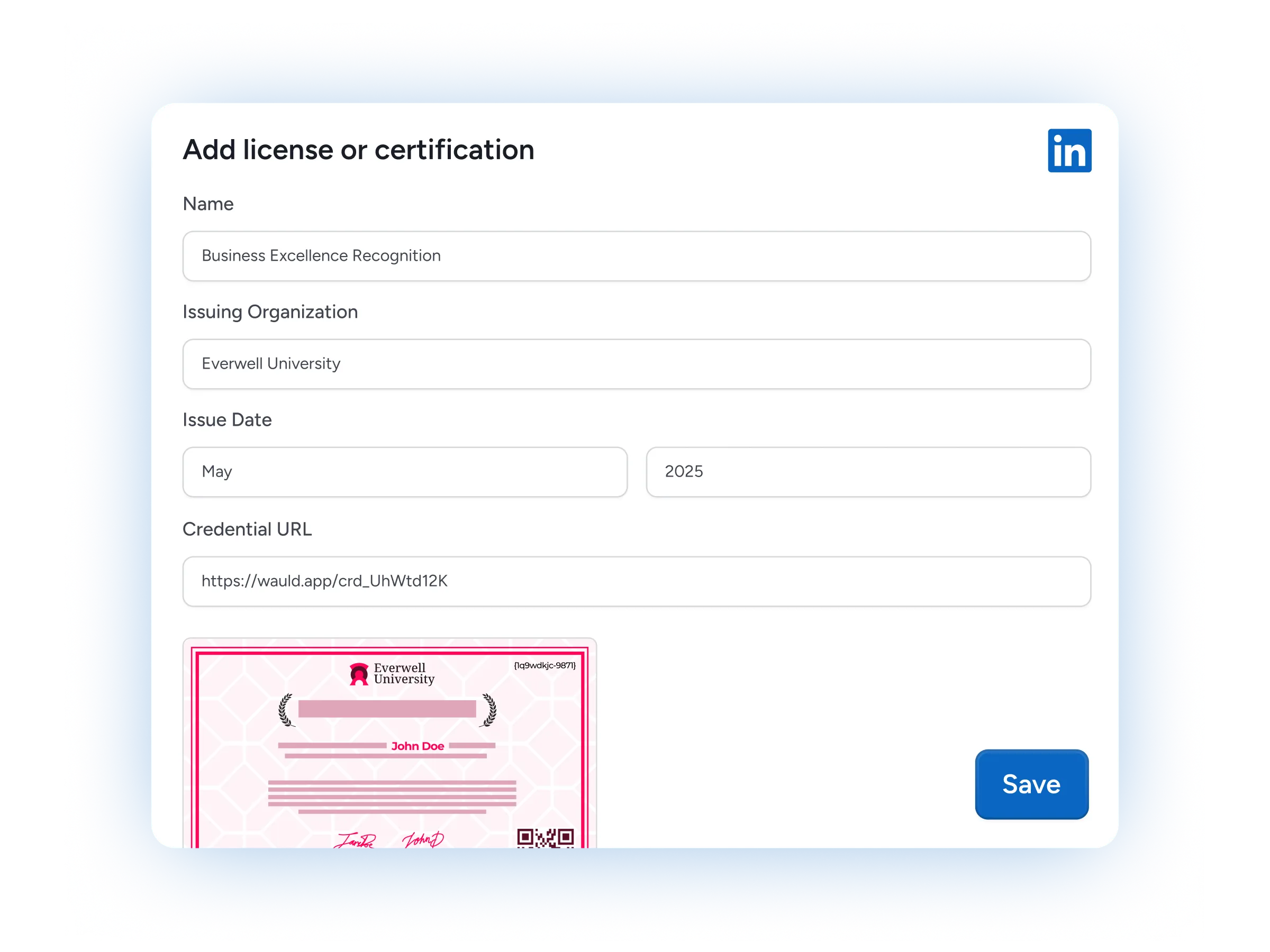
LinkedIn sharing
Recipients add a credential to their LinkedIn profile in a single click, putting your program in front of their entire professional network.

Certificates as marketing assets
Every credential your recipients post carries your program name to a new audience, which turns recognition into a growth channel rather than an administrative cost.
FAQs
Everything you need to know about connecting Microsoft Forms, Power Automate, and Wauld
How do I integrate Microsoft Forms with Wauld?
Nothing changes on the Forms side, so create a form as usual and share the form with your audience the way you always have. Integrating Microsoft Forms with Wauld happens after that, inside Power Automate: build an automated cloud flow that starts with the trigger "When a new response is submitted", add an action for "Get response details" so the flow can read the answers, then post them to your Wauld trigger URL. Map name, email, and course fields to a template once and the integration runs on its own from then on.
Do I need a premium license to connect MS Forms and Wauld?
Teams that already use Power Automate for approvals or notifications will recognize the pattern here. The Forms connector in Microsoft Power Automate is a standard connector included with most Microsoft 365 plans, including Microsoft 365 Business, so the trigger itself costs nothing extra. The HTTP action that posts to an outside service is a premium connector, which means a fully automatic flow needs a Power Automate Premium license. If that is not worth it for your volume, the route below produces identical certificates without one.
Is there a way to automate this without a premium license?
Yes. Open your responses in Excel and Forms keeps a live workbook in OneDrive, or in SharePoint when the form belongs to a group, and that workbook gains a row on every submission. Point Zapier, Make, or Integrately at the workbook and let it issue the credential in Wauld without going via Power Automate at all. All three are available on the Free plan, and no extra Office 365 add-on is required.
My form is missing from the trigger list. What should I check?
That usually means it is one of the group forms owned by a team rather than by you personally. Open the form, copy the value that follows id= in the URL, and paste it into the Form Id field as a custom value, both on the trigger and on the action that reads the answers. The Response Id that action needs is supplied by dynamic content from the trigger.
What should I do if certificates suddenly stop going out?
Start troubleshooting on the Microsoft side and check the flow run history to see which step failed, since a renamed question or a deleted form breaks your Forms integration far more often than the connection itself does. Microsoft Support documents the Forms triggers and their limits, and your Wauld credential report shows exactly which recipients were issued and when.
Can we still analyze responses in Power BI?
Yes, and none of your reporting has to change. Forms already lets you open survey data in Excel or pair Forms with Power BI, and the same workbook loads into Power BI Desktop next to your other data sources. Wauld sits beside that rather than replacing it, adding issuance and engagement figures to the data analysis you already run.
Can Wauld send credential data back into our Microsoft stack?
It can. Wauld fires an outbound webhook whenever a credential is issued, so a second flow can write that record to a SharePoint list, update a row in Excel, or post a note to a Teams channel. Issuance evidence stays on the Microsoft platform, next to the other Microsoft products your team already works in.
Which Wauld plan do I need, and what happens if I downgrade later?
You can start on the Free plan, which covers up to 300 credentials, the 1,200+ template library, bulk issuance, and social sharing. Custom triggers, webhooks, and the Zapier connection are included on every plan, while API access sits on Enterprise. Once issued, credentials remain valid and accessible to recipients even if you cancel, though features exclusive to paid plans stop working when the plan expires.
Start Issuing Certificates From Microsoft Forms Today
Create your free Wauld account and issue your first certificate in minutes.
Talk to an Expert