Turn Microsoft Excel Rows Into Digital Credentials
Connect Microsoft Excel to Wauld and issue verifiable certificates and badges automatically when a new row is added to your worksheet.

From an Excel Worksheet Row to a Verified Credential
Set up the integration once, then every new row in your Excel worksheet issues a credential through the same automated workflow.

A new row is added
Someone adds a new row to your Excel worksheet in OneDrive or SharePoint, with the recipient's name and email.
The trigger reaches Wauld
A Power Automate flow, a Zapier automation, or a custom trigger carries the spreadsheet data straight to Wauld.

The credential is issued
Wauld maps the row to your chosen template and issues the certificate or badge in seconds.
Your recipient receives their credential
A verifiable certificate or badge arrives in their inbox, ready to download, verify, and add to a LinkedIn profile.

Turn Everyday Spreadsheet Data Into Credentials
Recognize learners, employees, and customers straight from the data in Excel
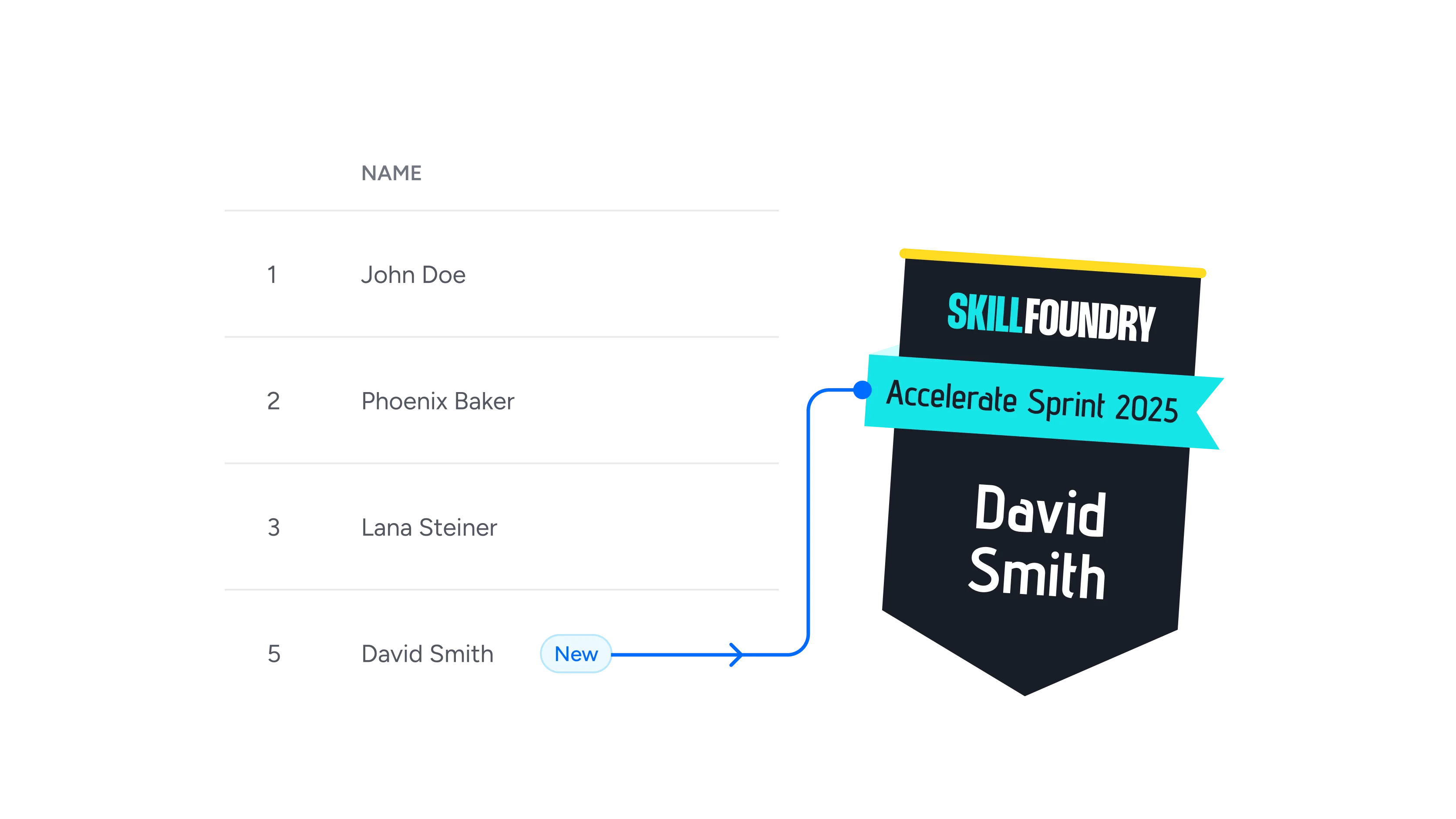
Adds a new row to a worksheet
The moment a row lands in your Excel worksheet, Wauld reads the name and email and issues a matching certificate on its own.
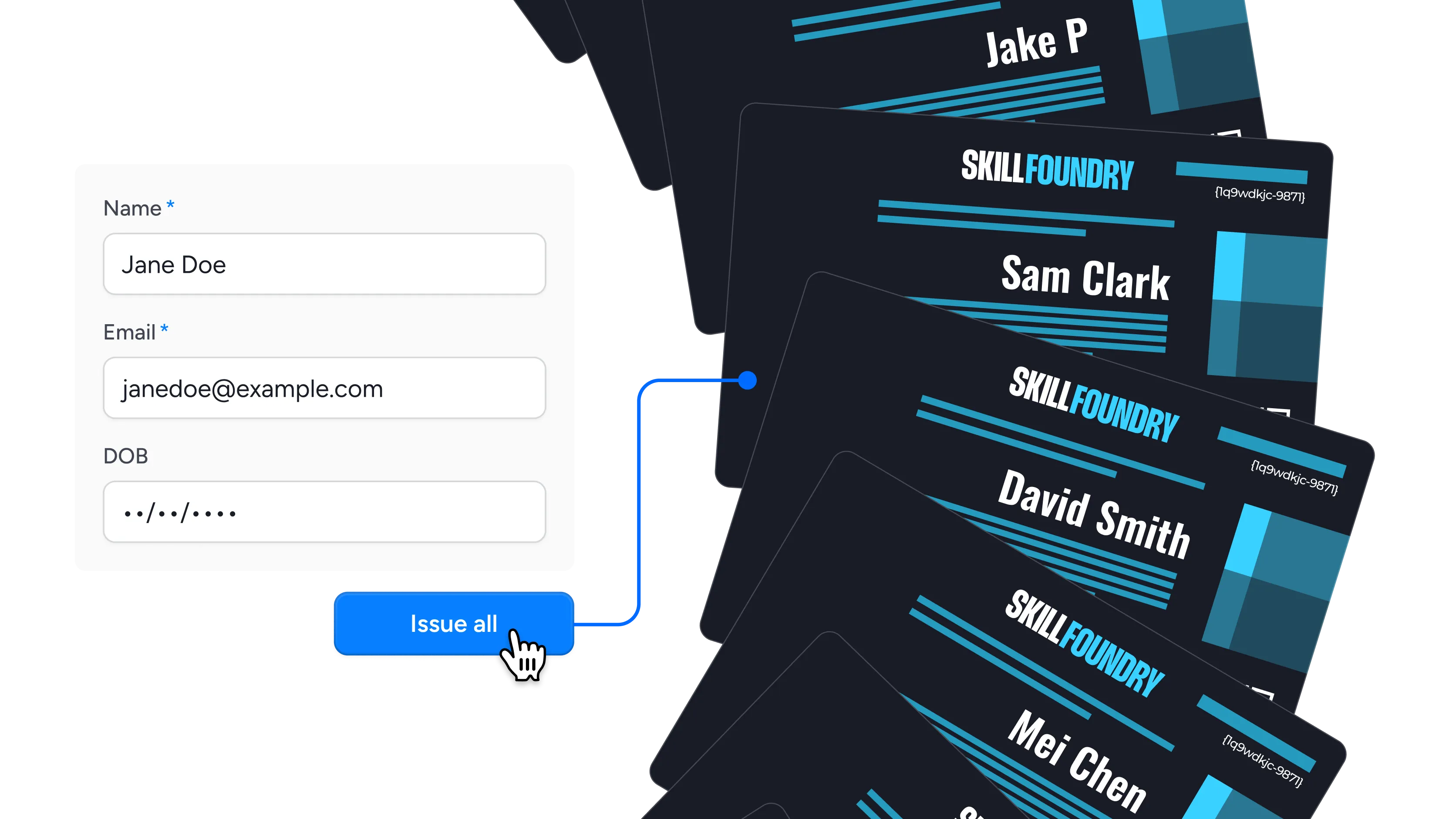
Bulk-issues from a workbook
Keep a full cohort in one Excel workbook and issue thousands of certificates in a single pass, with no manual data entry.
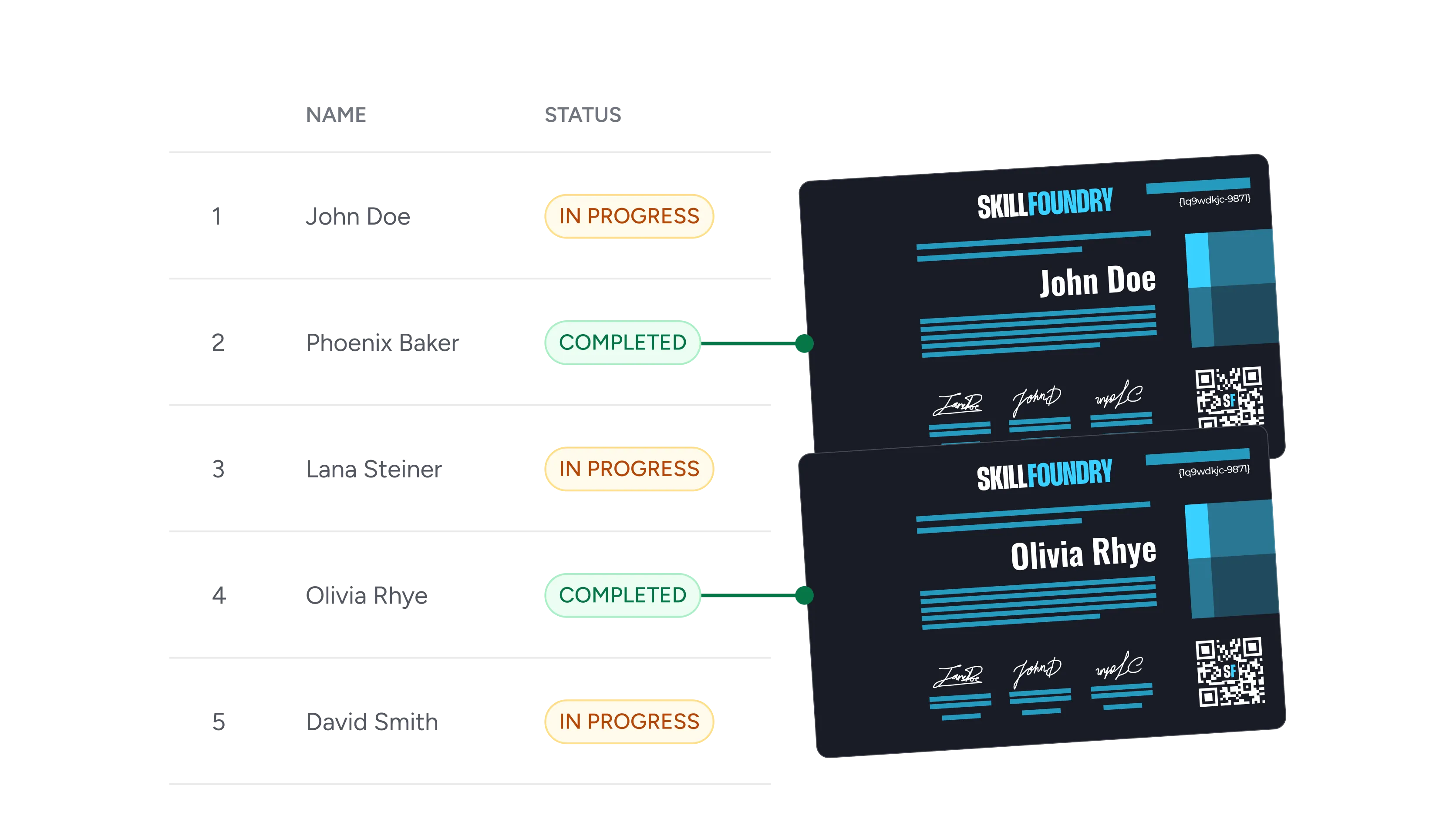
Records course completions
Log completed courses in a spreadsheet and send a branded completion certificate as soon as the row is written.

Tracks quiz and exam scores
Store scores in an Excel worksheet and issue a credential only for the rows where the result clears your pass mark.

Logs event and webinar attendance
Import attendee data into Excel after an event and reward everyone on the sheet with a shareable attendance credential.
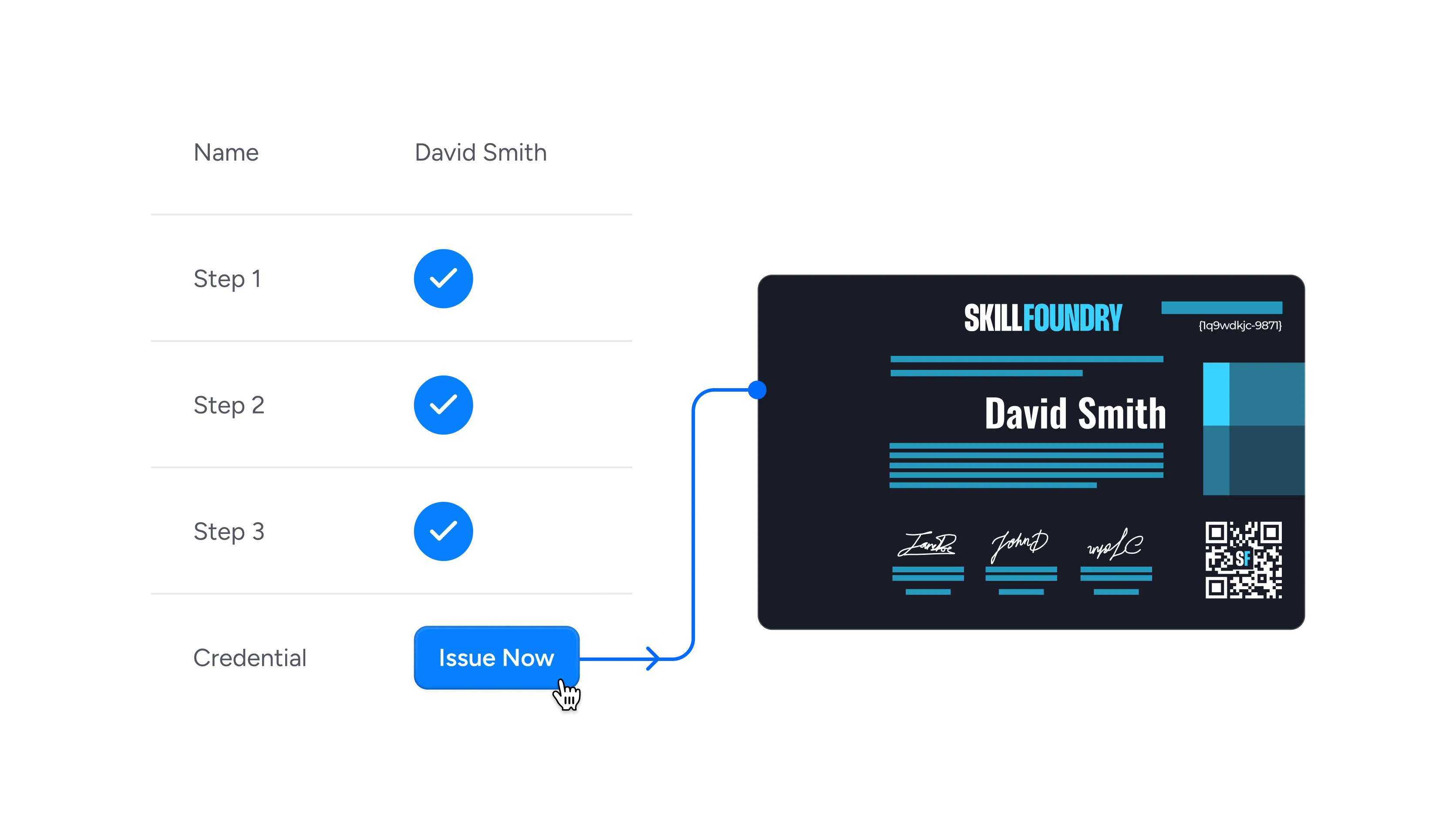
Syncs onboarding progress
As HR marks each onboarding step complete in the workbook, sync the final row to Wauld and issue the new hire their first credential.

Recognizes membership renewals
Turn a renewals worksheet into membership credentials that people can verify, download, and display anywhere.
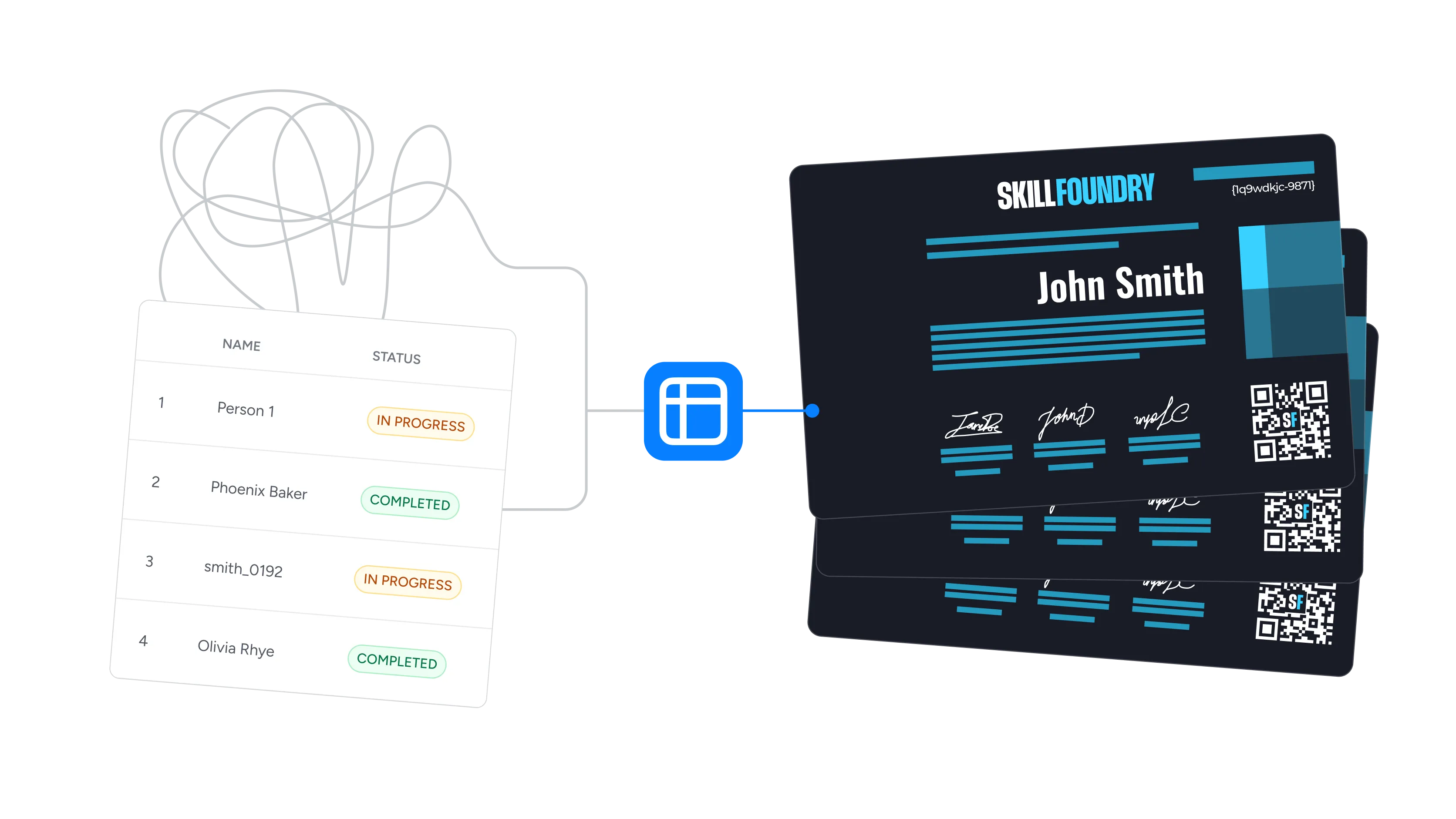
Consolidates data from many sources
Use Power Query to pull data from several systems into one Excel workbook, then issue credentials from a single, clean source.
Connect Microsoft Excel to Wauld
Pick the method that fits your stack, from no-code automation to full developer control



Why Microsoft Excel Teams Choose Wauld
Everything a spreadsheet cannot do once the row has landed
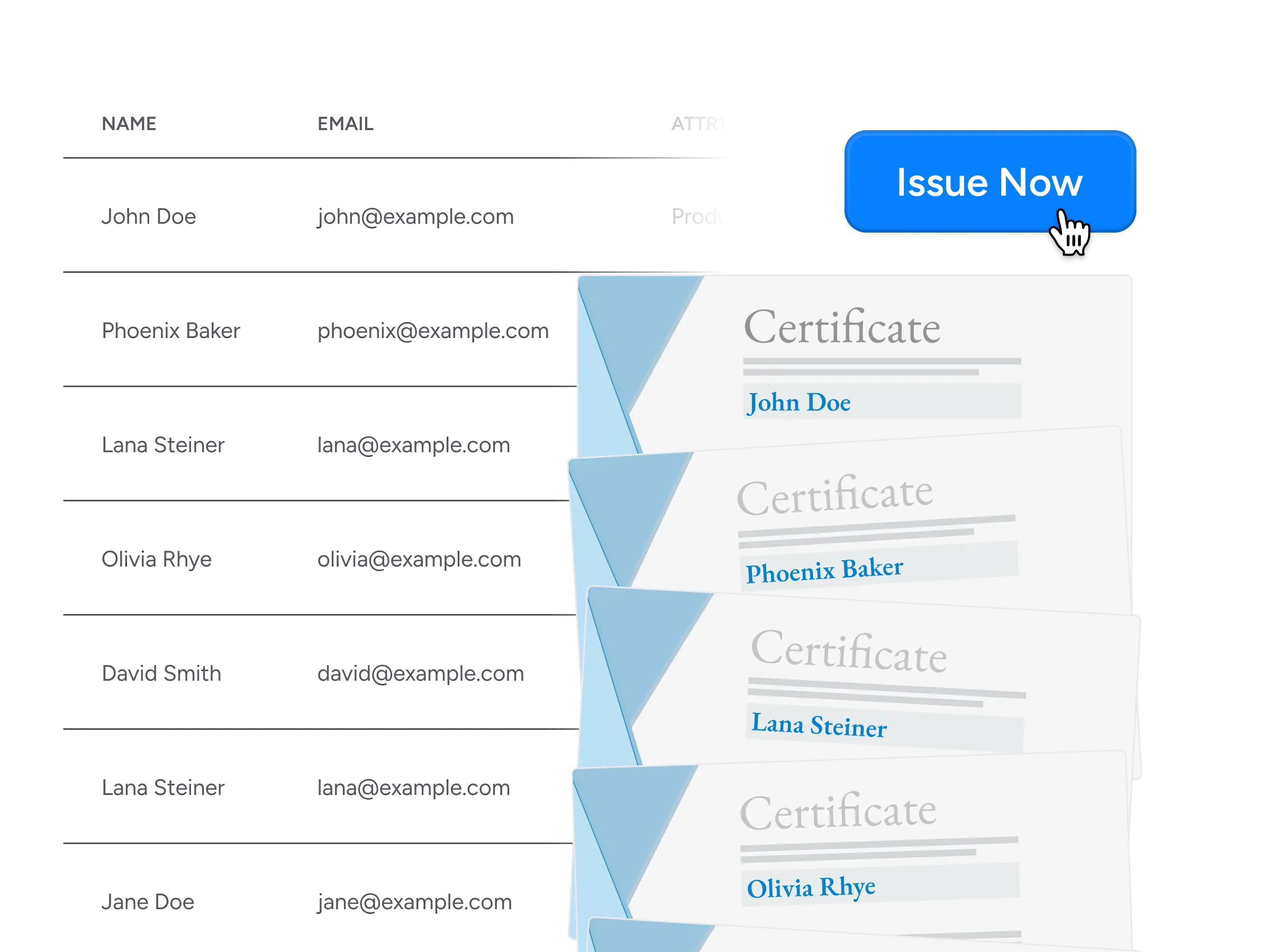
Bulk issuance
Point Wauld at an Excel workbook or a CSV export and issue thousands of certificates and badges in one run, with no scripting and no sending them out one at a time.
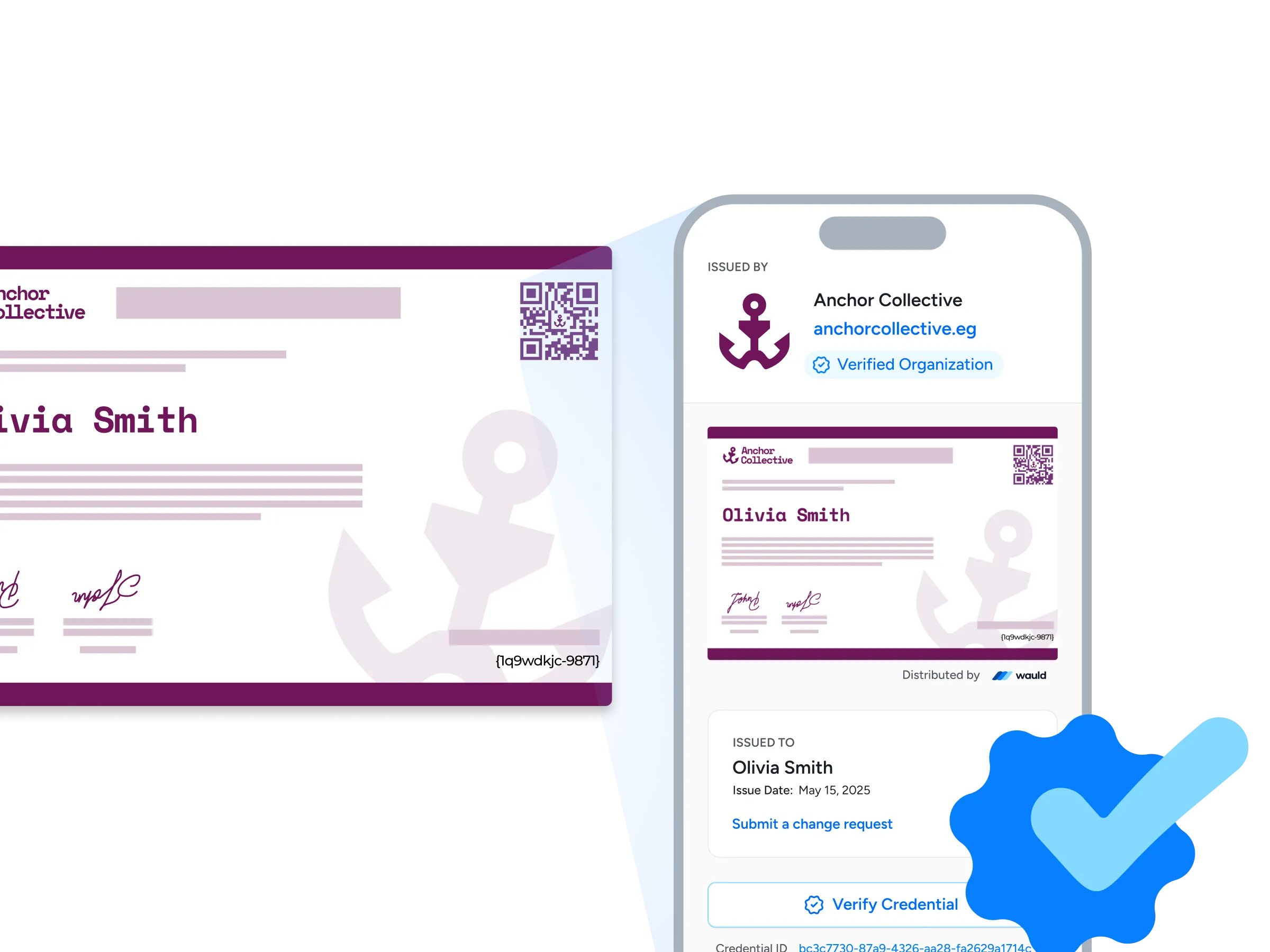
Verification pages
Every credential carries its own verification page showing your organization, its web address, and a verified badge, so an employer can confirm it with one click or a quick QR scan.

Central management
Design, issue, edit, handle change requests, or void credentials from one dashboard, with workspaces and role-based permission controls keeping each department cleanly separated.

Analytics
Watch issuance, opens, shares, and verification activity update in real time, so you can see which programs earn attention and which quietly stall.
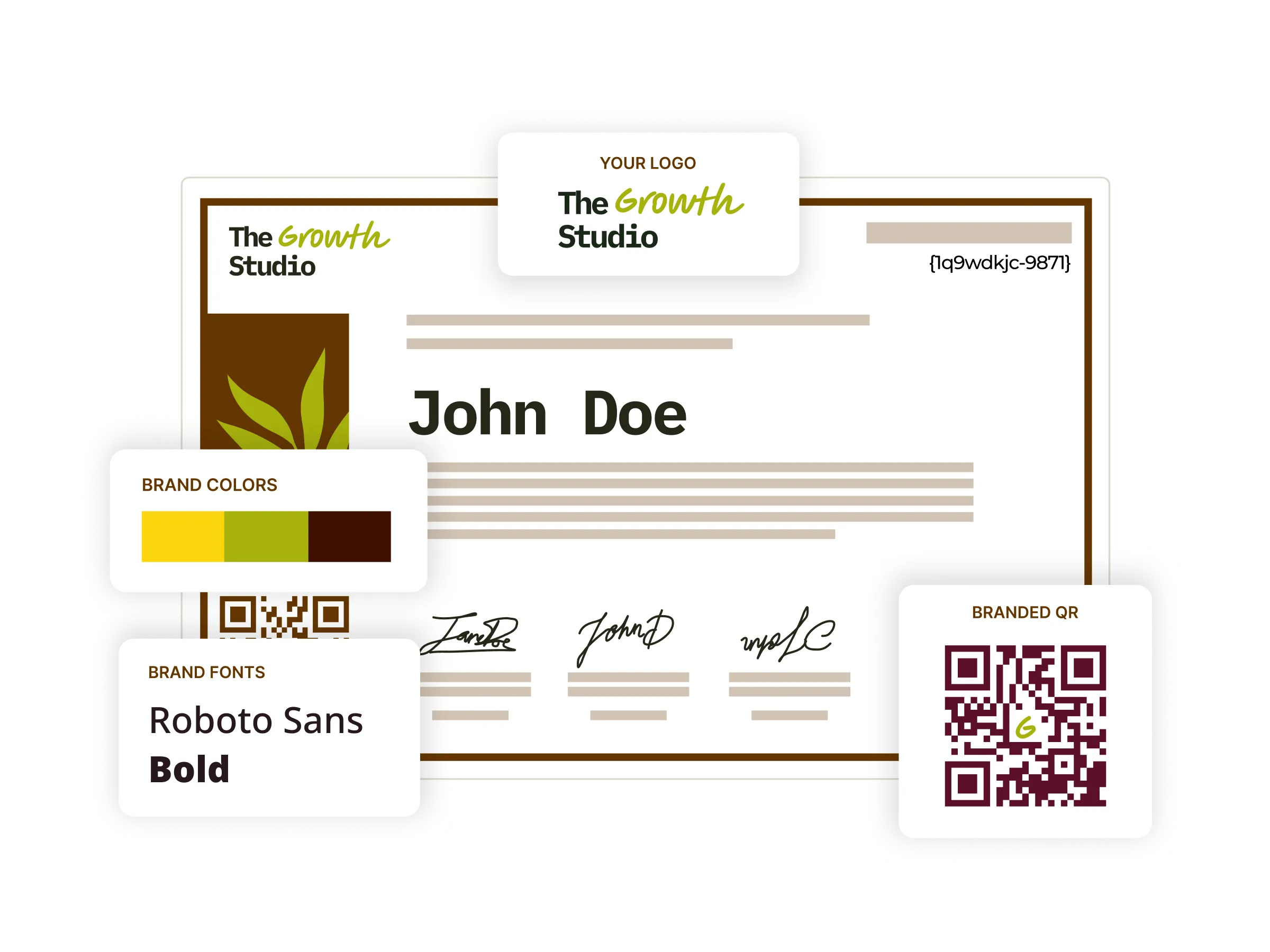
Digital certificates
Start from 1,800+ certificate templates, restyle them in your own colors, fonts, and signatures, then issue and track every one from a single platform.
Digital badges
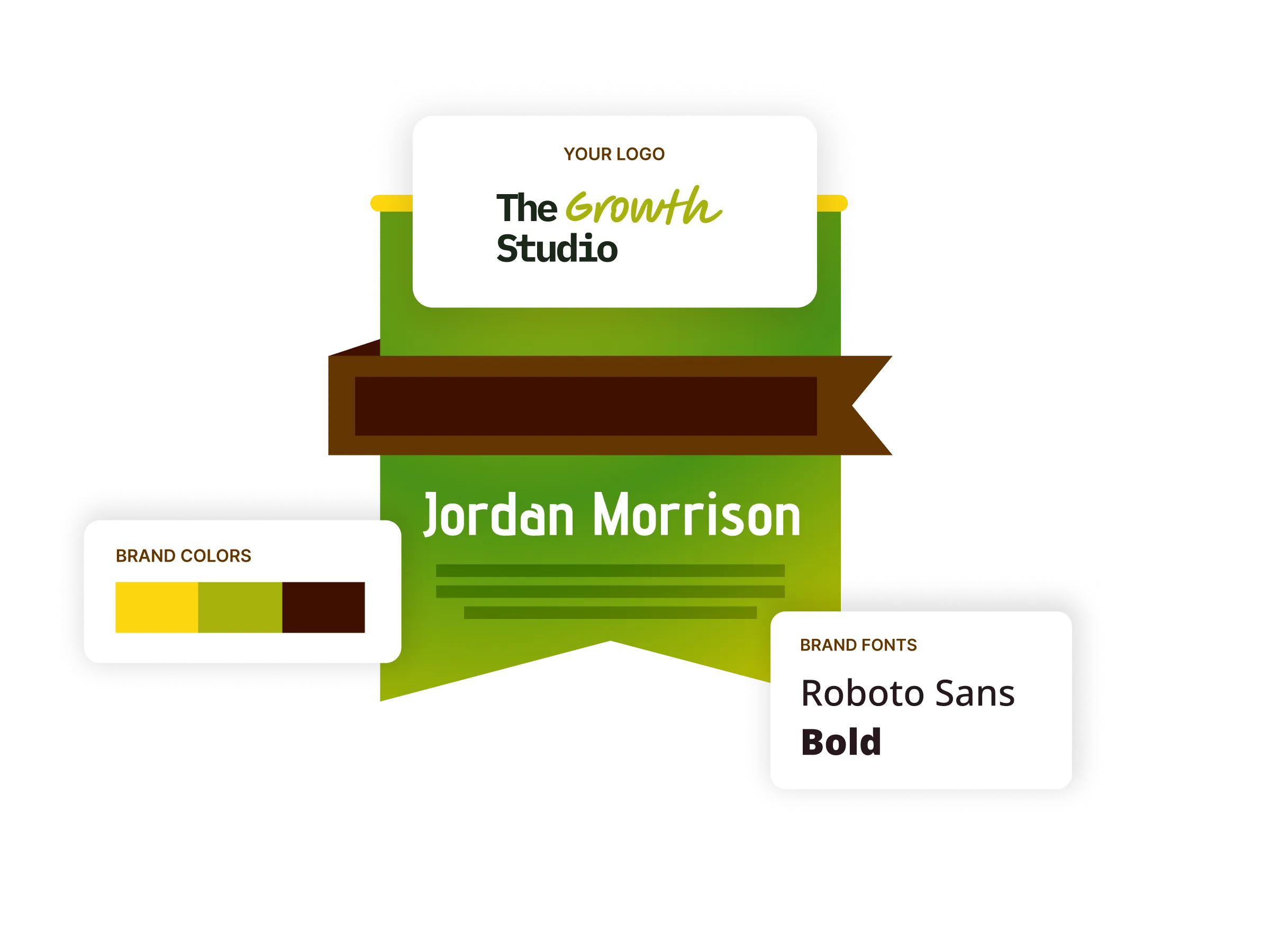
Award digital badges alongside certificates for shorter modules and micro-credentials, styled to your brand and sized for LinkedIn profiles and email signatures.
LinkedIn sharing
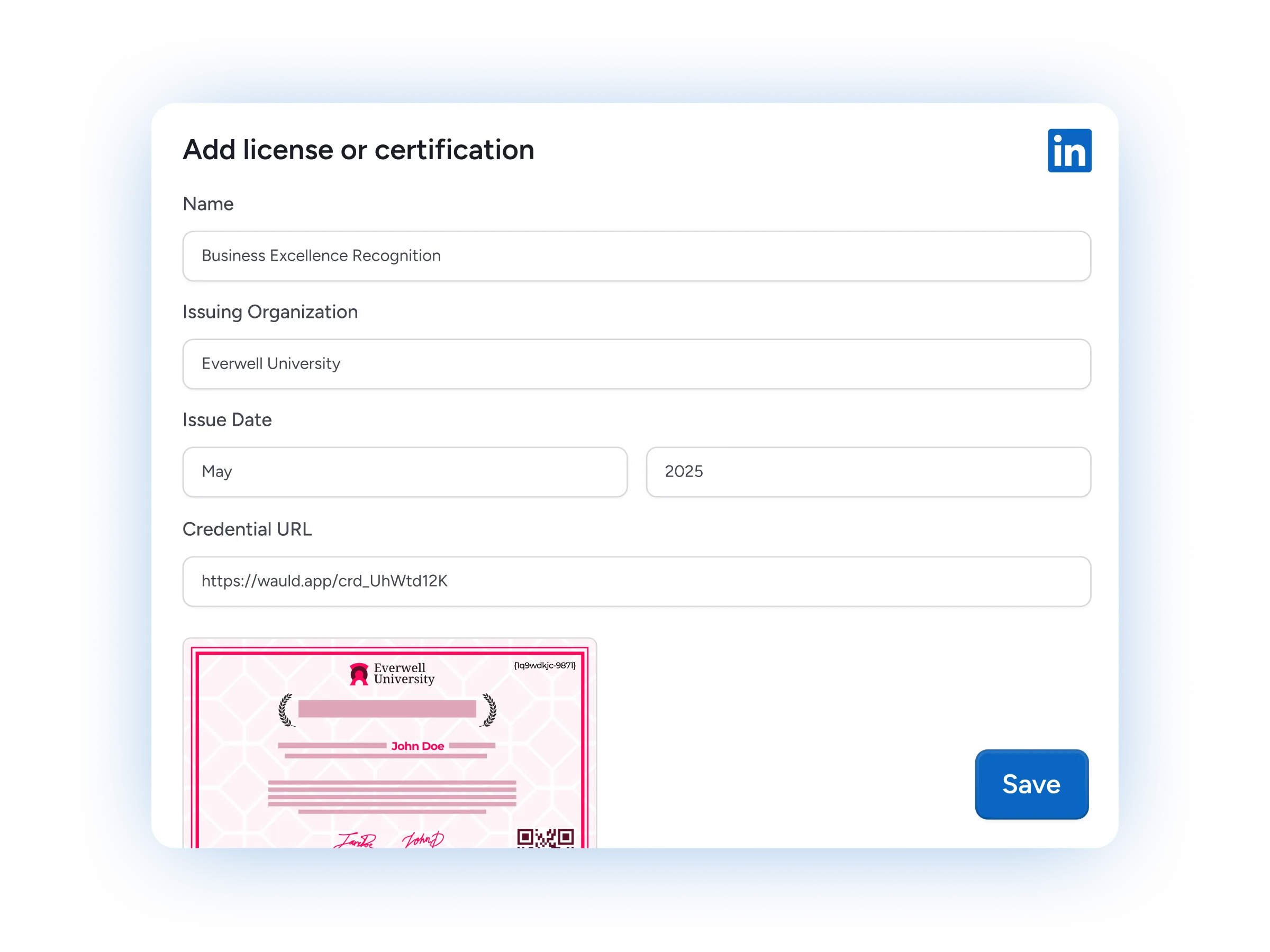
Recipients add a credential to their LinkedIn profile in a single click, putting your program in front of their entire professional network.

Premium support
Get dedicated onboarding, implementation guidance, and fast technical support from a team that has wired up these Excel workflows many times before.
FAQs
Everything you need to know about connecting Microsoft Excel and issuing digital credentials
How do I connect Microsoft Excel to Wauld?
Keep your recipient data in an Excel worksheet stored in OneDrive or SharePoint, formatted as a table. The no-code route is the Microsoft Excel app on Zapier: its New Row trigger fires whenever a row is added to that table, and you map the name, email, and course columns to a Wauld template once. Power Automate and custom triggers work the same way. Setup takes most teams under an hour, and there is no Excel add-in to install.
Do I need an Excel add-in or any extra software?
No. There is no Excel add-in to install and nothing to change inside your workbook. Wauld connects to the spreadsheet you already keep in OneDrive for Business or SharePoint through Zapier, Power Automate, or a custom trigger, so your worksheet stays exactly as it is and your existing formulas and formatting are untouched.
Can I issue credentials automatically when a new row is added?
Yes, and it is the most common setup. The Excel New Row trigger watches a table in your workbook, and each time a row is added it sends that data to Wauld, which issues the certificate or badge in seconds. If you configure it, an updated row can re-issue or revoke a credential, so the automation keeps your records in sync with the spreadsheet.
Can I bulk-issue certificates from an existing Excel spreadsheet?
Yes. Export your Excel spreadsheet to CSV and upload it once to issue thousands of certificates in a single pass, or point an automation at the workbook to keep issuing as new rows are added. Both routes read the same columns, so there is no manual data entry and no risk of sending the wrong template.
My data lives in several systems. Can I combine it first?
Use Power Query in Excel to pull data from multiple sources into one clean worksheet, then let Wauld issue from that single workbook. Consolidating first keeps your credential records consistent and your import free of duplicates, which matters most when you connect to multiple business-critical apps at once.
Which Wauld plan do I need, and what happens if I downgrade?
You can start on the Free plan, which covers up to 300 credentials, the 1,800+ template library, bulk issuance, and social sharing. Custom triggers, webhooks, and the Zapier connection are included on every plan, while API access sits on Enterprise. Once issued, credentials stay valid and accessible to recipients even if you cancel, though features exclusive to paid plans stop working when the plan expires.
Where can I learn more about the Excel connectors?
Microsoft Learn documents the Excel Online connector for Power Automate along with its worksheet and table actions, and Zapier's help center covers the Microsoft Excel triggers such as New Row. Your Wauld credential report then shows exactly which recipients were issued and when, so you can reconcile it against the source workbook at any time.
Start Issuing Certificates From Microsoft Excel Today
Create your free Wauld account and issue your first certificate in minutes.
Talk to an Expert