Issue Verifiable Credentials From Your LearnDash LMS
Save time on credential administration, build learner trust, and boost course credibility with automated, branded, and verifiable certificates and badges.
How LearnDash Completions Become Verified Credentials
Set up the integration once using your preferred method, then every course completion, quiz pass, or lesson finish automatically issues a credential.
LearnDash records a completion
A learner completes a course, passes a quiz, or finishes a lesson in your LMS. LearnDash instantly logs the event in your database.
The event reaches Wauld
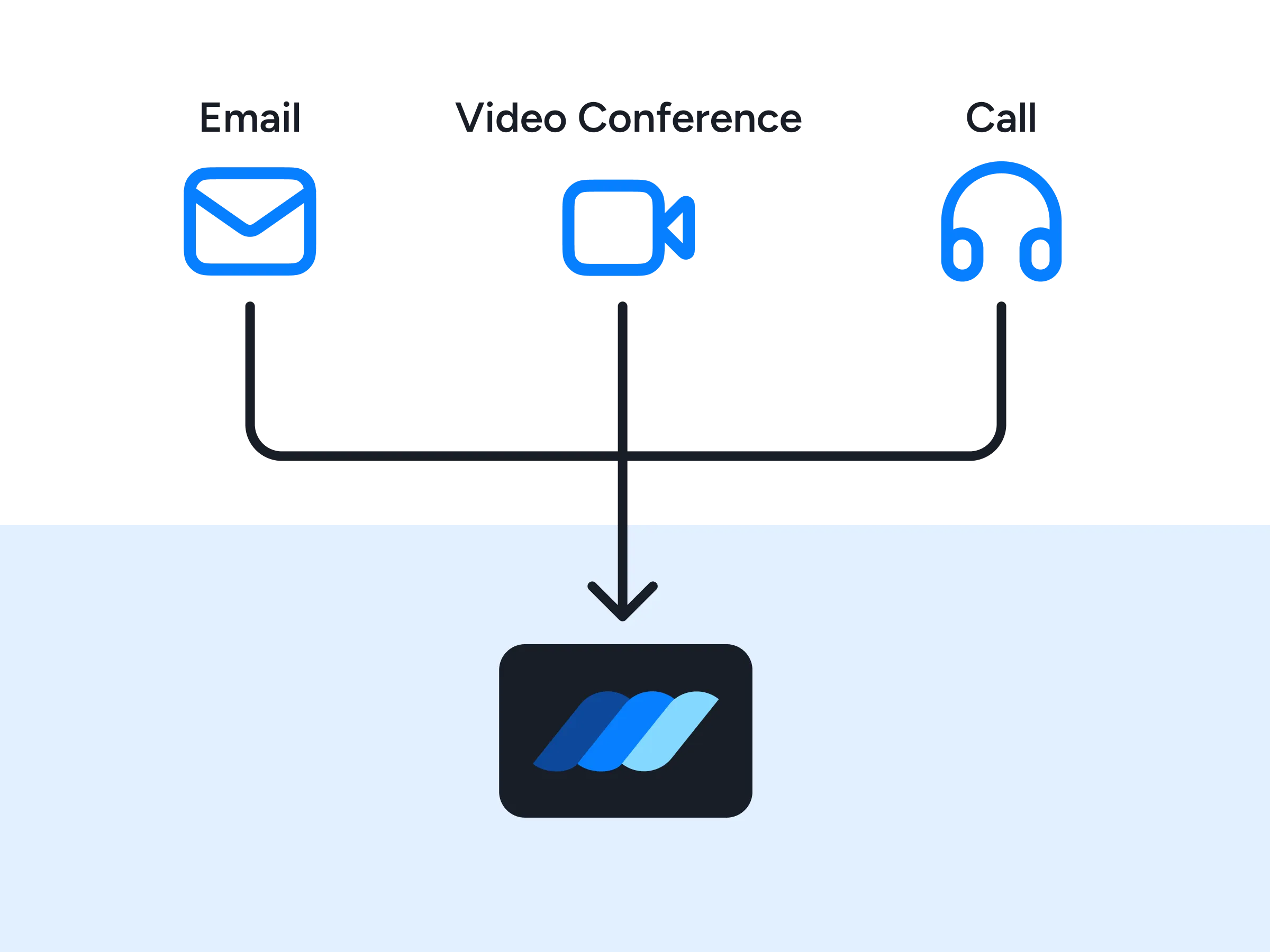
Zapier, Make, webhooks, or CSV automation will send the completion event to Wauld in real time. No manual intervention.

The credential is issued
Wauld maps learner data to your branded template and issues the verifiable certificate or badge instantly to the learner.
The learner receives their credential
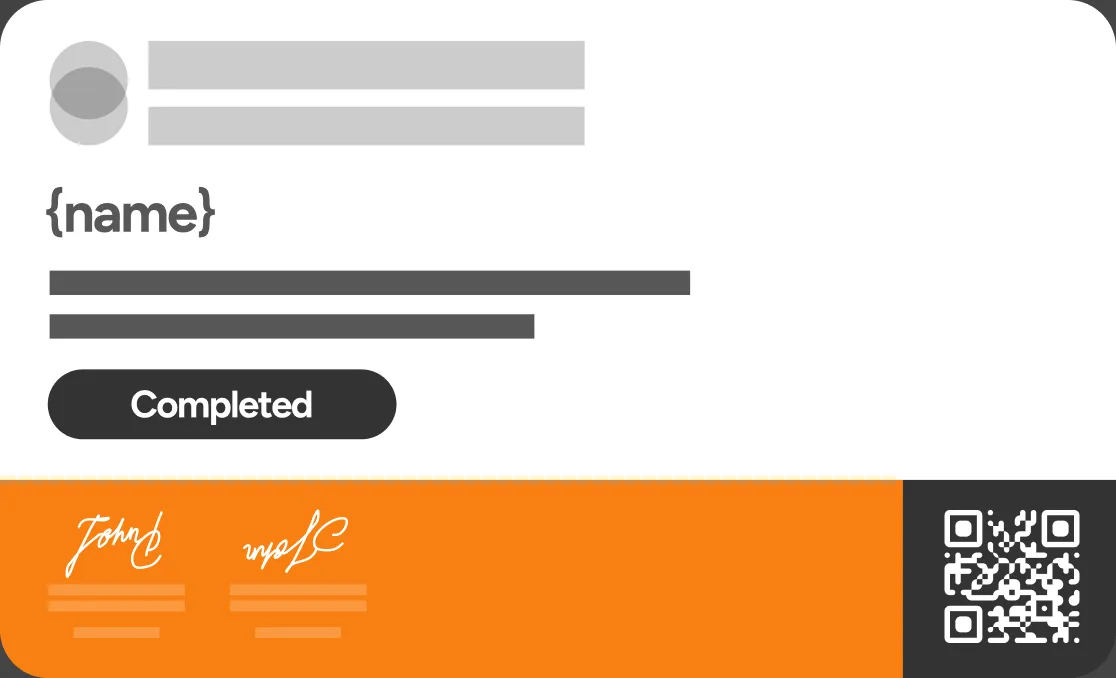
A verifiable certificate or badge lands in the learner's inbox with a unique QR code, ready to verify, download, or share straight to LinkedIn.
Recognize Learners at Every LearnDash Milestone
Turn course completions, quiz passes, and lesson finishes into credentials learners can immediately share
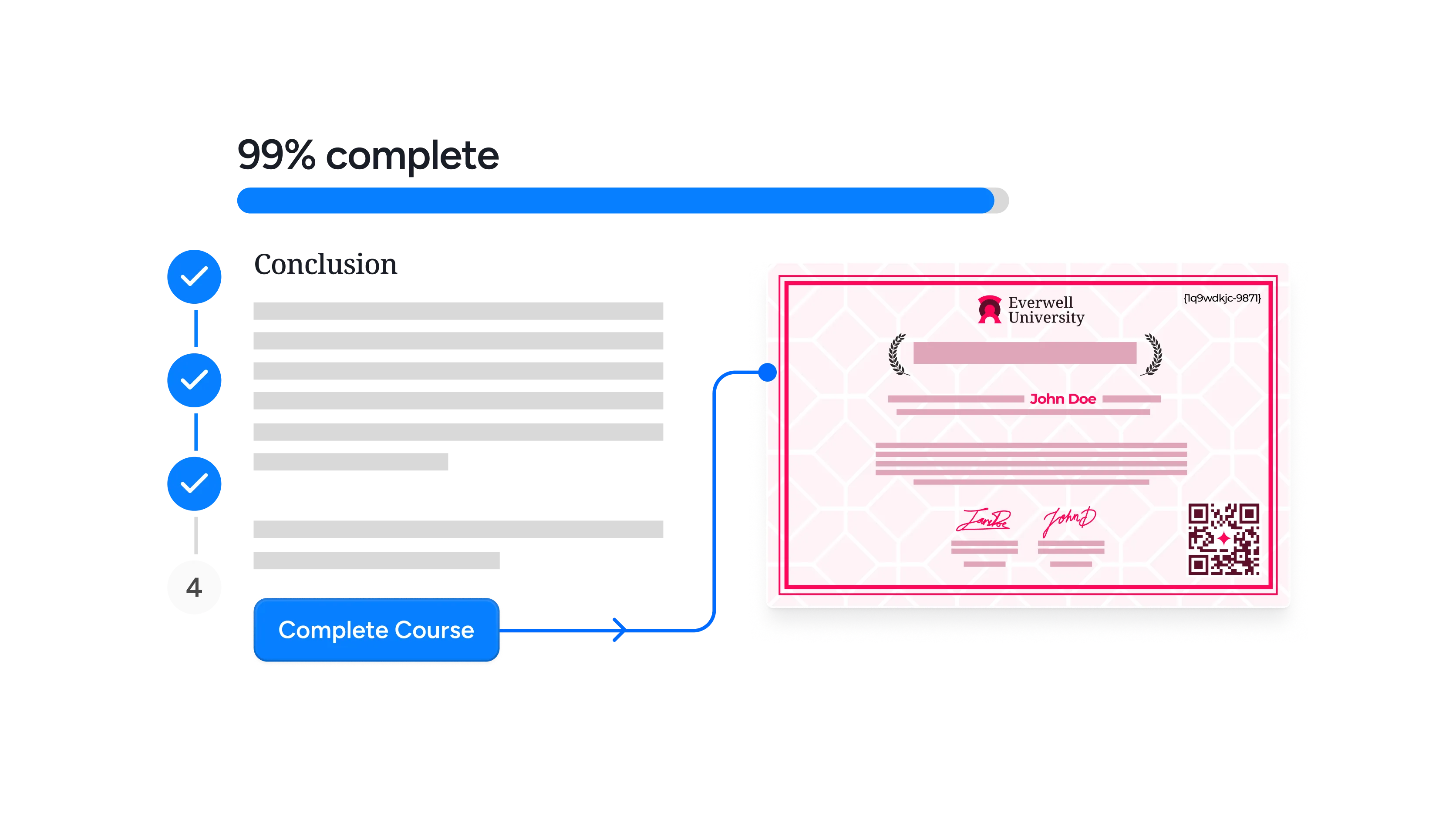
Completes a course
Automatically issue branded certificates when learners meet completion requirements. Transform course achievements into shareable, verifiable credentials that boost programme credibility.
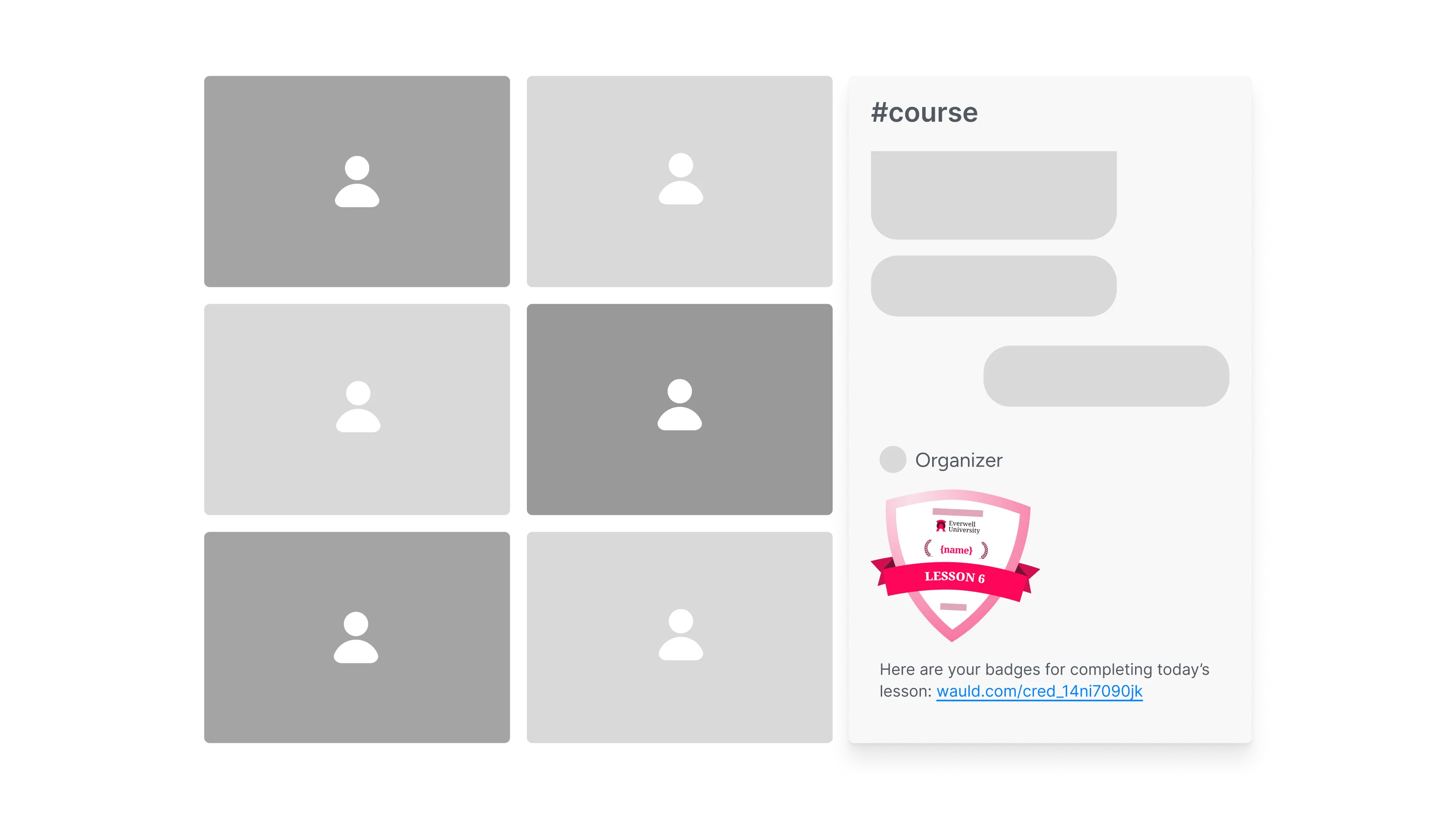
Finishes a lesson
Recognize lesson progress with digital badges that maintain learner motivation throughout longer learning journeys. Keep participants engaged with milestone-based recognition.
Passes a quiz
Reward assessment success instantly with verifiable digital badges. Validate learning outcomes and give learners tangible proof of knowledge they can confidently share.
Earns a badge
Create custom achievement badges for learning paths, skill mastery, and performance streaks. Automate recognition for specific accomplishments that matter to your programme.
Completes a learning path
Celebrate multi-course learning journeys by issuing prestigious credentials upon completion. Recognize the full scope of learner achievement across your entire programme.
Receives their credential
Learners instantly receive verifiable credentials with public verification pages and one-click LinkedIn sharing. Enable immediate credibility-building across professional networks.
Connect LearnDash to Wauld
Choose the integration method that fits your WordPress hosting and workflow, from CSV uploads to real-time Zapier/Make automation or full API control


Why LearnDash Teams Choose Wauld
Add verification, design, and analytics to your WordPress LMS without changing how your courses are built
Verification pages
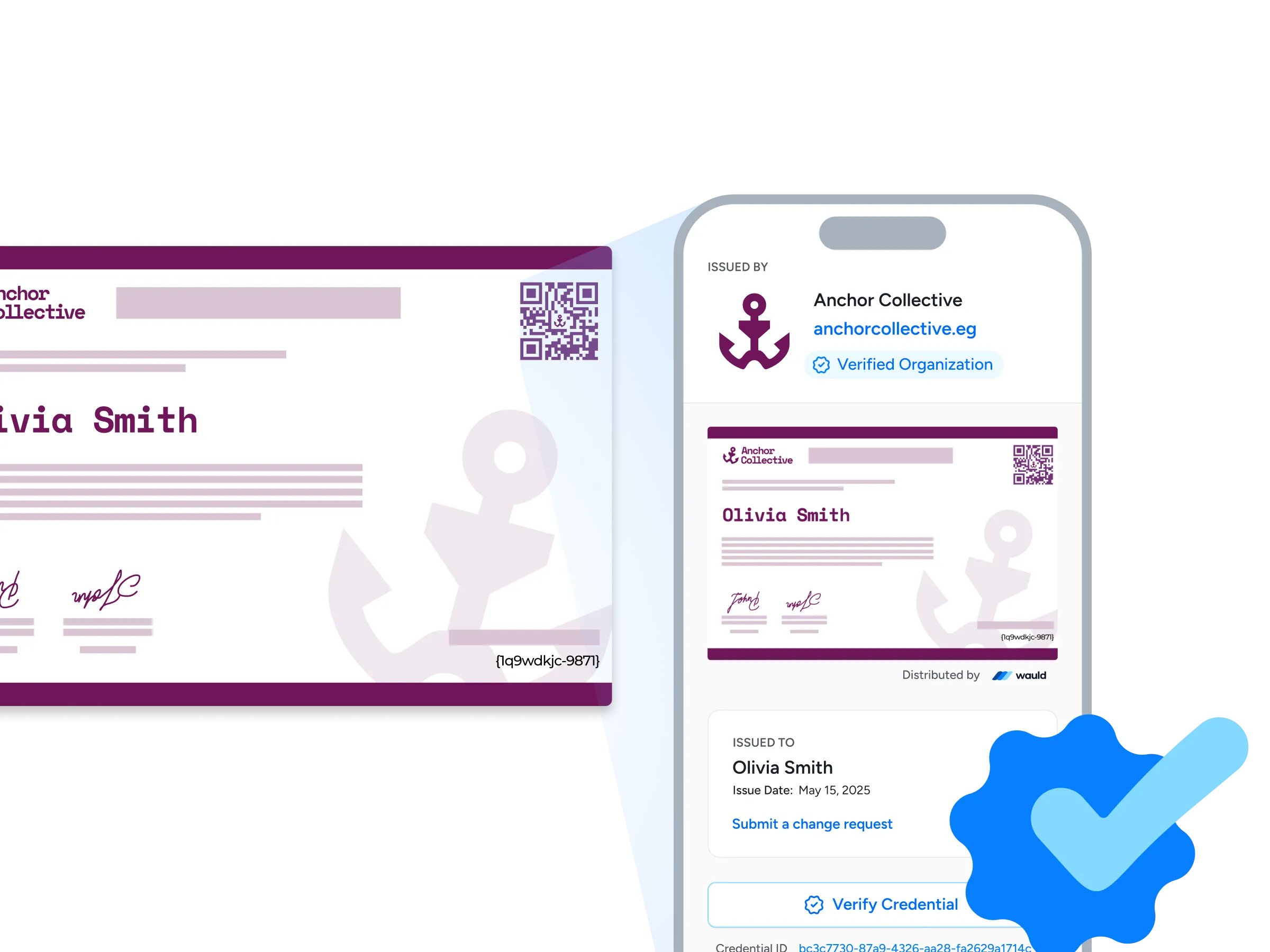
Every credential issued from LearnDash gets its own public verification page, so employers and peers can confirm achievement instantly with a single click or QR scan, no login required.
Bulk issuance
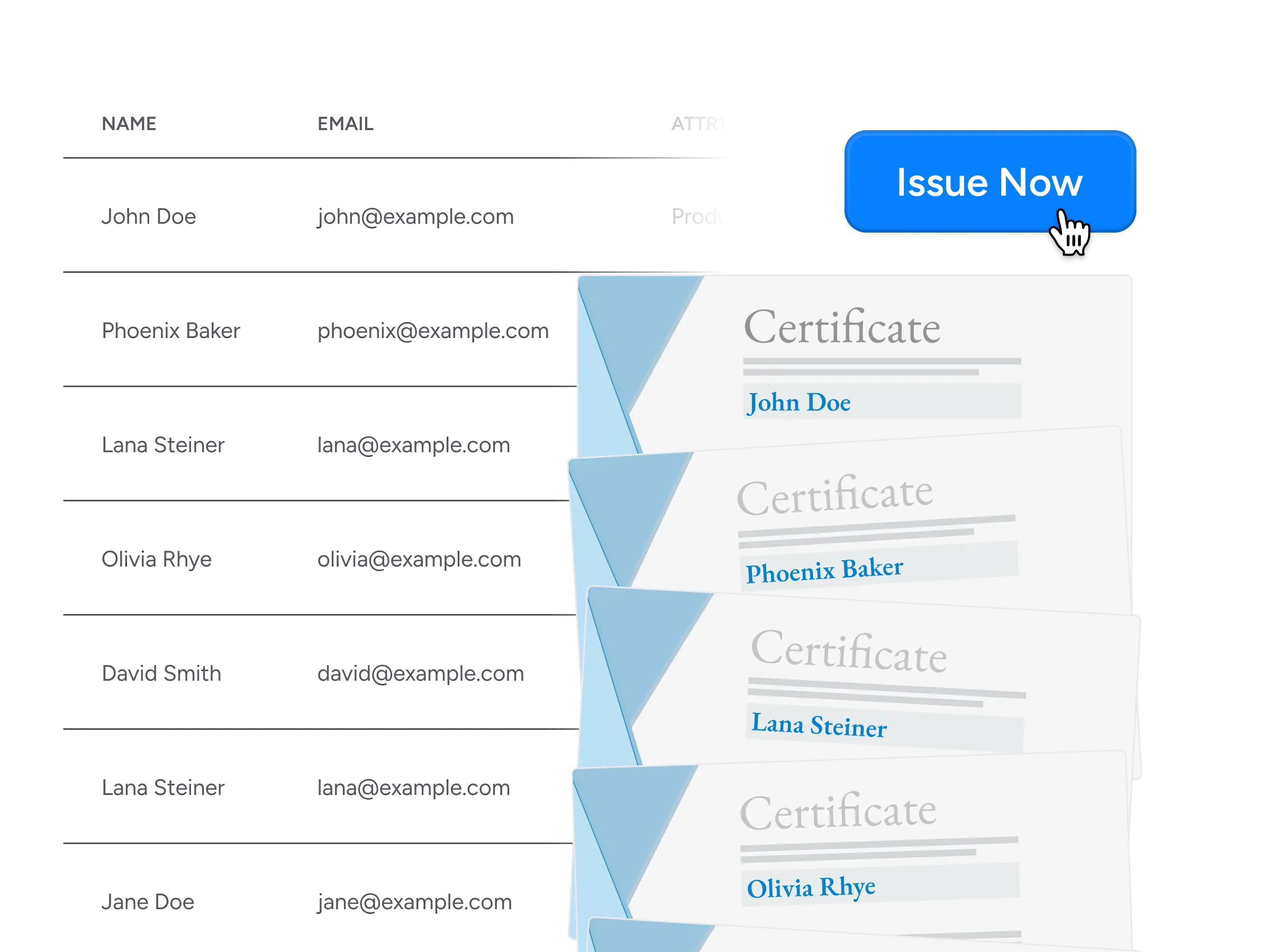
Issue thousands of certificates at once from a LearnDash course report using CSV, Zapier, or the API, saving hours instead of manual generation.
Digital badges
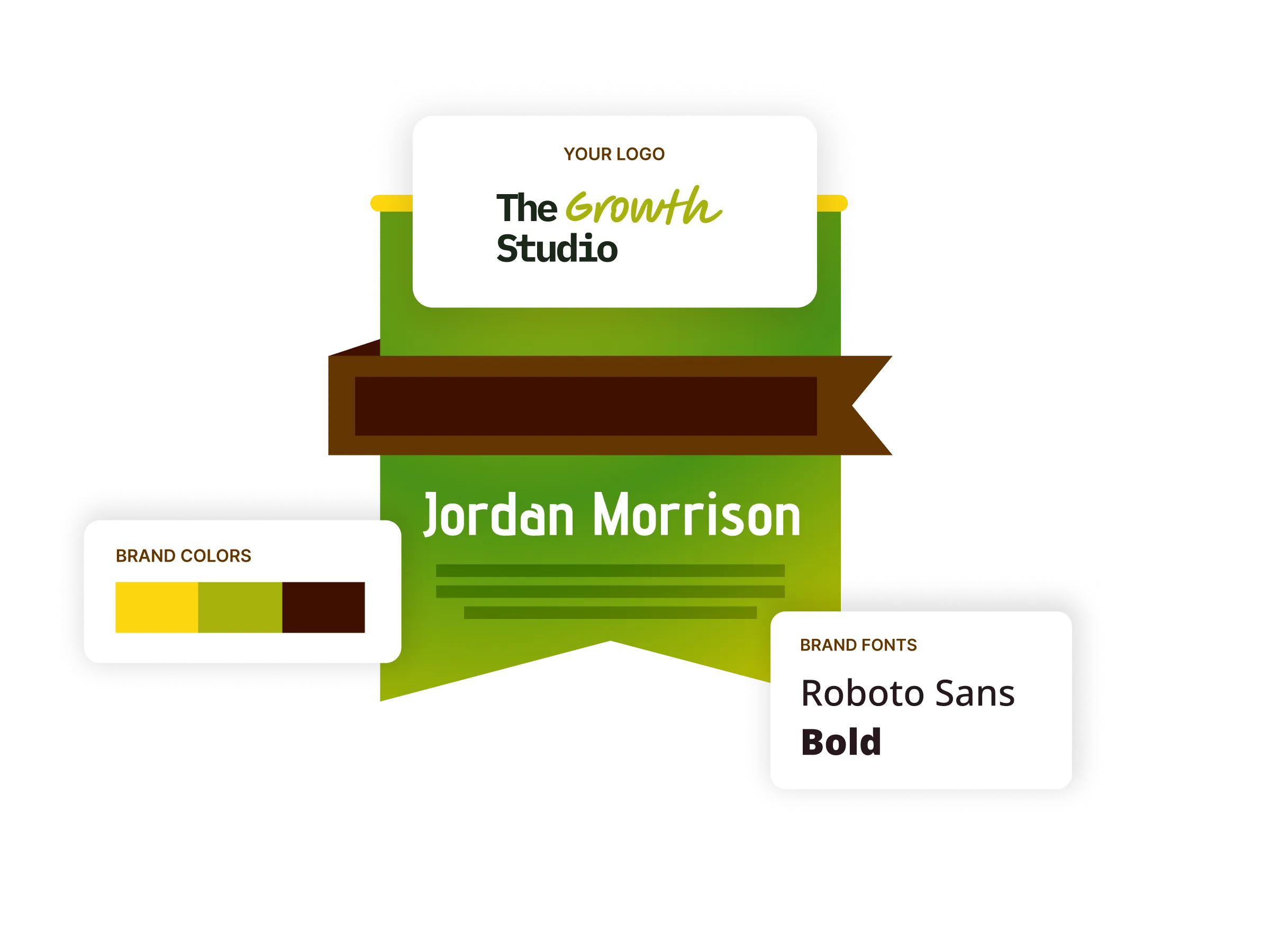
Design and customize digital badges in your brand colors, fonts, and logo that certify real skills and are ready for LinkedIn, email signatures, and social sharing.
Analytics
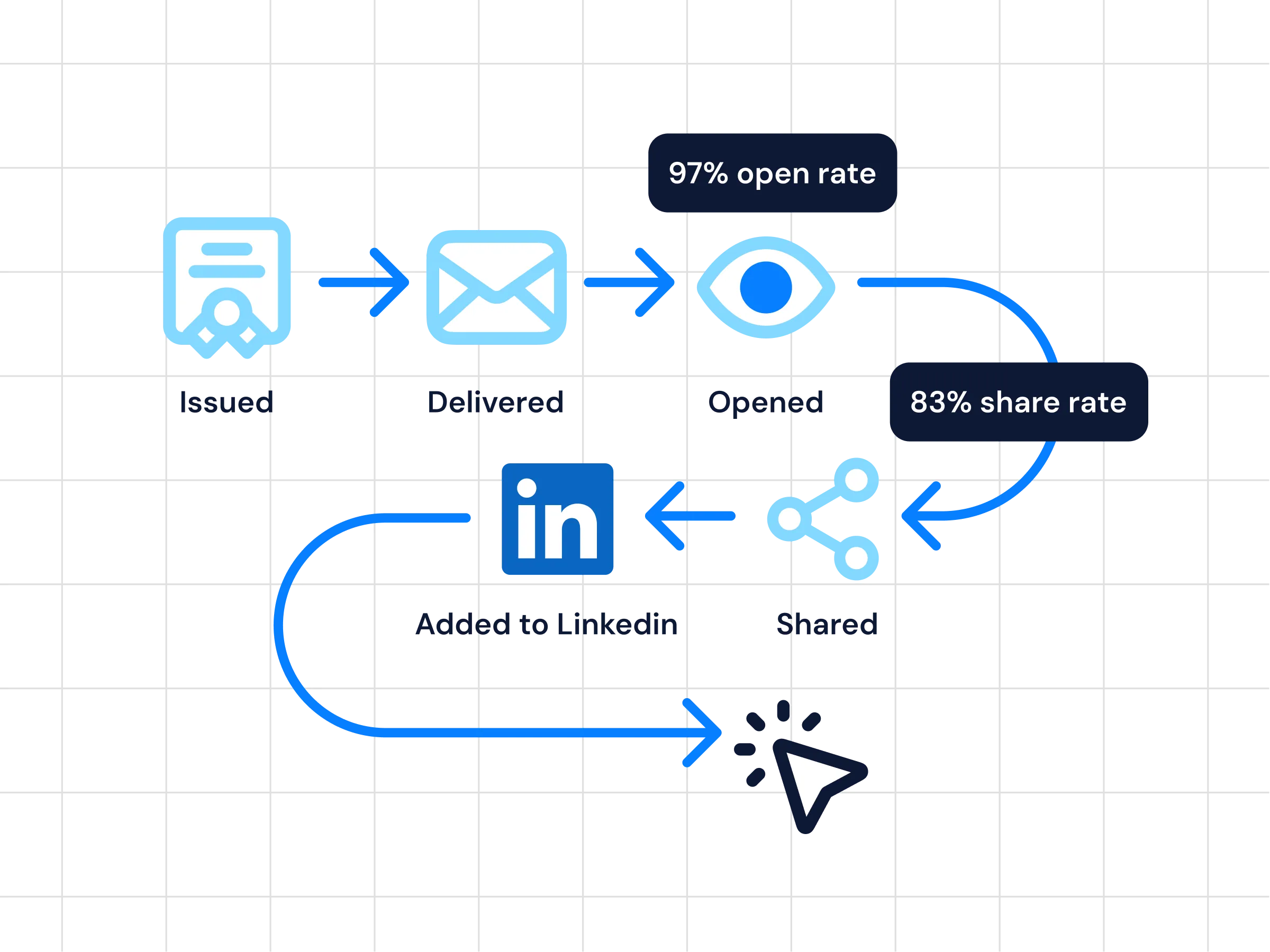
Track who opened, downloaded, verified, and shared each credential across your LearnDash courses. Get insights that LearnDash's native certificates never provide.
Digital certificates
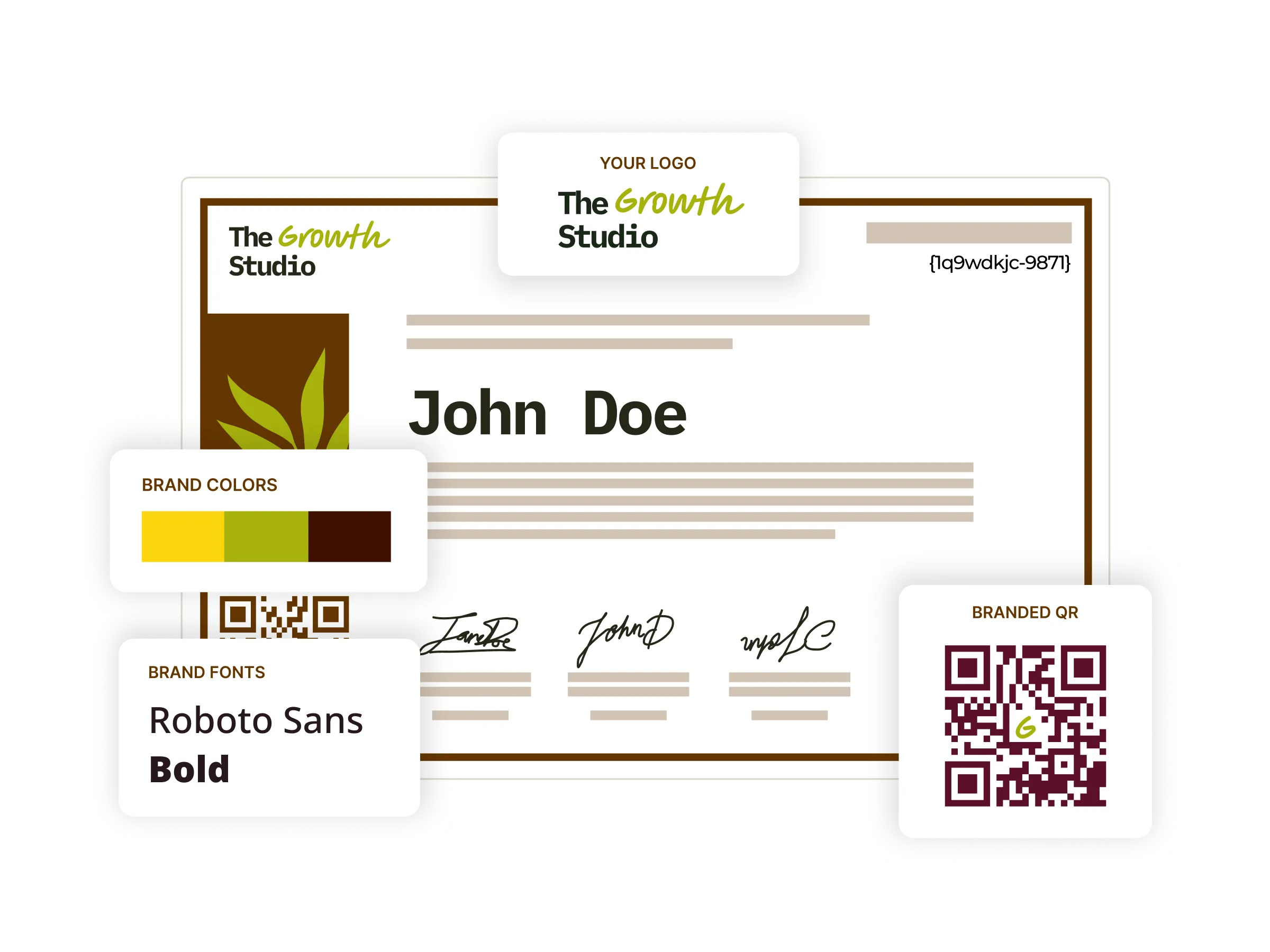
Choose from 1,800+ certificate templates and fully customize them with your brand, then manage all credentialing from one dashboard instead of scattered LearnDash plugins.
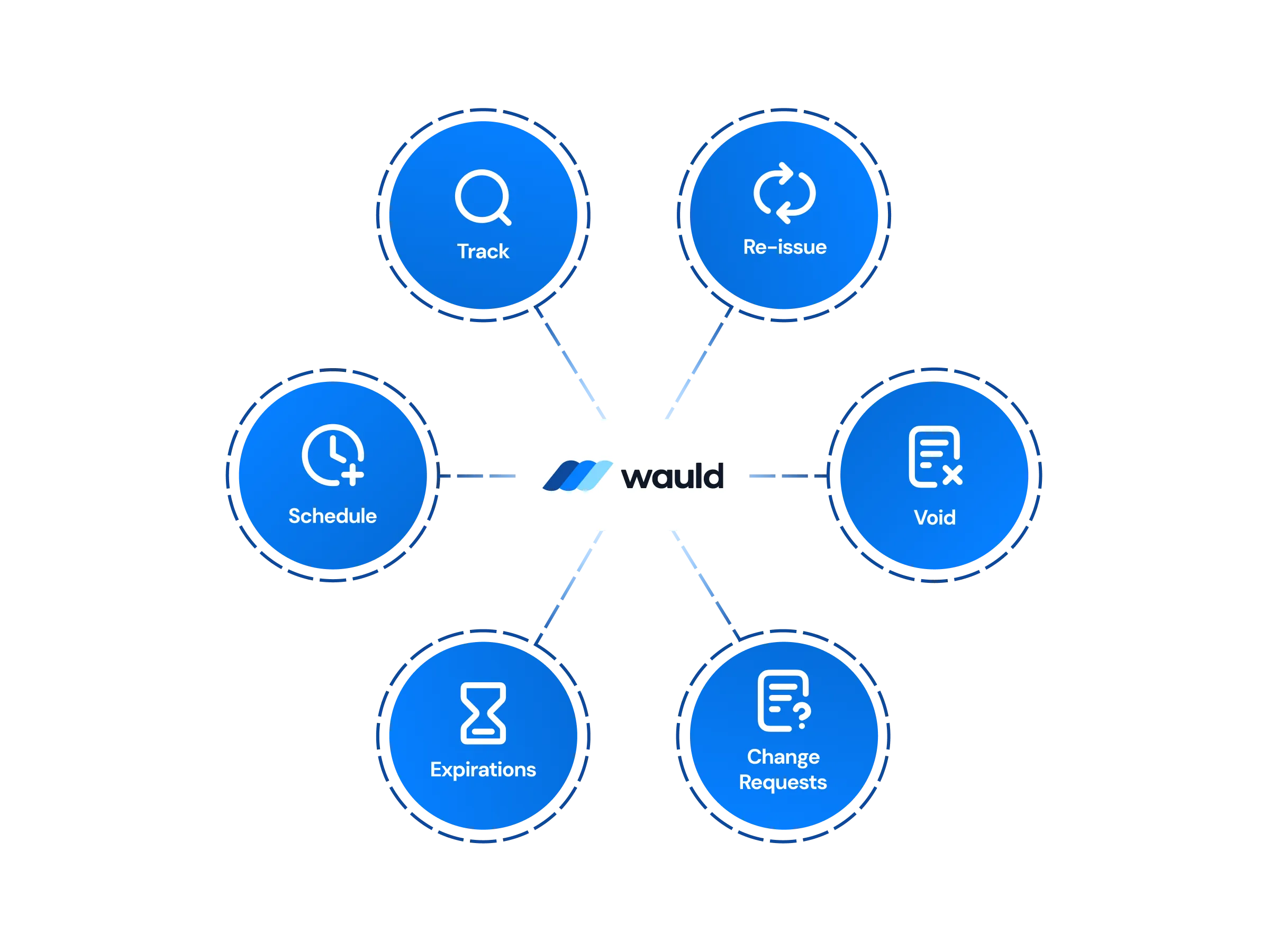
Central management
Design, issue, edit, update, or void credentials from one dashboard, with role-based permissions ensuring only authorized admins can manage student credentials.
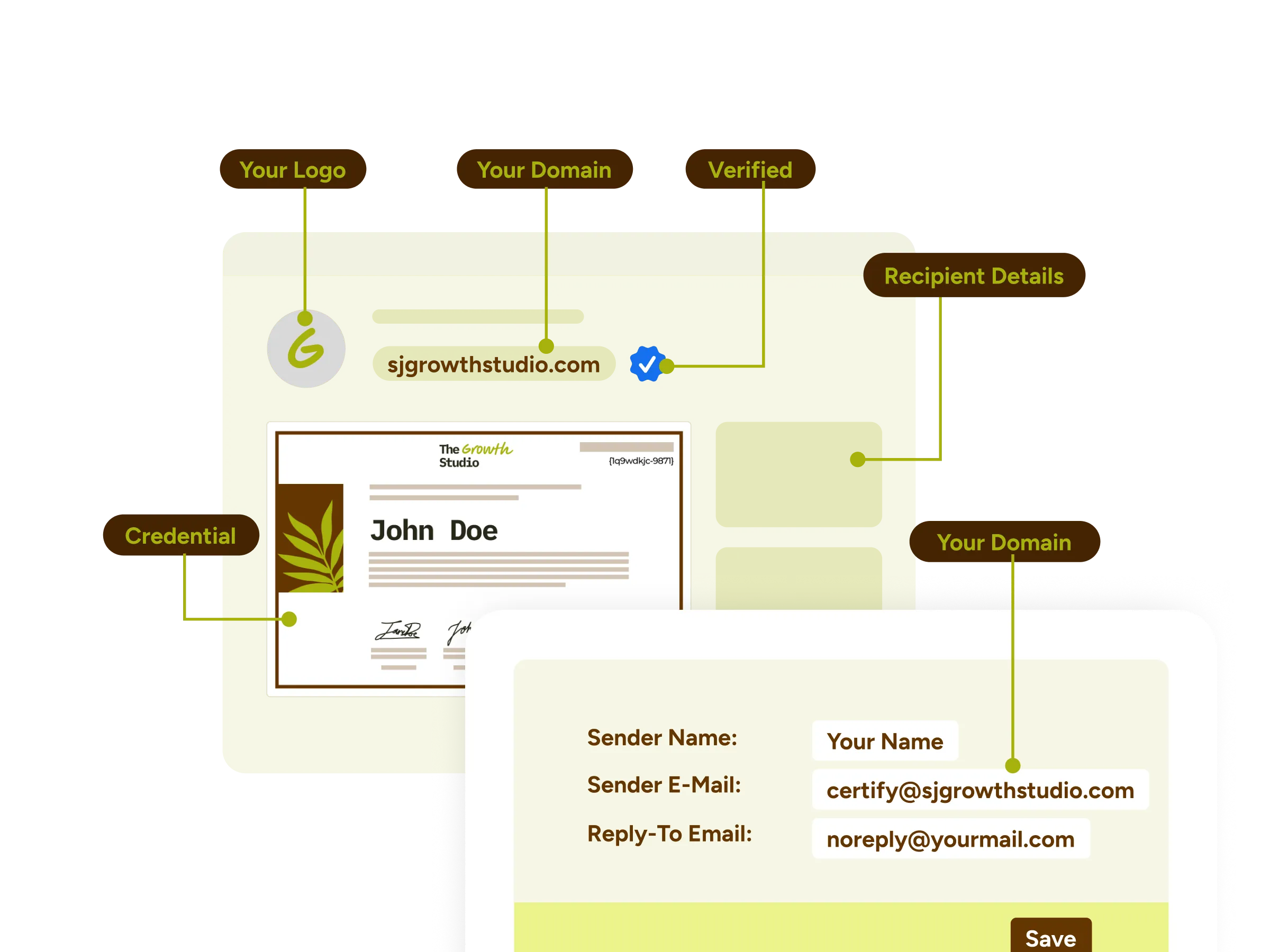
White-label experience
Deliver a fully branded experience with custom domains, email templates, and a recipient portal that extends your WordPress site's identity end-to-end.
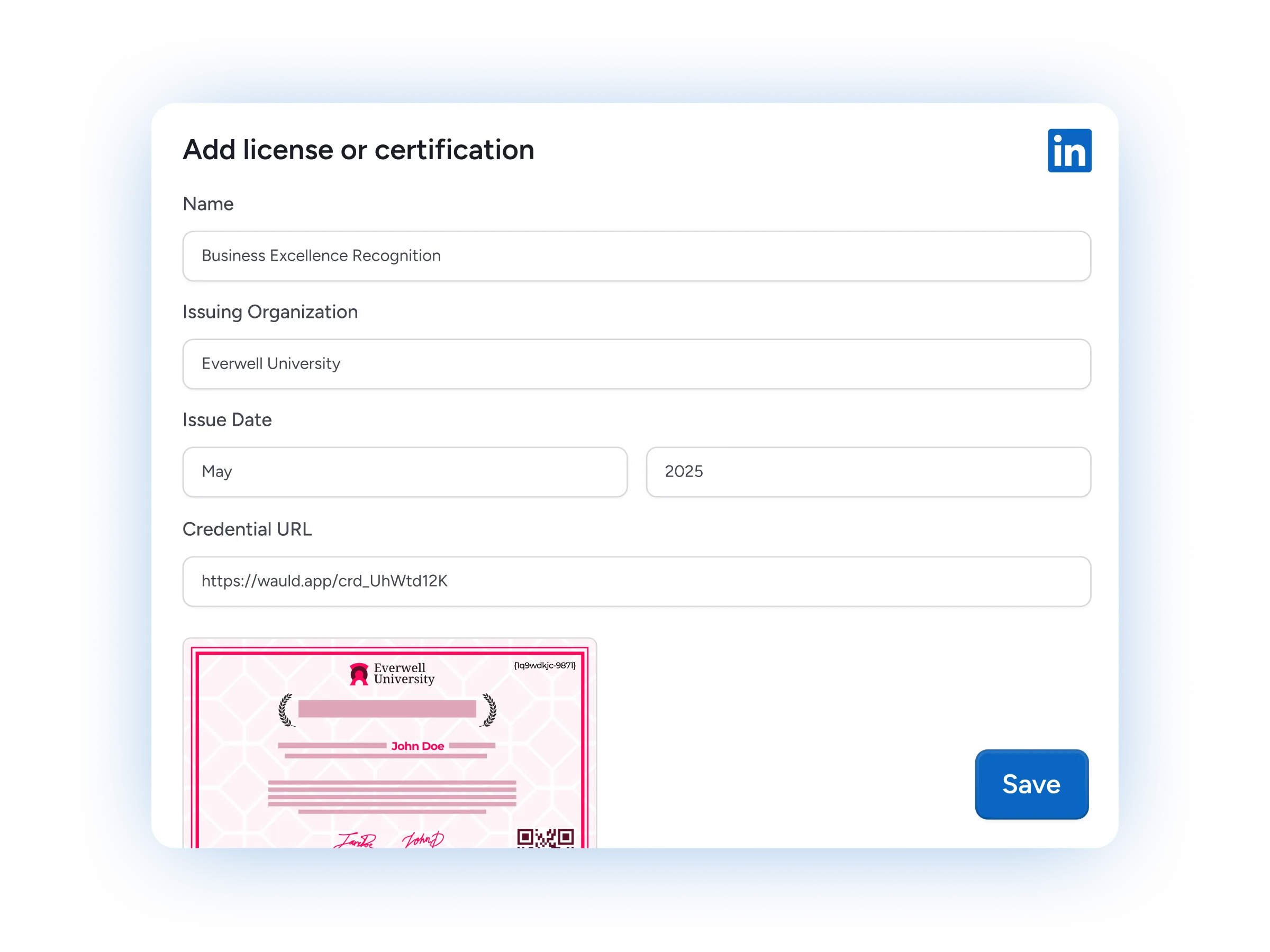
LinkedIn sharing
Learners add credentials to their LinkedIn profile in one click, putting your courses and institution directly in front of their professional network.
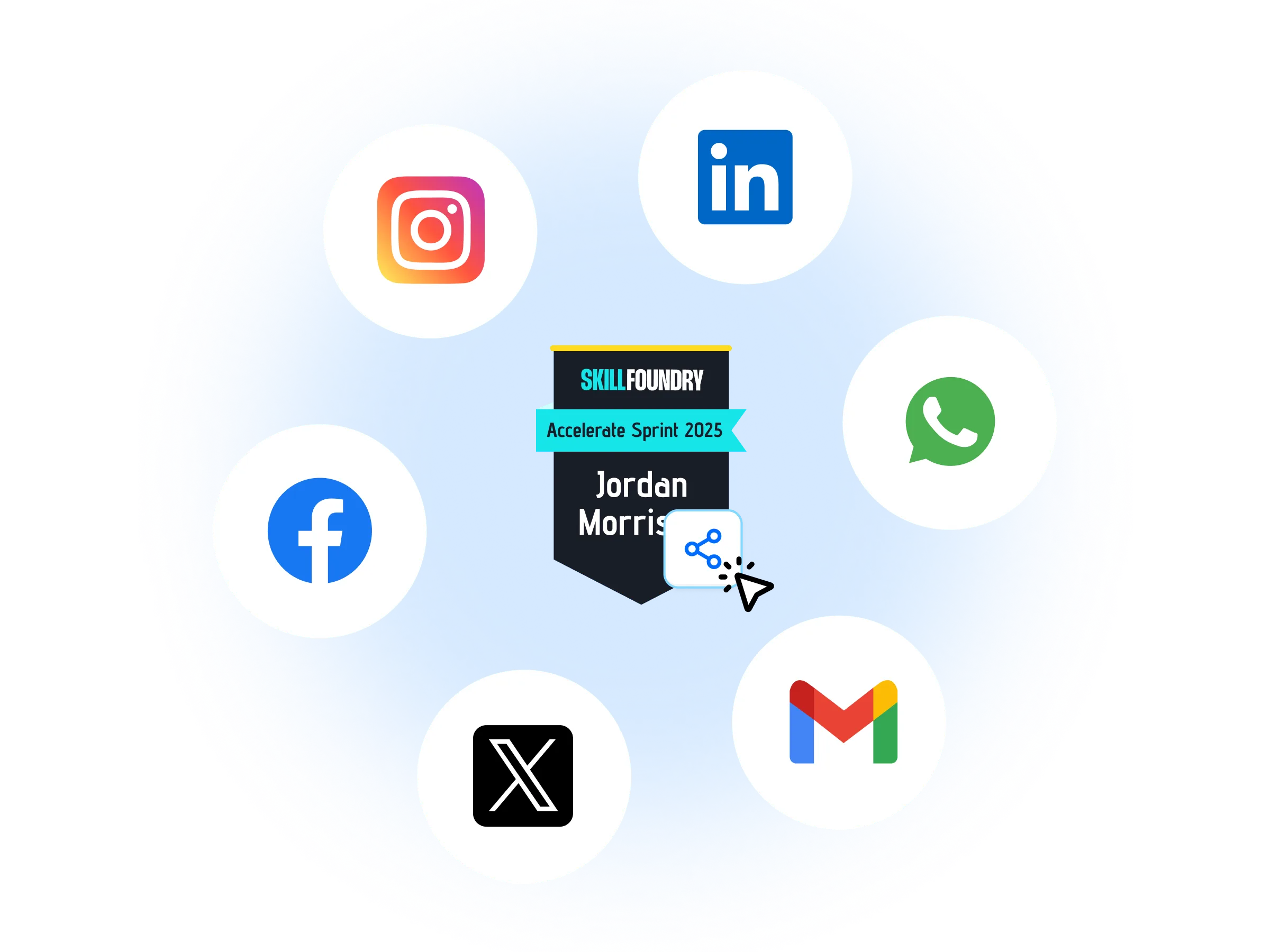
Certificates as marketing
Every shared credential becomes a marketing asset, carrying your brand across LinkedIn and social media, attracting new students to your LearnDash courses.
Premium support
Get priority help from our team, including dedicated LearnDash integration guidance, custom workflow setup, and fast response times whenever you need it.
FAQs
Everything you need to know about connecting LearnDash and issuing verifiable credentials
How do I integrate LearnDash with Wauld to issue certificates automatically?
LearnDash is the WordPress LMS plugin that manages your courses, lessons, and student progress. Wauld adds verifiable credentialing functionality on top. Connect the two platforms using CSV uploads for batch issuance, Zapier or Make for real-time automation, webhooks for custom workflows, or the API for developer-driven solutions. When a learner completes a course, quiz, or lesson in LearnDash, Wauld automatically issues and delivers the matching certificate or badge.
Is there a LearnDash plugin for Wauld?
There is no dedicated Wauld plugin in the LearnDash plugin directory. Instead, you connect using tools you likely already have or easily activate: CSV export for batch issuing, Zapier or Make for no-code automation without plugins, webhooks via third-party WordPress plugins, or the API for full control. Most setups take under an hour and require no coding or additional developer resources.
Which LearnDash versions and hosting setups does the integration support?
The CSV method works on any LearnDash installation, including LearnDash Cloud, self-hosted WordPress, and managed hosting platforms, with zero plugins required. The Zapier and Make methods work universally. The webhook method works on installations where you can install a webhook relay plugin or configure a custom WordPress action hook. All methods maintain compatibility with current LearnDash versions and work on both free and ProPanel versions.
Does Wauld replace LearnDash's built-in certificate functionality?
No. Wauld sits alongside LearnDash's native certificates and adds verifiable digital credentialing, blockchain-backed verification, and advanced sharing and analytics features. LearnDash's built-in certificates generate static files; Wauld issues verifiable credentials that recipients can verify instantly, share to LinkedIn, and track through your dashboard. You can use both, or transition entirely to Wauld's superior verification and analytics.
How does Wauld handle student data from LearnDash?
You only pass the learner details the credential requires: name, email, course title, completion date, and quiz score if applicable. Wauld securely handles this data with encrypted storage, role-based access controls, and industry-standard security. Issuers authenticate with Google SSO, every credential carries a unique tamper-proof ID and QR code, and workspace permissions ensure only authorized admins can issue or manage credentials.
Which Wauld plan includes LearnDash integration, and what about downgrades?
LearnDash integration is available on Wauld's Free plan. CSV, Zapier, Make, webhooks, and API connections are all included at no cost, so you can start issuing credentials immediately. Once issued, credentials remain valid and verifiable even if you cancel or downgrade; premium features stop working, but free-tier functionality persists.
Start Issuing Verifiable Credentials From LearnDash Today
Create your free Wauld account and connect your LearnDash WordPress LMS in minutes.
Talk to an Expert