Reward Google Meet Attendees With Digital Credentials
Turn attendance into recognition with a Google Meet integration that issues verifiable certificates and badges to the people who join your webinars, training sessions, and courses.


Three steps from Google Meet session to verified credential
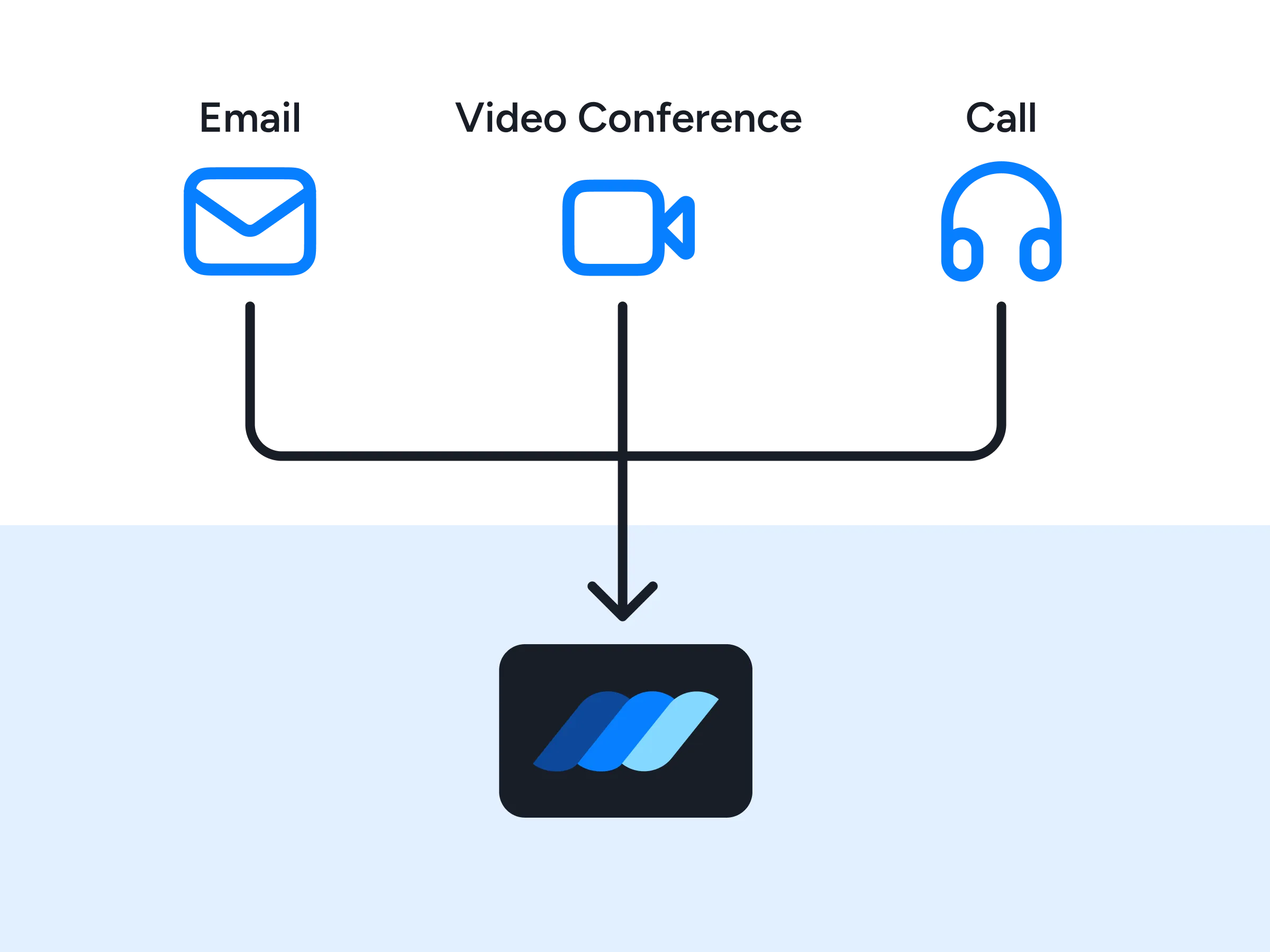
Connect Google Meet to Wauld, then issue credentials from each session's attendance. Most teams upload Meet's attendance report as a CSV; real-time issuance is a developer setup built on the Google Meet API.

Google Meet session ends
People join your webinar, training, or workshop on Google Meet. On Google Workspace editions that include attendance reports, with tracking enabled, the session's attendance is recorded for you.

Attendance reaches Wauld
Wauld receives the roster, either exported from Meet's attendance report and uploaded as a CSV, or pulled directly through the Google Meet API.

Credential is issued
Wauld maps each attendee's details to your template and queues the credential for issuance.
Attendee receives their credential
A verifiable certificate or badge lands in the recipient's inbox, ready to share and verify instantly.
Recognize Attendance and Participation at Every Google Meet Session
Motivate attendees to show up, engage, and finish what they start

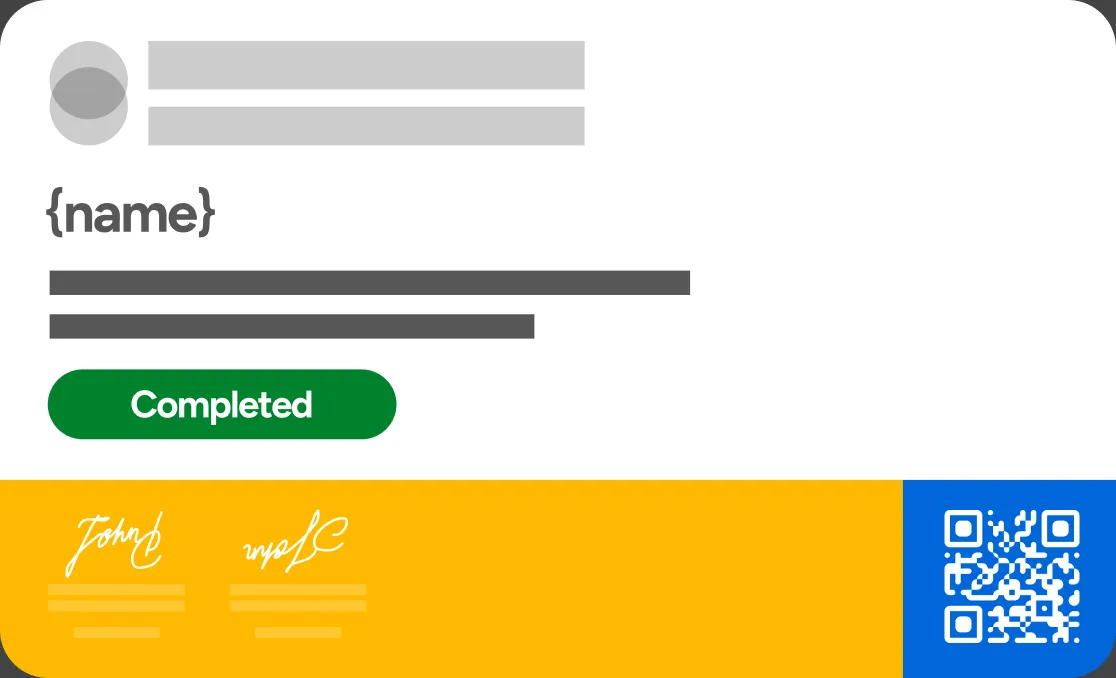
Attends a live webinar
Reward webinar attendees with shareable credentials that boost turnout, deepen engagement, and keep audiences coming back to your next Google Meet event.
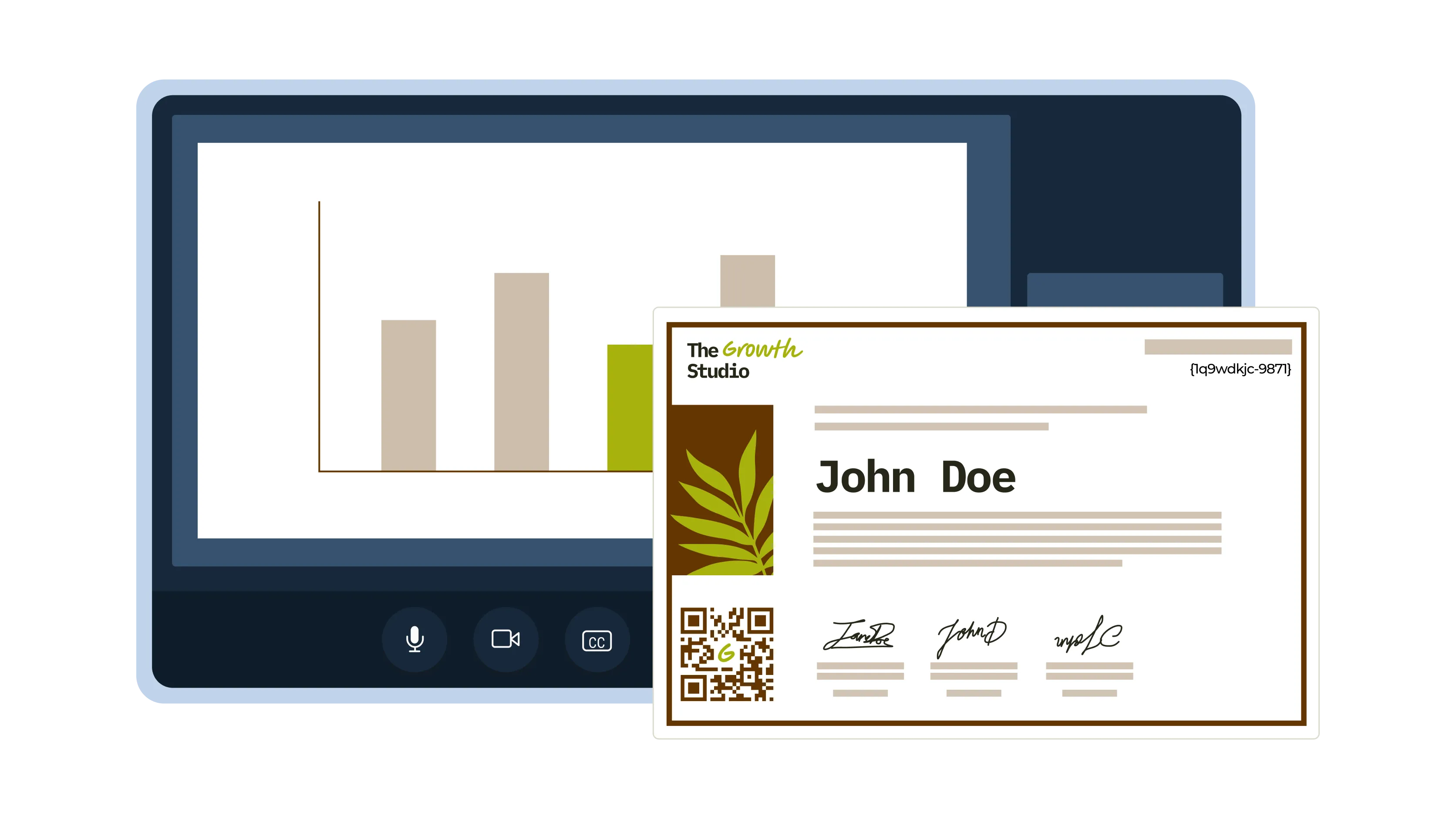
Completes a training session
Recognize employees or learners who finish a training session on Google Meet, reinforcing new skills and encouraging consistent participation.
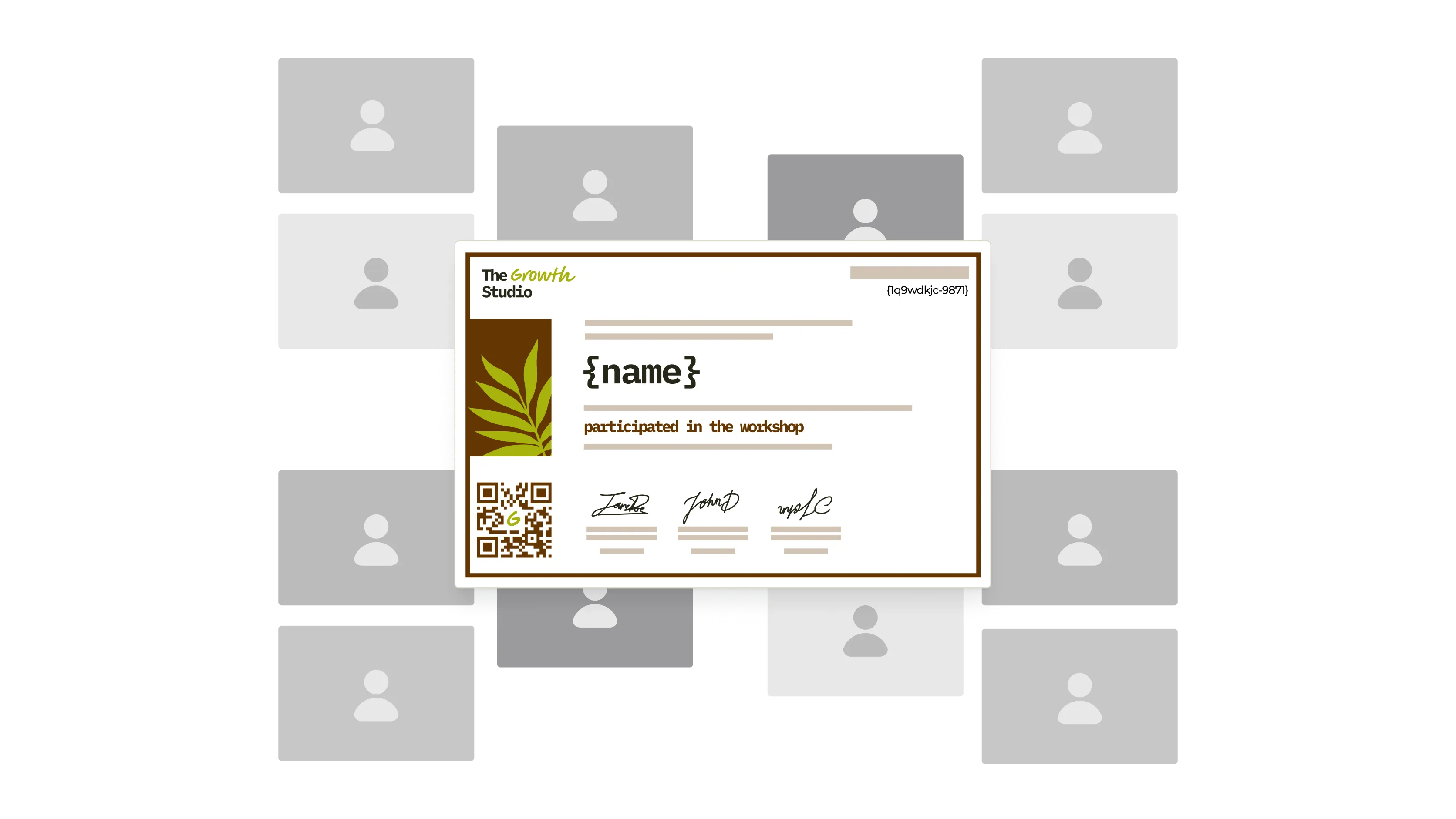
Joins a workshop
Celebrate workshop participation with digital badges that motivate hands-on learning and strengthen the connection between facilitators and attendees.
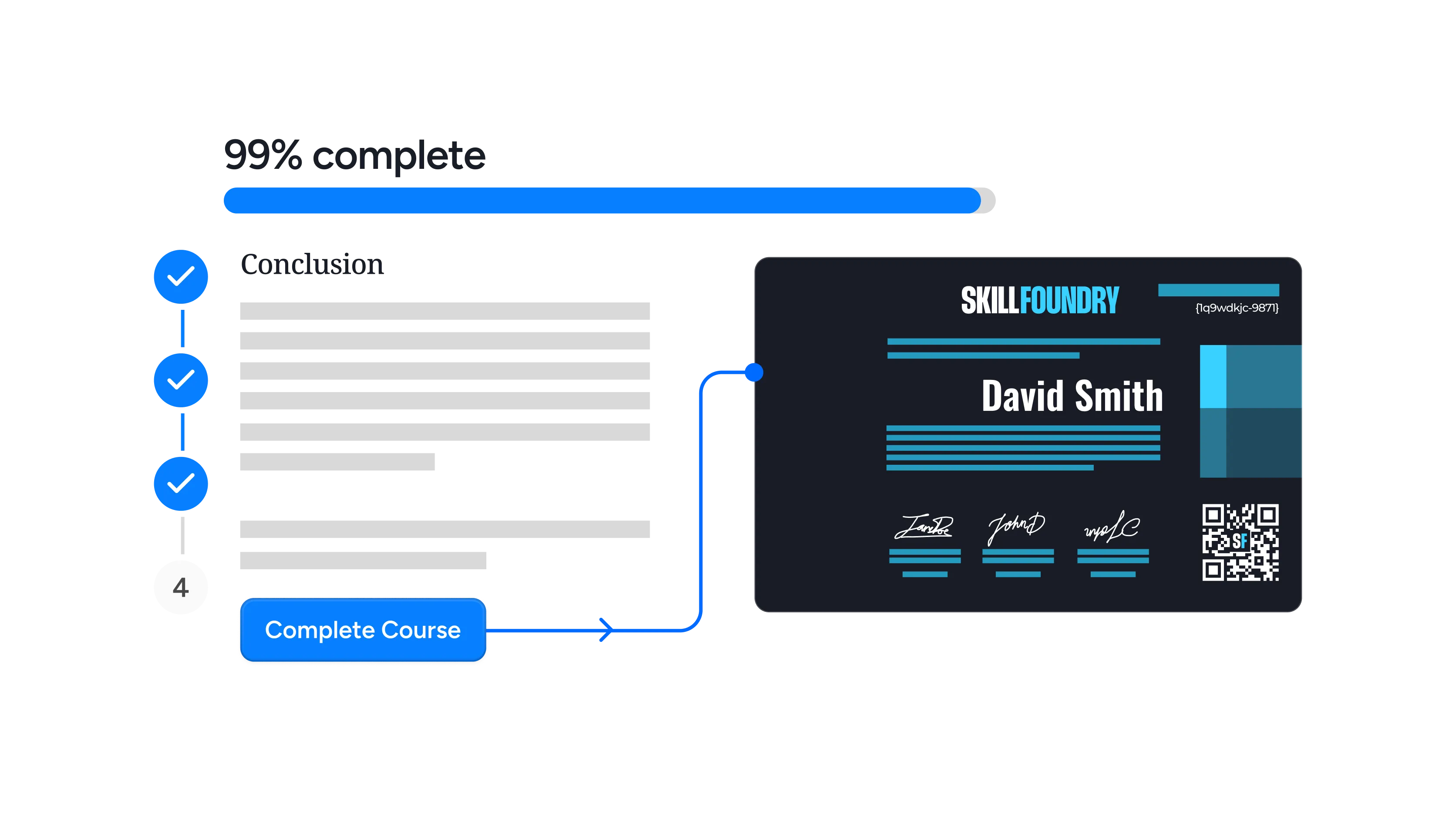
Finishes an online course
Issue verifiable certificates when learners complete a course delivered over Meet, showcasing real skills and validating their achievement.
Completes a bootcamp cohort
Reward cohort members who finish a multi-session bootcamp, fostering commitment, improving retention, and inspiring learners toward their next milestone.
Passes a certification session
Confirm proctored assessments held on Meet with credentials that carry real weight and give recipients proof of a verified accomplishment.
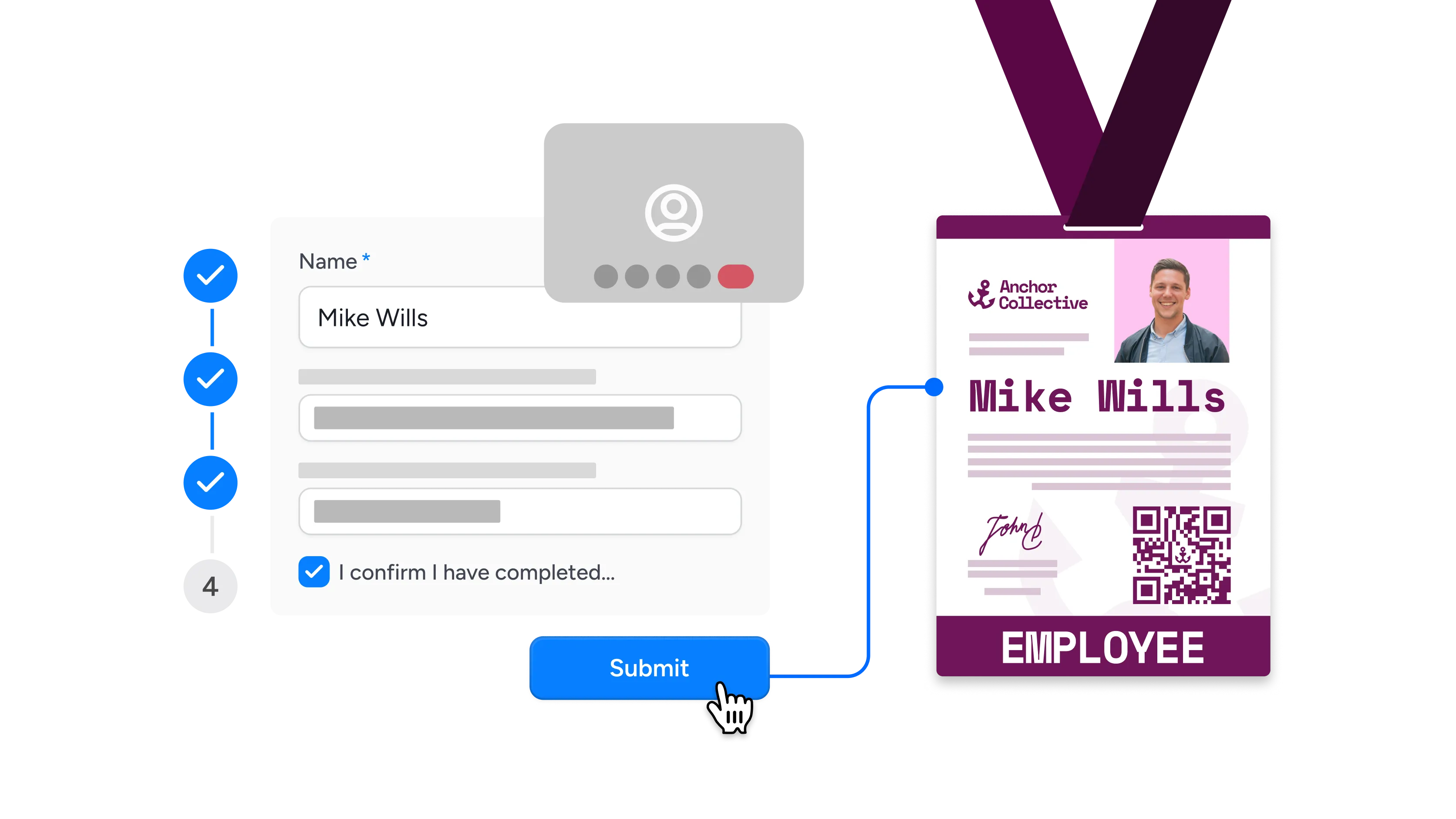
Attends an onboarding session
Welcome new hires or members after an onboarding call with credentials that mark their first milestone and reinforce a sense of belonging.

Joins a masterclass
Acknowledge masterclass attendees with exclusive credentials that recognize their investment and encourage continued learning across your programs.
Connect Google Meet to Wauld
Choose the integration method that fits your workflow, from no-code to API


Why Teams Running Google Meet Sessions Choose Wauld
Automate recognition while keeping every credential on brand and verifiable
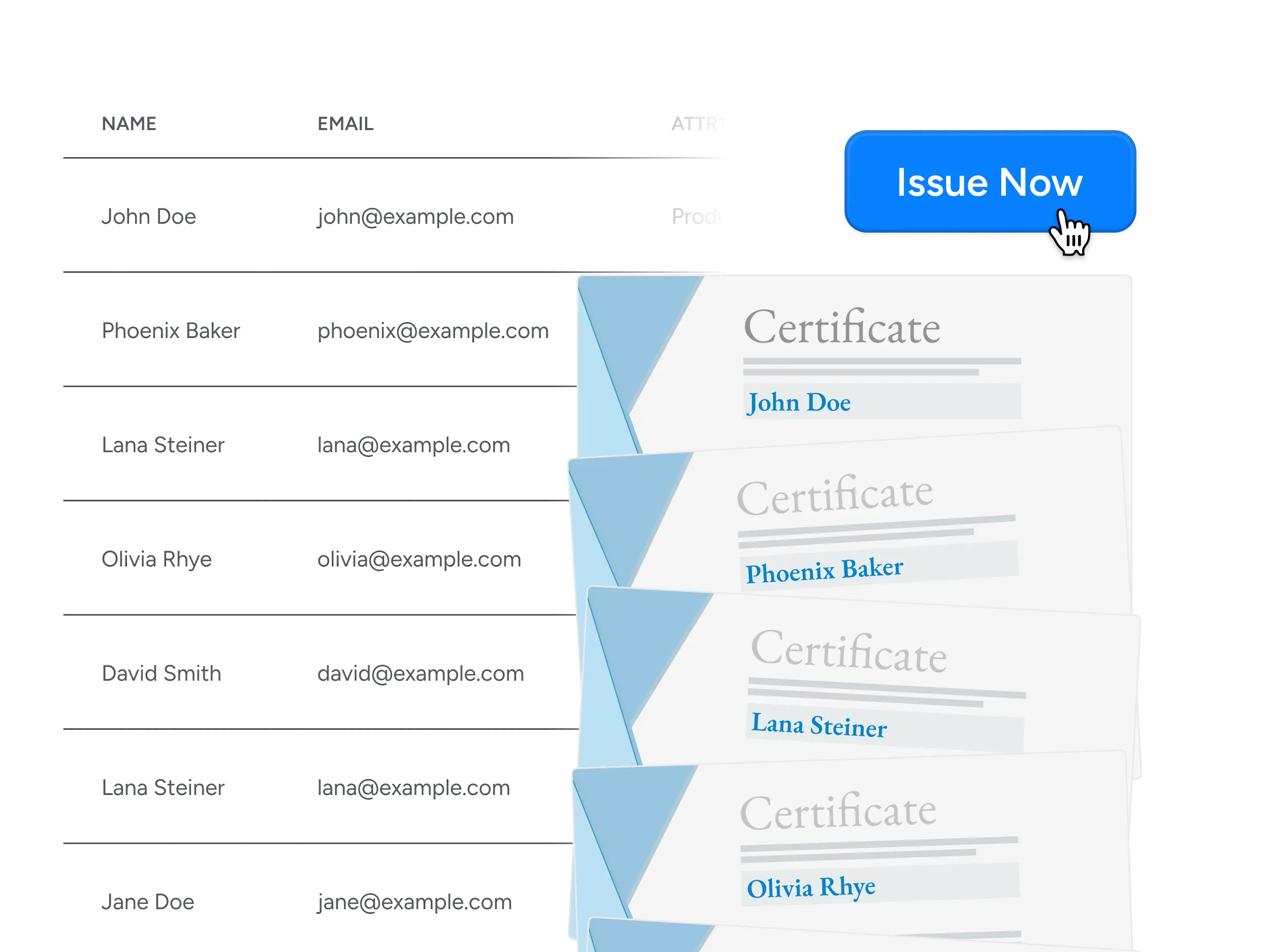
Bulk Issuance
Send thousands of certificates and badges in minutes through CSV uploads, integrations, APIs, or automated workflows, so large attendee lists never slow you down.
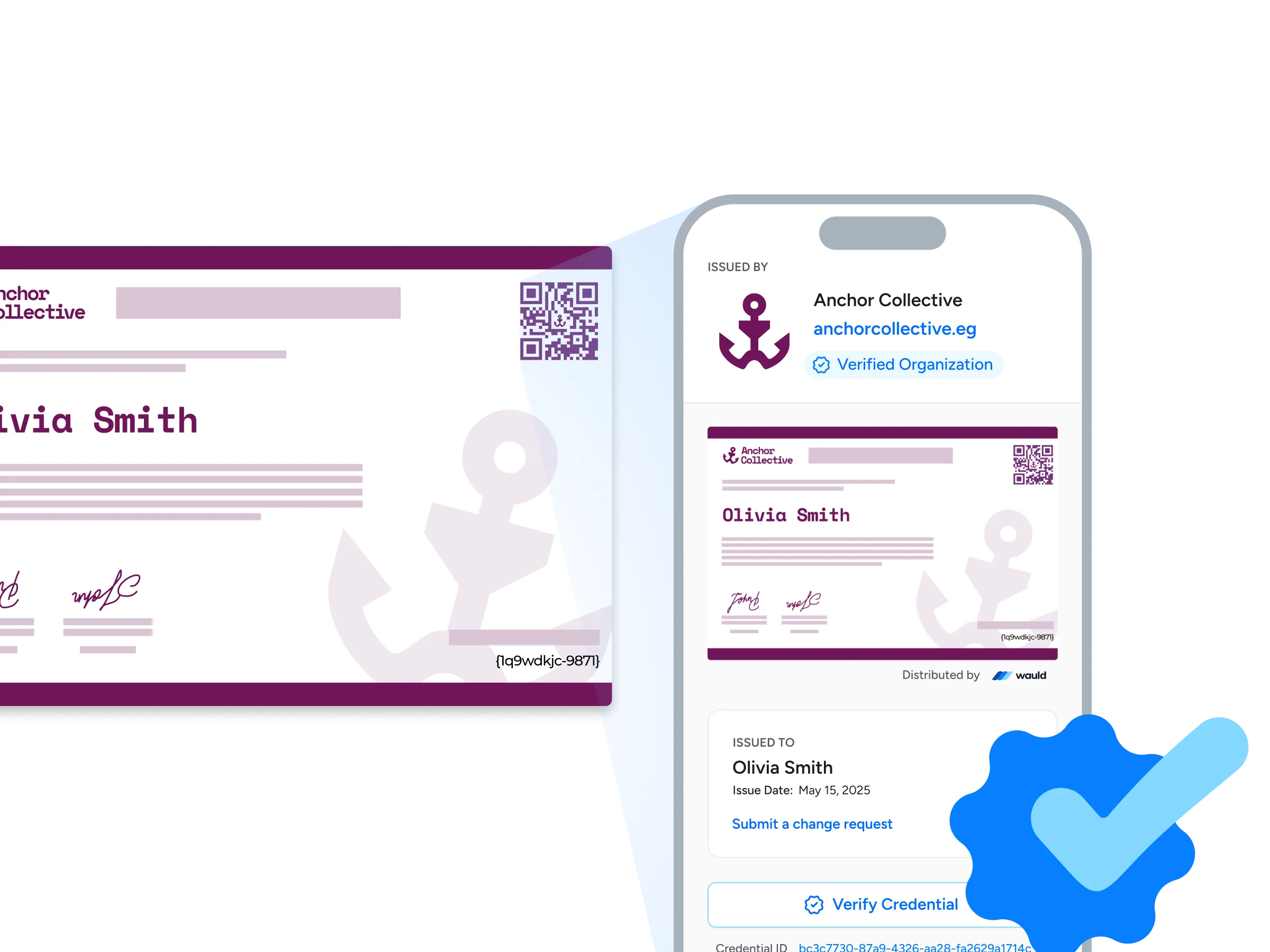
Verification Pages
Every credential comes with its own public verification page, so anyone can confirm authenticity in seconds with a single click or a quick QR scan.
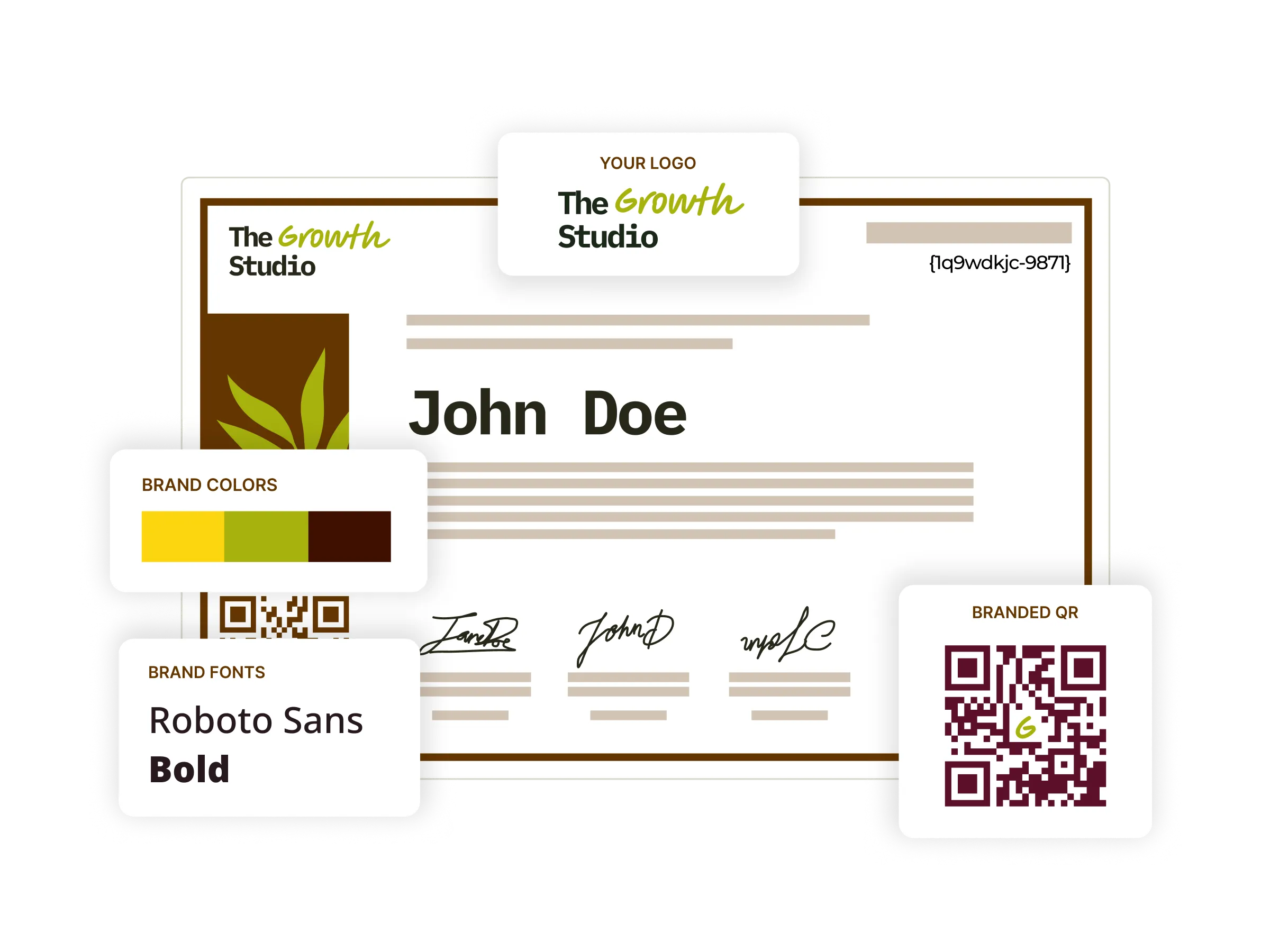
Branded Certificates
Shape a fully branded experience end to end, with custom URLs, emails, a credential portal, and certificate designs that carry your organization's identity throughout.
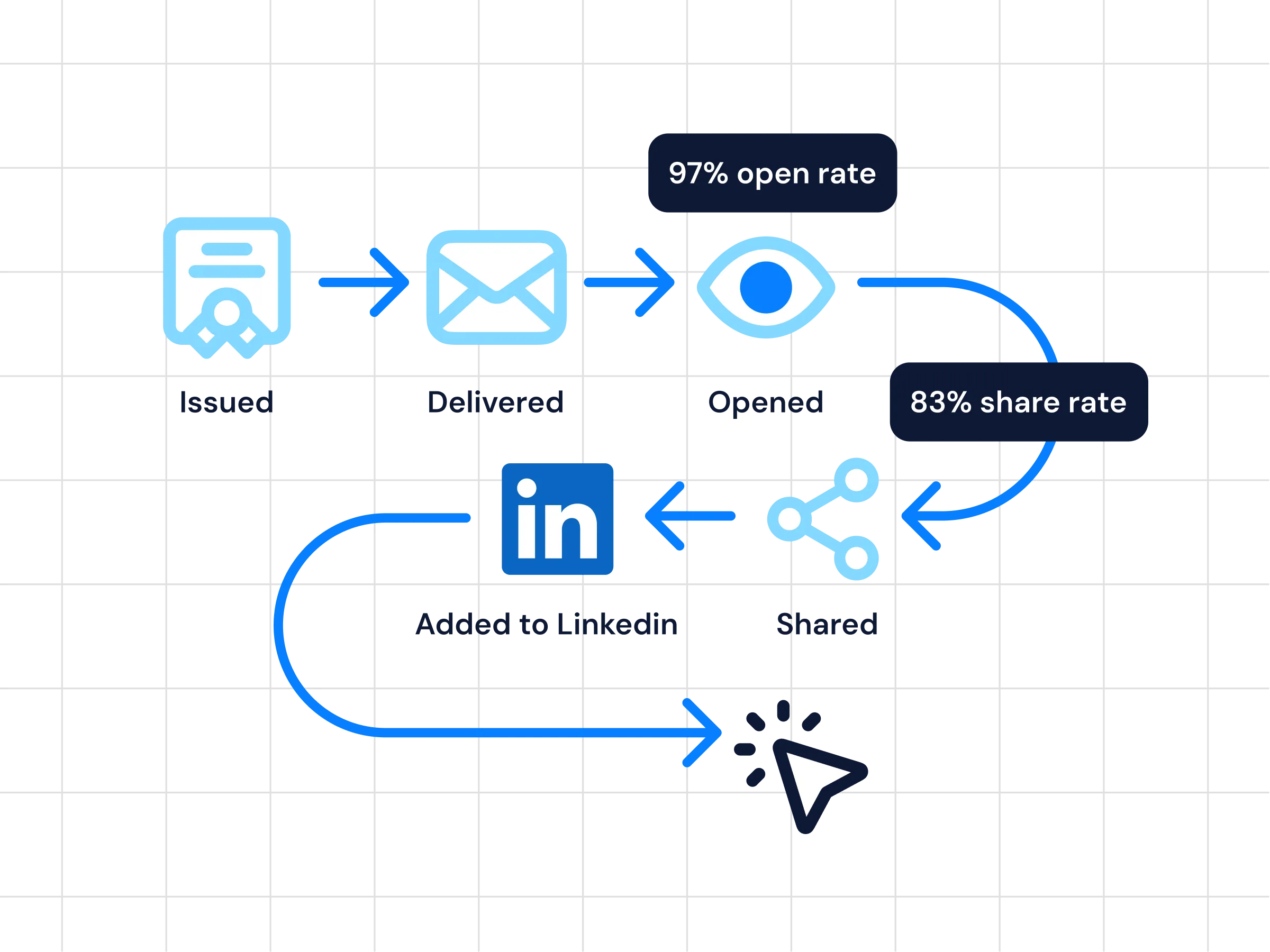
Analytics
Look past issuance counts with real-time insight into opens, shares, verification activity, and attendee engagement, so you can measure and refine every program.
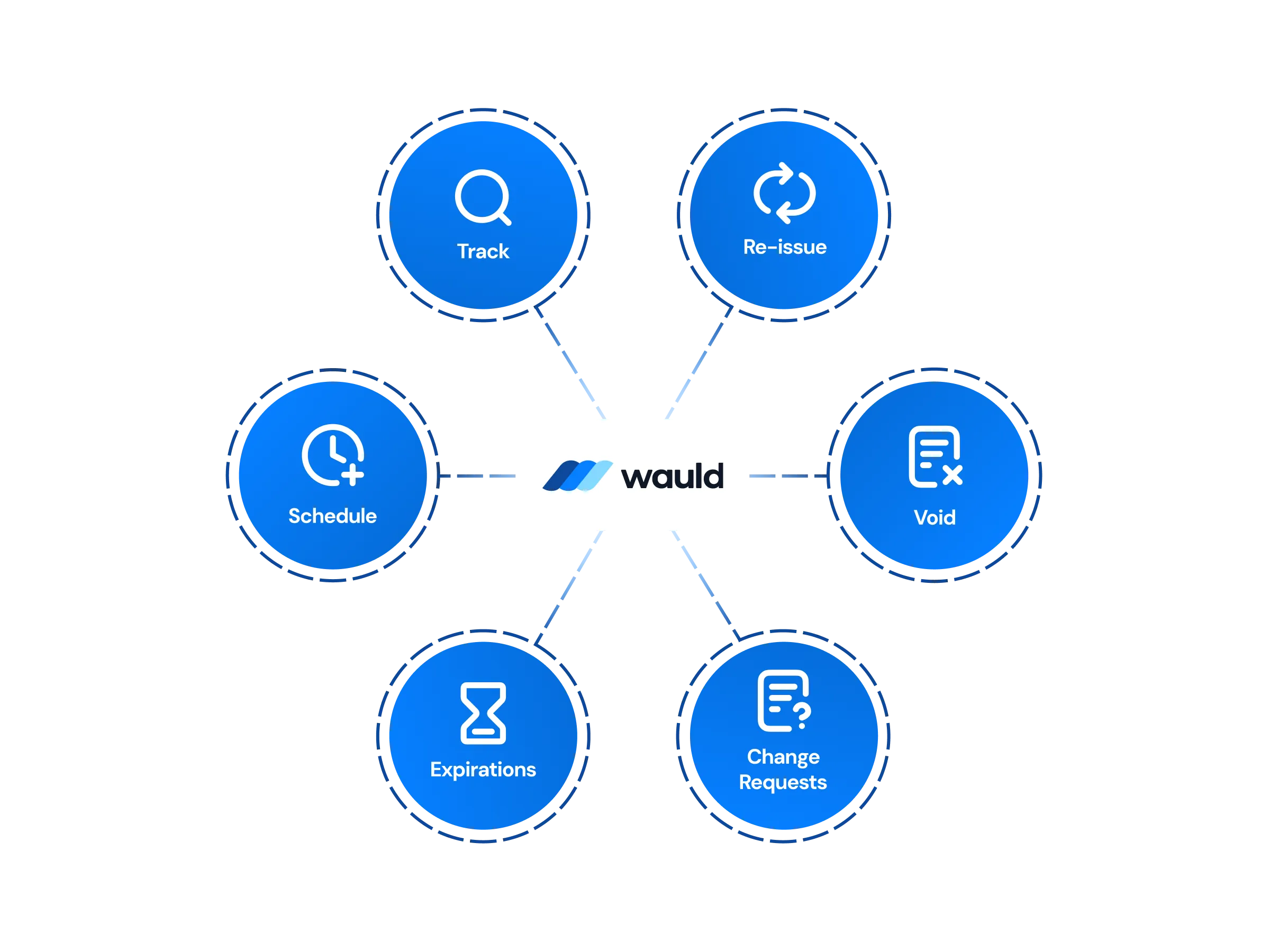
Central Management
Design, issue, edit, handle change requests, and void any credential from one secure dashboard, keeping every certificate and badge organized in a single place.
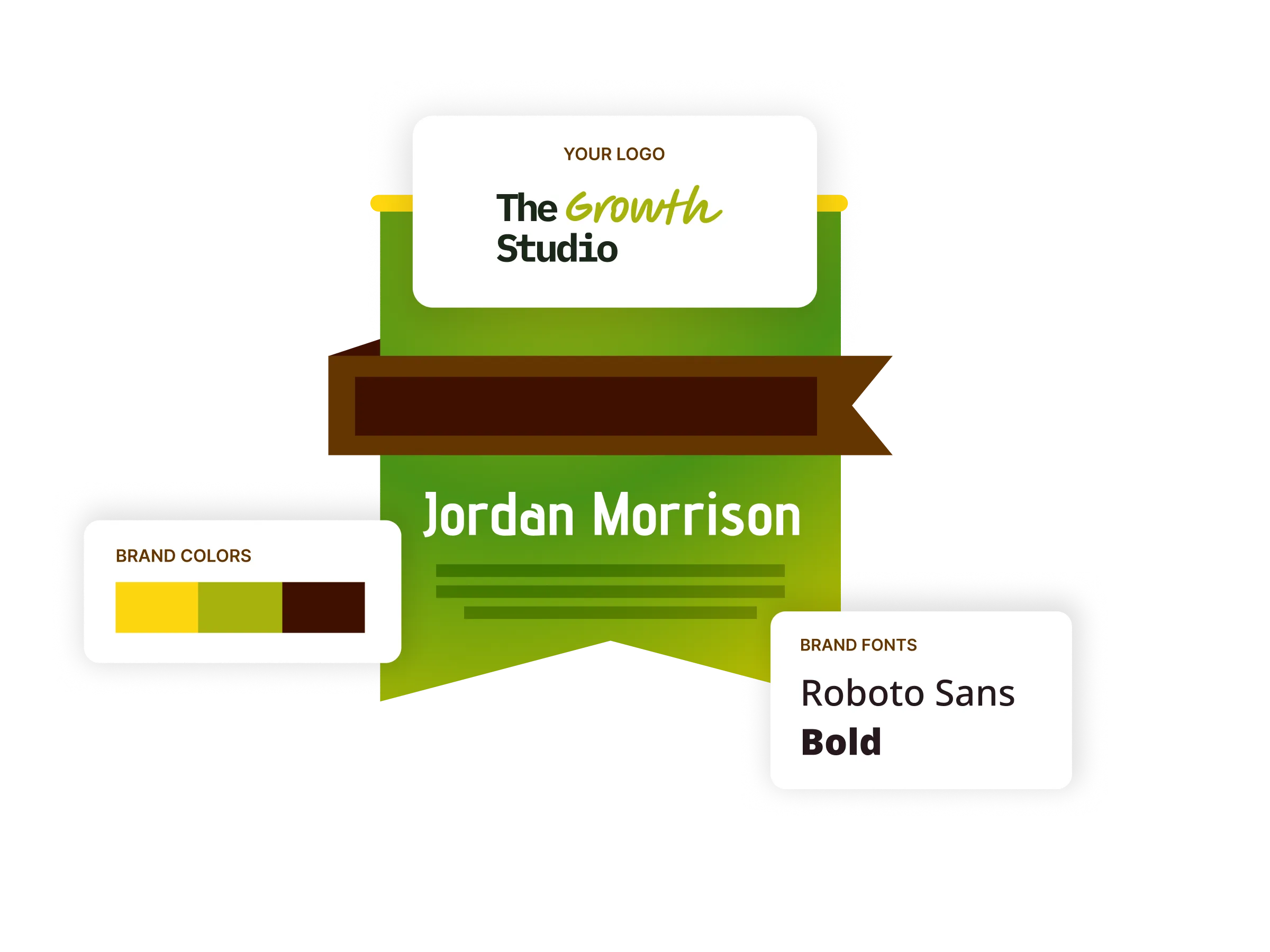
Digital Badges
Issue verifiable, shareable digital badges that recognize attendance and skills, all designed and managed from one secure dashboard.
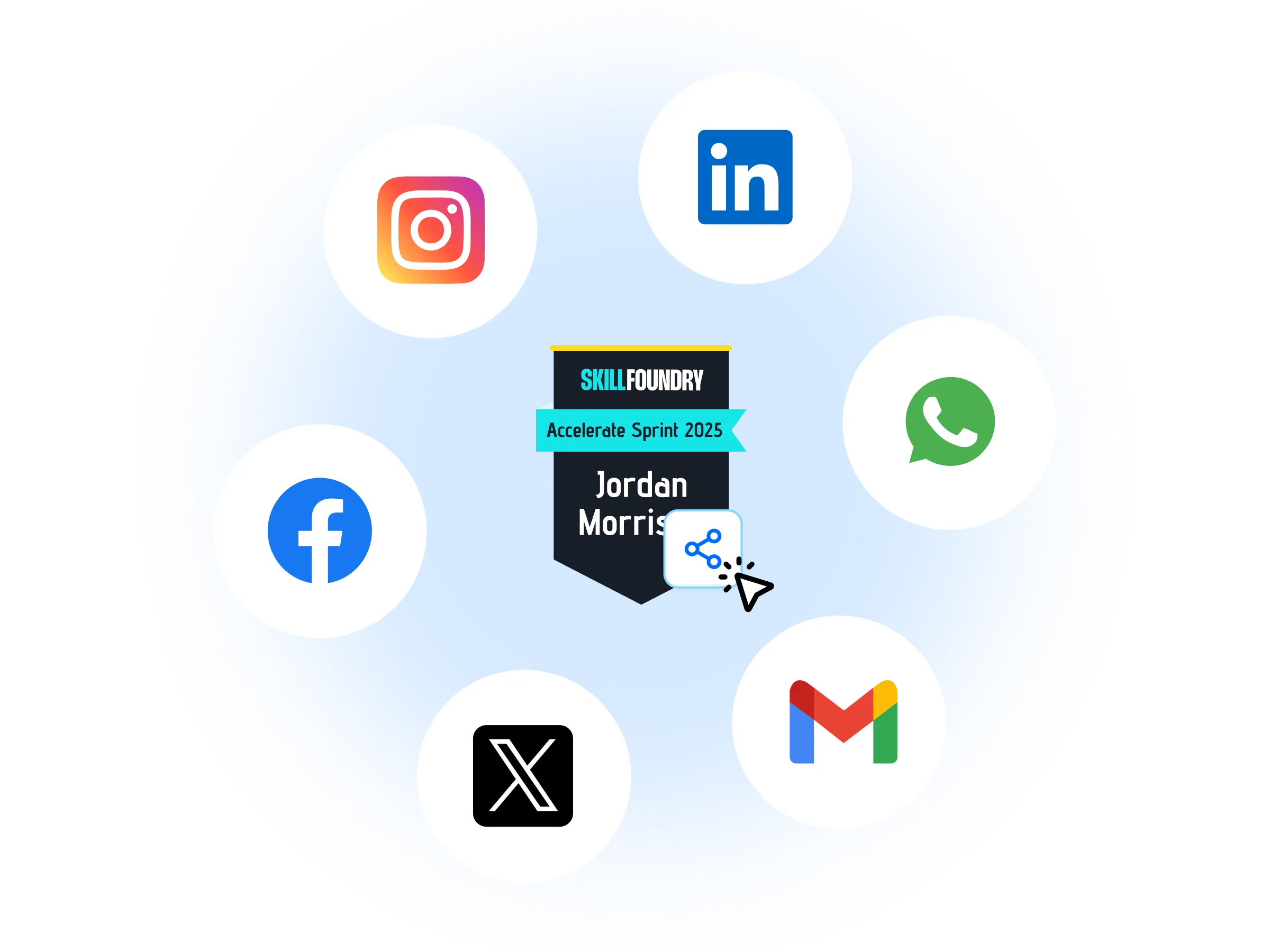
Certificates as Marketing Assets
Turn every credential into a growth channel as recipients share their achievements across LinkedIn and social media, expanding your brand's reach with each post.
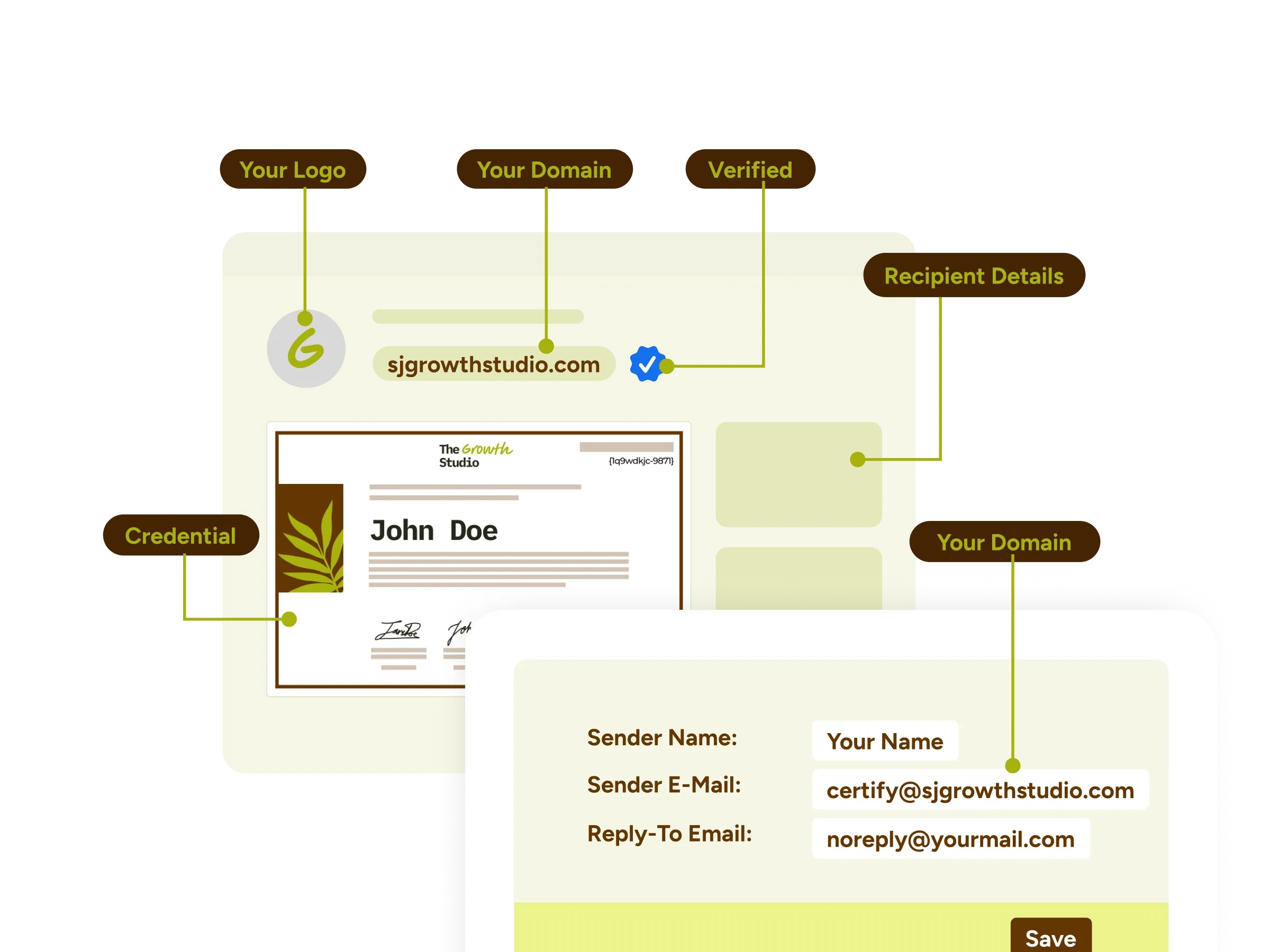
White-label Experience
Deliver the whole journey under your own name with custom domains, email templates, and credential wallets that make it feel like a native part of your product.
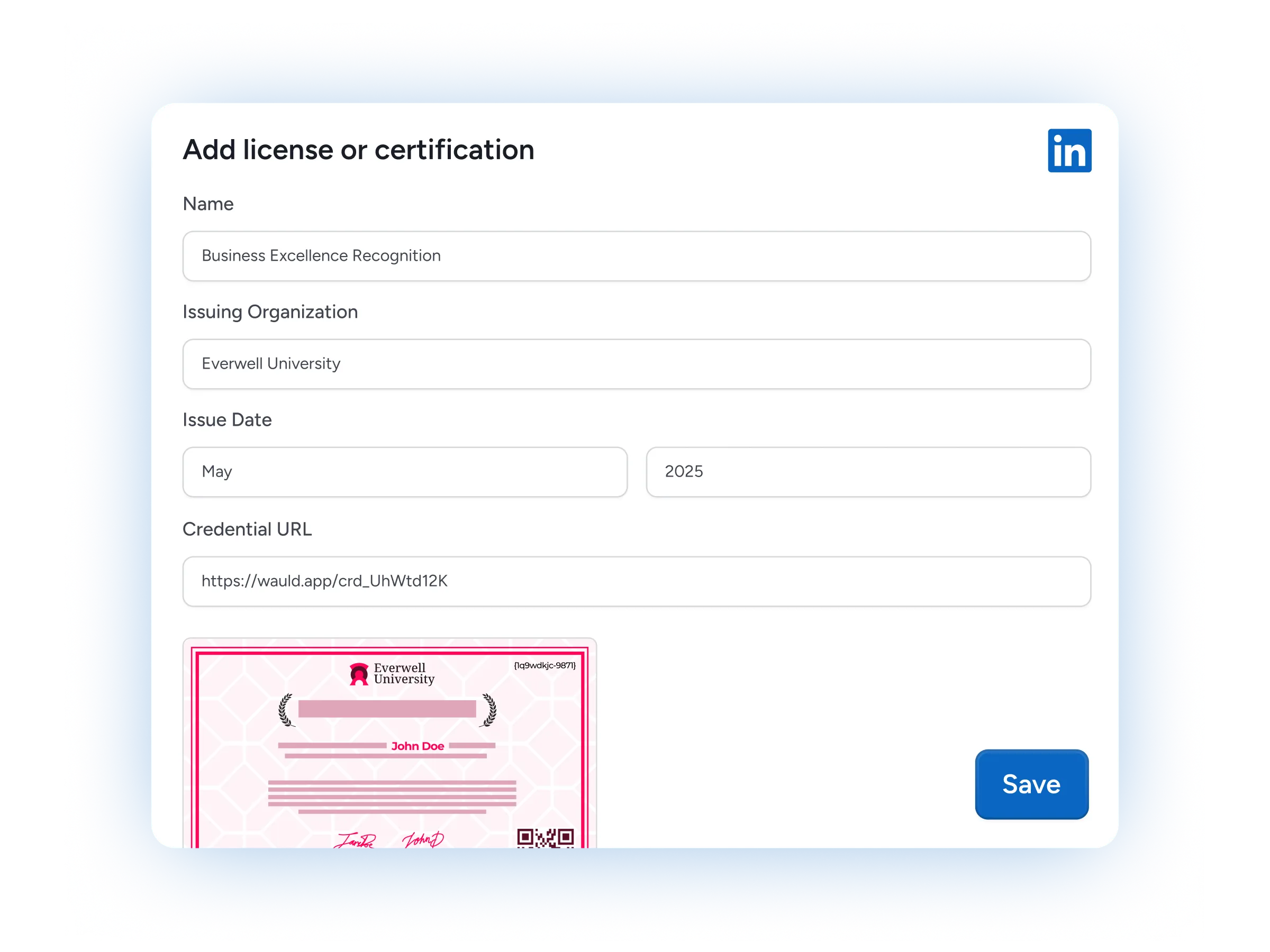
LinkedIn Sharing
Let recipients add their certificates and badges to LinkedIn in a click, putting your programs in front of their networks and driving new interest.
Premium Support
Lean on dedicated onboarding, hands-on implementation guidance, and fast response times from our team whenever you need help getting set up.
FAQs
Everything you need to know about the Google Meet integration and digital credentials
How do I issue certificates for a Google Meet session with Wauld?
The simplest path works for everyone: export Meet's attendance report and upload it to Wauld as a CSV, and it issues verifiable certificates and badges to that roster automatically. Teams on a Google Workspace edition with attendance reports can go further and pull the data through the Google Meet API, so there is no manual list-building after each meeting.
Which Google Workspace editions support automatic Google Meet attendance capture?
Automatic capture depends on Meet's attendance reports, which are included on Business Plus, Enterprise Standard and Plus, Education Plus, and the Essentials tiers, with attendance tracking enabled by an administrator. Free and personal Google accounts, along with Business Starter and Business Standard, do not generate an attendance report, so on those editions you record attendance yourself before uploading it to Wauld.
Can Wauld use Google Meet attendance, recordings, or transcripts to decide who receives a credential?
Yes. The Google Meet REST API exposes conference records, participant join and leave times, and artifacts such as recordings and transcripts stored in Google Drive. Wauld can use this meeting data so that only attendees who genuinely participated receive a certificate or badge.
Does the Google Meet integration work with Google Calendar and my existing Google Workspace account?
It does. Sessions scheduled as a Google Calendar event with a Google Meet link work out of the box, and Wauld connects to your Google Workspace account securely through OAuth, so no meeting metadata leaves your control.
Can I issue credentials in real time the moment a Google Meet ends?
Yes, though this is a developer setup rather than a one-click connect. Real-time issuance uses the Google Workspace Events API with Pub/Sub alongside the Google Meet REST API, so your own integration is notified the moment a meeting ends and issues credentials programmatically through Wauld. It runs on Wauld's API access, which is part of the Enterprise plan.
How does Wauld connect to Google Meet, by CSV, webhooks, or API?
The primary no-code path is a CSV upload: export Meet's attendance report and upload it to Wauld. Webhooks and web triggers are on the Free plan, and the API, on the Enterprise plan, powers real-time issuance. Zapier connects Wauld to other tools in your stack rather than to Meet, since Google Meet does not expose a Zapier trigger. These same methods let Wauld work alongside other video conferencing platforms such as Zoom and Microsoft Teams.
Which Wauld pricing plan includes the Google Meet integration?
The Google Meet integration is available on Wauld's Free plan. CSV upload, webhooks, and web triggers are all included at no cost, which covers how most teams issue credentials from Meet sessions. API access, which powers real-time issuance, is part of the Enterprise plan.
Start Issuing Certificates From Google Meet Today
Create your free Wauld account and issue your first certificate in minutes.
Talk to an Expert