Turn Airtable Records Into Verifiable Digital Credentials
Connect Airtable to Wauld and automatically issue verifiable certificates and badges the moment a record is marked complete in your base.

From an Airtable record to a verified credential
Set up the connection once, then every qualifying record in your Airtable base issues a credential on its own.

Airtable record changes
A new record is added, a status field flips to Completed, or a record matches your conditions.
Trigger reaches Wauld
The update travels to Wauld through an automation, a webhook, or the API, so nothing has to be sent by hand.

Credential is issued
Wauld maps the record's fields to your chosen template and issues the certificate or badge in seconds.
Recipient receives their credential
A verifiable certificate or badge lands in the recipient's inbox, ready to share and add to their profile.
Automate Credentials Across Your Airtable Workflow
Recognize people the moment their record qualifies, without leaving your base
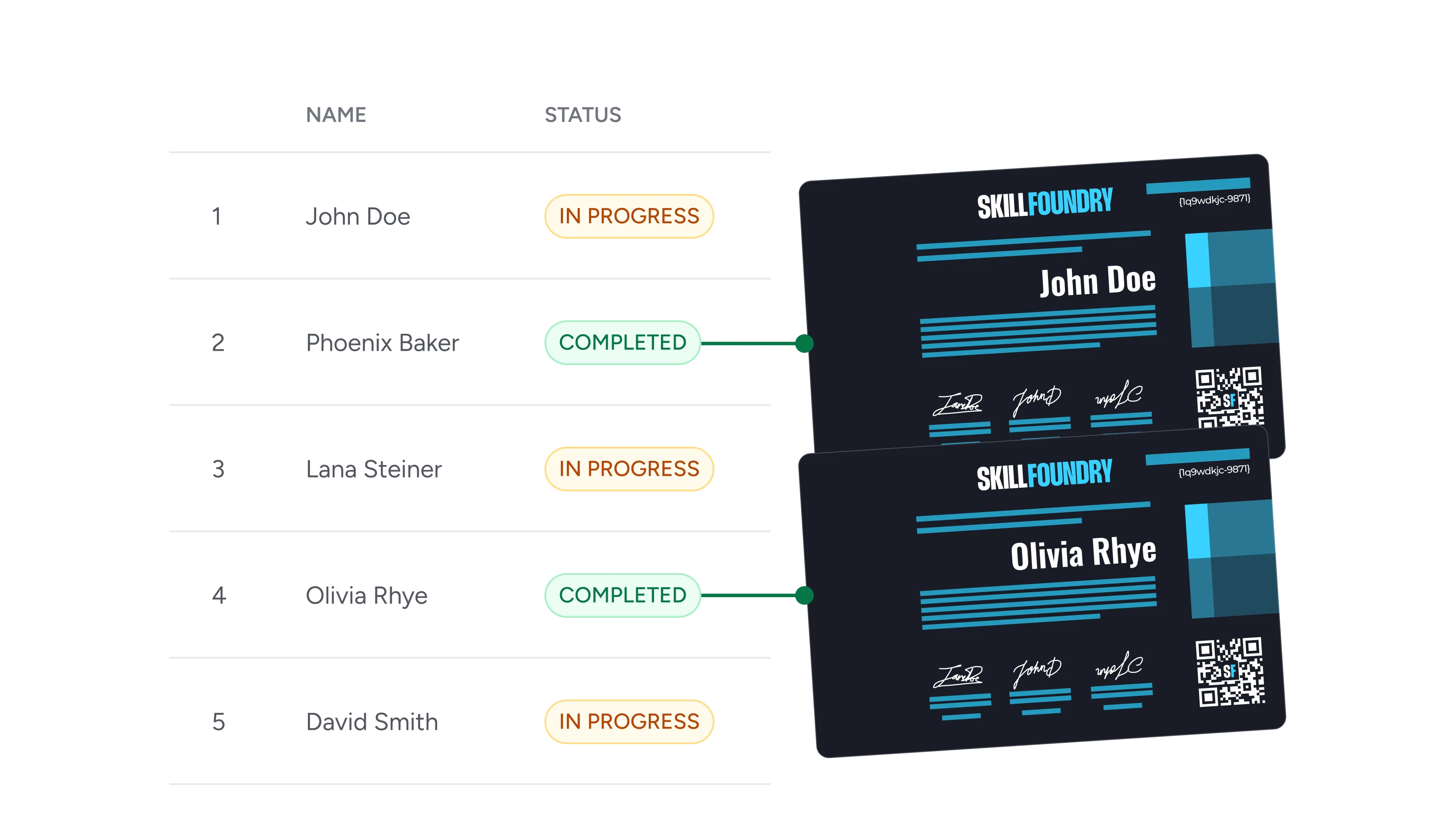
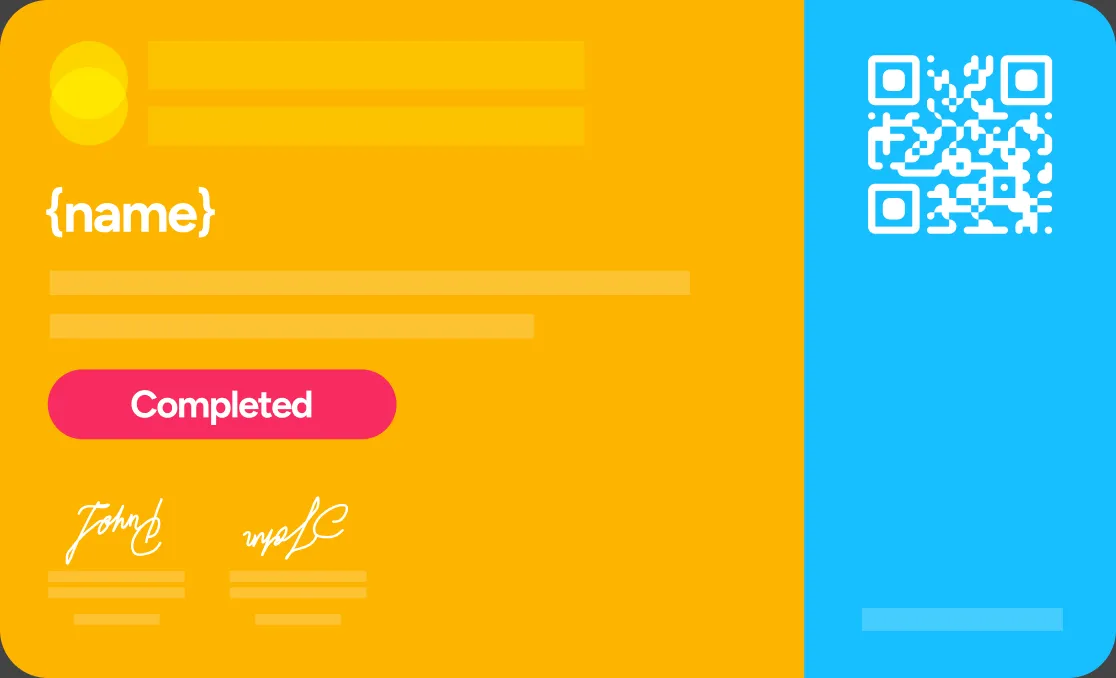
A record is marked complete
When a status field flips to Completed in your base, Wauld issues the matching certificate to that record's owner with no manual step.
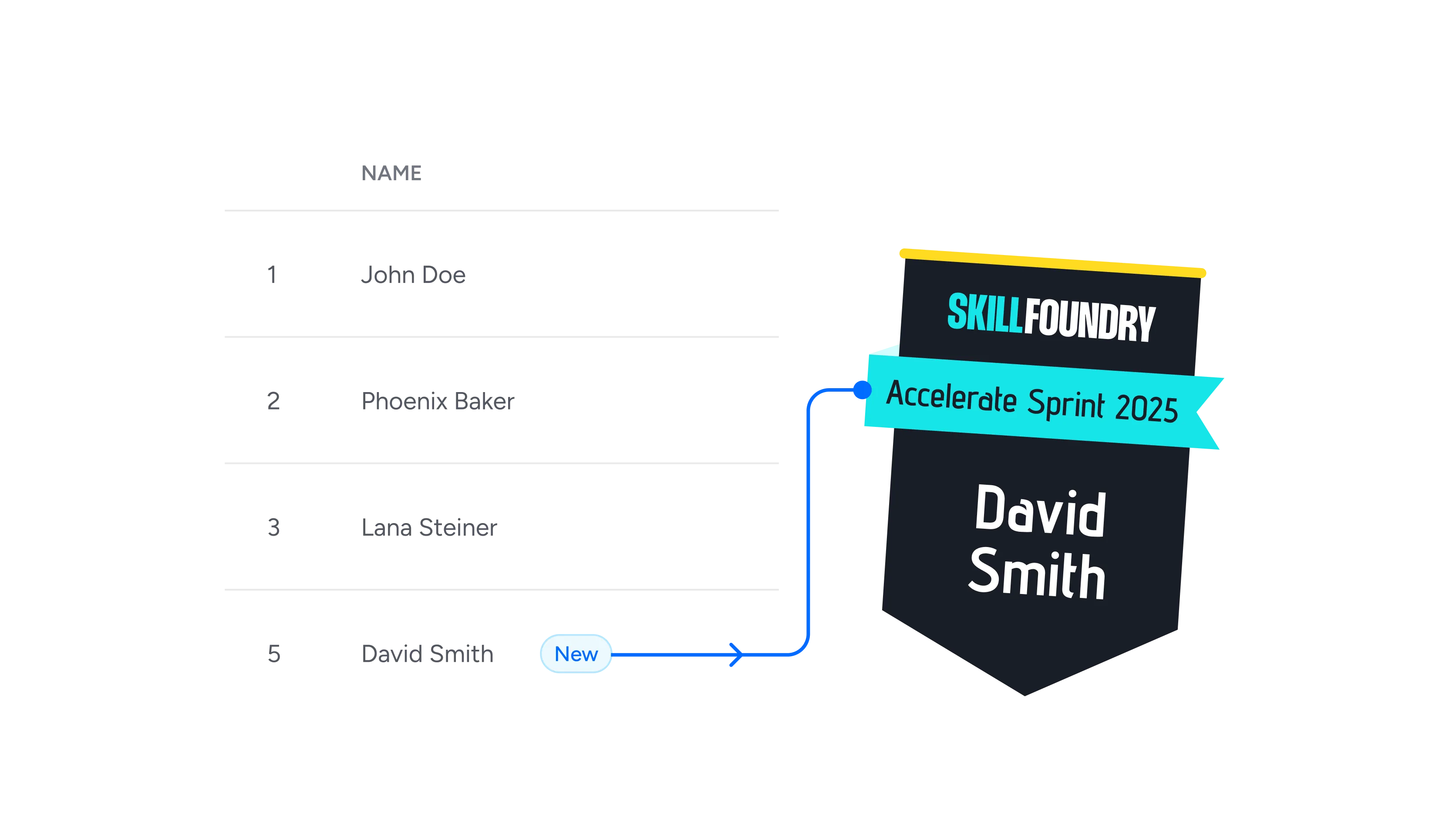
A new record is added
Every new row added to a roster or training tracker becomes a trigger, so the credential goes out the moment the Airtable record lands.
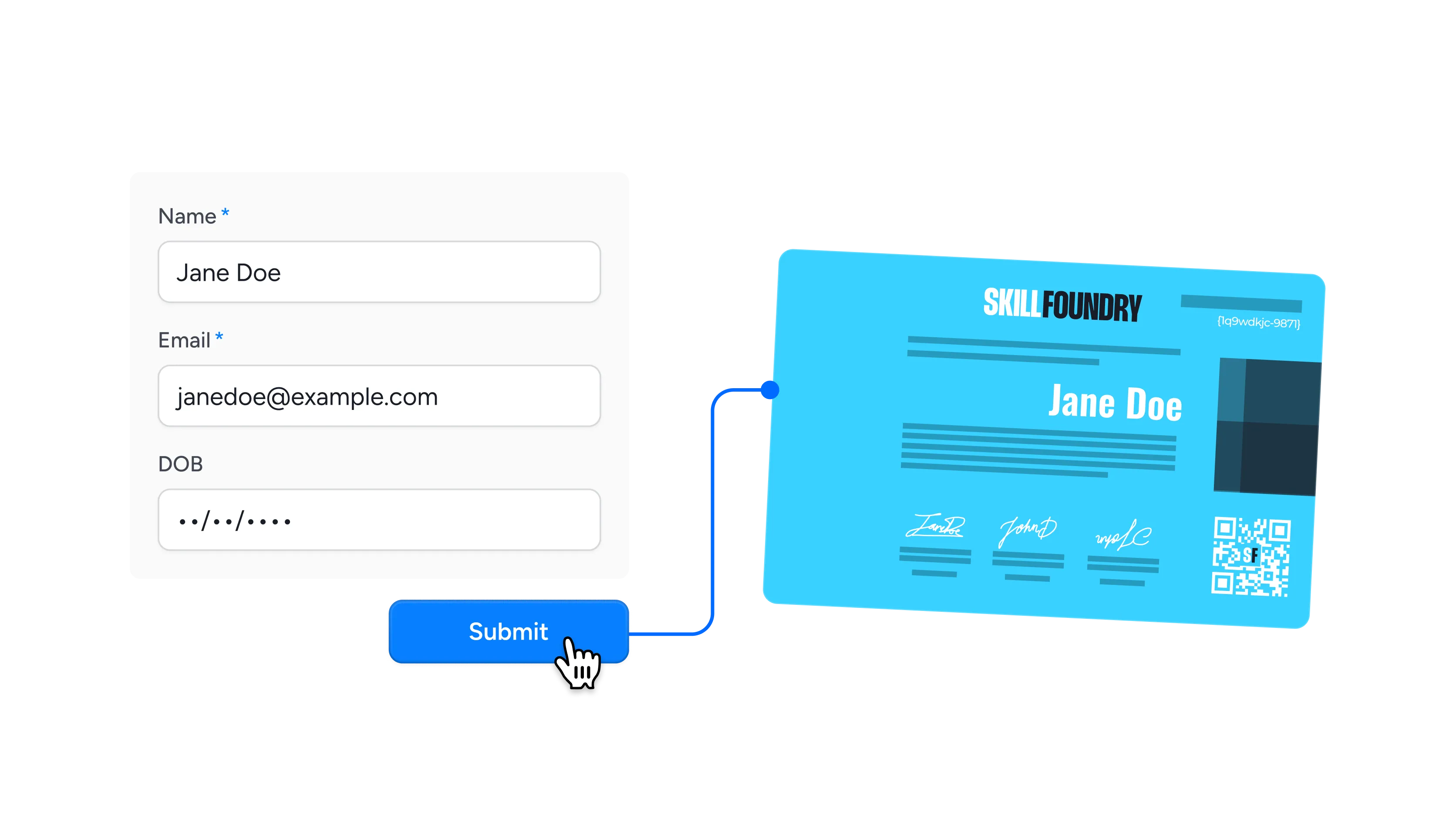
A form response arrives
An Airtable form submission creates a record, and that record can issue a certificate to the respondent automatically.
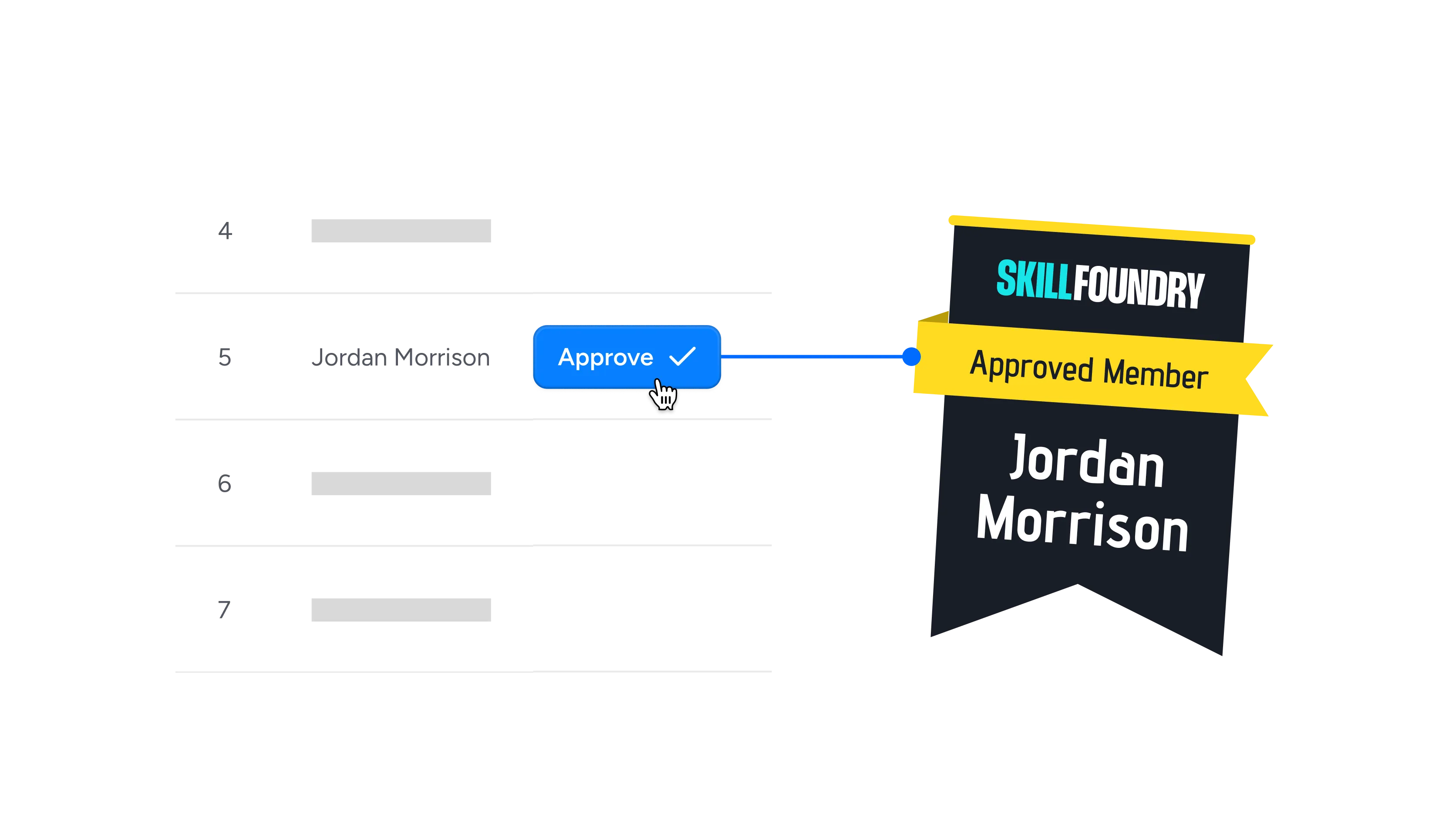
A record is approved
When a reviewer checks an approval box or a record matches your conditions, the badge is released to the right person.
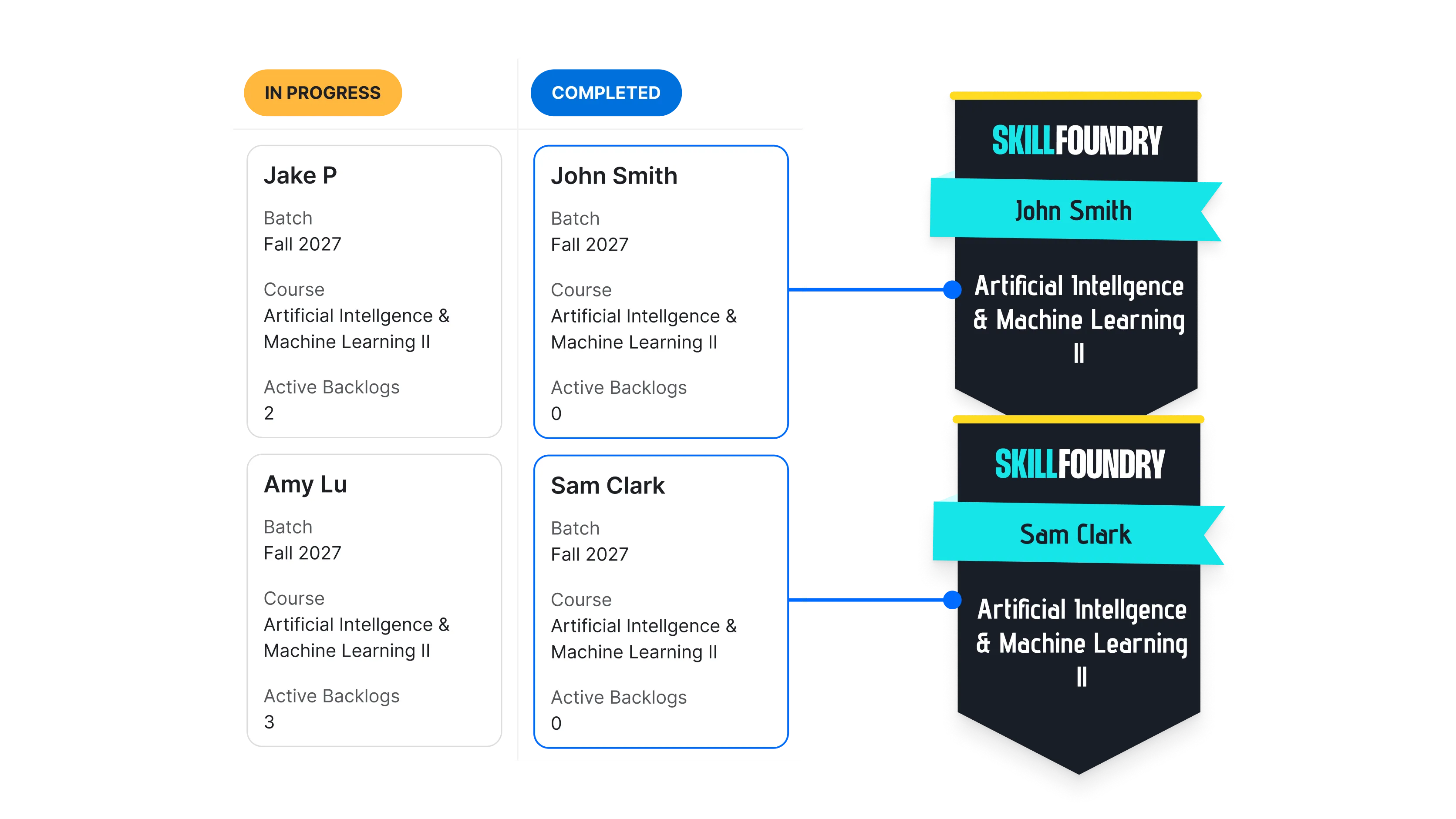
A record enters a view
Filter qualifying records into a dedicated view, and each record that enters it triggers its credential automatically.

A field crosses a threshold
When a score, hours logged, or points field updates past your target, the achievement is recognized right away.

A button field is clicked
Give issuers a one-click button inside the record to send a credential on demand, straight from the row they are looking at.
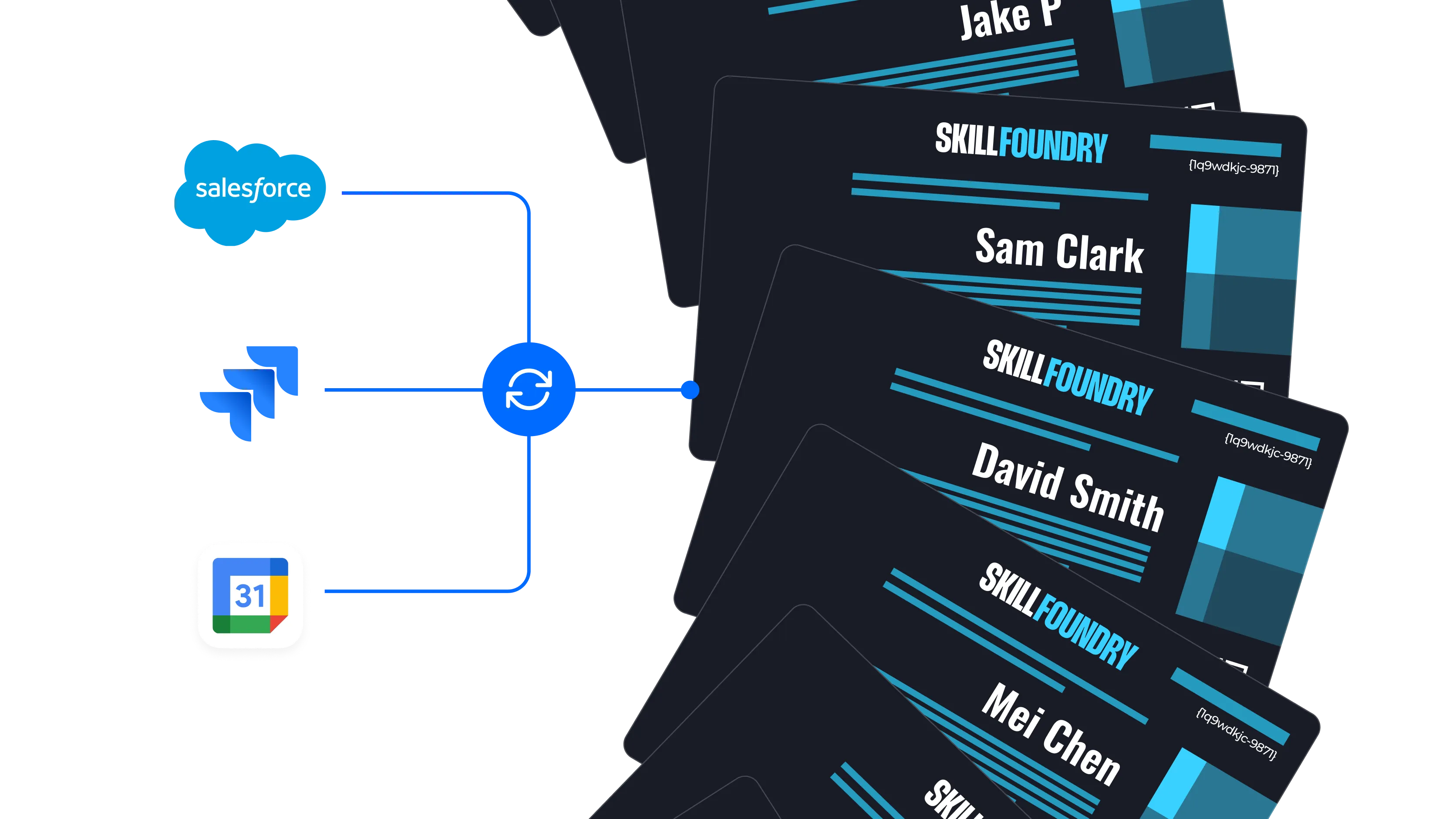
Synced records come in
Records that Airtable syncs from external sources like Salesforce, Jira, or Google Calendar can issue credentials in bulk.
Connect Airtable to Wauld
Choose the integration method that fits your workflow, from a no-code app to full developer control


Why Teams Choose Wauld for Airtable Credentials
Design, issue, and verify every credential from one platform built for scale
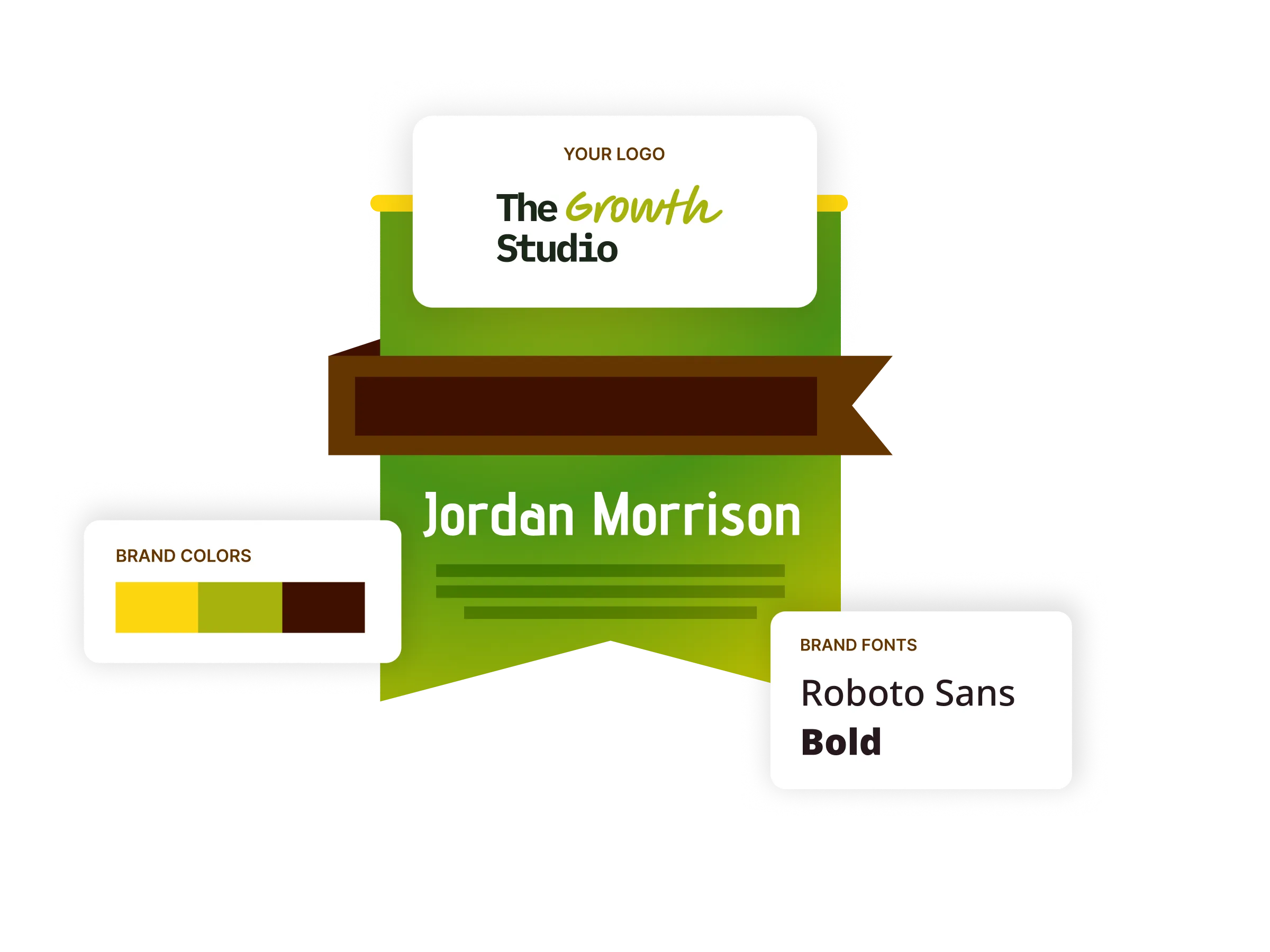
Digital badges
Design digital badges in your own colors and fonts, ready for recipients to display on LinkedIn, in email signatures, and across their profiles.
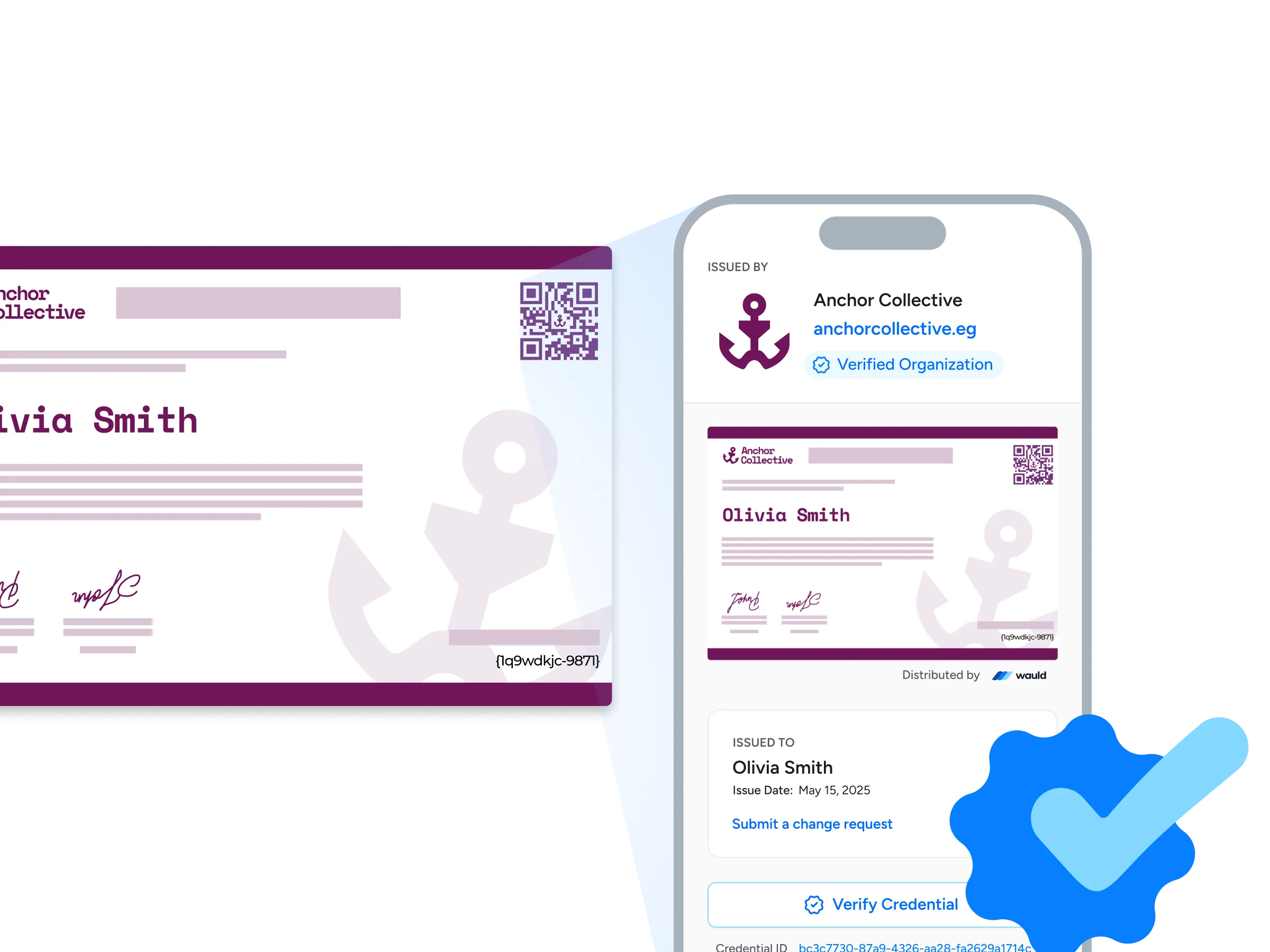
Verification pages
Each credential carries its own verification page with a verified organization badge, so anyone can confirm it in seconds with a click or a quick QR scan.
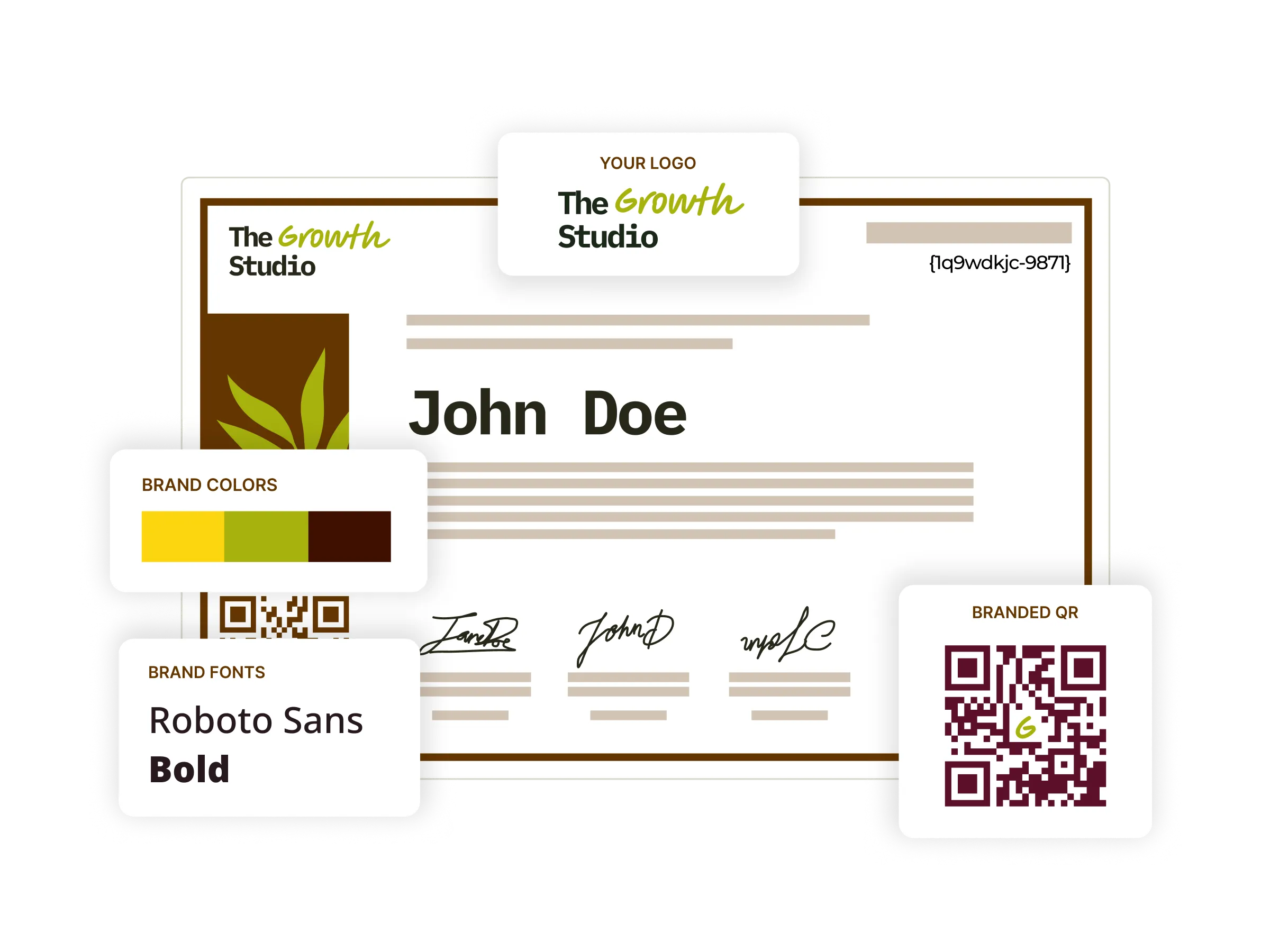
Digital certificates
Start from 1,200+ certificate templates, tailor them to your brand, then issue and track every one from a single place, so your credentialing workflow lives together.
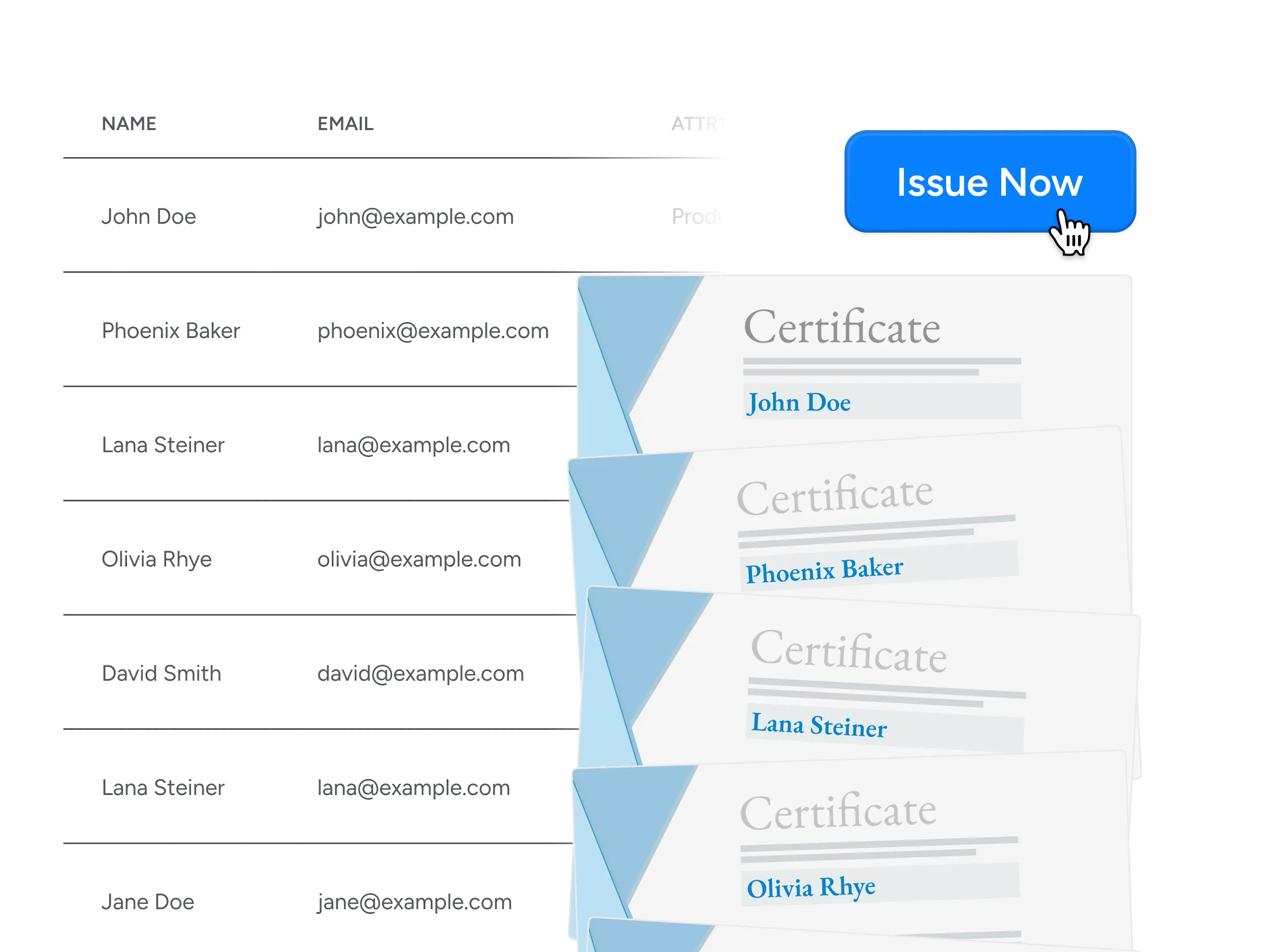
Bulk issuance
Send thousands of certificates and badges in minutes from a CSV export, an integration, or the API, streamlining issuance at scale with no manual effort.
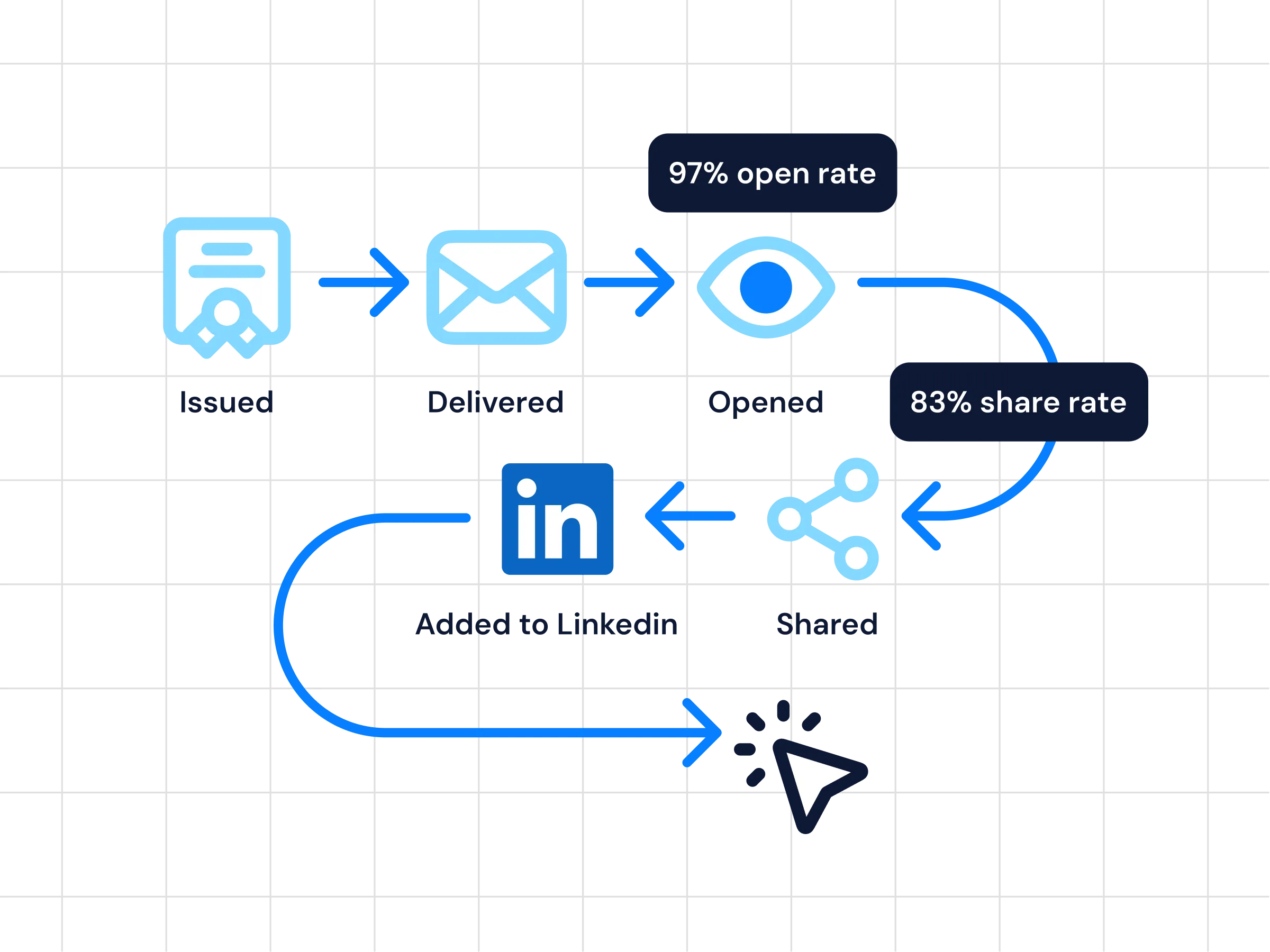
Analytics
See real-time insight into issuance, opens, shares, and verification activity, so you always know how each credential is performing.
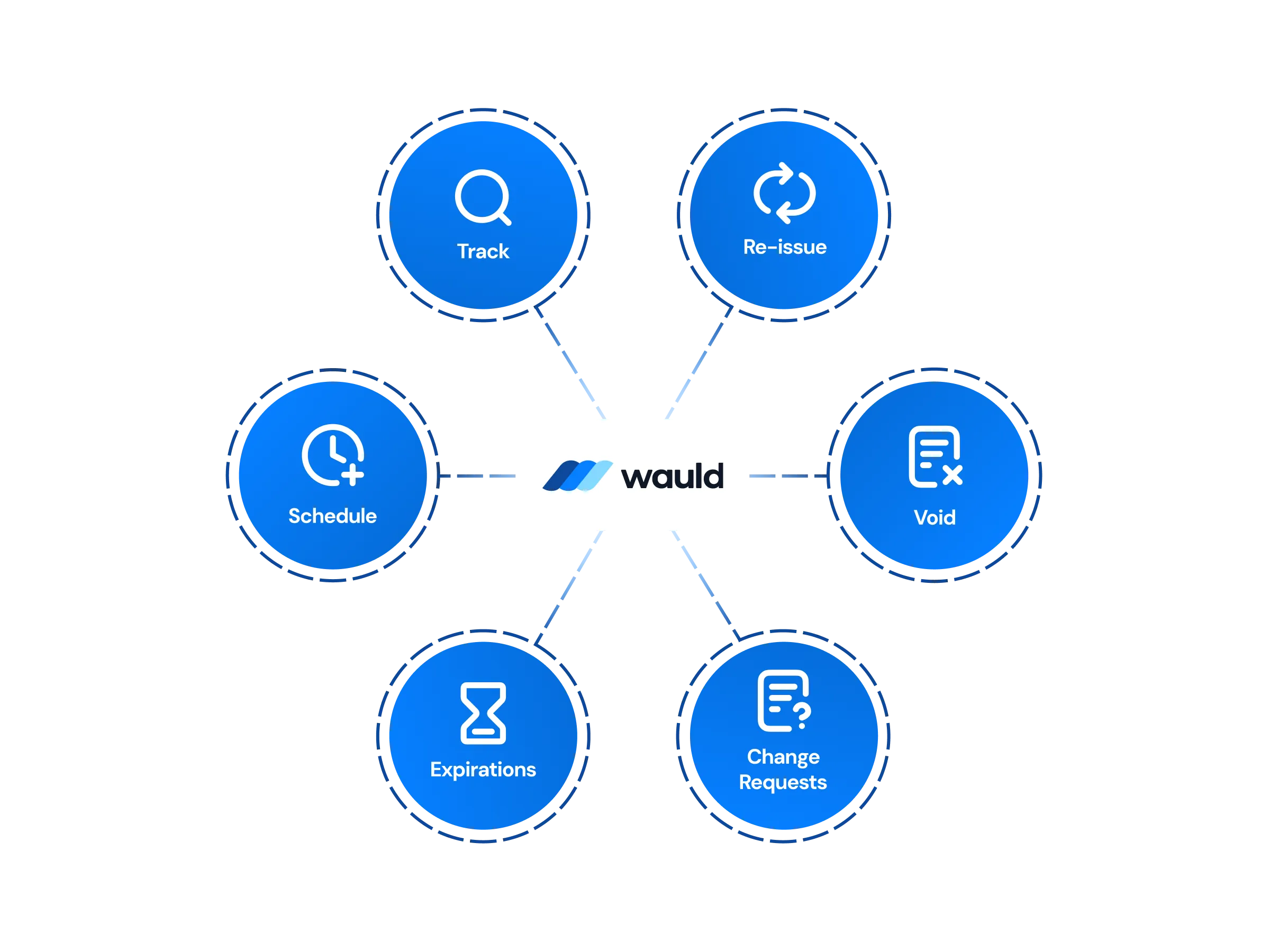
Central Management of certificates
Issue, edit, reissue, or void credentials from one dashboard, with workspaces and role-based permissions backed by enterprise-grade security.
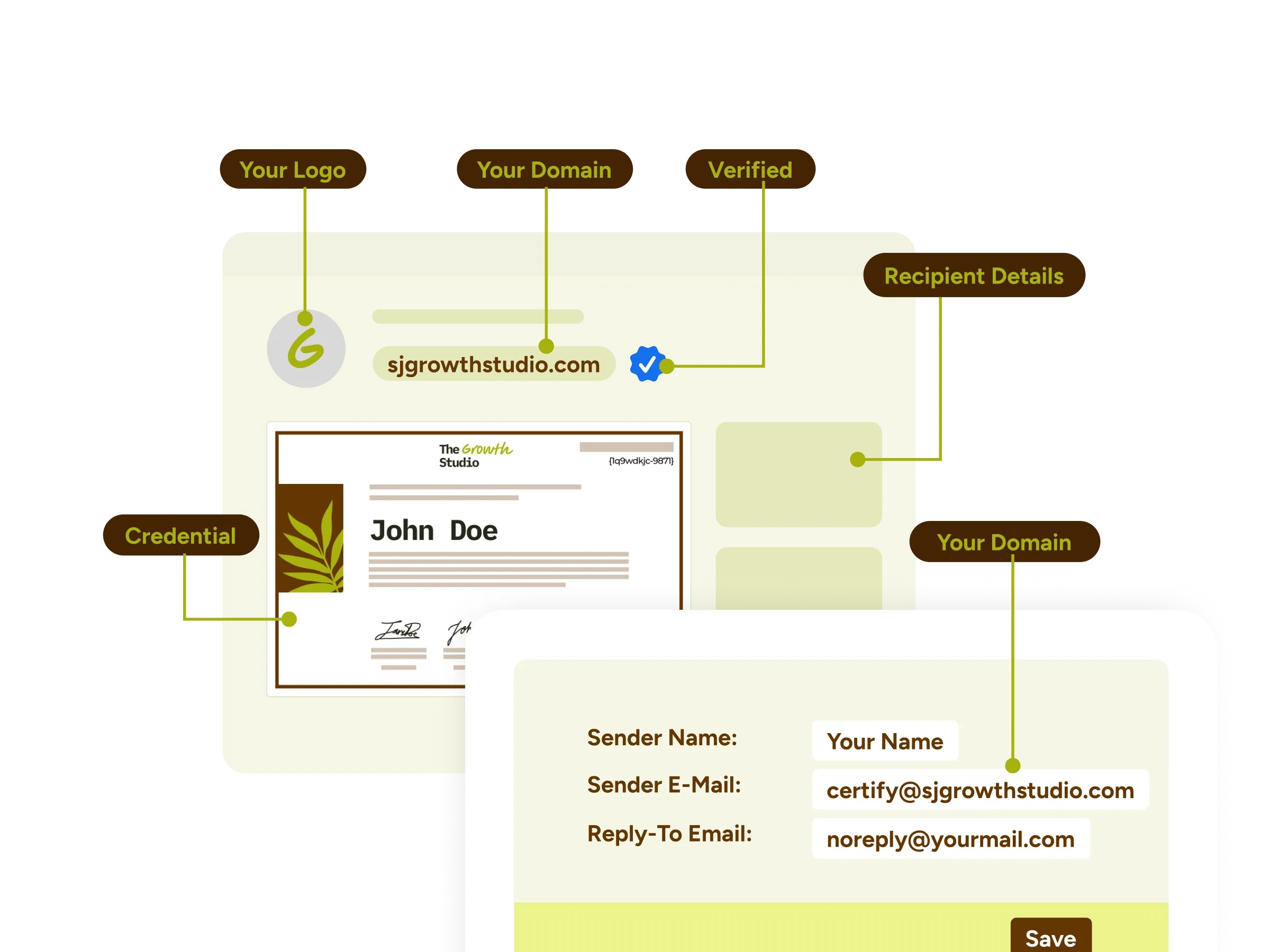
White-label experience
Deliver a fully branded experience with custom domains, email templates, and credential wallets that carry your organization's identity end to end.
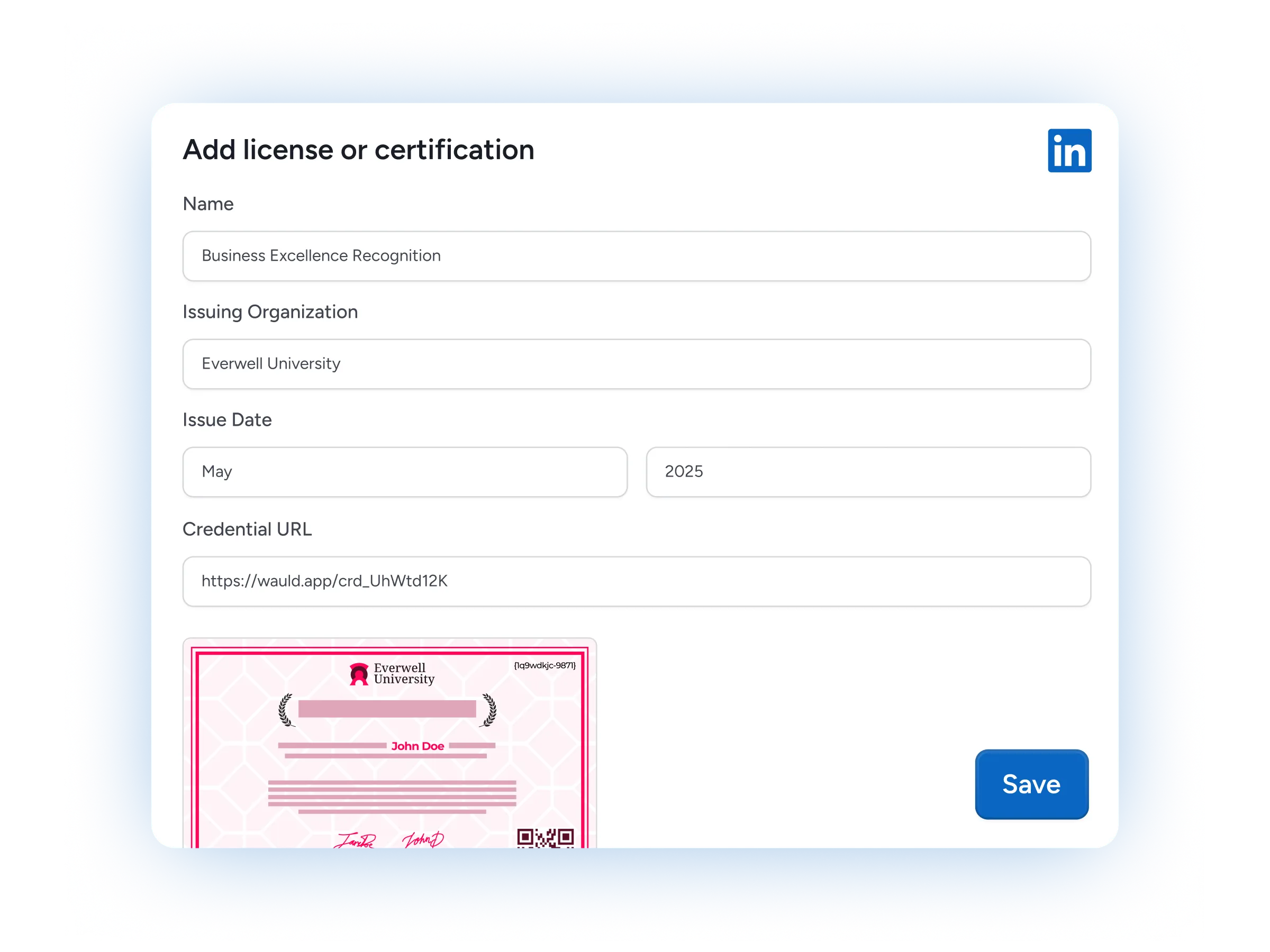
LinkedIn Sharing
Recipients add a credential to their LinkedIn profile in one click, putting your brand in front of their whole professional network.
Frequently Asked Questions
Everything you need to know about connecting Airtable and issuing digital credentials
How do I connect Airtable to Wauld to issue certificates automatically?
Airtable is the data source and Wauld is the credentialing layer on top. Point an Airtable automation at Wauld once, and every time a record is created, updated, or marked complete in your base, the matching certificate or badge is issued on its own.
How do I integrate Airtable with Wauld, and do I need a developer?
Most teams are live in under an hour, and three of the routes need no code: a Zapier integration for no-code automation, a webhook fired from an Airtable automation, or a CSV export uploaded for bulk issuance. Only the Airtable API route needs a developer.
Can I issue credentials from Airtable records without moving my data?
Yes. Wauld reads the Airtable records you already maintain and maps fields like name and email straight to your template, so there is no need to re-enter or import data into a separate spreadsheet.
Which Airtable data can trigger a credential?
Any record event Airtable exposes: a new record, a record that matches conditions, a record that enters a view, a form response, or a button click. Wauld also works with records that Airtable's native sync brings in real-time from external tools like Salesforce, Jira, and Google Calendar.
Can I still connect Airtable to my CRM and other tools?
Absolutely. Airtable's own integrations and platforms like Zapier keep your base connected to a CRM such as HubSpot, along with Typeform, Calendly, and Google Sheets, while Wauld sits at the end of that workflow to turn the resulting records into credentials.
Can recipients share their Airtable-issued certificates on LinkedIn?
Yes. Every credential is ready to add to a LinkedIn profile in one click, so recipients showcase their achievement while your organization reaches a wider professional audience.
Which Wauld pricing plan includes the Airtable integration?
The Airtable connection is available on Wauld's Free plan. Zapier, webhooks, and CSV import are all included at no cost, and Google single sign-on gives issuers and recipients one secure login. As your program grows, higher tiers add white-label branding, bulk issuance, and deeper analytics.
What happens to my issued credentials if I downgrade or cancel my paid plan?
Once issued, your digital credentials remain valid and accessible to recipients even if you cancel your subscription. After your plan expires, features exclusive to paid plans will no longer be available, but all features included in the free plan will continue to work.
Start Issuing Certificates From Airtable Today
Create your free Wauld account and issue your first certificate in minutes.
Talk to an Expert