How to Auto-Generate Certificates from Tally Forms for Free

Tally has become the go-to form builder for creators, solopreneurs, and no-code builders who want something clean, fast, and free. But here is the thing: a form is only the beginning of the experience. When someone fills out your Tally form and hits submit, what happens next?
For most users, the answer is manual work. Someone downloads the CSV, opens a template, fills in names and dates, exports a PDF, and emails it. If you process ten submissions a week, that is manageable. If you run a course with 500 graduates or an event with 1,000 attendees, it falls apart fast.
Wauld eliminates that entire loop. Connect your Tally form to Wauld via Zapier or webhook, and every submission instantly triggers a personalized, branded certificate or document, automatically generated and delivered without you lifting a finger.
This guide covers everything: why this integration matters, the use cases it unlocks, and the exact steps to set it up.
What Makes Tally Different
Tally stands apart from other form tools for several reasons. It is genuinely free for the vast majority of use cases, with no submission caps and no branding forced on respondents. Its conversational, screen-by-screen form experience rivals Typeform without the enterprise pricing. It also supports direct webhooks and Zapier integrations, making it connectable to virtually any downstream tool.
The Gap That Tally Does Not Fill
Despite all of that, Tally does not generate documents. It is not designed to. When someone completes your Tally form:
- They receive a basic confirmation email.
- The response appears in your Tally dashboard or a synced spreadsheet.
- The manual document work begins.
There is no built-in way to take submission data and produce a branded PDF certificate, a formal letter, a personalized report, or a client-ready document. That step belongs to a different tool, and Wauld is exactly that tool.
What You Can Build: Real-World Use Cases for Tally Forms Certificate Generation
Course and Training Completion Certificates
This is the most popular use case for Tally Forms certificate generation. Whether you run a self-paced Notion course, a cohort-based program, or a Gumroad product, you almost certainly want to give learners something tangible when they finish.
The workflow is simple. A learner completes your course, fills out a Tally completion form, and Wauld generates a personalized certificate PDF with their name, your course title, the completion date, and your branding. The certificate is emailed within 30 to 60 seconds of submission. No manual work. No batch processing.
Course creators who implement this consistently report higher completion rates, because the certificate is an incentive, and more social shares, because graduates post certificates on LinkedIn.
Workshop and Event Attendance Certificates
Running a workshop, a virtual summit, or a webinar series? Attendance certificates give your attendees something to show for their time and create a marketing loop when they share publicly. Attendees fill out a post-event Tally form, and Wauld triggers a personalized attendance certificate for each one. For events with hundreds of attendees, this means hundreds of certificates generated and delivered automatically.
Community Membership and Achievement Documents
If you run a Discord server, a newsletter, or any kind of membership program, milestone moments deserve acknowledgment. A Tally form at each milestone can trigger Wauld to generate a branded welcome letter, membership card, or achievement certificate. These small moments of recognition improve member retention and community culture.
Lead Magnet Delivery with Personalization
Instead of delivering a generic PDF to every new subscriber, deliver a personalized one. Someone fills out your Tally opt-in form with their name and industry. Wauld generates a personalized version of your resource with their name on the cover. The perceived value of a personalized document versus a generic download is dramatically higher, and this costs nothing extra once the workflow is set up.
Quiz and Assessment Result Reports
Tally supports quiz-style forms with score tracking. When combined with Wauld, every quiz completion generates a personalized result report, not just a score but a full breakdown with conditional recommendations based on the score range. Coaches and educators use this pattern to deliver high-perceived-value reports from a simple quiz.
Where Wauld Comes In
Wauld receives your Tally submission data the moment someone submits, via Zapier or webhook. It maps form field values such as name, email, score, course title, and date to your pre-designed document template. It then generates a polished, fully branded PDF in seconds and delivers it wherever you need: emailed to the respondent, saved to Google Drive, posted to Slack, or all of the above. Everything happens automatically, in under 60 seconds, without any manual effort on your part.
How the Integration Works: Technical Overview
There are two primary ways to connect Tally to Wauld for automated PDF output from Tally form submissions.
Option A: Direct Webhook
Tally supports direct webhook integrations on both the Free and Pro plans. You point Tally at a Wauld endpoint URL, and every submission sends a JSON payload directly to Wauld. This is the fastest, lowest-latency option and does not require a Zapier account.
Option B: Tally to Zapier to Wauld
Zapier is the easiest path for non-technical users. You create a Zap with Tally as the trigger and Wauld as the action. This requires Tally Pro for the Zapier integration but is the most user-friendly approach and allows you to add additional delivery steps in the same Zap.
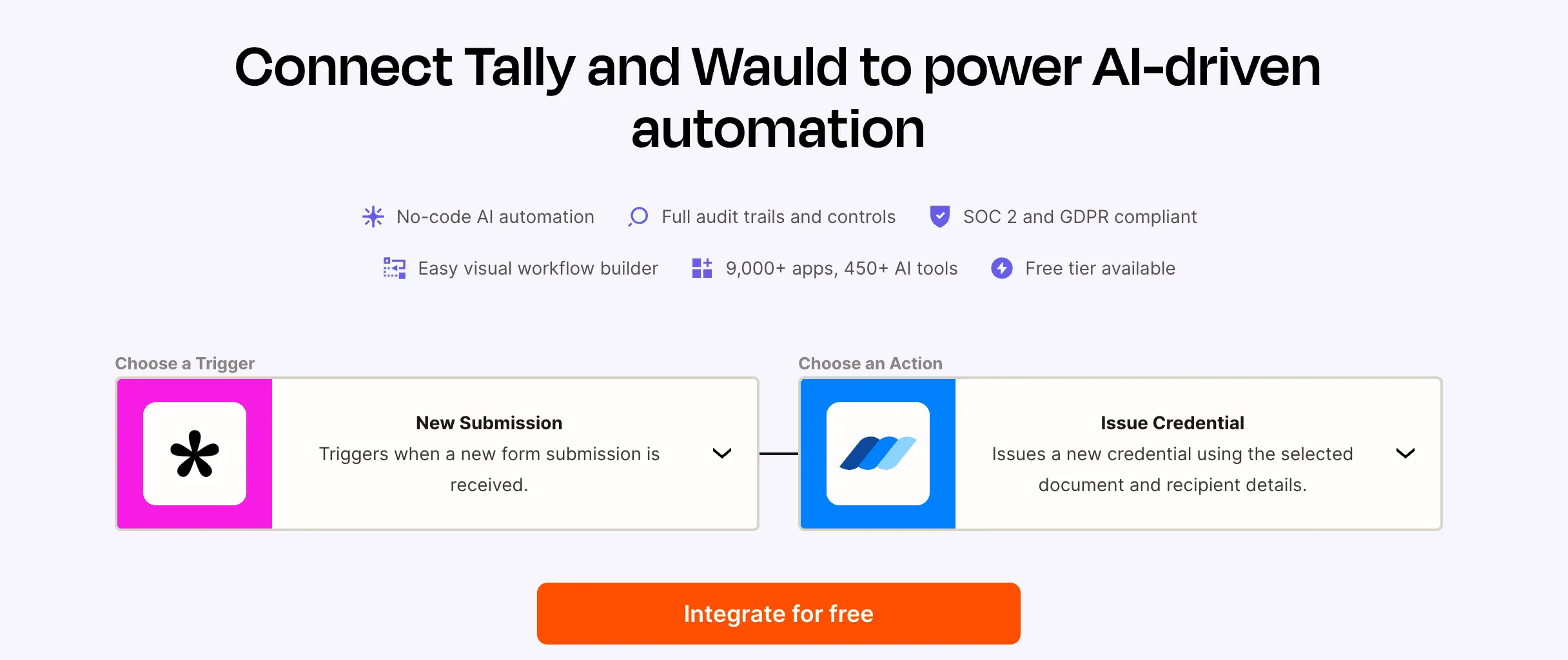
_ Tally & Wauld integration via Zapier_
Option C: Tally to Pabbly Connect to Wauld
Using Tally Forms with Pabbly Connect and Wauld allows you to fully automate certificate issuance workflows without writing code. Once a user submits a Tally form, Pabbly Connect captures the submission data and instantly triggers Wauld to generate and send a verifiable digital certificate or badge. This setup works well for webinars, cohort programs, workshops, events, and online courses looking to automate credential delivery at scale.
Step-by-Step: Tally Forms Certificate via Wauld
Step 1: Build and Finalize Your Tally Form
Before connecting Wauld, make sure your Tally form is ready. Include all fields that need to appear in your document, and label them clearly using simple, consistent names such as first_name, last_name, and course_title. Submit at least one test response so you have sample data to work with during setup.
Step 2: Design Your Document Template in Wauld
Log into your Wauld account and create a new template. Choose your document type, set your page size, upload your logo, and set your brand colors. Add static content that appears on every document, then insert merge tags for dynamic content such as {{first_name}}, {{course_title}}, and {{completion_date}}. Preview the template using Wauld's sample data tool, then save it.
Step 3A: Connect via Direct Webhook
In Wauld, go to Integrations, then Webhooks, then Create New Endpoint and copy the endpoint URL. In Tally, open your form, go to Settings, then Integrations, then Webhooks, and paste your Wauld URL. Set the trigger to "On form submission" and save. Submit a test response, then verify the payload arrived in Wauld. Map your field names to your merge tags and configure delivery.
Step 3B: Connect via Zapier
In Zapier, create a new Zap with Tally as the trigger and "New Submission" as the event. Connect your Tally account and select your form. Test the trigger to confirm all fields appear. Add Wauld as the action, select "Generate Document," choose your template, and map your Tally fields to Wauld template variables. Test the action, add any additional delivery steps such as Gmail or Google Drive, and turn on the Zap.
Step 3C: Connect via Pabbly Connect
Pabbly Connect is a cost-effective alternative to Zapier that charges a flat monthly fee regardless of how many tasks your workflows run, making it ideal for high-volume Tally form submissions. To set it up, create a new workflow in Pabbly Connect with Tally as the trigger and "Form Submission" as the event. Pabbly will generate a webhook URL. Paste this into your Tally form's Integrations tab, submit a test response, then set Wauld as the action app. Select "Generate Document," connect your Wauld account, map your Tally fields to your template merge tags, add any delivery steps, and activate the workflow. Every submission from that point triggers a personalized certificate automatically.
Step 4: Configure Document Delivery
You can email the document to the respondent, save it to Google Drive with a filename that includes the respondent's name and date, send a Slack notification to your team, or write the document URL to an Airtable record.
Step 5: Test End-to-End
Fill out your Tally form as a real respondent would. Check Wauld's generation log, open the generated PDF to verify every merge tag populated correctly, and confirm the delivery email arrived. If anything looks wrong, check your field name mapping.
Advanced Workflows: Score-Based Certificate Tiers
If your Tally form is a scored quiz, you can issue different certificates based on the score using Zapier Paths. Score above 85 routes to an "Expert" template. Score between 70 and 85 routes to a "Proficient" template. Score below 70 triggers an encouragement email with a retake link instead. You can also build this logic within a single Wauld template using conditional section rules.
Why Certificates Matter for Creators and Educators
Certificates increase completion rates. The data on this is consistent across learning platforms: when learners know a certificate awaits them at the end, they are more likely to finish. When a learner shares your certificate on LinkedIn, your course name and logo appear in front of every connection they have. That is organic reach you did not pay for.
The real advantage of automating Tally Forms certificate generation with Wauld is scale. Without automation, your certificate volume is limited by how many you can manually generate. With Wauld, you can go from 10 graduates per month to 10,000 without changing anything about your workflow.
Getting Started with Tally Forms and Wauld
Tally Forms is already one of the best tools in the no-code ecosystem for capturing data. Adding Wauld turns it into a complete end-to-end workflow, from the moment someone hits submit to the moment they receive a professional, personalized document with their name on it.
The combination works for creators, educators, event organizers, community builders, coaches, and anyone who currently spends time manually generating documents from form data. Once the workflow is live, it runs without you. Your audience gets a better experience. Your brand looks more professional.