Discord Badge Maker: Create Badges Your Community Will Want to Share

Discord communities grow when members feel seen. Whether you run a creator server, student group, gaming community, course cohort, or customer community, badges can turn quiet participation into visible recognition. A Discord badge maker helps you design badges for roles, events, challenges, and learning achievements without starting from a blank canvas.
Set the right expectation first. A Discord badge maker does not create official Discord profile badges. Those are controlled by Discord. It helps you create custom visual badges for announcements, event recaps, learning pages, certificates, and member recognition posts.
What Is a Discord Badge Maker?
A Discord badge maker is a design tool for creating small, shareable badge graphics. These badges combine a shape, icon, label, color palette, and achievement name.
For Discord communities, badges can recognize:
- Completing a community challenge
- Becoming a moderator, mentor, or helper
- Finishing a course or workshop
- Winning a tournament or leaderboard round
- Attending a live session
- Contributing useful resources
The goal is to create a recognition system that members understand and care about.
Why Badges Work Well for Discord Communities
Discord moves quickly. Conversations disappear under new messages, and valuable contributions are easy to miss. Badges give those contributions a longer life. A member who helps answer questions can receive a "Community Helper" badge. A student who finishes a cohort can receive a "Course Graduate" badge. A creator can celebrate early supporters with a "Founding Member" badge.
Badges also make participation easier to explain. Instead of telling members, "Be active and helpful," you can show clear milestones. Attend the live workshop. Share a useful resource. Help five new members. Each action can lead to a visible badge, which makes the community feel more structured and rewarding.
For course creators and training teams, a badge can mark progress inside a community, then appear on a certificate, learner profile, or public portfolio.
What Makes a Good Discord Badge?
A strong badge is readable, specific, and aligned with your community identity. Start with the achievement name. "Top Contributor" is clearer than "Legend." "Workshop Attendee" is clearer than "Session Star." Fun naming can work, but members should instantly understand what the badge means.
Next, choose a visual system. Keep colors consistent across badge levels. For example, green can represent participation, blue can represent learning, gold can represent excellence, and purple can represent leadership. Use icons with restraint. A trophy, shield, star, book, microphone, or controller can help members understand the badge faster, but too many details will make the design hard to read.
Finally, design for small sizes. Badges may appear in Discord announcements, image previews, websites, or social posts. Use short labels, high contrast, and simple shapes.
Ideas for Discord Badge Programs
The easiest way to start is with three to five badges. A small, clear badge set is easier for members to understand and easier for moderators to manage.
Here are a few useful badge categories:
Welcome badges for members who complete onboarding

Formal and classic teal appreciation badge template - free editable template
Preview ↗Use templateA welcome badge gives new members an immediate sense of belonging. Award it when someone introduces themselves, reads the rules, or completes your server's onboarding steps. It signals to the rest of the community that a new member has arrived and is ready to participate.
Participation badges for event attendance or challenges
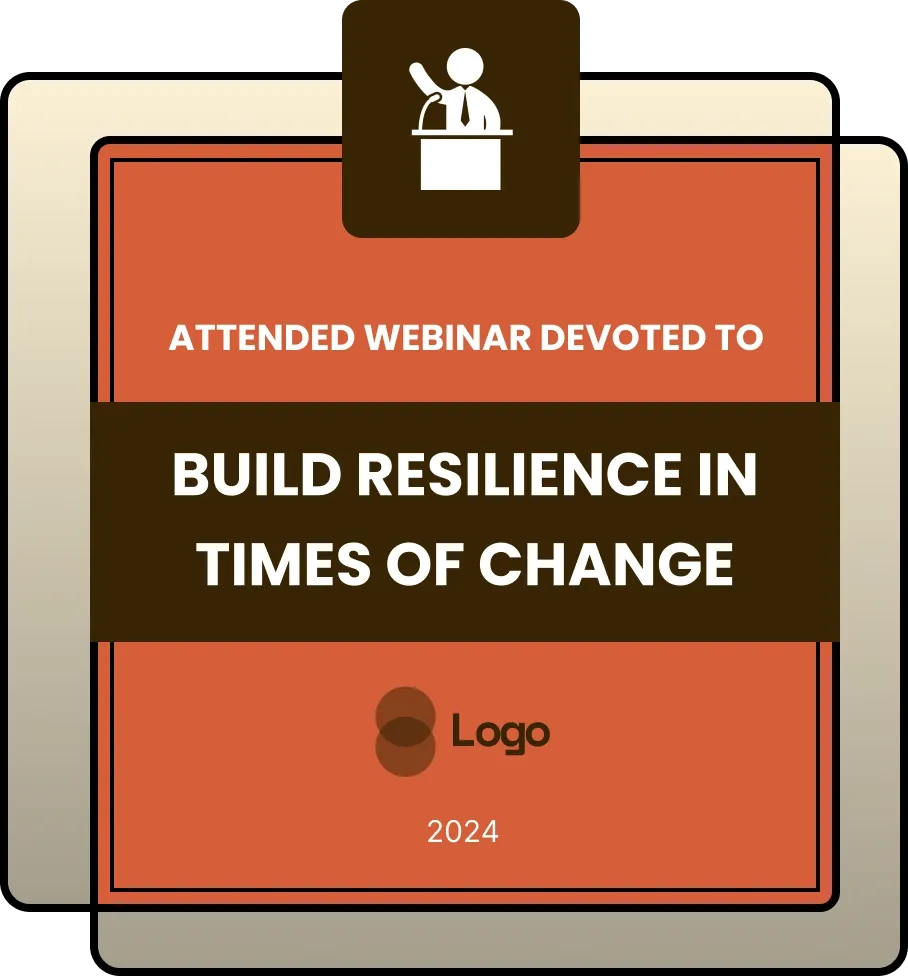
Modern and bold appreciation badge for webinar and event participation - free editable template
Preview ↗Use templateParticipation badges reward members who show up. Whether it is a live AMA, a weekly challenge, a watch party, or a community game night, this badge recognizes attendance and active involvement. Over time, it encourages more members to join events.
Skill badges for course modules, workshops, or practice tasks
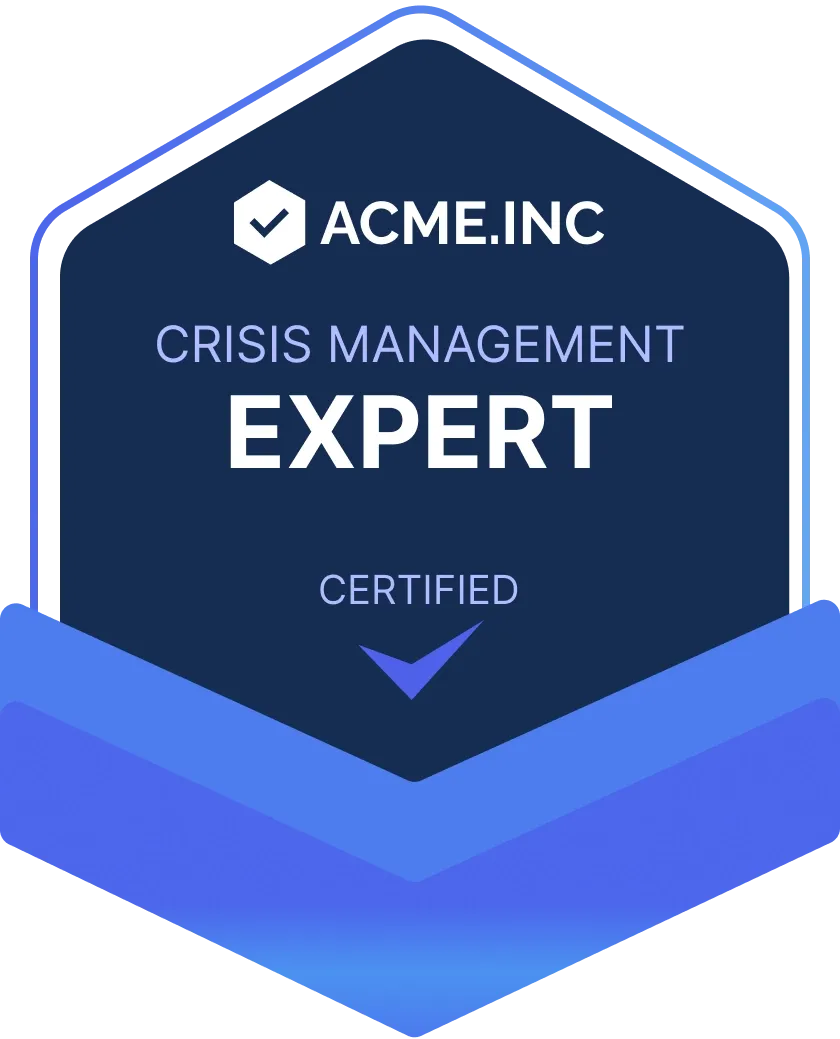
Modern and dark purple completion badge template - free editable template
Preview ↗Use templateSkill badges mark real learning progress. Use them when a member completes a course module, finishes a workshop, or passes a practice task. For Discord communities built around education, coding, design, or creative skills, these badges help members track and share what they have learned.
Contribution badges for members who answer questions or share resources
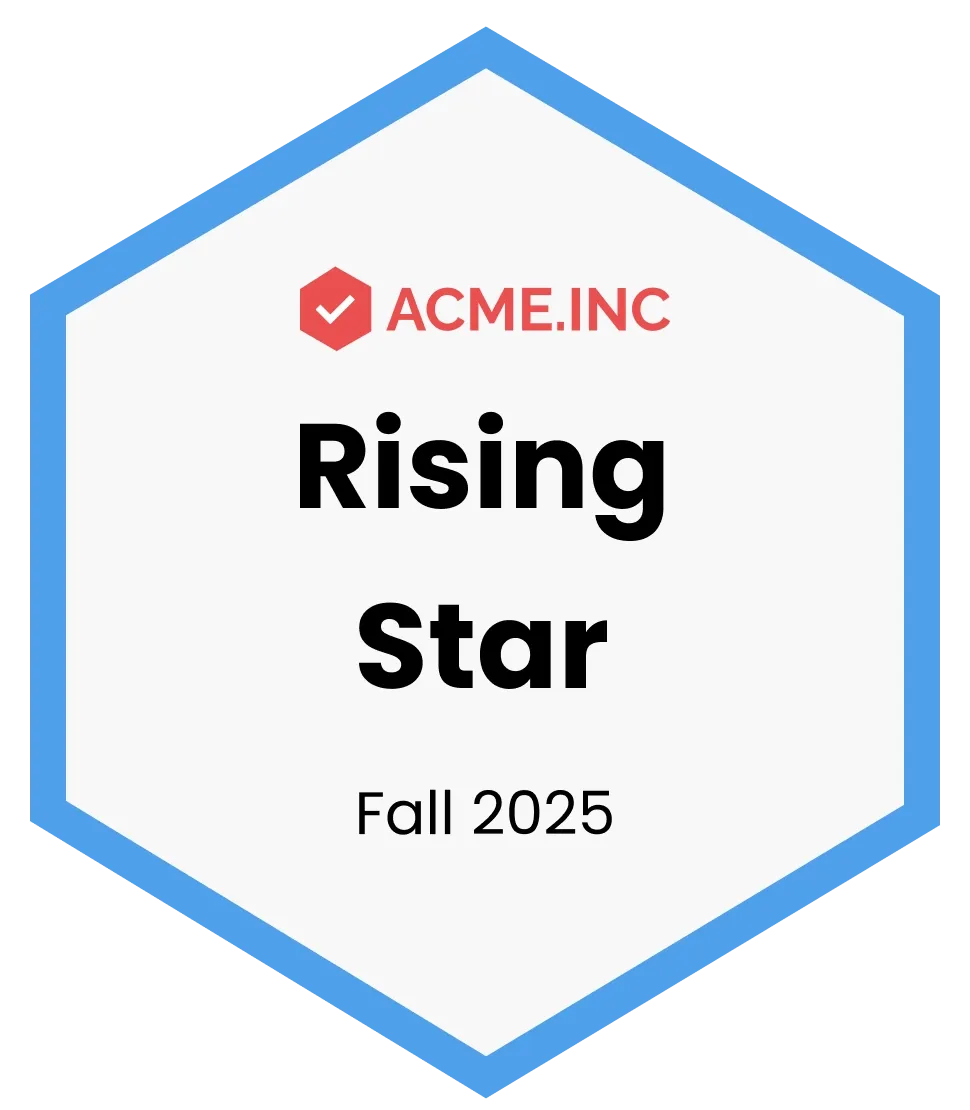
Professional and neat blue appreciation badge template - free editable template
Preview ↗Use templateContribution badges highlight the members who make your community better for everyone else. Award them to people who answer questions, share tutorials, post helpful resources, or review other members' work. This recognition encourages a culture of generosity and support.
Leadership badges for moderators, mentors, ambassadors, and speakers
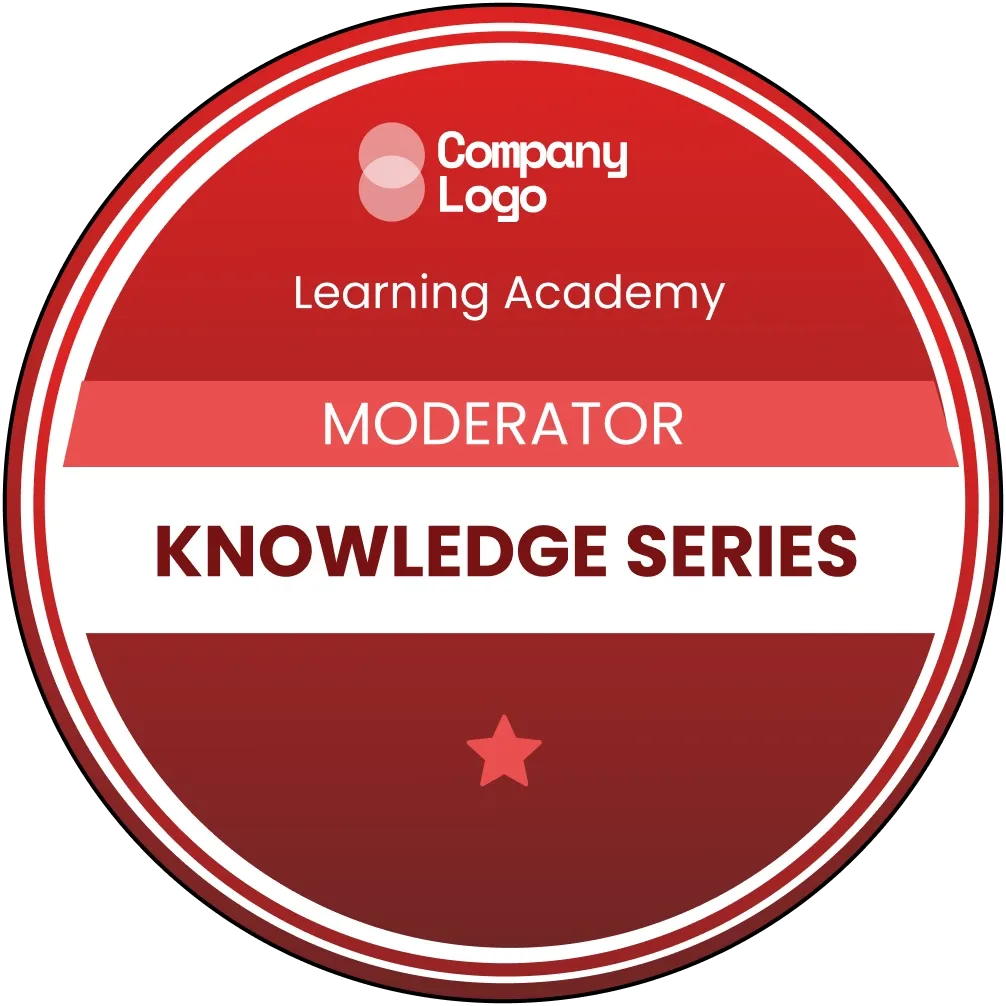
Professional and superior red training badge template - free editable template
Preview ↗Use templateLeadership badges recognize the members who guide your community. Moderators, mentors, ambassadors, and speakers all invest extra time and effort. A visible badge makes their role clear and gives other members a way to identify who can help.
Loyalty badges for founding members or long-term contributors
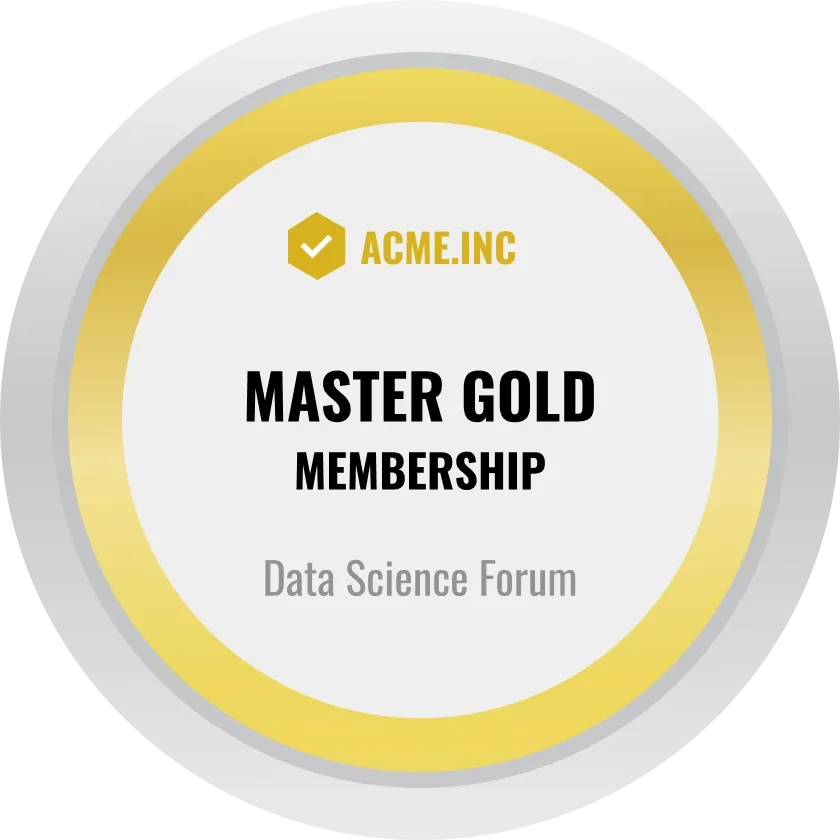
Professional and metallic master gold membership badge template - free editable template
Preview ↗Use templateLoyalty badges celebrate the members who have been with your community from the start or have contributed consistently over time. A "Founding Member" badge or a milestone badge for one year of membership adds sentimental value that members genuinely appreciate and share.
If your server supports a paid community, badges can also help members understand value. A cohort can award badges for completed lessons and final projects. A gaming server can award badges for tournaments or team leadership.
How to Create Discord Badges with Wauld
Wauld makes it simple to create branded badge designs for online communities, training programs, and digital credentialing workflows. Here's how to get started:
- Choose a template that fits your server's tone. Gaming communities work well with bold shapes and high-energy colors. Professional learning communities need cleaner designs. Creator communities prefer warm colors and friendly labels.
- Customize the badge with your own name, colors, logo, icon, and issuer details. Keep the badge name short enough to read in small previews.
- Add clear criteria so members know how the badge is earned. If the badge represents a real achievement, include details about what it takes to unlock it.
- Connect to verifiable credentials for learning or certification use cases. This transforms a static image into a credential with issuer, achievement, date, and criteria information.
- Share and celebrate by posting badges in Discord announcements, member spotlights, certificates, or letting recipients add them to social profiles and portfolios.
Sharing Badges Beyond Discord
Once your Discord community members earn badges, they can share them on LinkedIn and other social profiles. This extends the reach of your community and creates word-of-mouth marketing as members showcase their achievements to their networks.
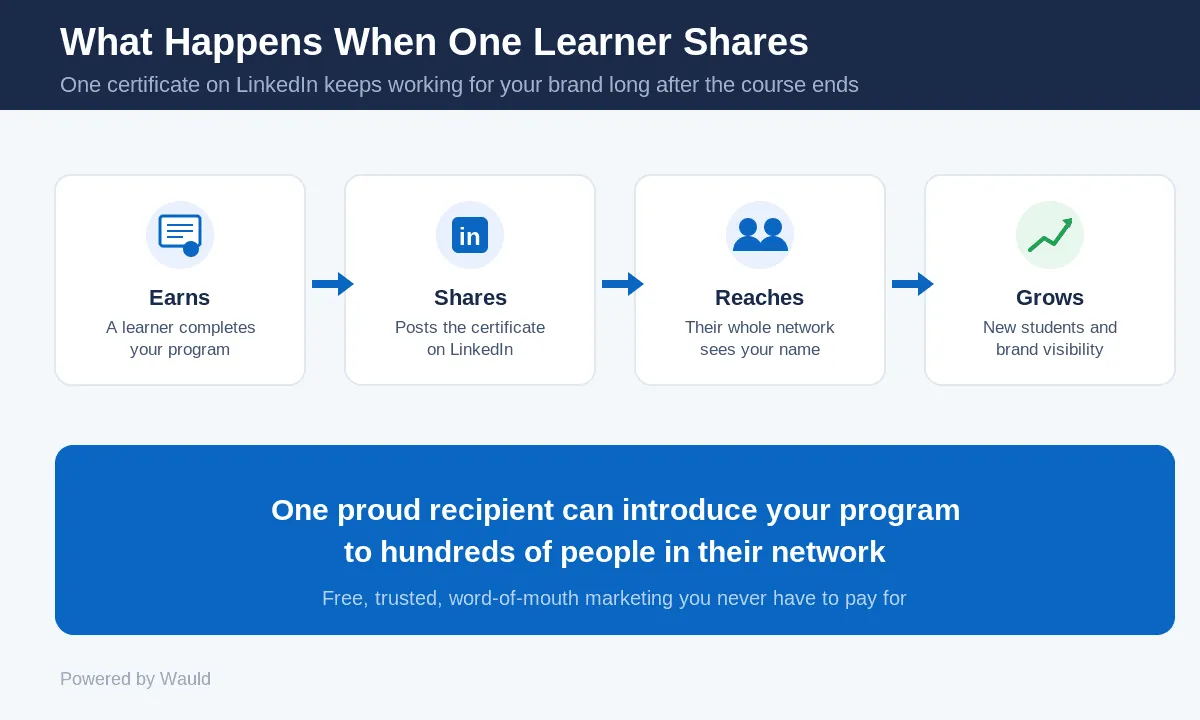
Recipients can add badges to their LinkedIn profiles with a single click, and their entire network sees the credential. One shared badge can introduce your Discord community to hundreds of people in their network—free, trusted word-of-mouth marketing.
Start designing your Discord community badges today
Choose from 100+ professionally designed badge templates and create verifiable credentials in minutes.
FAQs on Discord Badge Maker
Can a Discord badge maker create official Discord profile badges?
No. Official Discord profile badges are controlled by Discord. A Discord badge maker helps you create custom badge graphics or digital credentials for your own community, events, courses, and recognition programs.
What size should a Discord badge be?
A square format works well for most uses. Export a high-resolution PNG for announcements and social sharing. Use SVG when you need crisp scaling across websites, certificates, or design files.
What should I write on a Discord badge?
Use short, specific labels such as "Community Helper," "Event Attendee," "Course Graduate," "Beta Tester," or "Top Contributor."
Can I use badges for a Discord learning community?
Yes. Badges are useful for cohorts, workshops, bootcamps, and training communities. They can recognize attendance, project submissions, peer support, and final achievements.
How many badges should my server start with?
Start with three to five badges. Cover the main moments you want to encourage, such as onboarding, participation, contribution, and completion.
What is the best Discord badge maker for branded recognition?
Choose a badge maker that supports templates, brand colors, logos, exports, and clear achievement criteria. Wauld is a strong option if you want badge design plus digital credentialing workflows.