20 Firearms Safety Course Completion Certificate Templates

Understanding Firearms Safety Training
Firearms Safety Training Certificate Templates plays a critical role in promoting responsible handling, storage, and use of firearms. In this blog, we will explore why firearms safety certification matters, what makes a strong firearms safety training certificate template, and the benefits of using ready-made templates. We will also walk through 20 customizable firearms safety certificate templates, explain how to personalize them, and outline how organizations can effectively implement firearms safety training and refresher programs.
Why Firearms Safety Certification Matters
Promoting Responsibility and Accountability
Firearms safety certification is more than just a document, it represents an individual’s understanding of essential safety principles. Completing a structured safety course demonstrates responsibility, awareness, and preparedness when handling firearms.
A formal certificate reassures employers, instructors, and institutions that the individual has undergone proper training and understands fundamental safety protocols.
Enhancing Credibility of Training Programs
For firearms trainers, shooting clubs, and safety organizations, issuing professionally designed certificates strengthens the legitimacy of their programs. A well-structured certificate reflects professionalism and reinforces trust among participants and stakeholders.
Supporting Compliance and Documentation
In many contexts, proof of firearms safety training may be required for licensing, club memberships, or professional roles. Having a standardized certificate simplifies record-keeping and verification while maintaining consistency across training programs.
Exploring the 12 Firearms Safety Training Certificate Templates
Below are 12 customizable certificate styles suitable for various training settings:
Classic Gold Firearms Safety Certificate
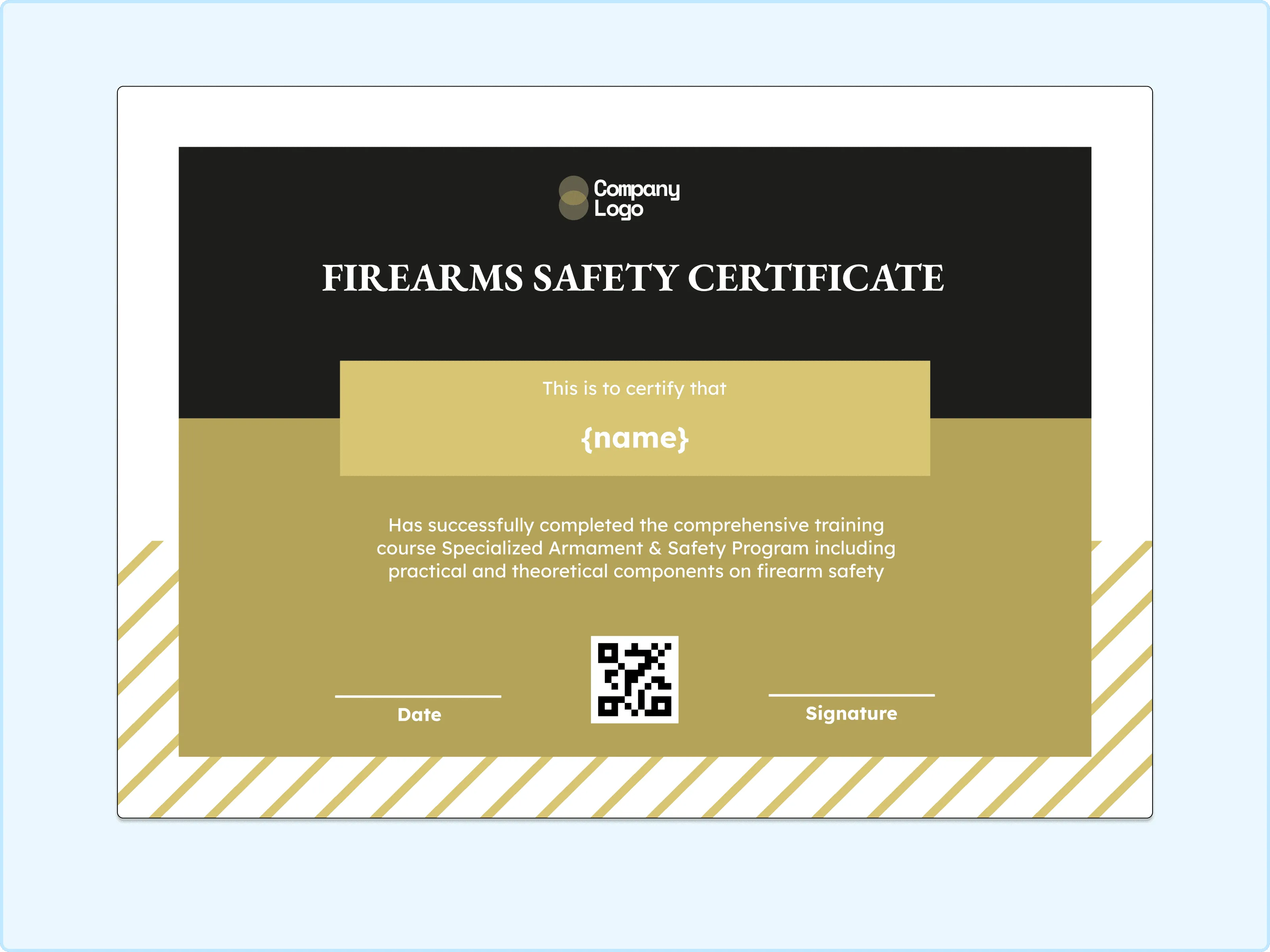
A strong sense of formality comes through in this design. The gold panel adds importance while the clean layout keeps the focus on the recipient’s achievement. I really like how it feels official without becoming too heavy or intimidating. This one is perfect for training programs that want their certificates to feel credible, respectful, and worthy of being framed.
Modern Teal Firearms Safety Course Certificate
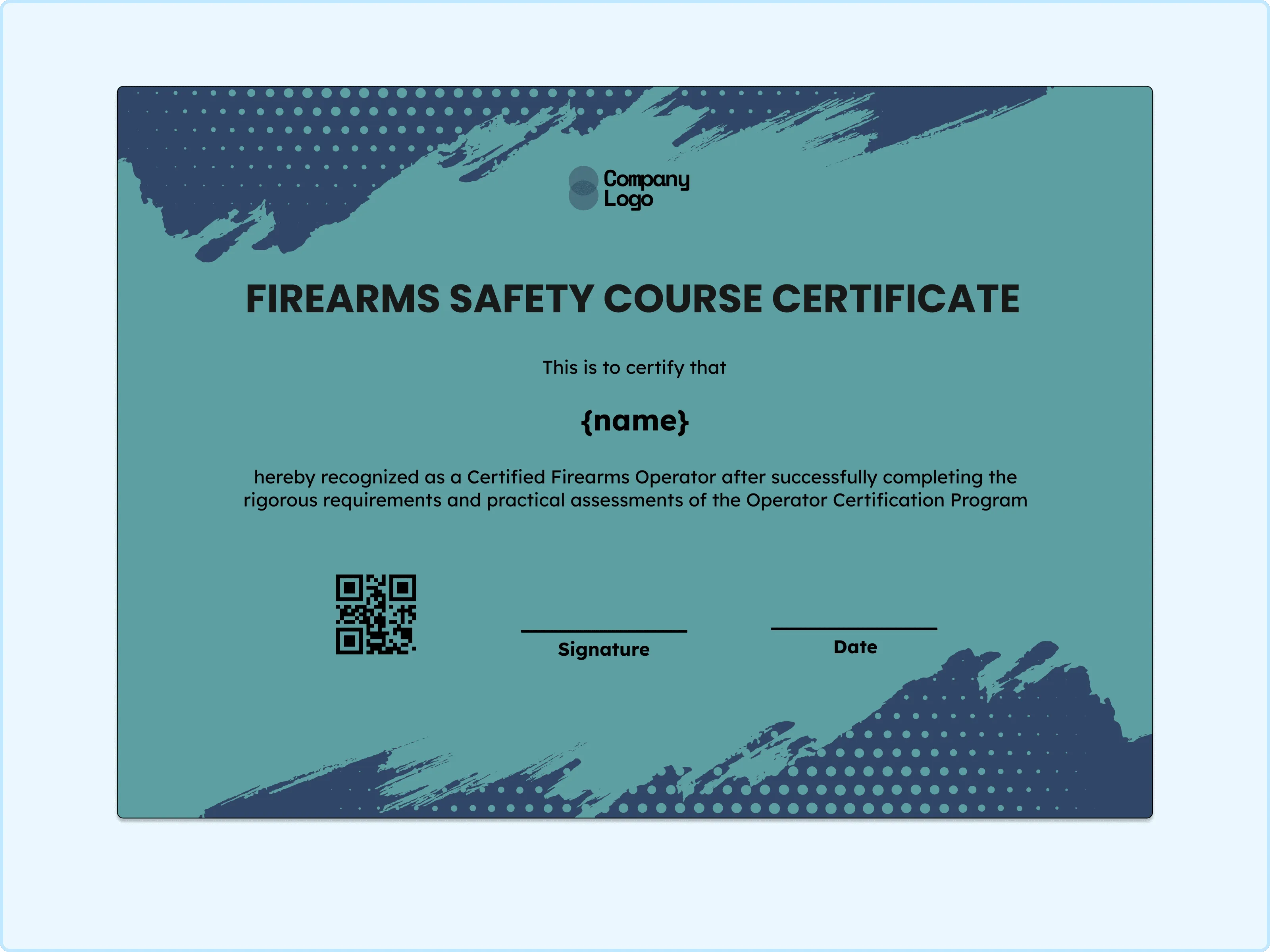
There’s a calm and steady confidence in this color palette. The soft teal background gives the certificate a composed look while still feeling modern and approachable. What stands out most is how readable and balanced everything feels. I would recommend this for professional safety courses that want a clean, contemporary appearance without looking cold or rigid.
Bold Angular Firearms Training Certificate
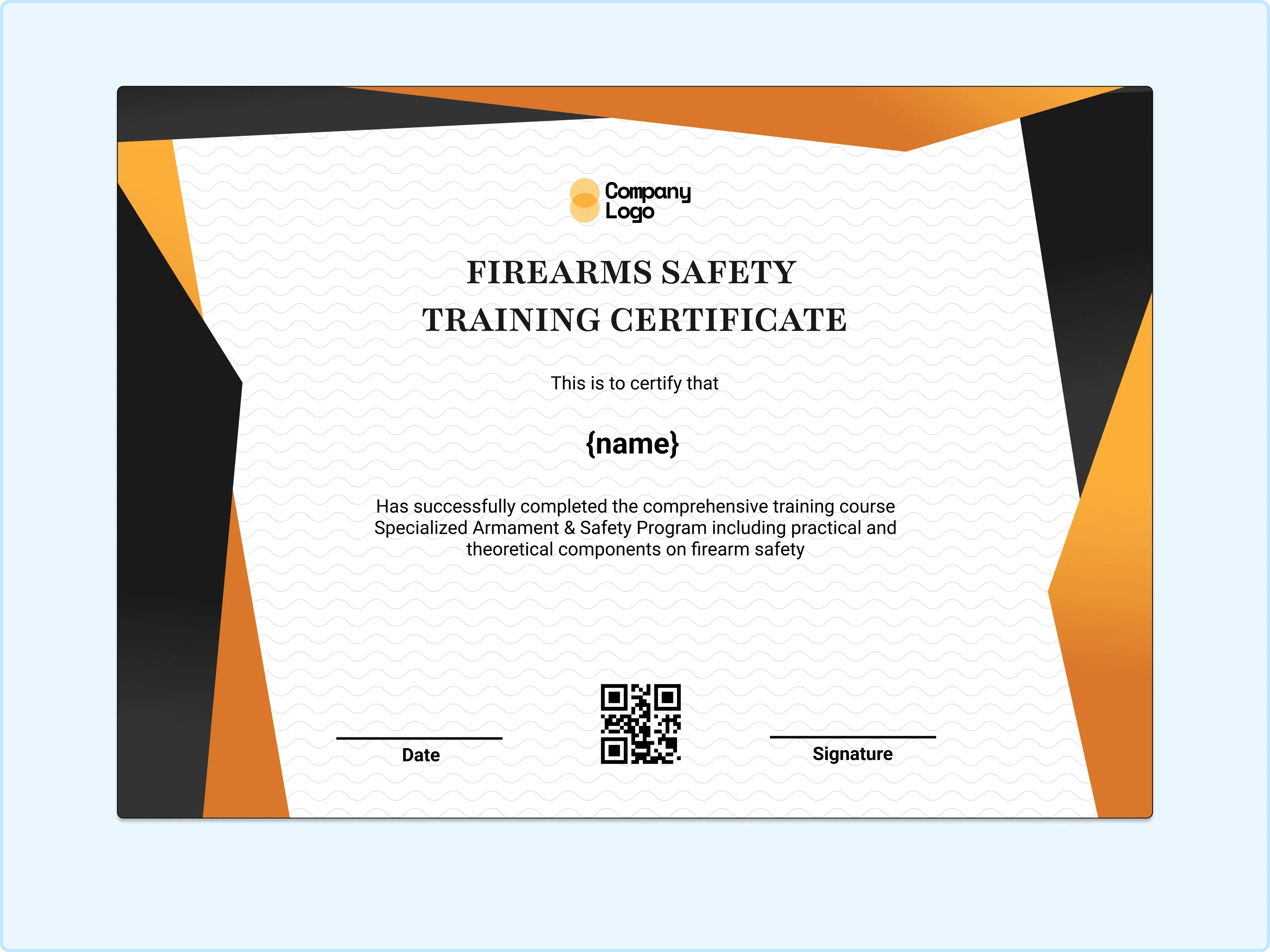
Energy and structure work together beautifully in this layout. The sharp diagonal accents create movement while still keeping the text area clear and organized. I love how it feels active without becoming chaotic. This design suits practical training programs where discipline and progress deserve to be highlighted visually.
Dark Contrast Firearms Safety Certificate
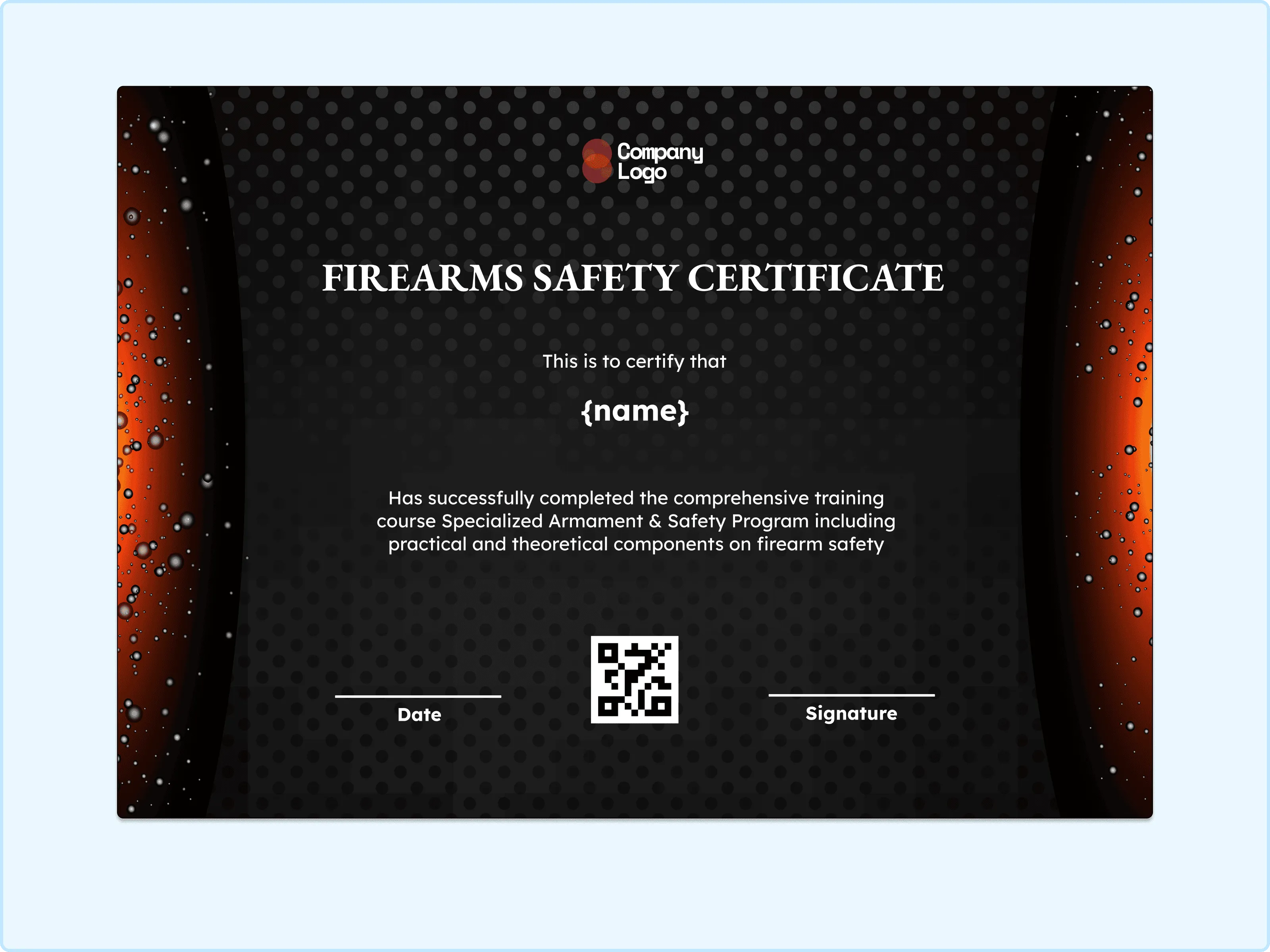
A dramatic and focused tone defines this certificate. The darker background draws attention inward, making the achievement feel serious and meaningful. My favorite part is how the layout naturally centers the eye on the recipient’s name. This is an excellent option for advanced training completions or high-responsibility certifications.
Minimal Gray Firearms Safety Certificate
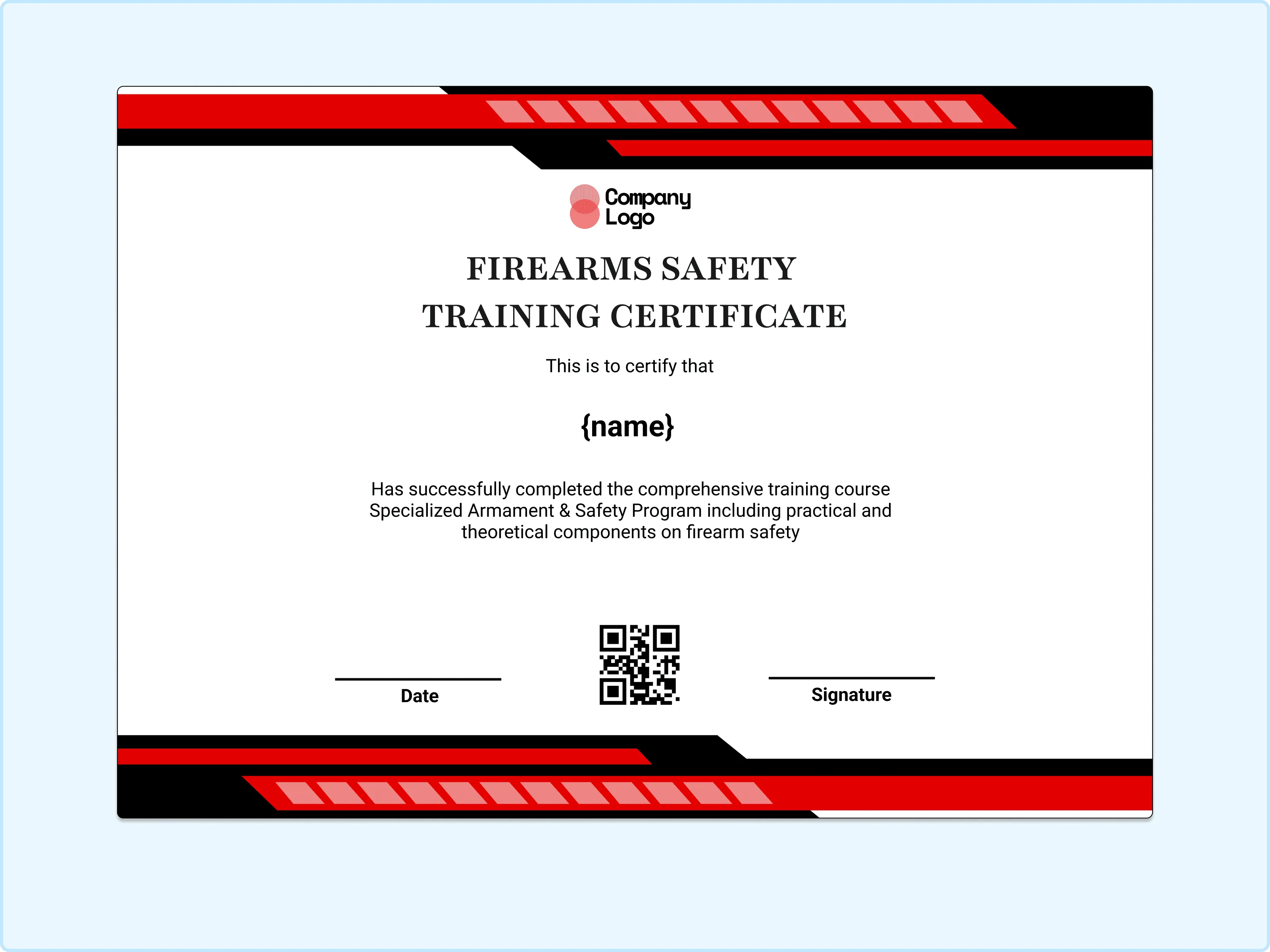
Simplicity shines in this design. The neutral tones keep the attention on the wording and achievement rather than decoration. I appreciate how calm and uncluttered it feels, which makes the recognition feel sincere and professional. This works wonderfully for standard course completions or formal safety documentation.
Red-Trimmed Firearms Safety Training Certificate
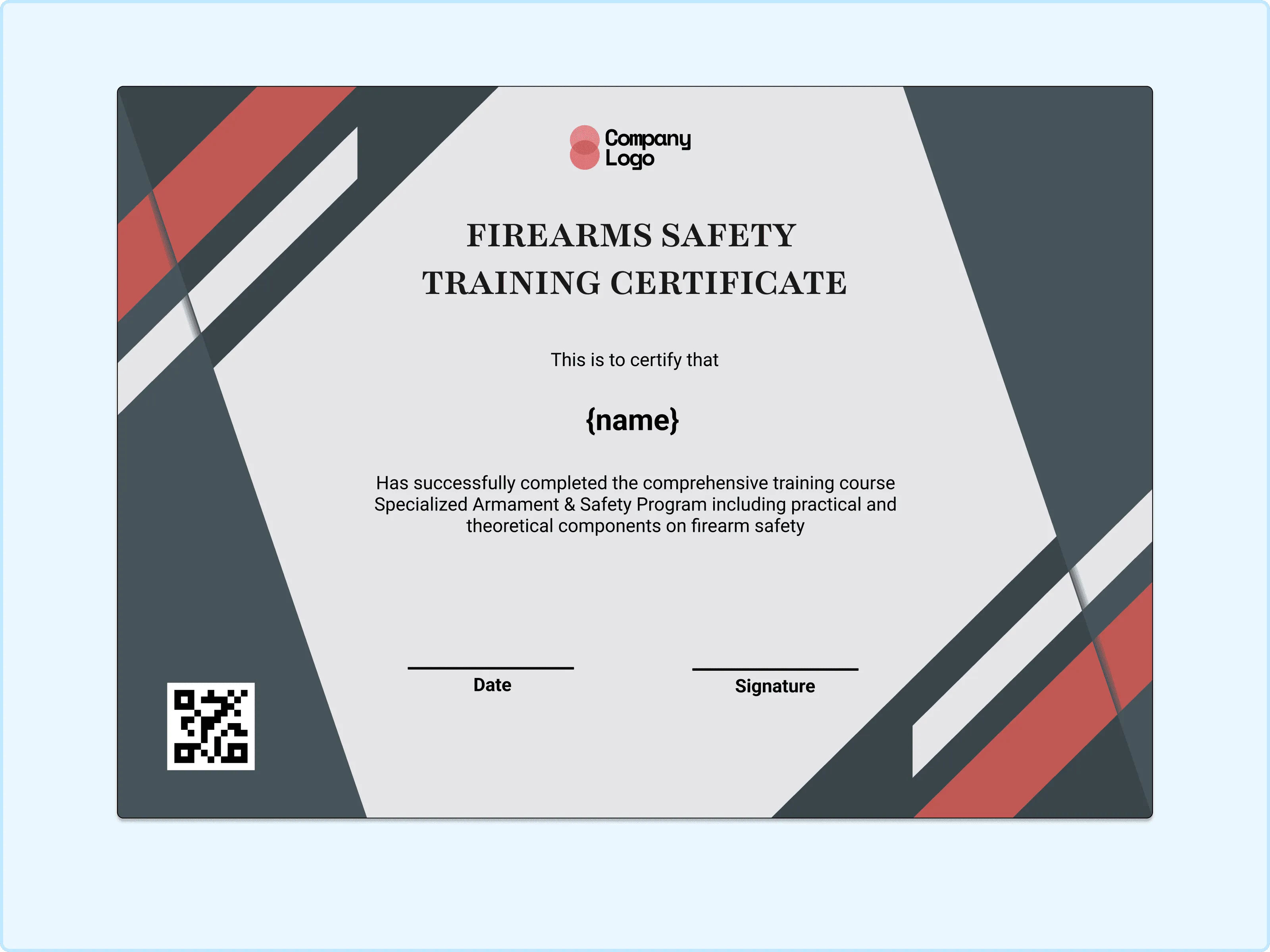
A quiet sense of authority comes through in this layout. The thin red accents add emphasis without overwhelming the page. I like how the structure feels controlled and deliberate. This one fits well for institutional programs or structured firearms training certifications.
Geometric Panel Firearms Safety Certificate
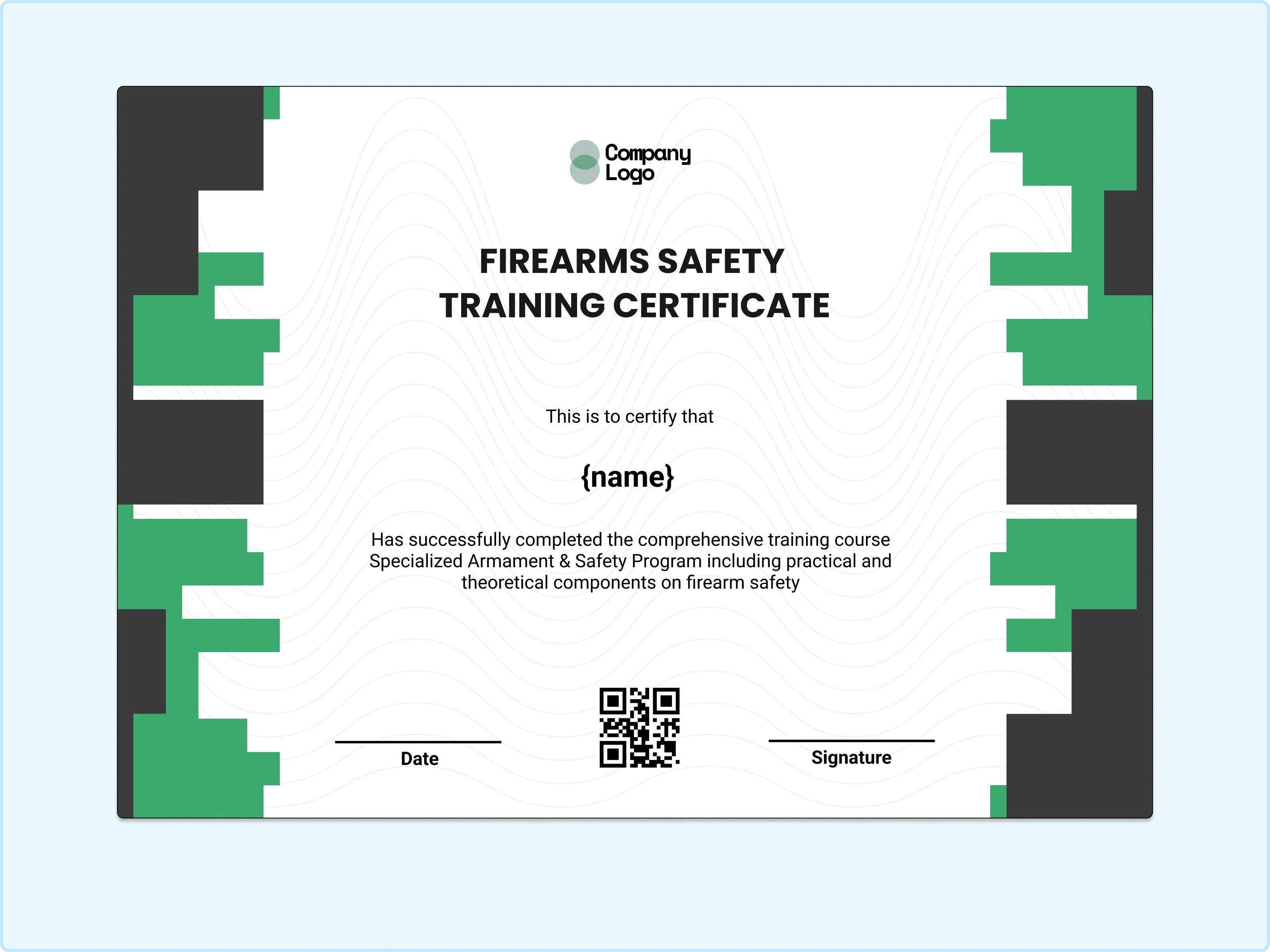
There’s a technical, organized feel to this design that works really well for safety training. The block-style side elements add interest while keeping the center clean and readable. I enjoy how it feels modern but still disciplined. This would be ideal for structured training programs or classroom-based certifications.
Framed Edge Firearms Safety Certificate
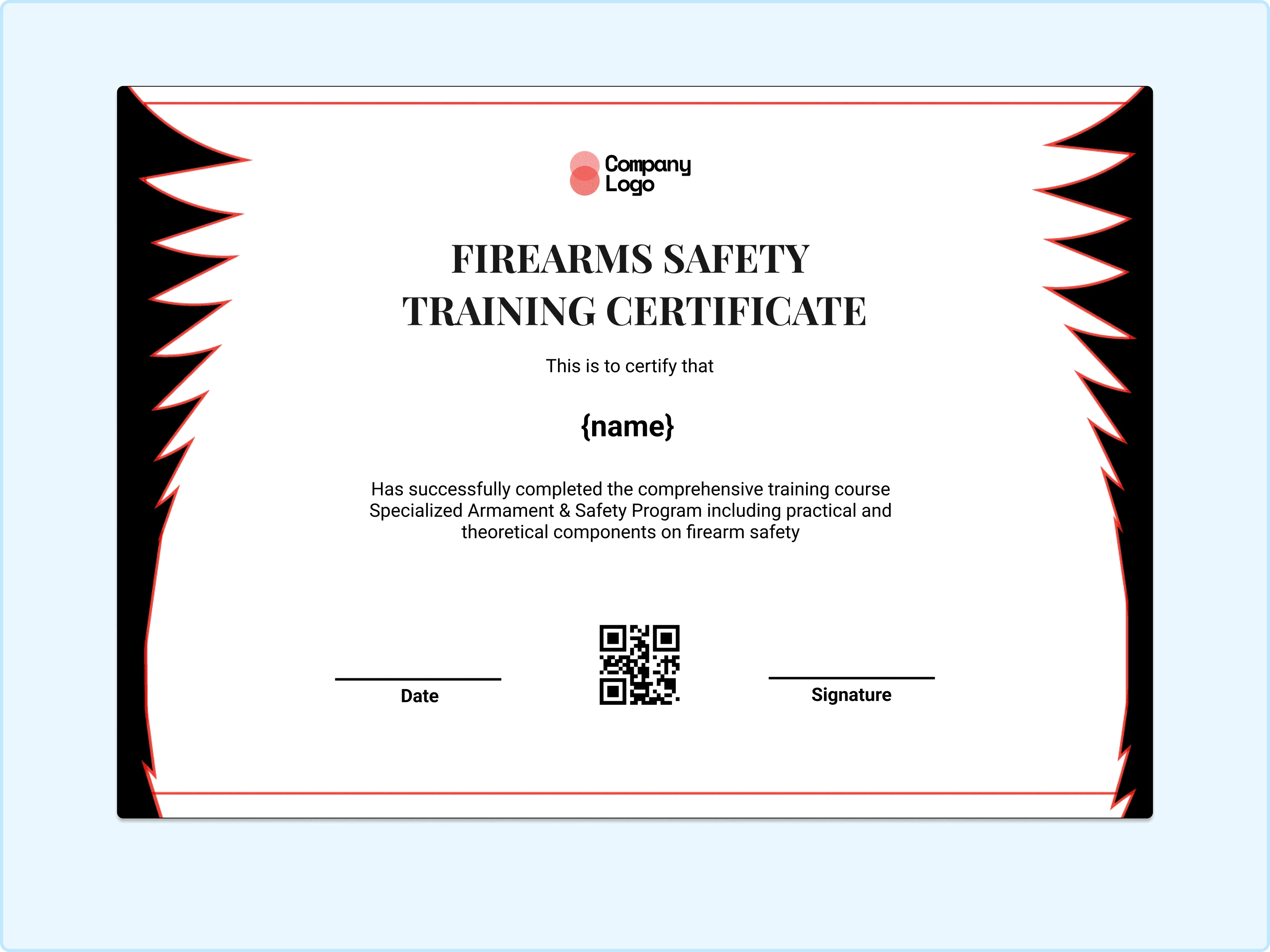
The sharp framing around this certificate gives it a strong presence. It feels contained and official, almost like a seal of approval around the achievement. I especially like how it makes the certificate look complete and intentional. This design is great for formal recognition after successful course completion.
Camouflage-Inspired Firearms Safety Certificate
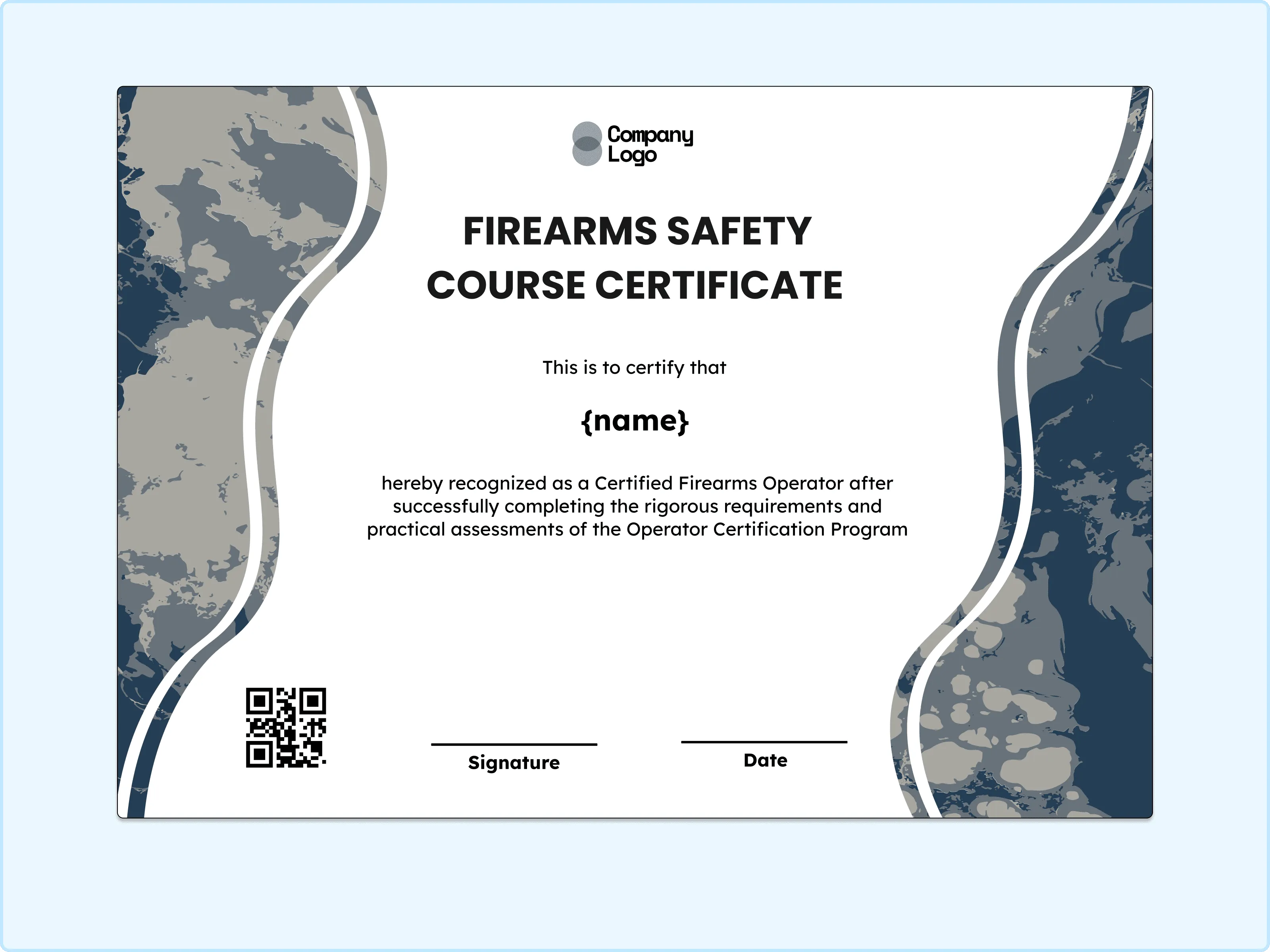
A subtle ruggedness comes through in this design without overpowering the message. The patterned edges give it character while the center remains clear and readable. I like how it blends visual texture with professionalism. This one works nicely for outdoor training programs or tactical-style safety courses.
High-Impact Orange Firearms Training Certificate
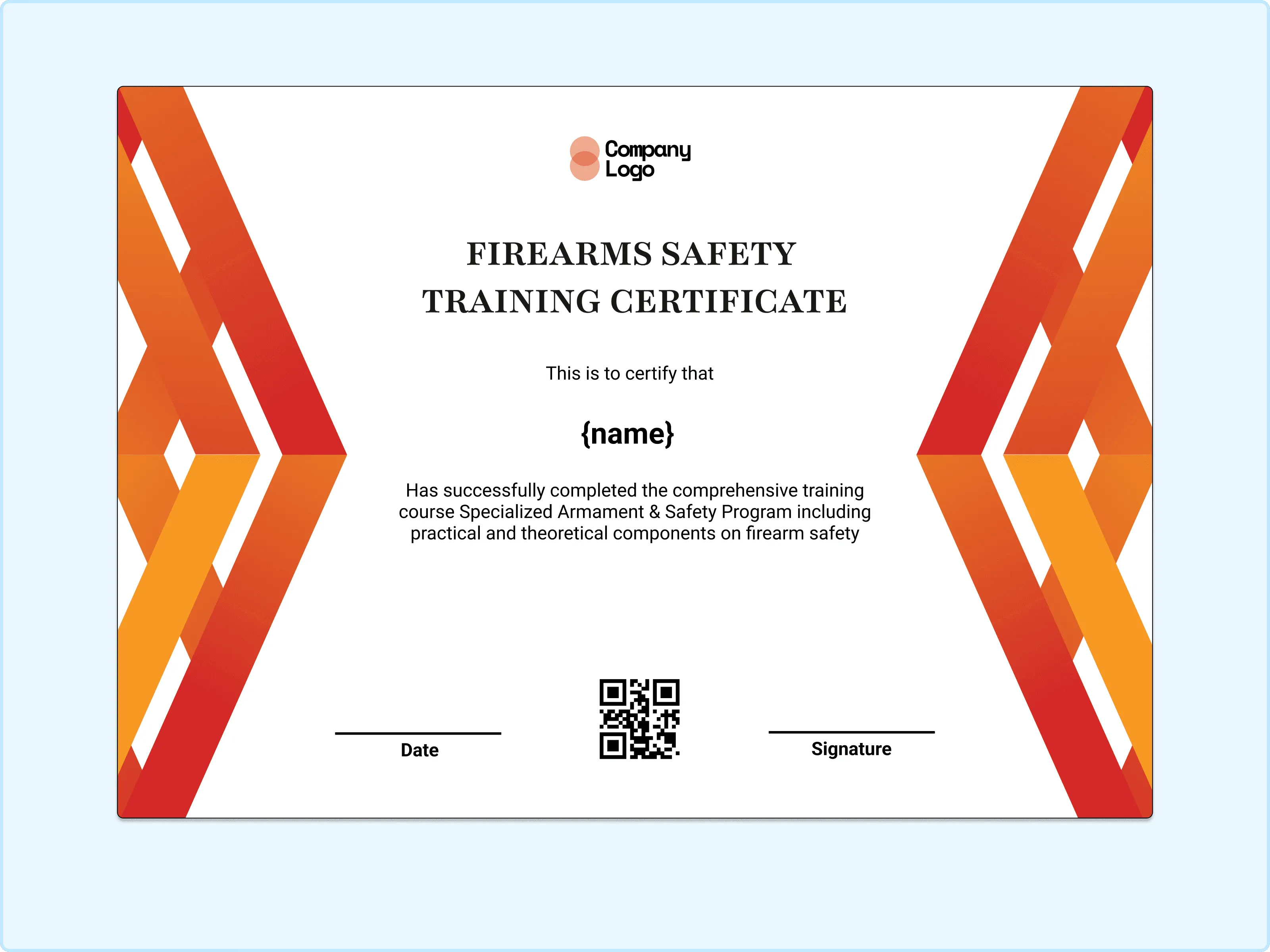
There’s a lot of motivation built into this layout. The bold side accents bring energy while keeping the text area calm and structured. I really enjoy how it feels dynamic but still official. This is a great fit for active training sessions or skill-based firearm safety programs.
Illustrated Firearms Safety Certificate
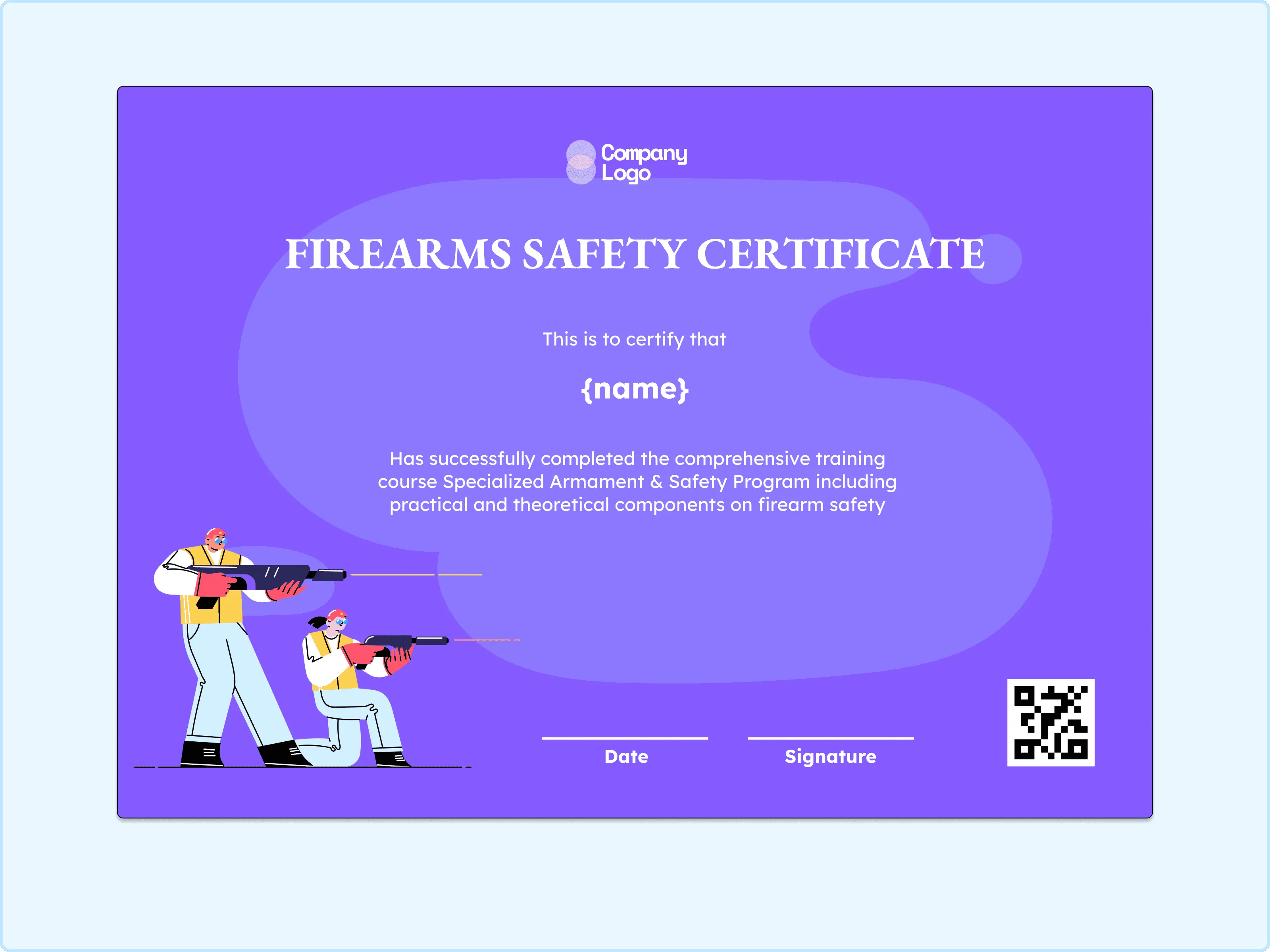
A friendlier tone shines through in this design thanks to the illustrated elements. It feels more approachable while still carrying professional weight. I like how it softens the subject matter without reducing its importance. This one is ideal for introductory courses or community-based safety training.
Tactical Pattern Firearms Safety Certificate
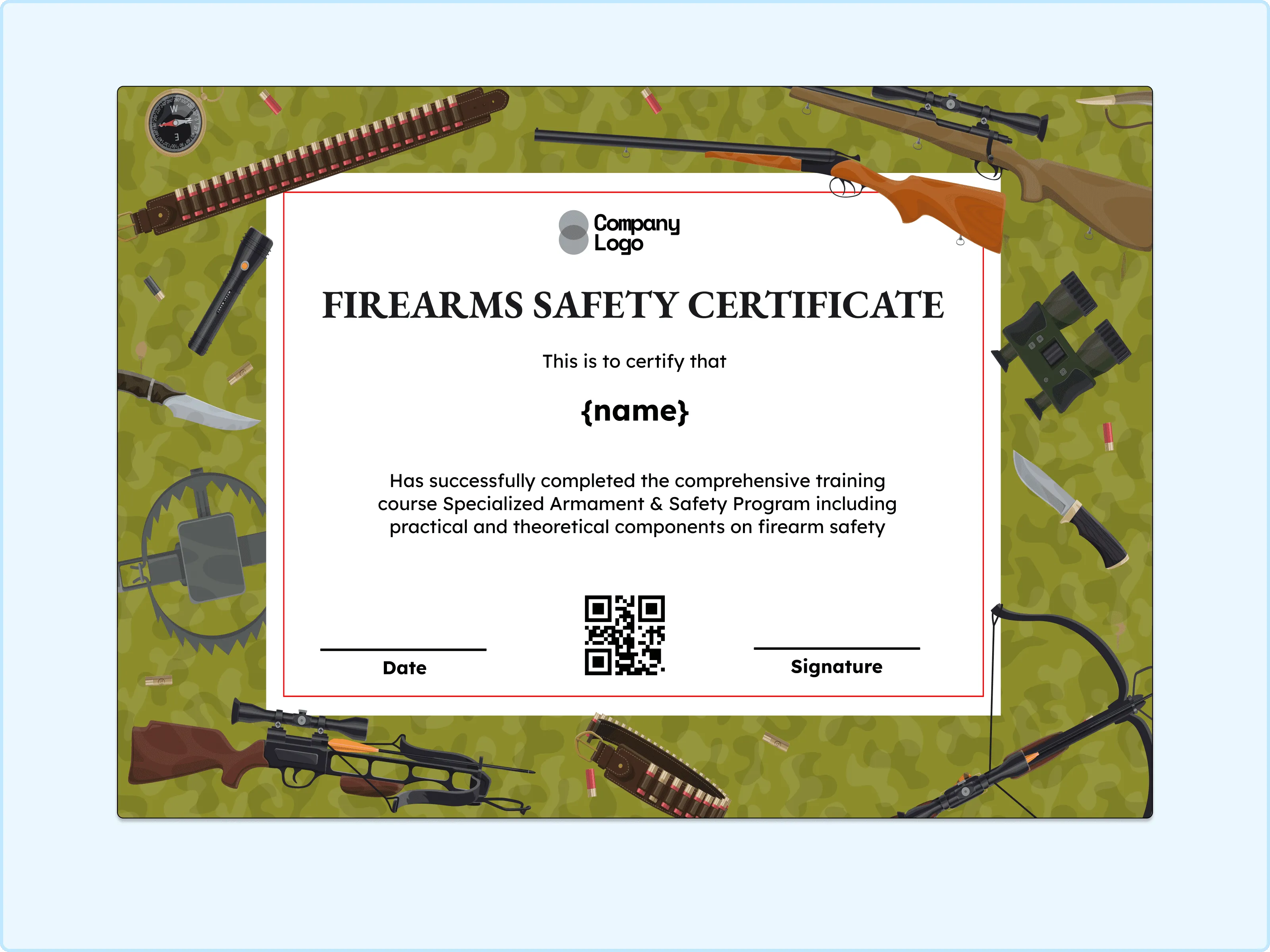
There’s a grounded, practical feeling to this layout. The patterned background adds depth while the central area remains focused and clear. What stands out is how balanced the design feels between decoration and seriousness. This works well for structured safety certifications or defense-focused programs.
Dark Panel Firearms Safety Certificate
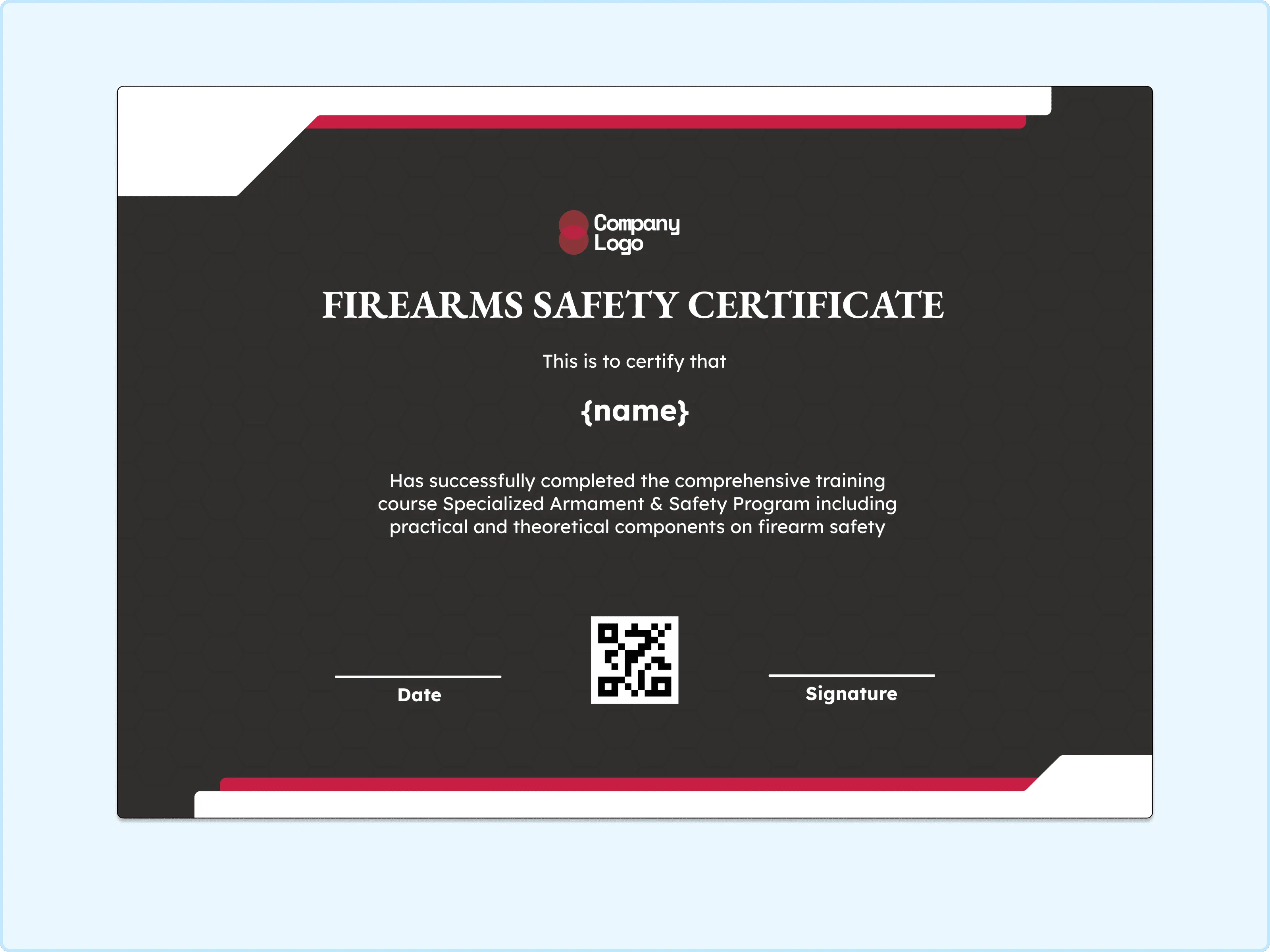
A polished seriousness defines this certificate. The darker tones frame the text nicely and make the achievement feel weighty and respected. I like how it naturally draws attention to the name and completion details. This one suits professional-level training and advanced firearm safety recognition.
Film-Strip Style Firearms Safety Certificate
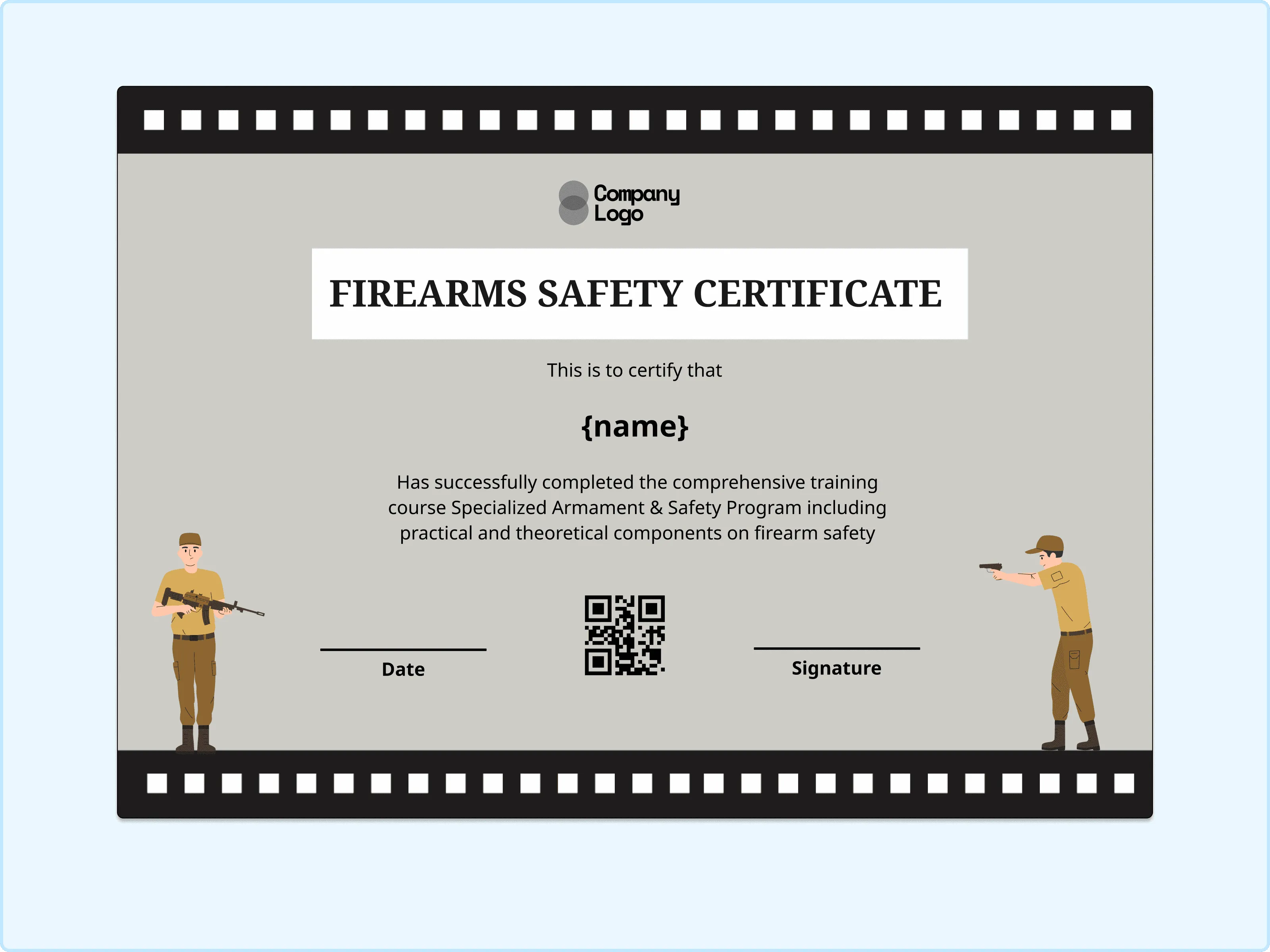
There’s something storytelling about this layout. The film-style border gives the design a unique character while still keeping the content readable and formal. I enjoy how it feels memorable without being distracting. This is a fun yet professional choice for training programs that want a slightly creative edge.
Yellow Accent Firearms Training Certificate
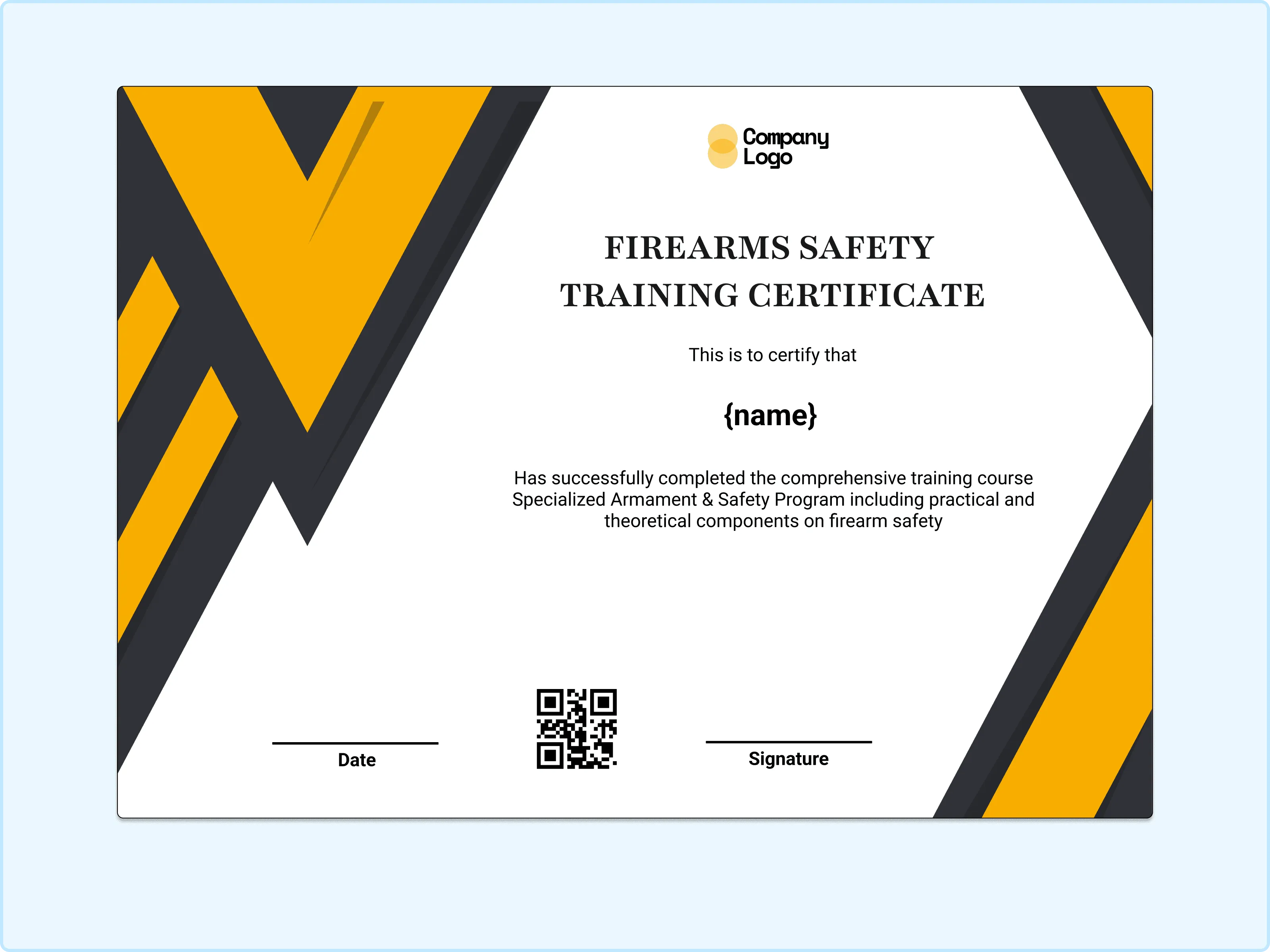
A sense of motion comes through in this design. The angled yellow elements suggest progress and completion while leaving the main area open and clear. I really like how it feels energetic but still controlled. This background works beautifully for skill-building and performance-based certifications.
Soft Band Firearms Safety Course Certificate
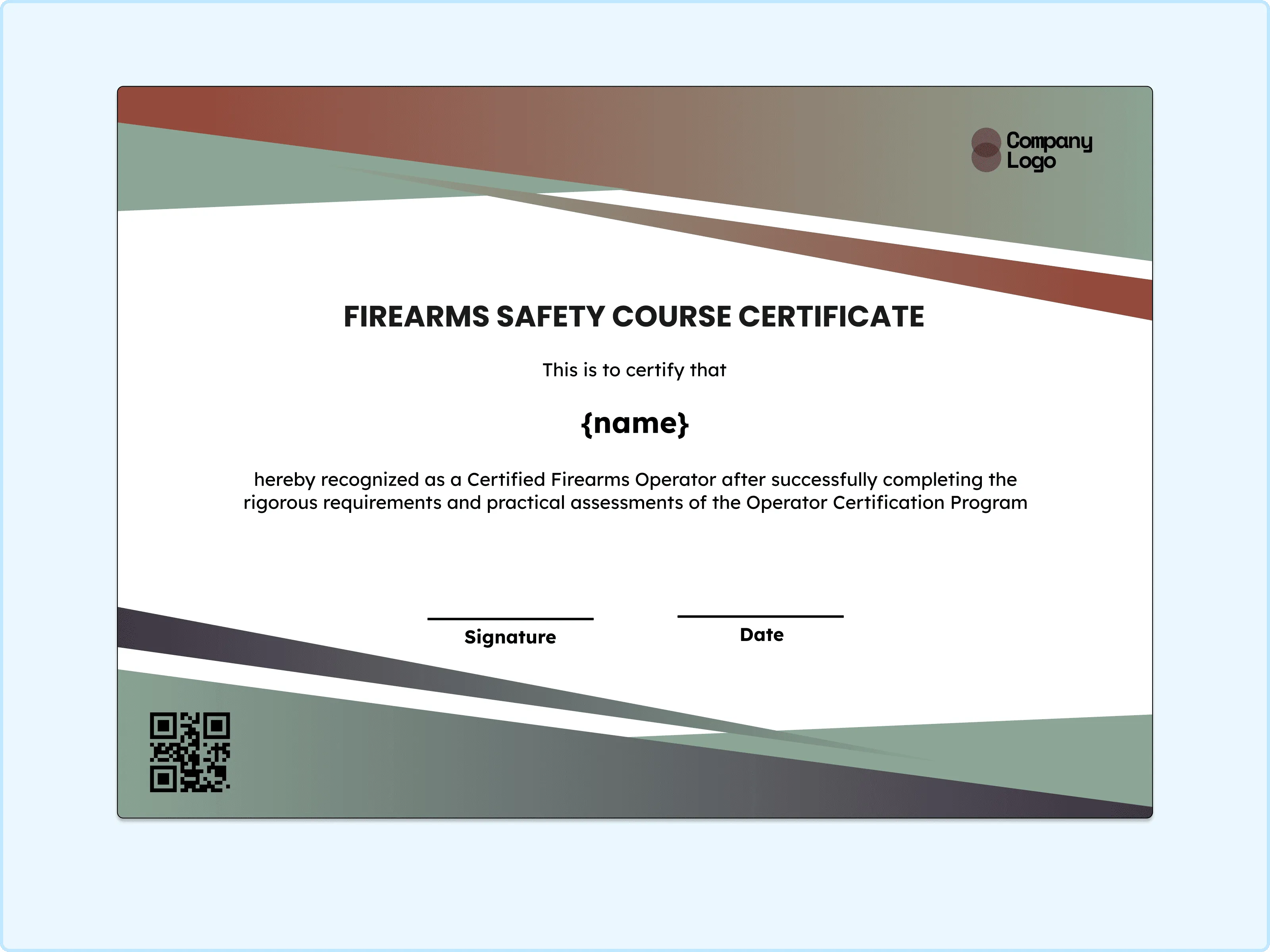
There’s a very calm rhythm to this layout. The horizontal bands guide the eye gently across the page without pulling focus away from the achievement. I appreciate how relaxed and professional it feels at the same time. This one fits nicely for classroom-style safety training and formal course recognition.
Contemporary Blue Firearms Safety Certificate
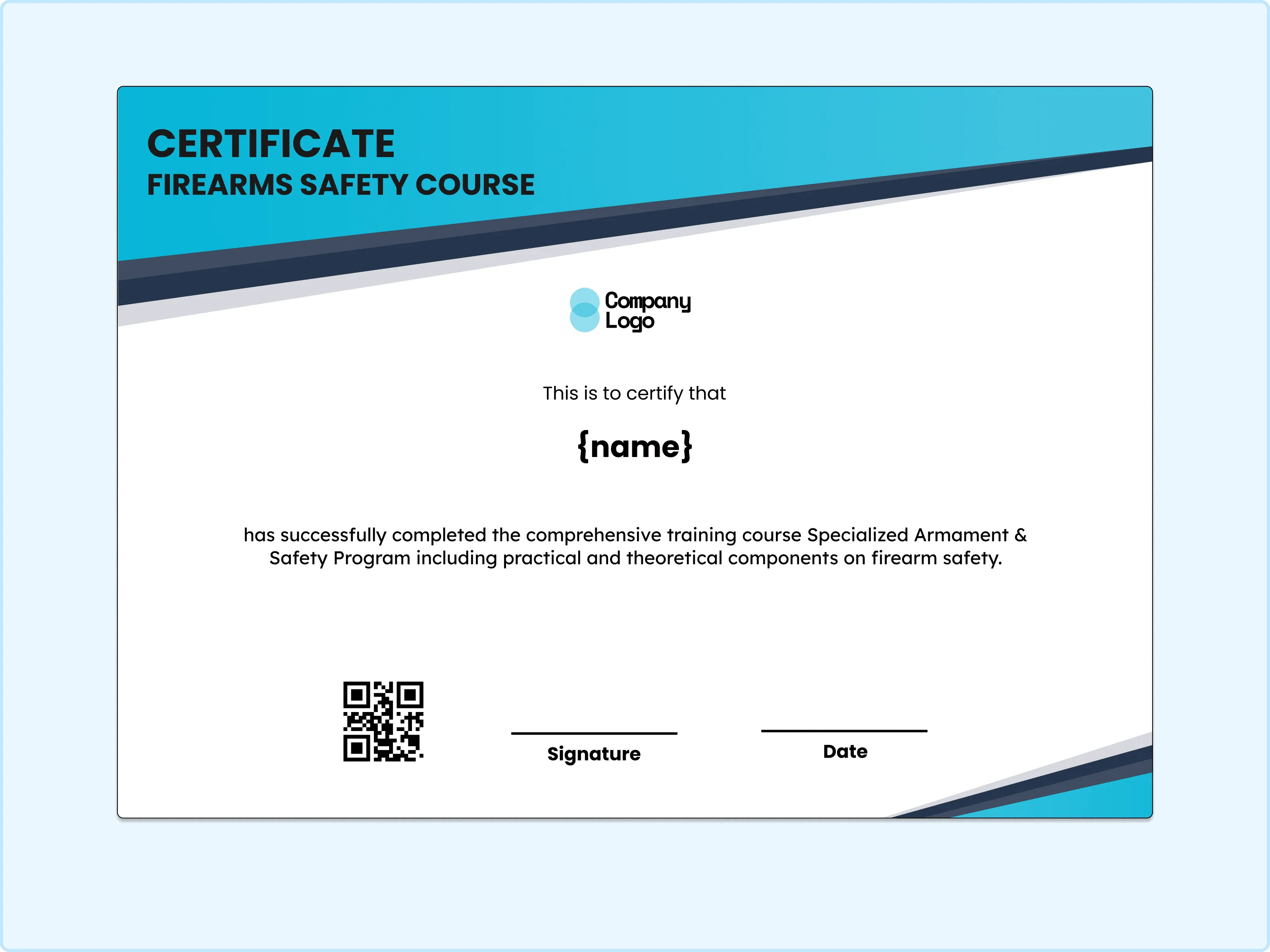
A clean and confident look defines this design. The layered shapes add depth while the text remains easy to read. My favorite part is how modern it feels without becoming trendy or distracting. This works perfectly for digital certifications or updated safety programs.
Gradient Firearms Safety Certificate
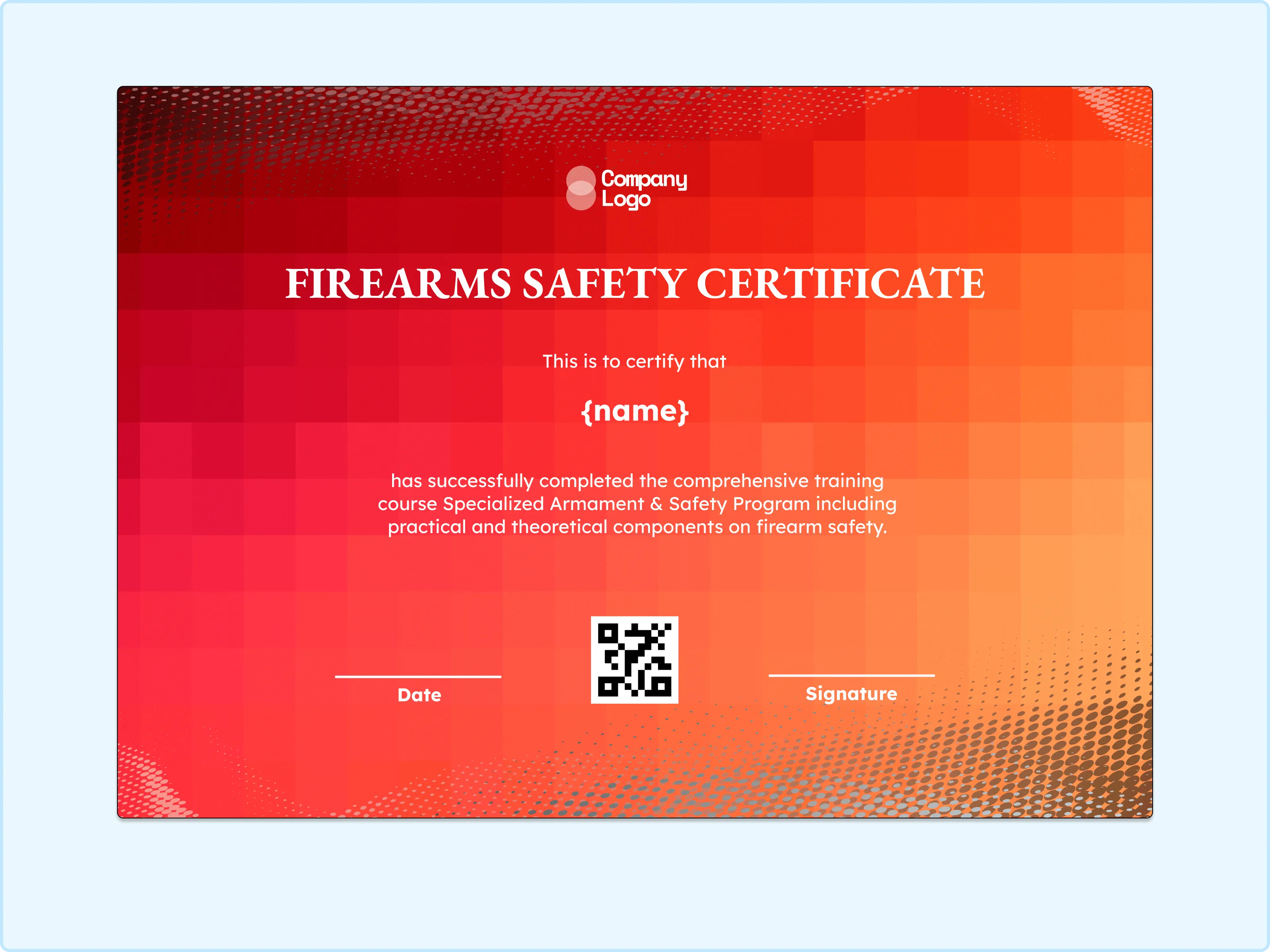
Warm tones bring a sense of completion and reward to this layout. The gradient background feels smooth and celebratory without overpowering the content. I like how it suggests achievement through color rather than decoration. This is a great choice for milestone certifications or end-of-program recognition.
Diamond Pattern Firearms Safety Course Certificate
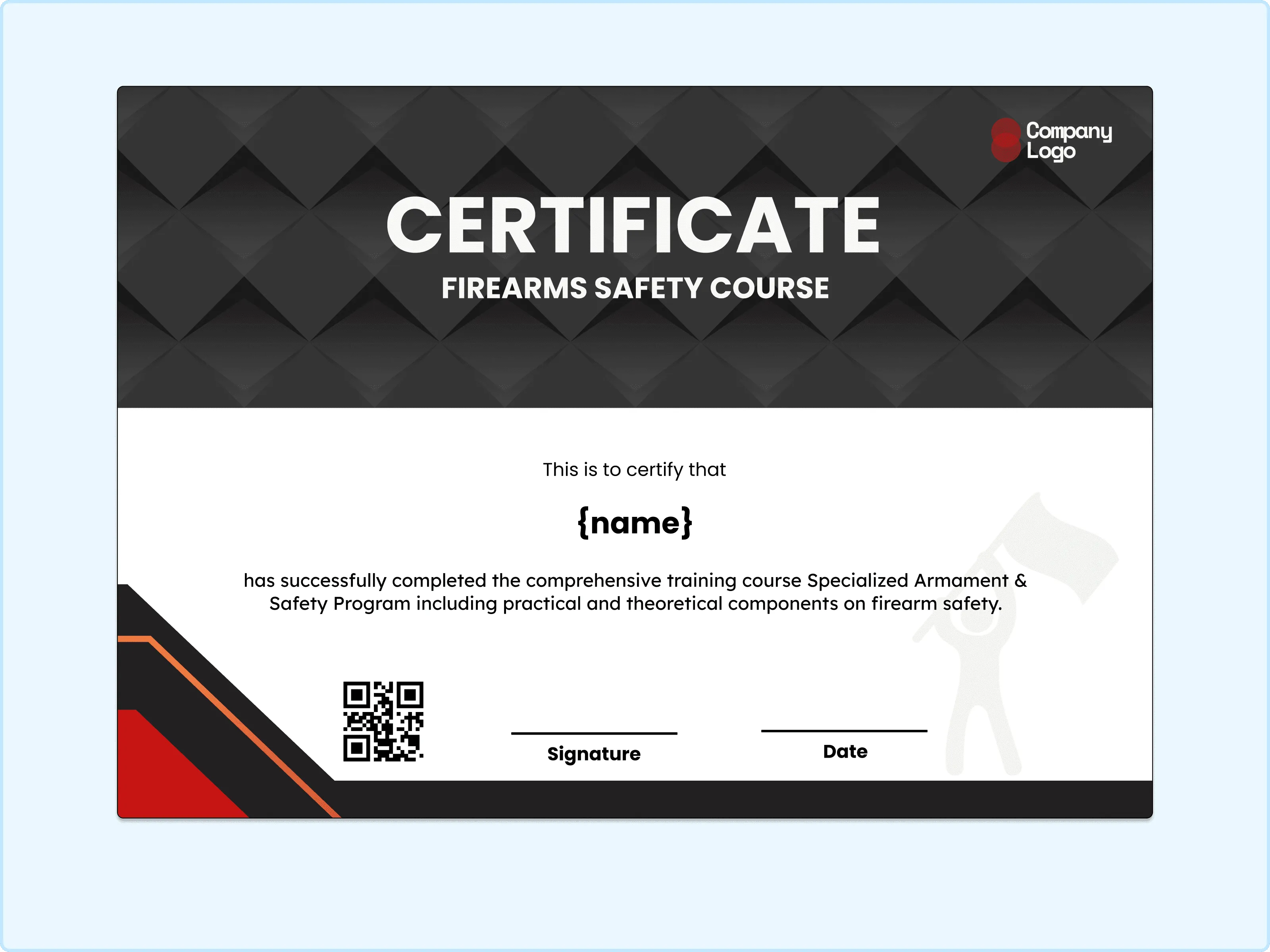
A structured, textured look makes this certificate stand out. The patterned background adds interest while the center stays calm and readable. I enjoy how it feels solid and dependable. This design suits institutions that want their certificates to feel established and trustworthy.
Classic Firearms Safety Certificate
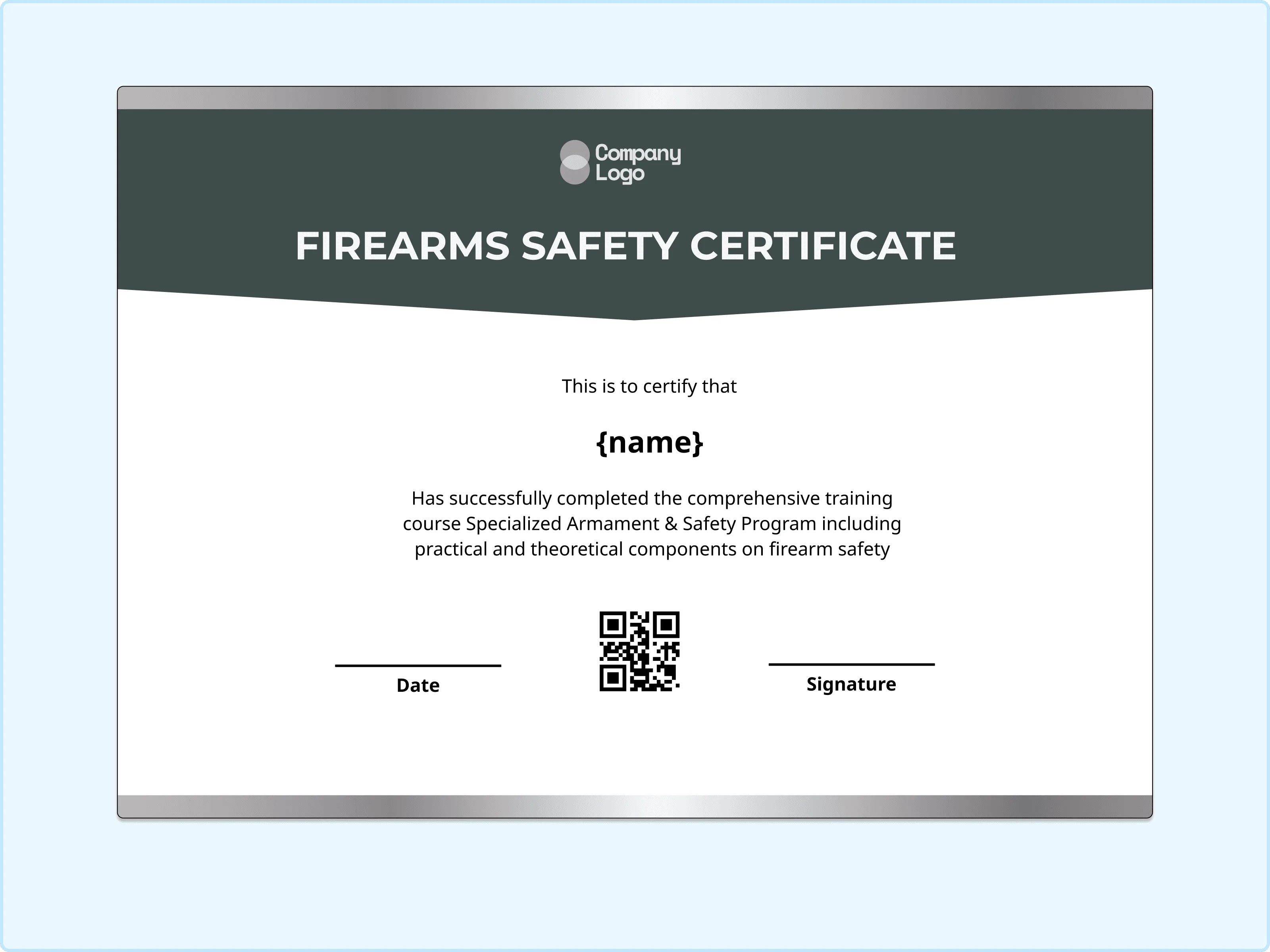
A strong and professional tone comes through immediately in this design. The light background with the gray design creates contrast that makes the text feel important and intentional. I like how it gives the recognition a sense of authority without looking harsh. This one is ideal for final certifications or advanced safety training programs.
How to Customize Your Firearms Safety Certificate
Customizing your firearms safety certificate is simple and quick. Follow these steps:
Step 1: Choose a Suitable Template
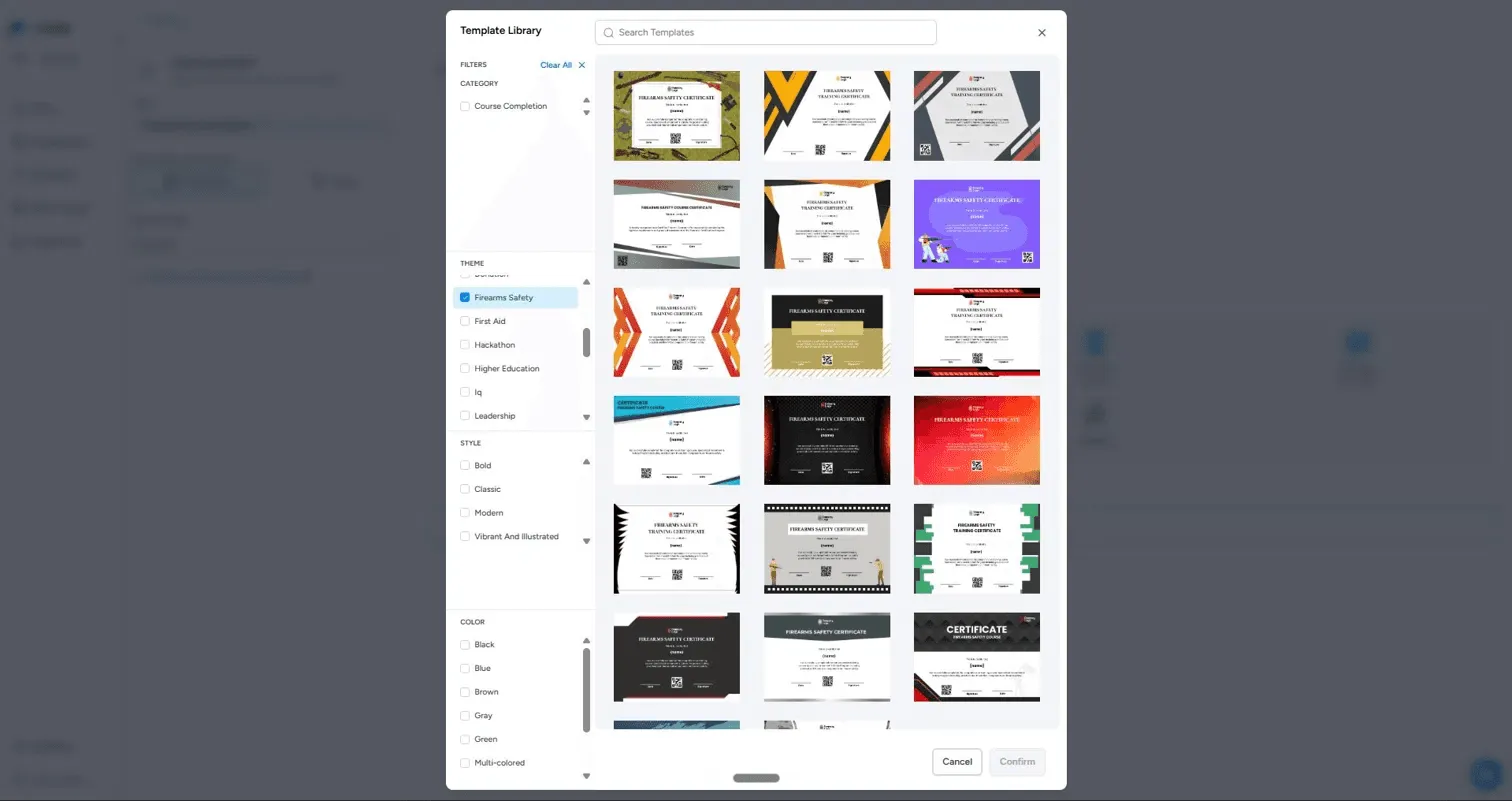
Start by opening the Template Library, which gives you a wide range of firearms safety certificate designs to choose from. You can filter templates by style. Browse through the grid of pre-designed options and click Confirm once you find a design that fits your training program's tone and purpose.
Step 2: Add Participant Details
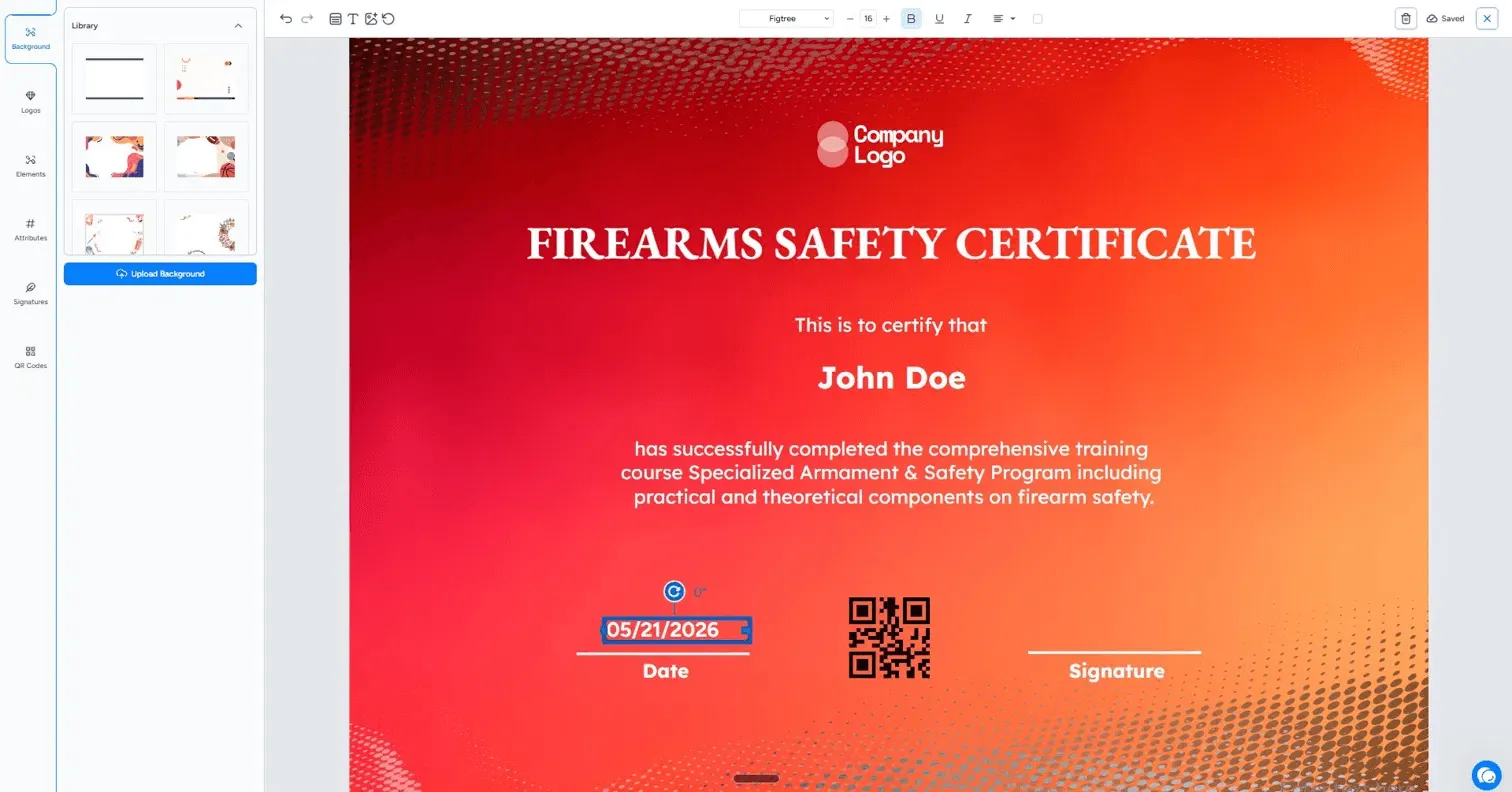
Once inside the editor, click on the recipient name field, which already shows a placeholder and enter it with the trainee's name. The certification message block below it describes the course completed, you can edit this text to reflect your specific training content.
Step 3: Include Organization and Instructor Information
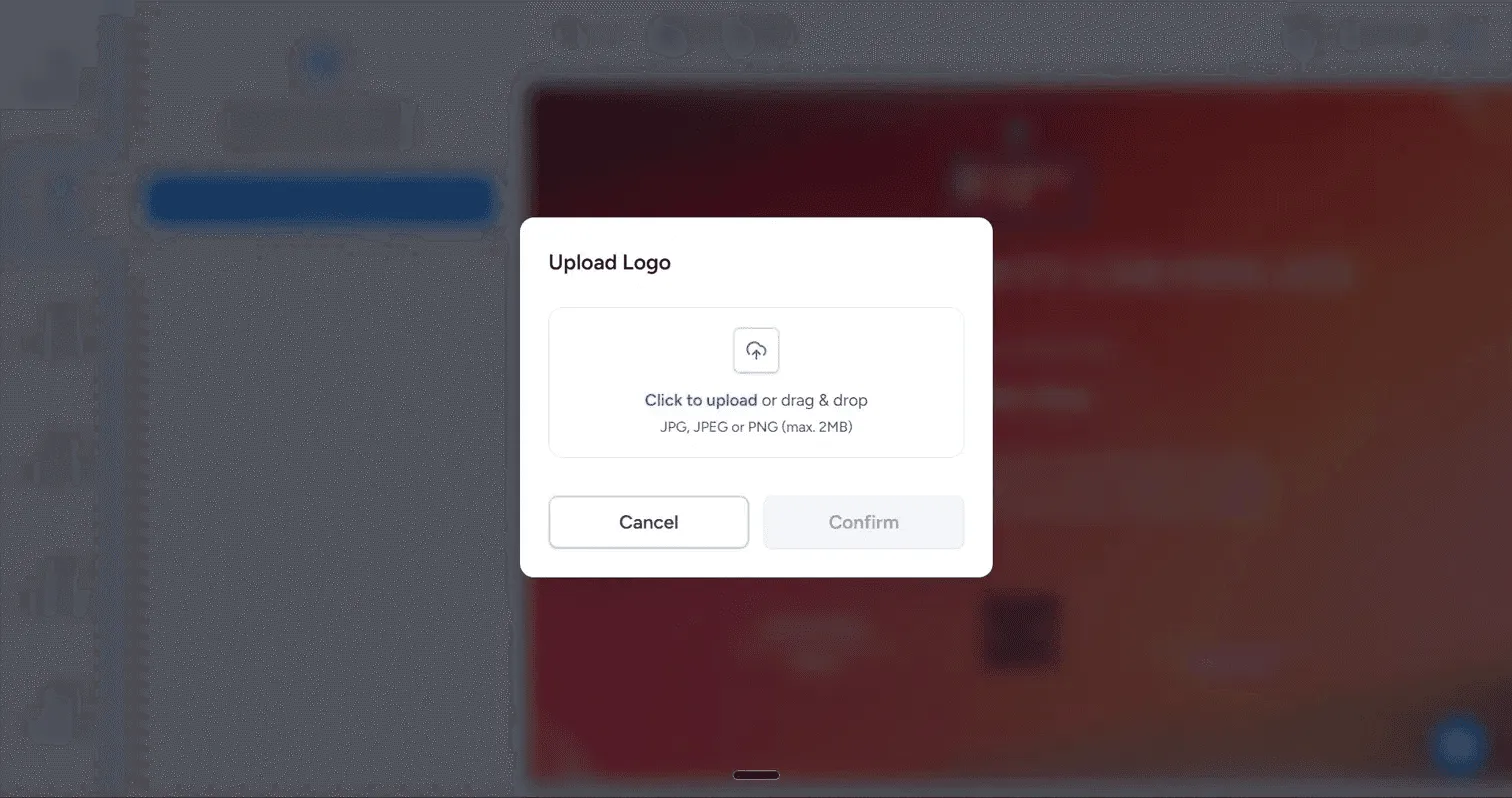
Click on the Company Logo placeholder at the top of the certificate to open the Upload Logo window. From there, you can drag and drop or click to upload your organization's logo in JPG, JPEG, or PNG format, with a maximum file size of 2MB. Once uploaded and confirmed, your logo will replace the placeholder instantly.
Step 4: Adjust Branding Elements
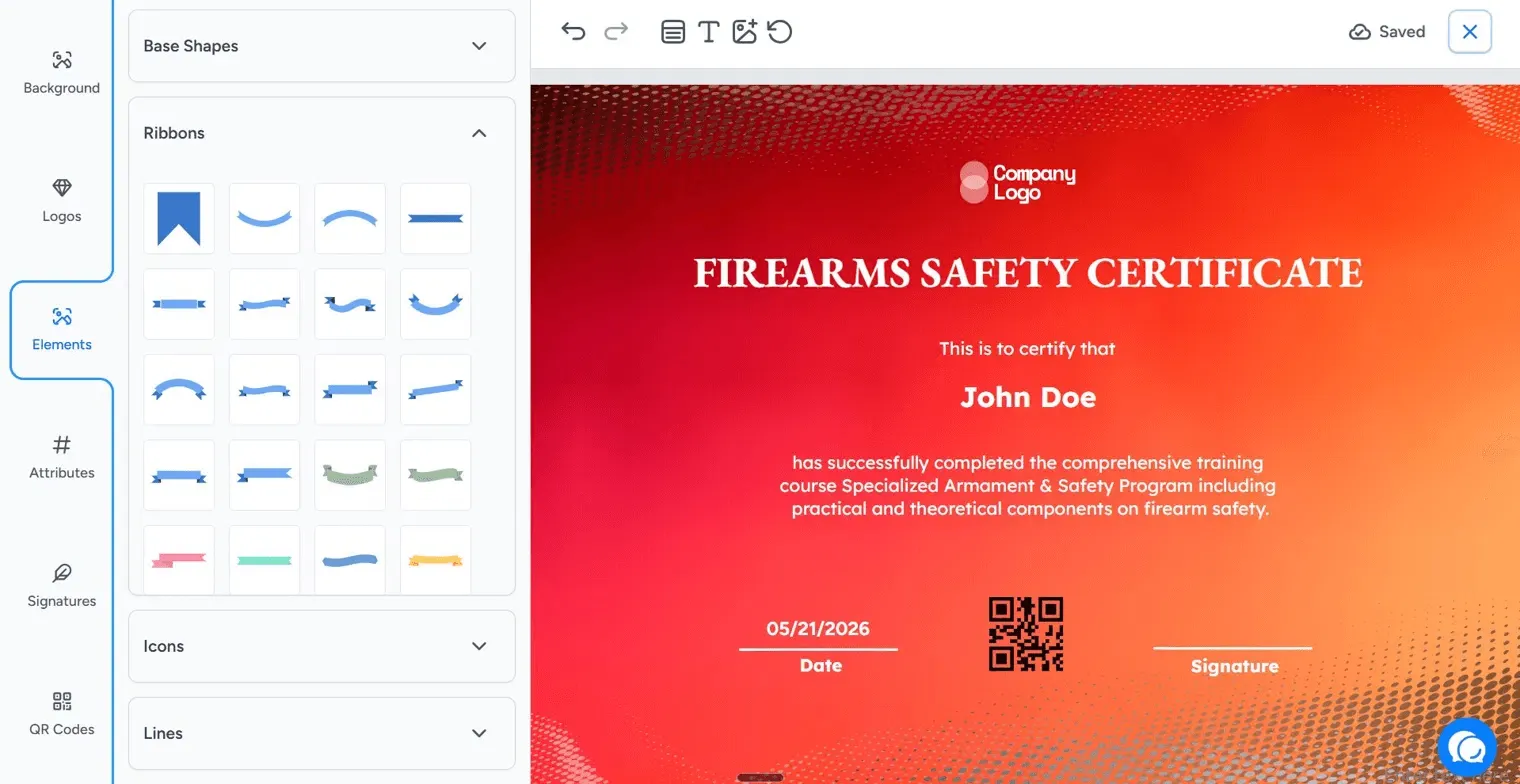
Head to the Elements panel on the left sidebar to further personalize the design. Here you'll find a library of decorative elements which you can add, move, or swap to align the certificate's visual style with your organization's identity. The toolbar at the top lets you adjust font, size, bold, underline, and alignment for any text element you select.
Step 5: Set Issuing Options Before You Distribute
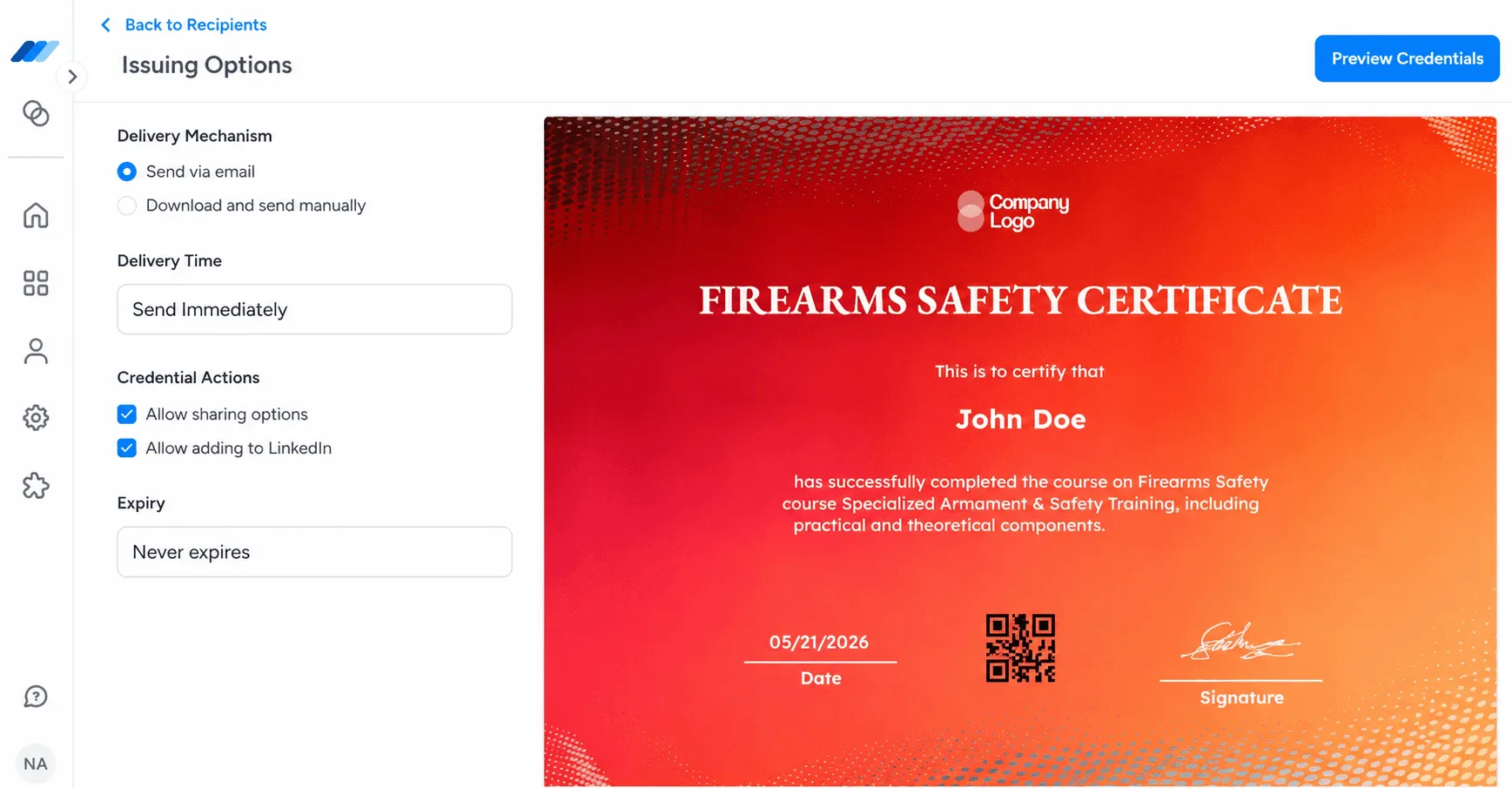
In the Issuing Options panel, you can choose your Delivery Mechanism, either sending the certificate directly via email or downloading it manually for physical or offline distribution. You can also set the Delivery Time to Send Immediately or schedule it, enable Credential Actions like allowing recipients to share their certificate or add it to their LinkedIn profile, and set an Expiry date or leave it as Never Expires.
Step 6: Preview and Issue the Certificate
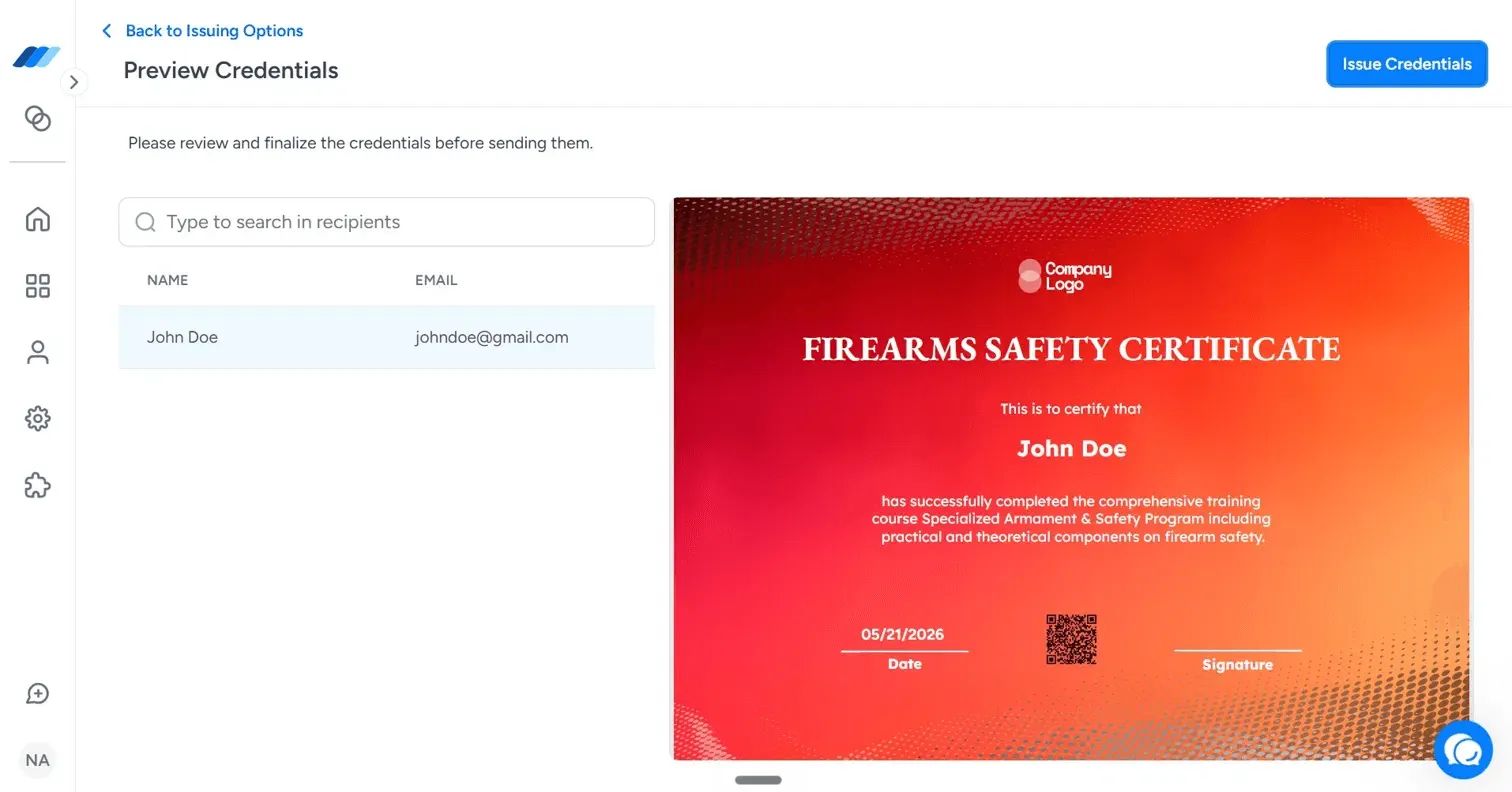
Once everything is set, click Preview Credentials to do a final review. This screen shows you the recipient's name and email alongside a full preview of the finished certificate. The certificate includes the recipient's name, completion details, the labeled Date field, a QR code for digital verification, and a Signature field at the bottom. When you are satisfied with how everything looks, click Issue Credentials to send it out.
Benefits of Using Certificate Templates
- Saves Time and Effort
Using ready-made firearms safety certificate templates significantly reduces administrative workload for trainers and organizations. Instead of spending hours designing certificates from scratch, you can simply customize pre-built templates with participant details.
- Ensures Professional Presentation
A professionally designed firearms training certificate template adds credibility and legitimacy to professional firearms safety training programs. High-quality templates feature structured layouts, clear typography, and formal design elements that reflect the seriousness of firearms safety.
- Easy Sharing and Storage
Certificate templates are designed for flexible distribution and record-keeping. Once customized, certificates can be saved as PDFs, printed for physical copies, or shared digitally via email or training platforms. Digital storage ensures easy access for future verification, while printed copies serve as official documentation.
Take Your Firearms Safety Certification to the Next Level
Well-designed firearms safety certificates do more than acknowledge completion, they reinforce responsibility, professionalism, and trust in your training program. By using customizable templates, you ensure consistency, credibility, and efficiency in how you recognize participants.
Platforms like Wauld make this process even simpler, offering ready-to-use templates, digital issuance, and instant verification so you can focus on what matters most: delivering quality training.